

Computer Servers in Computers, Laptops and Tablets













About Computer Servers in Computers, Laptops and Tablets - Walmart.com
You can compare computer servers efficiently when you focus on form factor, expandability, and setup needs. Find category guidance here that helps you match server hardware to business workloads, shared storage, or home network tasks.
If you’re replacing an aging office system or building a new it server, you’ll want clear decision points first. You can narrow choices by tower, rackmount, or blade designs before you compare processors, memory, and storage bays.
Choosing computer servers by form factor
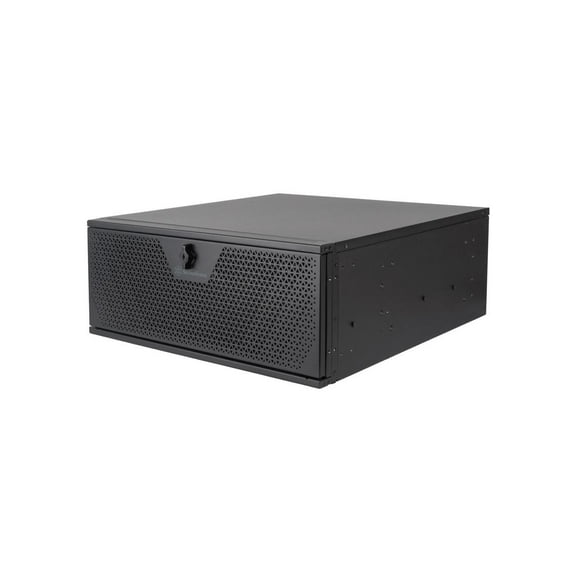
You should start with physical space because server size affects installation, airflow, and cable planning. You can place tower units beside desks or in back offices, while rackmount models fit structured equipment racks.
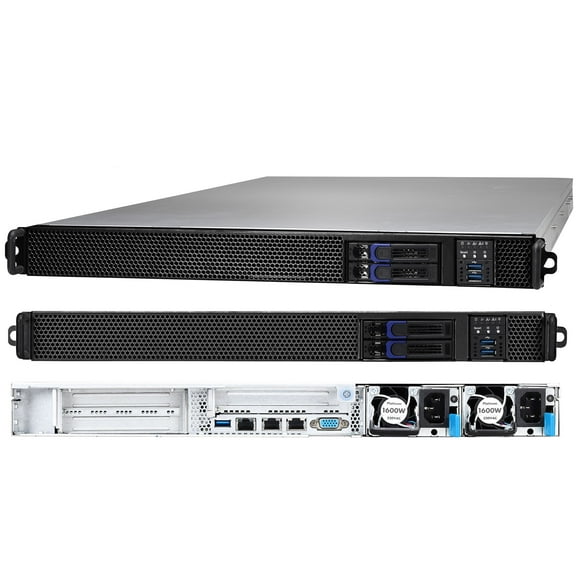
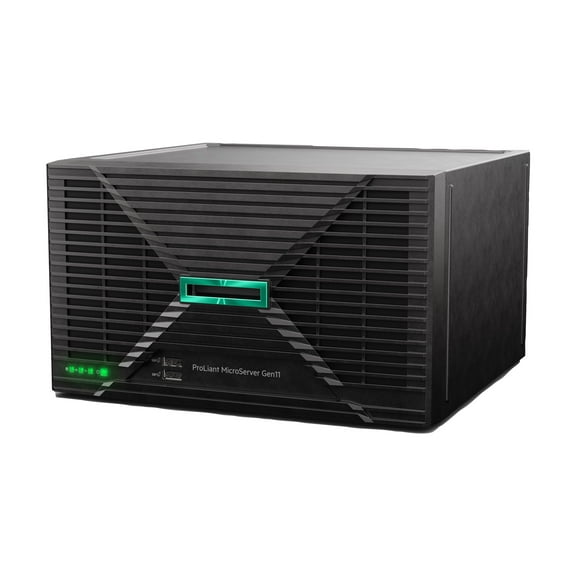
When you compare a tower model to a rackmount option, you’ll notice different deployment styles. You may prefer an hp server tower format when you want familiar floor placement and direct access.
If you manage dense equipment rooms, you may consider blade systems for consolidated computing in shared enclosures. You can use that design when your environment already supports coordinated power and cooling.
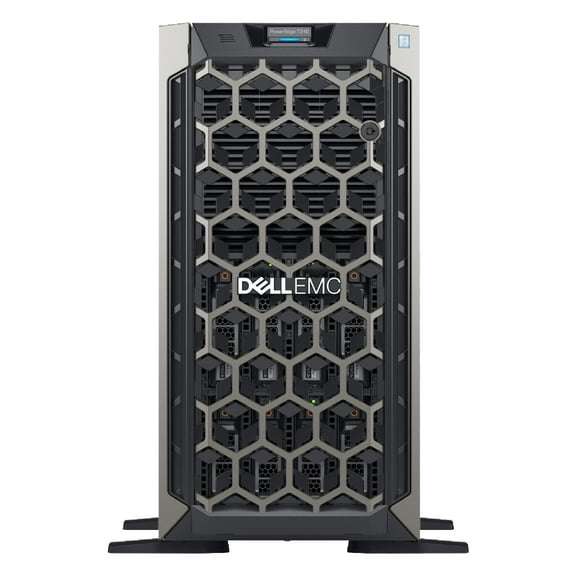
- You can use tower servers in offices, retail back rooms, and small business spaces.
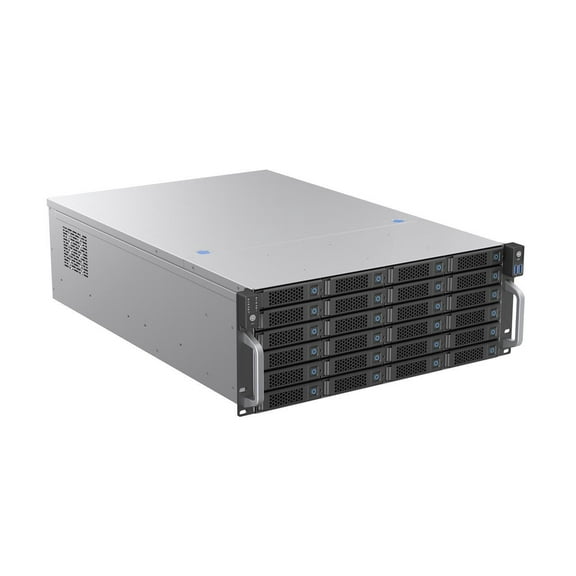
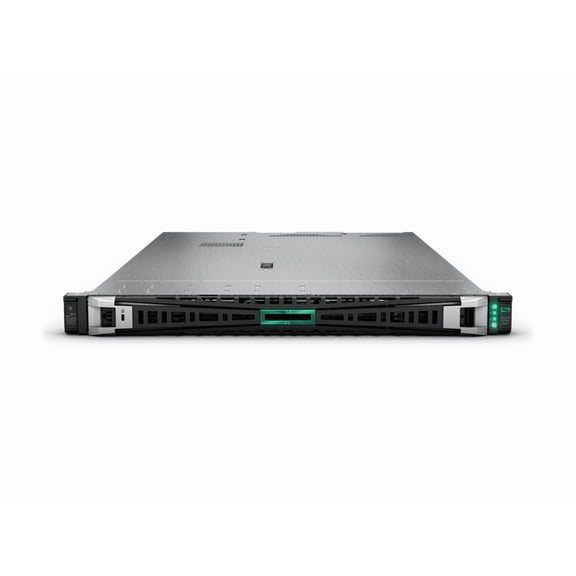
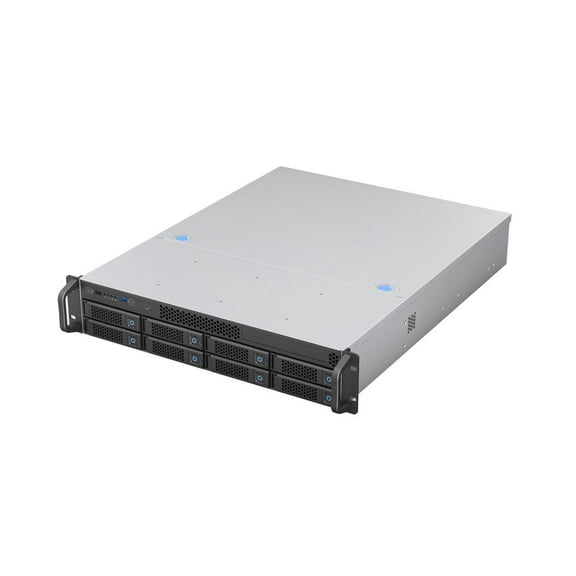
- You can choose rackmount systems when your setup includes standard racks and organized cable paths.
- You can consider blade platforms when your environment supports high-density computing and centralized management.
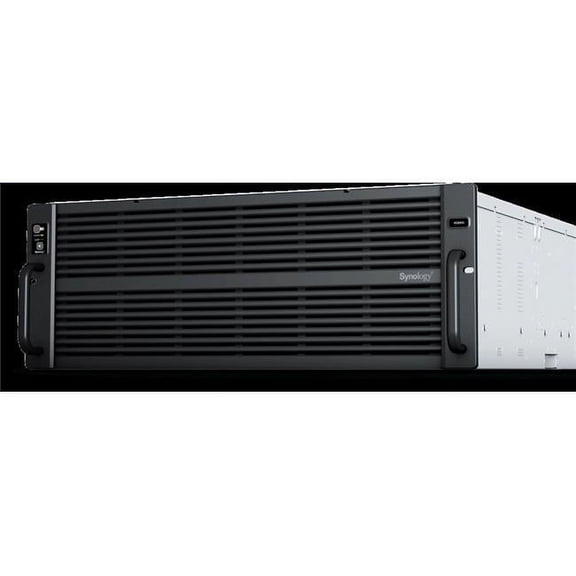
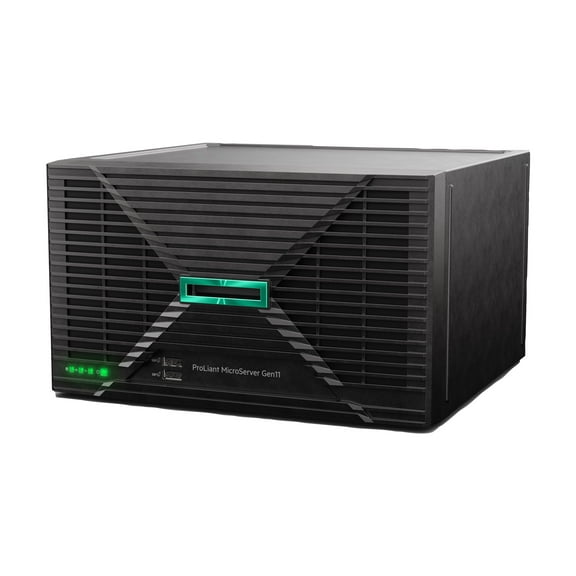
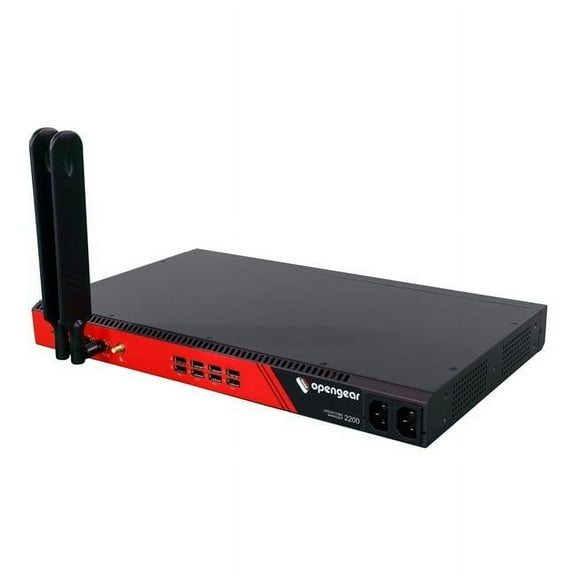
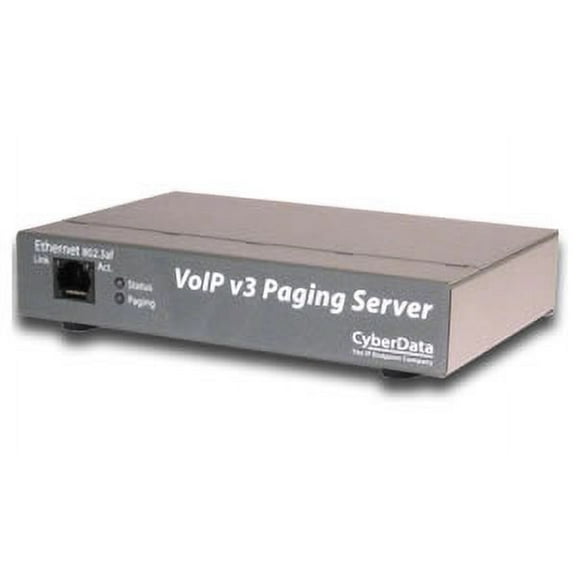
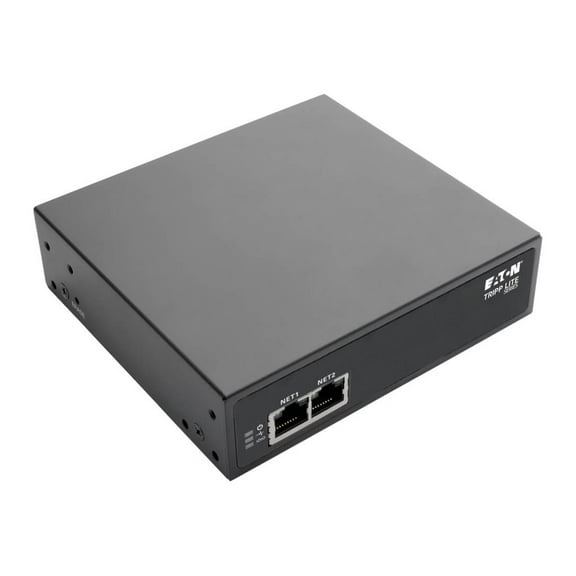
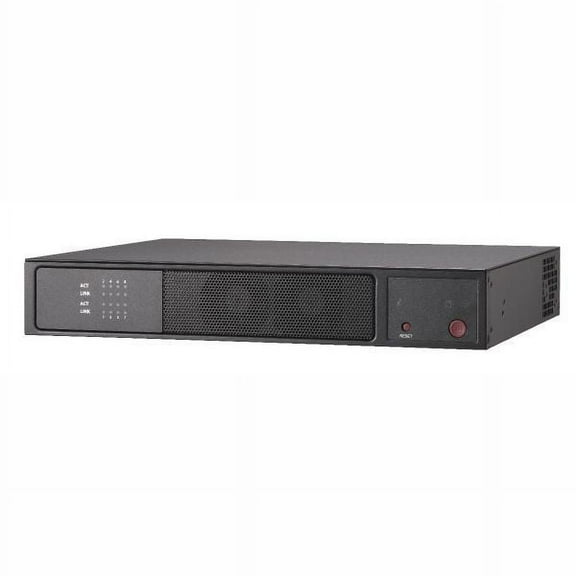
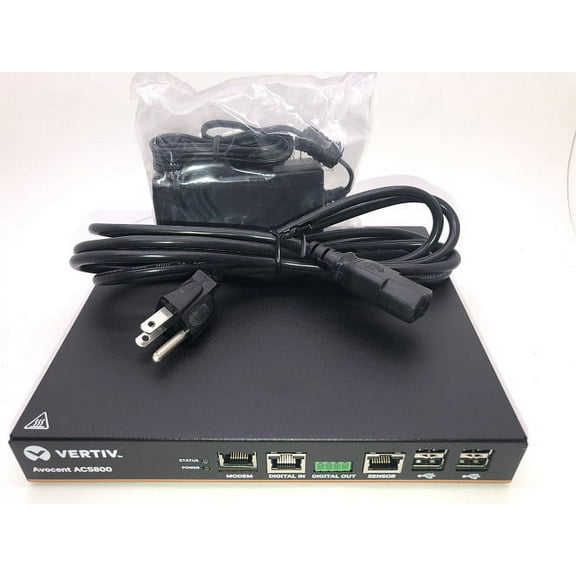
- You can compare server appliances when you want a focused role for storage, backup, or network tasks.
What to look for in server performance and expansion
You should compare CPU cores with your workload because user counts and applications change performance needs. You’ll want added processing headroom when your server handles databases, virtualization, or many simultaneous sessions.
When you review memory support, you should check ECC compatibility and expansion capacity. You can use ECC memory for added data integrity, and you can leave open slots for future growth.
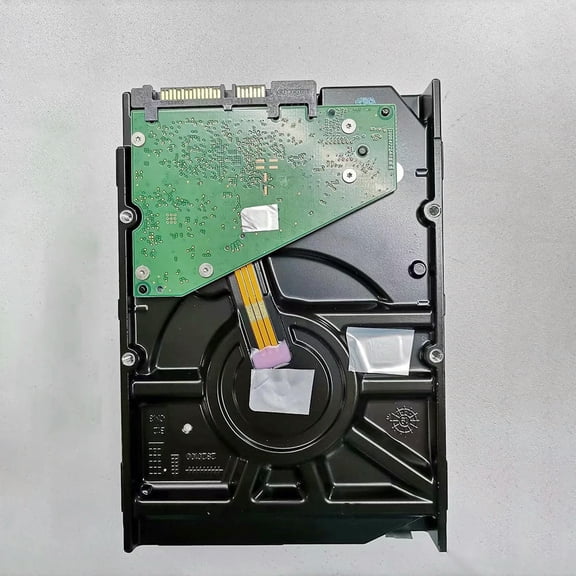
You may also compare storage architecture before you commit to a server computer. You’ll want to check drive bay count, hot-swappable access, and whether SAS or SATA support fits your storage plan.
If uptime and maintenance speed matter, you should look for bays that let you service drives with less interruption. You can also compare RAID support for mirrored, striped, or mixed drive configurations.
You should check whether the system arrives ready to use or ready for custom setup. You may prefer an operating system already installed, or you may want a bare platform for your own environment.
How brand and type affect your shortlist
You can use brand preference as a practical filter when you already support specific tools or service workflows. You may compare HP, Dell, and Lenovo options by management features, chassis design, and component access.
If you’re searching computerserver terms or model families, you’ll want to confirm compatibility details before you choose. You can review supported memory types, processor families, and storage interfaces to match your existing equipment.
You should also separate general server computers from server appliances during your search. You can choose a full server when you need flexible workloads, while an appliance can fit a focused role.
When your environment centers on backup, file serving, or a dedicated network function, you may prefer an appliance path. If your needs may expand, you’ll usually want a more configurable server platform.
Matching server choices to real workloads
You can match tower designs to small business needs like shared folders, local applications, and light database work. You’ll often appreciate convenient placement when your team doesn’t use a dedicated rack.
If your office supports many users or several branch services, you may lean toward rackmount hardware. You can mount multiple units neatly, simplify cable routing, and coordinate infrastructure inside one rack footprint.
You should think about home network use differently from office deployment. You may want low-noise operation, moderate capacity, and room for file sharing, media archives, or backup scheduling.
When you support database tasks, you’ll want high-performance processors, expandable ECC memory, and RAID-friendly storage layouts. You can also look for hot-swappable bays when your workflow depends on quick maintenance.
If you plan to host virtual machines, you should prioritize CPU core counts and memory headroom. You can avoid early replacement by choosing a platform with room for added RAM and drives.
You may also compare ready-to-use systems with custom-configured platforms based on your setup style. This helps you save setup steps with preinstalled software, while custom builds give you precise control over deployment.
Choosing computer servers with confidence
You can make an informed shortlist when you compare form factor, workload needs, storage layout, and setup preferences together. This helps you select computer servers that fit your space, scale with your tasks, and support reliable daily operation.