

College Electronics in Back to College












































About College Electronics in Back to College - Walmart.com
College electronics help you build a dorm setup that fits tight spaces, shared outlets, and busy class schedules. You can compare study, entertainment, and storage essentials in one place, so your room works harder from move-in day.
How to choose college electronics for your room
When you shop college electronics, you should start with the items you’ll use every day. You may need a laptop for classwork, a desk lamp for late reading, and a surge protector for crowded outlets.
Space matters in a dorm, so you should compare compact and mini designs before you choose. You’ll notice that smaller electronics fit desks, lofted beds, and narrow corners without taking over your room.
Your setup may also need entertainment and food storage, depending on your campus rules. You can look at smart TVs and mini fridges when you want your room to handle studying and downtime.
Choosing device types for dorm room electronics
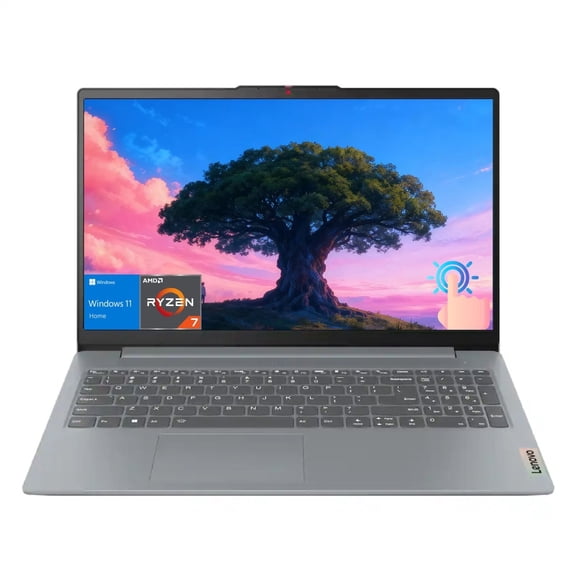
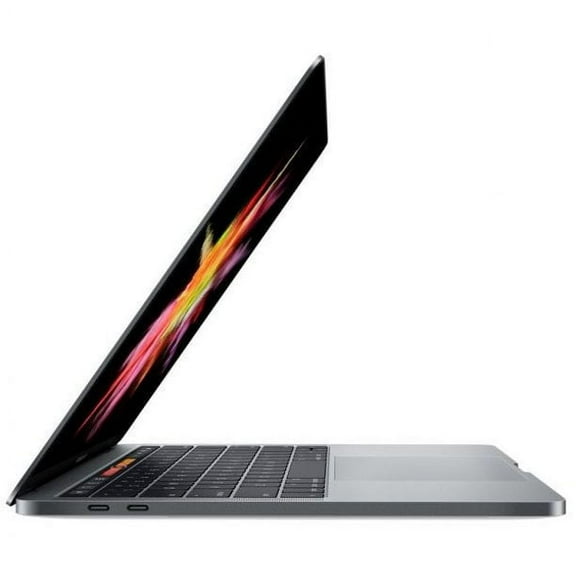
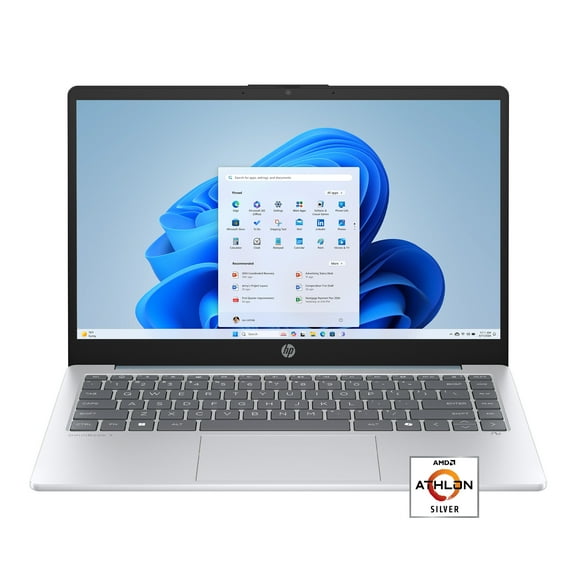
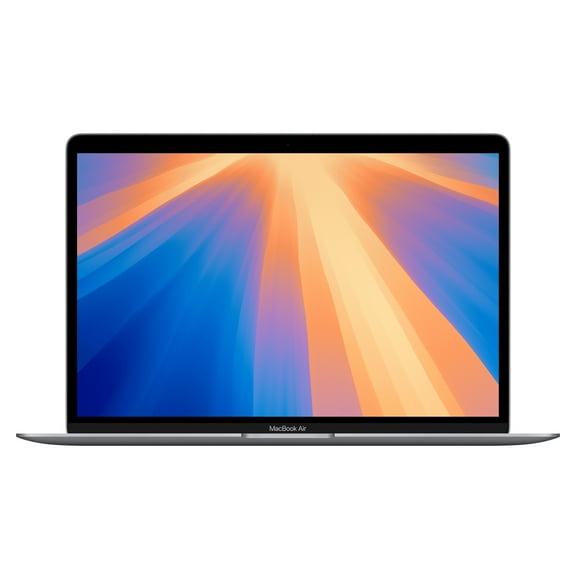
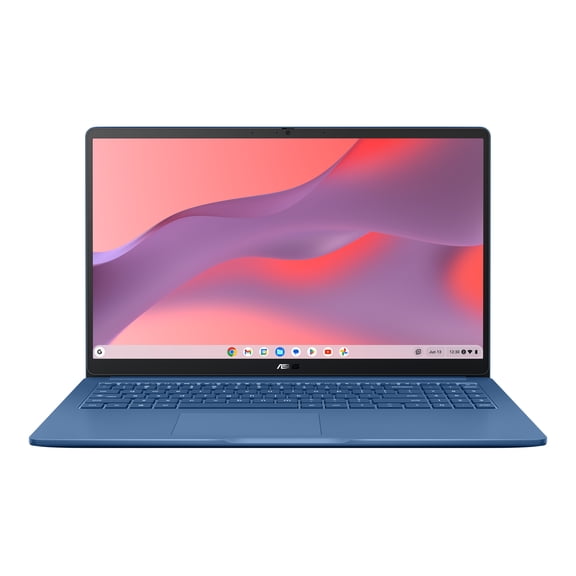
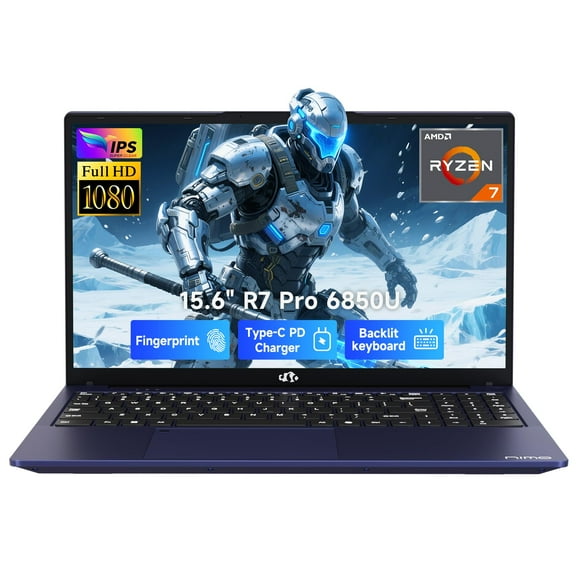
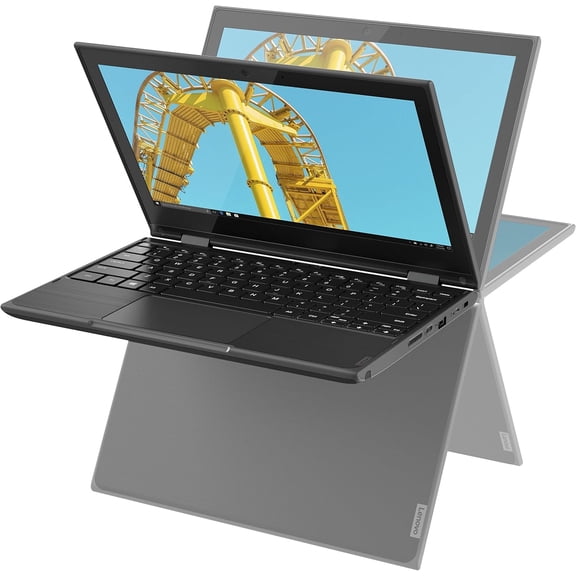
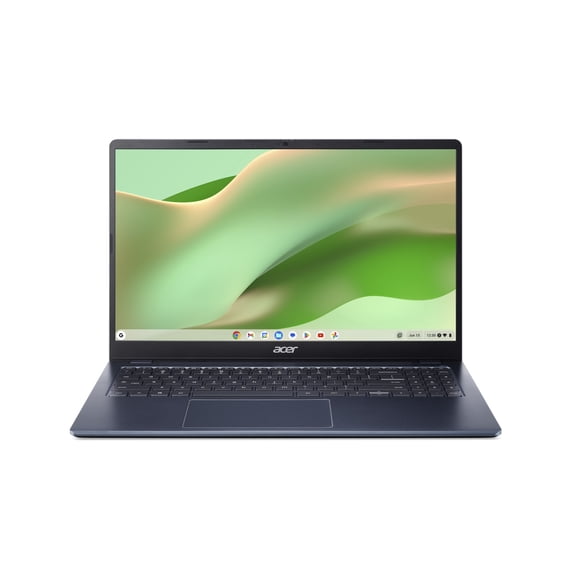
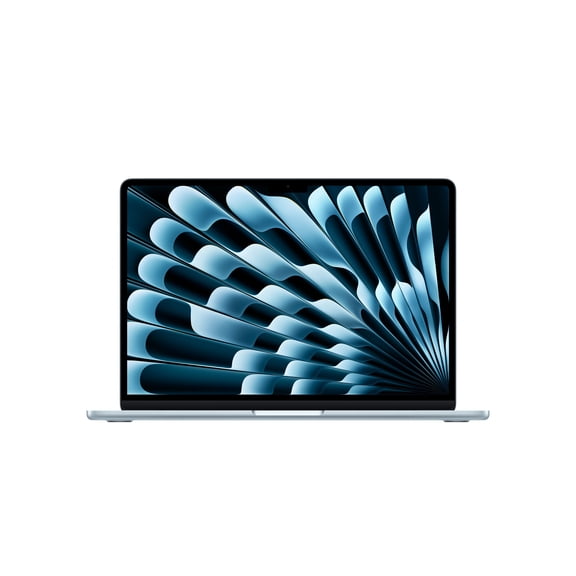
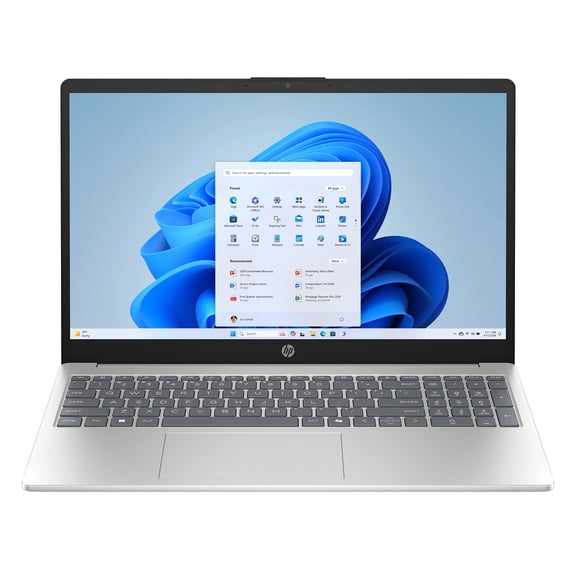
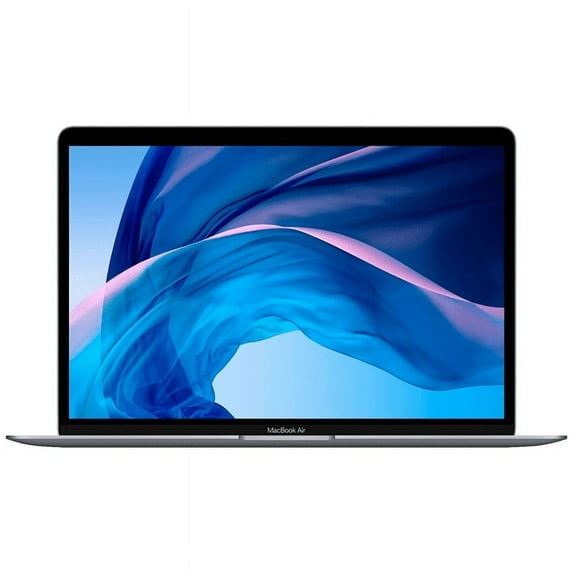
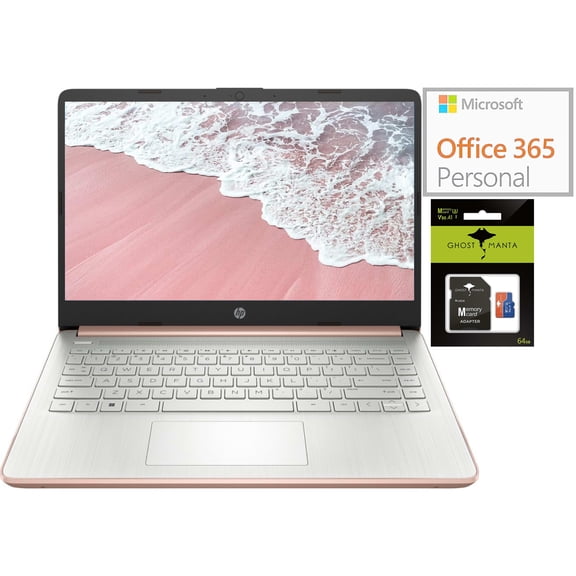
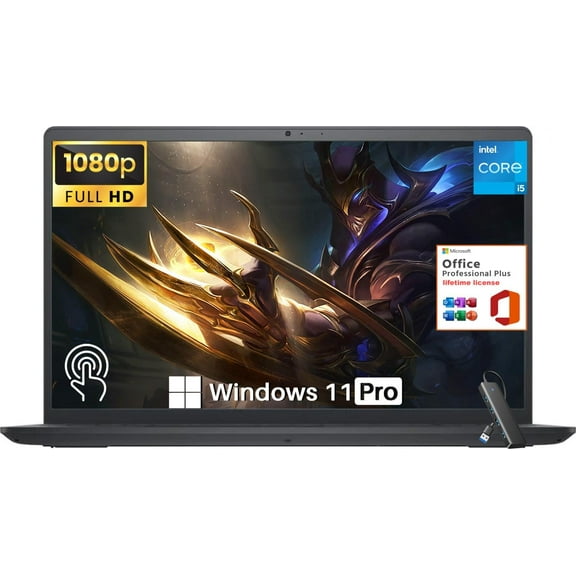
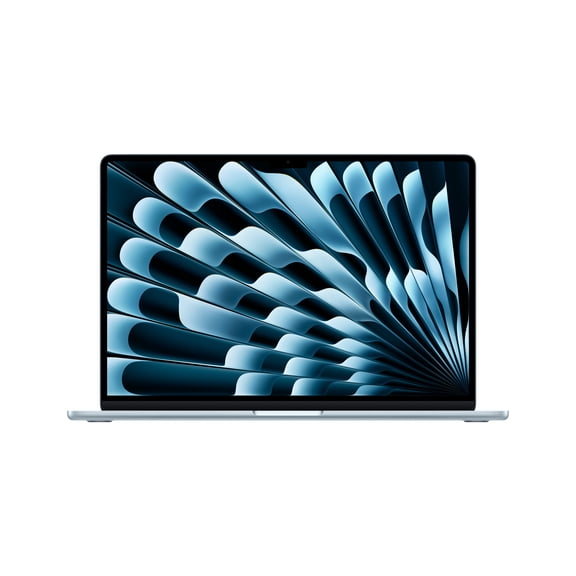
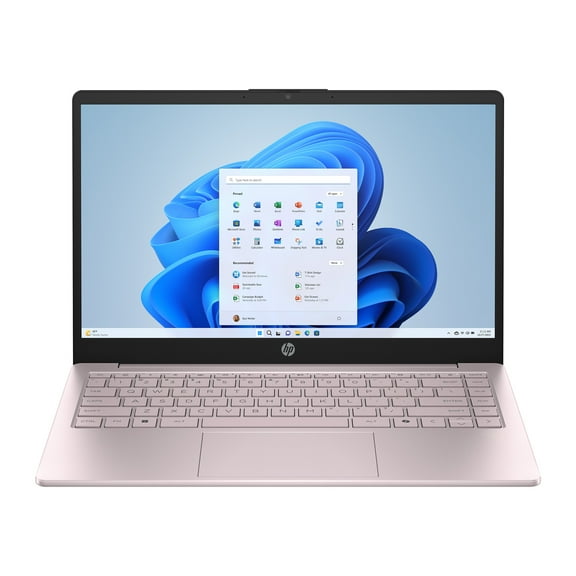
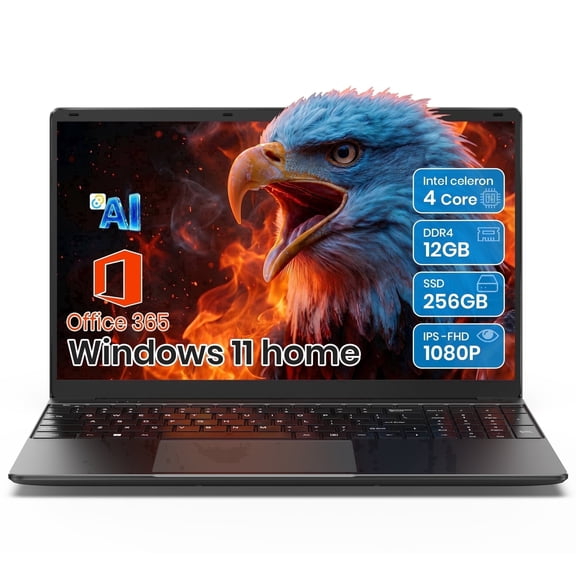
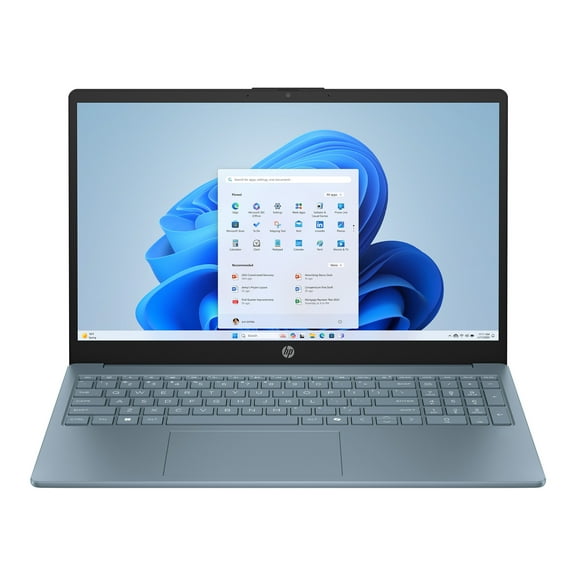
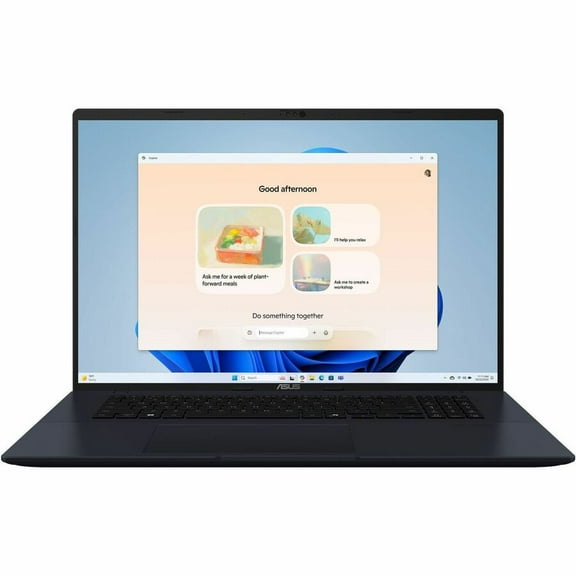
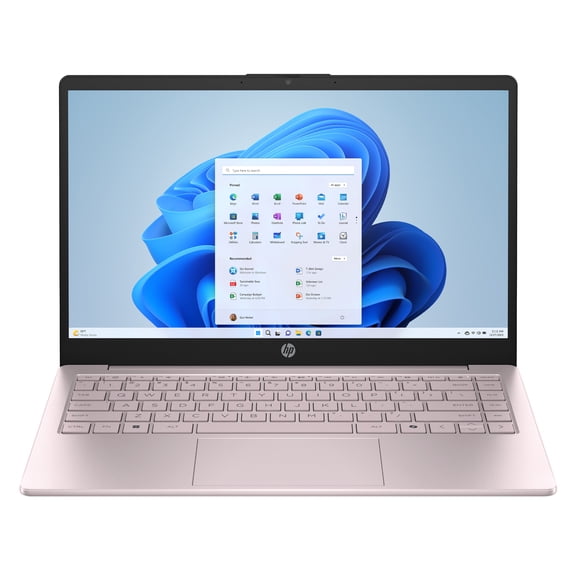
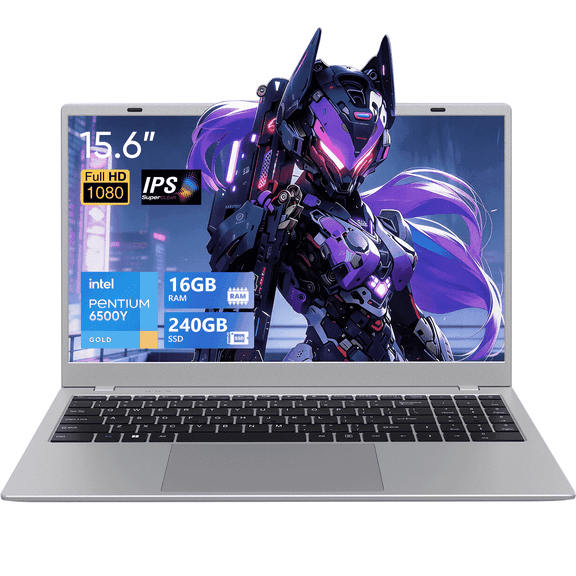
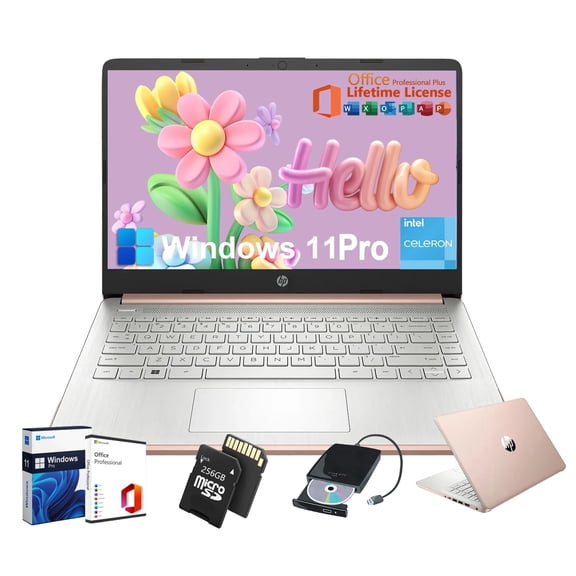
You should match each device type to a clear need in your daily routine. You may rely on laptops for papers, research, and virtual classes, while desk lamps support a focused college desk setup tech plan.
- You can use laptops to handle class notes, streaming lectures, and group projects.
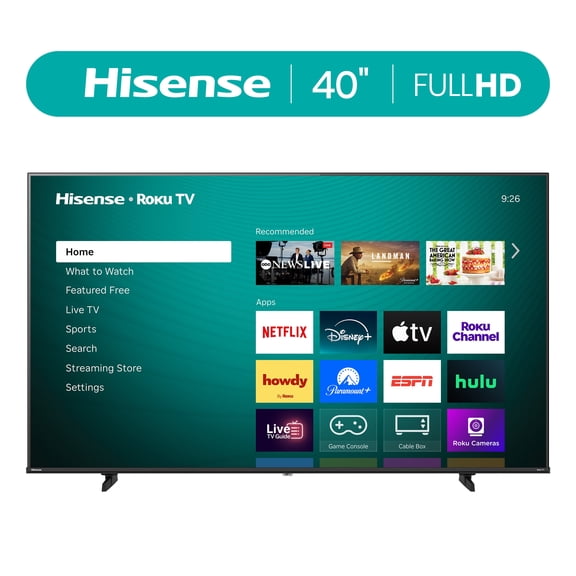
- You can place smart TVs in shared rooms when you want simple movie nights or gaming breaks.
- You can add mini fridges when you want drinks and snacks close to your bed or desk.
- You can choose surge protectors to expand outlet access for chargers, lamps, and screens.
- You can use desk lamps to brighten small work areas during early mornings and late nights.
These dorm room electronics solve different problems in a small footprint. You’ll get more from your room when each item supports studying, charging, storing, or relaxing.
If you’re building electronics for college students from scratch, you should prioritize function before extras. You can cover your core needs first, then add essential college gadgets that fit your habits.
Comparing compact and space-saving form factors
You should measure your desk, shelf, and floor space before you pick a form factor. You’ll avoid crowding your room when you compare compact, portable, and mini options against standard sizes.
Compact electronics work well when you share a room and need flexible placement. You can move portable devices between the library, lounge, and dorm when your schedule changes.
Mini fridges and small TVs make more sense when you want comfort without bulky furniture planning. You should check height, width, and door clearance so your setup fits under desks or beside beds.
Space-saving designs also help you keep cords, books, and supplies easier to manage. You’ll create a cleaner dorm room layout when your tech leaves room for storage bins, bedding, and class materials.
Checking connectivity for college dorm tech
You should compare connectivity before you buy college dorm tech for school and entertainment. You may want Wi-Fi enabled devices, Bluetooth pairing, USB-C charging, or wireless features that reduce cable clutter.
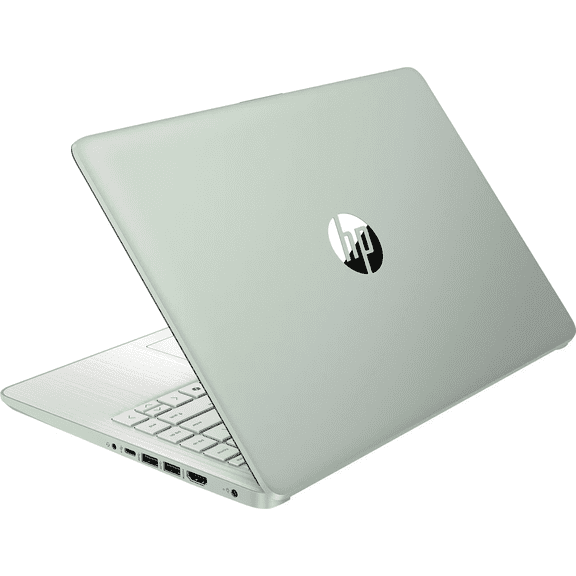
A laptop with the right ports can simplify printers, monitors, and external drives during projects. You should check whether your devices support USB-C, HDMI, or standard USB before you move in.
Smart TVs and streaming setups work more smoothly when your campus network supports your device type. You can avoid frustration by checking Wi-Fi compatibility and sign-in steps for dorm internet systems.
Wireless accessories can help you keep a tighter desk setup in small rooms. You’ll appreciate fewer cables when you’re charging phones, pairing speakers, or connecting a mouse during long study sessions.
Reviewing power and safety needs
You should plan around limited outlets because dorm rooms often have several devices sharing one wall. You can use surge protected power strips to connect chargers, lamps, laptops, and entertainment gear more neatly.
Surge protection rating is a decision point because you want your electronics connected through the right level of protection. You should compare the listed rating so your strip matches your setup and device count.
UL certification is another key detail because many campuses require approved electrical products in residence halls. You should check product details for UL certified designs when your school lists dorm electrical rules.
Battery operated and energy efficient options can also make your room easier to manage. You’ll have more placement flexibility when a lamp or accessory doesn’t depend on a nearby outlet.
Matching back to college electronics to real routines
You can build back to college electronics around the way you study, relax, and store essentials. If you spend long hours at your desk, you should focus on laptops, lighting, and outlet management first.
If your room doubles as a hangout spot, you may want a smart TV and wireless accessories. You can create a cleaner shared setup when devices connect easily and fit on compact stands.
When snacks and drinks matter between classes, you should compare mini fridge sizes and placement needs. You’ll want to check your campus housing rules, including any wattage or appliance restrictions.
Your school may also set limits on certain dorm room appliances, so you should read housing guidelines early. You can shop with more confidence when your electronics match room size, power access, and campus compliance.
For a balanced dorm tech essentials list, you should think in zones instead of random items. You can cover a study zone, a charging zone, and a comfort zone for a room that feels organized.
With the right college electronics, you can create a dorm setup that supports classwork, downtime, and everyday convenience. You’ll feel more prepared when your tech fits your room, your outlets, and your campus rules.