

Ethernet Cable Testers & Network Wire Finders | Walmart










About Ethernet Cable Testers & Network Wire Finders | Walmart - Walmart.com
Network and cable testers help you verify wiring, trace runs, and confirm connections before you finish an install. You can compare cable support, tester type, display style, and power source for home projects or daily field work.
How to choose network and cable testers
When you compare network and cable testers, you should start with the cable types in your setup. You may need support for RJ45, RJ11, coaxial BNC, or USB connections across different rooms and devices.
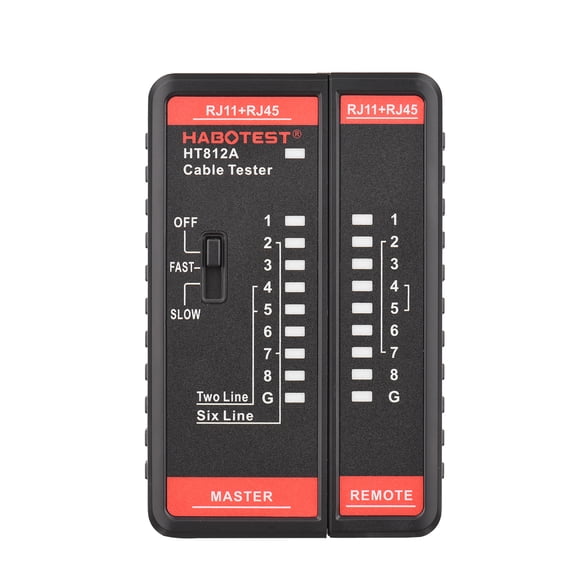
If you wire Ethernet runs, you should look for an ethernet cable tester that checks pin order and continuity. If you also handle phones or cameras, you should consider broad compatibility for mixed low-voltage jobs.
Diagnostic depth matters because you may only need to find a broken wire, or you may need additional detail. You can choose basic continuity tools for quick checks or advanced units for wire mapping, tone generation, and cable run measurement.
- You can confirm whether each wire connects in the correct order.
- You can trace hidden runs with a wire tracker before you label ports.
- You can check coax or phone lines without switching between unrelated tools.
- You can read results quickly with LED, LCD, or analog displays.
Choosing cable type compatibility
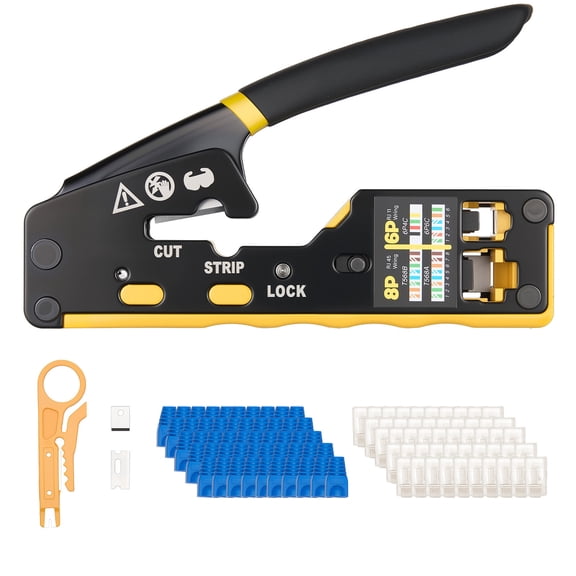
You should match your tester to the connectors you use frequently. You may want an rj45 cable tester for Ethernet patch cords, wall drops, and switch connections.
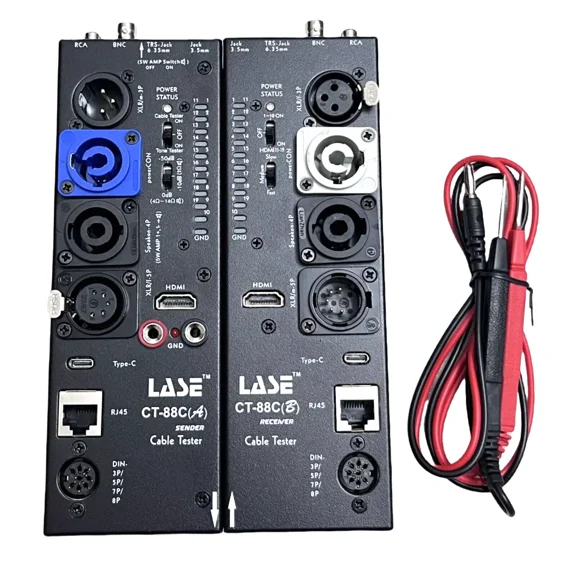
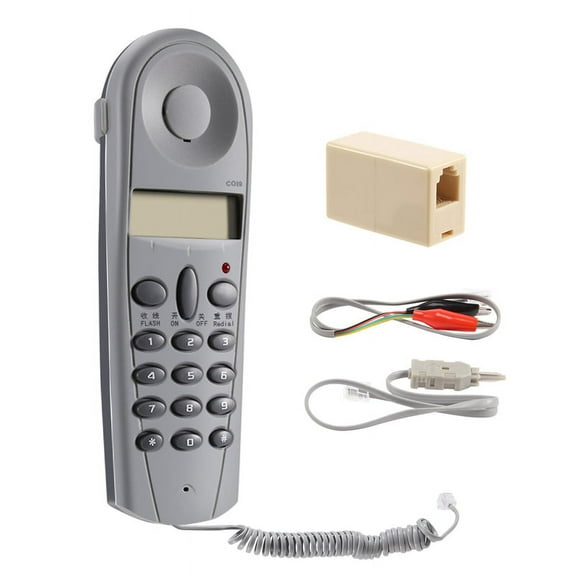
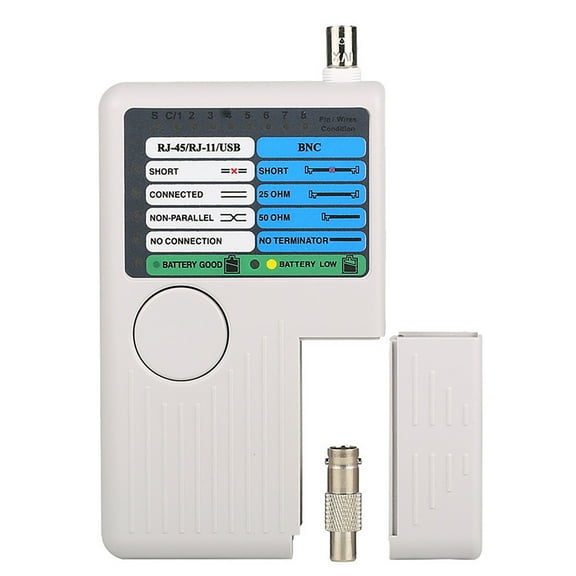
If you work with phone systems, you should check for RJ11 support before you choose. If you install cameras or legacy video lines, you may need coaxial BNC testing in the same tool.
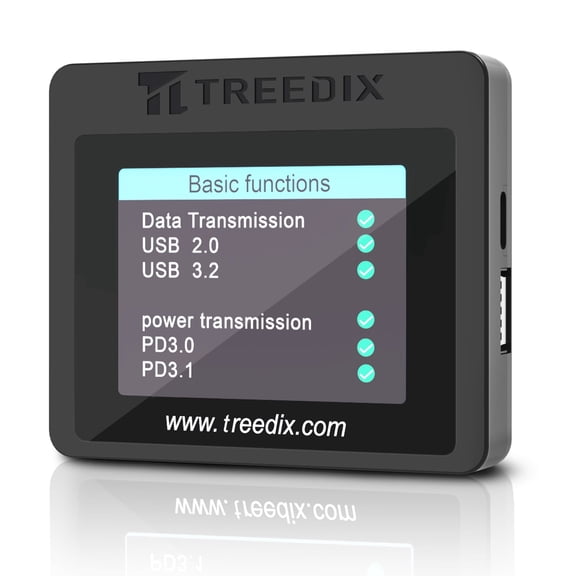
USB compatibility can help you check accessory cables and device connections in workstations or repair areas. You should also look for clear labeling, so you can switch between ports without guesswork.
Some shoppers also compare POE support when they install access points, cameras, or VoIP phones. You can use that information to confirm whether a line carries data and supported power details.
Comparing tester type and diagnostic depth
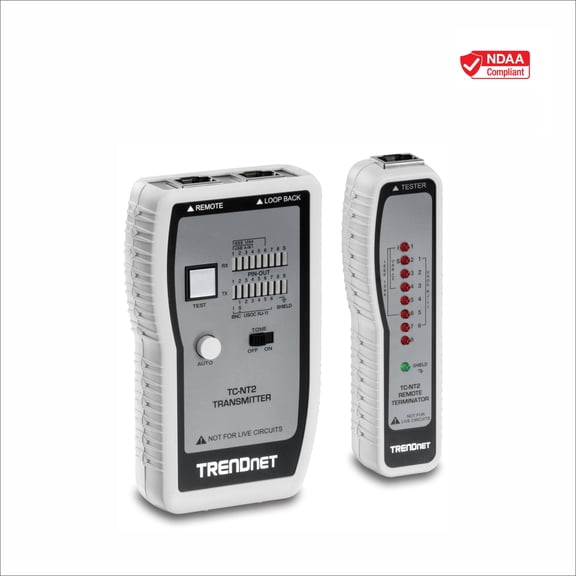
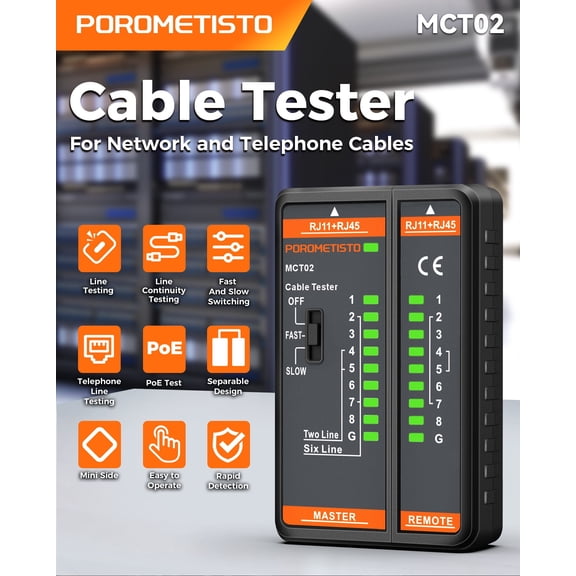
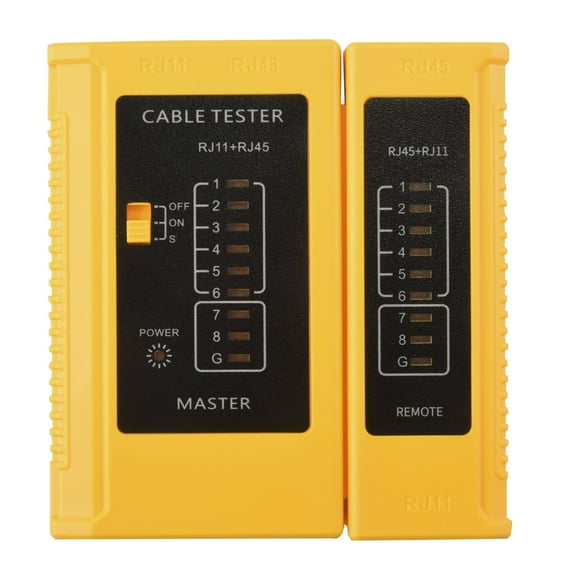
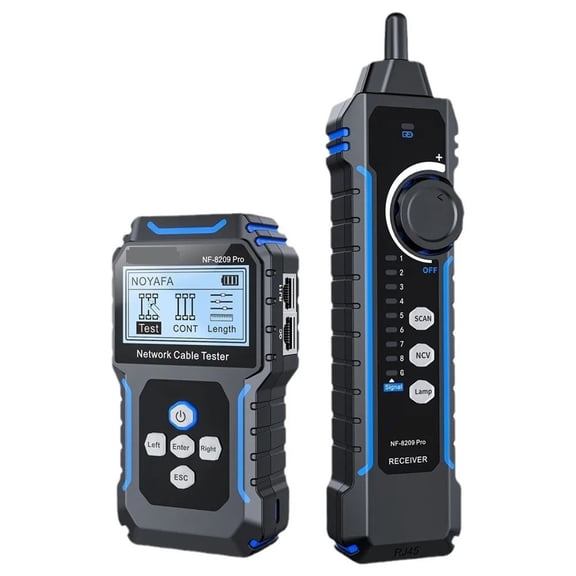
You should think about whether you need a simple network cable tester tool or an advanced analyzer. A continuity tester helps you confirm that each conductor connects from end to end.
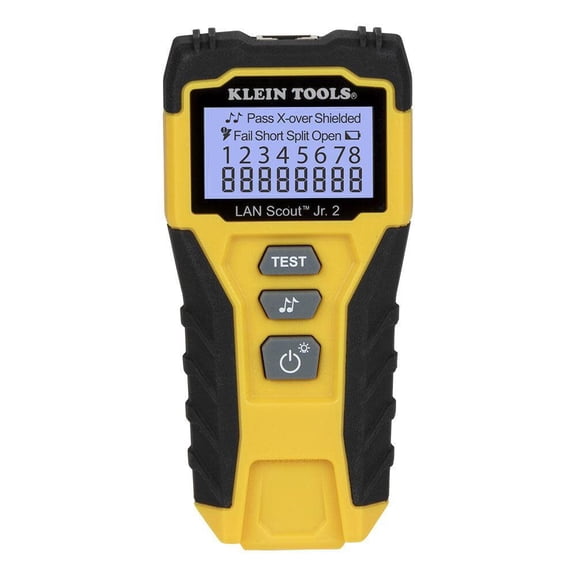
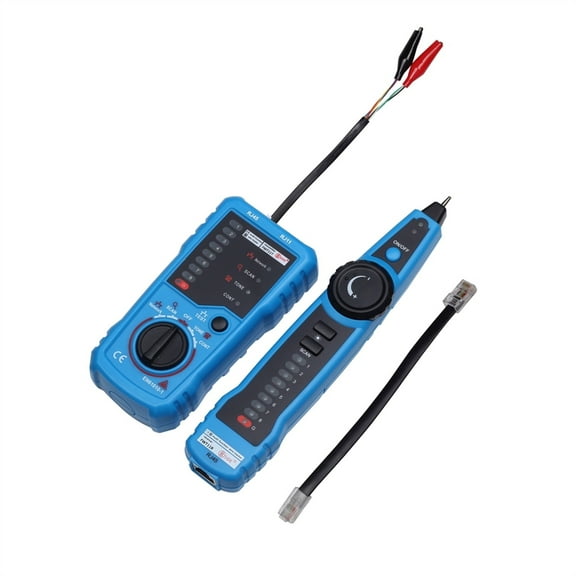
A wire map tester gives you detailed information when you need to spot reversals, splits, or crossed pairs. You can use that feedback to correct terminations before you connect routers, switches, or patch panels.
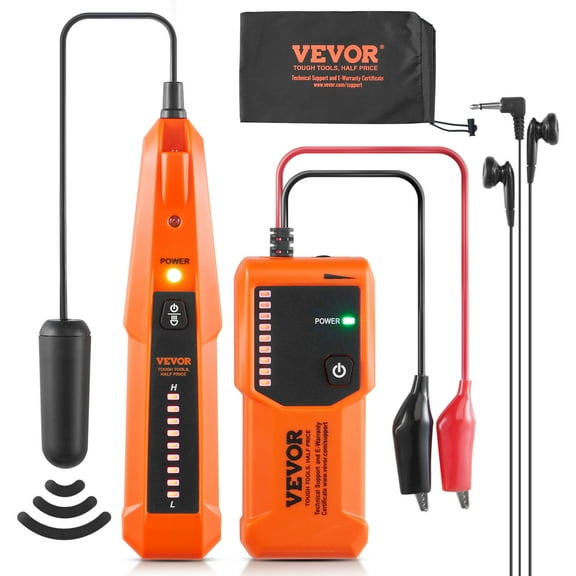
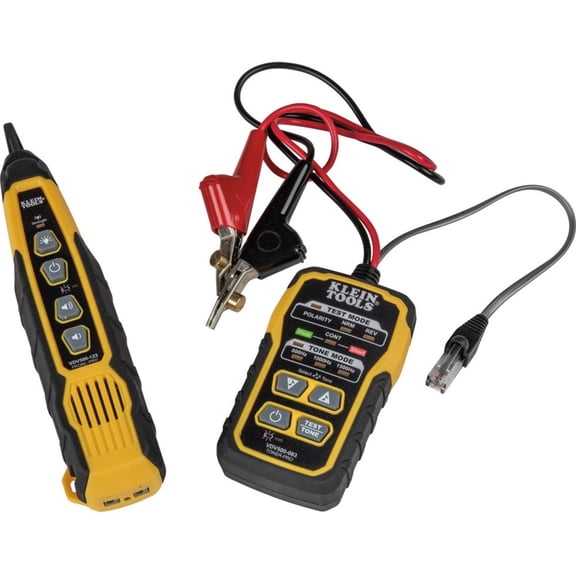
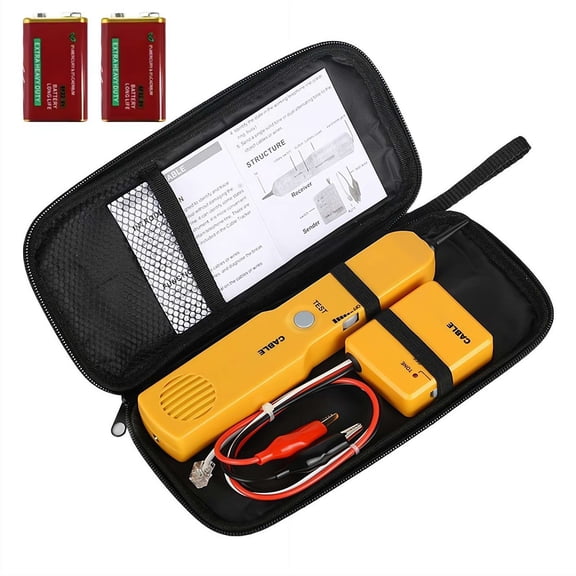
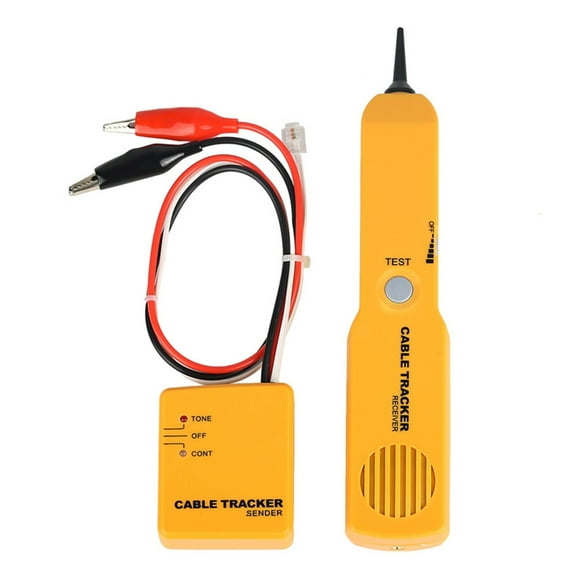
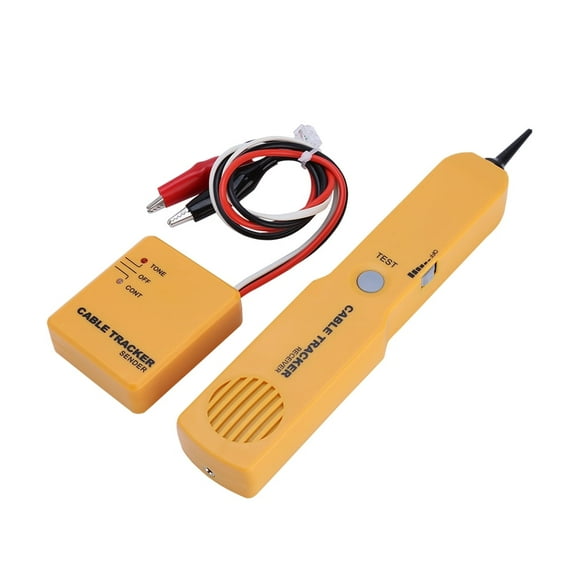
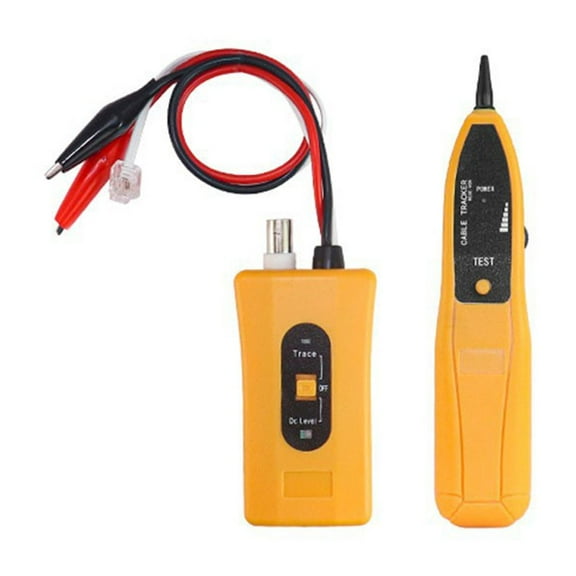
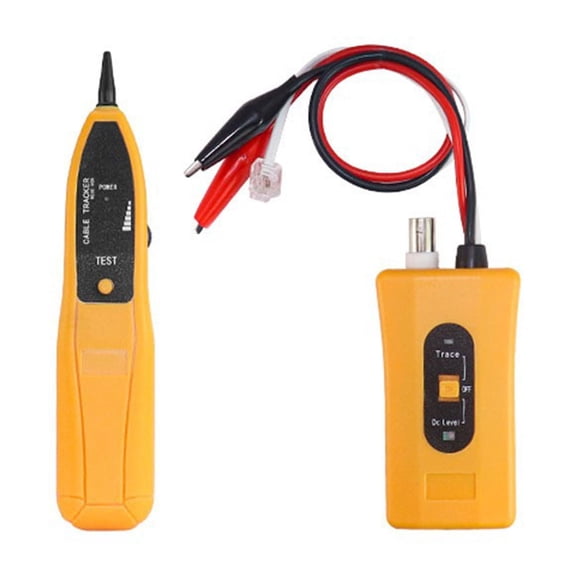
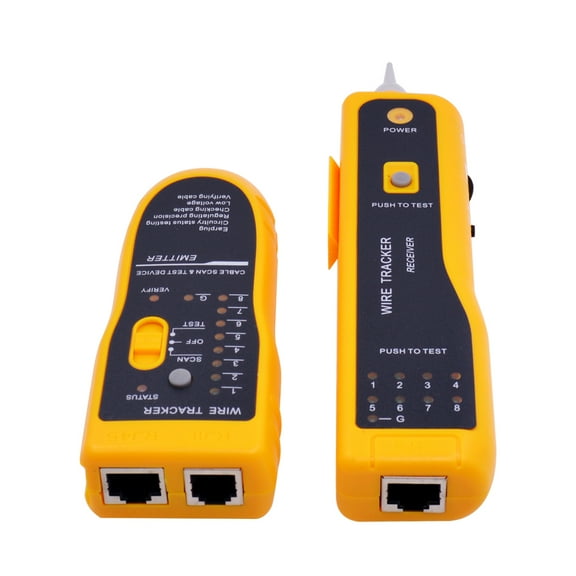
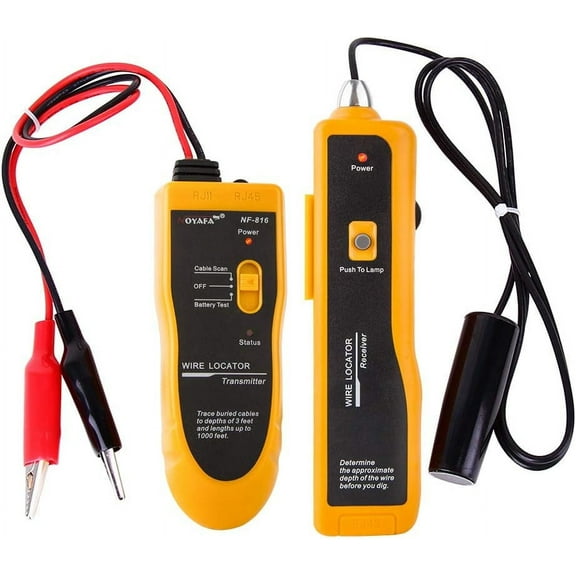
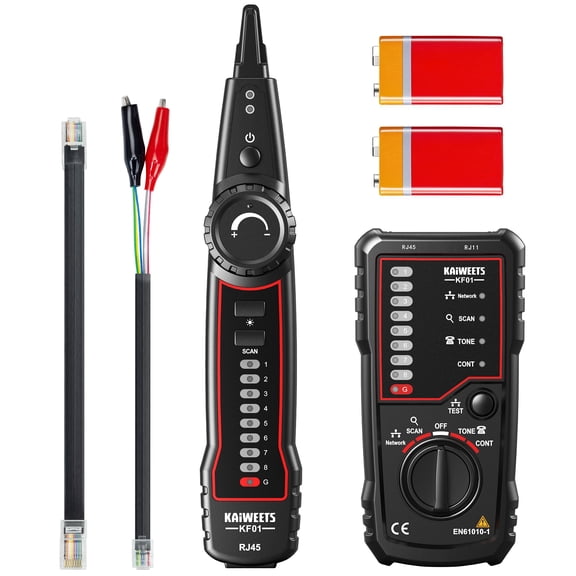
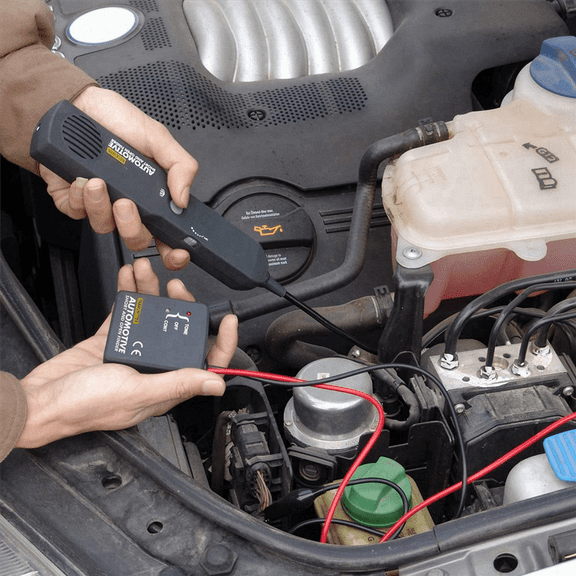
A tone generator and probe help you follow hidden lines through walls, closets, and bundles. You can identify the correct cable quickly when several similar runs end in one location.
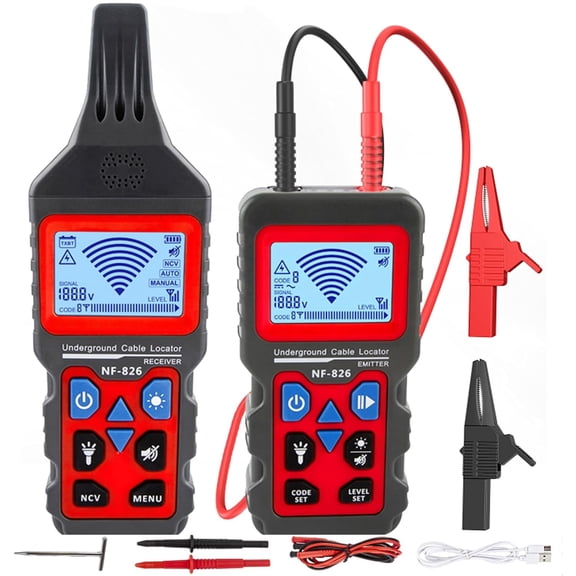
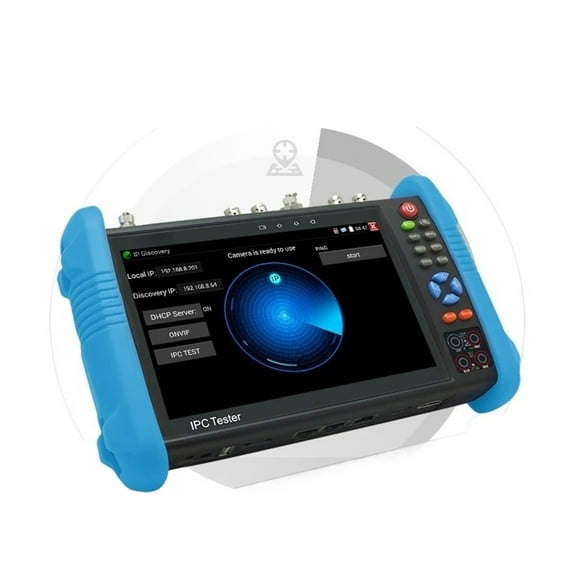
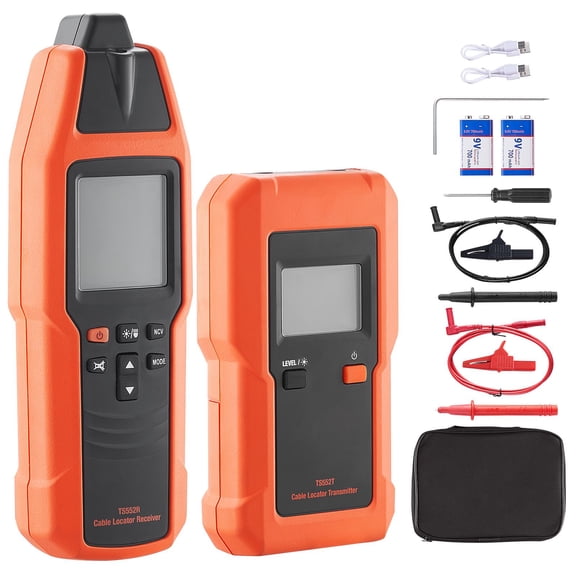
If you need deep diagnostics, you may prefer a lan tester with cable length measurement or speed checks. You can use those features when you manage long runs or troubleshoot complex office networks.
Deciding on display type and power source
You should choose a display that fits how and where you work. LED indicator models keep readings simple, while LCD screens can show detailed wire maps, length data, and status details.
If you prefer a direct visual check, you may like analog feedback for quick confirmation. If you document results often, you may prefer digital displays that make each reading simple to review.
Power source also affects how you use your tester during a long day. You can pick 9V or AA battery models for easy replacement, or choose USB rechargeable options for repeat use.
Portable designs matter when you move between server rooms, offices, ceilings, and network closets. You should look for compact shapes, protective cases, and controls that stay easy to use on the go.
Matching tools to your setup
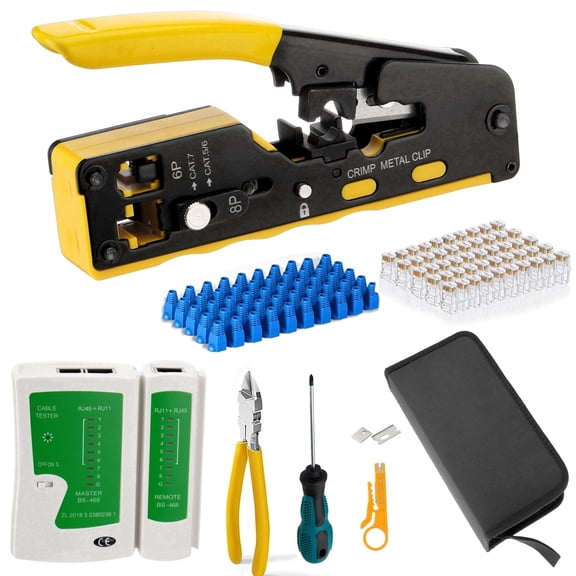
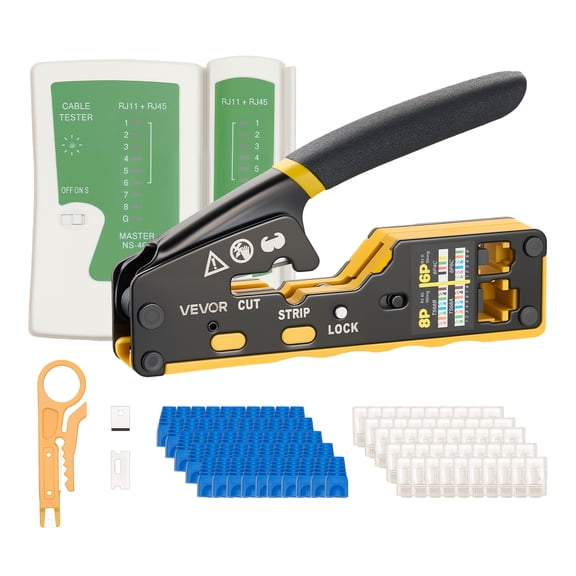
You may want an ethernet cable tester for new home runs, patch panel updates, or gaming room upgrades. You can verify each terminated cable before you connect modems, switches, access points, or smart devices.
For office moves and additions, you may need a wire tracker to identify unlabeled cables in crowded racks. You can trace the right line before you relabel ports and reconnect workstations.
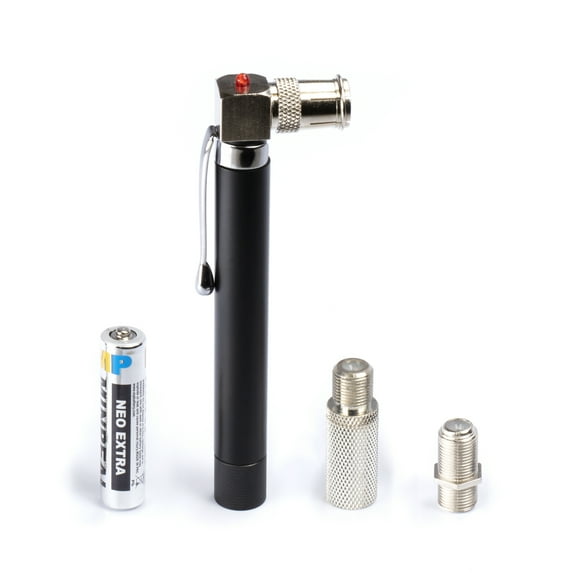
If you support camera systems or mixed low-voltage wiring, a coax cable tester can simplify those checks. You can also use multi-format tools when one project includes data, voice, and video lines.
For repair benches or IT carts, you may prefer network and cable testers with rechargeable power. When you compare connector support, display readability, and diagnostic depth, you can narrow choices with confidence and finish installations with clean results.