

Acer Computers in Shop Computers by Brand










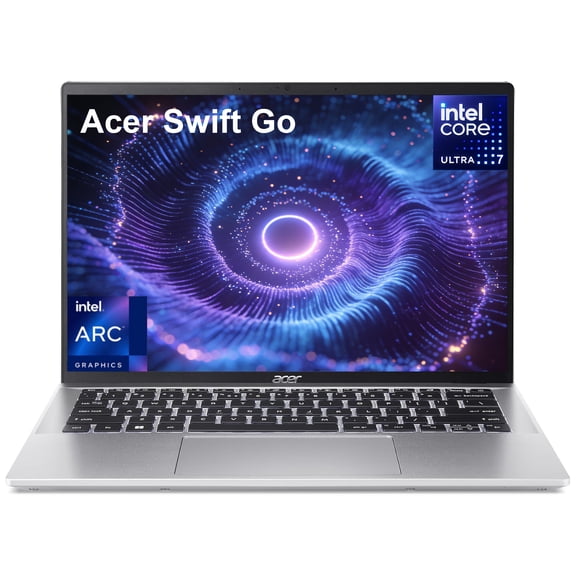


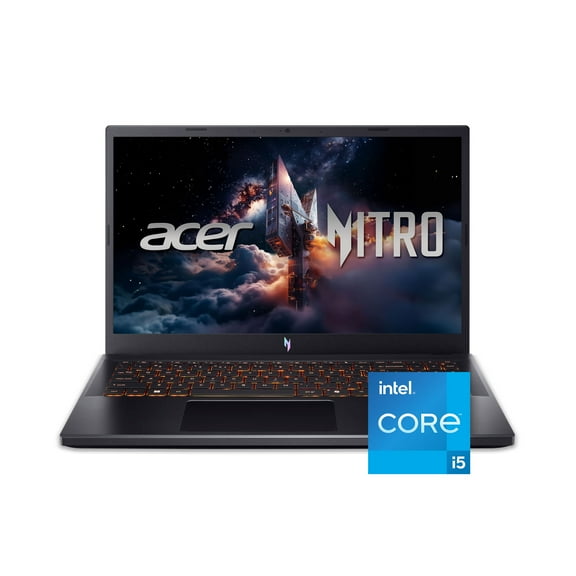

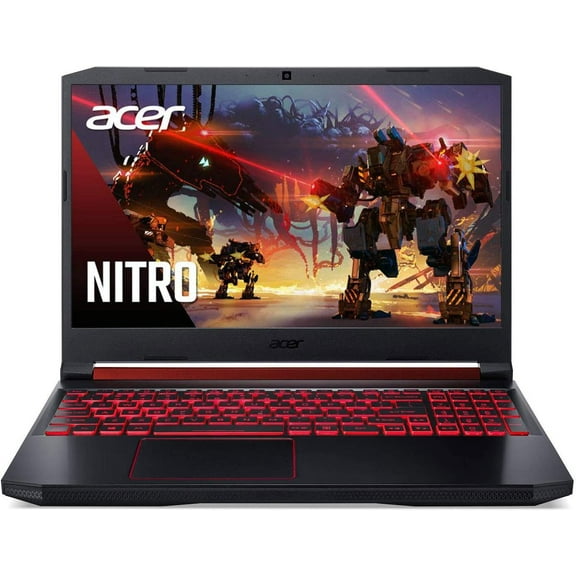
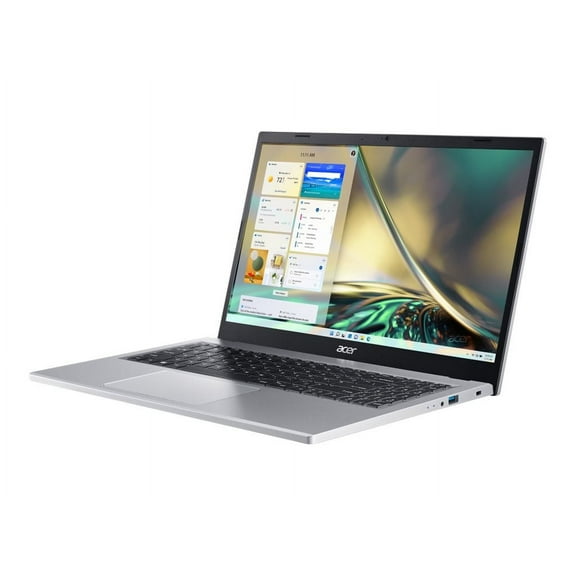

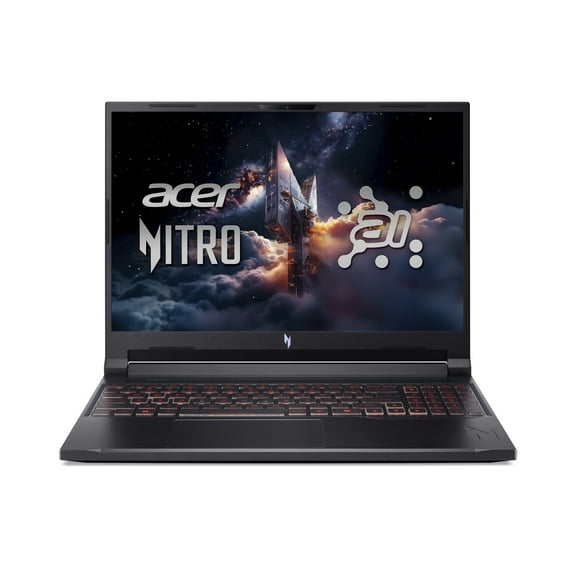


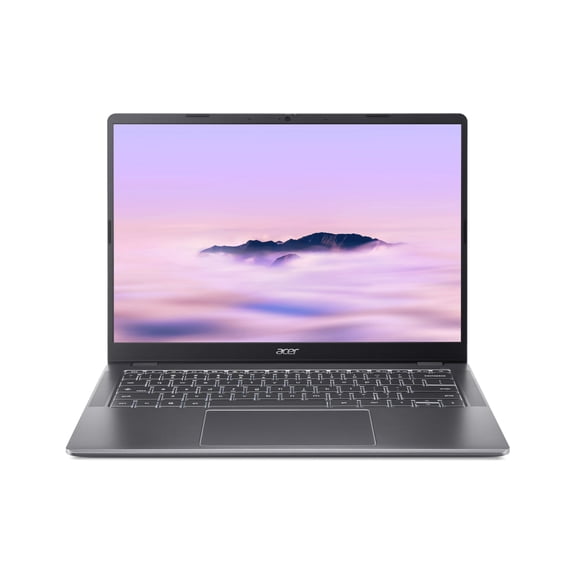
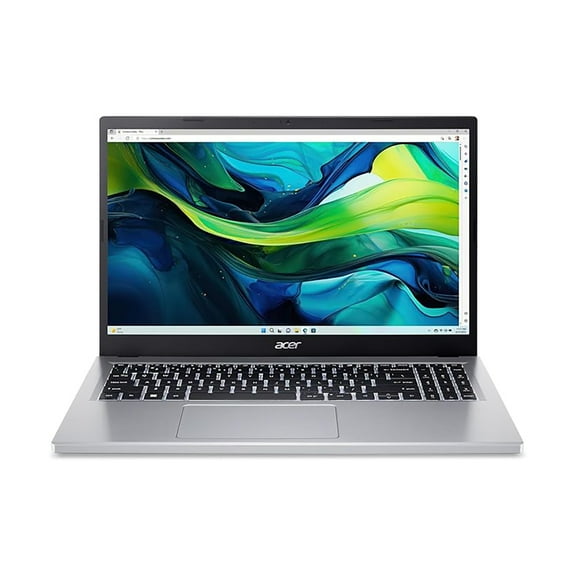


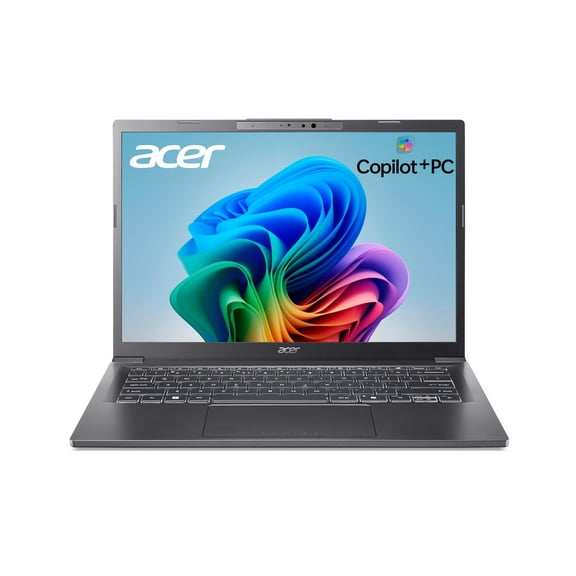
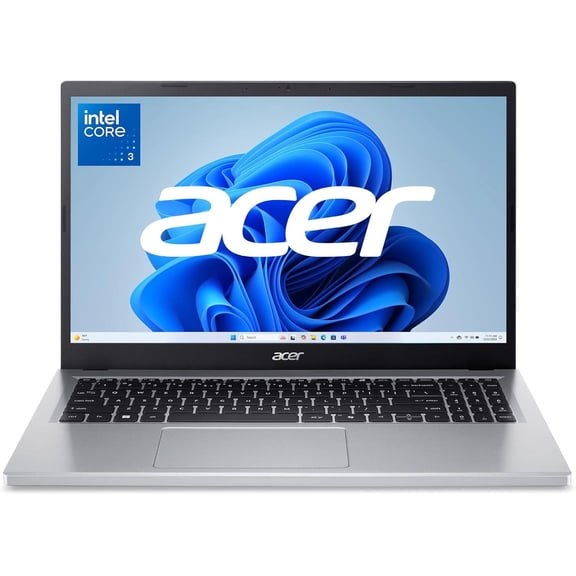


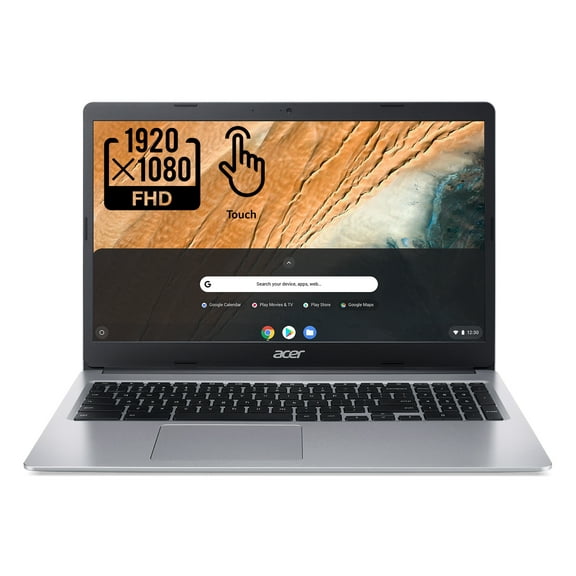
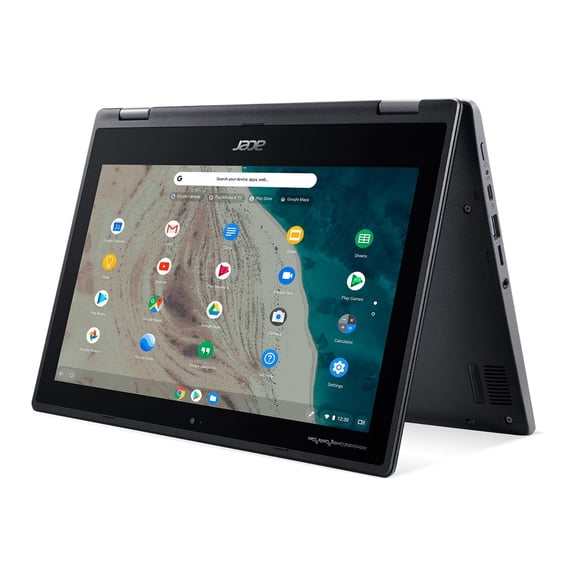


About Acer Computers in Shop Computers by Brand - Walmart.com
Your Acer computer search gets clearer when you compare device type, series, and operating system before you choose. You'll sort options faster when you read about Aspire, Nitro, Swift, and Chromebook models in practical terms.
If you're replacing an older setup, you'll want to focus on portability, screen size, and software compatibility first. When you're shopping for school, work, or gaming, your comparison becomes easier with brand-specific guidance.
Choosing the right Acer computer
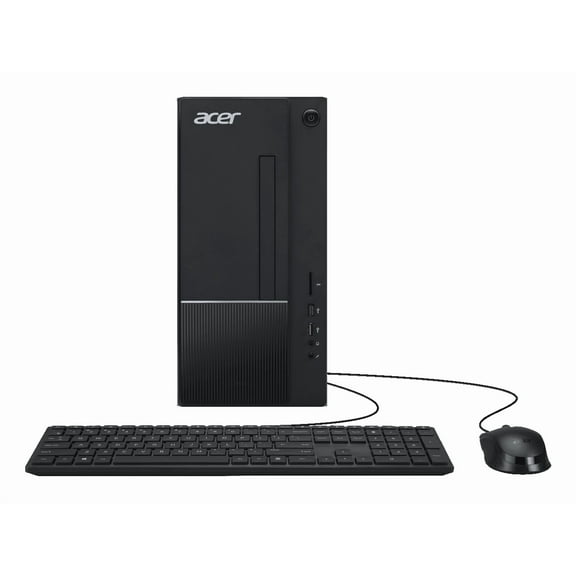
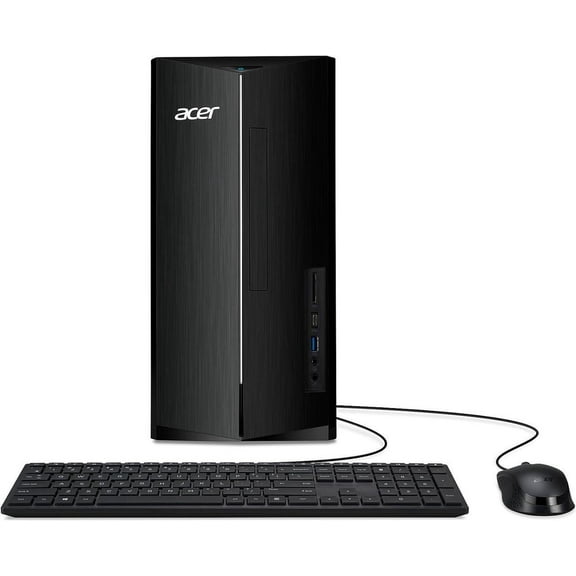
You'll want to start with device type because your daily routine usually decides the right fit. A laptop supports travel, a desktop suits a fixed setup, and an all-in-one keeps your desk cleaner.
During classes or commuting, your Acer notebook should feel easy to carry between stops. If your computer stays home, your larger display and roomier setup may matter more.
You'll also need to compare Windows and ChromeOS based on the apps and files you use daily. Your Windows model handles broader software needs, while your Chromebook keeps web-first tasks simple.
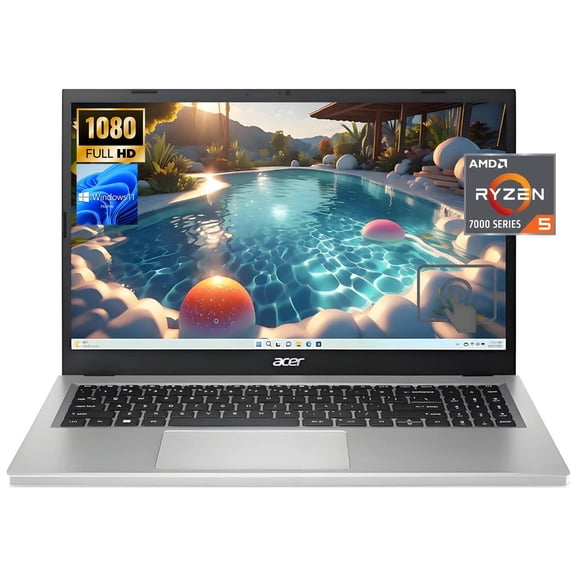
- Your Aspire choice fits browsing, streaming, homework, and everyday tasks.
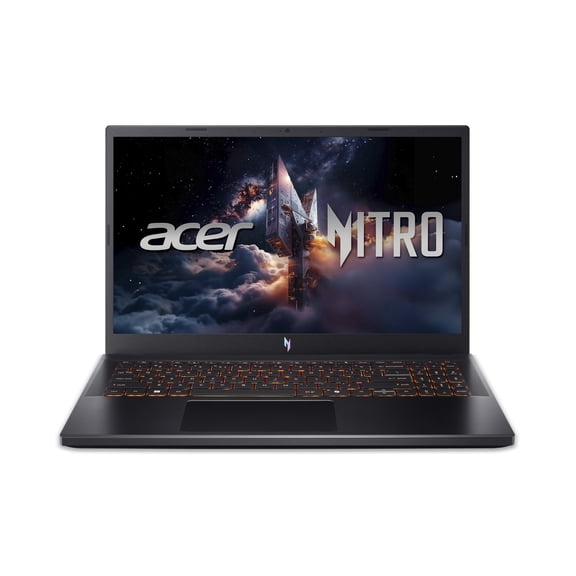
- Your Nitro or Predator option supports gaming setups and graphics-heavy projects.
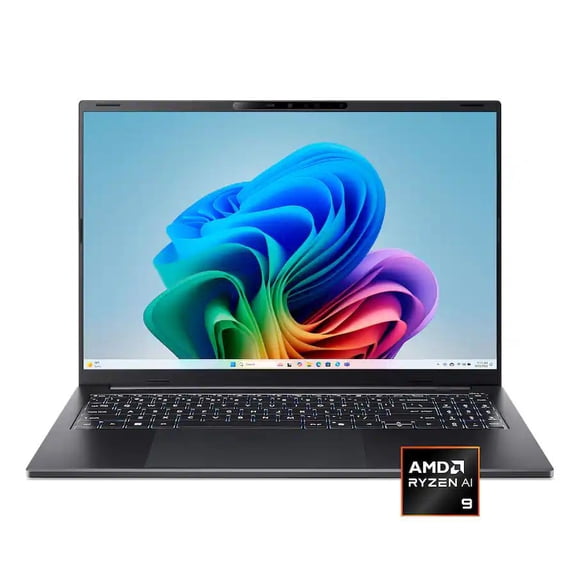
- Your Swift model favors lighter carry and easier movement during busy days.
- Your Chromebook works well when your routine centers on browser tools and cloud apps.
How to compare Acer laptops and notebooks
When your workload includes class projects or many tabs, you'll want to compare processor options and RAM. Those specs shape how smoothly your computer handles multitasking, schoolwork, and creative tasks.
If you're researching good laptops for college, your focus should include weight, battery life, and keyboard comfort. A lighter system helps with campus travel, while steady battery life supports notes and video calls.
For business use, you'll want to check ports, webcam placement, and display size before deciding. Those details help your setup work smoothly with meetings, spreadsheets, and daily communication.
Your storage type and screen resolution also matter when you compare an Acer laptop. Faster storage helps files open quickly, and a sharper display makes reading text easier during long sessions.
Understanding Acer series and performance needs
Your series choice can simplify the whole shopping process when you know what each lineup emphasizes. Aspire supports routine computing, Swift focuses on portability, and Nitro or Predator lean toward gaming performance.
If your search includes Acer Nitro XF3, you'll want to compare refresh rate and display response details closely. Those terms matter when your games move fast and your screen needs smoother motion.
Graphics needs deserve extra attention when your routine includes editing, streaming, or newer games. Stronger visual hardware gives your setup more headroom for detailed scenes and demanding software.
For everyday use, your routine may not call for gaming-focused hardware or a heavier chassis. A simpler configuration can fit browsing, documents, streaming, and household tasks without extra bulk.
Matching device type, operating system, and use case
When your classes rely on shared documents and browser tools, your Chromebook may be the practical match. If your coursework needs desktop software, your Windows option usually offers broader compatibility.
You may also wonder whether your Acer system can be a Windows laptop. You'll find many Acer laptops with Windows, and you'll also find ChromeOS models for web-based routines.
Your balance between portability and performance should reflect how often you travel with your device. A thinner model suits frequent carry, while stronger hardware supports heavier workloads at home or school.
For a family desk, your all-in-one can reduce cable clutter and simplify shared use. That format keeps schoolwork, video chats, and everyday computing in one compact footprint.
When you compare Acer computer brands and series names, your actual task should guide the final choice. You'll make a smarter decision when your screen size, operating system, and performance match your routine.
Some shoppers use phrases like portables when they want a compact setup. In practice, you'll want lighter computers that travel easily and fit smaller workspaces.
What to look for before you choose an Acer computer
Before you decide, you'll want to check battery expectations, keyboard layout, and connection options carefully. Those details help your computer fit your accessories, workspace, and study habits from the start.
Your long-term satisfaction also depends on memory capacity, build style, and configuration flexibility. With the right Acer computer, you'll cover today's workload and keep pace with tomorrow's routine.
That brand-specific approach makes this category easier to navigate because your choices connect to real use cases. You'll finish with a computer that fits your classes, gaming sessions, or daily tasks with less guesswork.