

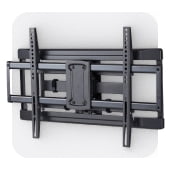



TV mounts by screen size

















About TV mounts by screen size - Walmart.com
Your tv wall mount choice gets easier when you compare screen size, mount type, and VESA fit together. You can narrow options quickly when you know how a 77 inch tv mount differs from smaller or wider-span setups.
If you're mounting in a bedroom, living room, or media room, you need fit details before style details. You can use screen-size groupings to compare reach, profile, and wall compatibility without guessing.
Choosing the right tv wall mount by screen size
When you compare screen size compatibility, you should start with both diagonal size and total TV weight. You can avoid mismatches when your mount supports your panel's inches and its listed load rating.
For 32-55 inch screens, you may prefer a compact mount that keeps your TV close to the wall. You can often use these sizes in bedrooms, kitchens, or smaller seating areas.
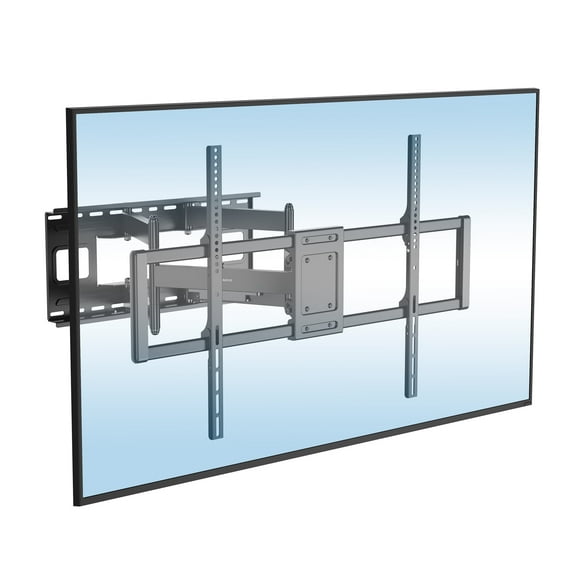
With 50-86 inch screens, you should check bracket width and extension range before installation. You can get a broader fit range for large living room TVs and open wall layouts.
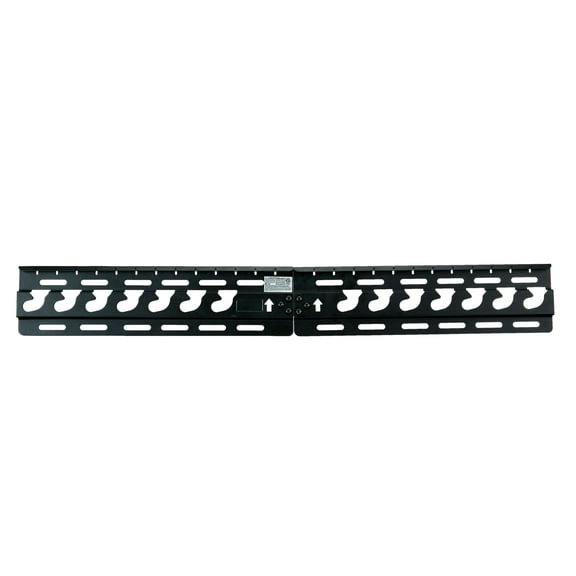
If you need a 77 inch tv mount, you should confirm both size range and the exact VESA pattern. You can also check whether the mount supports your TV's depth and connection access.
For models rated up to 90 inches, you should measure wall space around the screen before choosing. You can keep ports, soundbars, and furniture placement aligned with your viewing area.
- You can match your screen size to a mount range for a neater fit.
- You can compare weight capacity to support larger panels with confidence.
- You can choose the right arm reach for corners, alcoves, or centered seating.
- You can keep your TV at a comfortable height for everyday viewing.
How to compare mount type and movement
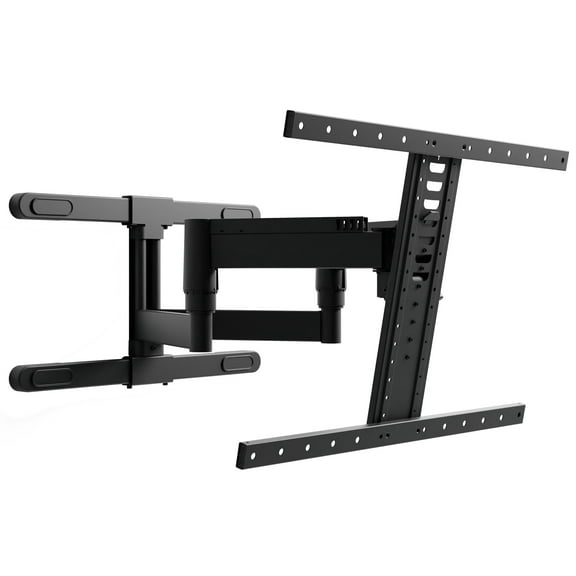
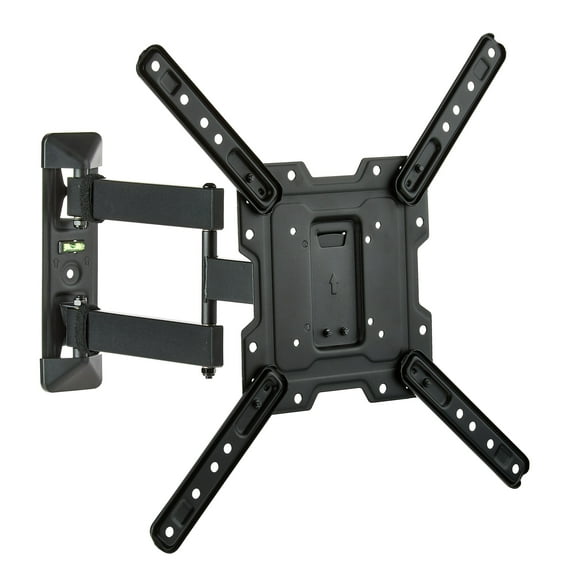
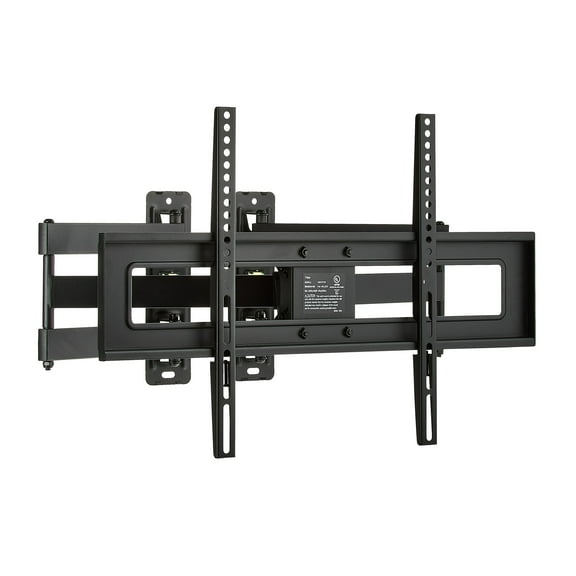
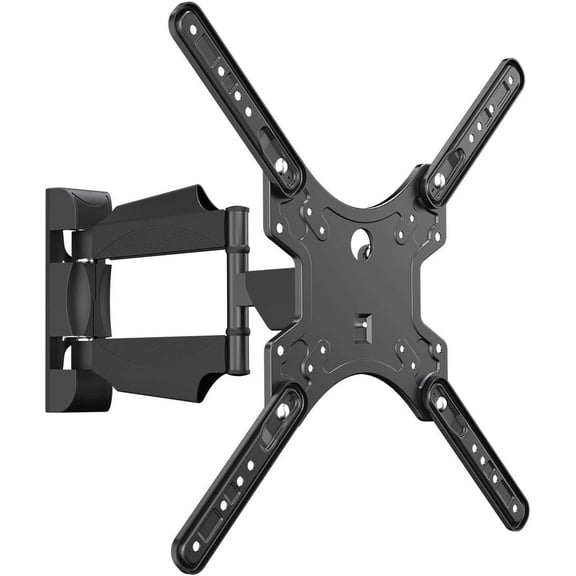
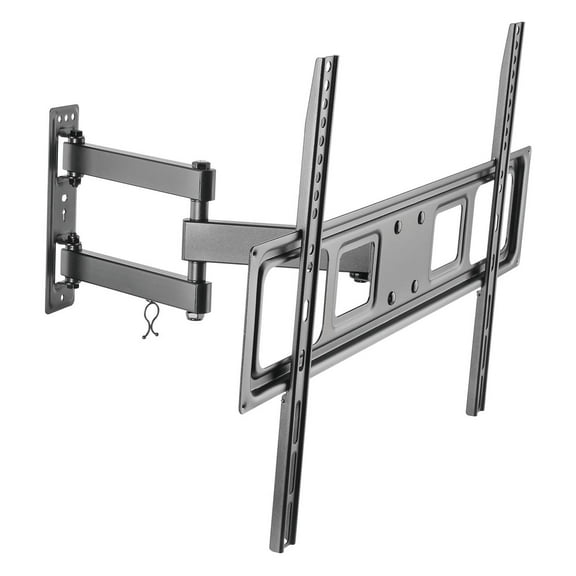
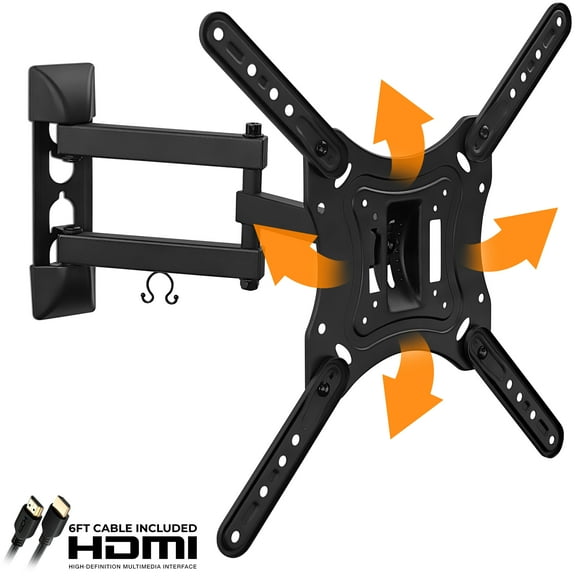
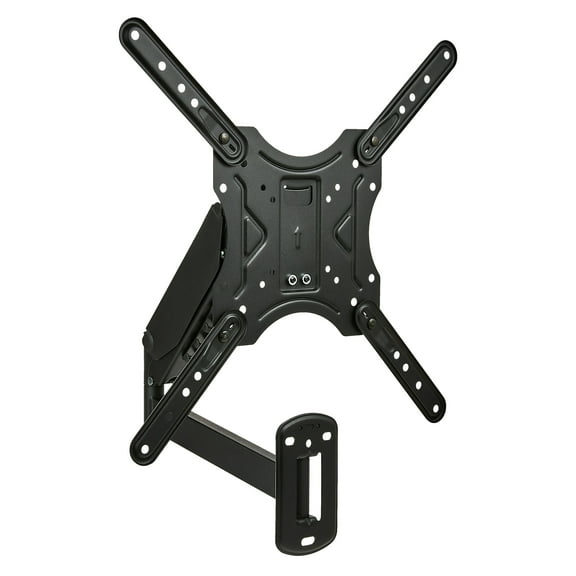
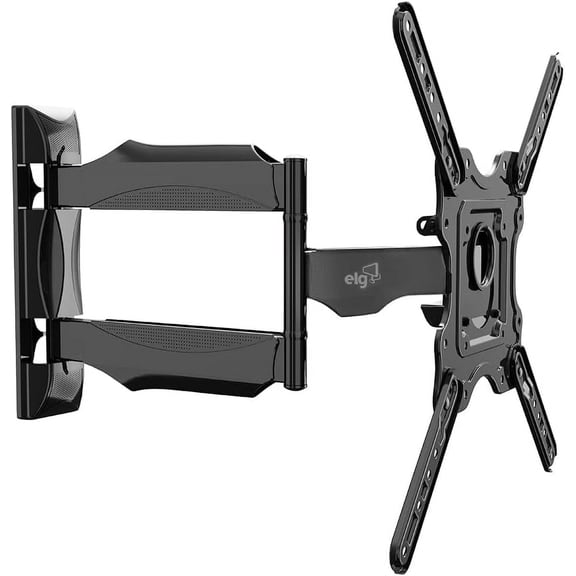
You should choose full motion when your room has multiple seating positions or glare from windows. You can pull the screen outward, swivel it side to side, and adjust the viewing angle.
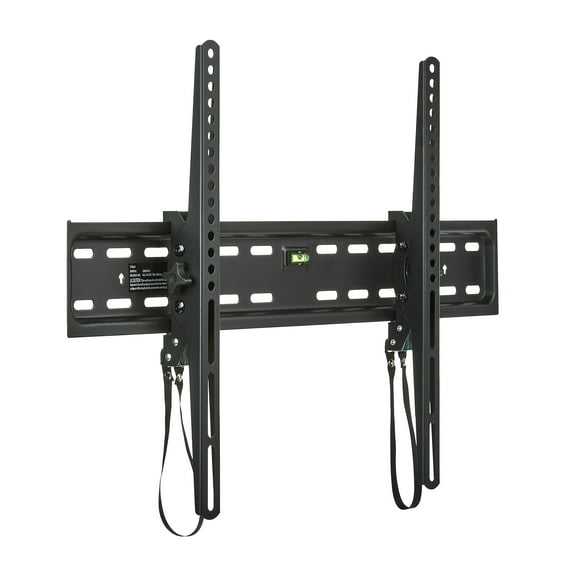
You may choose tilting mounts when your TV sits higher on the wall. You can angle the screen downward to improve sight lines from sofas, beds, or floor seating.
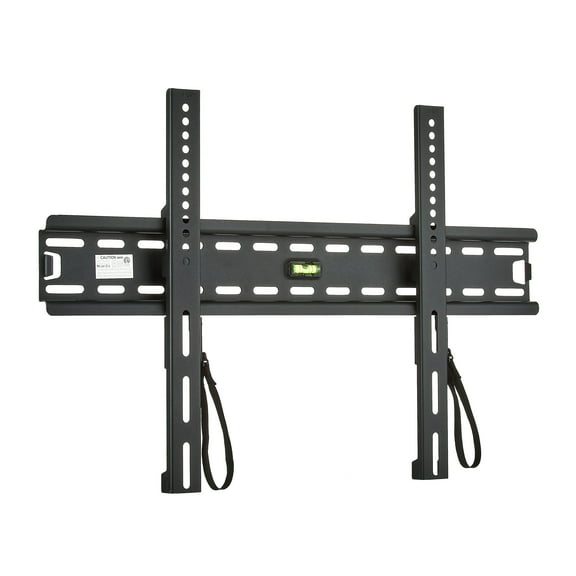
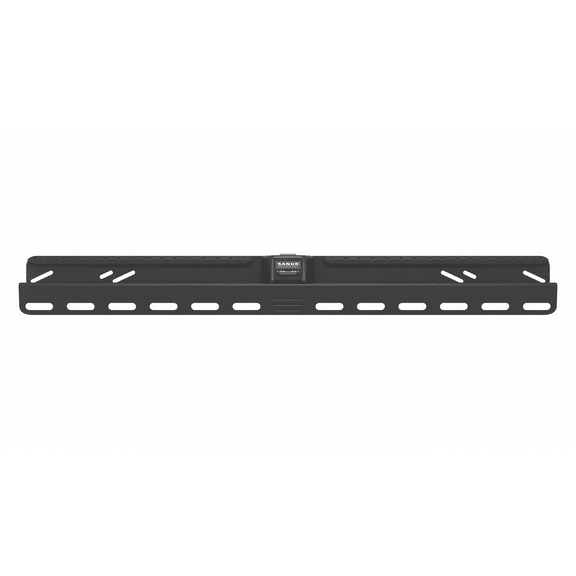
If you want a streamlined look, you should consider fixed or low profile styles. You can keep the TV close to the wall and maintain a simple, space-conscious setup.
Rather than focusing only on inches, you should compare movement with your room layout. You can use a low profile mount in a narrow space, while full motion helps in open-plan rooms.
What to look for in VESA patterns and weight limits
You should check your TV's VESA pattern before you choose any tv wall mount. You can find this measurement as the distance between mounting holes, such as 200x200, 400x400, or 600x400.
A 200x200 pattern often fits many smaller and mid-size screens. You can look to 400x400 or 600x400 when your TV uses a larger back panel and wider bracket support.
You should also compare maximum weight capacity with your TV's listed weight, without the stand attached. You can use both measurements together because screen inches alone don't confirm fit.
If you're comparing thin displays and older heavier models, you should expect different load needs. You can avoid returns when you confirm VESA and capacity before installation.
Checking wall compatibility and included hardware
You should measure your wall type before installation because mounting surfaces affect the hardware you need. You can often install on wood studs or concrete when the mount's instructions support those surfaces.
If you're working with drywall, you should check whether the mount requires wood stud spacing behind the wall. You can review stud placement, bracket width, and lag bolt guidance before you begin.
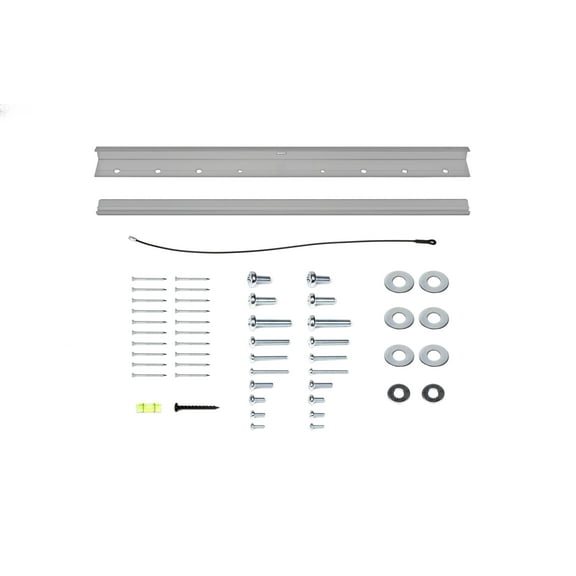
You should also look for included mounting hardware, spacers, washers, and screw sizes. You can finish setup with fewer interruptions when your box includes parts for common TV back panels.
When you compare packaging details, you should check cable access and leveling adjustments too. You can make small post-install tweaks if your mount includes leveling support after wall attachment.
Choosing a core innovations tv mount or brand-compatible option
You may be shopping for a core innovations tv mount or a member's mark tv mount for a specific screen. You should still compare size range, VESA support, and movement style before you focus on brand compatibility.
If your search also includes an ollies tv mount, you should use the same fit checks across every option. You can make an informed choice when size specs lead your decision.
You should treat brand terms as a starting point, not the only filter that matters. You can get a neat install when your bracket matches your TV's hole pattern and room layout.
Matching mount combinations to real rooms
You might choose a fixed mount for a guest room TV where the screen stays centered all day. You can keep the setup neat and close to the wall with minimal profile.
You may prefer a tilting option for a workout room or bedroom wall placement. You can angle the screen downward when the TV sits above dressers, consoles, or other furniture.
If your family watches from different spots, you should consider full motion for flexible viewing. You can turn the screen toward a sectional, dining area, or open kitchen pass-through.
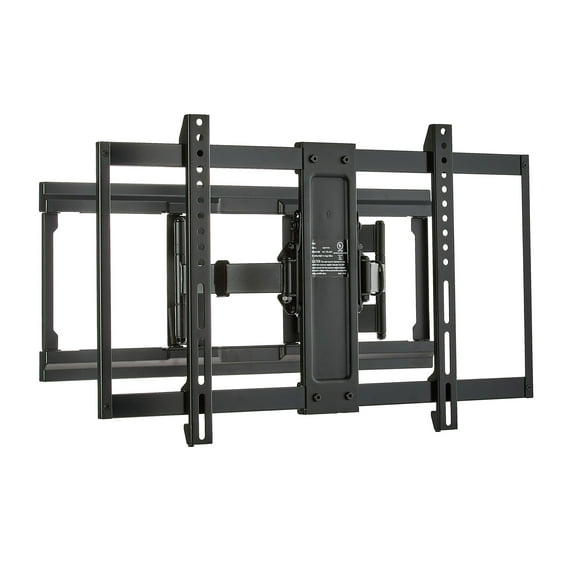
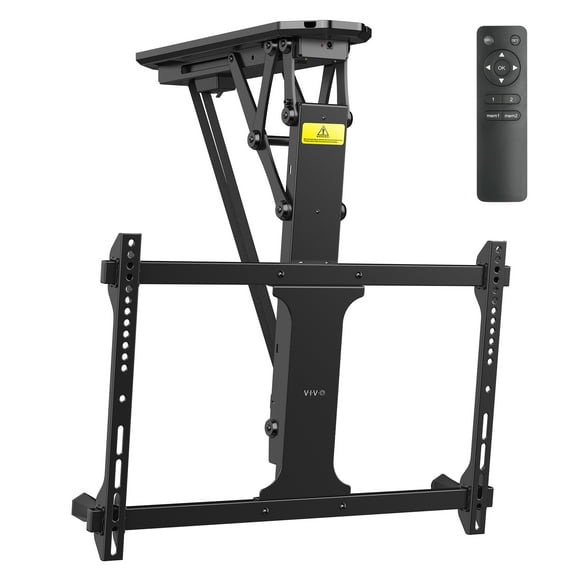
For a large living room display, you should compare a 77 inch tv mount or larger-rated option carefully. You can pair wide VESA support and stronger capacity with a mount built for bigger screens.
If installation help matters to you, you may search for tv wall mount installation near me before you choose. You can plan around delivery, pickup, and setup timing by confirming your wall details early.
Your tv wall mount decision becomes more straightforward when you compare inches, VESA patterns, wall type, and movement together. You can create a neat viewing setup that fits your room and your screen the first time.