

Home Theater in Home Audio & Theater






![Umbrella Ent - Possession [ULTRA HD]](https://i5.walmartimages.com/seo/Possession-4K-Ultra-HD-Blu-ray-Umbrella-Ent-Drama_5ad81a24-a4ac-4a42-81d8-f592c5e4670b.11ae5d4296e4dd24d61fa9e7196a2608.jpeg?odnHeight=576&odnWidth=576&odnBg=FFFFFF)
![Mortal Kombat Kollection (Limited Edition) [Reversible cover] [1995-1997] [4K Ultra HD] [Region Free] [blu_ray] [2026]](https://i5.walmartimages.com/seo/Mortal-Kombat-Kollection-Limited-Edition-Reversible-cover-1995-1997-4K-Ultra-HD-Region-Free-blu-ray-2026_e833bdc7-d96b-42be-b145-6a5de4330887.b5115a30b3bc91bc109ef62fc6bf77af.jpeg?odnHeight=576&odnWidth=576&odnBg=FFFFFF)

![Slap Shot 2 - Breaking the Ice [DVD]](https://i5.walmartimages.com/seo/Slap-Shot-2-Breaking-the-Ice-DVD_08f703e8-b96c-42d4-b5ff-4dfabccec809.edabf8a092c0db317ca3883e77a509f3.jpeg?odnHeight=576&odnWidth=576&odnBg=FFFFFF)












![Avengers 4-Movie Collection [SteelBook] [Dig Copy] [4K Ultra HD Blu-ray/Blu-ray]](https://i5.walmartimages.com/seo/Avengers-4-Movie-Collection-SteelBook-Dig-Copy-4K-Ultra-HD-Blu-ray-Blu-ray_45319049-ffd4-4bbd-9f93-ab6c471bca16.a82352270a59ede6696a32c20a27e47f.jpeg?odnHeight=576&odnWidth=576&odnBg=FFFFFF)

![Pirates of The Caribbean 1-5 UHD Box set [UHD + Blu-ray]](https://i5.walmartimages.com/seo/Pirates-of-The-Caribbean-1-5-UHD-Box-set-UHD-Blu-ray_97bea222-9dd7-4495-821e-970a47b9f48e.cb49eda3e888fa084447d77be31fa869.jpeg?odnHeight=576&odnWidth=576&odnBg=FFFFFF)

![Umbrella Ent - Annabelle's Wish [DIGITAL VIDEO DISC]](https://i5.walmartimages.com/seo/Annabelle-s-Wish-DVD-Umbrella-Entertainment-Kids-Family_3c83c615-d69d-4dde-a4ff-e4dfcfb8d85a.d4a78653350d42fa8cb3c7414bdfa30d.jpeg?odnHeight=576&odnWidth=576&odnBg=FFFFFF)


![Firefly Complete Series 15th Anniversary Edition Blu-ray Collection [Blu-ray]](https://i5.walmartimages.com/seo/Firefly-The-Complete-Series-Blu-ray-Region-Free_ed14b780-3fee-48aa-8b24-65869011337e.e36cb102437fcc89d1edf524d6b52007.jpeg?odnHeight=576&odnWidth=576&odnBg=FFFFFF)

![Walt Disney Pictures - Onward [BLU-RAY]](https://i5.walmartimages.com/seo/Onward-Blu-ray-DVD-Digital-Copy-Disney-Kids-Family_cbaf365f-09a8-4ff3-a67a-ef056dac0deb.aa362274e42db0b25b68cd0243f8be62.jpeg?odnHeight=576&odnWidth=576&odnBg=FFFFFF)


![Bride of Re-Animator [Blu-ray + DVD] Region Free Arrow Special Edition](https://i5.walmartimages.com/seo/Bride-of-Re-Animator-Blu-ray-DVD-Region-Free-Arrow-Special-Edition_3df88632-8cf3-4eab-91e2-d09054fd7c2f.1187a89eb02b57d9c5304b7a94d03494.jpeg?odnHeight=576&odnWidth=576&odnBg=FFFFFF)

About Home Theater in Home Audio & Theater - Walmart.com
You can build a home theater setup by comparing device type, resolution, connectivity, and audio channels before you buy. You can narrow your options when you match each component to your TV, your room, and your viewing habits.
If you’re replacing built-in TV apps, you can focus on fast navigation and simple controls. If you’re upgrading sound, you can compare compact soundbar systems with full surround layouts.
How to choose home theater device types
You should start with device type because it shapes your setup and your daily use. You can choose a streaming stick, a media player box, or a soundbar system based on your space.
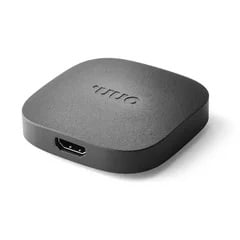
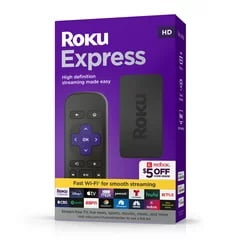
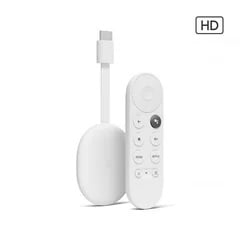
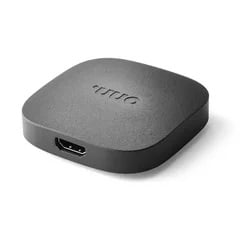
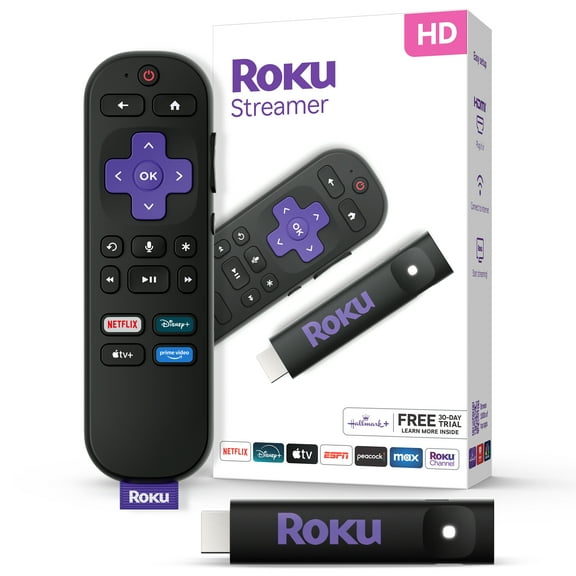
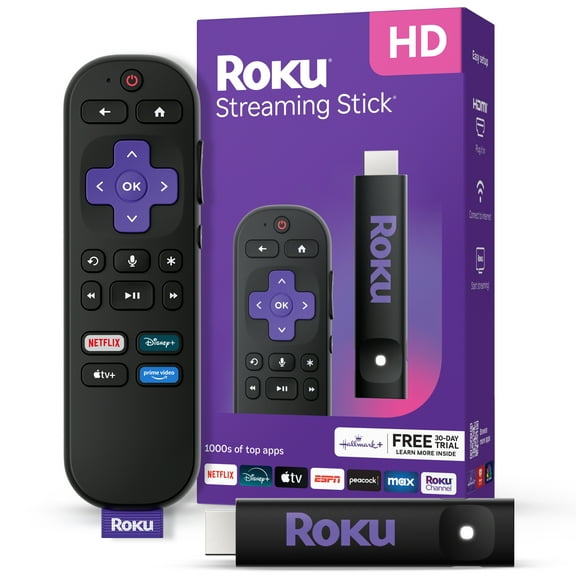
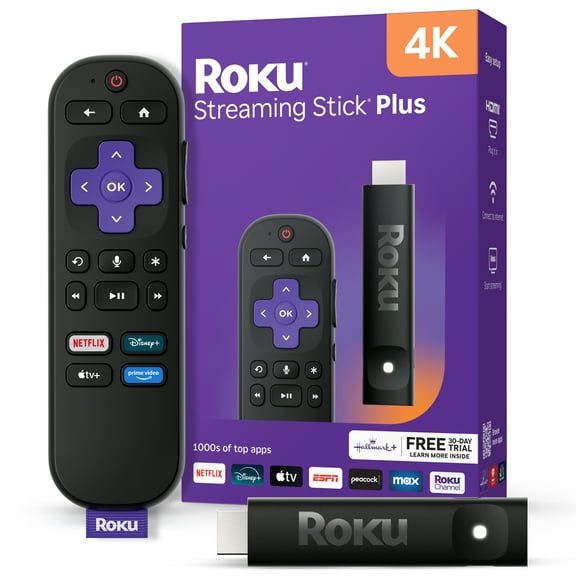
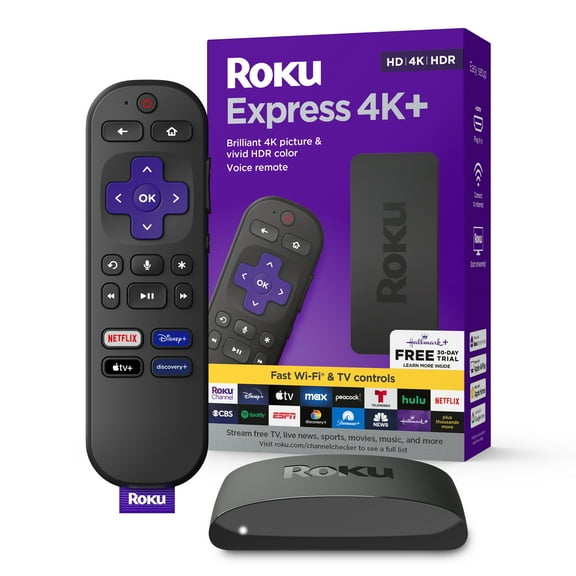
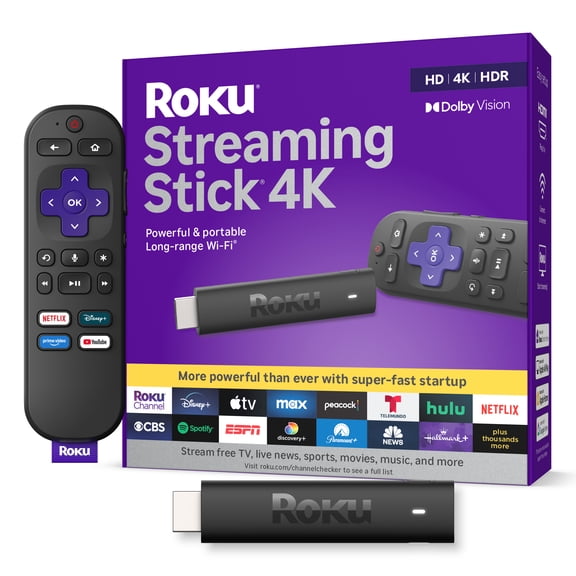
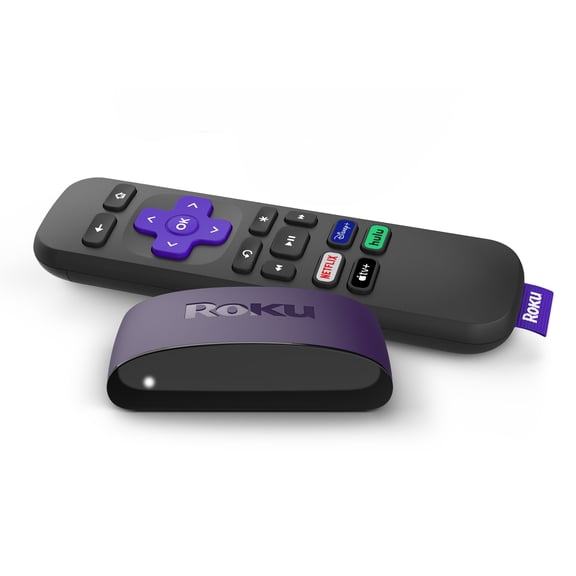
A streaming stick works well when you want a small footprint behind your TV. You’ll usually get simple installation through an HDMI port and a compact remote.
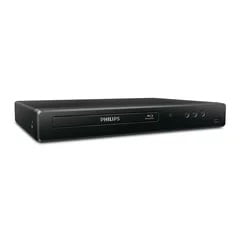
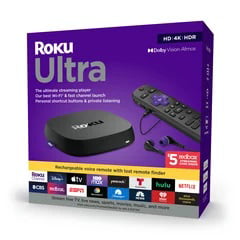
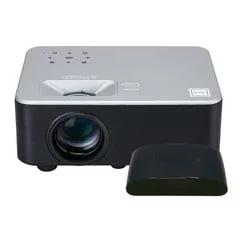
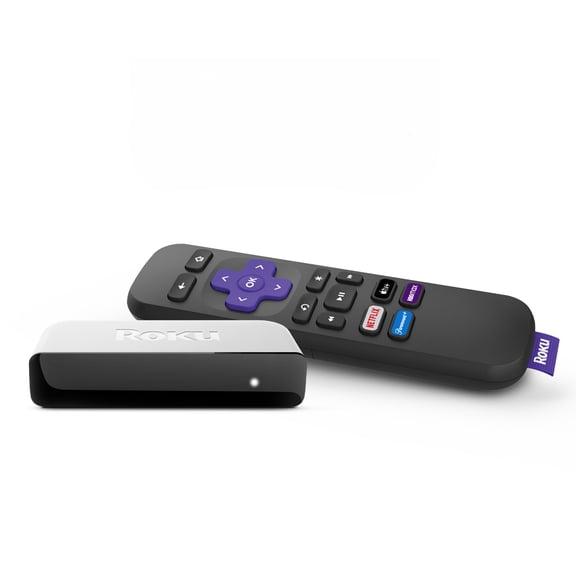
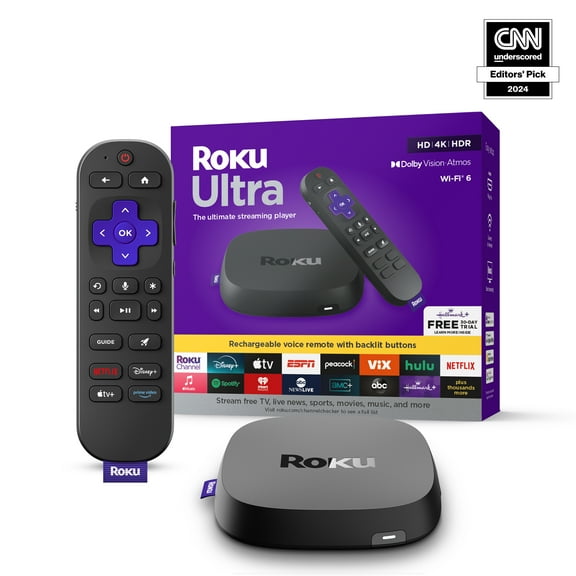
A media player box gives you room for ports and wired connections. You may prefer that format when your entertainment center includes Ethernet, external storage, or a wireless cable box.
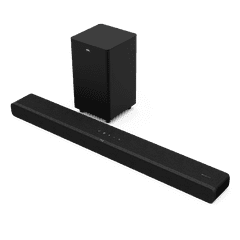
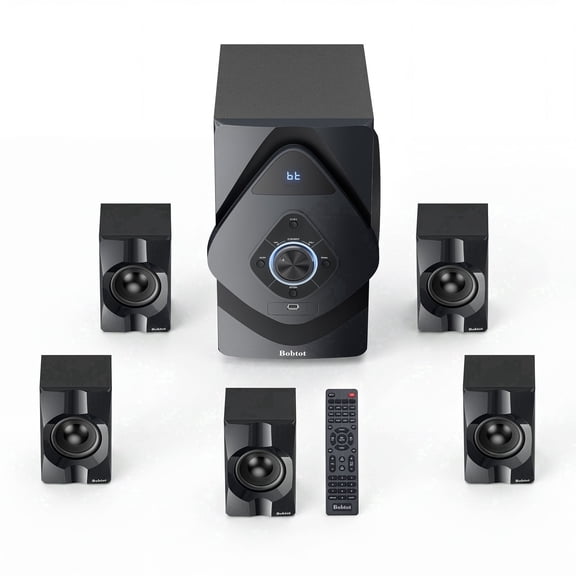
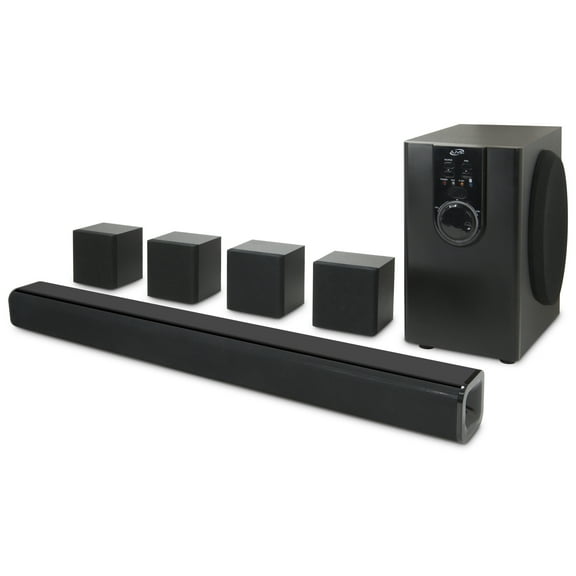
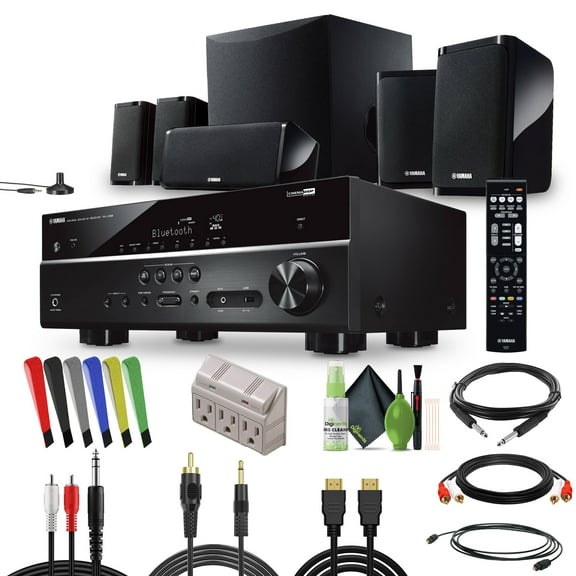
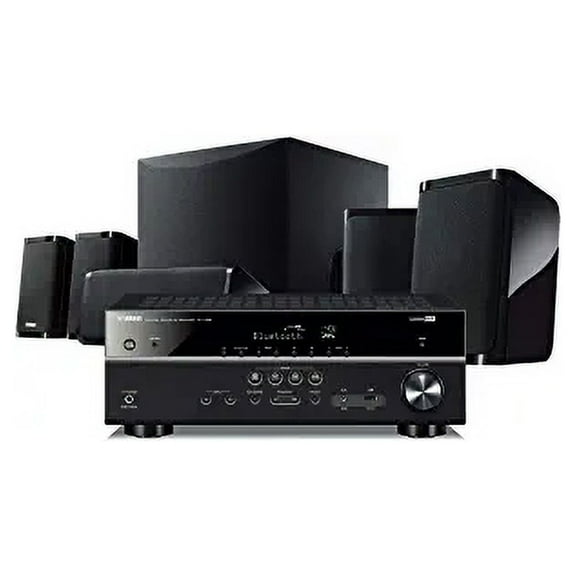
A soundbar system helps you upgrade audio and simplify speaker placement in one step. You can get clear dialogue and broad room sound without placing separate speakers across your room.
- You can keep setup simple with a streaming stick for everyday shows and movies.
- You can choose a media player box when you want connection flexibility and stable placement.
- You can pick a soundbar system when you want strong sound with fewer components.
What to look for in resolution and picture support
You should match streaming resolution to your TV so your picture looks sharp without extra complexity. You can compare 1080p HD, 4K UHD, and HDR10+ based on your screen and content.
If your TV is 1080p, you may only need a device that fits that display level. If your TV supports 4K UHD, you can enjoy fine detail on large screens.
HDR10+ matters when you want rich contrast and visible detail in bright and dark scenes. You should check whether your TV supports that format before choosing it.
You may also notice references like roku 3920x while comparing streaming hardware generations. You should focus on supported resolution, app experience, and connection options instead of a model code alone.
Choosing connectivity for your room and TV
You should check connectivity early because compatibility shapes whether setup feels easy or frustrating. You can compare Wi-Fi, HDMI, Bluetooth, and Ethernet based on your room and equipment.
HDMI version and HDCP compliance matter when you want your device to work with your TV and protected streaming content. You should confirm your TV inputs match the device requirements.
Wi-Fi helps you keep placement flexible and avoid extra cables across your room. Ethernet gives you a wired connection that many shoppers prefer for steady streaming performance.
Bluetooth can help you connect headphones, speakers, or controllers without extra adapters. You may want that option if you switch between private listening and shared viewing.
If you’re comparing a media player with a wireless cable box, you should think about how many devices share your TV inputs. You can avoid clutter when you map your HDMI ports before buying.
Understanding audio channels in a home theater
You should compare audio channels by room size and setup effort, not by label alone. You can choose 2.1 channel, 5.1 surround, or 7.1 Dolby Atmos depending on how immersive you want sound.
A 2.1 channel setup usually gives you left, right, and bass in a simpler layout. You may prefer it when you want full sound compared to built-in TV speakers without extra rear speakers.
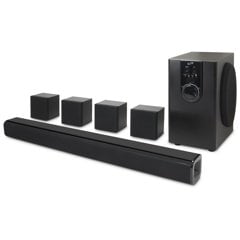
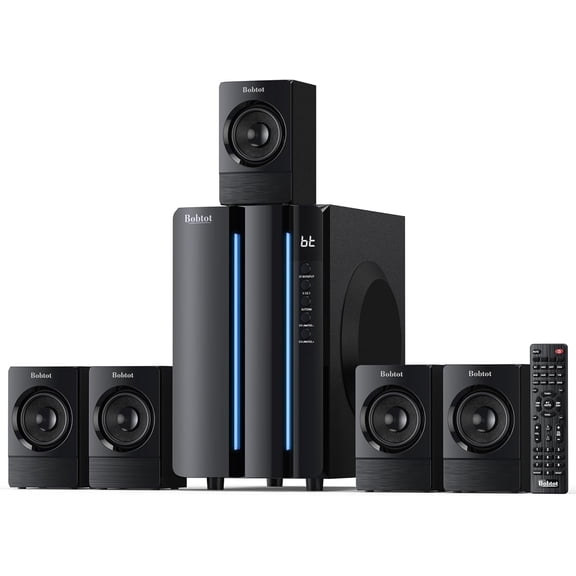
A 5.1 surround setup adds directional audio around your seating area. You can get a cinematic feel for movies, sports, and game nights.
A 7.1 Dolby Atmos setup adds layered placement for effects across a larger room. You should consider speaker placement, ceiling reflection, and receiver compatibility before moving up.
If you want easy installation, you may lean toward a soundbar system instead of separate speakers. If you want room-filling effects, you may prefer a multi-speaker layout.
Matching smart platforms and real-world use
You should also compare the on-screen platform because it affects how quickly you find content. You may prefer a Roku station or master Roku style experience when you want straightforward menus and familiar navigation.
If your household streams often, you can benefit from a media player that keeps apps, profiles, and remotes organized. You should look for an interface that feels clear for everyone who uses the TV.
For a bedroom or apartment, you may want a streaming stick with Wi-Fi and a simple remote. For a family room, you may want 4K UHD, Ethernet, and a soundbar system.
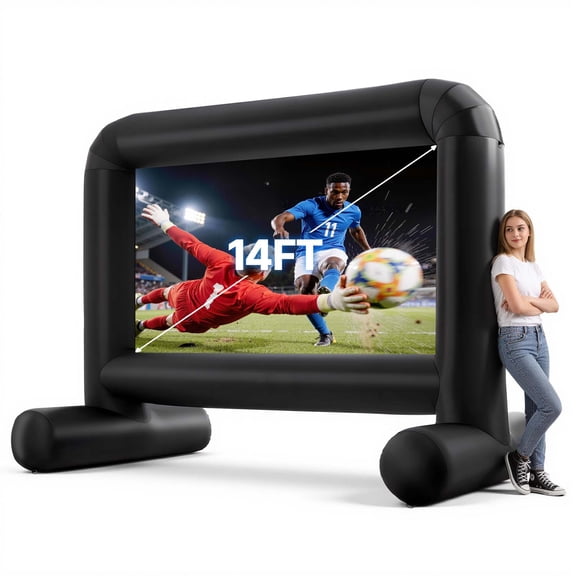
If you host movie nights, you can pair a larger screen with 5.1 surround or 7.1 Dolby Atmos. If you watch casual shows, you may prefer fewer speakers and easier placement.
You can make a confident choice when you match your home theater setup to your TV inputs, your room layout, and your viewing style. You can end up with entertainment that feels easy to use and enjoyable every night.
Popular in Home Theater in Home Audio & Theater - Walmart.com
- Surround Wp
- Surround Sound Systems Yamaha Speakers
- Russound Home Theater Systems
- Dt Surround
- Surround Sound Expansion
- Inceiling Surround Sound
- 9 2 Surround Sound
- Surround Sound Installation
- Theater Solutions Home Theater Systems
- 5 1 Channel Home Theater System Speaker
- Theater Solutions Speaker Systems
- Rca Surround Sound Speaker System