

VR Virtual Reality Headsets




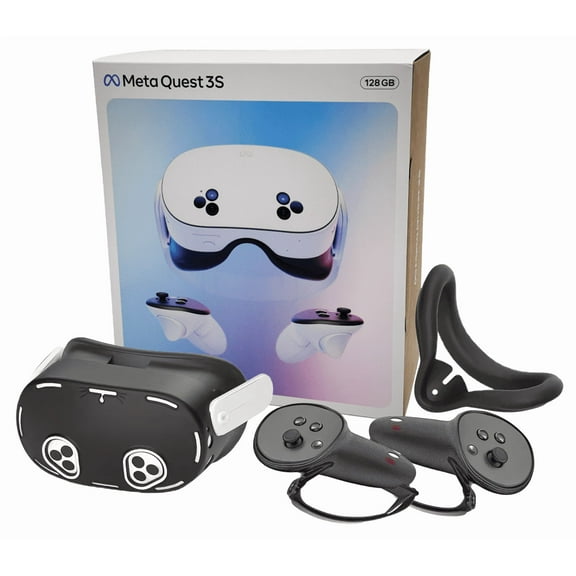
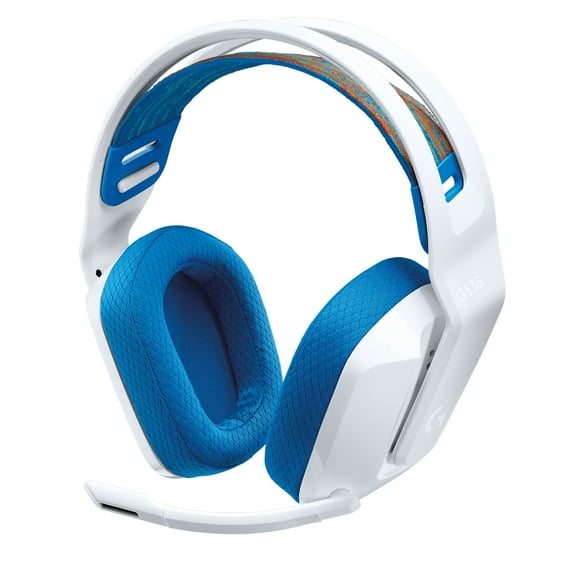


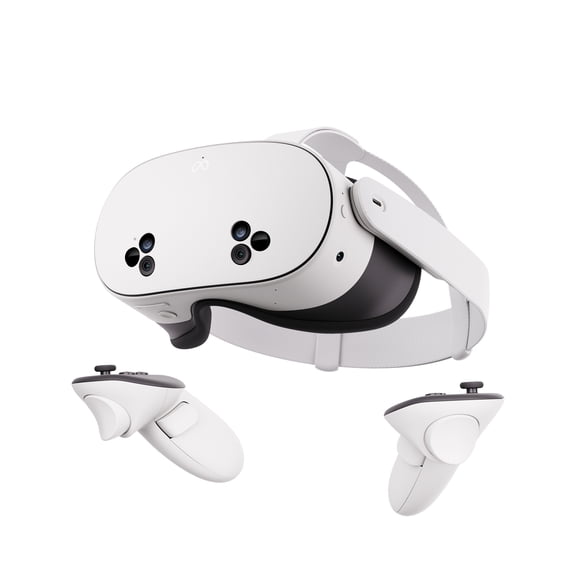
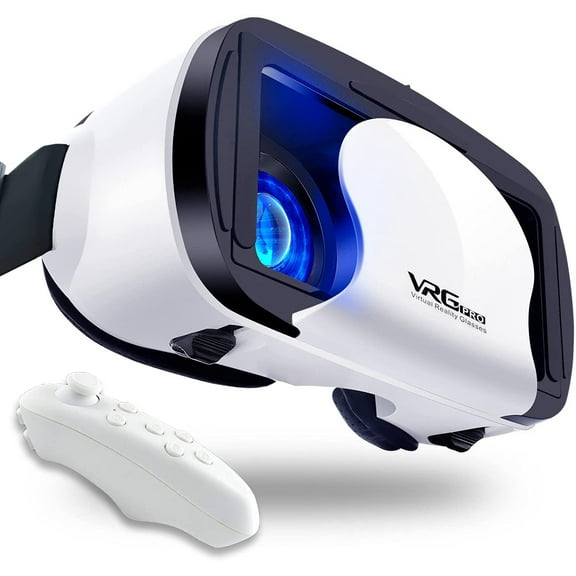


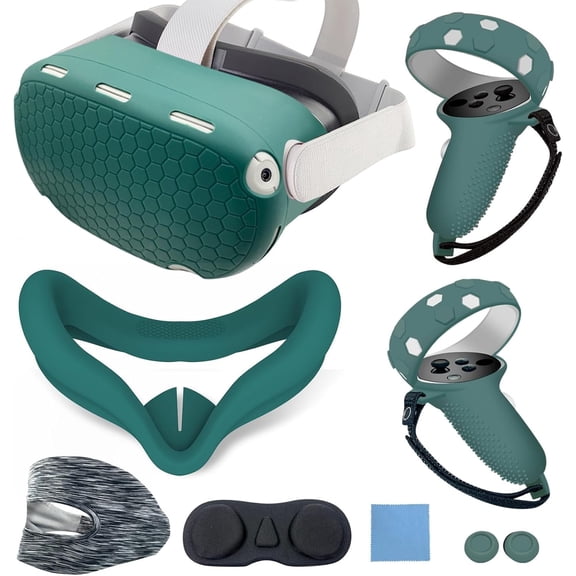


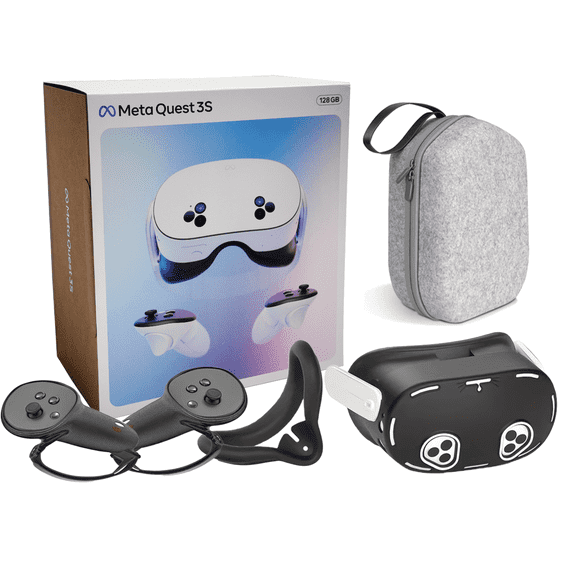
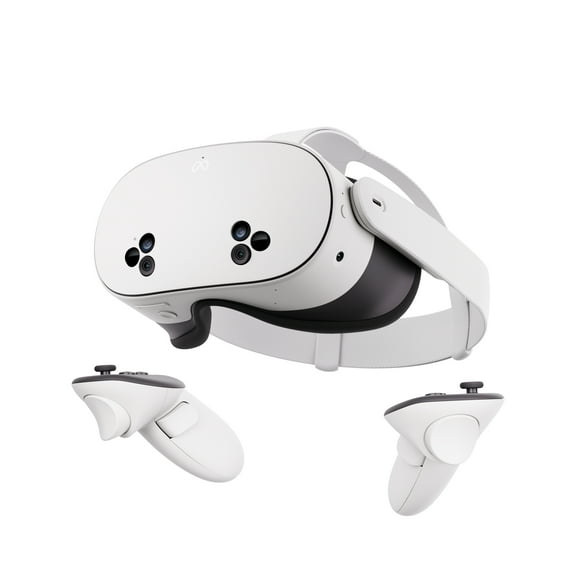

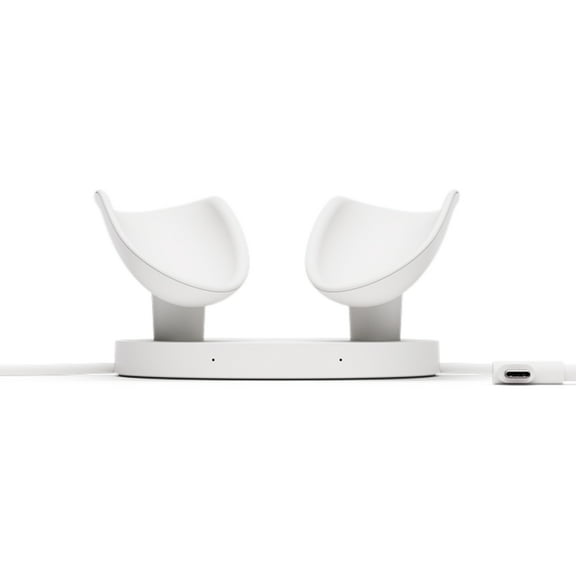




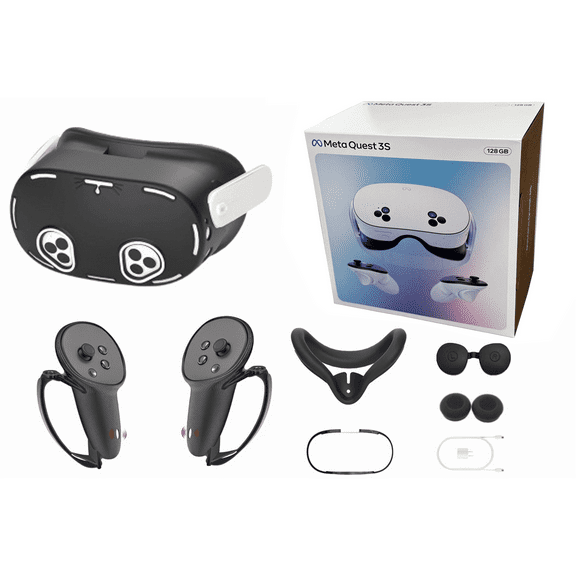
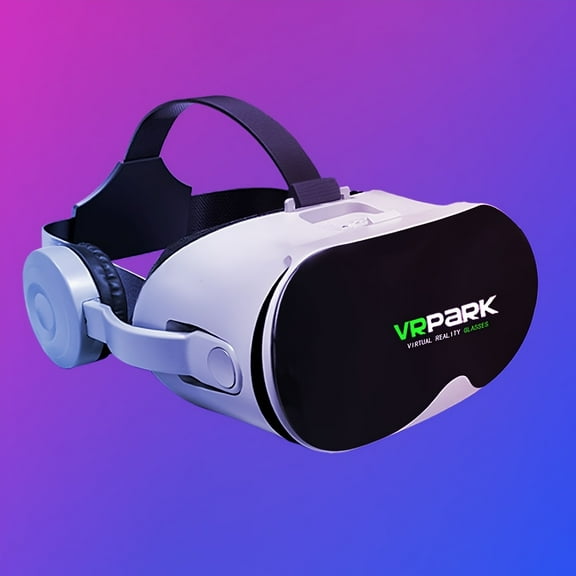


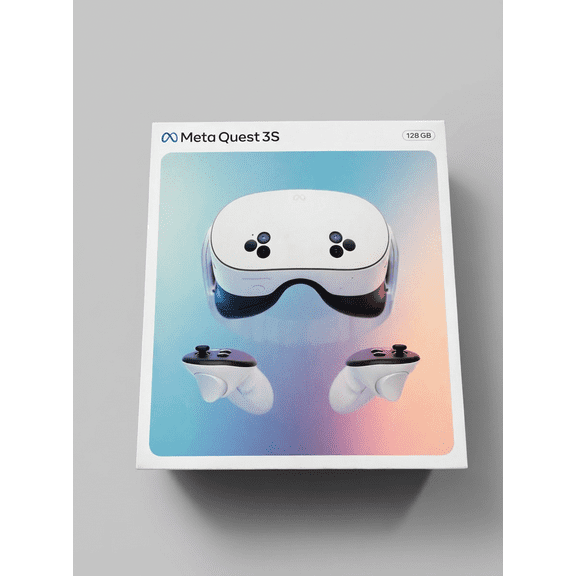
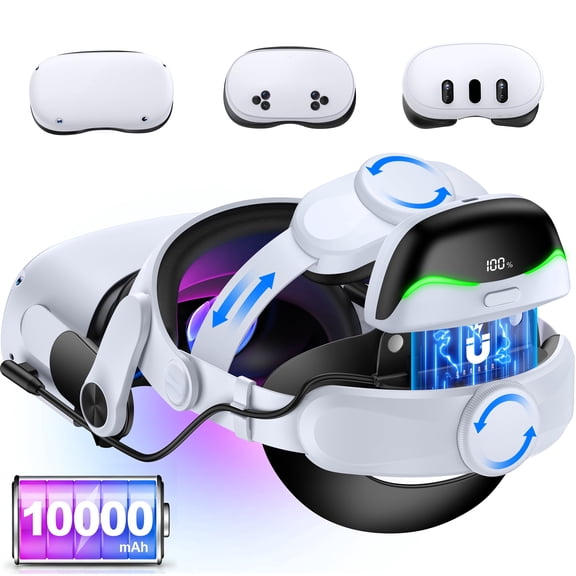


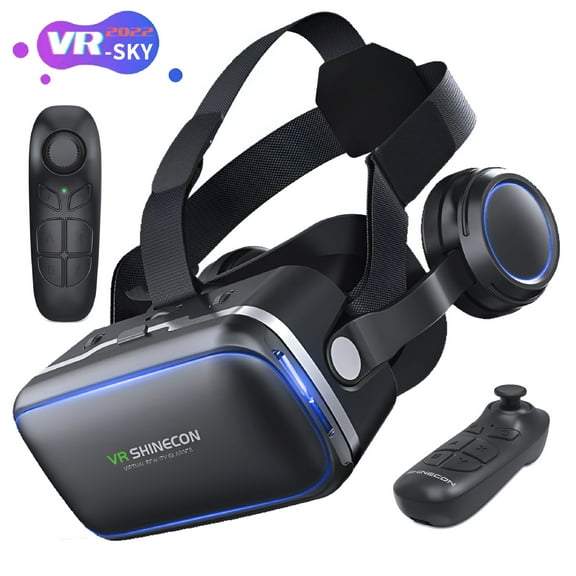
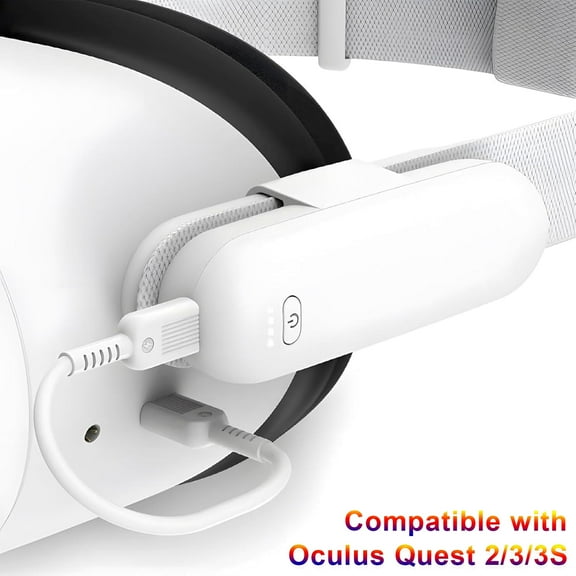
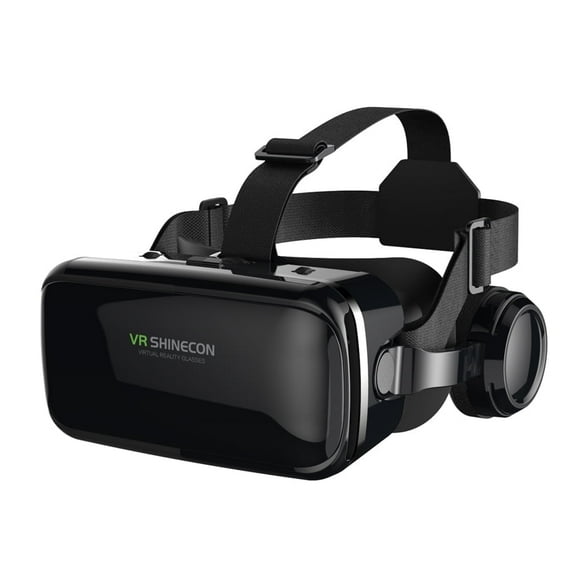


About VR Virtual Reality Headsets - Walmart.com
VR headsets help you step into interactive gaming, fitness, and media without guessing which setup fits your space. You can compare platform support, display clarity, tracking style, and storage before you choose a headset that matches your play style.
You may want a quick all-in-one setup, or you may want deeper power from your existing system. You can use this guide to sort through virtual reality headsets with more confidence and less trial and error.
How to choose vr headsets by platform
You should start with platform compatibility because it shapes everything from setup time to game access. You can choose standalone models, PC-powered options, or console-compatible designs based on the hardware you already use.
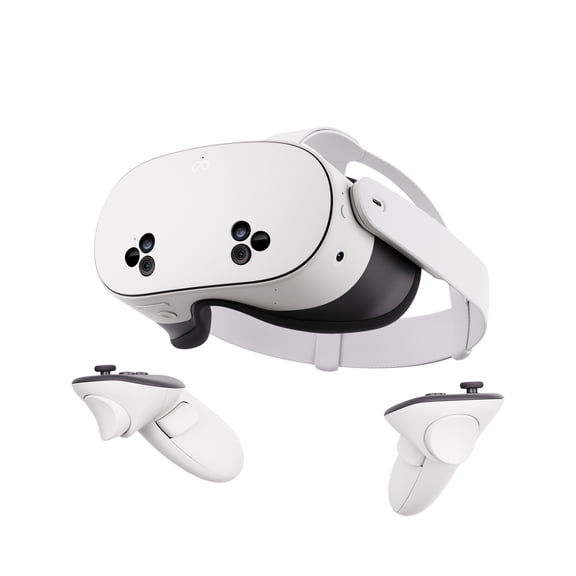
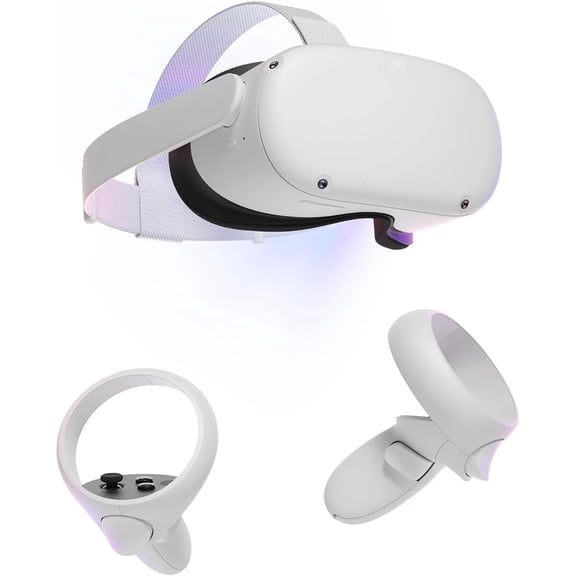
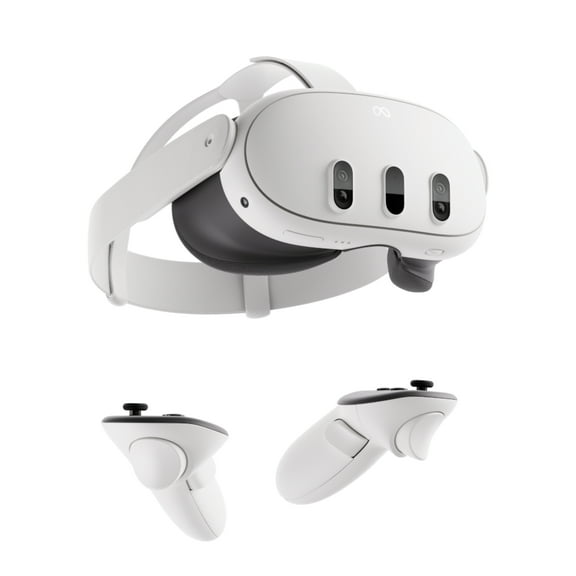
If you want fewer cables, standalone vr headsets let you download games directly to the device. You can move more freely, and you won't need a gaming PC beside you.
If you already own a gaming desktop, PC-powered options can connect to your system for expanded libraries and advanced graphics. You should check connection requirements, supported apps, and play area guidance before you decide.
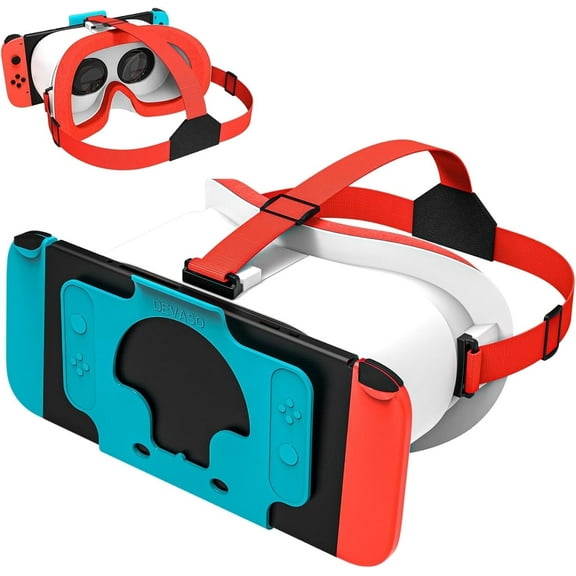
Console-compatible choices make sense when you already play through a supported console and want familiar controls. You can keep your entertainment setup more unified when your headset works with gear you already have.
- You can pick standalone models for simple setup and built-in storage.
- You can choose PC-powered options when your gaming computer is part of your plan.
- You can consider console-compatible models if your living room setup centers on console play.
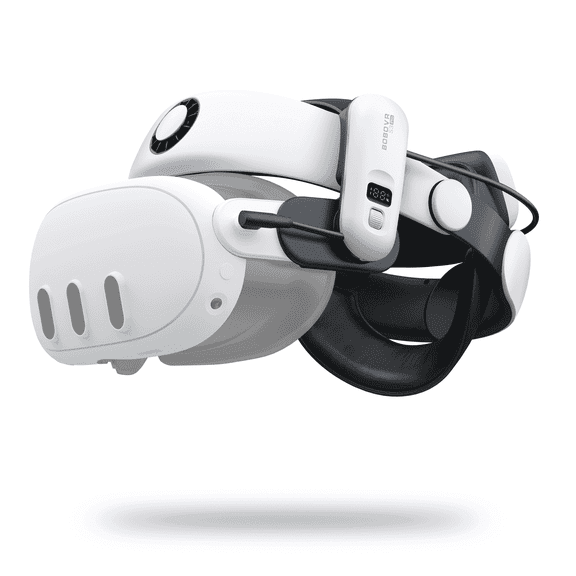
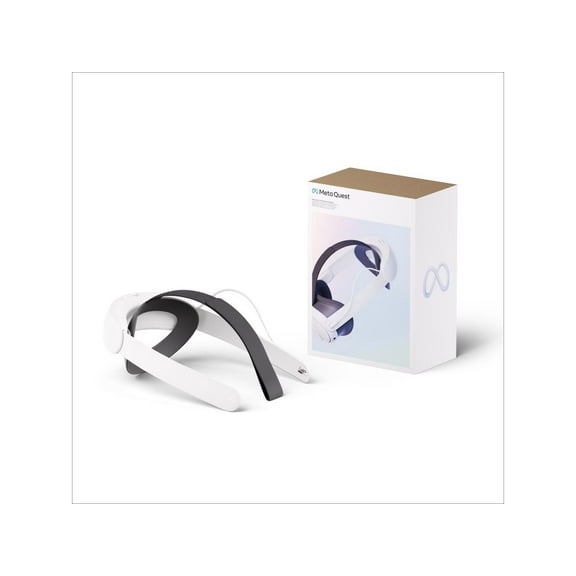
- You should compare comfort details like adjustable head straps for longer sessions.
Choosing virtual reality headsets by display and fit
You should compare display specs because screen clarity affects how sharp worlds, menus, and text appear. You can look for 4K resolution, dual LCD panels, or OLED displays depending on what kind of image you prefer.
If you notice small text often matters to you, higher resolution can help images look cleaner. You may also appreciate smoother detail when you're exploring large worlds or watching immersive video.
Dual LCD setups can give you bright visuals and clear separation for each eye during play. OLED displays can appeal to you when richer contrast and deeper dark scenes matter in space or night environments.
You should also check how the headset sits on your head before focusing only on screen specs. You can get a steadier fit from adjustable straps, balanced weight, and face padding that supports longer sessions.
If you share your headset, fit adjustments matter even more because different users need different tension. You can compare strap design and facial interface shape to find a more comfortable match.
What to look for in vr goggles tracking and controllers
You should compare movement systems carefully because tracking changes how naturally you reach, turn, and interact. You can look for 6DoF tracking, inside-out tracking, and hand tracking when reviewing vr goggles.
If you want full room-scale movement, 6DoF tracking lets your headset follow position and direction in physical space. You can crouch, lean, and step around with movement that feels more connected to gameplay.
Inside-out tracking uses onboard sensors, so you can skip extra external sensors in many setups. You may prefer this approach when you want less equipment around your room.
Hand tracking can let you navigate certain menus or experiences without always holding controllers. You should still check controller support, because many games rely on tracked vr controllers for accurate input.
If action games are part of your routine, responsive controllers can shape how precise movement feels. You can compare trigger layout, grip design, and charging style before you commit.
Understanding storage in virtual reality goggles
You should review storage first when you're comparing standalone models, because capacity affects how much you can keep installed. You can usually choose between 128GB, 256GB, and 512GB depending on your download habits.
If you play a few titles at a time, 128GB may cover your basic library and apps. You may want 256GB when you rotate through more games, social experiences, and media files.
If you plan to keep many large titles ready, 512GB gives you more room without frequent deleting. You can spend less time managing space and more time staying in the experience.
Storage matters less on some PC-powered options because your computer may handle game files separately. You should still check onboard storage if you want room for apps, captures, or mixed-use features.
Matching vr headsets to how you play
You can match different vr headsets to different routines once you know your setup and space. If you want quick access in a shared room, standalone models suit shorter sessions and easier storage.
If simulation titles, expansive worlds, or detailed visuals matter most to you, PC-powered designs may fit your goals. You can pair stronger graphics hardware with a headset that supports your preferred library.
If your home entertainment area centers on a console, a console-compatible option can keep setup straightforward. You can move from standard gaming to virtual reality without rebuilding your whole system.
You may also want a headset for active games, guided workouts, or immersive video nights. You should check fit, tracking range, and display style so your vr gear matches how often and where you use it.
If several people will use the headset, adjustable straps and easy setup become even more important. You can keep switching between users smoother when controls and fit settings are simple to manage.
You can narrow virtual reality headsets faster when you compare platform, resolution, tracking, and storage together. Your final choice should feel easier to use, easier to fit, and easier to enjoy in your everyday setup.