


Philips






About Philips - Walmart.com
You can compare a Philips TV lineup by screen size, smart platform, and picture format for a setup that fits your room. You'll also find clear guidance on gaming features, streaming options, and model details like 43pug7674/f7.
Choosing the right Philips TV for your space
Start with screen size because your room shape changes how comfortable your viewing feels. You can place a 43-inch screen in a bedroom, while a 65-inch or 75-inch screen suits a larger living area.
Consider your seating distance before you choose 50-inch or 55-inch options. You'll usually want a screen that feels immersive without forcing your eyes to track every corner.
Think about how your furniture supports the TV's footprint and height. You can also compare wall-mount plans if your media console has limited surface space.
- You can choose 43-inch or 50-inch sizes for bedrooms, apartments, and smaller dens.
- You may prefer 55-inch or 65-inch screens when your sofa sits farther from the TV.
- You can use 75-inch displays for a home theater feel in open living spaces.
- You should measure width, stand depth, and wall space before you choose your screen.
Comparing Philips brand TV display options
You can narrow your options faster when you compare LED, 4K UHD, OLED, and QLED formats. You'll notice each display type changes brightness, contrast, and overall picture style.
Look at resolution next because it affects how sharp movies, sports, and menus appear. You can expect 4K UHD to show finer detail than 1080p Full HD or 720p HD.
Check whether HDR support appears on the model you want for richer highlights and deeper shadows. You'll appreciate that extra contrast when you stream movies or watch night scenes.
LED screens can suit everyday viewing with straightforward picture performance. You may prefer OLED or QLED when your room setup calls for stronger contrast or brighter color output.
How to choose your smart platform
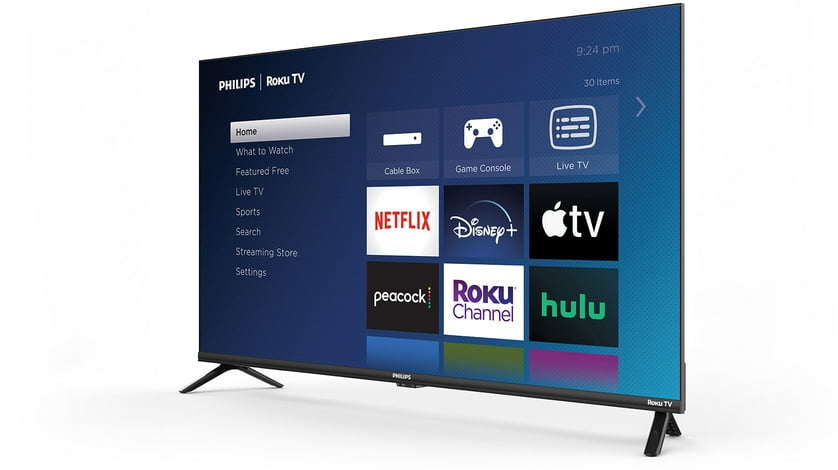
You should compare Roku TV, Android TV, and Google TV before you focus on other specs. You'll use this interface every day for streaming apps, inputs, and voice controls.
Roku TV can feel simple when you want quick access to live TV and familiar streaming menus. Android TV and Google TV can appeal when your home already uses Google accounts and connected devices.
Check app compatibility, voice assistant preferences, and menu style before you decide. You can make setup easier when your platform matches the streaming services you already use.
If you search for televisores Philips, you may also care about bilingual menu familiarity and easy app navigation. You'll want a platform that keeps streaming simple for everyone in your home.
Picking features for Philips gaming TV and entertainment
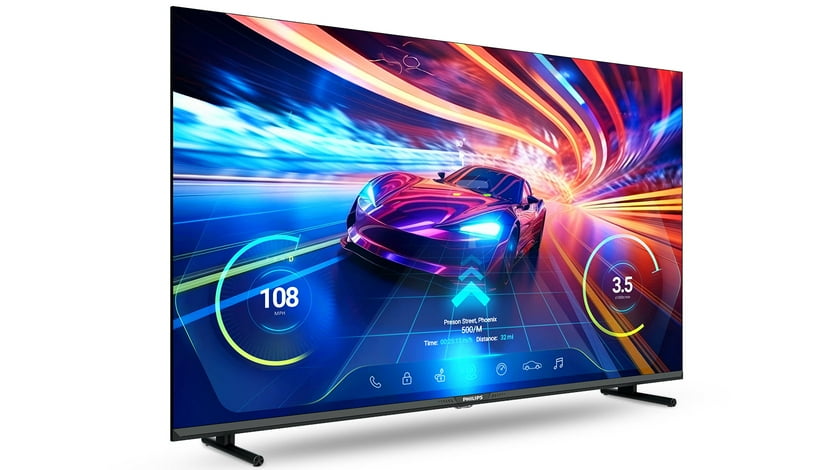
You can compare a Philips gaming TV setup by ports, refresh support, and response-focused features. You'll want enough HDMI inputs for consoles, soundbars, and streaming devices.
Look for HDMI 2.1 when you plan to connect newer gaming hardware. You can benefit from smoother motion support and easier compatibility with current console features.
Refresh rate matters because faster action looks cleaner during sports and games. You'll also want to check gaming mode details that help controls feel more immediate on screen.
For movie nights, you may focus on 4K UHD clarity and HDR support instead. You can pair your TV with a soundbar and high-speed HDMI cable for a more connected entertainment setup.
Matching use cases to your room and routine
You can choose different Philips TVs based on where and how you watch. You'll likely shop differently for a bedroom TV, a home theater screen, or an outdoor viewing area.
A bedroom setup often works well with 43-inch or 50-inch sizes and simple smart navigation. You can stream shows easily without overwhelming a dresser, desk, or compact wall.
A home theater setup may point you toward 65-inch or 75-inch screens with 4K UHD detail. You'll notice larger visuals feel more cinematic when your seating area gives the picture room to breathe.
For casual gaming, you may prioritize HDMI ports, refresh support, and responsive menus. You can keep multiple devices connected when your setup includes a console, soundbar, and media player.
If you plan an outdoor placement, you should first confirm your covered space, power access, and mounting plan. You'll want a screen size that stays visible from seating areas and entertaining zones.
What to check before you decide on Philips televisions
You should review resolution, screen size, smart platform, and connectivity together instead of choosing only by appearance. You'll get a setup that fits your room and the way you actually watch.
Keep your preferred size, platform, and gaming needs in mind when you compare Philips televisions. You can land on a screen that feels easy to use and satisfying every time you press play.