

Projection Equipment for Office and Home
















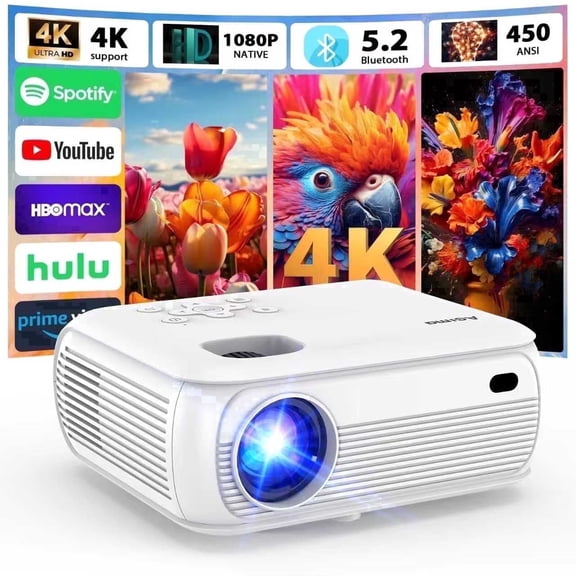
![[Netflix Ready] Smart Projector with WiFi and Bluetooth, 4K 1080P Support, Electric Focus & Auto Keystone, Rotatable & Height-Adjustable Stand, Max 250" Screen](https://i5.walmartimages.com/seo/Netflix-Licensed-Smart-Projector-WiFi-Bluetooth-4K-1080P-Support-Electric-Focus-Auto-Keystone-Compatible-TV-Stick-Mobile-Phones-Laptops_34000fb5-62b7-489b-af8f-529626413708.26e4ddfba31e3db6fc6893d426781835.jpeg?odnHeight=576&odnWidth=576&odnBg=FFFFFF)




About Projection Equipment for Office and Home - Walmart.com
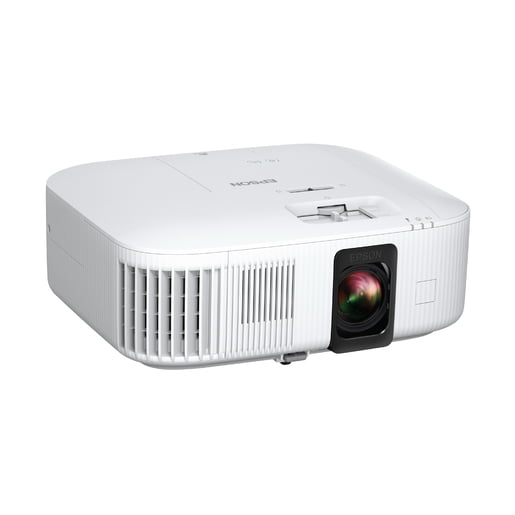
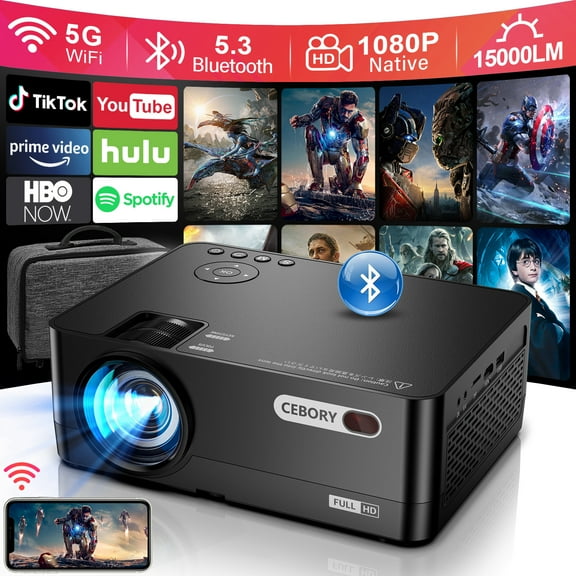
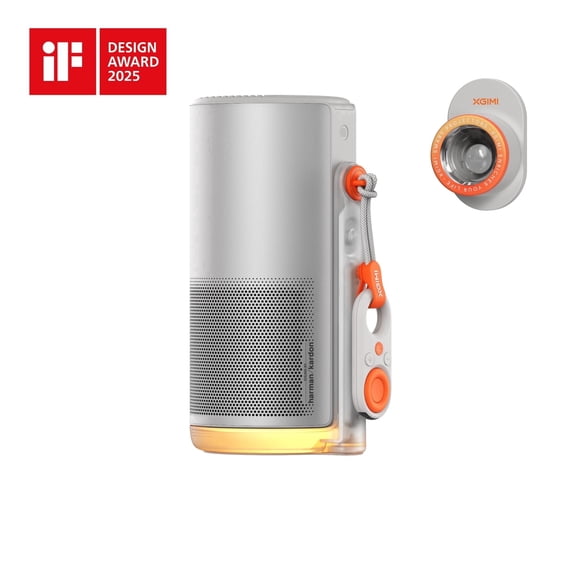
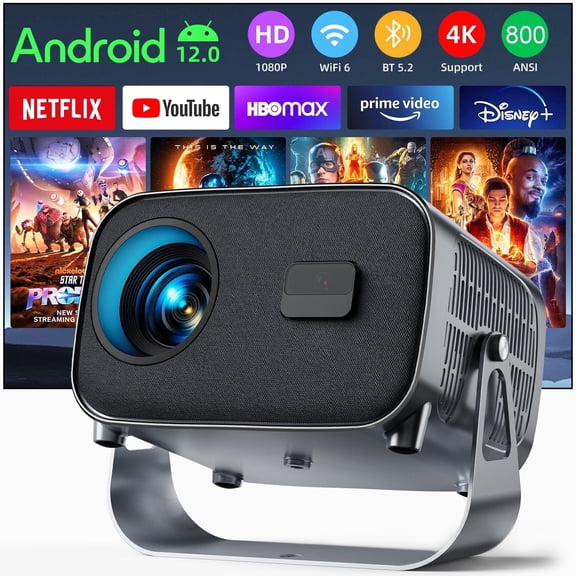
Projection equipment helps you build a clear setup for movies, presentations, and game nights. You can compare screens, mounts, cables, and remotes in one place for a connected setup.
When you shop this category, you’re usually balancing room size, device compatibility, and viewing habits. You’ll also want options that fit home theater projection, office presentation spaces, or outdoor movie setups.
How to choose projection equipment
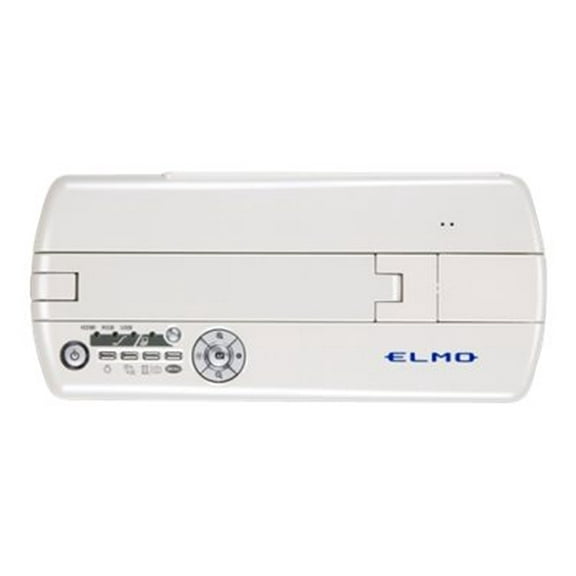
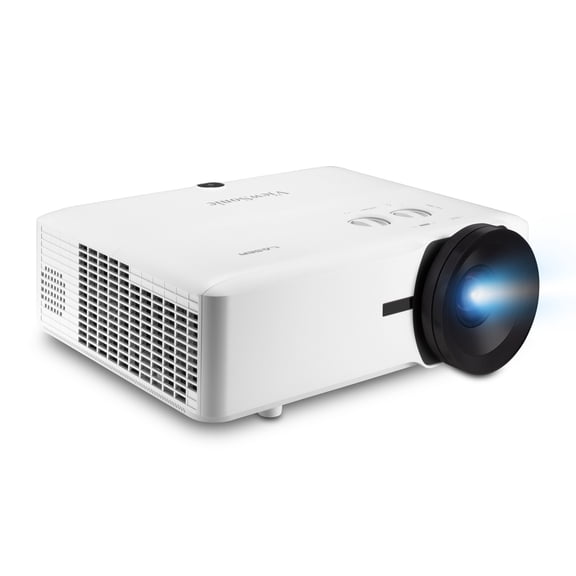
You can start with equipment type, because each piece changes how your setup works. You may need projectors for image output, screens for picture clarity, mounts for placement, or cables and remotes for control.
For a simple setup, you can match your main viewing space with the right essentials first. You’ll often narrow choices faster when you decide between tabletop use, ceiling placement, or a portable arrangement.
- You can create a polished picture when your screen size matches your room distance.
- You can keep your setup easier to use when your cables, remotes, and source devices connect smoothly.
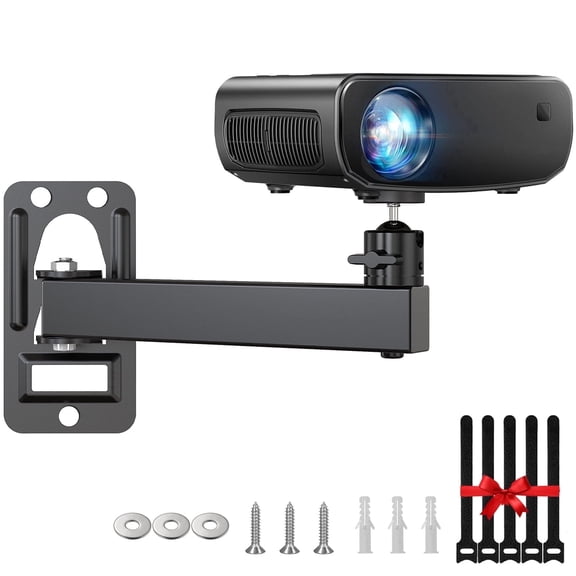
- You can make your room feel intentional when your projector mounts support stable placement.
- You can adapt your setup for movies, meetings, or outdoor viewing when you compare brightness and resolution.
You’ll notice that the right combination can reduce setup guesswork during daily use. Your viewing experience also feels consistent when the screen, mount, and projector work together.
Choosing projection screens and screen sizes
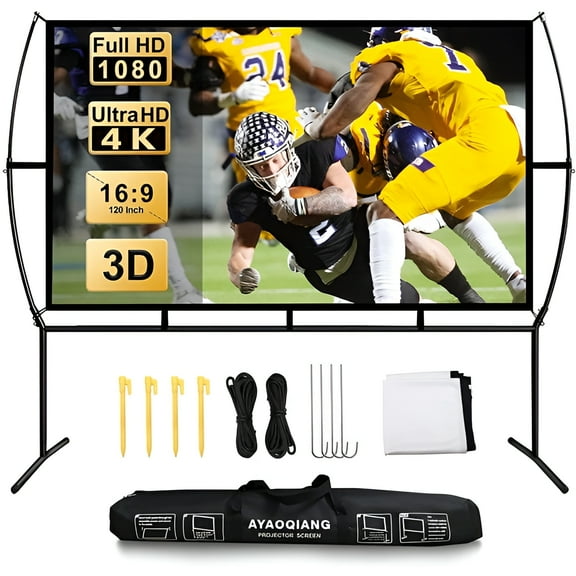
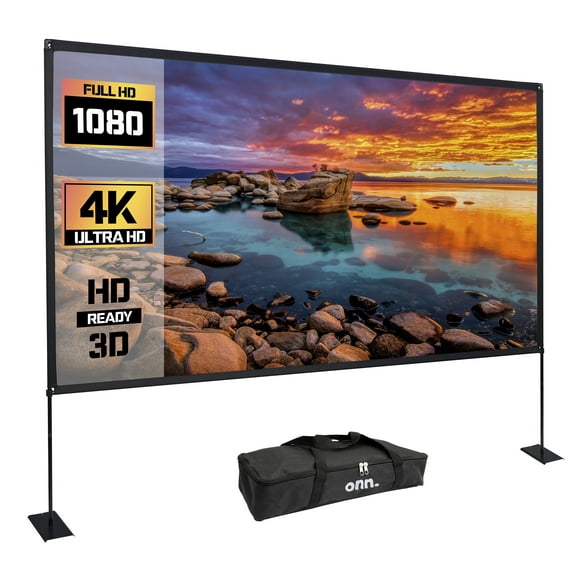
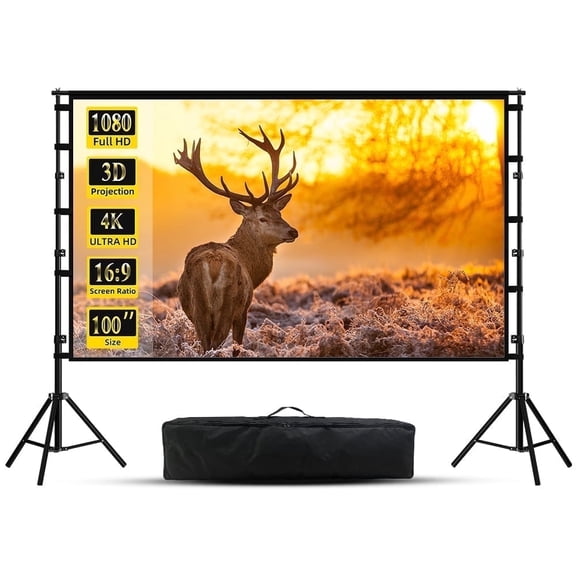
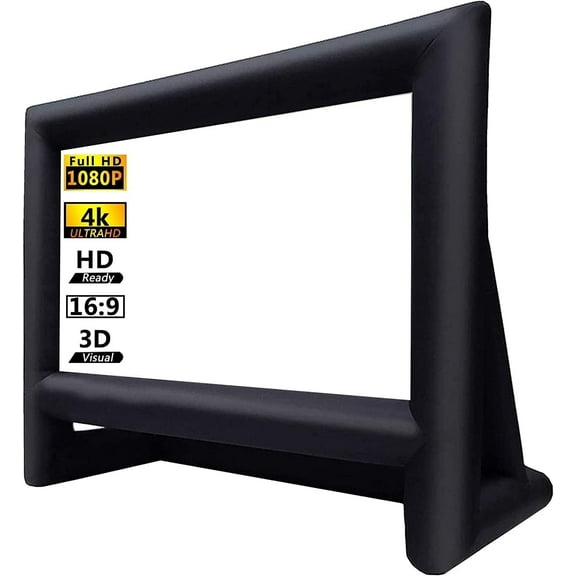
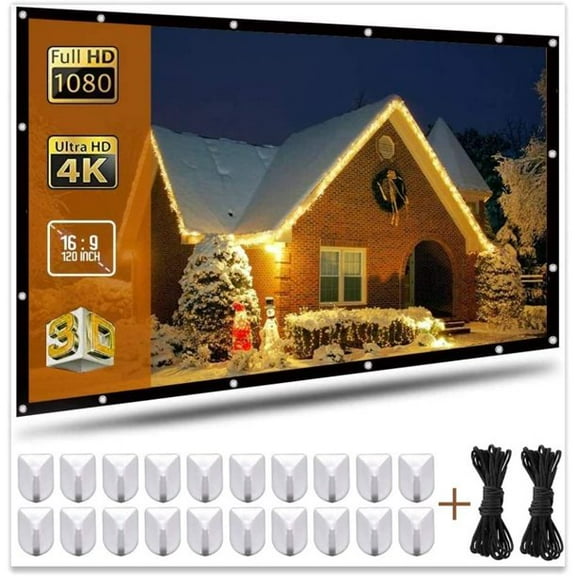
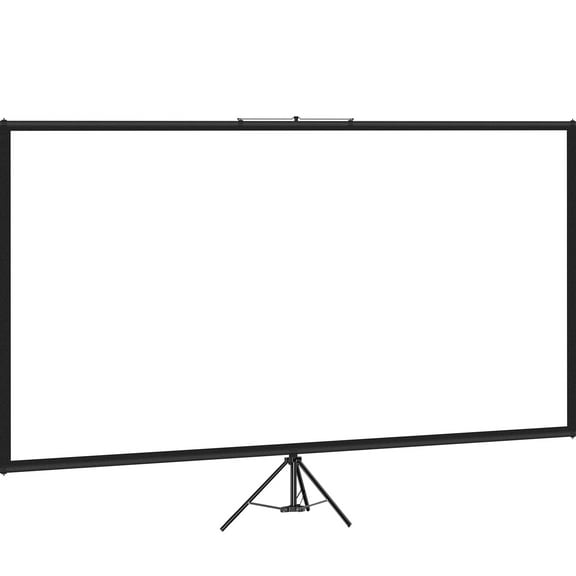
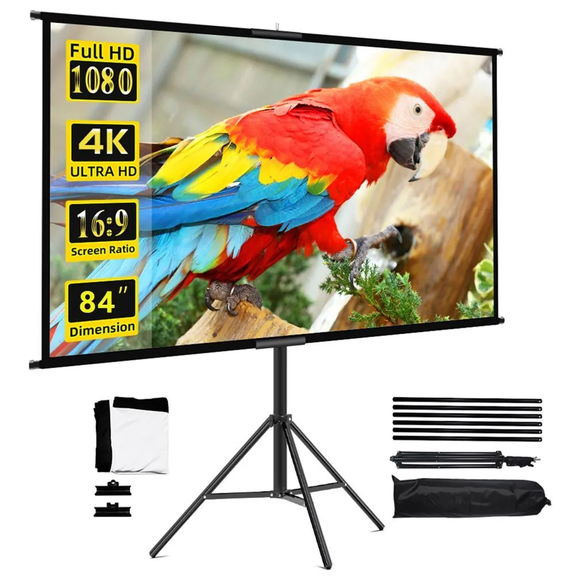
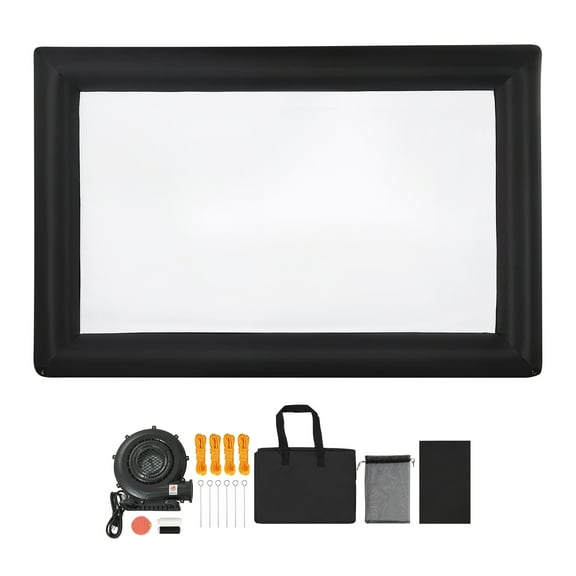
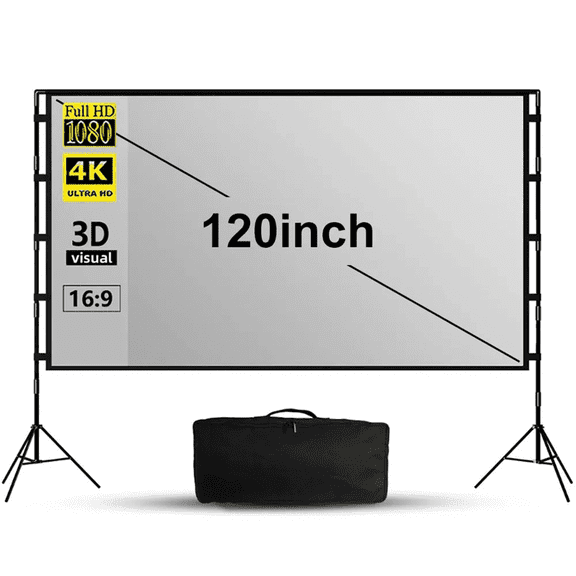
You should compare projection screens by size before you focus on extra details. You can often choose 100 inch, 120 inch, or 150 inch screens based on your wall space and seating distance.
If your room is tighter, you may prefer a 100 inch screen for comfortable viewing. If your room is deeper, you can step up to 120 inch or 150 inch sizes.
You’ll want to measure the viewing wall and check where your seats actually sit. Your screen should feel large enough for immersion without overwhelming the room or crowding nearby furniture.
For home theater projection, you may prefer a larger screen in a darker room. For office presentation use, you may want a size that stays readable across conference tables.
What to look for in resolution and brightness
You can compare resolution by thinking about what you watch frequently. You may choose 720p for basic viewing, 1080p for sharper everyday detail, or 4K UHD for highly refined picture definition.
If you stream movies or play newer games, you’ll likely notice the added detail from higher resolution. If you need a casual setup, you may find lower resolution works for simpler content.
You should also check brightness, which you can measure in lumens. You’ll usually want higher lumens for rooms with more ambient light and lower lumens for darker home theater spaces.
For daytime viewing, you can look for brightness that holds up with lamps or windows nearby. For evening movie rooms, you may focus more on contrast and screen pairing.
Checking compatibility and projector accessories
You should compare projector accessories with your current devices before you choose. You’ll want to check HDMI version support, wireless protocols, and throw distance, because those details affect daily setup.
Throw distance tells you how far your projector sits from the screen to create the image size you want. You can avoid placement frustration when you measure that distance before you choose.
If you connect streaming devices, game consoles, or laptops, you’ll want ports that fit your sources. If you prefer fewer visible cords, you may also compare wireless connection options.
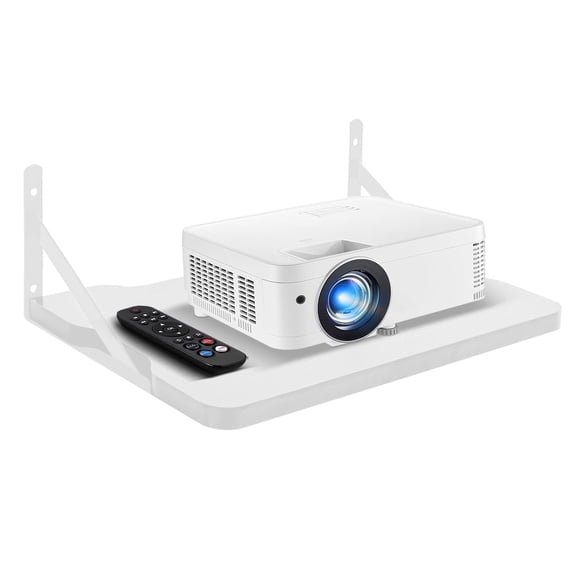
Projector accessories can also include replacement remotes, signal cables, and setup add-ons for smoother control. You can keep your system easier to manage when those pieces match your main equipment.
Comparing projector mounts and placement options
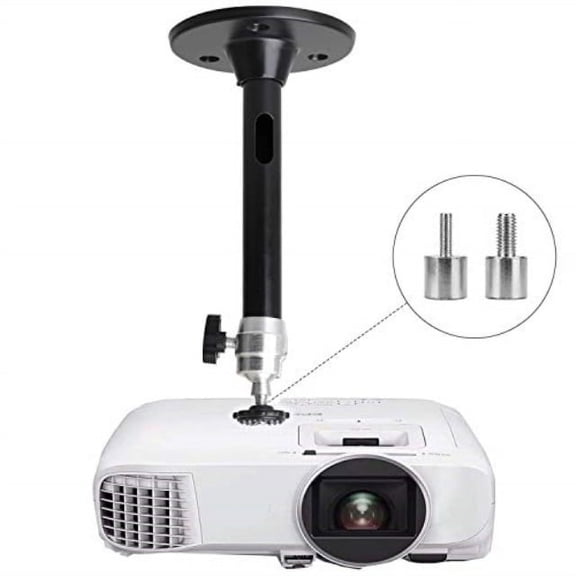
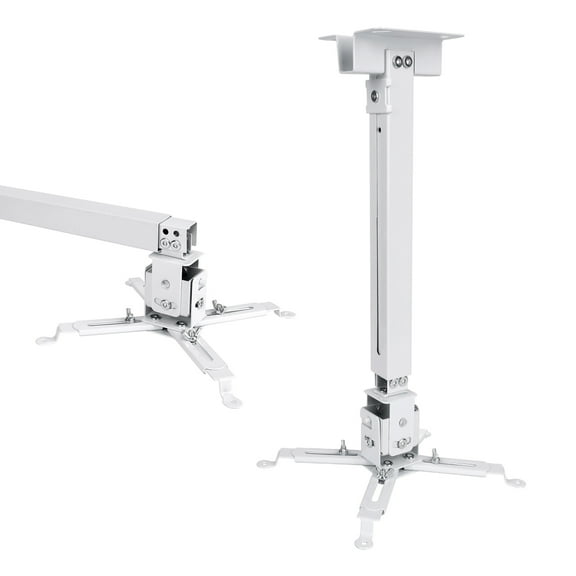
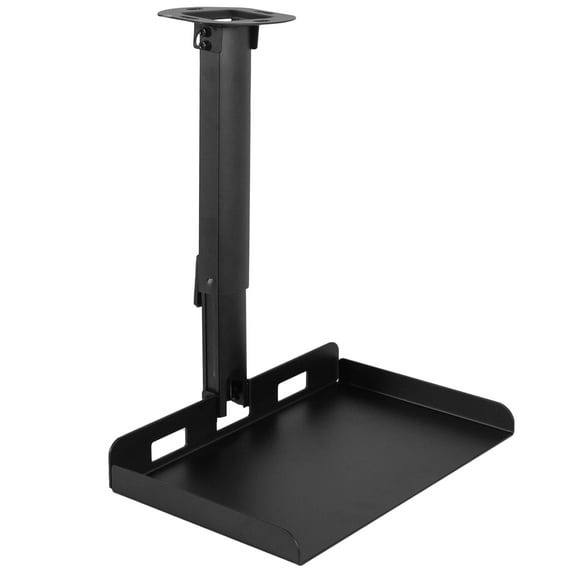
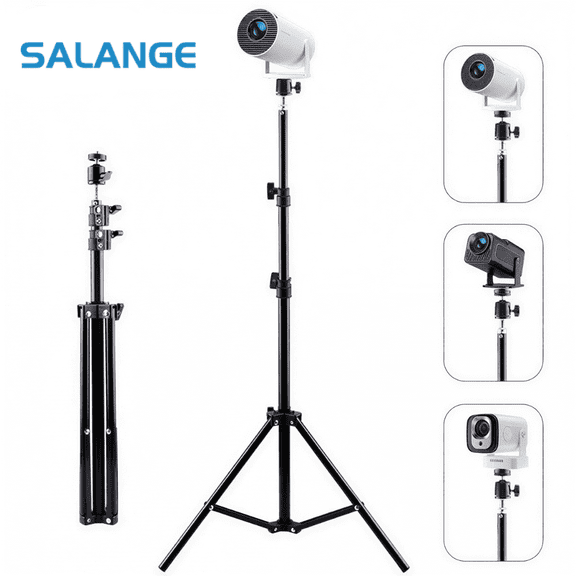
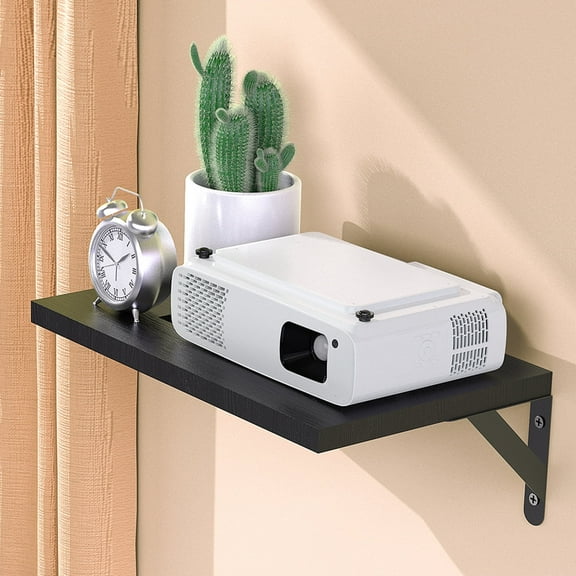
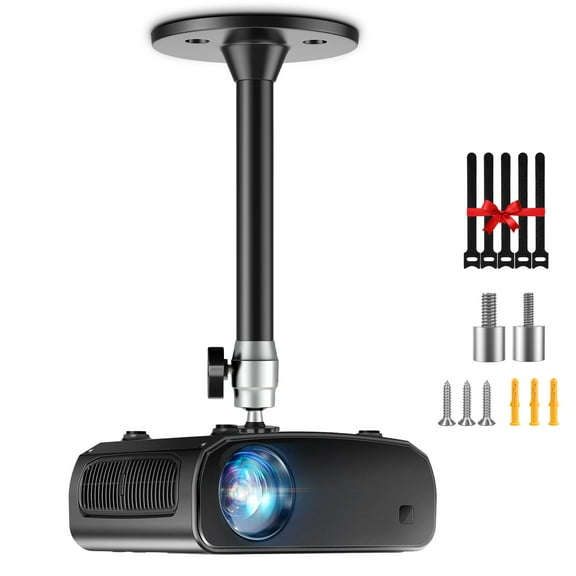
You can narrow projector mounts by deciding where your unit will live every day. You may prefer ceiling mounting for a permanent room layout or tabletop placement for flexibility.
If you want a cleaner room look, you might choose a ceiling mount that keeps surfaces open. If you move your setup between rooms, you may prefer equipment that works without fixed installation.
You should think about power access, cable routing, and viewing angle before placement. You’ll get a comfortable picture when the projector lines up well with your screen height.
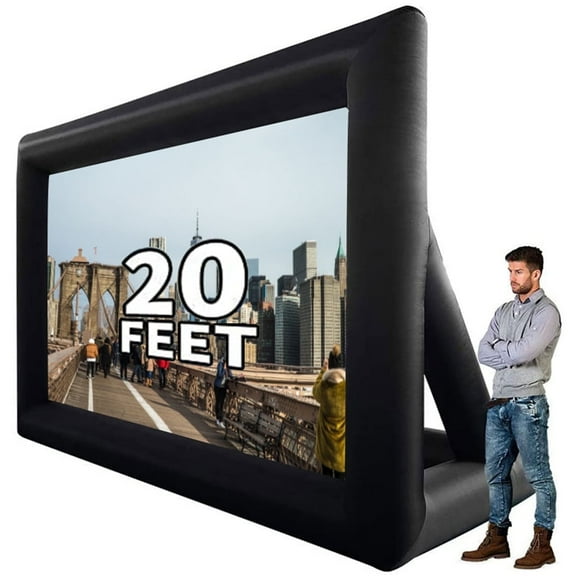
For outdoor movies, you may lean toward portable arrangements with easy setup and teardown. For office spaces, you may prefer mounted options that keep presentations ready for repeat use.
Matching projection equipment to your space
You can match projection equipment to how you actually use the room, not just the specs list. Your setup for home theater projection may look very different from your setup for work meetings.
For movie rooms, you may combine 4K UHD support, a larger screen, and controlled lighting. For office presentation spaces, you may focus on readable brightness, easy connections, and quick startup.
If you host backyard screenings, you may look for portable screens, simple remotes, and flexible cables. If you share spaces with family members, you may want controls that feel straightforward for everyone.
You’ll feel confident when your choices reflect room size, source devices, and installation style. Your final setup can deliver a cleaner image, easier control, and a highly usable viewing space.