







All Laptop Computers in Laptops
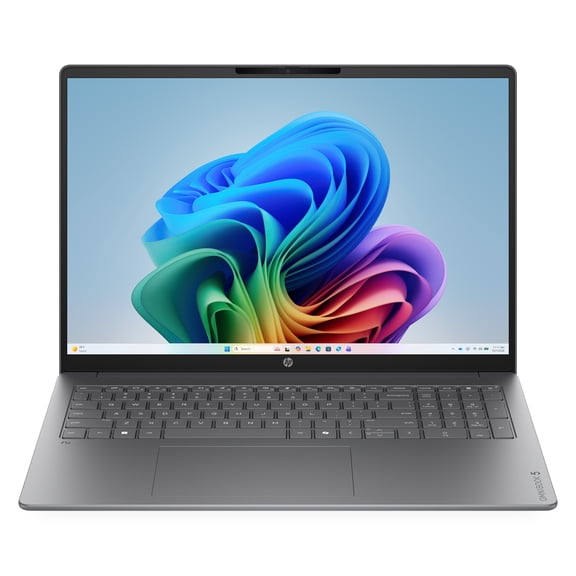

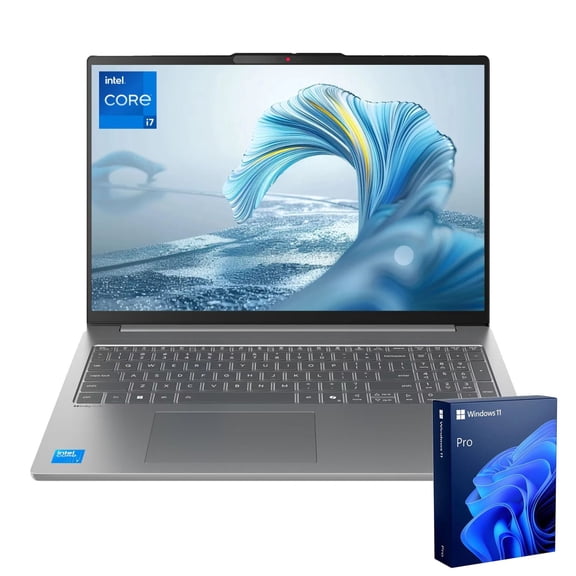
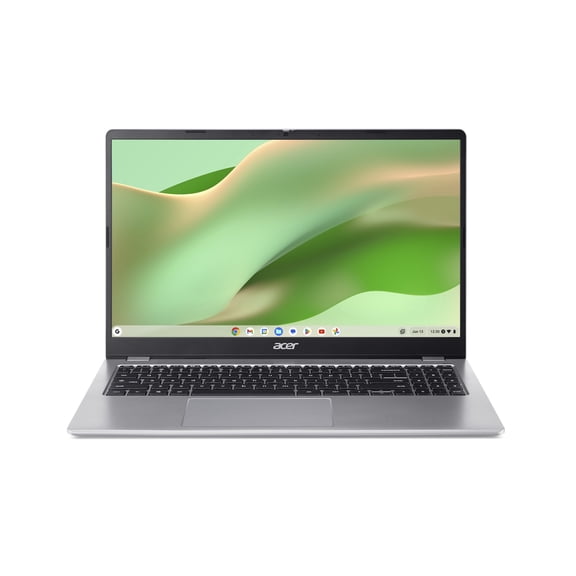
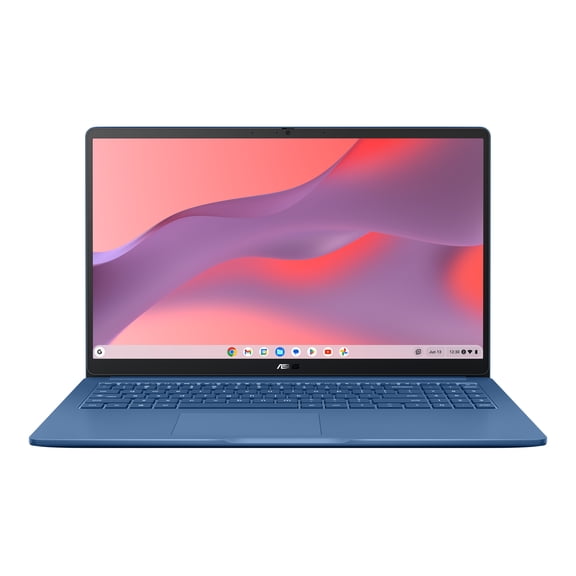


























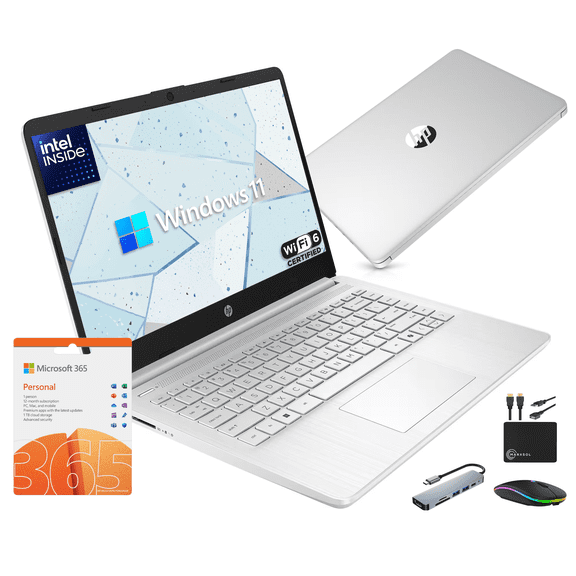


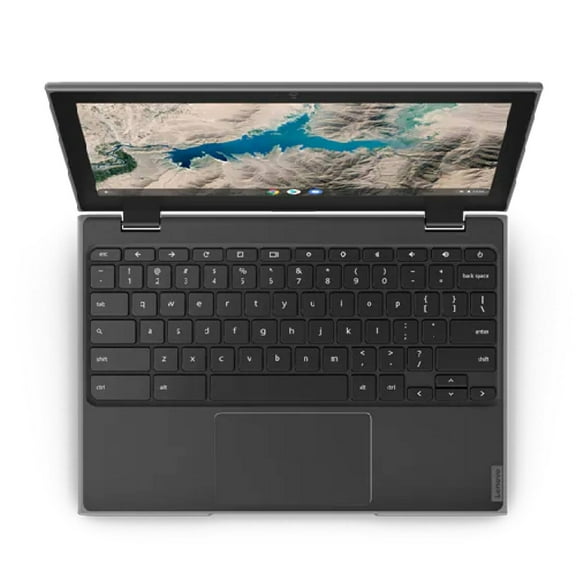
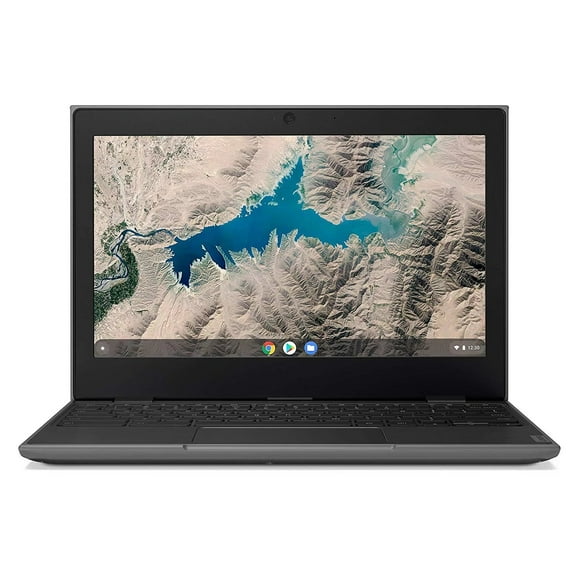
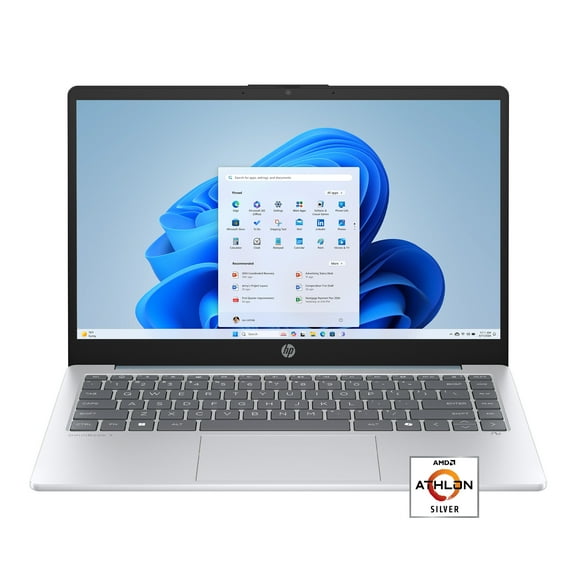




About All Laptop Computers in Laptops - Walmart.com
Newest laptops help you handle work, school, streaming, and gaming with current features that fit how you use laptop computers every day. You can compare operating systems, processors, screen sizes, memory, and storage in one place, so your next device feels tailored to your routine.
How to choose newest laptops
When you compare newest laptops, you should start with the operating system because it shapes your apps, settings, and everyday workflow. You may prefer Windows for broad software support, ChromeOS for simple web-focused tasks, or macOS for a familiar Apple experience.
Your processor and RAM decide how smooth your laptop feels when you switch tabs, join video calls, or open large files. You can look at Intel Core or AMD Ryzen for stronger multitasking, while Intel Celeron may suit lighter browsing and document use.
Screen size changes how your laptop fits into your day, especially if you move between classrooms, meetings, and home. You may want 11-13 inches for portability, 14-15 inches for balance, or 16+ inches for a roomier workspace.
Your storage type matters because it affects load times, file access, and how responsive your device feels over time. You’ll often notice SSD options start faster and open apps quicker, while eMMC and HDD choices can fit lighter storage needs.
What to look for in laptop computers
You can narrow laptop computers faster when you match specs to what you actually do each day. Your everyday tasks, preferred programs, and travel habits should guide each decision instead of a long feature list.
- You can choose Windows, ChromeOS, or macOS based on your app needs and how you like to work.
- You can compare Intel Core, AMD Ryzen, and Intel Celeron by the speed you want for multitasking.
- You can match 4GB, 8GB, 16GB, or 32GB RAM to browsing, homework, creative work, or demanding gameplay.
- You can pick 11-13 inch, 14-15 inch, or 16+ inch screens by portability and viewing comfort.
- You can select SSD, eMMC, or HDD storage by startup speed, file space, and daily responsiveness.
If you keep many browser tabs open, you’ll usually want at least 8GB RAM for smoother switching and fewer slowdowns. If your workload includes editing, design programs, or newer games, you may prefer 16GB or 32GB.
You should also consider battery life expectations, keyboard layout, and port selection before you commit to a model. Your setup may work better with USB-C, HDMI, or extra USB ports for monitors, drives, and accessories.
Choosing operating system, processor, and memory
You should compare operating systems first because software compatibility can matter more than small hardware differences. Your school tools, office programs, cloud apps, and device ecosystem often point you toward the right platform.
Windows laptops can suit broad productivity and gaming needs, while ChromeOS devices can fit web apps, streaming, and lighter coursework. If your workflow already centers on Apple services, you may prefer macOS for that familiar connection.
Your processor affects how quickly your laptop responds when you launch apps or manage multiple tasks at once. You can think of Intel Core and AMD Ryzen as stronger choices for heavier use, while Intel Celeron fits simpler routines.
RAM works alongside the processor, so you should view both together instead of comparing either one alone. You may find 4GB works for basic tasks, 8GB feels more flexible, and 16GB or 32GB supports demanding workloads.
Choosing screen size and storage
You should measure where and how you use your laptop before choosing a screen size. Your backpack space, desk setup, and viewing habits can make one size feel much more practical than another.
If you carry your device often, you may appreciate 11-13 inch models that feel easier to pack and move. If you want a middle ground, 14-15 inch laptops can give you usable screen space without feeling bulky.
You may prefer 16+ inch options when your work involves spreadsheets, editing timelines, or side-by-side windows. Your larger display can make detailed tasks feel more comfortable, especially during long sessions.
Storage deserves close attention because it affects both capacity and speed in everyday use. You’ll usually notice SSD storage feels quicker for startups and app launches, while eMMC and HDD options can support lighter file needs.
Matching newest laptops to your routine
You can match newest laptops to school by focusing on portability, battery life, and simple access to class platforms. Your ideal setup may include ChromeOS or Windows, 8GB RAM, and an 11-13 inch or 14-15 inch screen.
For office work, you may want a laptop that handles spreadsheets, presentations, and video meetings without hesitation. Your shortlist might include Windows or macOS, an Intel Core or AMD Ryzen processor, and SSD storage.
If your household shares a device, you should look for a balanced model that supports browsing, streaming, homework, and everyday tasks. You may find a 14-15 inch screen, 8GB RAM, and SSD storage covers a wide range of use.
When gaming or creative projects matter, you’ll likely want more memory, stronger processing, and a larger display. Your setup may feel more capable with 16GB or 32GB RAM, a 16+ inch screen, and fast SSD storage.
You can choose with more confidence when you compare operating systems, processor types, screen sizes, RAM, and storage as connected decisions. Your final laptop should fit your workload, travel habits, and preferred digital setup from the start.