

TV Cables & Connectors in TV Accessories








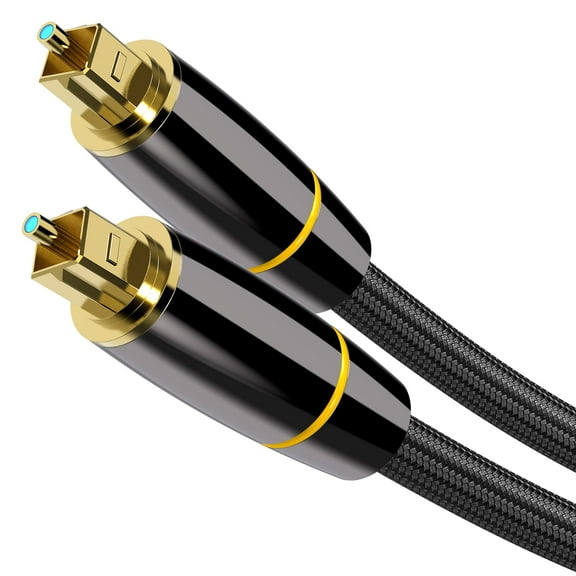
![FosPower (10 Feet) 24K Gold Plated Toslink Digital Optical Audio Cable (S/PDIF) - [Zero RFI & EMI Interference] Metal Connectors & Ultra Durable Nylon Braided Jacket](https://i5.walmartimages.com/seo/FosPower-10-Feet-24K-Gold-Plated-Toslink-Digital-Optical-Audio-Cable-S-PDIF-Zero-RFI-EMI-Interference-Metal-Connectors-Ultra-Durable-Nylon-Braided-Ja_22436de7-f5f5-4aa1-9994-6583e0ecd161.c0367e742fcddabccb594de5868c2dcb.jpeg?odnHeight=576&odnWidth=576&odnBg=FFFFFF)








About TV Cables & Connectors in TV Accessories - Walmart.com
TV cables and connectors help you link screens, speakers, boxes, and antennas with the right fit for your setup. You can compare cable type, length, resolution support, and connector gender to avoid mismatched ports and weak signals.
How to choose tv cables and connectors
You'll want to start with the ports on your TV and source device before you compare any cable. You can check whether you need HDMI, coaxial, RCA, optical, or DisplayPort for your connection.
Each cable type serves a different job in your entertainment setup, so your choice affects both picture and sound. You can narrow options faster when you match the cable to your exact input and output ports.
- You can use HDMI for one-cable video and audio between TVs, streaming boxes, and game consoles.
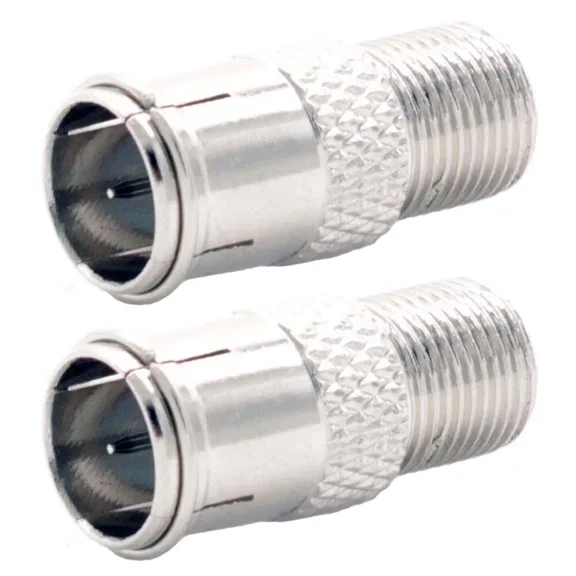
- You can choose a coaxial tv cable for cable boxes, antennas, satellite equipment, and threaded F-type connections.
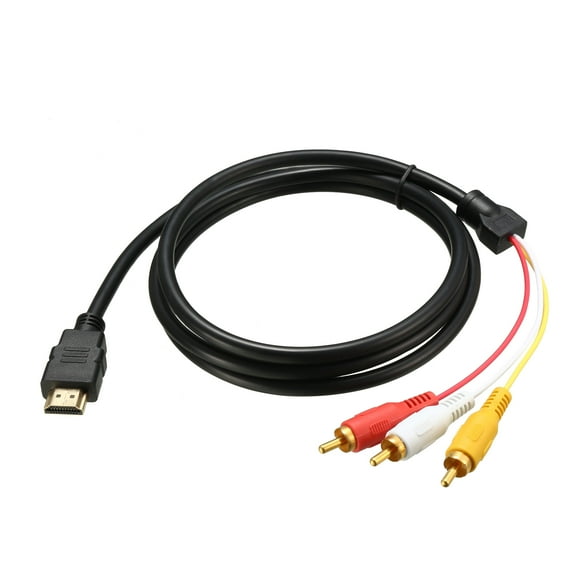
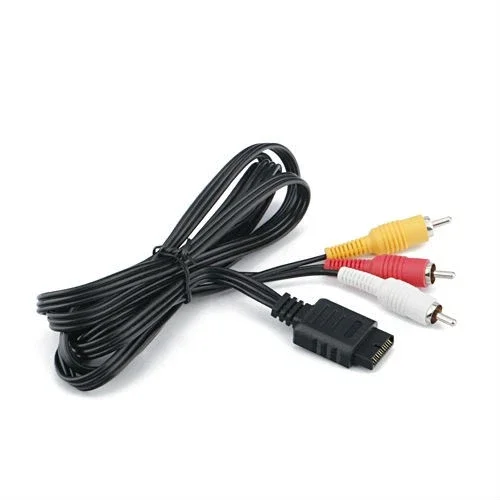
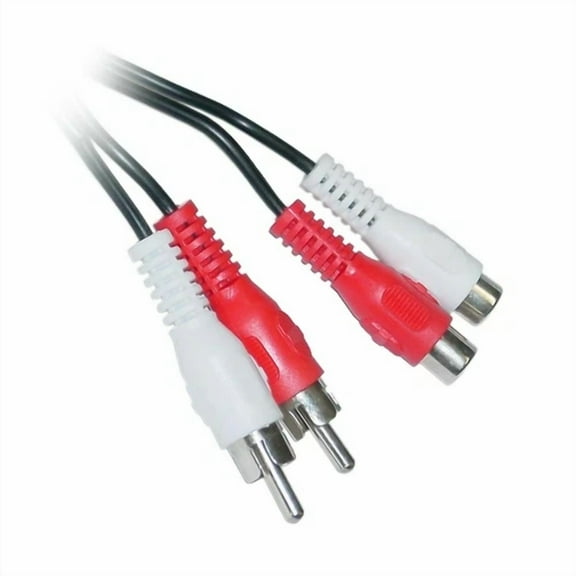
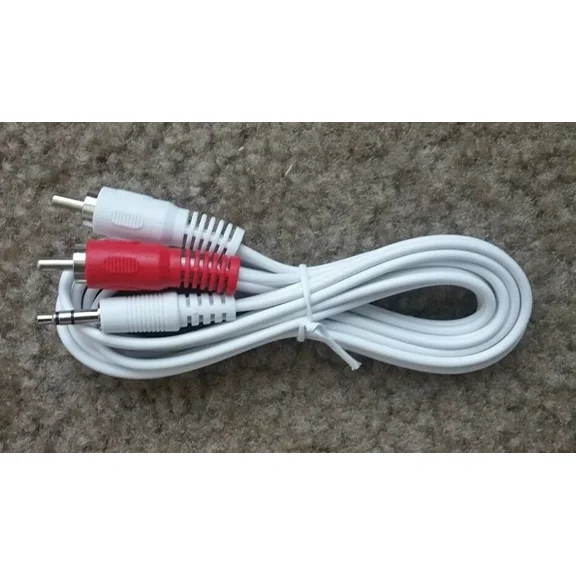
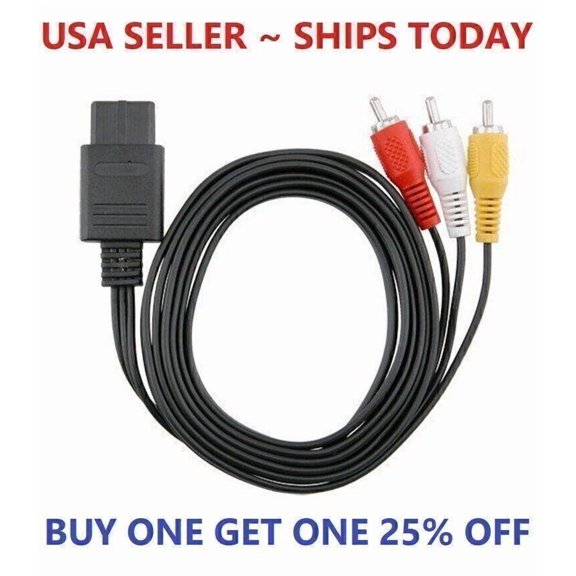
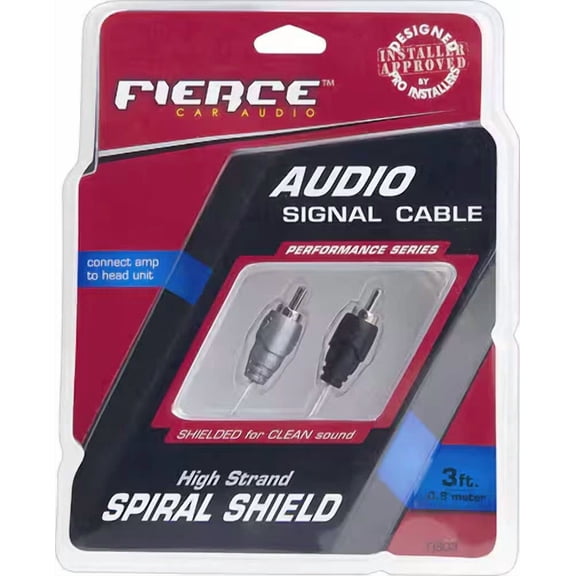
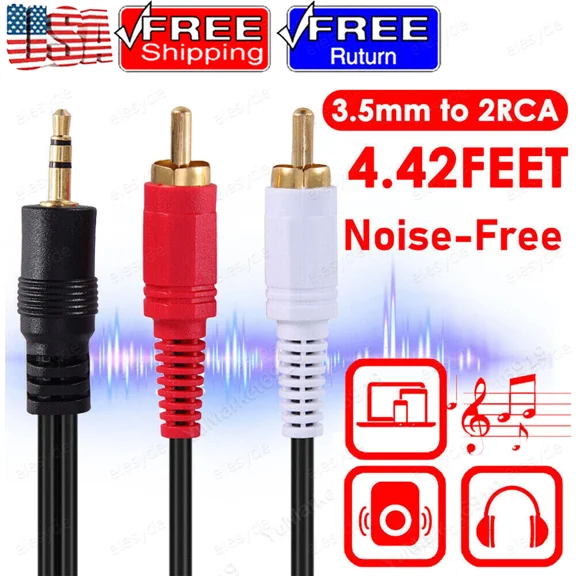
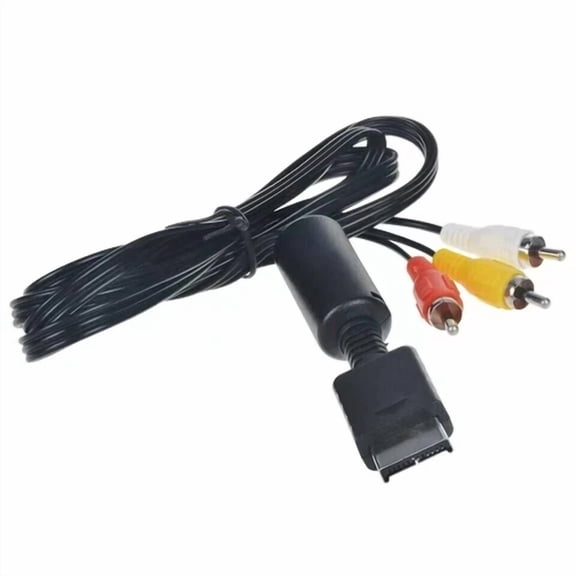
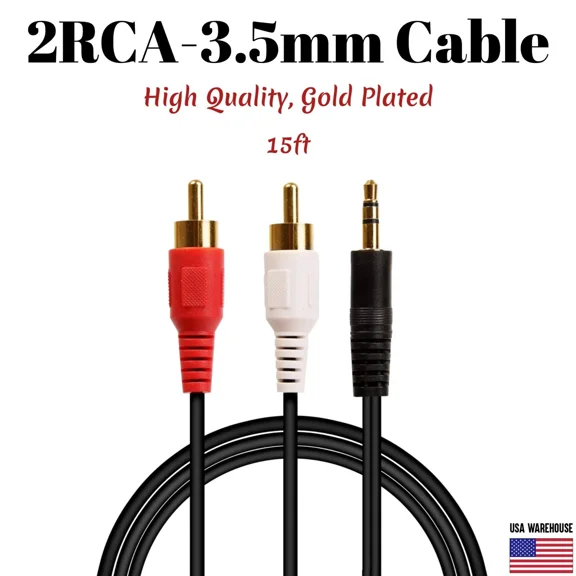
- You can pick audio video cables like RCA when your older TV, DVD player, or receiver uses red, white, and yellow ports.
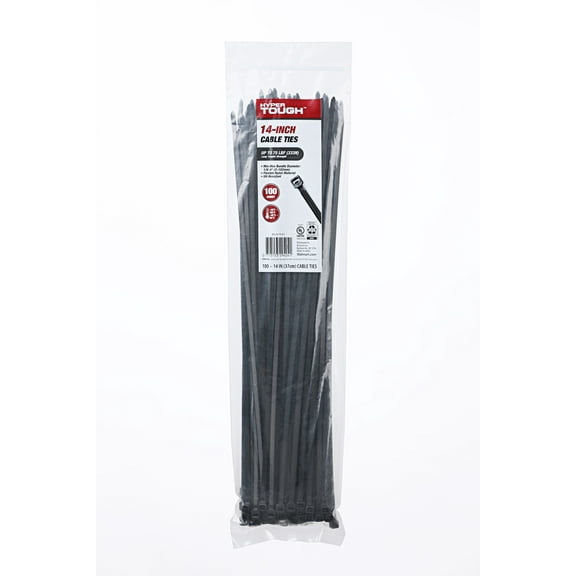
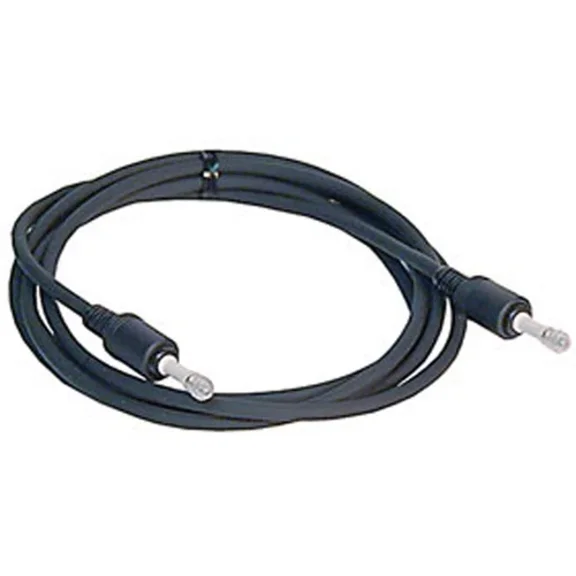
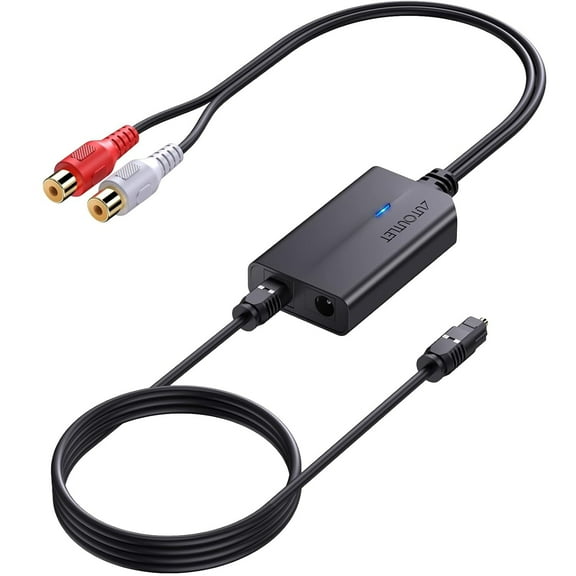
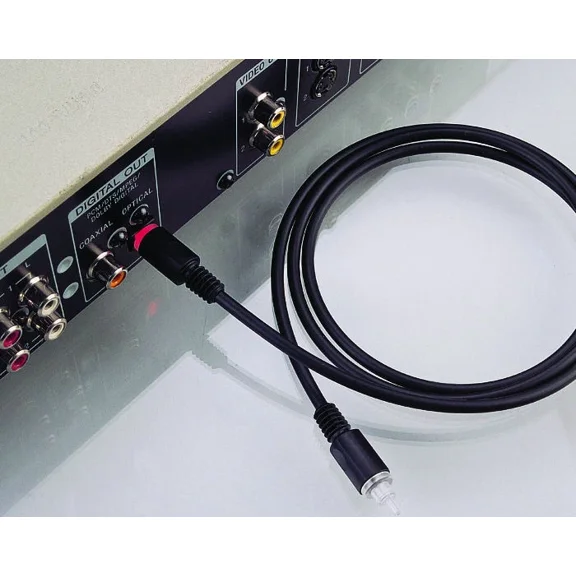
- You can add an optical audio cable when your soundbar or receiver uses digital audio ports.
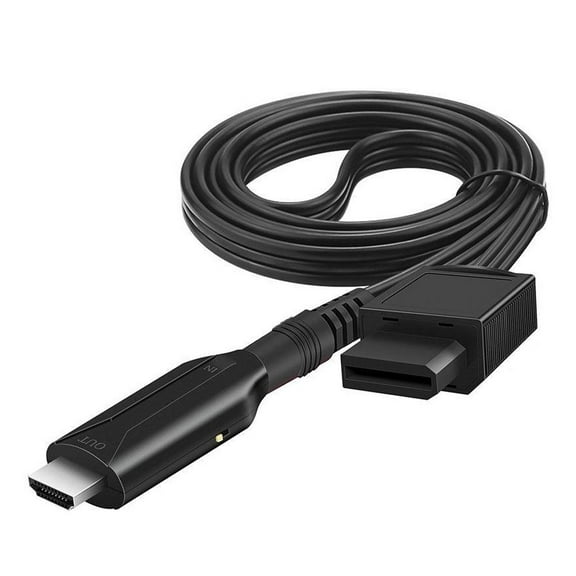
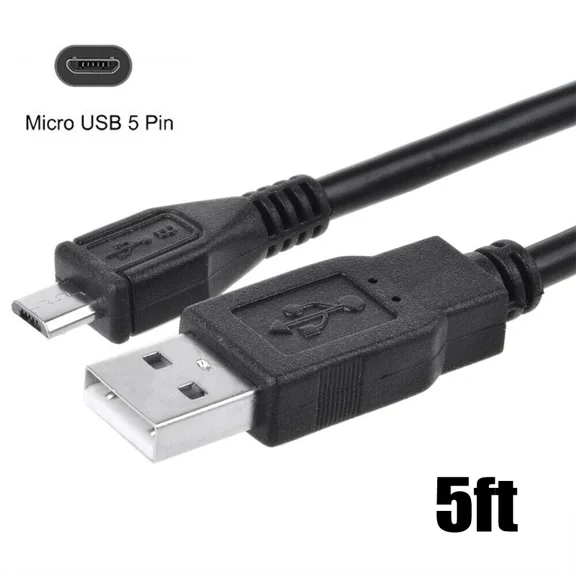
- You can use tv connectors and adapters when your cable ends or port shapes don't match.
Choosing the right cable type and connector
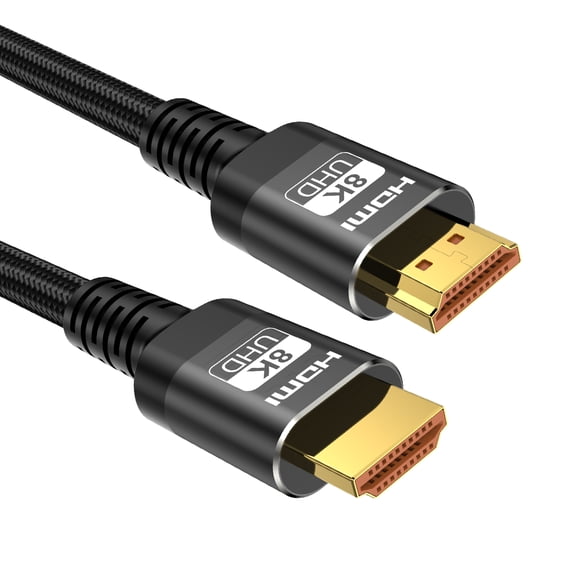
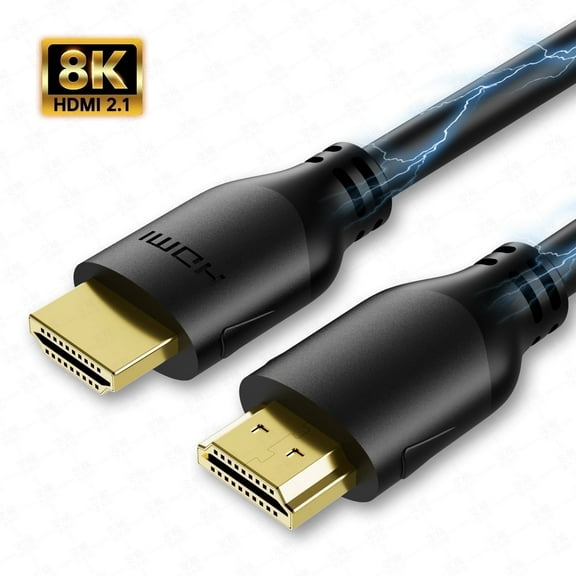
If your TV has HDMI ports, you'll usually want hdmi cables for tv because they carry picture and sound together. You can also compare HDMI versions when you need features tied to newer devices.
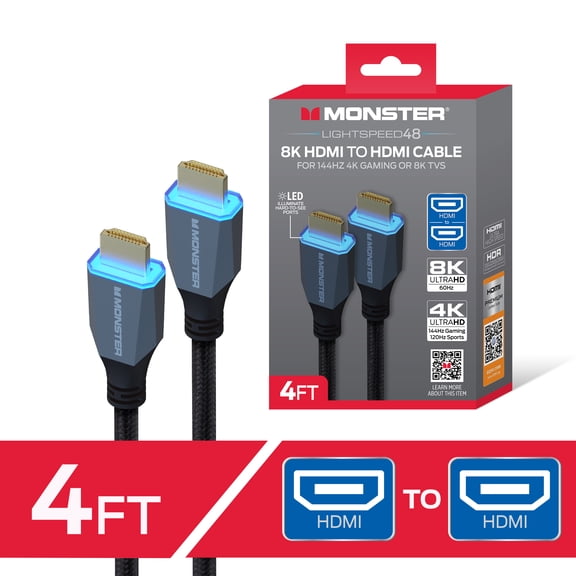
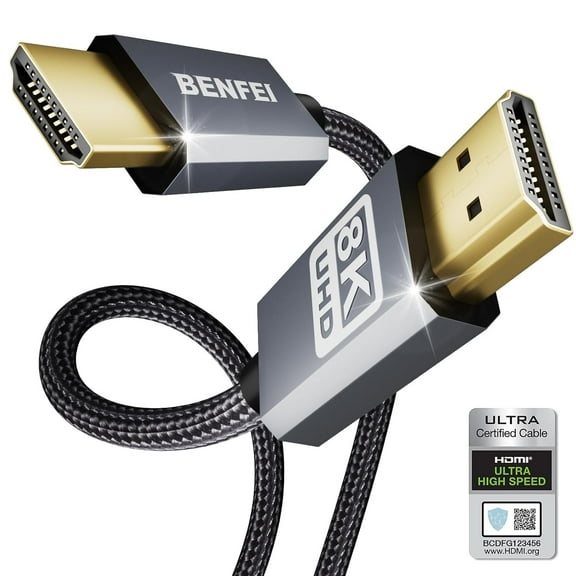
When you shop HDMI, you should check whether your setup needs 1080p Full HD, 4K, or 8K support. You may also want high speed HDMI options if your streaming box or console outputs higher resolutions.
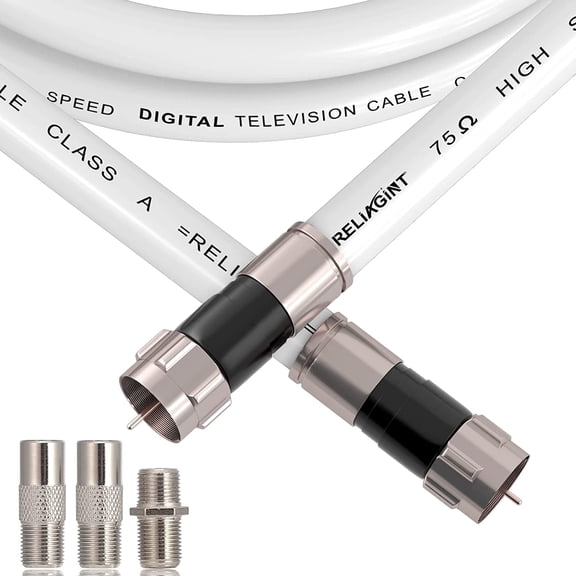
For cable or antenna connections, you can look for a coaxial tv cable with F-type ends that screw into place. You'll get a secure fit that works well for wall jacks, modems, cable boxes, and many TV inputs.
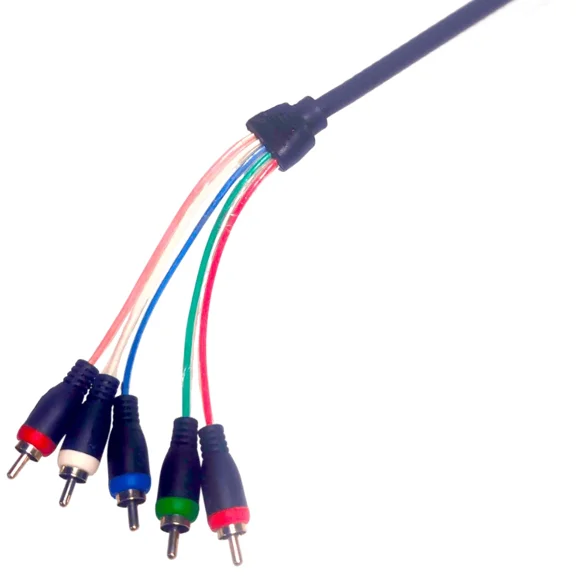
If you connect older gear, you may need RCA cables for separate audio and video lines. You can also use an optical audio cable when you want digital sound from your TV to a soundbar.
Connector gender matters when your existing cable almost fits but still won't connect. You can compare male to male, male to female, and female to female options before you choose an adapter.
Choosing cable length and signal support
You should measure the path from one device to the next before you pick a cable length. You can leave a little slack so your cable reaches cleanly without pulling tight behind furniture.
Shorter lengths like three ft or six ft can work well for nearby devices on the same stand. You may need 10 ft, 15 ft, or 25 ft+ lengths when your wall-mounted TV sits farther away.
Resolution support should match the content and hardware you use every day. You can choose 1080p Full HD for basic setups, or move to 4K and 8K support for newer screens.
Signal quality also depends on how well a cable protects against outside interference. You can look for shielding and sturdy connector construction when your setup includes several nearby electronics.
That extra protection can help you maintain a steady signal through longer runs and busy media centers. You'll notice this matters most when you route cables behind consoles, routers, speakers, and power strips.
Using hdmi cables for tv and home theater gear
You can use hdmi cables for tv when you connect streaming devices, Blu-ray players, soundbars, and gaming systems. You'll appreciate one cable carrying both video and audio through a single connection.
If your setup includes a newer console or media player, you should compare HDMI version details with your TV ports. You can check whether your equipment supports features tied to 4K, 8K, or advanced audio formats.
Home theater shoppers often need support for surround sound connections as well as sharp picture output. You can look for compatibility with formats like Dolby Atmos when your receiver or soundbar supports them.
DisplayPort can also matter when you connect certain monitors or mixed-use screens in a media space. You should confirm your port type first, because DisplayPort doesn't replace HDMI on every TV setup.
Using audio video cables, coaxial lines, and adapters
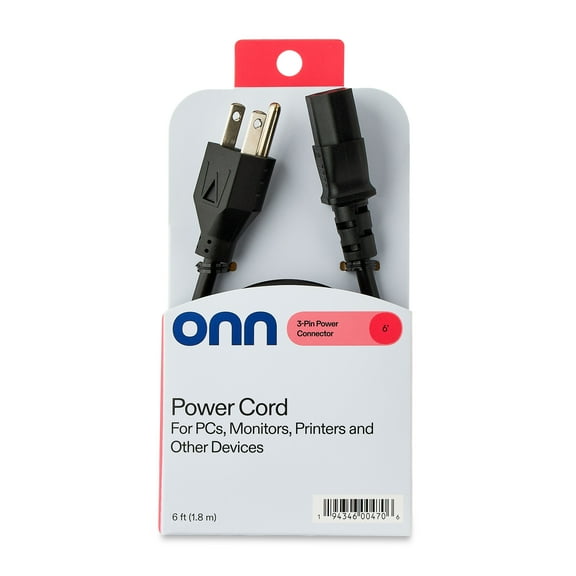
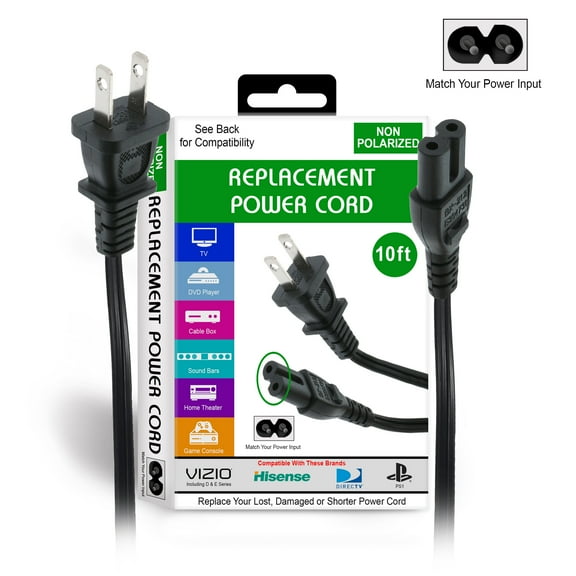
You may need audio video cables when you connect legacy devices that still use composite ports. You can keep older DVD players, VCR combos, or retro game systems connected with the right cable ends.
For antenna or cable service, you can choose threaded coaxial lines that stay secure during setup changes. You'll want to confirm the connector style before you add splitters, extenders, or replacement ends.
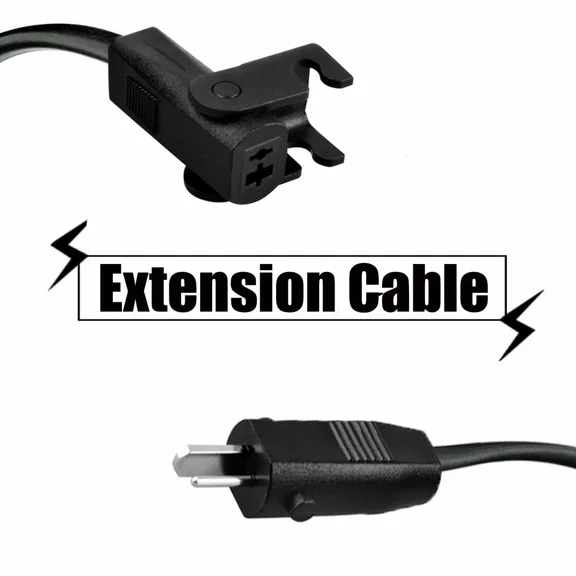
Adapters help when your room layout, wall plate, or existing cable creates an awkward connection point. You can solve extension needs with the right gender match instead of replacing your whole setup.
As you compare tv cables and connectors, you should focus on ports, distance, resolution, and sound format support. You'll end up with a cleaner installation and a connection that works the first time.
Popular in TV Cables & Connectors in TV Accessories - Walmart.com
- Temp Brand TV Cables & Connectors
- Insten TV Cables & Connectors
- America Tv Cables
- Xtreme Cables TV Accessories
- Videosecu TV Cables & Connectors
- Fommy TV Cables & Connectors
- Vcom TV Cables & Connectors
- Tv Cable Transmission
- Tv Connection Cables
- Xtreme Cables TV Cables & Connectors
- Monster TV Cables & Connectors