

Labels & Label Makers in Office Supplies



























About Labels & Label Makers in Office Supplies - Walmart.com
You can organize paperwork faster with file folders that match your space, document size, and filing routine. You’ll find choices for school packets, office records, and home paperwork that need clear sorting.
You may compare folder type, material, size, and tab cut before you file a single page. You’ll also notice options for drawer compatibility, expansion capacity, and labels that keep your system easy to scan.
How to choose file folders for your filing setup
You should start with the filing method you use every day. You may want standard folders for shelves, or hanging file folders for drawer systems.
If you sort projects by category, you may prefer classification styles with dividers inside. If you manage thick stacks, you may want expanding file folders with room for growing paperwork.
- You can separate bills, school forms, and client papers with clear category breaks.
- You can keep letter and legal documents flat instead of folded or clipped together.
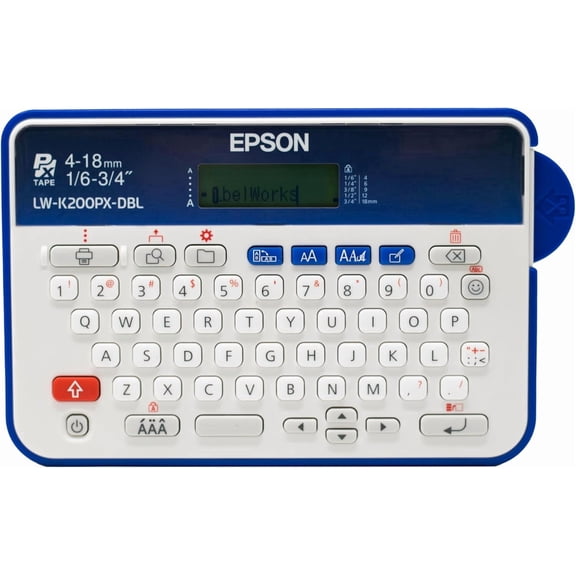
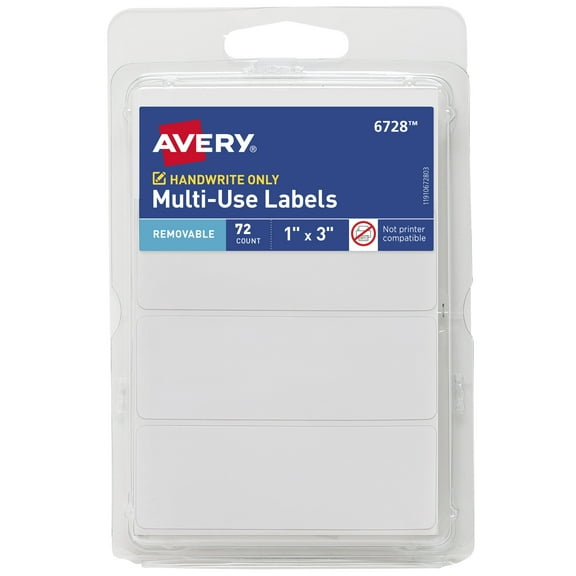
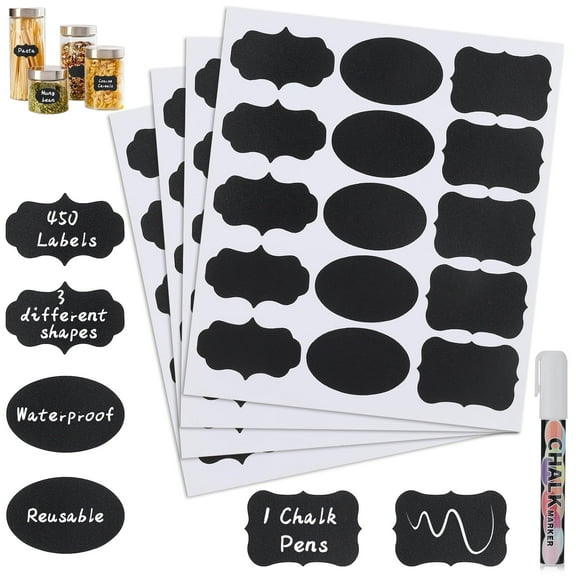
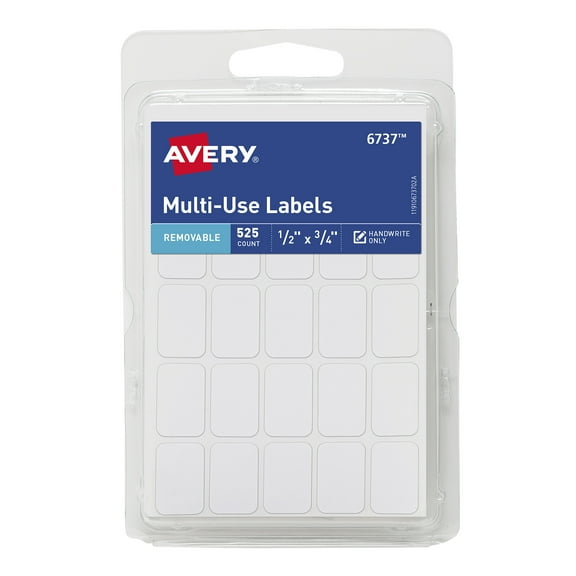
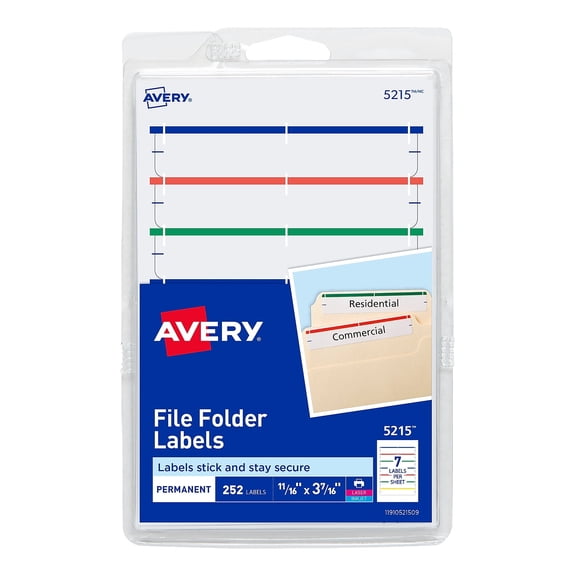
- You can label tabs quickly, so your files stay easy to find during busy days.
- You can choose expansion levels that match thin records or bulky paper stacks.
When you use the right folder type, you’ll spend less time shuffling papers between piles. You’ll also keep active documents in a format that matches your cabinet, desk, or backpack.
For seasonal organization, you may want back to school file folders for class handouts and permission slips. You can also use them for tax papers, household manuals, and receipts.
Choosing between hanging file folders, manila folders, and plastic file folders
You should compare material based on where and how you file papers. Manila folders give you a familiar paper surface that’s easy to write on.
If you handle paperwork often, plastic file folders can give you a smoother, wipeable surface. You may prefer polypropylene styles when your folders move between desks, bags, and drawers.
Paperboard options can work well when you want a traditional filing look with simple labeling. You may like plastic styles when your workspace sees frequent handling or changing projects.
Hanging file folders help you suspend documents inside standard file drawers. You should check bar length and rail fit, so your folders slide smoothly in compatible cabinets.
If your drawer holds active records, hanging styles can keep tabs visible across the row. You can then place standard folders inside them for another layer of sorting.
Choosing the right size, tab cut, and capacity
You should confirm whether your papers are letter size or legal size before you buy. Letter size file folders fit everyday office sheets, while legal size folders fit longer documents.
If you file contracts, forms, or wide printouts, you may need legal size space. If you manage schoolwork or household records, you’ll often use letter size options.
Tab cut affects how easily you can scan labels in a crowded file row. You may choose 1/3 cut folders for staggered tabs that spread labels across the top edge.
If you want more label positions, you may compare 1/5 cut tabs. Straight cut folders can give you one full-length top edge for end tabs or broad labels.
Capacity matters when your files grow over time. You should check whether a folder stays flat or includes expansion measured in inches or sheet count.
For light filing, you may only need a slim profile for statements or handouts. For thicker project files, you may want expansion that holds reports, notes, and reference pages together.
Matching file folders to school, home, and office use
You can build a simple home system with manila folders for warranties, receipts, and appliance guides. You may add hanging file folders if you store everything in a file drawer.
For office workflows, you may sort invoices, employee records, and meeting packets by department. You can use tab cuts and color variety to separate active work from archived papers.
If you’re preparing for classes, decorative file folders can help you separate subjects or activities. You may also use expanding styles for multi-page assignments and take-home packets.
Classification folders can help you split one project into sections without using extra binders. You might use one section for drafts, another for approvals, and another for final copies.
When you work across several rooms, plastic file folders may hold up well in bags and carts. You can keep paperwork together without switching containers during the day.
You may also compare your folders with nearby organizers like binders, filing cabinets, and desk organizers. That way, you can build a filing system that keeps your papers visible, sorted, and ready to use.
You’ll get more from file folders when you match size, material, tab style, and capacity to your actual paperwork. You can create a cleaner filing routine that keeps documents protected, sorted, and easy to retrieve.