

Walmart Private Brand Electronics in Electronics
























About Walmart Private Brand Electronics in Electronics - Walmart.com
Walmart private brand electronics help you cover everyday tech needs with practical choices for streaming, listening, charging, and portable use. You can compare TVs, headphones, charging cables, and tablets in one place, with straightforward specs that fit daily routines.
How to choose walmart private brand electronics
When you shop walmart private brand electronics, you should start with the product category that matches your main task. You may want a TV for home entertainment, headphones for travel, cables for daily charging, or a tablet for work and play.
As you compare options, you can focus on the choices that affect setup and compatibility first. You should check screen resolution, audio style, port type, wireless support, and included accessories before you narrow your pick.
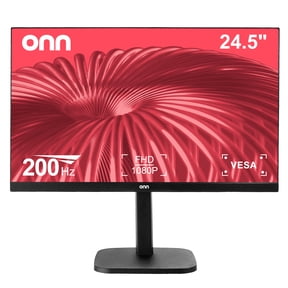
- You can match TVs to streaming, gaming, and everyday viewing with screen sizes and resolutions that fit your room.
- You can choose headphones for wireless listening, wired connections, or portable use during commutes and trips.
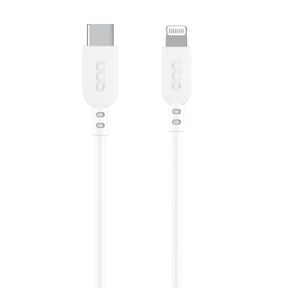
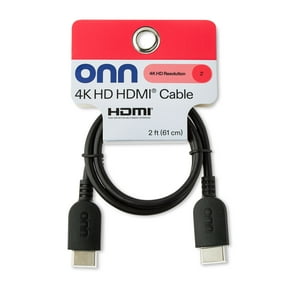
- You can pick charging cables by connector type, cable length, and device compatibility for phones, tablets, and accessories.
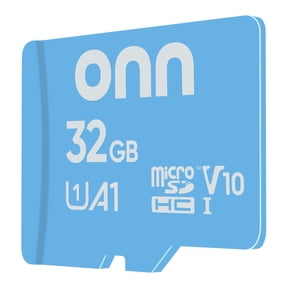
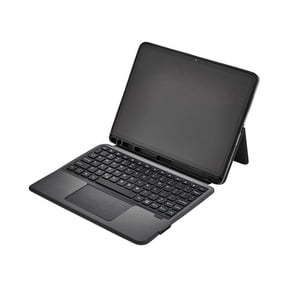
- You can compare tablets by screen size, storage approach, and intended use for office tasks, browsing, and entertainment.
You'll also notice walmart brand electronics often center on practical features you can use right away. You can find familiar setups, common connection types, and designs that work well for everyday households.
Choosing product categories and brands
If you're comparing private label electronics, you should think about where and how you'll use each device. You may want a living room TV, travel headphones, a desk tablet, or a cable that stays connected in your car.
When you look at onn electronics and other walmart brand electronics, you should focus on category fit instead of extra extras. You can get more clarity by matching each product type to one main routine before comparing finer details.
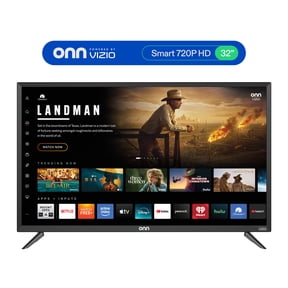
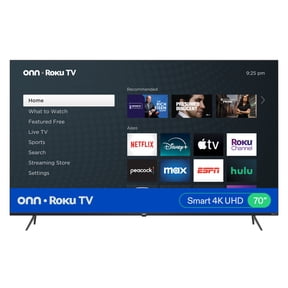
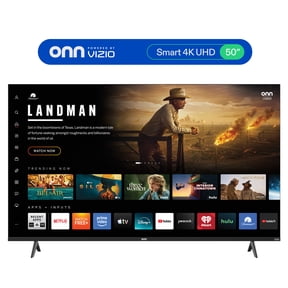
For TVs, you should compare 4K and 1080p resolution based on your screen size and viewing distance. You'll usually notice 4K looks sharper on larger screens and detailed streaming content.
For headphones, you should compare over-ear and in-ear styles, plus wired and wireless connections. You can choose based on comfort, charging habits, and whether your device still uses a headphone jack.
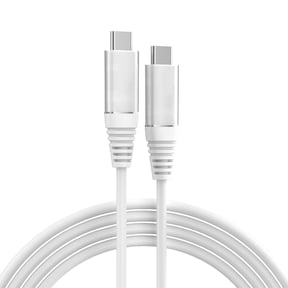
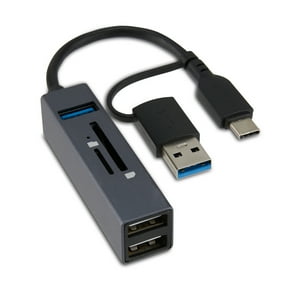
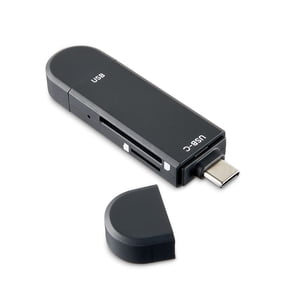
For charging cables, you should check whether your device uses USB-C, USB-A, Lightning, or another connector. You'll avoid guesswork when you match the cable ends to your phone, tablet, charger, or laptop.
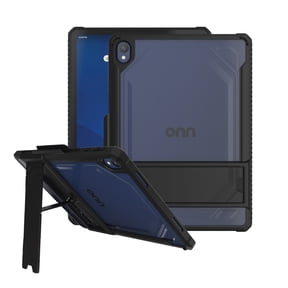
For tablets, you should consider screen size, portability, and basic accessories that support your routine. You can decide whether you need a compact screen for travel or a larger display for desk use.
Comparing connectivity, resolution, and included accessories
Connectivity can shape your experience more than color or styling, so you should compare it early. You can look for Bluetooth, wireless, wired, and USB-C options that match the devices you already own.
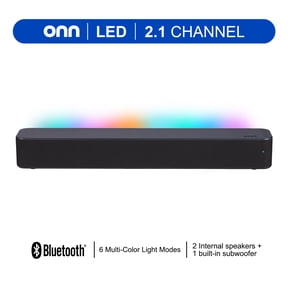
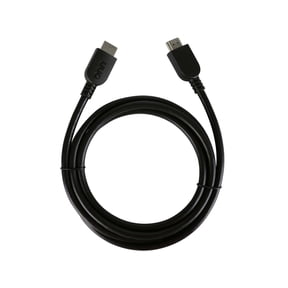
With onn tv and audio products, you should check whether your setup depends on Bluetooth pairing, HDMI ports, or wired playback. You'll get a smoother setup when your TV, speaker, headphones, and streaming gear use the connections you expect.
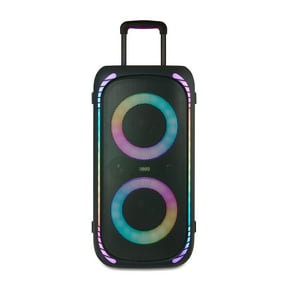
If you want wireless headphones or speakers, you should check Bluetooth version details when they appear. You can use that information to gauge pairing convenience and device support across newer phones, tablets, and laptops.
Resolution matters when you compare TVs, because it affects how clear shows, sports, and menus appear. You should consider 1080p for simple viewing needs and 4K when you want sharper detail on larger screens.
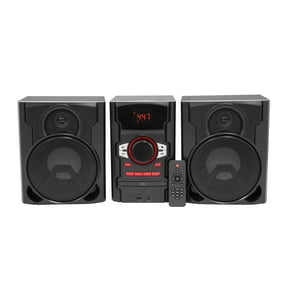
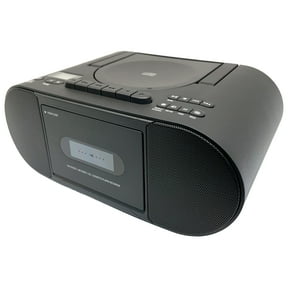
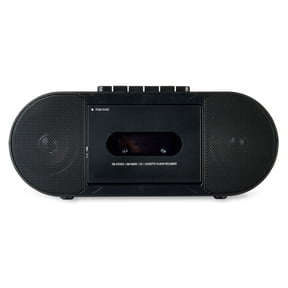
Audio quality also deserves a close look, especially if you stream movies, music, or podcasts often. You can compare speaker output, headphone design, and sound format support based on your room and listening habits.
Included accessories can make setup easier, so you should check the box contents before you choose. You may want charging cables, remotes, power adapters, stands, or simple setup guides included with your device.
Warranty support and setup help can also guide your decision when you buy electronics for regular use. You can feel more prepared when you know what support information, manuals, and connection guidance come with your item.
Matching use cases for private label electronics
For home entertainment, you should look at TVs, sound options, and accessories that support streaming and casual gaming. You can pair screen resolution, audio connections, and remote features with the room where you'll watch most.
If you travel often, you should compare wireless headphones, compact tablets, and charging cables that pack easily. You'll appreciate lighter designs, easy pairing, and connectors that work with your everyday devices.
For daily charging, you should focus on connector type, cable length, and where you plug in most. You can keep one cable at your desk, another in your car, and another by your bed.
In an office setup, you may want a tablet for light tasks, headphones for calls, and cables for steady power. You can create a simpler workspace when your ports, charging gear, and audio connections all align.
If you're choosing electronics for a family space, you should consider easy setup and shared use first. You can compare screen clarity, basic controls, and common connectors that make devices simpler for everyone to use.
When you need walmart electronic accessories, you should think about what supports your main device day after day. You can use cables, chargers, and audio add-ons to keep your TV, tablet, or headphones ready for regular routines.
With walmart private brand electronics, you can make clearer choices by comparing category, connectivity, and everyday use before anything else. You'll end up with tech that fits your devices, your spaces, and your setup expectations.