

3D Printers in 3D Printing











About 3D Printers in 3D Printing - Walmart.com
Flashforge 3D printers give you a practical path to desktop fabrication with enclosed options, guided setup, and model choices for beginners, classrooms, and makers. You can compare printer type, enclosure style, extruder setup, and user level to match your projects without guesswork.
If you want a reliable desktop 3D printer for home, school, or workshop use, you’ll find brand-specific options that fit different materials and workflows. You can focus on build style, filament support, and connectivity features that matter during daily printing.
Choosing Flashforge 3D printers by printer type
When you compare Flashforge 3D printers, you’ll usually start with FDM, FFF, or resin formats. You can use FDM and FFF for filament-based printing, while resin models suit detail-focused parts and small display pieces.
If you plan to print tools, brackets, organizers, or classroom prototypes, you may prefer a filament machine for simpler material handling. If you want sharper surface detail, you may lean toward resin for miniatures, jewelry mockups, or compact design samples.
You should also consider daily upkeep before choosing a format. You’ll often find filament models easier for repeated, fast-start printing, while resin models may fit detail-first workflows and dedicated print spaces.
How to choose an enclosed 3D printer or open frame model
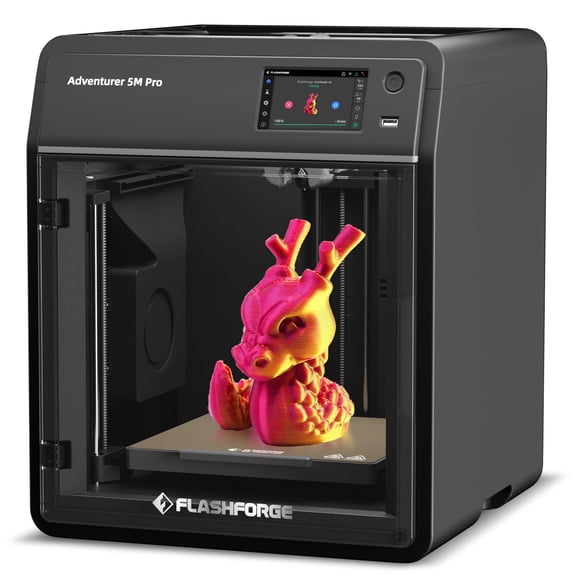
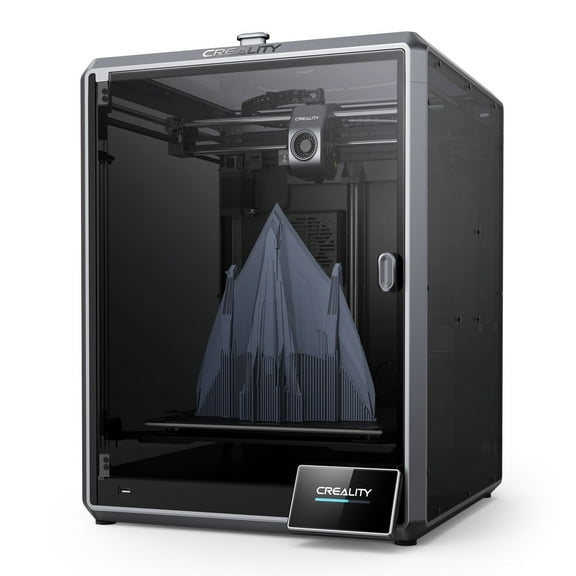
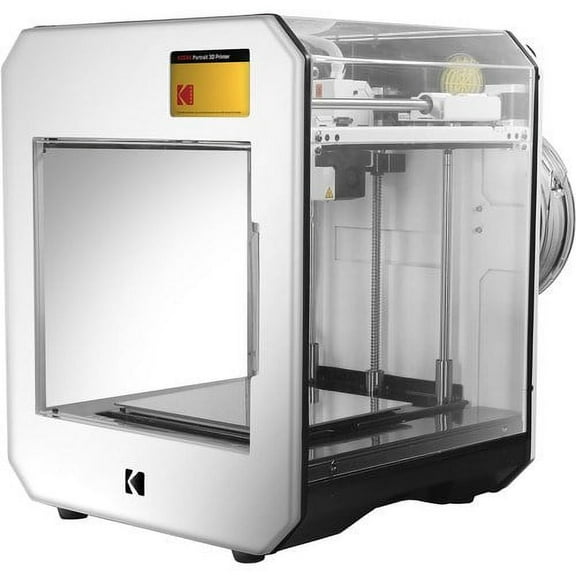
Your enclosure choice affects print stability, noise control, and where you place the machine. You can use an enclosed 3D printer when you want a more contained build area for ABS and other temperature-sensitive filaments.
If you print in a classroom, office, or shared hobby room, you may prefer a fully enclosed design. You’ll often get a tidier footprint and more consistent internal conditions during longer prints.
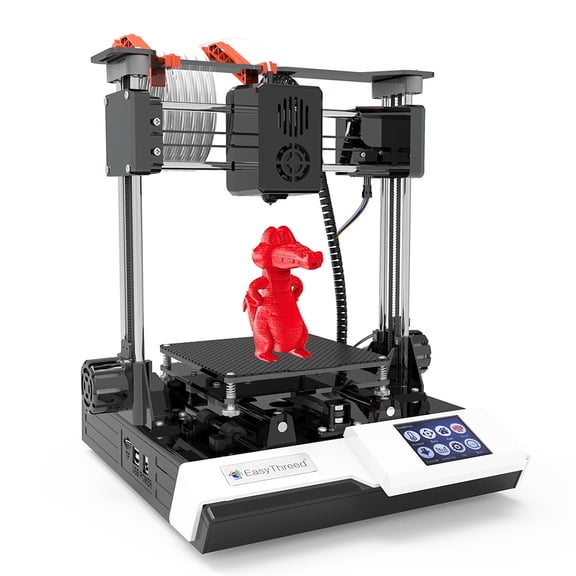
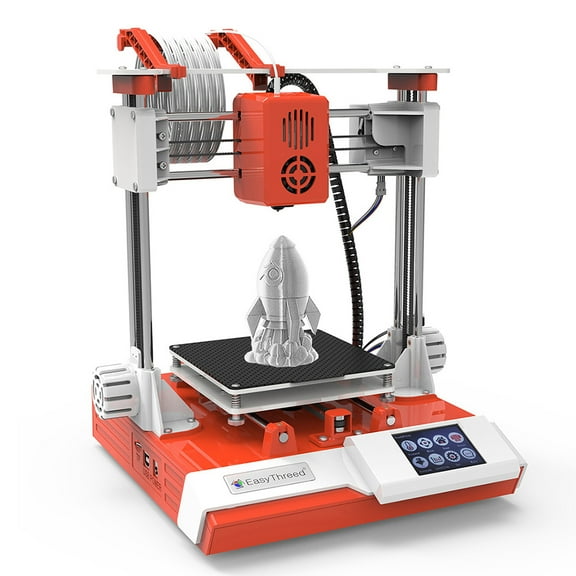
An open frame model can give you easier visual access and quick part removal. You may like that layout when you mainly print PLA, adjust settings often, or want simple hands-on access.
- You can choose a fully enclosed printer for steadier chamber conditions and a contained desktop setup.
- You can choose an open frame design when you want fast access to the nozzle, bed, and printed part.
- You can compare semi-enclosed styles if you want some coverage without giving up straightforward maintenance access.
You should match the enclosure to your filament plans, not just your workspace. If you expect ABS printing, you’ll usually want more temperature control than a basic open frame can provide.
Comparing extruder options on a Flashforge 3D printer
Your extruder setup shapes what materials you can run and how complex your prints can become. You can start with a single extruder for straightforward PLA projects and everyday school or hobby builds.
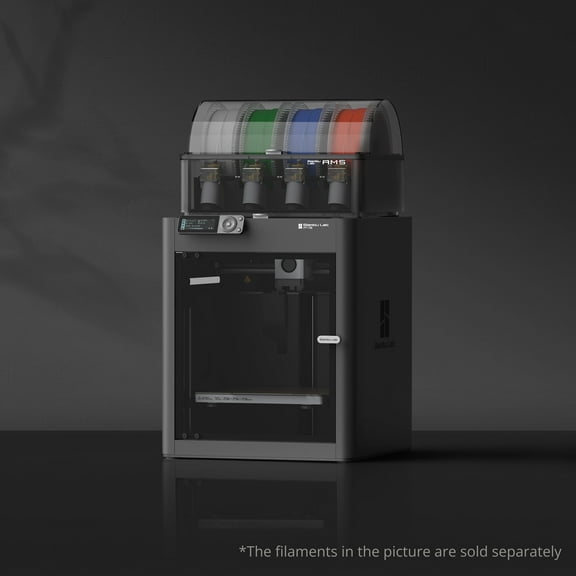
If you want multi-material printing or support structures with separate filament paths, you may look for a dual extruder 3D printer. You’ll notice that dual extrusion can help with more advanced prototypes, color sections, and intricate geometry.
You should also check whether your projects need higher nozzle temperatures. If you want broader filament compatibility, you may compare high-temperature extruder options for ABS, PETG, and flexible materials like TPU.
Filament support matters because your printer needs the right heat range and enclosure style for each spool type. You can often use PLA for easy setup, while ABS and PETG may need stronger temperature control.
What to look for if you want 3D printers for beginners
If you’re shopping for 3D printers for beginners, you should prioritize setup simplicity before advanced specs. You’ll want to compare assisted leveling, guided touchscreens, and clear loading steps for your first prints.
Auto-leveling can reduce manual calibration time and help you start printing with less trial and error. If you’re learning bed adhesion and nozzle spacing, you may appreciate a machine that automates more of the early process.
You should also compare software support and file preparation tools. If your printer works smoothly with common slicer workflows, you can spend more time printing and less time adjusting settings.
Connectivity matters when you move files between devices and print spaces. You may prefer Wi-Fi for flexible placement, while USB can suit a simpler offline workflow in classrooms or shared workstations.
Matching Flashforge 3D printers to your projects
Your target user level can help narrow the right machine quickly. If you’re a beginner, you may want enclosed convenience and guided controls, while hobbyists may want material flexibility and upgrade-friendly settings.
If you’re an educator, you may look for a desktop 3D printer with a compact footprint and repeatable setup. You’ll likely value straightforward operation for student projects, STEM models, and classroom demonstrations.
Professional users may compare chamber style, extruder temperature, and dual extrusion for prototypes or functional parts. If you print housings, fixtures, or concept models, you’ll want a machine that aligns with your material and finish goals.
You can also think about accessory planning before you choose a model. If your workflow includes extra nozzles, build plates, filament storage, or replacement parts, you’ll want compatibility that supports regular printing.
With Flashforge 3D printers, you can narrow your choice by format, enclosure, extruder configuration, and experience level. You’ll end up with a printer that fits your materials, your space, and the kinds of parts you want to produce.