












Shop TVs by Brand in Electronics





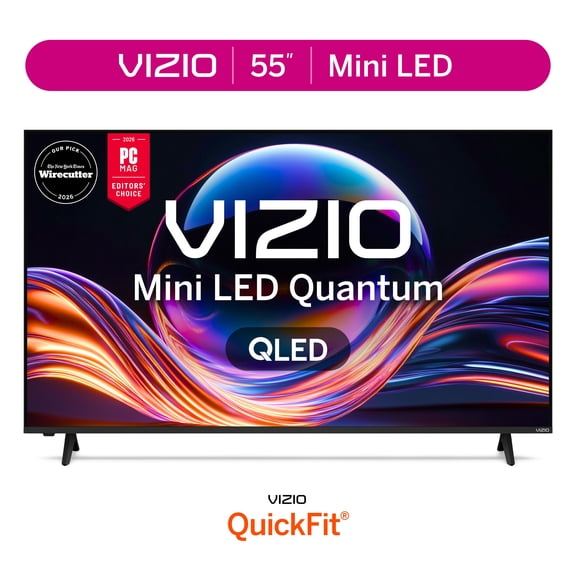

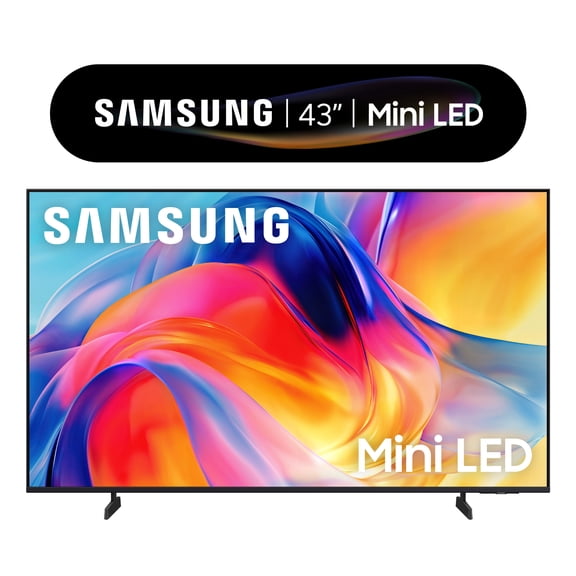
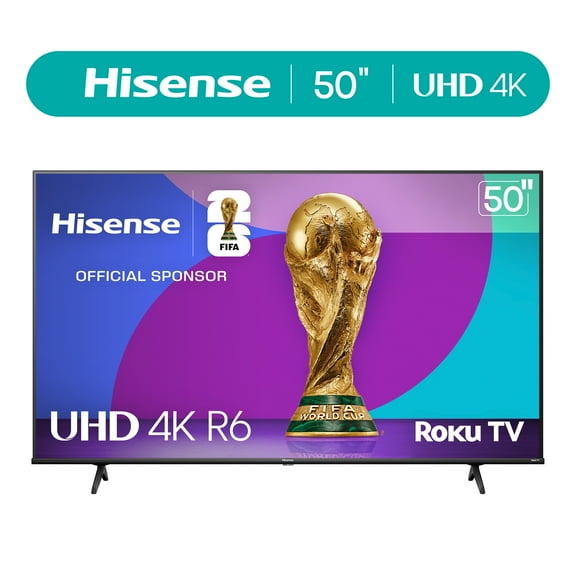

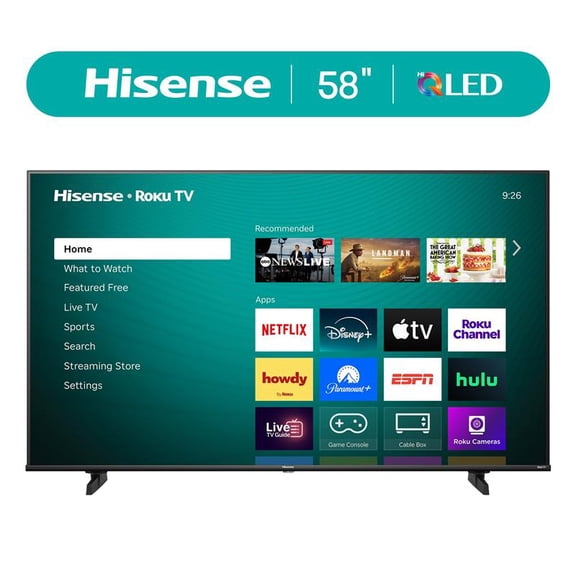








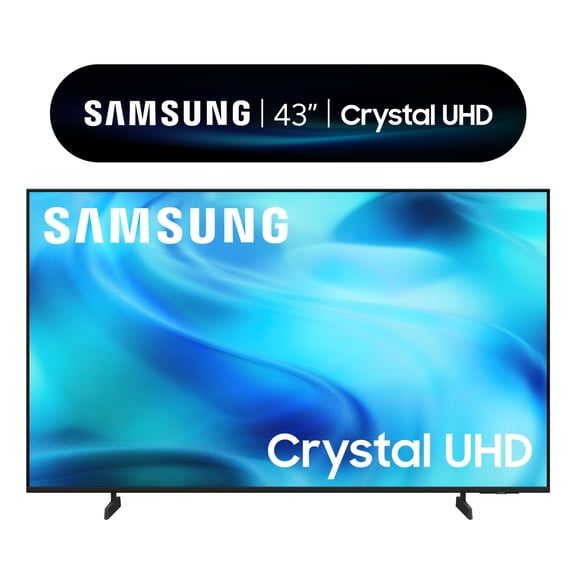
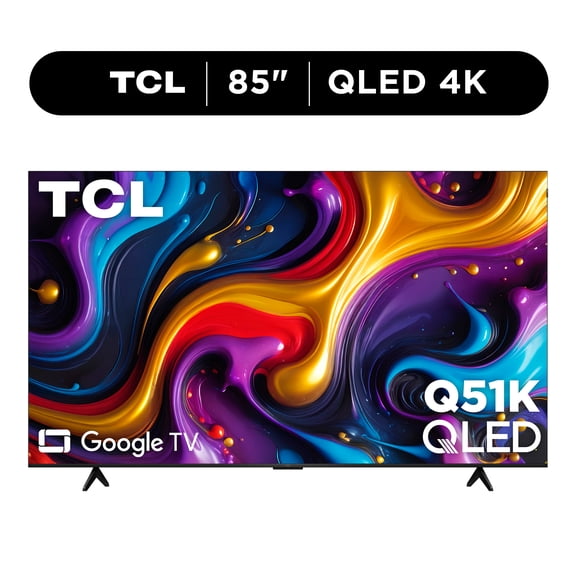
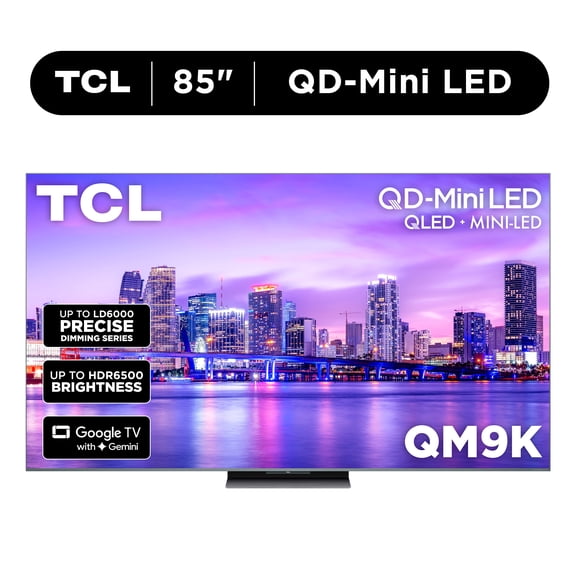
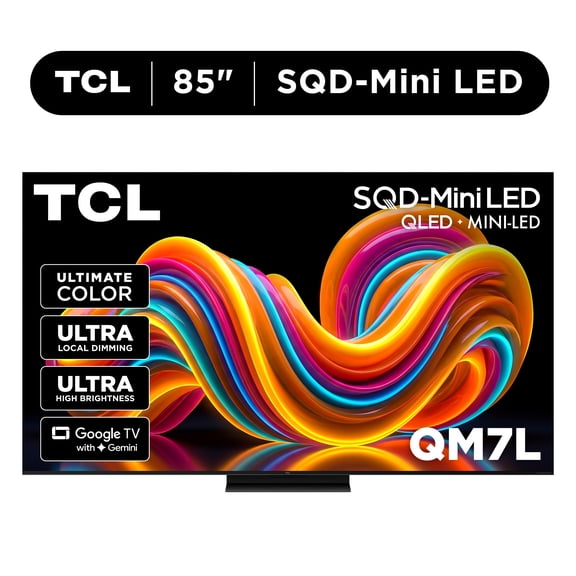
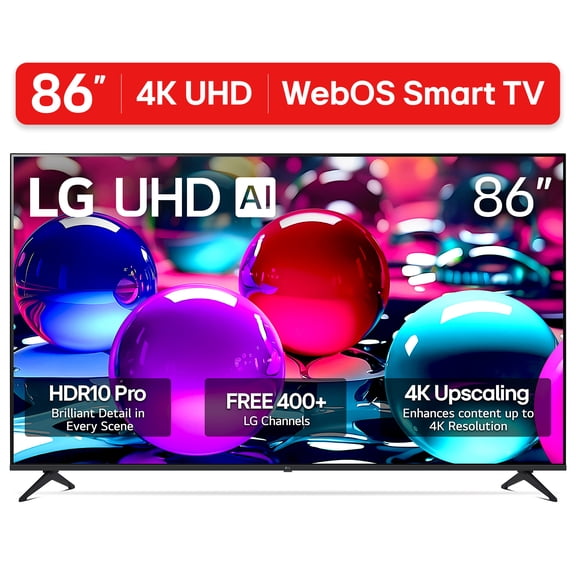
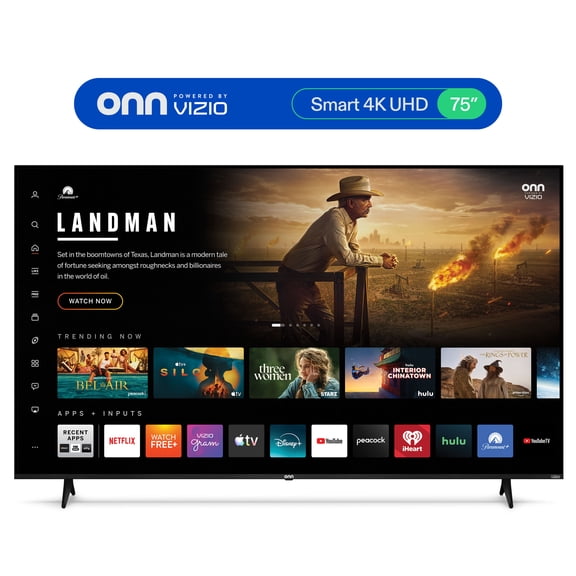
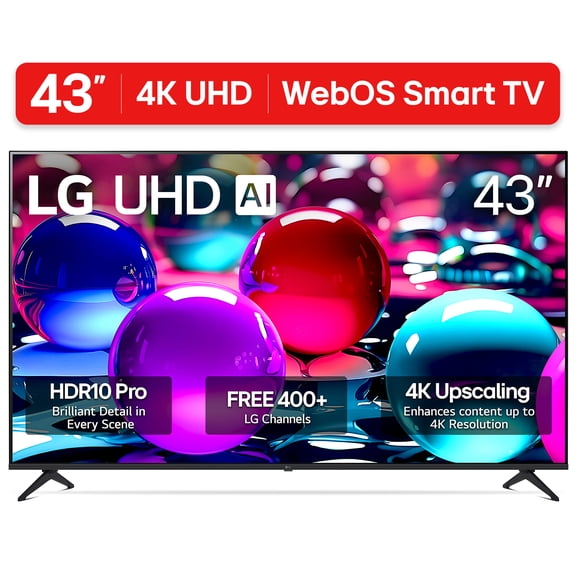
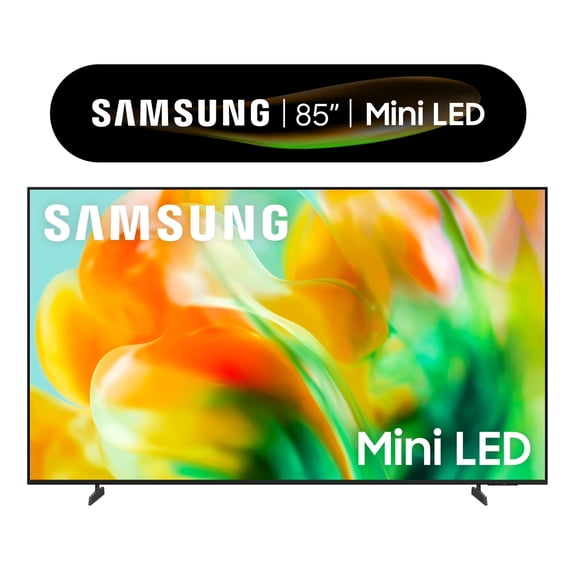
About Shop TVs by Brand in Electronics - Walmart.com
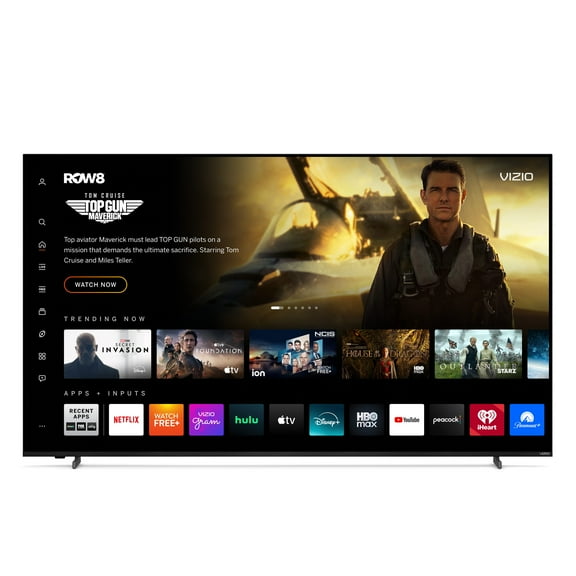
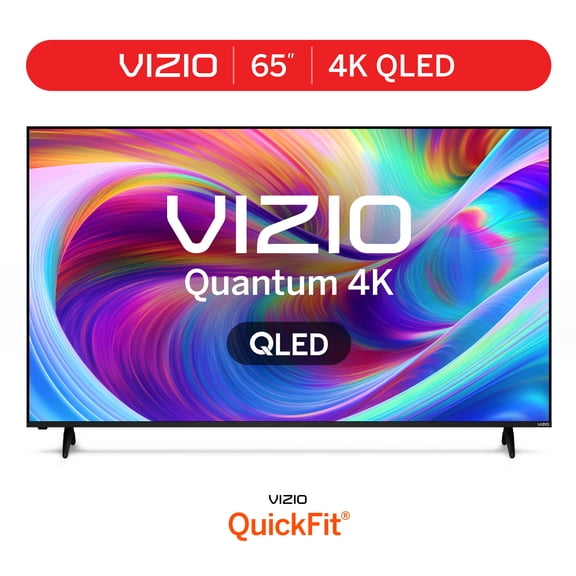
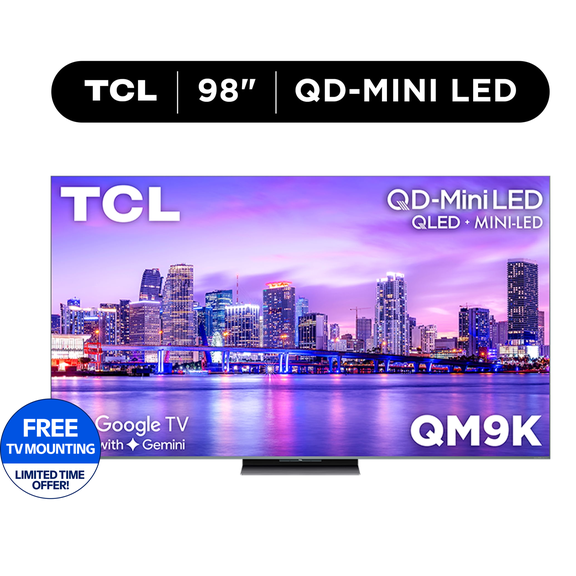
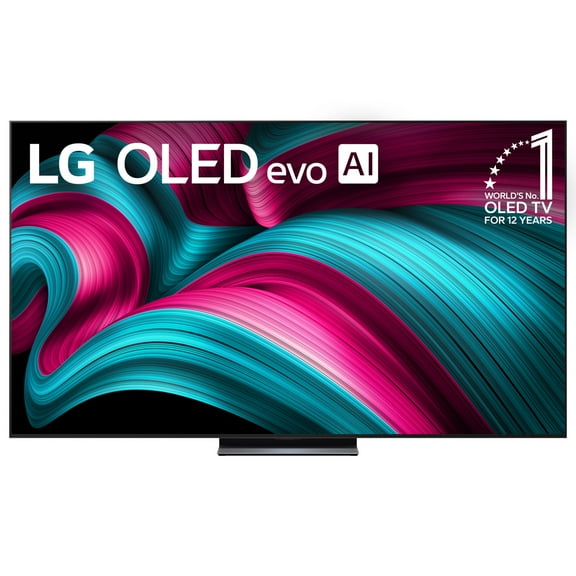
TVs help you compare television brands in one place, so you can match your screen to your room and viewing habits. You can narrow your choice by display technology, smart platform, resolution, and size without switching between unrelated pages.
If you want a living room upgrade, you can use brand-based browsing to compare picture style, menus, and connected-home compatibility. You can also spot differences in smart TVs and flat screen TVs while you keep your shopping focused.
How to choose TVs by television brands
When you compare television brands, you should focus on how each lineup fits your space and your routine. You should consider screen size, display technology, smart features, and refresh rate before you choose.
Some brands fit bright rooms, while others fit dark-room movie watching with deeper contrast and richer shadow detail. You can also compare remote design, app layout, and built-in casting options for easier daily use.
- You can match OLED, QLED, or LED displays to your room lighting and viewing style.
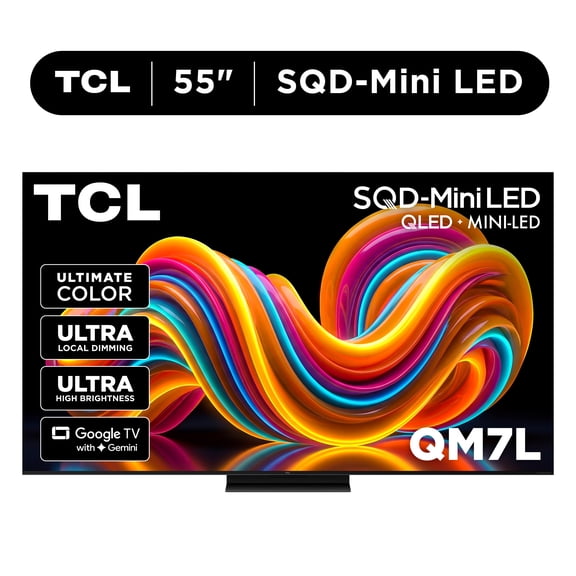
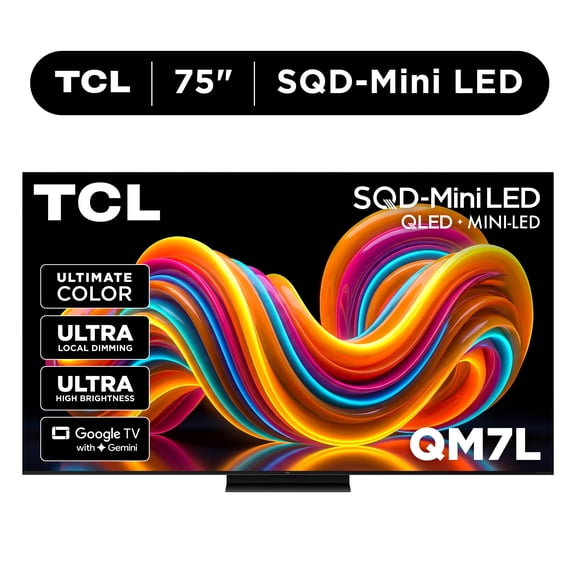
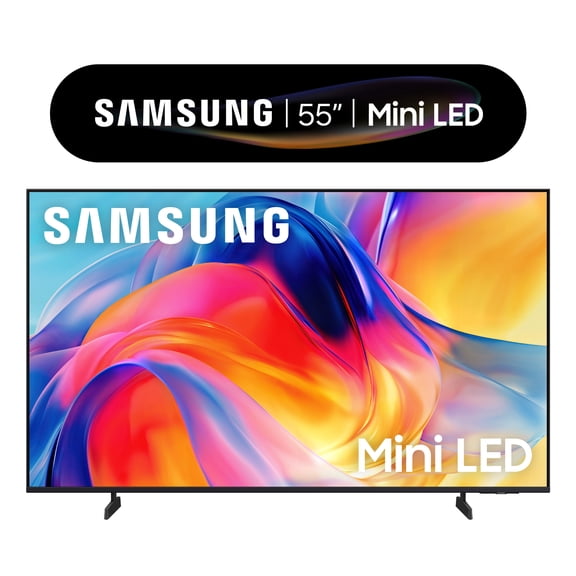
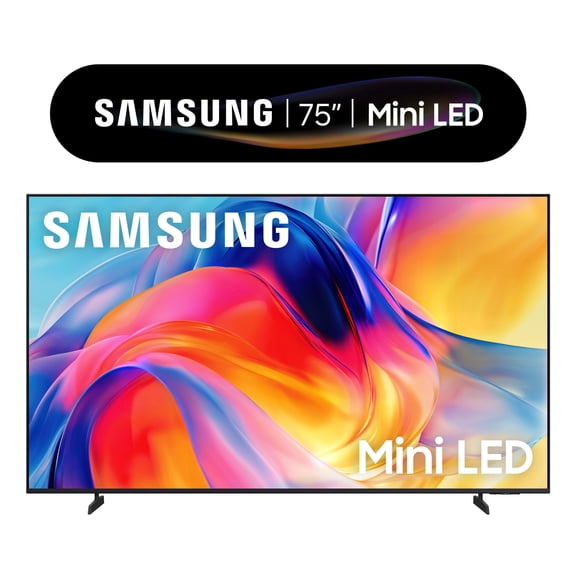
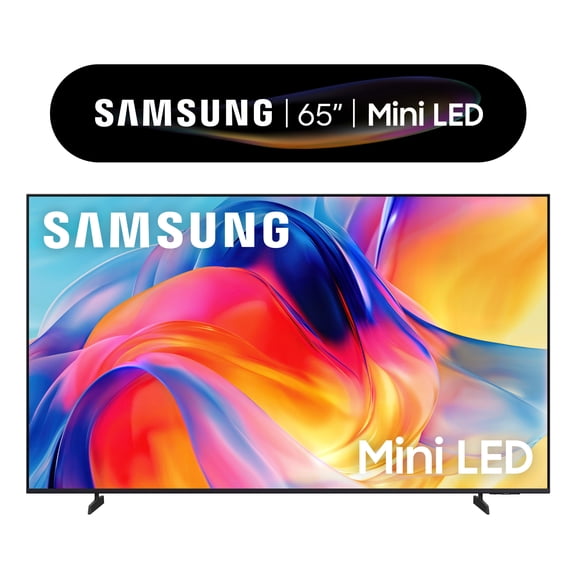
- You can choose 55 inch, 65 inch, or 75 inch screens based on your seating distance.
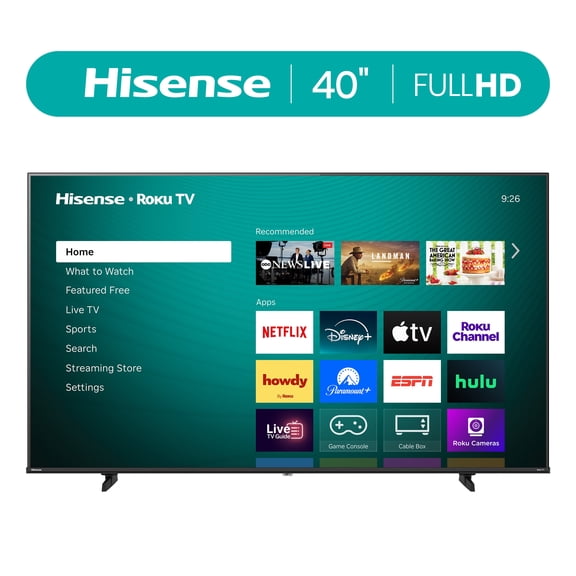
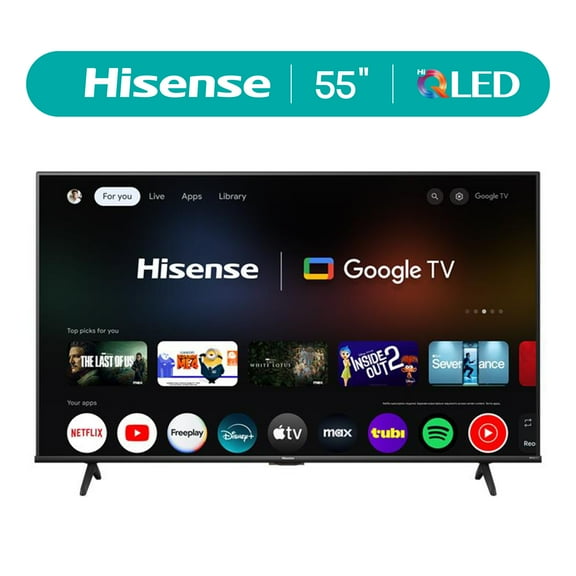
- You can compare Roku, Google TV, and WebOS platforms for app access and navigation.
- You can look for 4K UHD, 8K, or 1080p resolution based on your content and screen size.
- You can check 60Hz or 120Hz refresh rates if you watch sports or play console games.
Brand shopping also helps you compare ecosystem support across your devices. You can look for AirPlay, SmartThings, or HomeKit support if your home already uses those platforms.
Choosing display technology, size, and resolution for TVs
When you compare display technology, you should start with your room and your favorite content. You may prefer OLED for dark rooms, QLED for bright rooms, and LED for everyday viewing.
OLED screens can give you deeper blacks and strong contrast, which helps if you stream movies at night. QLED sets can deliver higher brightness, which helps you see the picture clearly in sunny spaces.
LED models can make sense if you want a familiar setup for bedrooms, dorms, or casual viewing spaces. You can still find smart TVs in LED, QLED, and OLED ranges, so your platform choice stays flexible.
Screen size matters as much as picture technology, and you should measure your seating distance before you decide. You can use a simple rule of thumb as you compare sizes.
You can pair closer seating with 55 inch screens, mid-room seating with 65 inch screens, and farther seating with 75 inch screens. You can use that starting point, then adjust for your room layout.
If you stream a lot of newer content, you should prioritize 4K UHD because many apps and devices support it. You may consider 8K for very large screens, while 1080p can fit secondary rooms.
With flat screen TVs, resolution and size work together, so you should compare both at the same time. You can usually notice 4k televisions clearly on larger screens and from closer seating.
Choosing smart TVs and brand ecosystems
Smart TVs can simplify your setup because you can stream shows, launch apps, and switch inputs from one home screen. You should compare the platform first because your daily experience depends on menu speed and app access.
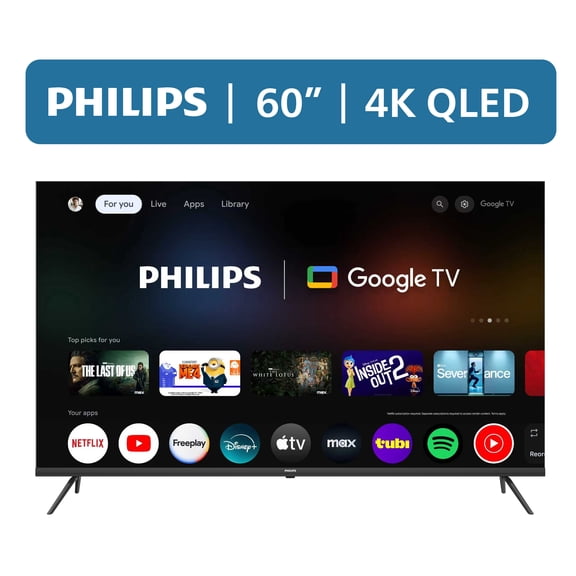
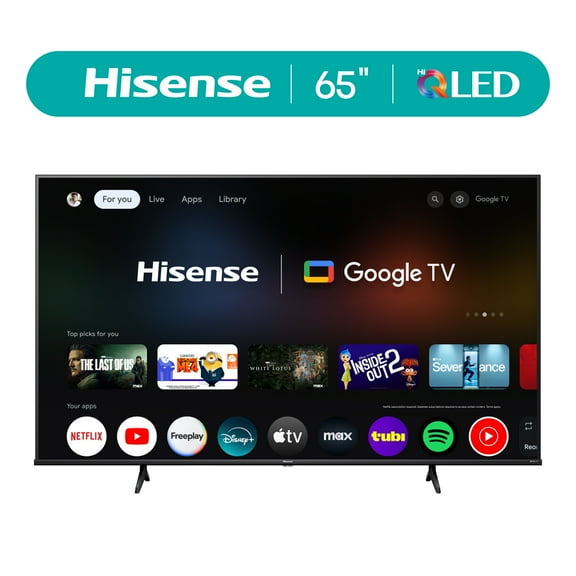
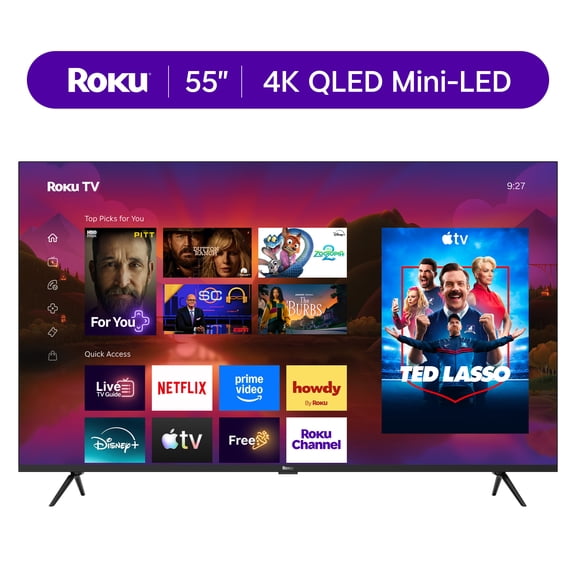
Roku can appeal to you if you want a simple interface and familiar app organization. Google TV can help you if you like personalized recommendations and easy connections with Google services.
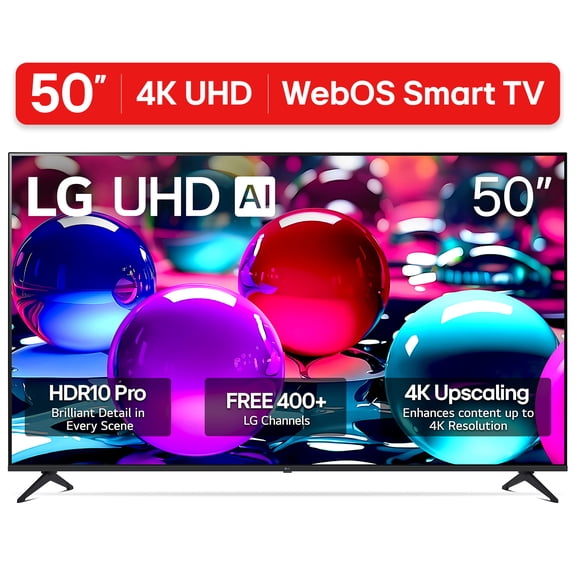
WebOS may suit you if you want a clean menu and quick navigation on supported models. You should also check how each brand handles voice control, casting, and phone-based setup.
If your home already uses Apple devices, you may want AirPlay or HomeKit support for smoother control. If your home includes compatible connected gear, you may look for SmartThings support.
You can also compare port layouts if you use a soundbar, streaming stick, or game console. Added HDMI flexibility can matter when you connect several devices to one screen.
Matching TVs to sports, gaming, and everyday viewing
If you watch live sports, you should compare motion handling and refresh rate before anything else. A 120Hz panel can look smoother during fast action, while 60Hz can fit everyday streaming.
For gaming, you may want 120Hz support if your console or PC outputs higher frame rates. You should also check whether your chosen television brand includes the inputs and settings you expect.
If you want a family room TV, you might prioritize a 65 inch or 75 inch screen with 4K UHD resolution. That combination can give you a large picture for movies, streaming, and weekend sports.
For bedrooms or apartments, you may prefer 55 inch models that fit tighter spaces without dominating the room. You can pair that size with Roku, Google TV, or WebOS based on the interface you know.
If you need a bright-room setup, you should compare QLED and LED options across television brands. If you want cinema-style contrast, you may lean toward OLED for evening viewing.
When you compare TVs this way, you can narrow your options with practical steps instead of guesswork. You end up with a screen that fits your room, your devices, and your viewing routine.
TVs become easier to choose when you compare television brands by display type, size, resolution, and smart platform. You get added clarity and a screen that fits each time you press play.