






Printers




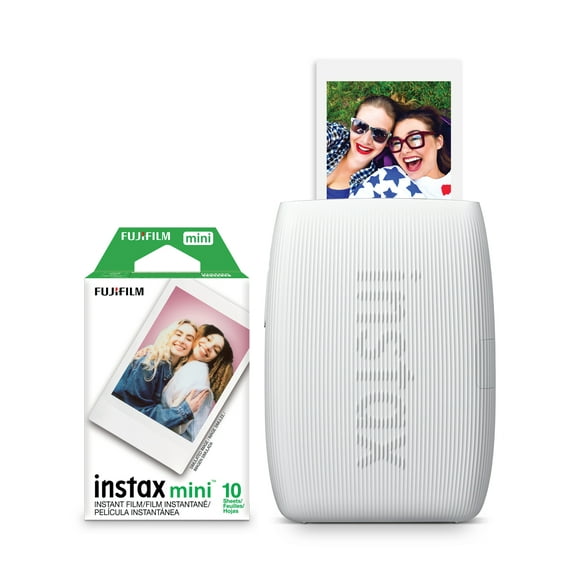

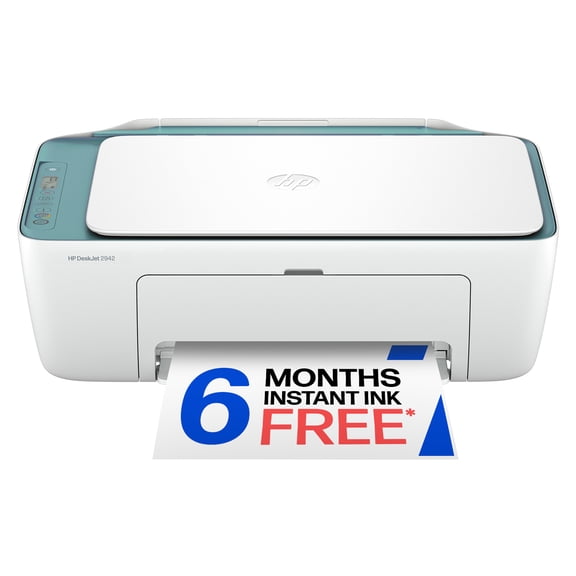


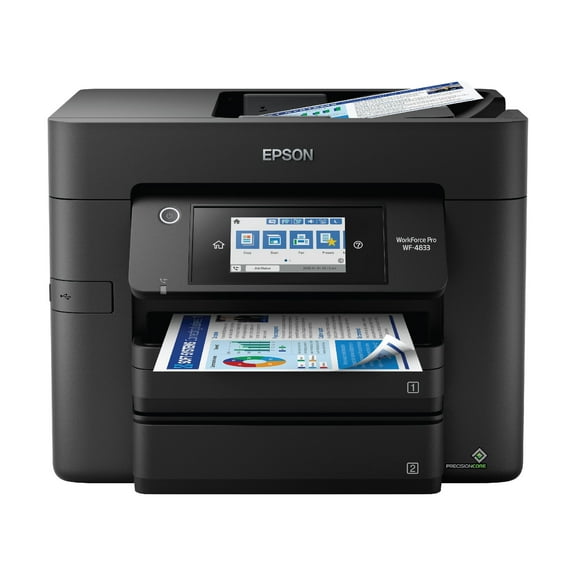

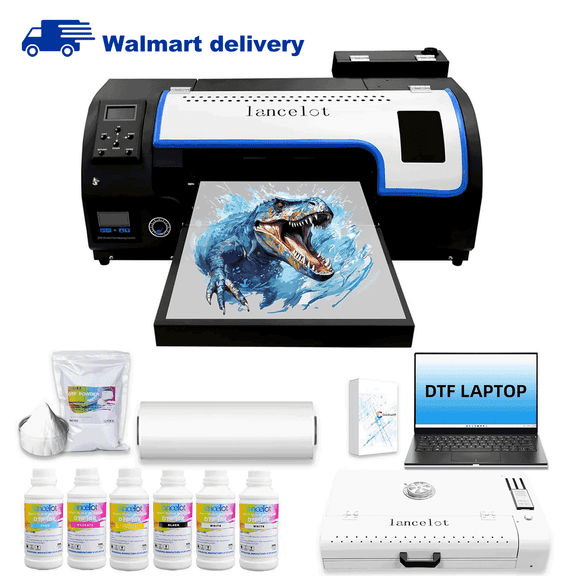
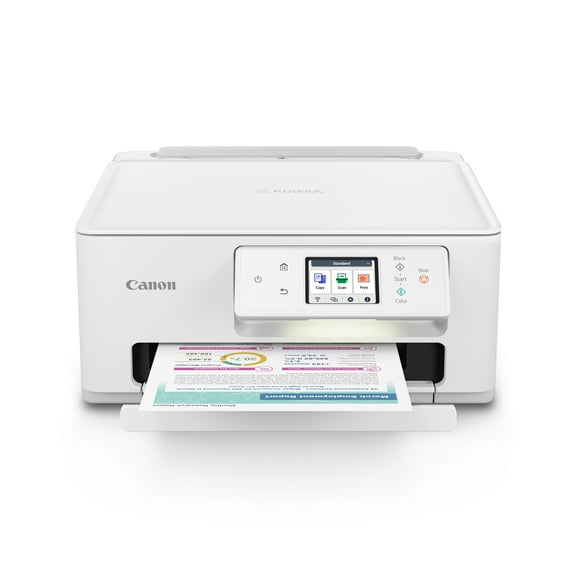
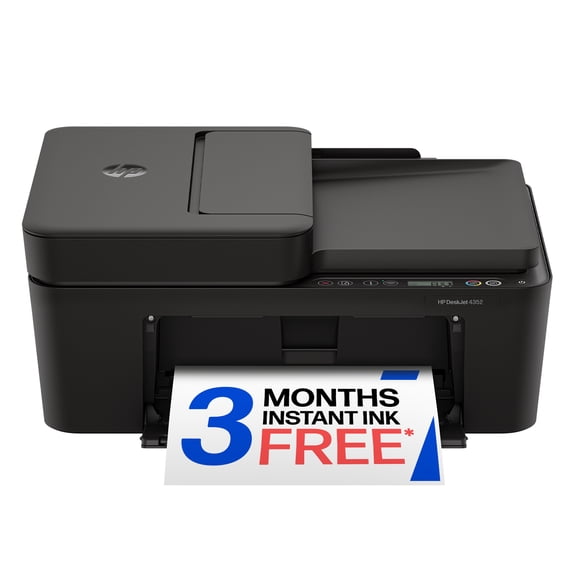
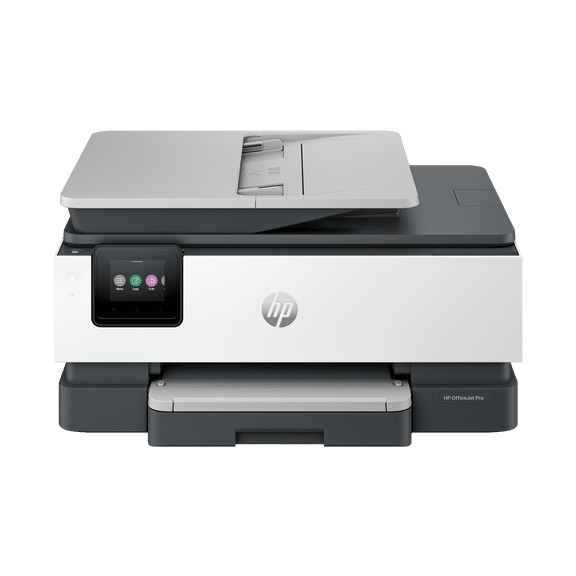











About Printers - Walmart.com
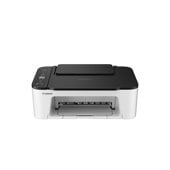
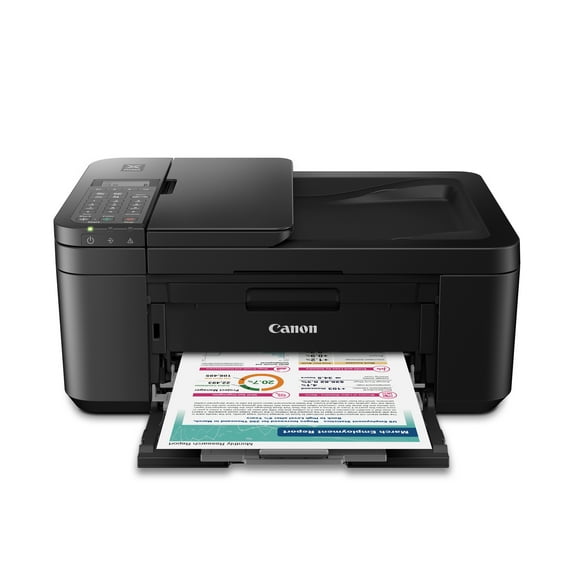
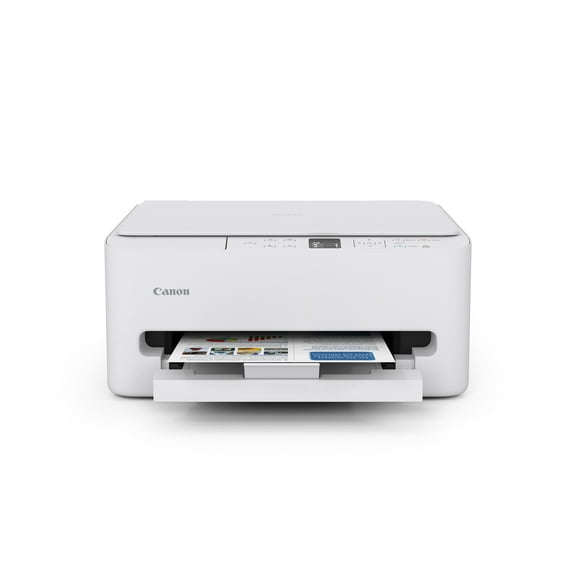
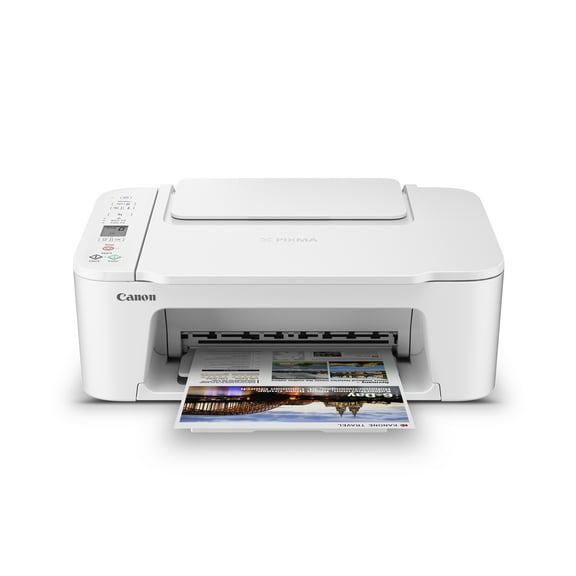
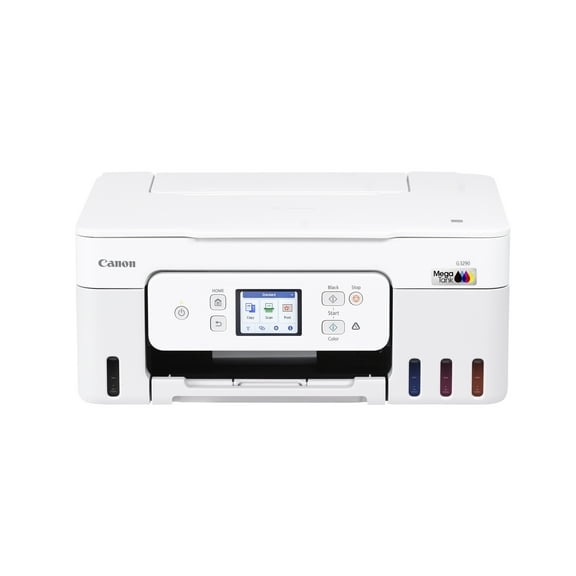
Canon printers help you compare wireless access, print technology, and series details before you choose a setup for home, office, or photo work. Across this category, you can sort Pixma, Maxify, and ImageClass options by the tasks you handle most often.
How to choose Canon printers by printer type
Start with printer type, because your everyday output usually points you toward inkjet, laser, or photo-focused designs. For mixed color tasks, your routine may align with Canon inkjet printers and their cartridge-based printing.
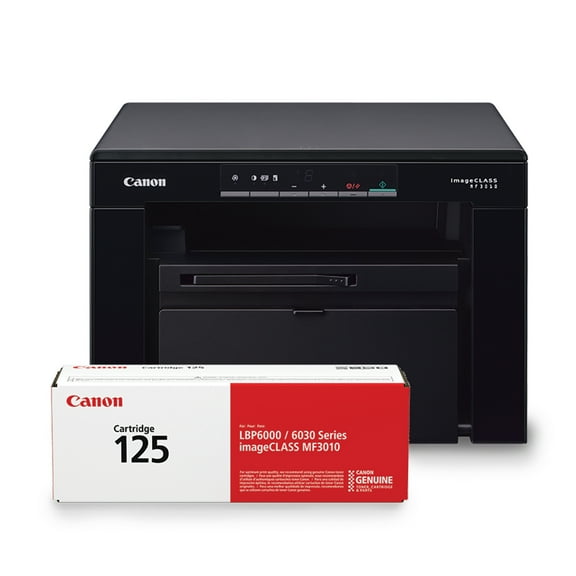
Text-heavy schedules can point you toward Canon laser printers that use toner instead of liquid ink. In plain terms, you may notice toner supports sharp text and steady document batches.
Photo-focused printing deserves its own comparison step when your projects include snapshots, invitations, or craft prints. In those cases, you can compare Canon photo printers with media support that suits glossy paper and color-rich output.
Another useful check is print speed and monthly volume. When you compare PPM and duty cycle, you can build a shortlist that reflects how often you print and how many pages your space handles.
- You can choose inkjet models for homework, color pages, and mixed everyday printing.
- You can choose laser models for reports, forms, and repeated text documents.
- You can compare photo-focused models for glossy paper, crafts, and image-led projects.
- You can review PPM when your desk handles regular print traffic.
- You can check duty cycle when your office handles consistent monthly output.
Choosing between Canon wireless printers and wired connections
Connectivity shapes where you place your printer and which devices you use during the day. Before you decide, you can compare Canon wireless printers with Bluetooth, Ethernet, or USB options.
In a flexible room layout, wireless access can make placement easier around desks, shelves, or side tables. When you compare dual-band Wi-Fi support, you can check whether your network matches newer home or office setups.
AirPrint and cloud printing compatibility matter when your phone, tablet, or laptop handles frequent print jobs. With those options, you can move documents from screen to paper without a constant cable connection.
Ethernet can fit a printer that stays in one office spot and serves several users. For direct connections, USB can fit a single-desk routine that keeps setup straightforward.
Choosing Canon all in one printers or single-function models
Functionality matters when your routine includes more than basic printing. If your day includes forms, copied packets, or scanned pages, you may lean toward Canon all in one printers.
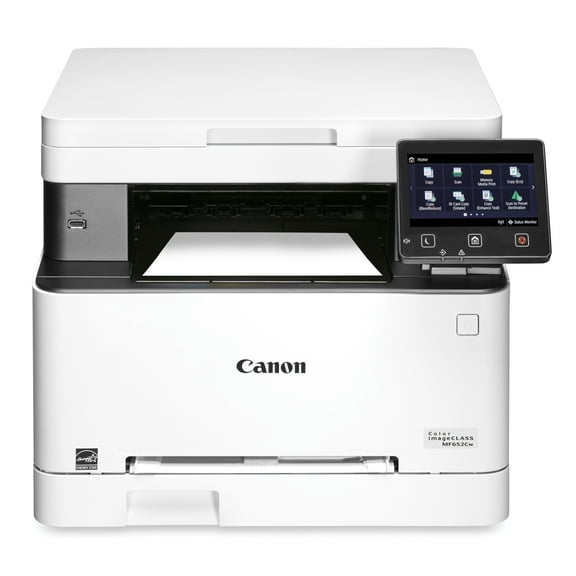
An all-in-one model can combine printing, copying, scanning, and sometimes fax support in one machine. That means you can handle school paperwork, signed pages, and office records without extra devices.
Single-function models can make sense when your main priority is printing documents or images. In that case, you can keep your comparison focused on output speed, media support, and connection type.
Look for practical details that match your workflow. Features like automatic document handling, paper tray size, and flatbed access can shape how smoothly your daily tasks move.
How series differences guide your decision with Canon printers
Series names can help you narrow this category quickly because each line serves a different printing routine. When you compare Canon Pixma printers, you may focus on home printing, crafts, and photos.
Maxify models often align with recurring document workflows and home office needs. If your desk prints invoices, schedules, or forms each week, you may compare Canon home office printers in that line.
ImageClass models usually fit laser-focused document routines where text output leads your priorities. For that reason, you can lean toward this series when print volume and clarity matter to you.
Checking series details can also simplify accessory planning. As you compare models, you can clarify cartridge or toner needs alongside your preferred paper types and functions.
Matching Canon printers to real routines
Different routines call for different combinations of printer type, functions, and connectivity. In a family workspace, you may want wireless access, color printing, and scanning for school packets.
For a student desk, you may look at Canon back to school printers with compact sizing and all-in-one support. During busy weeks, you can keep assignments, reading packets, and forms organized with one connected machine.
A home office often needs dependable text output, clear scanning, and network-ready connections. In that setting, you can compare Canon home office printers with Ethernet, wireless access, and high monthly volume support.
Professional image projects can call for careful paper compatibility and color-focused output. When presentation matters to you, Canon photo printers or Pixma models can fit creative work with specialized media options.
Shared offices usually benefit from quick output and practical paper handling. In those spaces, you can review duty cycle, tray capacity, and laser technology to make an informed choice with minimal compromises.
By comparing printer type, functionality, connectivity, series, and volume together, you can match your final choice to your space more closely. With that approach, you can keep everyday printing aligned with your workflow and paper needs.