

Shop Laptops By Brand in Laptops






















About Shop Laptops By Brand in Laptops - Walmart.com
You can compare laptops by brand more clearly when you sort choices by operating system, processor, screen size, and daily use. You’ll see key differences between major laptop brands, so your next computer fits school, work, gaming, or everyday tasks.
Choosing laptops by brand
When you compare laptop brands, you should start with the brand experience you want and the software you already use. You’ll narrow your options faster when your brand choice matches your habits.
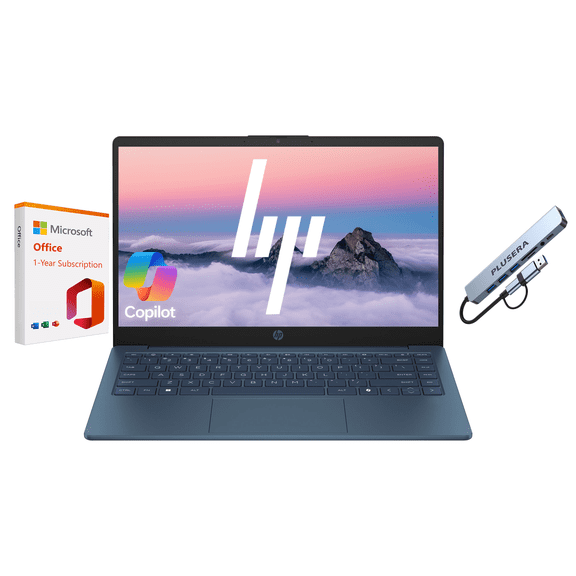
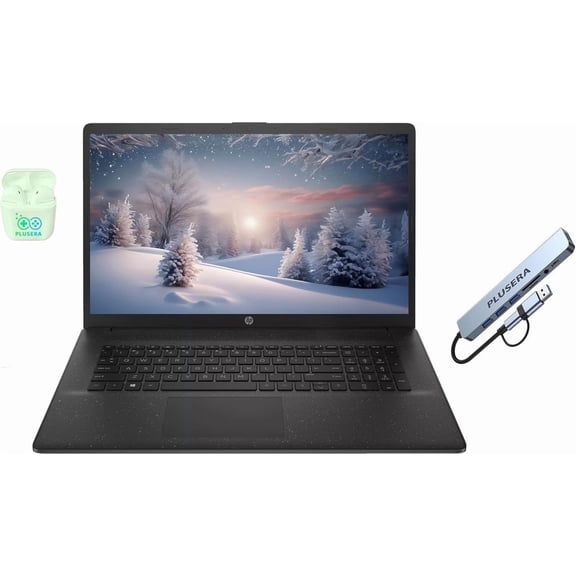
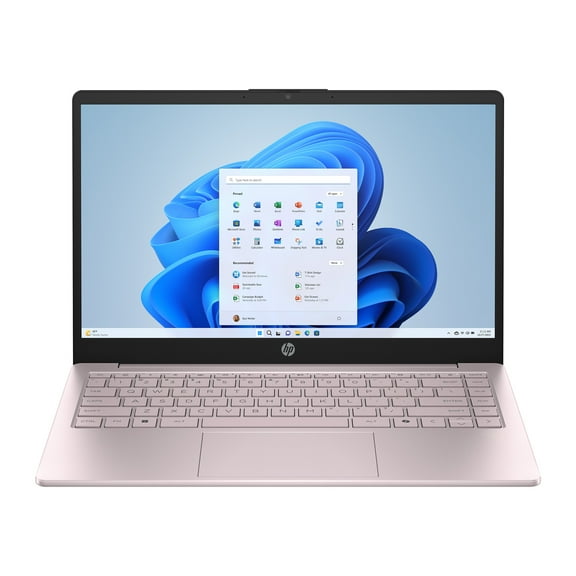
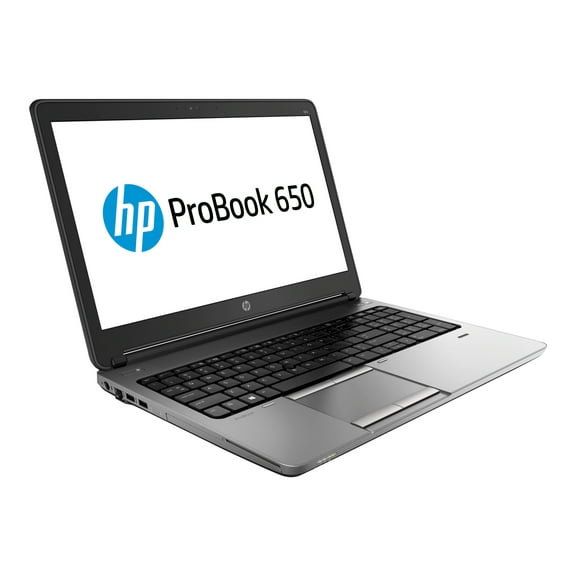
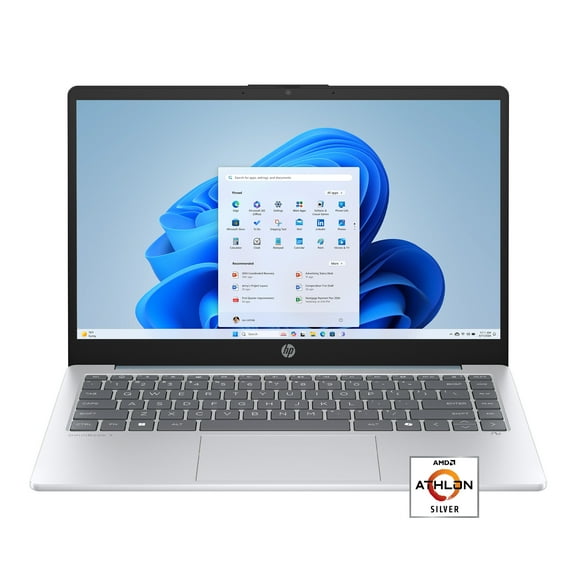
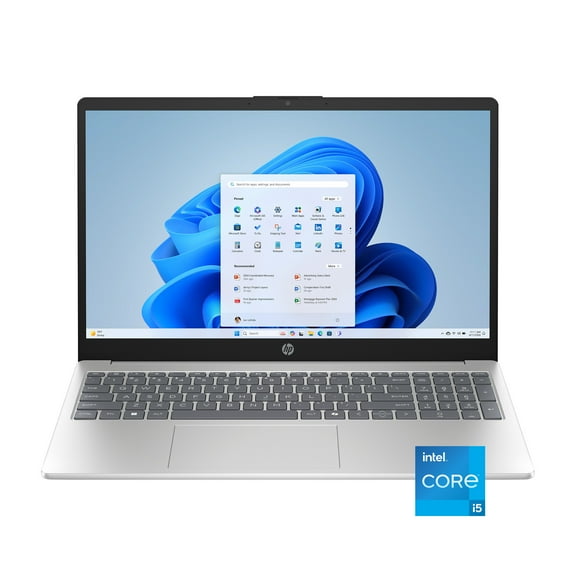
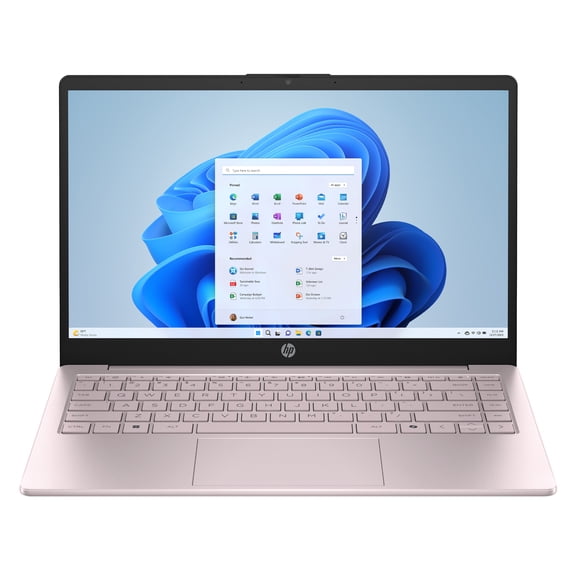
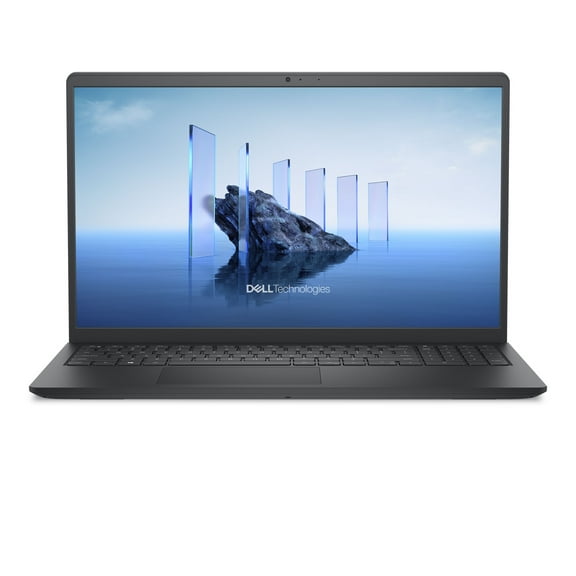
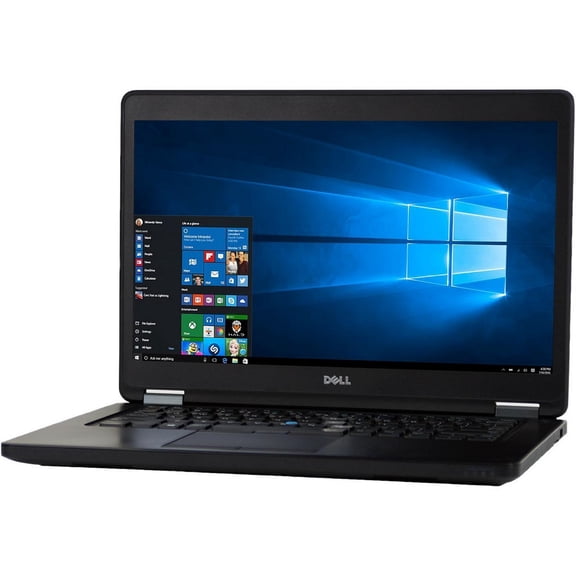
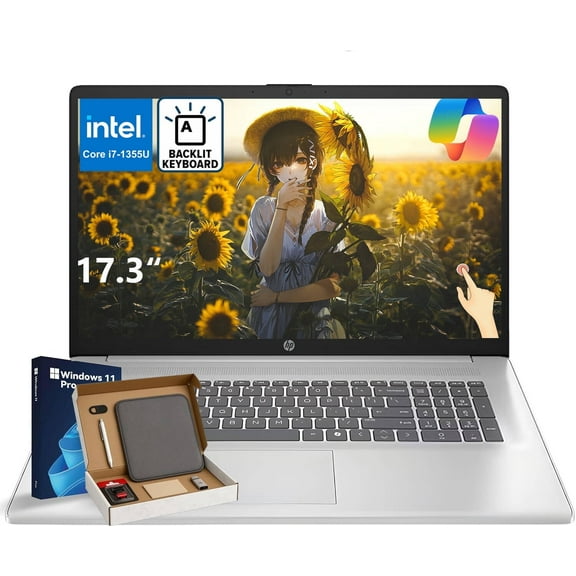
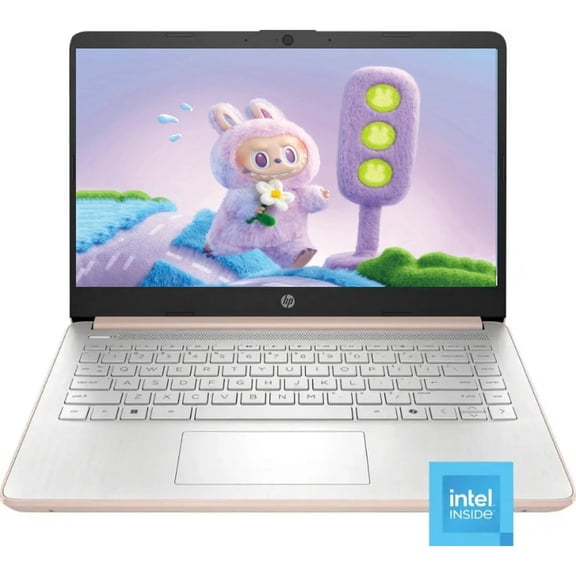
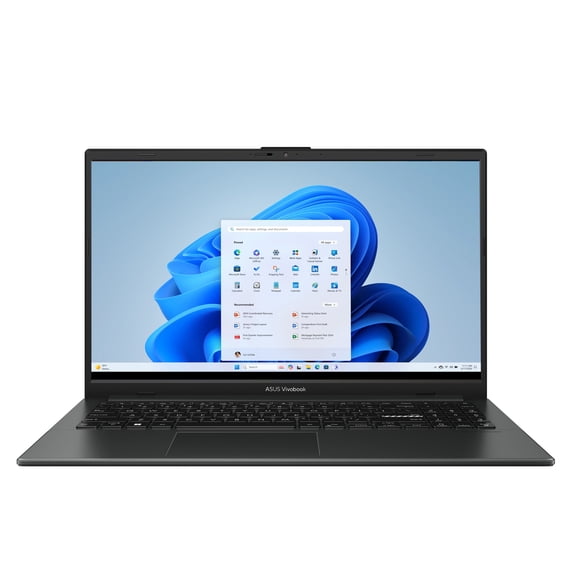
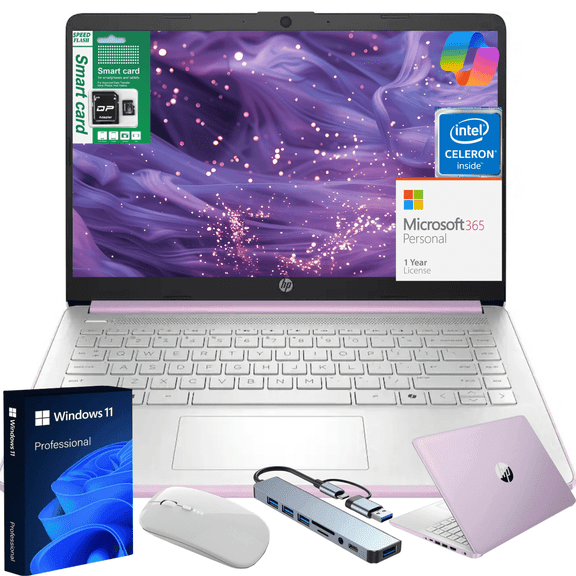
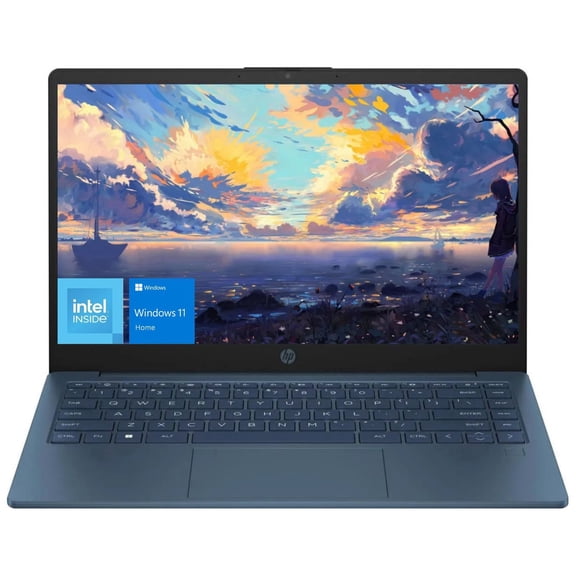
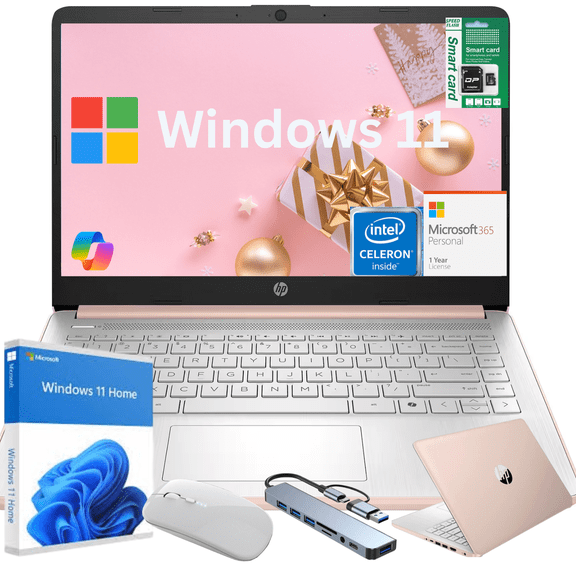
Some shoppers look first at hp laptops for familiar Windows tools and broad model variety. Others compare dell laptops, lenovo laptops, or asus laptops for business tasks, student routines, or gaming setups.
You may also consider acer laptops for practical daily computing and Apple models for shoppers who prefer macOS. You’ll make a clearer decision when you compare brands alongside operating systems and common use cases.
- You can match your laptop brand to your school, work, gaming, or home routines.
- You’ll compare Windows, ChromeOS, and macOS based on your apps and accessories.
- You can choose screen size and battery tradeoffs that fit your desk, bag, or commute.
- You’ll understand how processors, RAM, and storage affect speed and multitasking.
How to compare major laptop brands
You should compare brands by the kinds of models each one offers most often. You’ll notice some brands focus heavily on business notebooks, while others emphasize gaming designs or lightweight student picks.
If you want broad household versatility, you may compare hp laptops and dell laptops across many sizes and configurations. You’ll often find options for presentations, homework, streaming, and video calls.
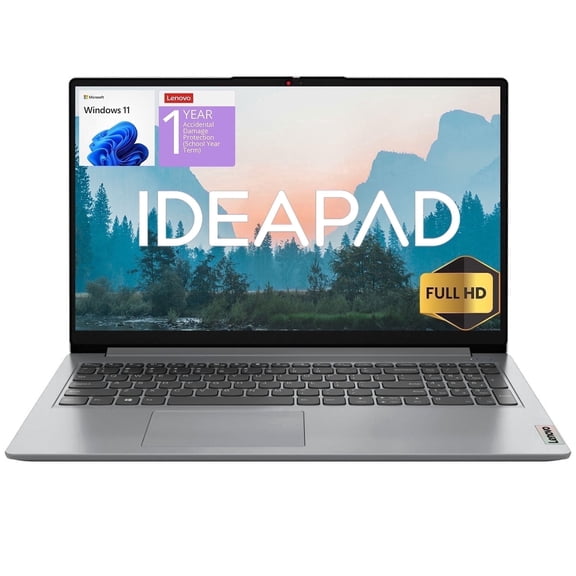
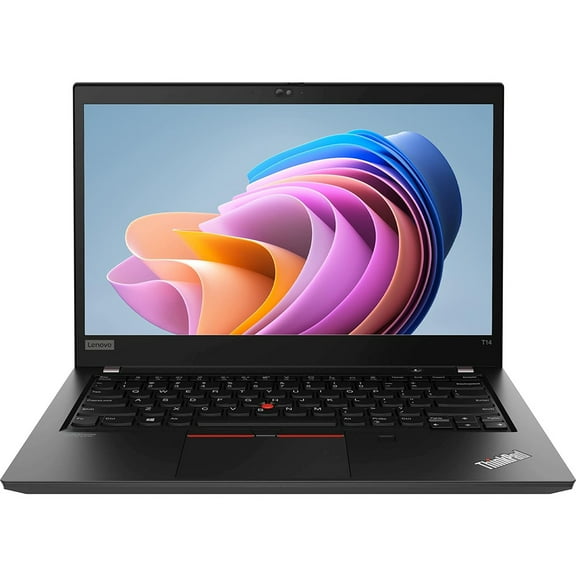
If your workday includes typing and travel, you may compare lenovo laptops with other business-ready designs. You’ll often look for comfortable keyboards, practical port layouts, and compact builds.
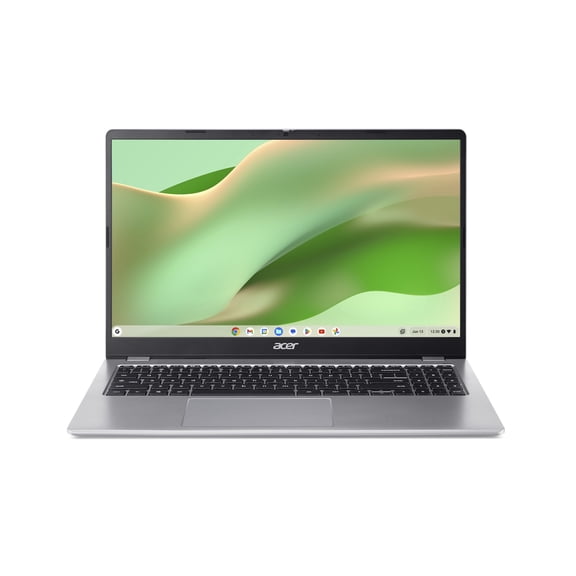
If your focus is graphics or fast refresh displays, you may compare asus laptops and gaming-focused models. You’ll also see acer choices that fit everyday browsing, schoolwork, and entertainment needs.
Choosing your operating system
You should pick your operating system before you compare detailed specs. You’ll avoid frustration when your laptop works with the apps, files, and devices you already use.
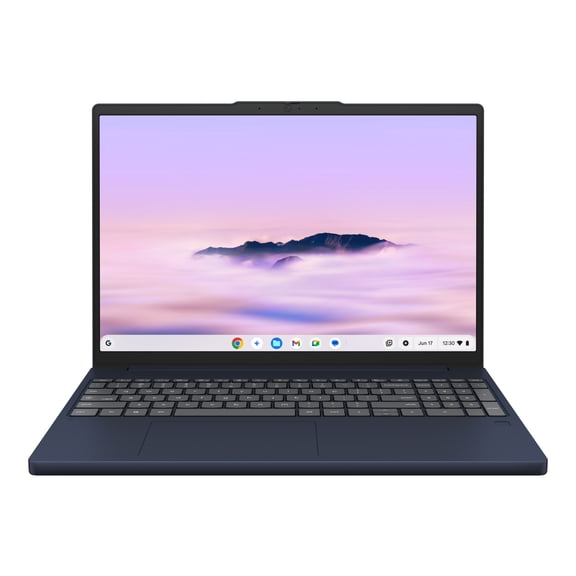
If you use Microsoft Office, common workplace software, or a wide range of accessories, you may prefer Windows. You’ll find Windows across many laptop brands, including HP, Dell, Lenovo, Asus, and Acer.
If you want quick startup and simple web-based tasks, you may consider ChromeOS for student routines. You’ll usually use browser tools, cloud storage, and lightweight apps for classes and daily browsing.
If you already use Apple devices, you may prefer macOS for a familiar interface and connected workflows. You’ll want to check whether your files, software, and accessories align with that ecosystem.
Picking processor, RAM, and storage
You should match your processor and memory to the tasks you do every day. You’ll avoid paying for unused power, and you’ll also avoid sluggish performance during busy routines.
If you browse, stream, and handle documents, you may do well with an Intel Core or AMD Ryzen setup for daily tasks. You’ll want enough RAM for smooth switching between tabs and apps.
If you edit photos, join frequent video meetings, or run larger programs, you should compare stronger processor tiers and added memory. You’ll notice easier multitasking when your system has more headroom.
You should also compare storage type, not just storage size. You’ll get faster startup and app loading with SSD storage, while capacity options in GB or TB help fit your files.
If you store large projects, photos, or downloaded media, you should check whether your laptop includes enough space. You’ll want capacity that fits your routine without constant file cleanup.
Choosing the right screen size and portability
You should compare screen size with how often you travel, commute, or move between rooms. You’ll usually carry a 13-inch laptop more easily, while larger screens give you more viewing space.
If you work in coffee shops, classrooms, or airports, you may prefer a lighter 13-inch model. You’ll likely appreciate easier packing and a smaller footprint on compact tables.
If you want a balanced everyday option, you may choose a 15-inch laptop for work and entertainment. You’ll get a practical mix of screen room and portability for many routines.
If your setup stays mostly at home, you may compare 17-inch models for spreadsheets, movies, or gaming. You’ll want to check battery expectations, since larger displays can affect unplugged time.
Matching brands to your use case
You should let your daily routine guide your shortlist before you compare exact models. You’ll choose more confidently when your laptop brand aligns with how you actually use your computer.
If you need back to school laptops, you may focus on light designs, dependable battery life, and easy note-taking. You’ll often compare Windows or ChromeOS options for essays, research, and online classes.
If you need a business laptop, you may prioritize webcam quality, keyboard comfort, and smooth multitasking. You’ll often compare dell laptops and lenovo laptops when your schedule includes meetings and presentations.
If you want gaming laptops, you should look for stronger processors, dedicated graphics, and larger cooling designs. You’ll often compare asus laptops and other performance-focused models for fast-paced play.
If you need an everyday household computer, you may compare hp laptops, acer laptops, and similar flexible options. You’ll cover browsing, streaming, shopping, and family tasks without overcomplicating your choice.
You can feel more certain when your brand choice reflects your software, screen preference, and daily workload. You’ll narrow the field faster and land on a laptop that fits the way you use it.