

Mobile Hotspots : Walmart.com



















![Total by Verizon Moxee Mobile Hotspot, 256MB, Black- Prepaid Smartphone [Locked to Total By Verizon]](https://i5.walmartimages.com/seo/Total-by-Verizon-Moxee-Mobile-Hotspot-256MB-Black-Prepaid-Smartphone-Locked-to-Total-By-Verizon_c25433e8-0194-4541-8c4a-ebc024ddccf4.cdce7f5c10b94a22a0a0bf7f6706e21f.jpeg?odnHeight=576&odnWidth=576&odnBg=FFFFFF)

About Mobile Hotspots : Walmart.com
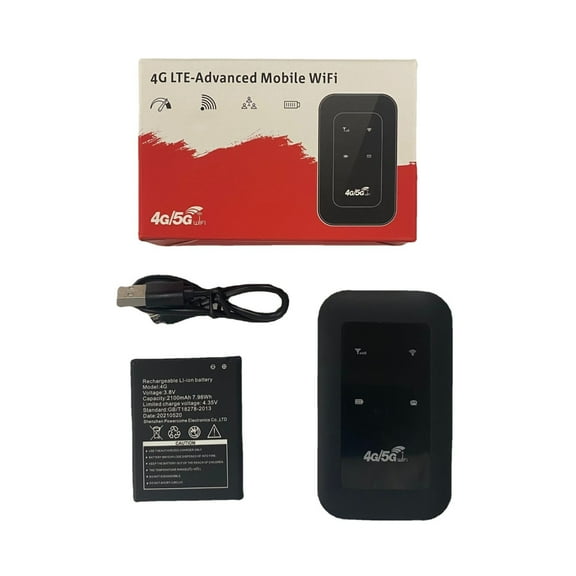
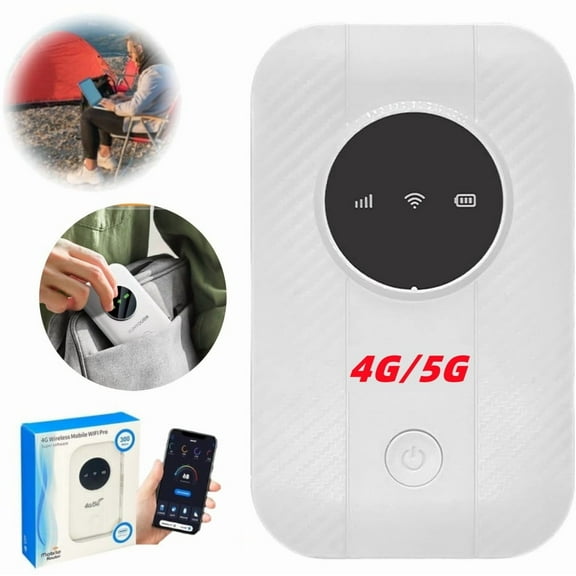
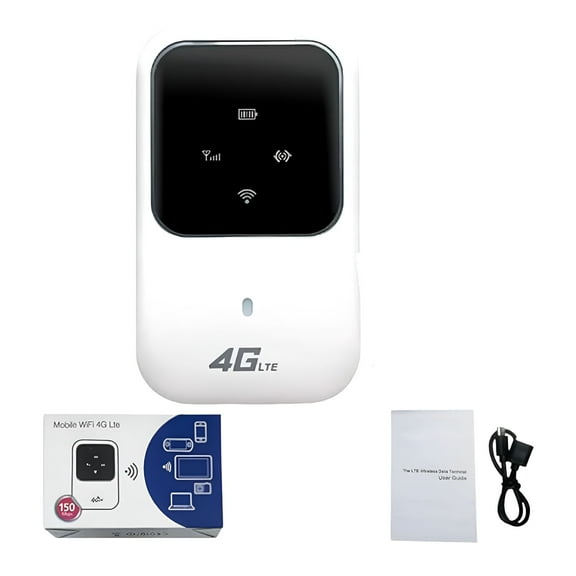
Your Franklin mobile hotspot keeps your connection moving with compact hardware, carrier-specific choices, and setup details that fit travel, work, and backup internet needs. As you compare models, you'll notice Franklin options often focus on portable use, simple activation steps, and support for multiple connected devices.
How to choose a Franklin mobile hotspot
Start with network compatibility because your service plan determines how your hotspot fits into daily use. You'll want to compare 4G LTE, 5G, unlocked, T-Mobile, and Boost Mobile options before you choose.
Model names also help narrow your search when your setup needs are already clear. You'll find Franklin T9, Franklin T10, and R910 options differ in ports, battery size, and network support.
Check whether your device is unlocked or tied to one carrier before you move forward. That step helps your activation process stay simple and keeps your plan match clear.
- Your Franklin hotspot choice should match T-Mobile or Boost Mobile service requirements.
- Your model comparison should include Franklin T9, Franklin T10, and R910 differences.
- Your Franklin portable wifi needs may center on travel, work, or backup home internet.
- Your setup process may use a carrier app, web portal, or SIM activation.
Choosing the right Franklin wireless hotspot features
Compare LTE bands and carrier support first because those details shape where your device works. You'll get a clearer path to activation when your hotspot matches your plan and network type.
If your routine includes commuting or travel, battery capacity deserves close attention. A 2450mAh battery may fit lighter use, while 3000mAh options often suit longer sessions away from a charger.
All-day battery language can also help you estimate how often you'll need to recharge. That matters when your hotspot stays in a backpack, car console, or laptop bag.
Connected device limits affect how your internet holds up during shared use. If your phone, tablet, and laptop all need access, you'll want to compare support for up to 10 devices or 15 devices.
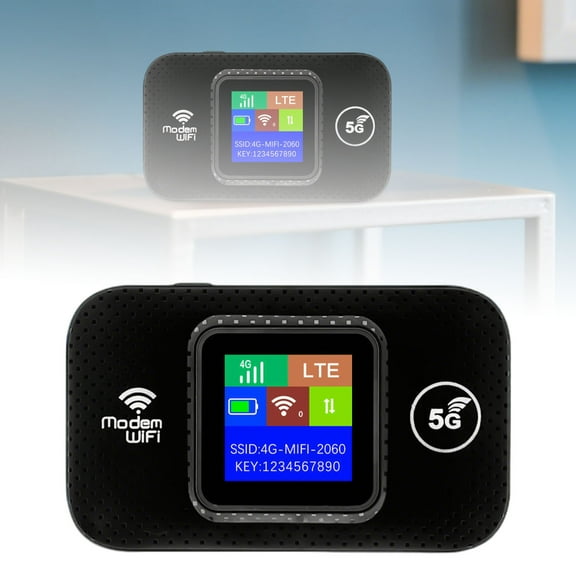
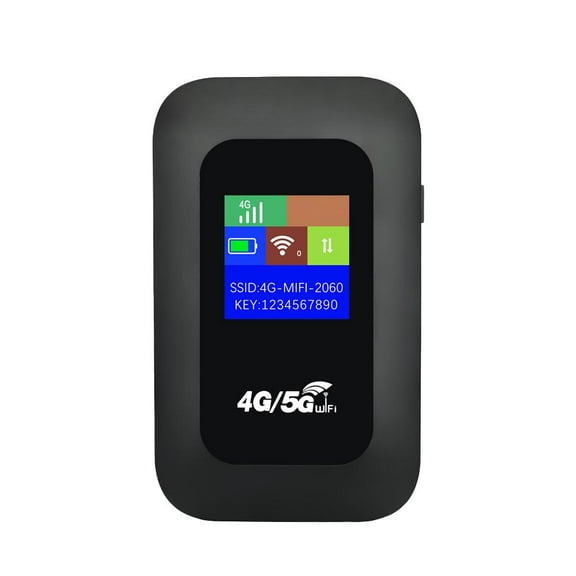
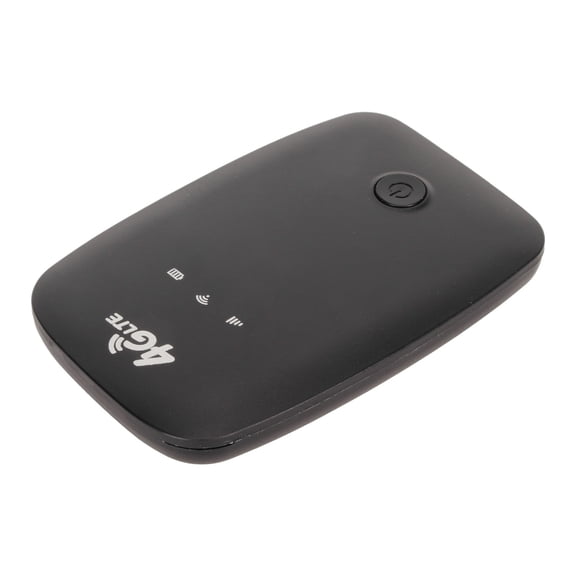
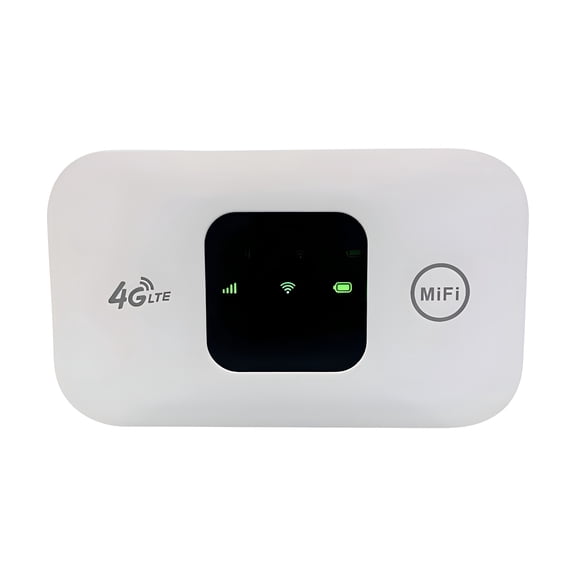
Look at ports, displays, and button layouts as part of your daily routine, not just the spec list. Those details shape how quickly you find your password, check signal status, or recharge.
What to look for in Franklin hotspot setup and plans
Your Franklin mobile hotspot setup should feel straightforward from the first day of use. Before choosing a device, check whether activation requires a carrier plan, SIM installation, or account login.
Some shoppers prefer a model with simple screen prompts and easy-to-read menu steps. That kind of setup helps your network name, password, and plan details stay easy to access.
Carrier compatibility matters just as much as setup speed when you're comparing models. If your service uses specific LTE bands, you'll want to confirm those bands match your hotspot before purchase.
GSM and CDMA details may appear in product information when your carrier requirements are more specific. In plain terms, that means you should confirm the hotspot matches the network style your plan uses.
Plan structure also affects your day-to-day experience with a Franklin wireless hotspot. Depending on your routine, you may prefer prepaid data, postpaid service, or a hotspot-only line.
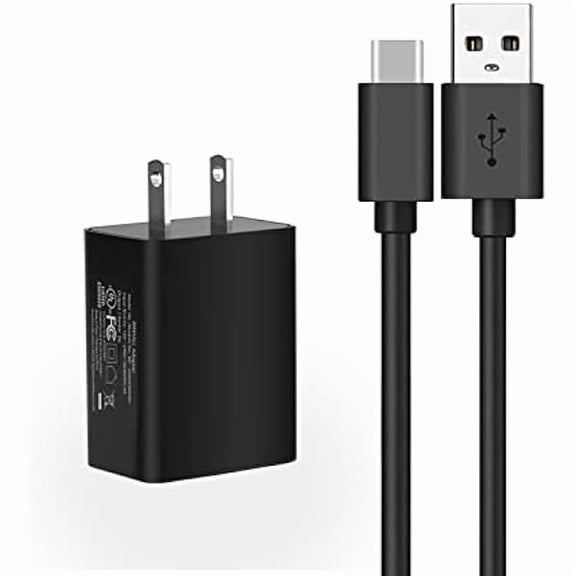
Accessories can make daily use more convenient when your hotspot travels often. A protective case, USB-C cable, or spare wall charger helps your setup stay ready in more places.
Matching Franklin hotspot models to your routine
If your goal is a compact backup connection, a lighter-use model may cover your laptop and phone. That setup works well when your home internet pauses or your commute needs temporary access.
Shared travel often calls for more battery life and a higher device limit. In that case, you'll want a Franklin hotspot that supports several screens during hotel stays, car rides, or remote work sessions.
Students and mobile workers may focus on simple activation and easy recharging during long days. Those shoppers often compare Franklin portable wifi options by battery size, charging port, and connected device count.
If you already know the Franklin T10 by name, model-specific details become even more useful. You can compare the Franklin T10 with the T9 or R910 by carrier support, charging style, and capacity.
Home backup use brings a different set of priorities than occasional travel use. When your internet need lasts longer, you'll want a model that aligns with your data plan and sharing habits.
Why a Franklin mobile hotspot category helps you compare faster
This Franklin mobile hotspot category helps you compare network match, battery capacity, and sharing limits in one place. When your carrier fit and device needs line up, your portable connection feels easier to use every day.