

Computer Keyboards & Mice in Computer Accessories






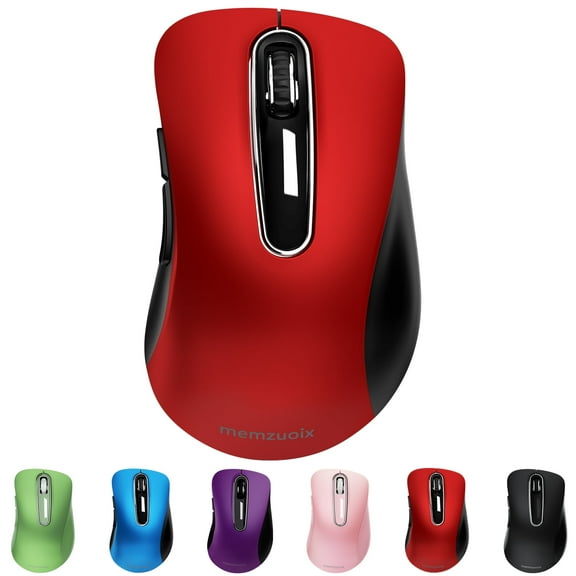
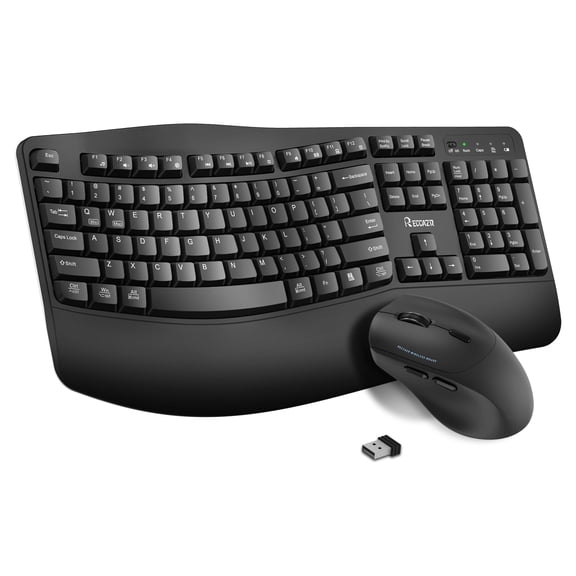
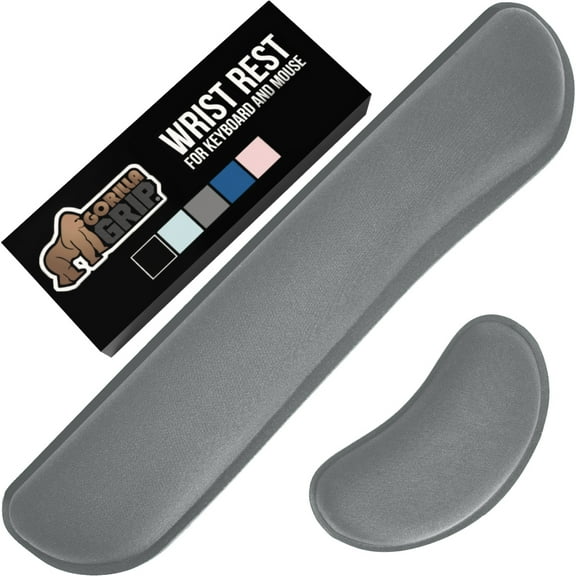
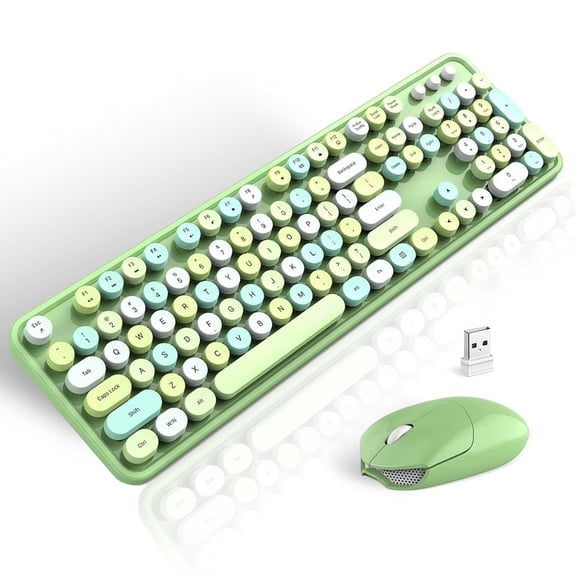




























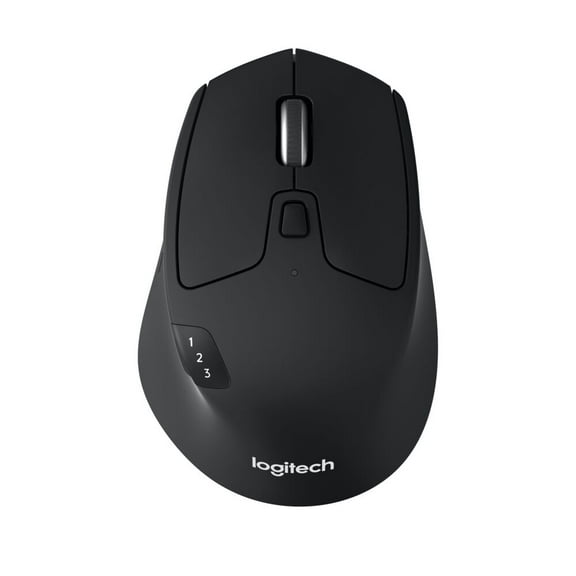
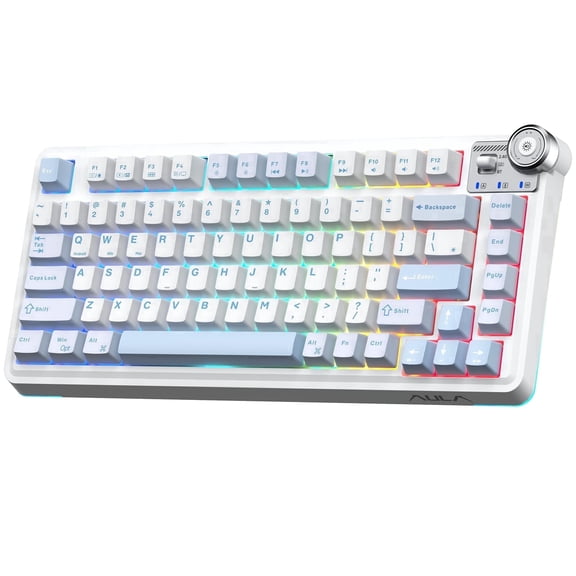


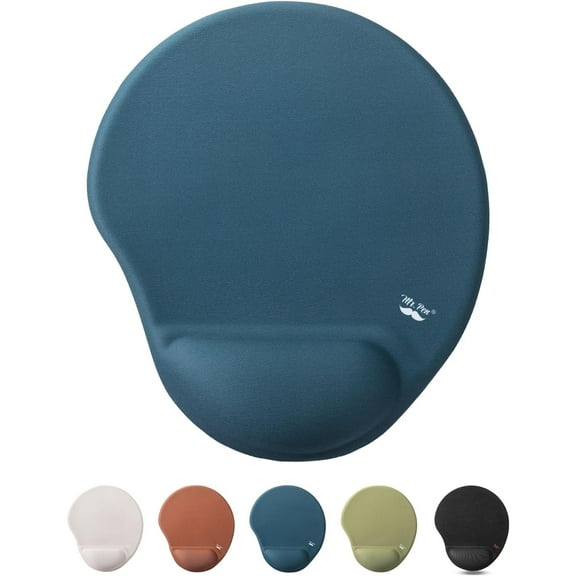


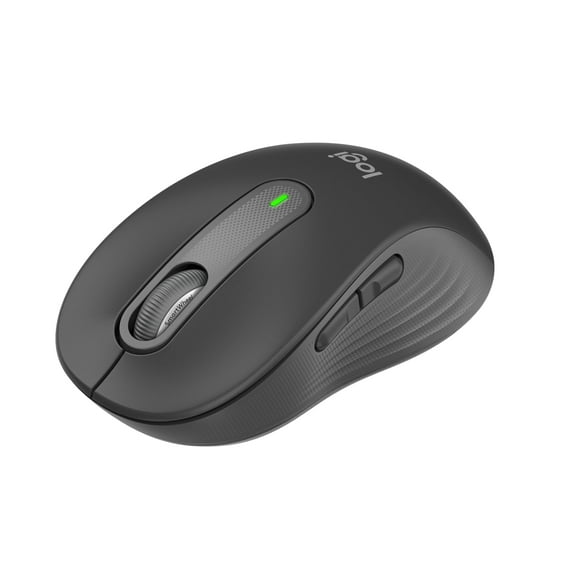








About Computer Keyboards & Mice in Computer Accessories - Walmart.com
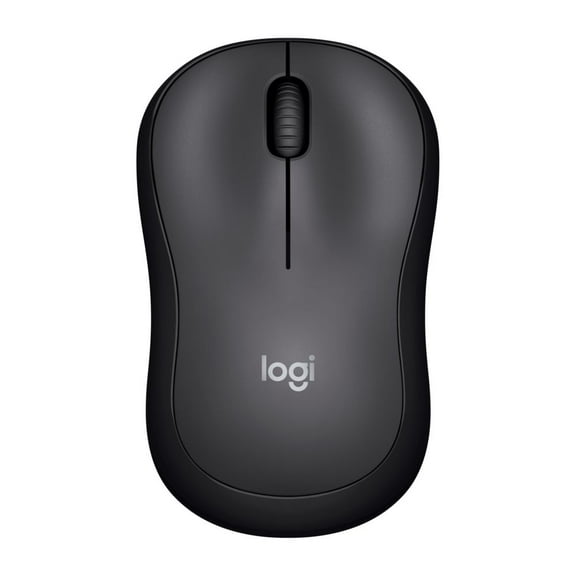
Computer keyboards and mice help you build a setup that matches your work, play, and daily routine. You can compare typing feel, pointer control, and connection options in one place for a more tailored desk.
How to choose computer keyboards and mice
When you compare computer keyboards and mice, you should start with how and where you'll use them. You may need compact travel gear, full-size office layouts, or gaming-focused controls with rapid response.
You’ll also want to think about desk space, cable preferences, and the devices you already own. Your setup may work well with a matched pair or with separate pieces chosen for different tasks.
For quick scanning, you can focus on a few decision points before you narrow your options. Your buying checklist often comes down to connectivity, ergonomics, switch type, and power source.
- You can choose wireless, wired, Bluetooth, or USB-C connections based on your device and desk layout.
- You can compare ergonomic, standard, split-key, and vertical designs for posture and hand position.
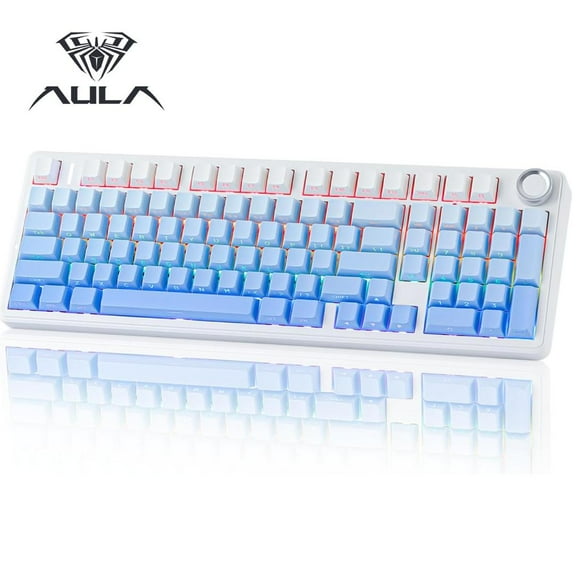
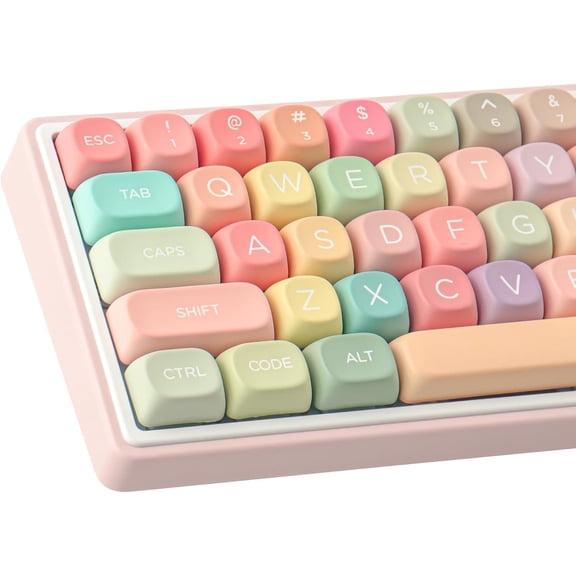
- You can select mechanical keyboards, membrane models, or scissor switch styles for your preferred typing feel.
- You can check rechargeable, battery-powered, or bus-powered options for your charging habits and portability needs.
Choosing the right connectivity
Connectivity shapes how easily you can pair your gear with laptops, desktops, and tablets. You should check Bluetooth version, USB receiver type, and operating system compatibility before you choose.
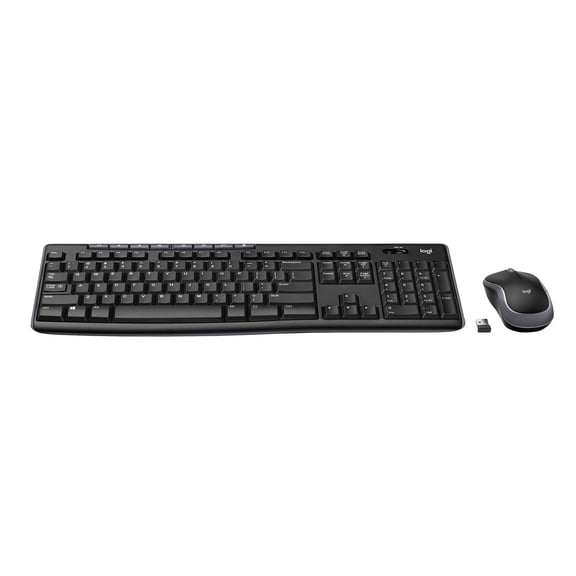
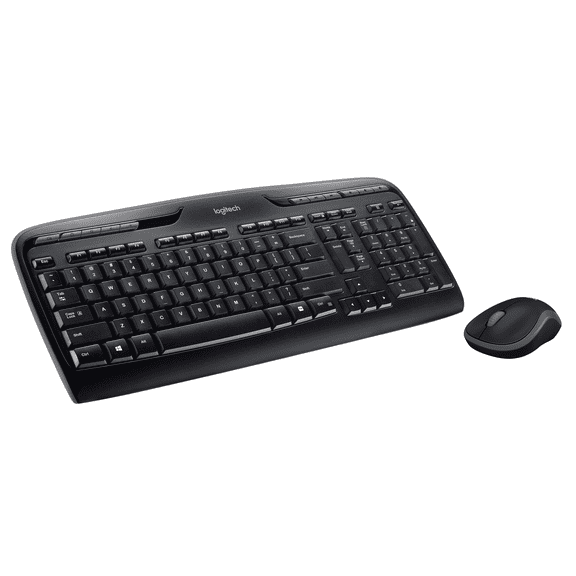
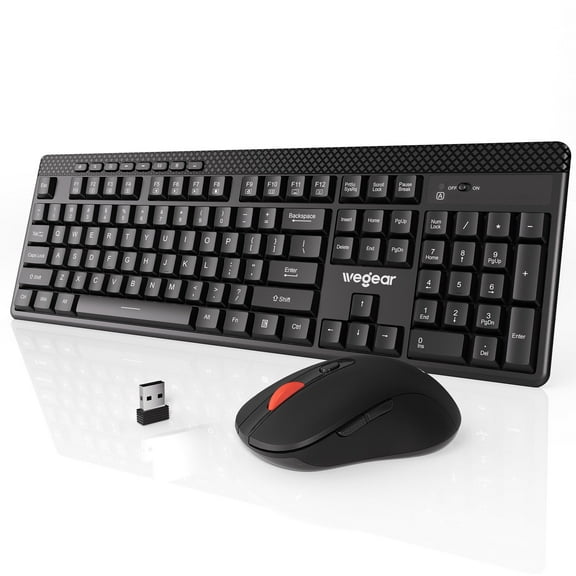
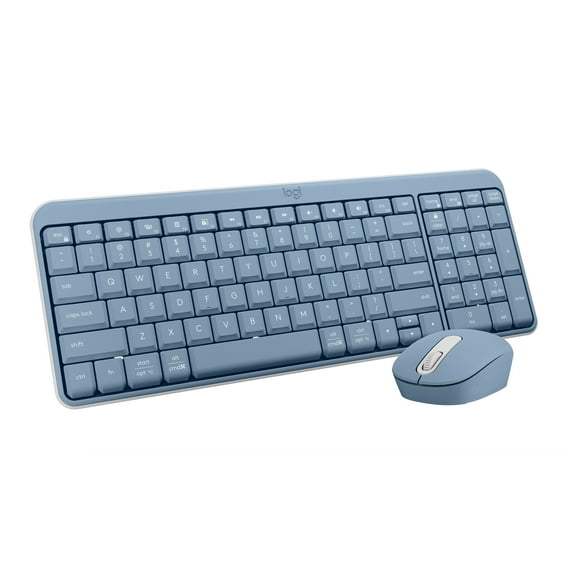
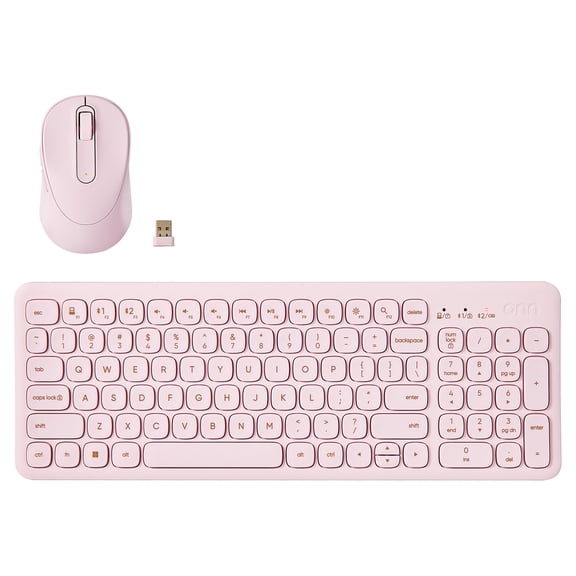
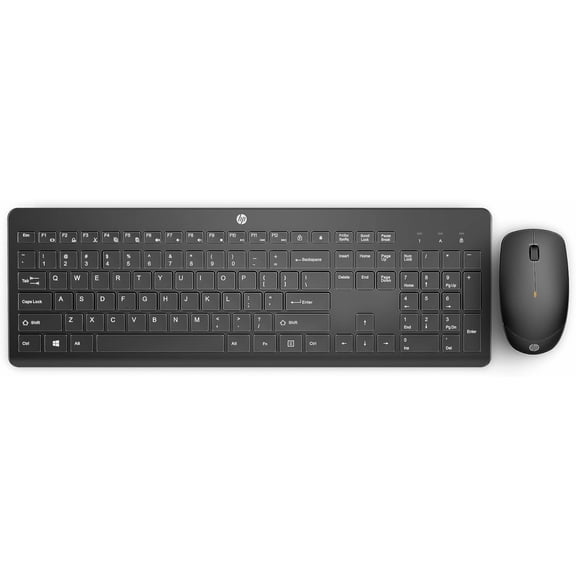
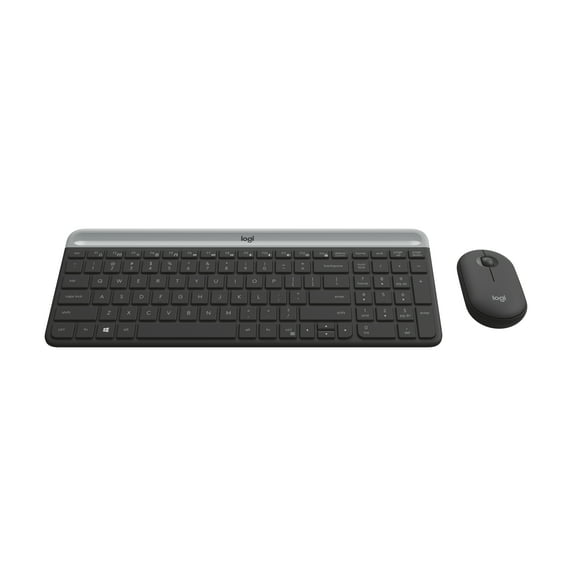
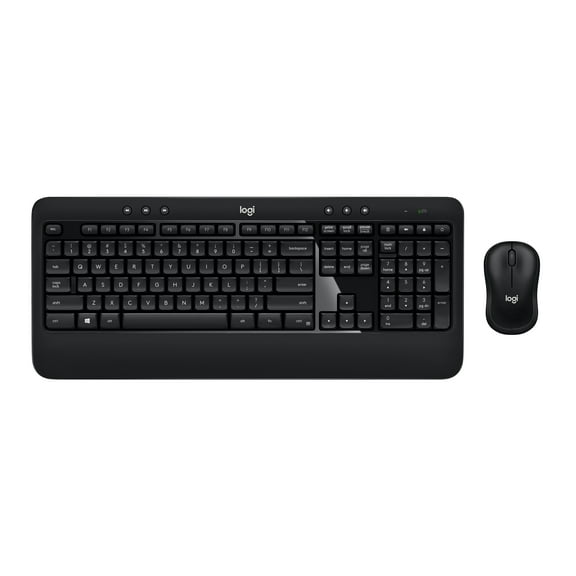
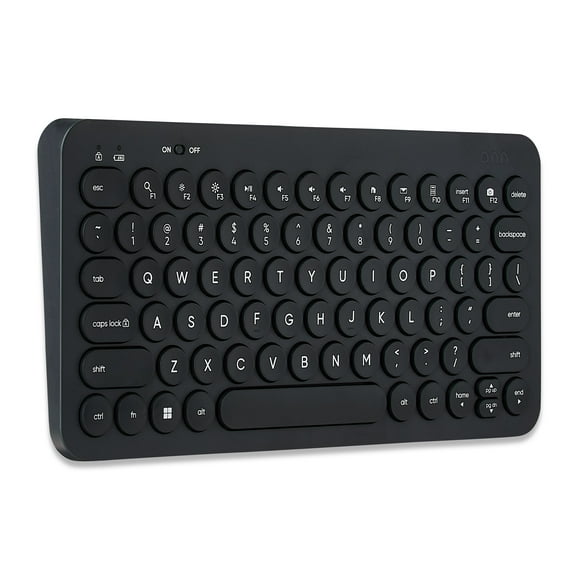
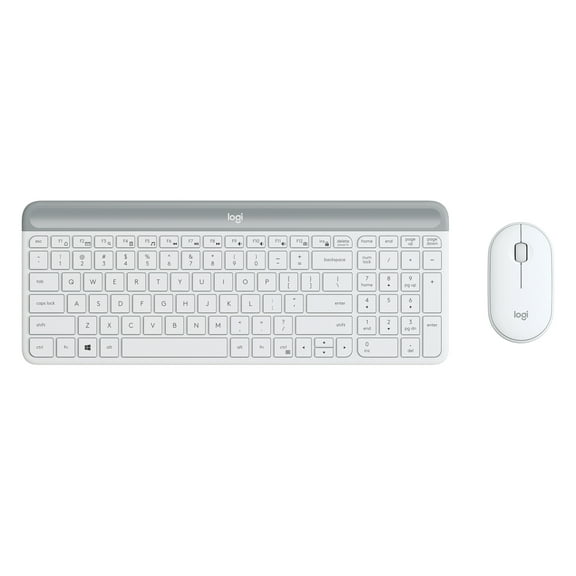
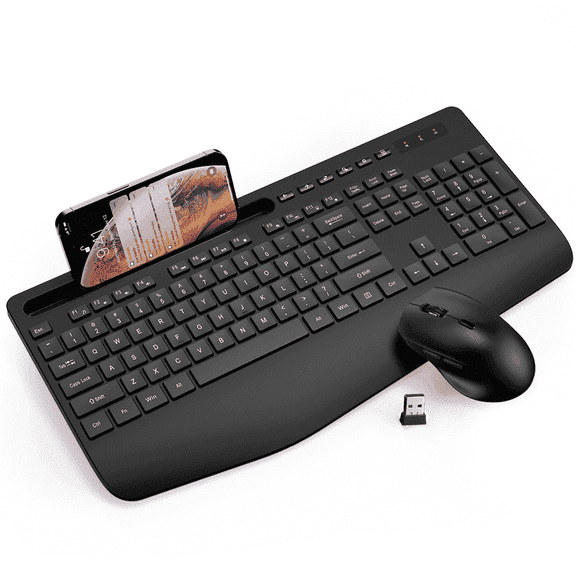
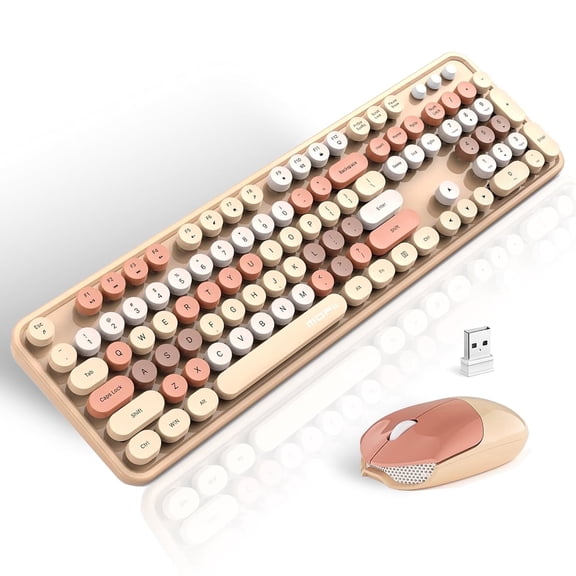
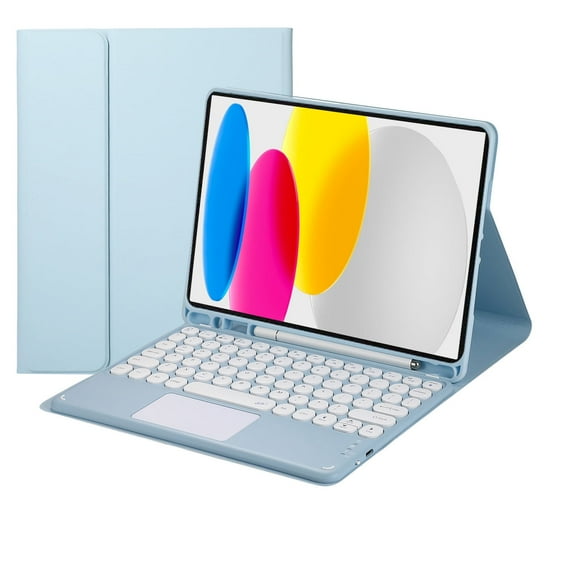
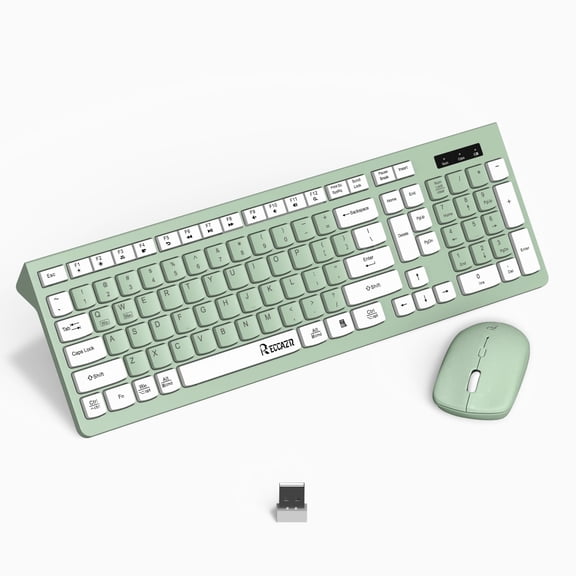
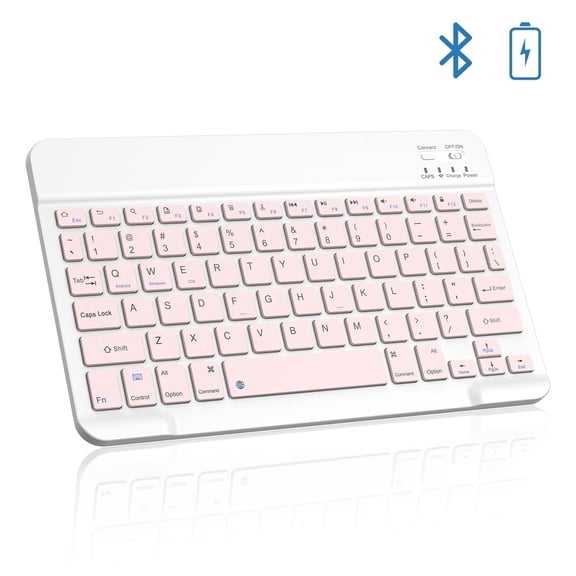
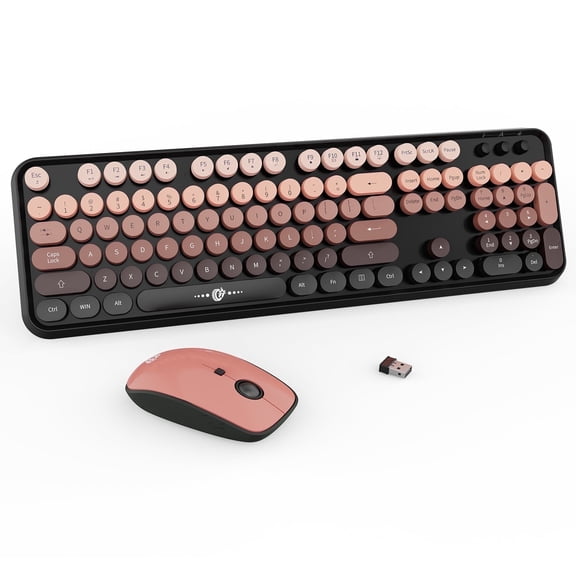
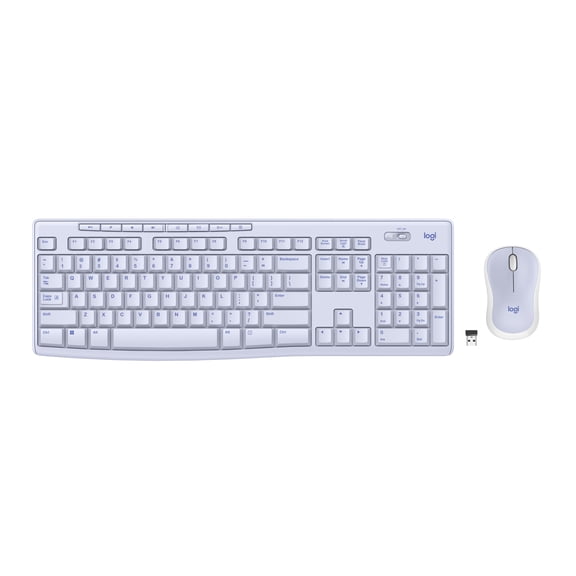
If you want a cleaner desk, a wireless keyboard and mouse combo can reduce visible cables. You may also like Bluetooth keyboards when your device has limited ports.
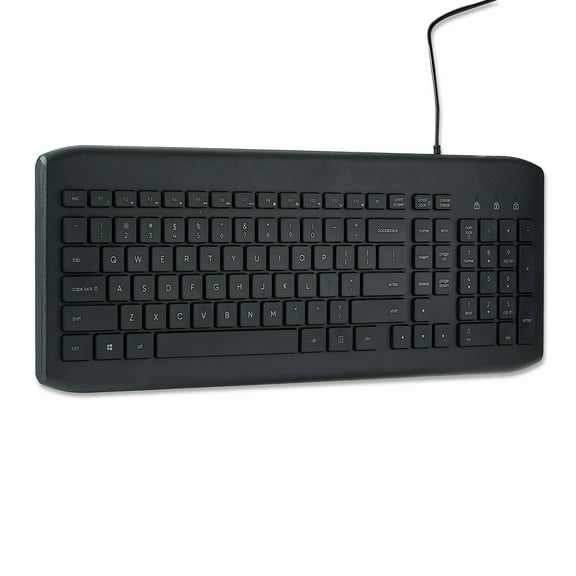
If you need simple plug-in use, usb keyboards and wired mice can keep setup straightforward. You won’t need charging, and you can move between shared workstations with minimal setup time.
Some setups work well with USB-C adapters or direct USB-C connections on newer devices. You should confirm port type first, so your accessories connect without extra guesswork.
Comparing ergonomic computer mice and keyboard shapes
Ergonomic computer mice and keyboard layouts can change how your hands sit during long sessions. You may notice that a vertical mouse keeps your hand in a more natural angle.
If you type for hours, an ergonomic keyboard or split-key layout can support a more relaxed arm position. You should compare key spacing, palm rest shape, and keyboard width for your desk.
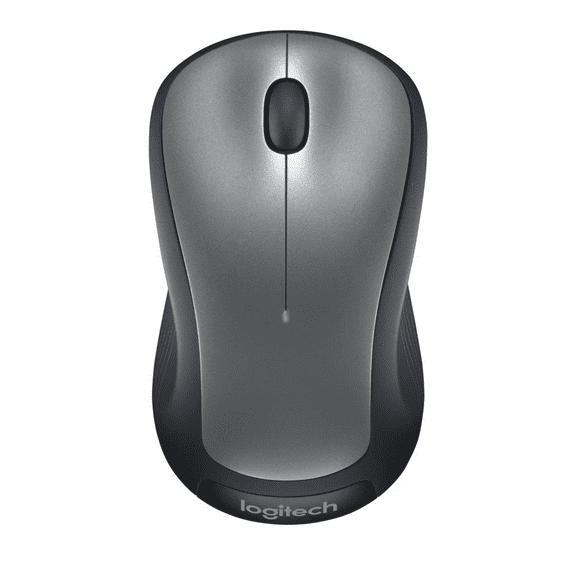
Standard shapes can still make sense when you want a familiar layout and easy switching. You may prefer them for shared computers, classroom setups, or compact home offices.
Comfort also depends on size and placement, not just on the word ergonomic. You should measure your desk and check whether your mouse shape fits your grip style.
Mechanical keyboards, membrane models, and typing feel
Your typing feel matters because it affects speed, sound, and daily comfort. You can compare mechanical keyboards, membrane designs, and scissor switch models based on feedback and noise.
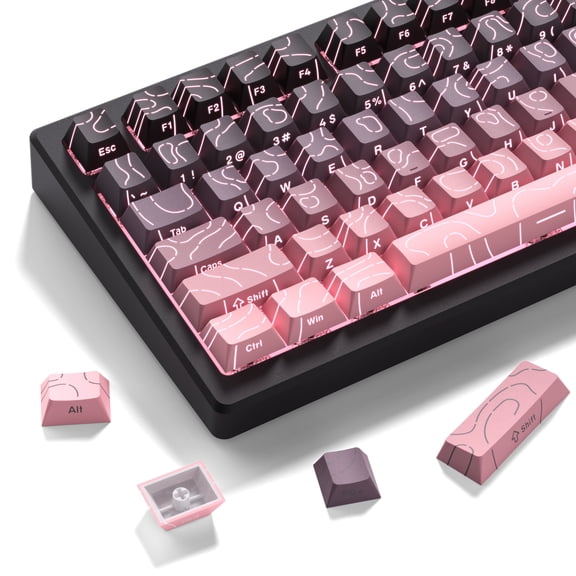
If you like a more defined press, a mechanical keyboard can give your fingers clearer tactile response. You may also find some switch styles feel more precise for shortcuts and repeated commands.
If you want a quieter setup, membrane keyboards often feel softer and more muted. You might prefer them for shared rooms, office desks, or study spaces.
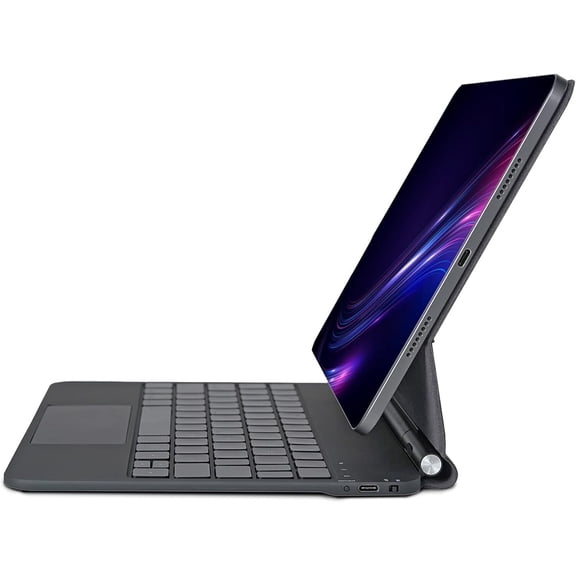
Scissor switch keyboards usually keep a lower profile, which can suit compact desks and travel bags. You can look for them when you want flatter keys and a laptop-like feel.
Picking power options for daily use
Power source affects how often you’ll charge, replace batteries, or stay plugged in. You should choose a setup that matches your schedule and how often you move between spaces.
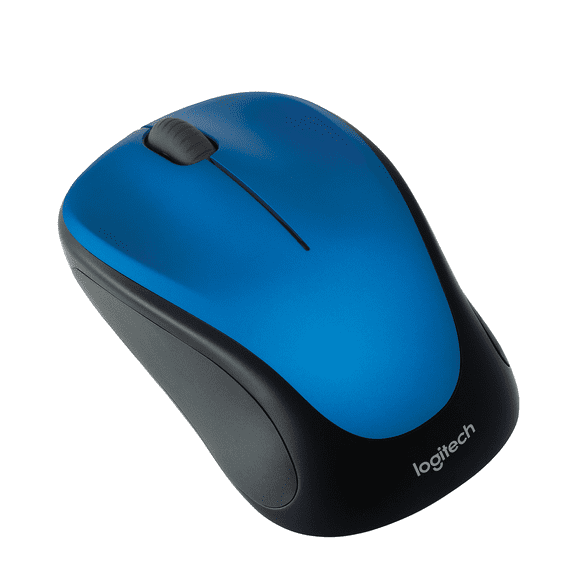
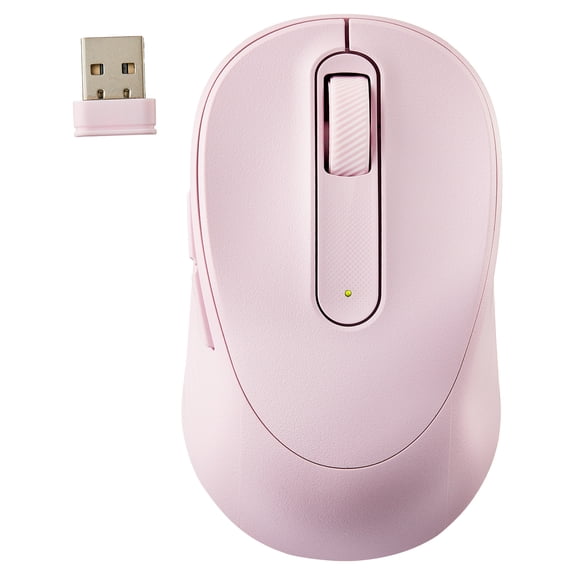
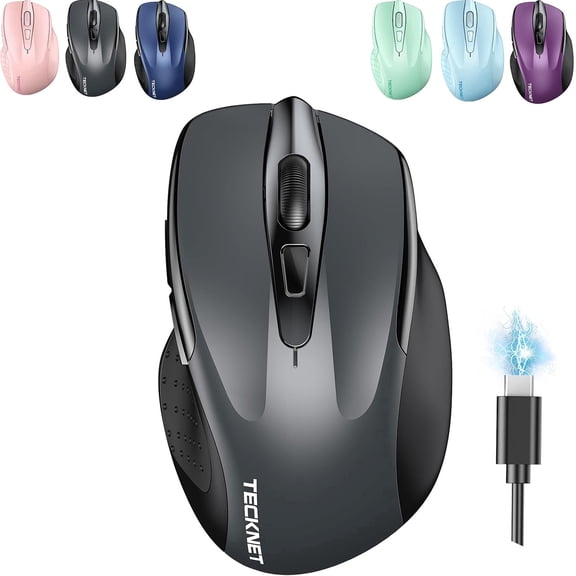
A rechargeable wireless mouse can simplify your routine when you prefer a built-in battery and a charging cable. You can recharge between uses instead of keeping spare batteries nearby.
Battery-powered models can work well when you want quick swaps during busy days. You may like them for travel kits, classrooms, or shared office drawers.
Bus-powered wired options draw power through the connection, so you won’t manage charging at all. You can keep them connected for steady use at a fixed workstation.
Matching gaming, office, travel, and productivity setups
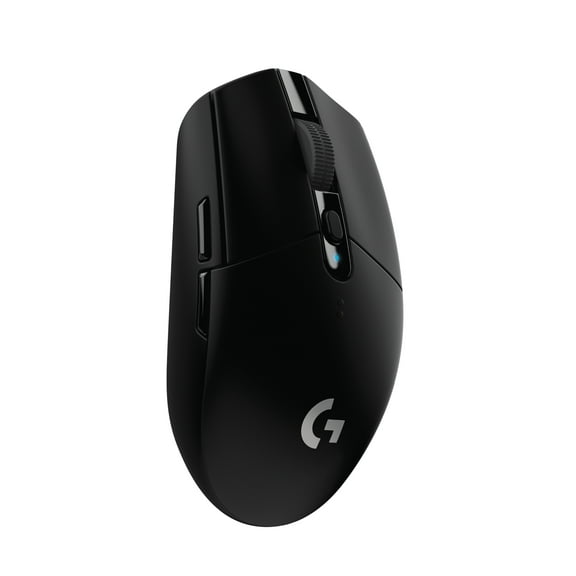
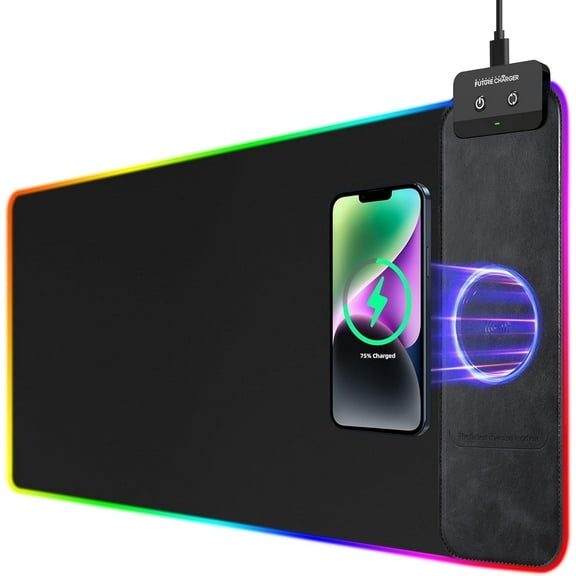
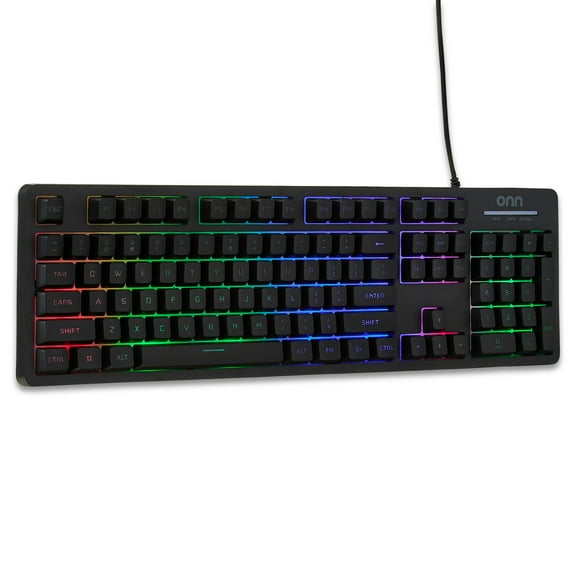
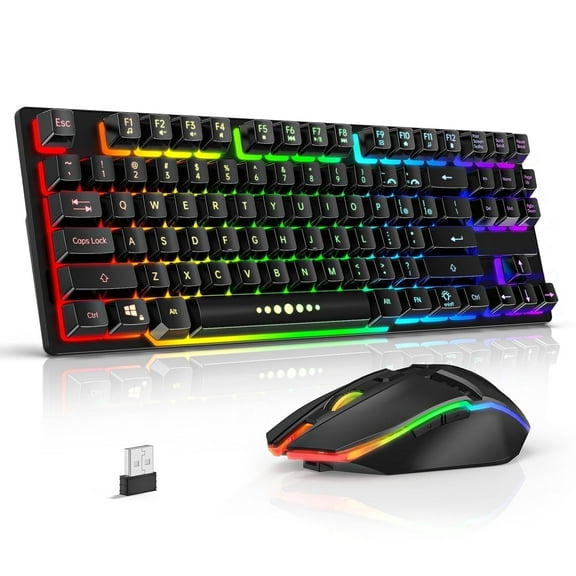
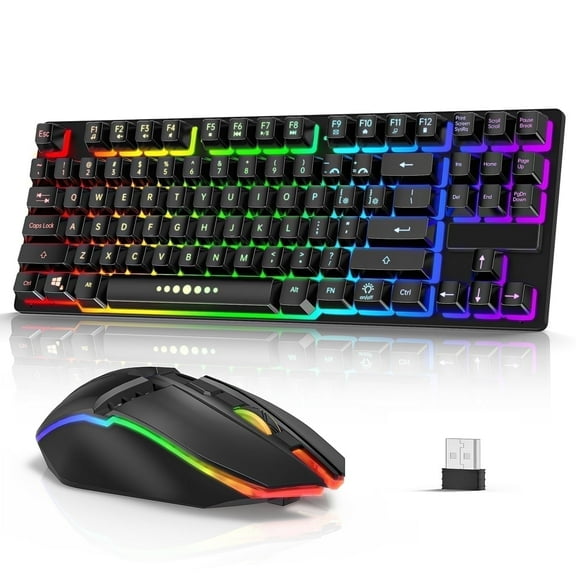
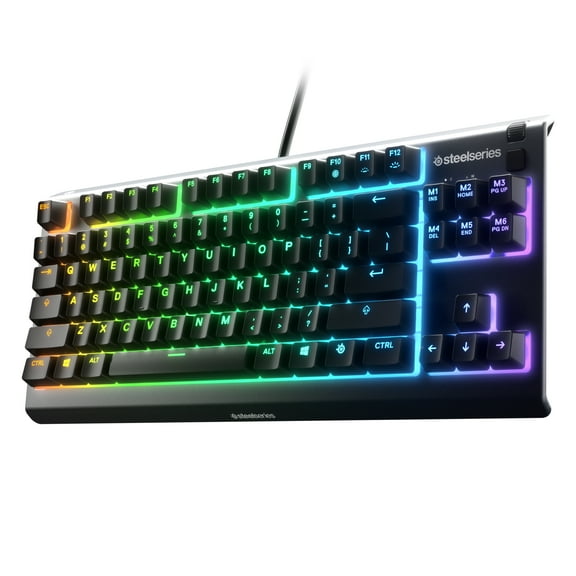
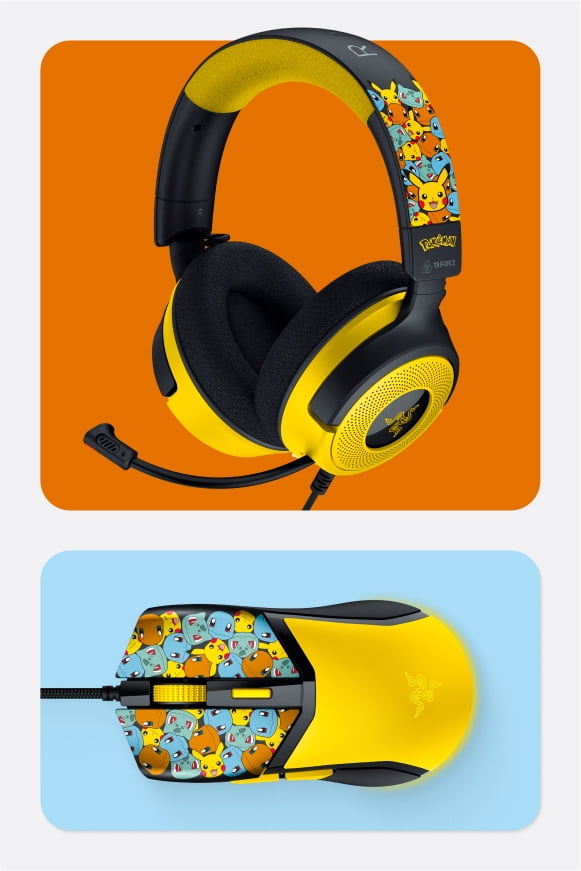
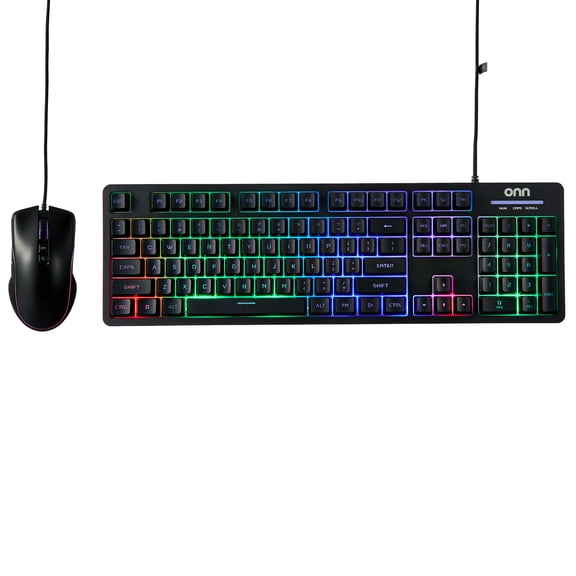
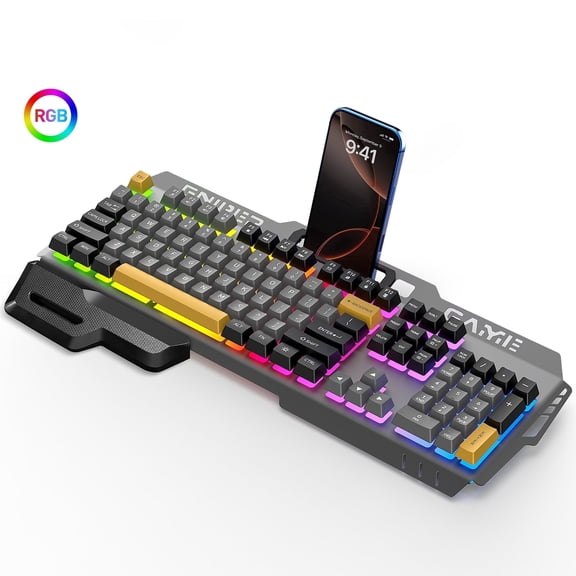
Gaming keyboards and mice often focus on quick inputs, programmable buttons, and more deliberate control. You may look for a gaming keyboard with responsive keys and an optical computer mouse for tracking.
Office setups often prioritize comfort, quiet typing, and dependable connectivity across long workdays. You can pair an ergonomic keyboard with a standard or vertical mouse for steadier daily use.
Travel setups usually benefit from lighter shapes, compact layouts, and easy pairing with laptops or tablets. You might choose bluetooth keyboards and a slim mouse when you want fewer cords in your bag.
Productivity-focused desks may combine a full-size layout, number pad, and customizable mouse controls. You can organize spreadsheets, presentations, and multitasking workflows with minimal interruptions.
Seasonal needs matter too when you’re preparing for school or a new semester. You can compare back to school keyboards and college computer accessories for dorm desks and study spaces.
When you choose the right computer keyboards and mice, your setup can feel smoother from the first login. You can type, click, and switch devices with a setup that fits your routine.