


Xbox One Controllers
![F300 Arcade Fight Stick Universal P4/X1/NSW/PC [Mayflash]](https://i5.walmartimages.com/seo/Mayflash-F300-Arcade-Fight-Stick-Joystick-for-PS4-PS3-XBOX-ONE-XBOX-360-PC-Switch-NeoGeo-mini_ce887266-fcc9-44ab-9620-19962ae27284.a70d63ea01cfe7266f817e92da812735.jpeg?odnHeight=576&odnWidth=576&odnBg=FFFFFF)








![Fosmon Xbox One/One X/One S/ One Elite Dual Controller Charger, [Dual Slot] High Speed Docking Charging Station with 2 x 1000mAh Rechargeable Battery Packs - White](https://i5.walmartimages.com/seo/Fosmon-Xbox-One-One-X-One-S-One-Elite-Dual-Controller-Charger-Dual-Slot-High-Speed-Docking-Charging-Station-2-x-1000mAh-Rechargeable-Battery-Packs-Wh_17137fda-1457-4cb1-ba28-0b0a88bebd1b.8f42c4cdda37df616a94f9da66739ff7.jpeg?odnHeight=576&odnWidth=576&odnBg=FFFFFF)
![Black, variant on Fosmon Xbox One/One X/One S/ One Elite Dual Controller Charger, [Dual Slot] High Speed Docking Charging Station with 2 x 1000mAh Rechargeable Battery Packs - White](https://i5.walmartimages.com/asr/6e53a3a3-01f8-43ca-8961-7233bbe01c9a.c66c907cbfa5c515b391368b2dd03182.jpeg?odnHeight=30&odnWidth=30&odnBg=FFFFFF)
![White, variant on Fosmon Xbox One/One X/One S/ One Elite Dual Controller Charger, [Dual Slot] High Speed Docking Charging Station with 2 x 1000mAh Rechargeable Battery Packs - White](https://i5.walmartimages.com/asr/2aa2c2bf-8df7-406a-843d-d89591a5d28d.e71424342fab6e9d279fa046dd95beaa.jpeg?odnHeight=30&odnWidth=30&odnBg=FFFFFF)













About Xbox One Controllers - Walmart.com
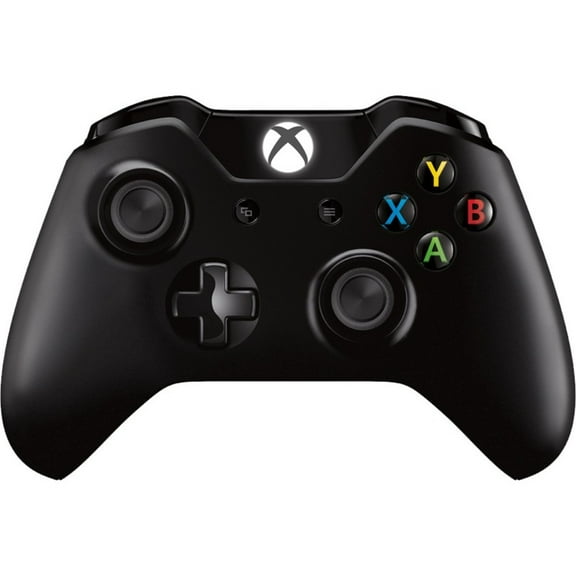
Xbox controllers help you dial in comfort, compatibility, and control for every session. You can compare wireless, wired, rechargeable, and custom-ready options for Xbox Series X|S, Xbox One, PC, and mobile play.
If you switch between console and computer gaming, you’ll want a controller that matches your setup without extra guesswork. You can use this guide to compare connection type, supported devices, power choices, and input features that shape how your games feel.
Choosing the right xbox controllers for your setup
When you compare xbox controllers, you should start with where and how you play most often. You’ll get a smoother pick when you match your controller to your console generation, desk setup, and favorite game styles.
Wireless models give you more freedom across the couch, media room, or gaming chair. Wired options give you a direct connection that many players prefer for steady play at a desk.
- You can choose wireless play when you want fewer cords around your TV stand.
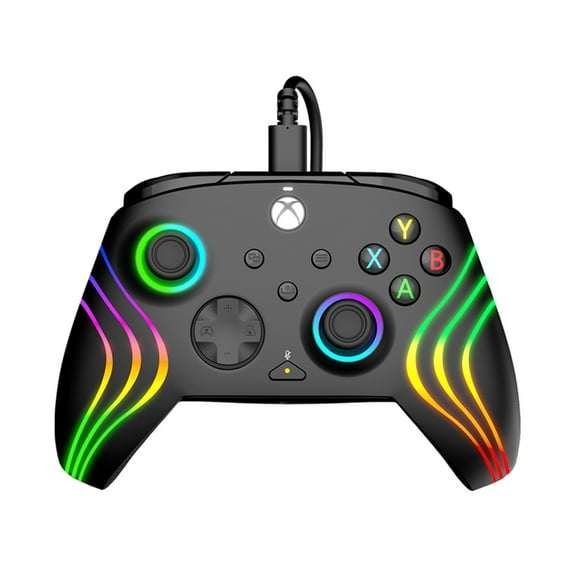
- You can choose wired play when you want a plug-in setup for your console or pc controller use.
- You can compare AA batteries and rechargeable battery pack support based on how you like to power your controller.
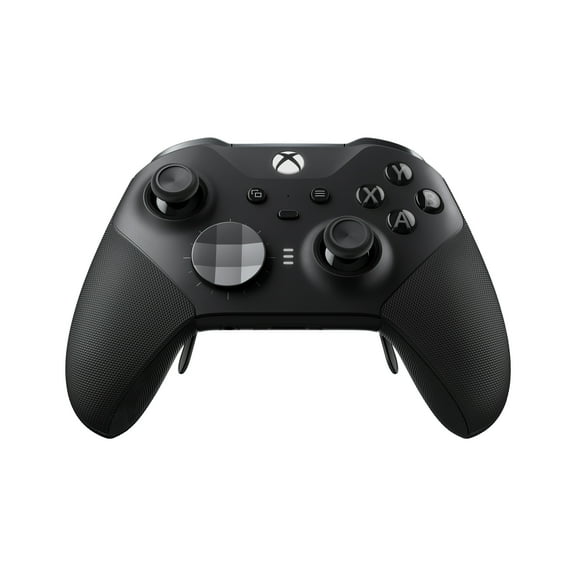
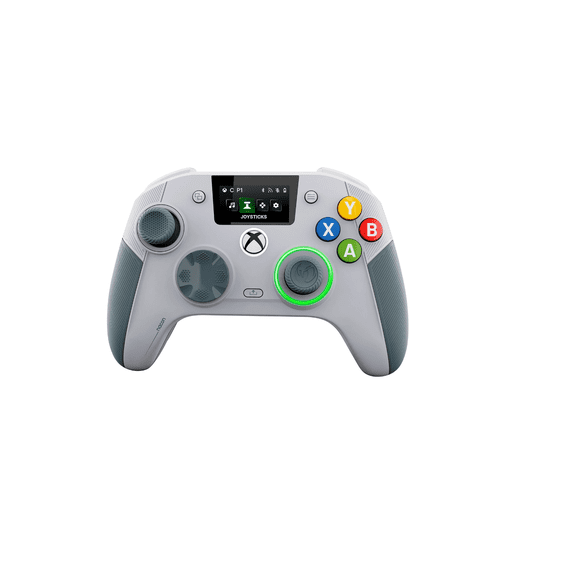
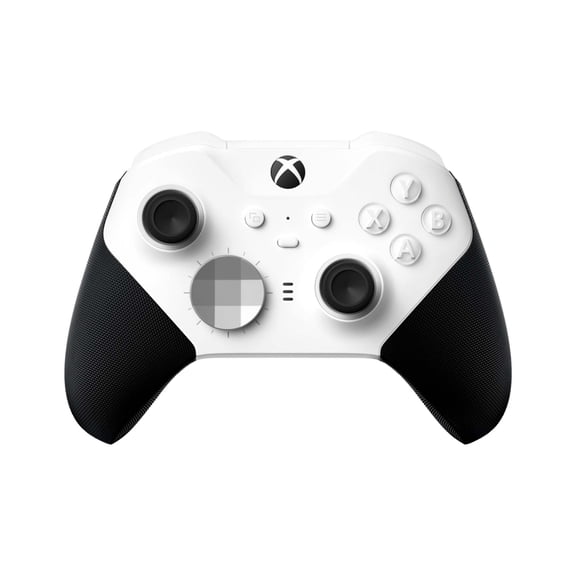
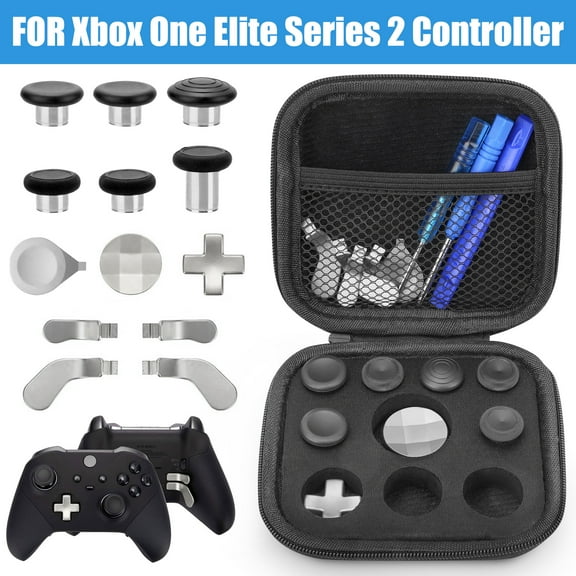
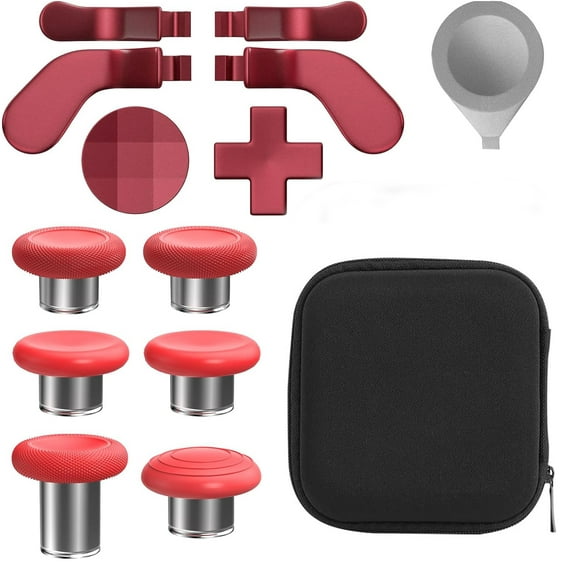
- You can look for textured grips, remappable buttons, or paddles when you want more control over movement and inputs.
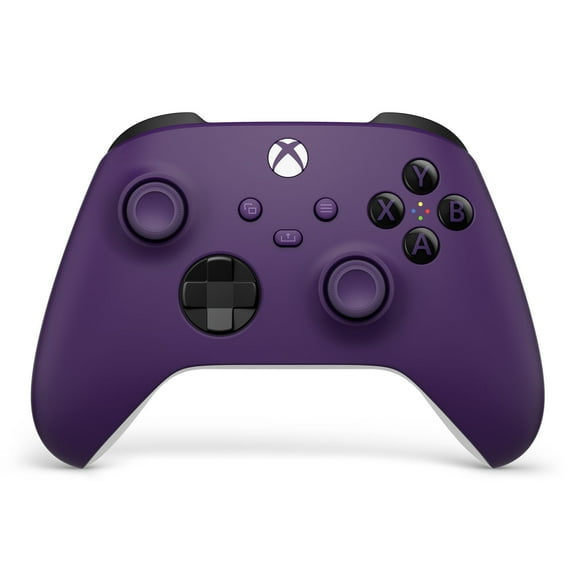
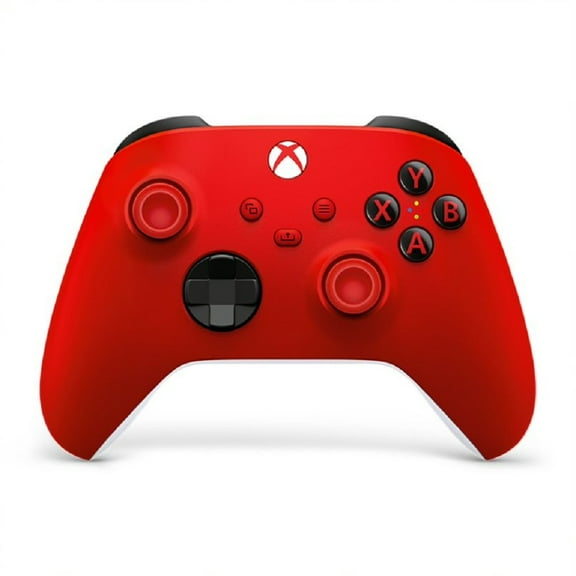
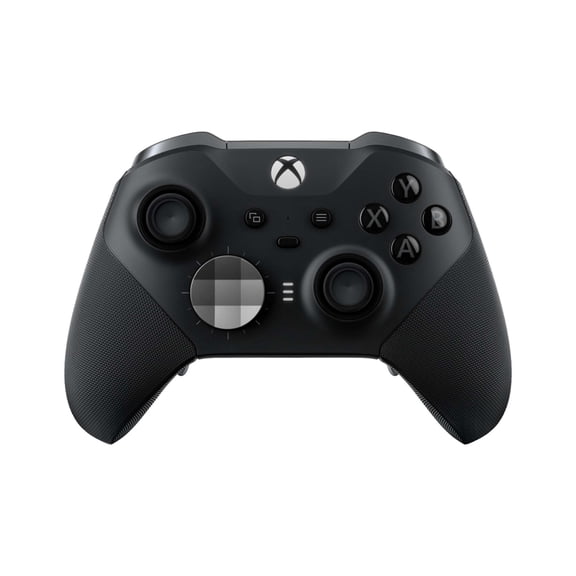
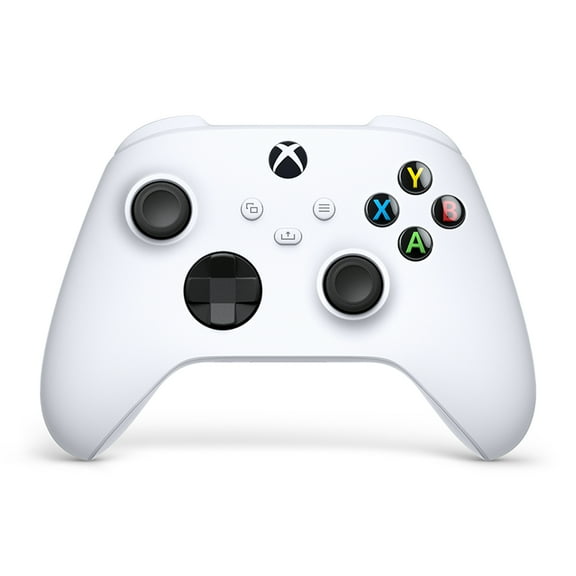
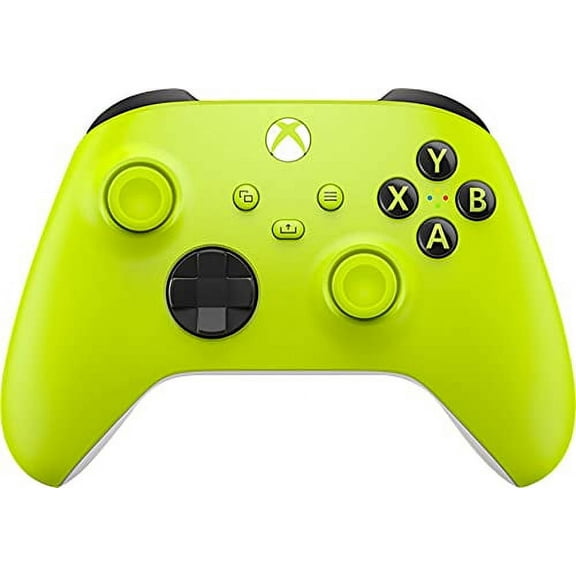
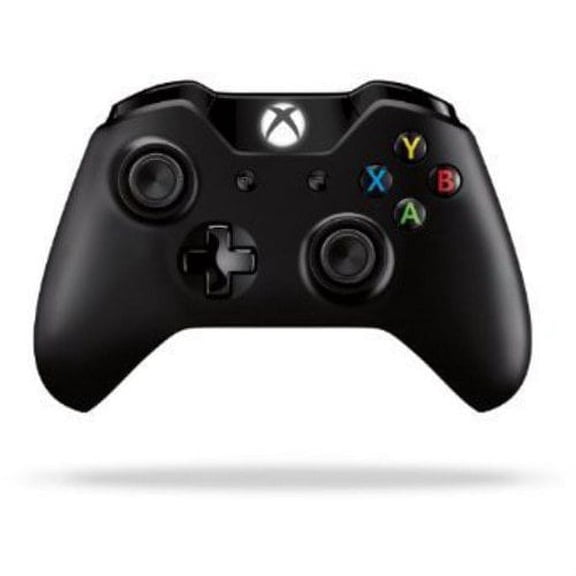
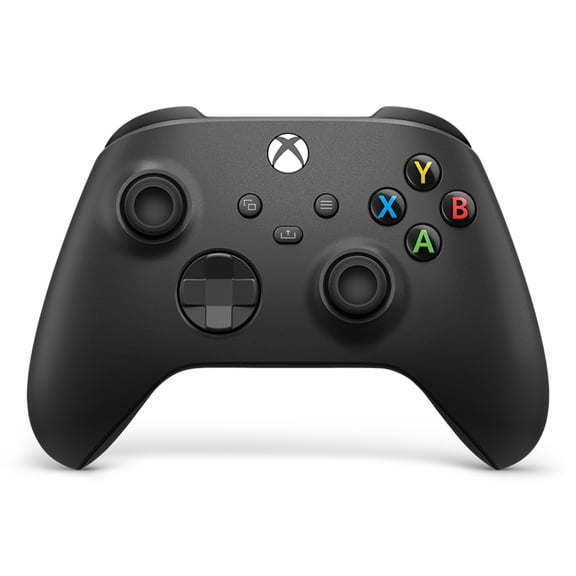
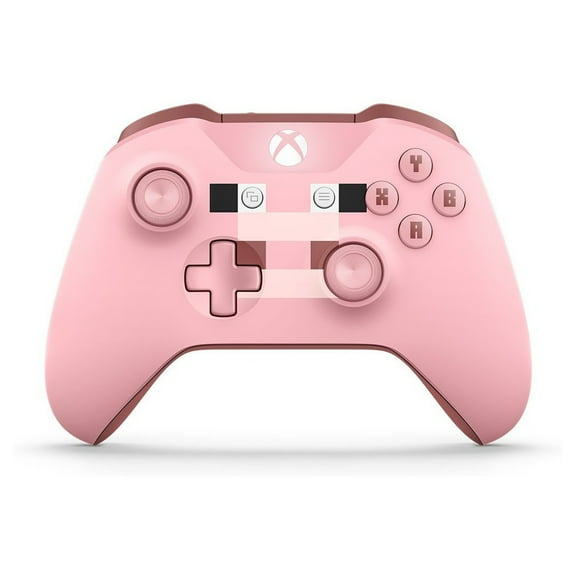
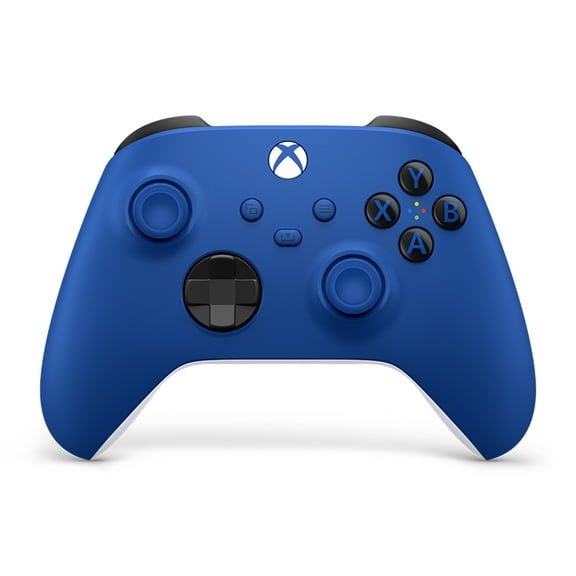
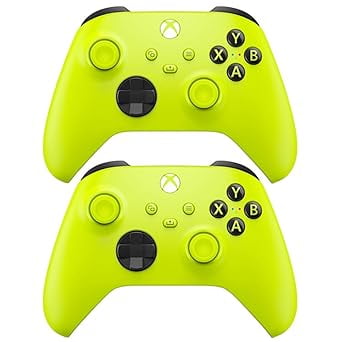
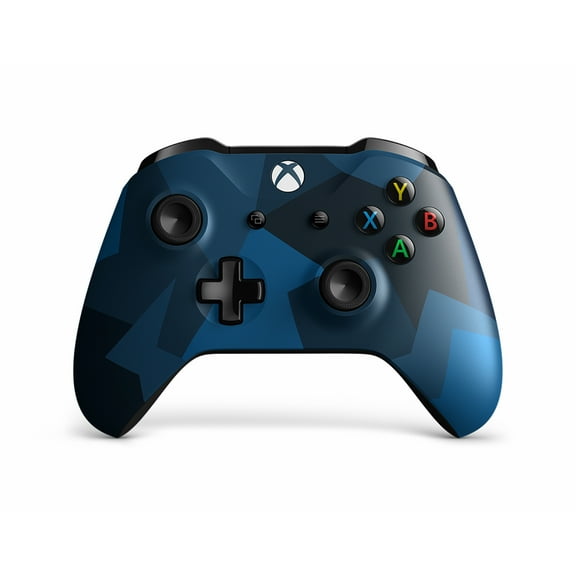
Color and design also shape your pick, especially if you want your gear to match your console area. You can compare Carbon Black, Robot White, Shock Blue, and special edition looks for a setup that feels coordinated.
Choosing connection type and compatibility
You should check compatibility first because controller generations and device support can vary. You’ll want to confirm support for Xbox Series X|S, Xbox One, PC, Android, or iOS before you narrow down color or extras.
An xbox wireless controller can make it easier to move between your couch and your desk. You can use Bluetooth-enabled options for some PC and mobile setups, while other models use a wired connection or a dedicated wireless method.
If you need an xbox series x controller, you should check whether it also works with older Xbox One systems. You can avoid returns and setup delays when you compare supported platforms before you choose features.
For computer gaming, you may want a pc controller that pairs quickly and feels familiar across storefronts and launchers. You can look for wired USB support or Bluetooth support, depending on your desktop, laptop, or play space.
Comparing power choices and battery setup
You should think about power early because it changes how you recharge, store spares, and keep playing. You can choose AA batteries if you like quick swaps, or you can choose a rechargeable xbox controller setup for repeat use.
AA battery support works well when you want a simple replacement option between sessions. You can keep extra batteries nearby and get back into a race, sports title, or co-op match with little downtime.
Rechargeable battery pack support makes sense when you want one charging routine for your gear. You can check whether your preferred controller supports play-and-charge accessories, USB charging, or separate battery pack options.
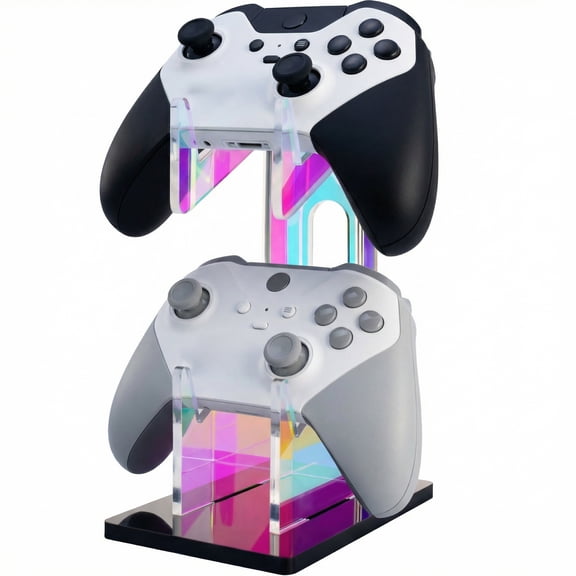
If you share controllers across the household, you may want a setup that’s easy to identify and recharge. You can pair a specific color with a specific charging cable or battery pack for simpler rotation.
Looking at grip, layout, and advanced inputs
You should compare shape and texture because hand feel matters during long sessions. You can look for textured grips and textured triggers when you want a steadier hold during racing, shooters, and action games.
A share button can help you capture clips and screenshots without breaking your flow. You can use that shortcut when you want to record a finish, save a creative build, or post a standout play.
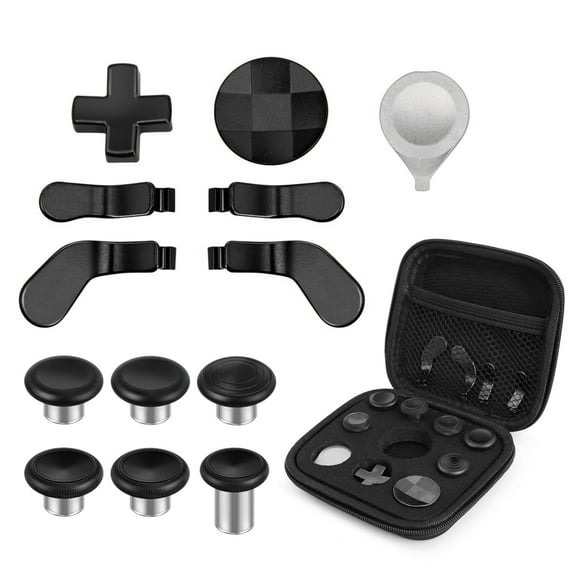
If you play competitive titles, you may want remappable buttons or paddle inputs. You can assign actions to easier-to-reach controls and keep your thumbs on the sticks more often.
Trigger locks, paddle profiles, and custom input layouts can change how quickly your commands register. You should compare these features carefully if you play fighters, sports games, or shooters that reward fast reactions.
Choosing colors, designs, and custom-ready styles
You can treat color as more than a finishing touch because it helps organize shared setups. You may want one shade for your main console, another for PC play, and a different look for guest controllers.
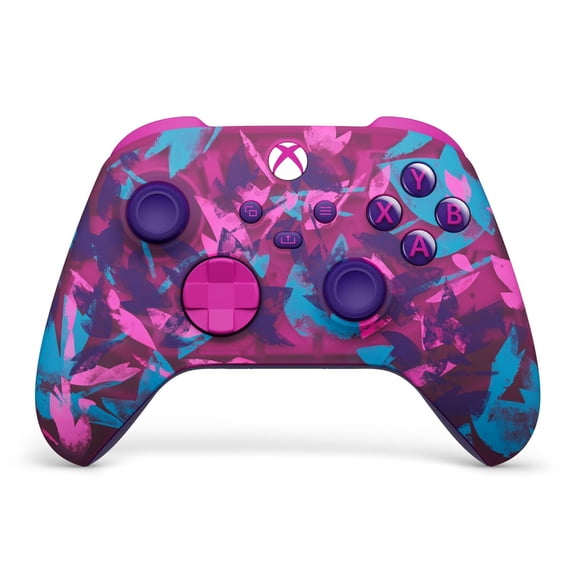
Carbon Black and Robot White fit clean, simple setups with minimal visual clutter. Shock Blue and special edition styles give you a stronger pop of color when you want your controller to stand out.
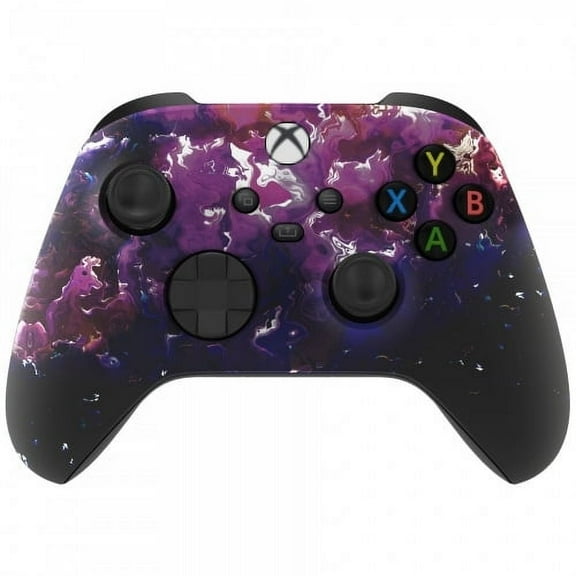
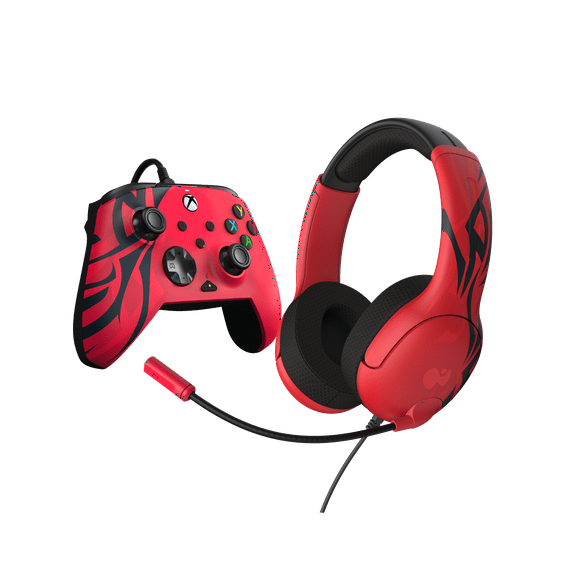
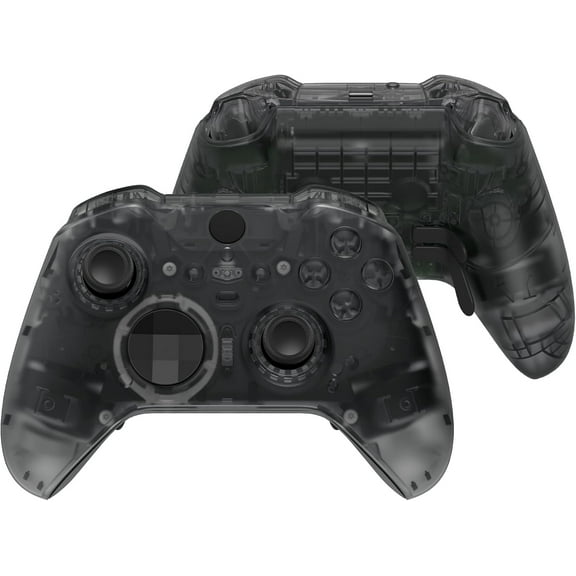
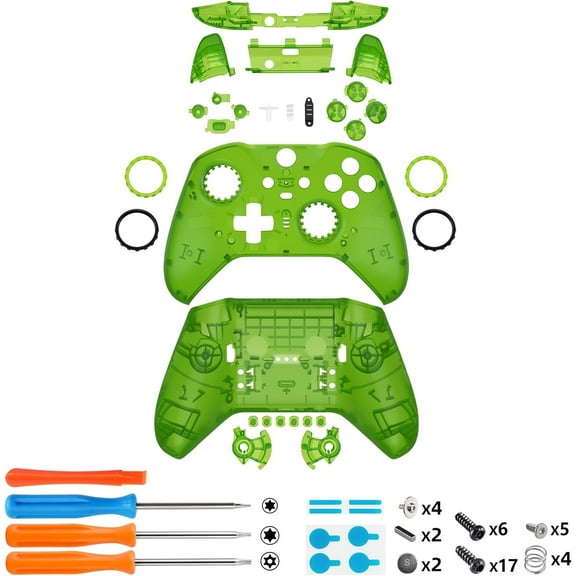
If you’re comparing custom xbox controllers, you should focus on layout and feature fit before appearance alone. You can enjoy a bold design, but you’ll still want the right compatibility, power setup, and extra inputs.
Matching xbox controllers to how you play
You might want a wireless option for couch gaming, streaming apps, and relaxed weekend sessions. You can choose a wired model for a desk where your monitor, keyboard, and charging cable stay in one place.
If you move between Xbox and computer gaming, you should look for multi-device compatibility and simple pairing steps. You can keep one controller for your console, laptop, and supported mobile sessions without changing your habits.
For holiday xbox controllers gifting, you should consider platform match, color, and charging style first. You can give a controller that fits the recipient’s console generation and daily routine right away.
When you compare generations, features, and power options carefully, you’ll end up with a controller that fits your play style. You can count on the right match to make setup easier, inputs feel natural, and every session more comfortable.