

All Windows Tablets in Windows Tablets









About All Windows Tablets in Windows Tablets - Walmart.com
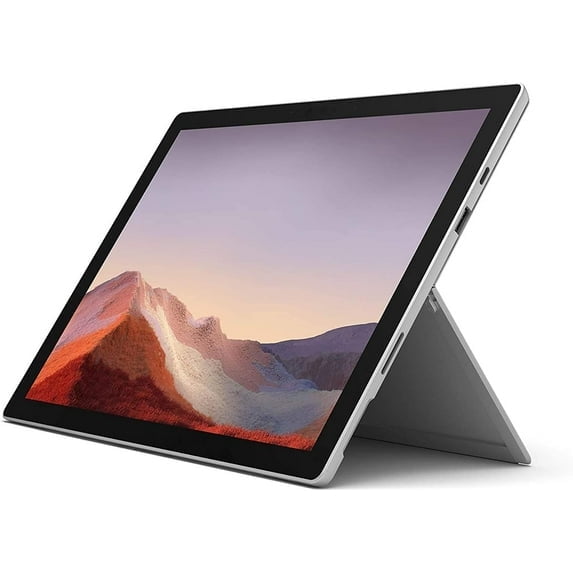
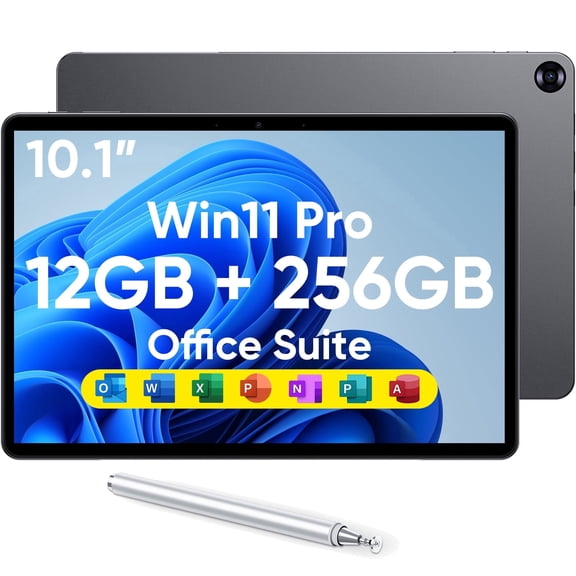
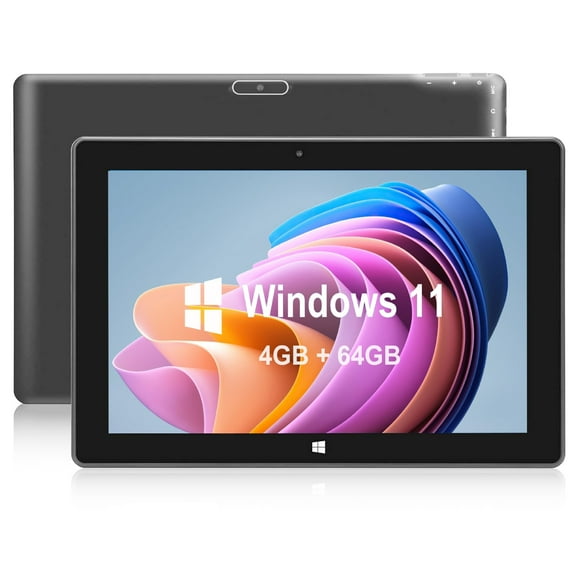
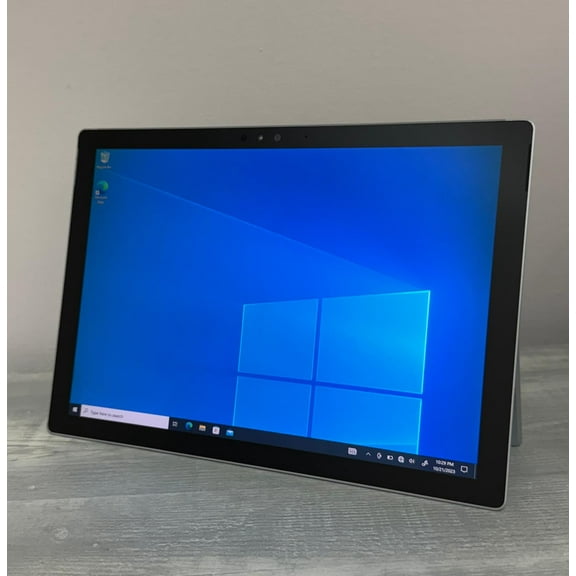
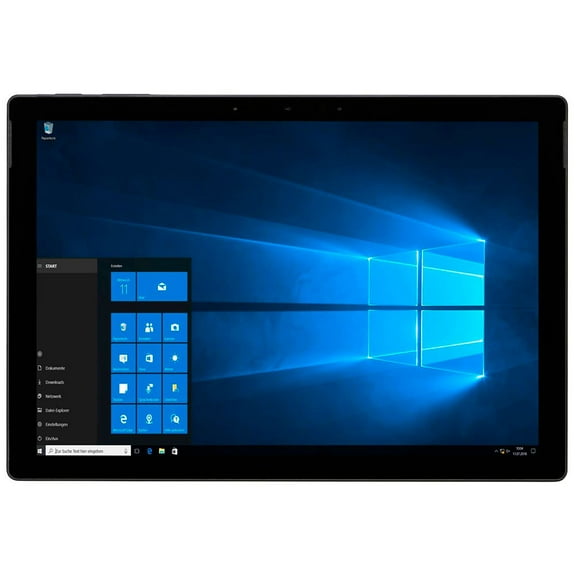
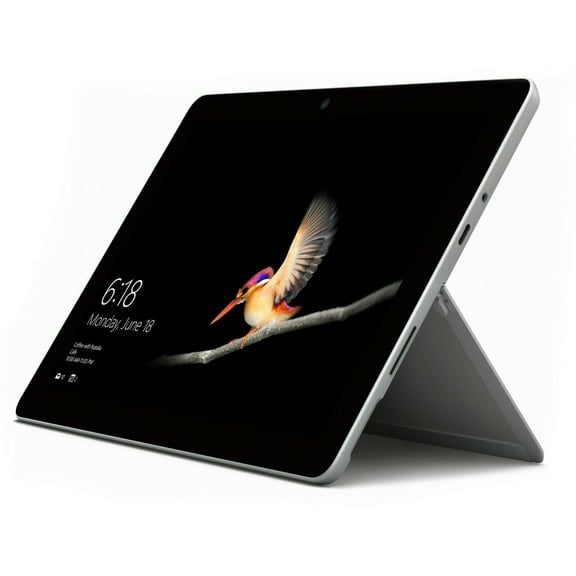
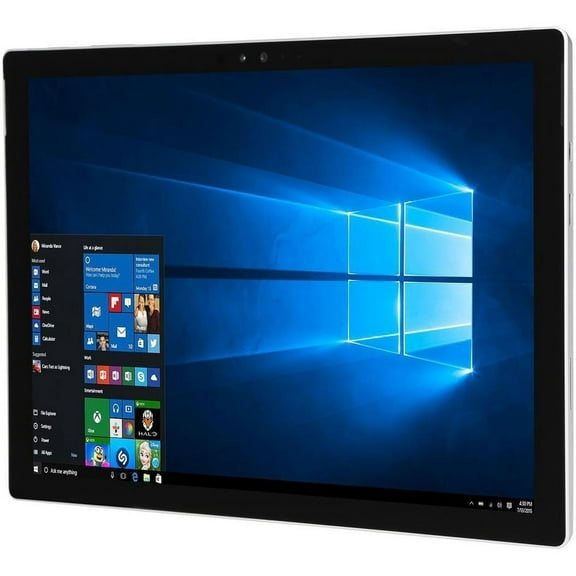
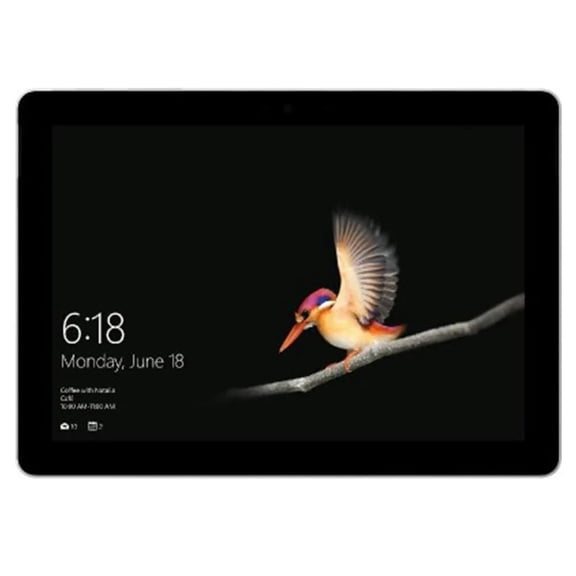
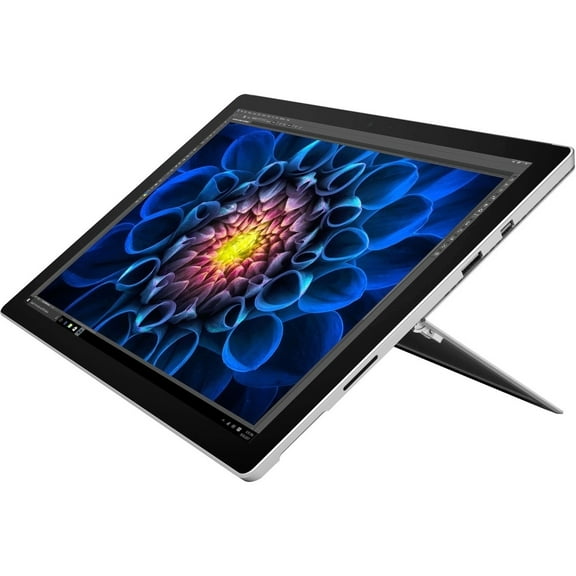
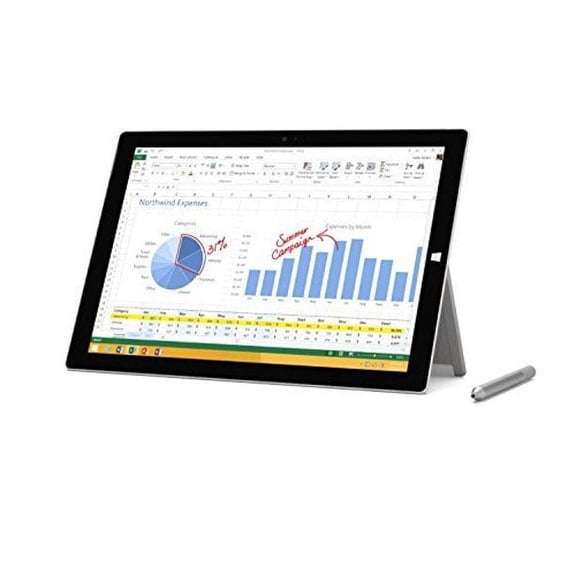
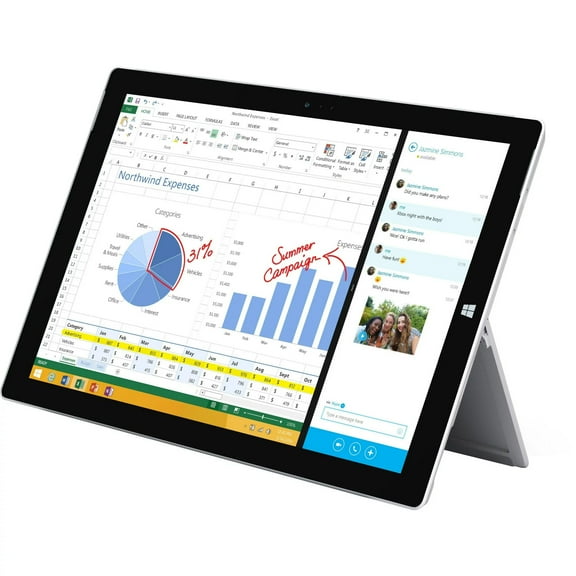
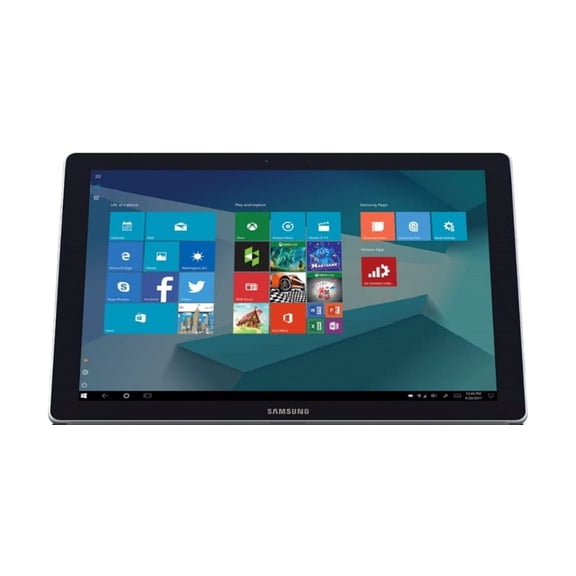
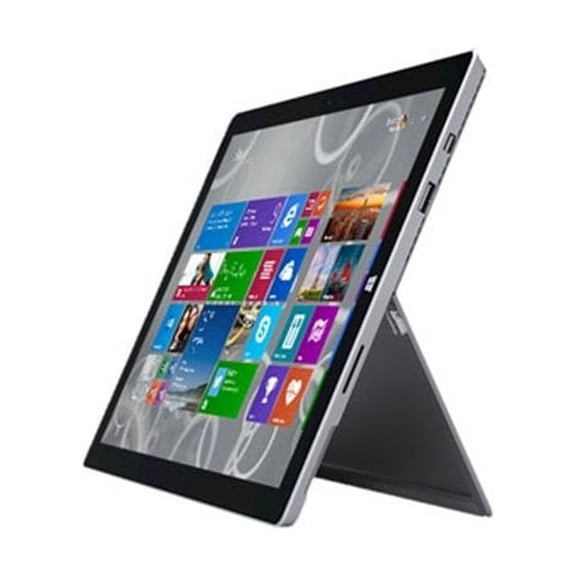
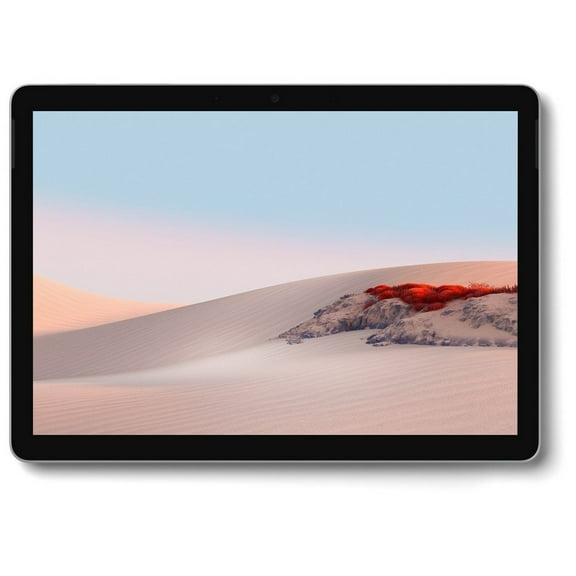
Windows tablets give you laptop-style flexibility in a lighter format, so you can handle school, work, and streaming without carrying a full notebook. You can compare screen size, processor power, RAM, storage, and keyboard options to match how you move through your day.
How to choose windows tablets for your routine
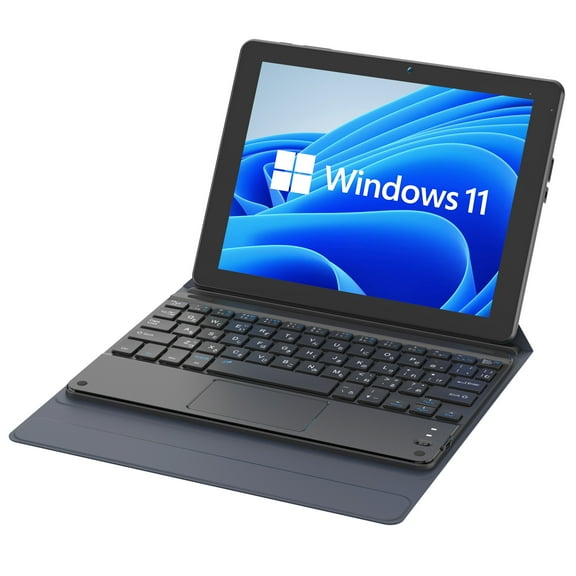
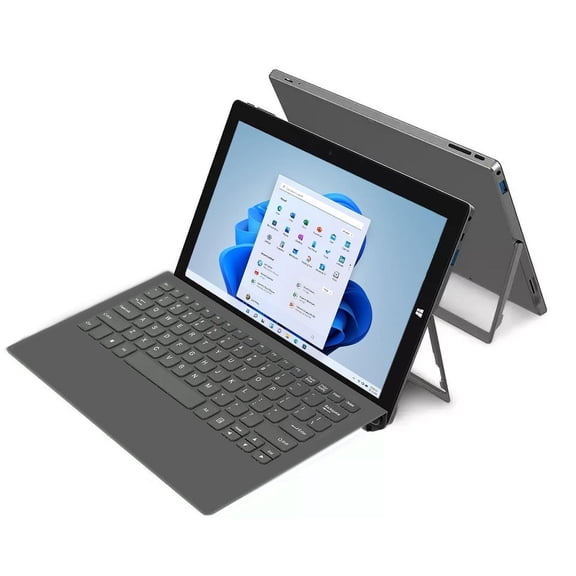
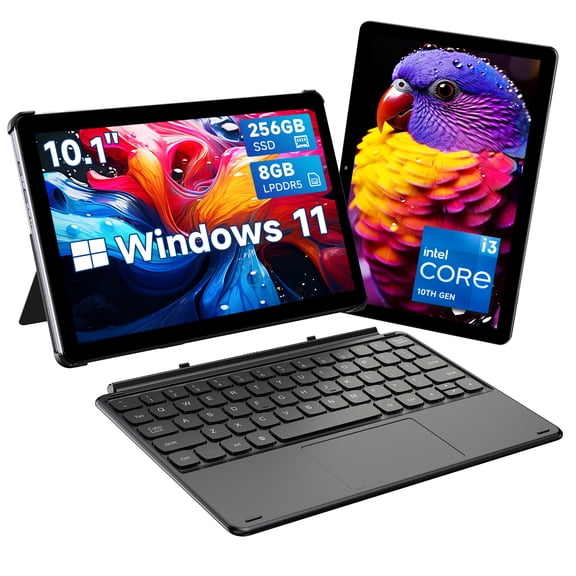
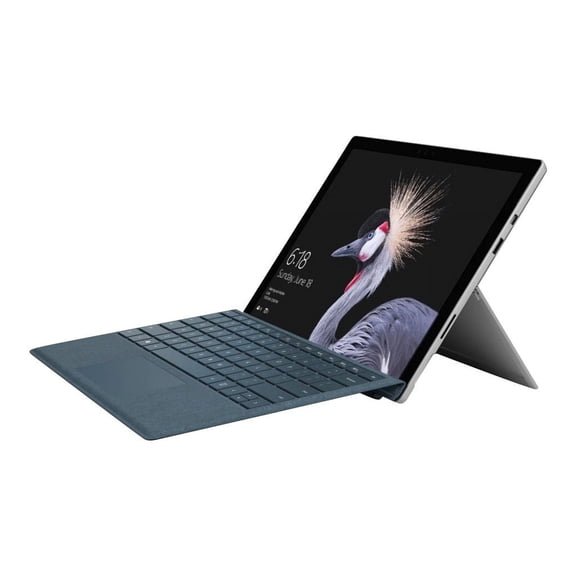
If you switch between typing and tapping, you may want a 2 in 1 windows tablet with a detachable design. If you travel often, you may prefer a slim setup that slips easily into your bag.
For tougher job sites or field work, you may look for a rugged windows tablet with a reinforced build. For everyday classes and home tasks, you may prefer a lighter design that feels easier to carry.
When you compare category options, these decision points can guide you faster. You can focus on the combination that matches how you work, study, draw, or watch.
- You can choose a screen size that fits reading, multitasking, or entertainment.
- You can compare Intel processor options and RAM for smoother everyday performance.
- You can pick storage that fits your files, apps, and offline media.
- You can check whether a windows tablet with keyboard support fits your workflow.
- You can compare Windows versions for home use, school tasks, or business setup.
Choosing screen size, form factor, and keyboard options
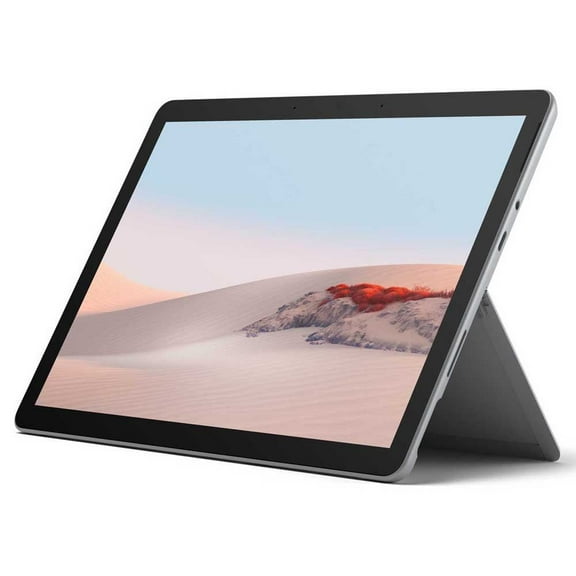
A 10-inch model gives you a compact shape that feels easy to hold on the couch or during commutes. A 12-inch windows tablet gives you more room for split-screen work and document editing.
If you want extra workspace, a 13-inch or larger display can feel closer to a laptop experience. You may notice larger screens help when you review spreadsheets, presentations, or multiple browser tabs.
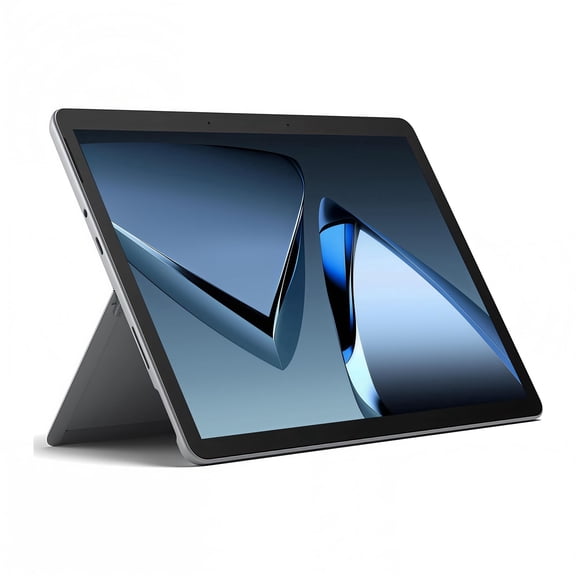
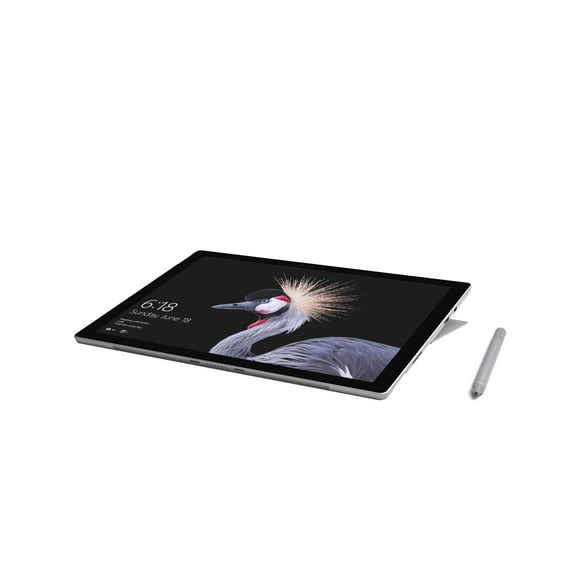
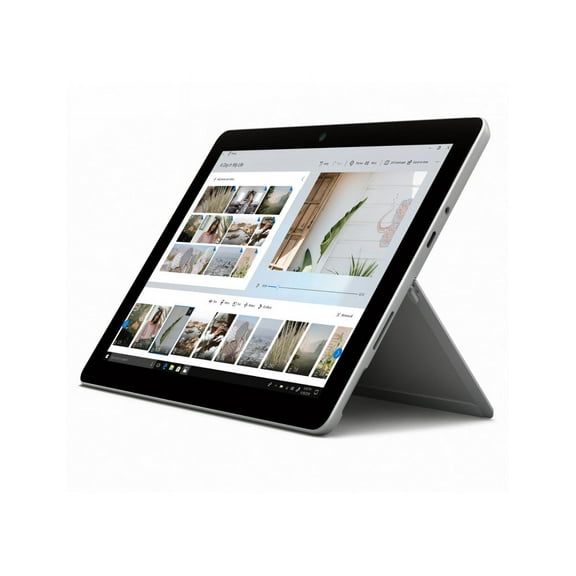
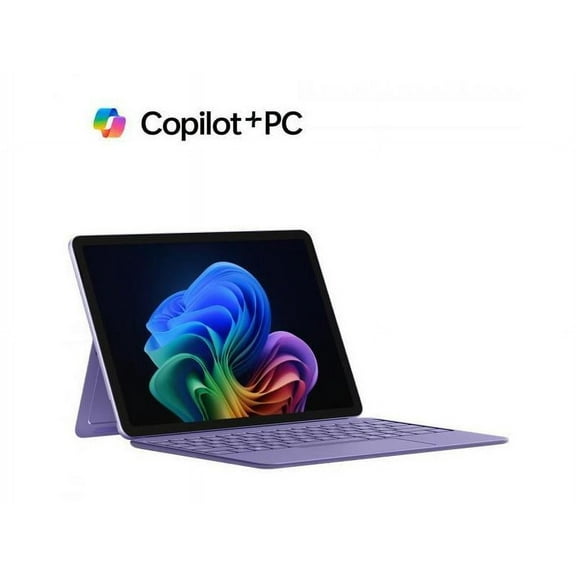
Form factor changes how you use the device each day. A 2-in-1 detachable setup supports typing and touch, while a slim tablet keeps your setup lighter.
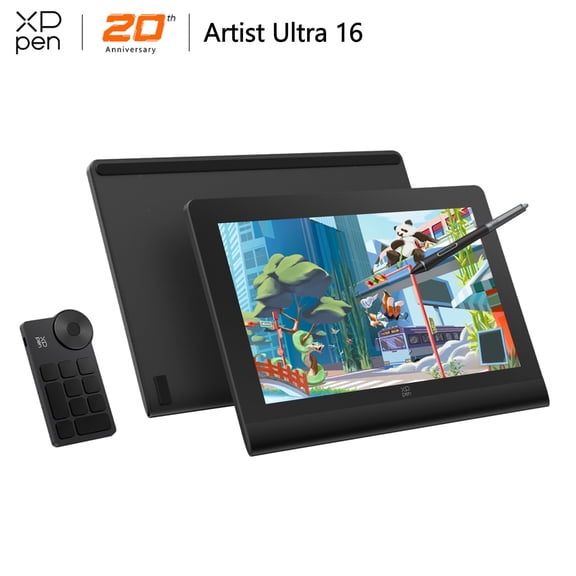
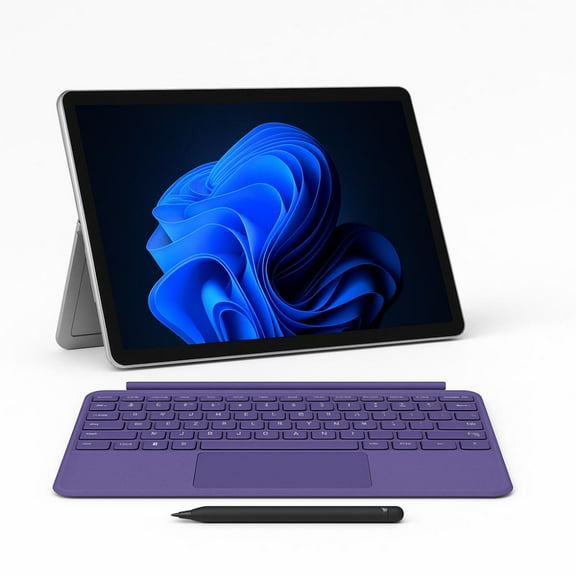
If you need a flexible work station, a windows tablet with keyboard support can make longer writing sessions feel more natural. If you sketch or mark up notes, you may also check stylus compatibility before you choose.
Comparing processor, RAM, and storage
Processor type shapes how responsive your device feels when you open apps or switch tasks. An intel windows tablet can fit shoppers who want familiar desktop-style performance in a portable format.
Intel Celeron options can fit lighter tasks like email, browsing, and streaming. Intel Core i5 and Intel Core i7 options can fit heavier multitasking, larger files, and more demanding programs.
RAM matters when you keep several apps open at once. You may choose 4GB for lighter use, 8GB for everyday school or office tasks, and 16GB for more complex workloads.
Storage capacity affects how much you can keep on the device without relying on cloud access. You can compare 64GB SSD, 128GB SSD, 256GB SSD, and 512GB SSD options based on your files and apps.
If you download class materials, photos, and presentations, extra storage can help you keep everything together. If you mainly stream and browse, you may feel comfortable with a smaller drive.
Understanding Windows versions and everyday use cases
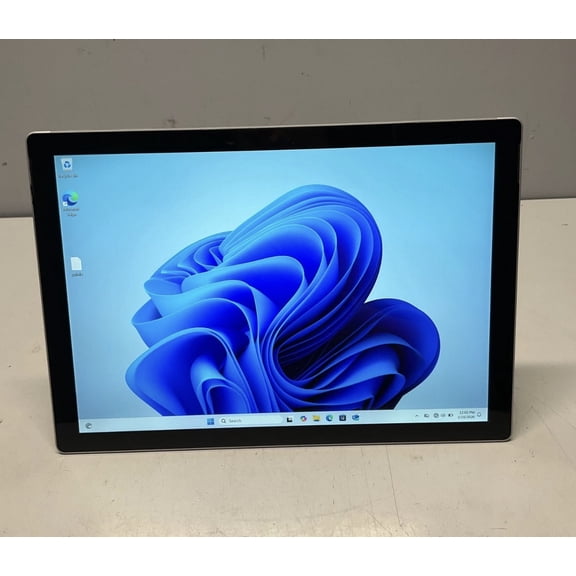
A windows 11 tablet can give you a current interface for touch navigation, productivity apps, and familiar desktop tools. You can compare Windows 11 Home and Windows 11 Pro based on how you plan to use the device.
Windows 11 Home can fit many everyday needs like homework, video calls, and personal projects. Windows 11 Pro may matter if you need business-focused setup options for work environments.
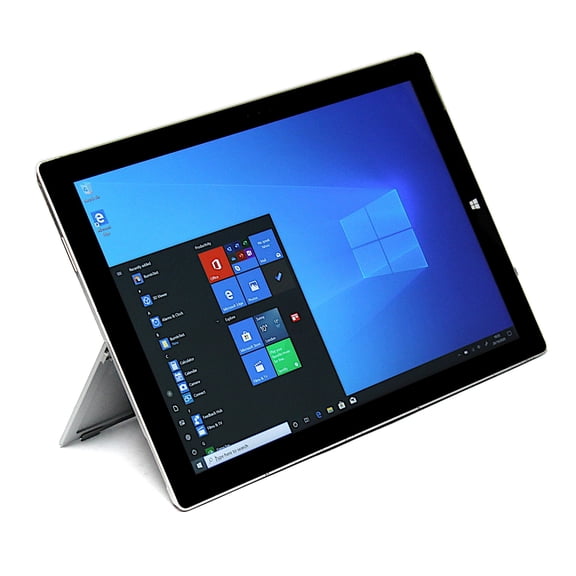
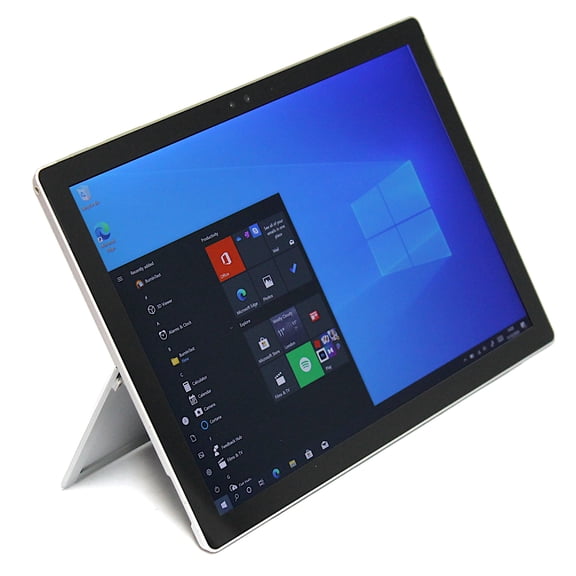
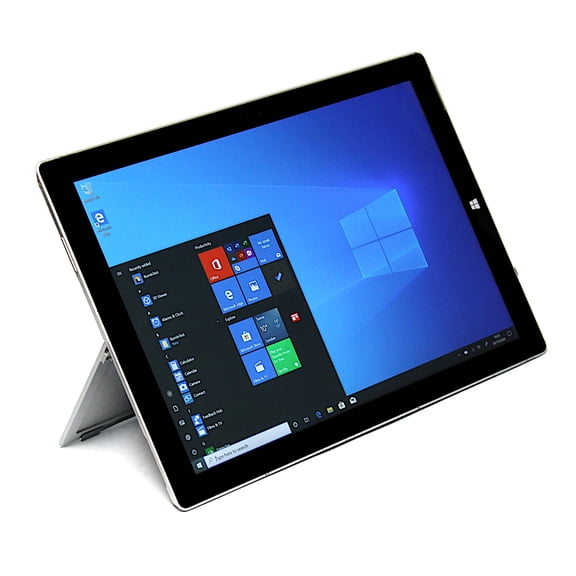
Some shoppers may still look at Windows 10 devices for familiar navigation and software compatibility. You can check the listed operating system before you decide which experience feels right.
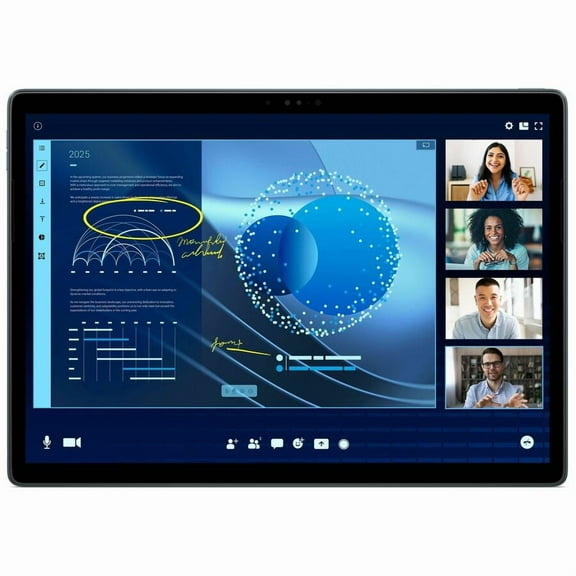
For lectures and study sessions, you may want windows tablets that balance portability with enough RAM for note apps and web research. For remote work, you may want more screen space, stronger processors, and keyboard support.
If you stream shows and browse at home, a 10-inch or 12-inch model may feel comfortable in your hands. If you manage files, presentations, or layered documents, you may prefer a larger display and more storage.
Field teams and mobile professionals may compare rugged windows tablet options for demanding environments and frequent movement. Creative users may focus on touch response, display size, and accessory support for sketching or markup.
What to look for before you decide
You can narrow your options faster when you match specs to your daily habits instead of chasing extras you may never use. You should compare battery expectations, accessory support, and processor level before making your final pick.
Windows tablets stand out when you want touch convenience, familiar desktop software, and flexible form factors in one device. You can choose a setup that fits your schedule and keeps your work within reach.