

Shop Camcorders by Type in Cameras & Camcorders
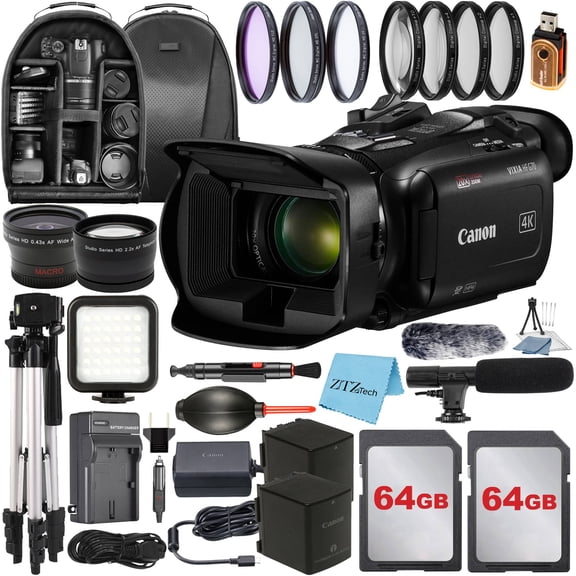
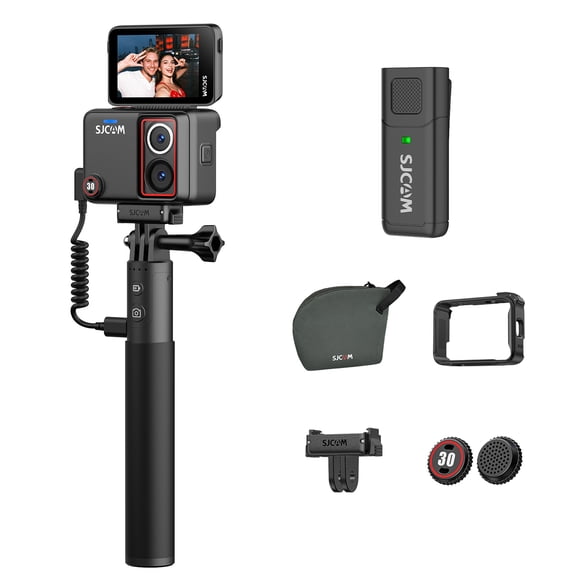

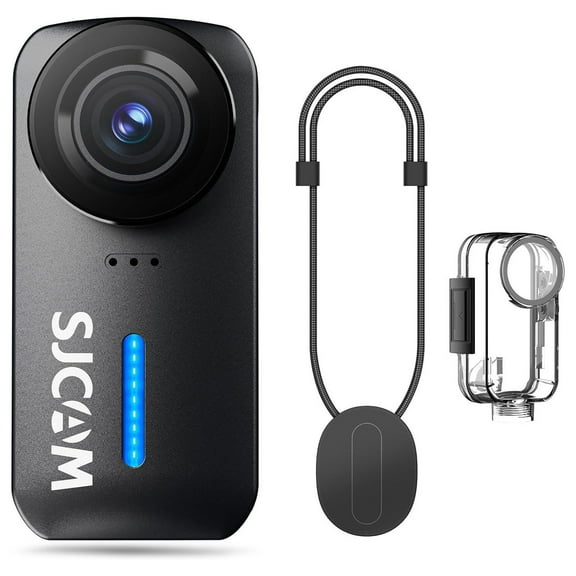
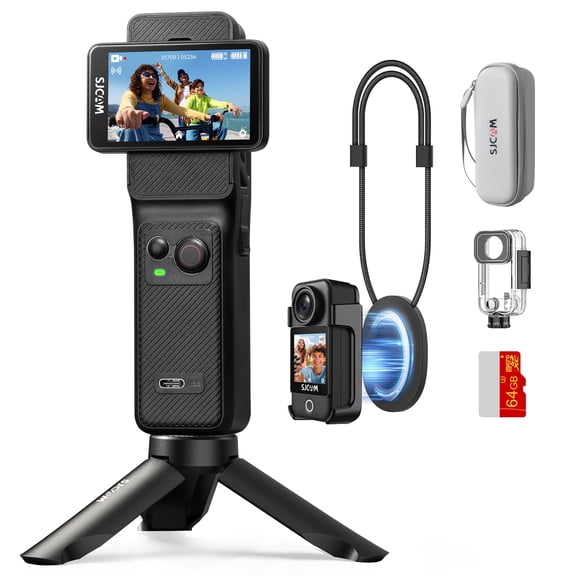


































About Shop Camcorders by Type in Cameras & Camcorders - Walmart.com
Camcorders give you a focused way to capture long events, steady handheld footage, and clear zoomed scenes with controls built for video first. You can compare recording formats, lens reach, and connection options more easily when you shop by type.
Choosing camcorders by recording style
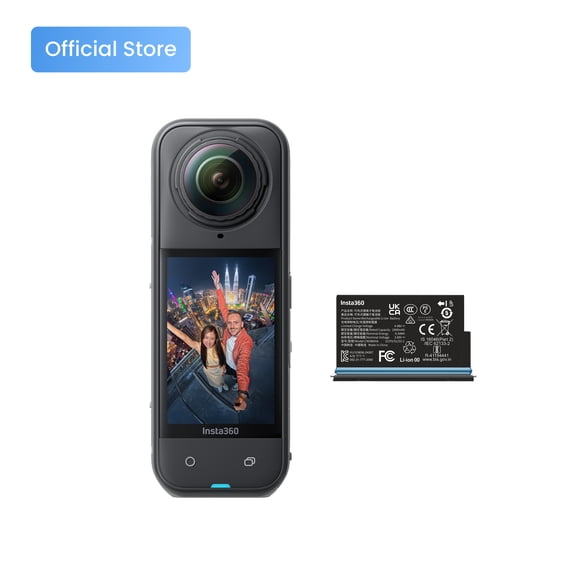
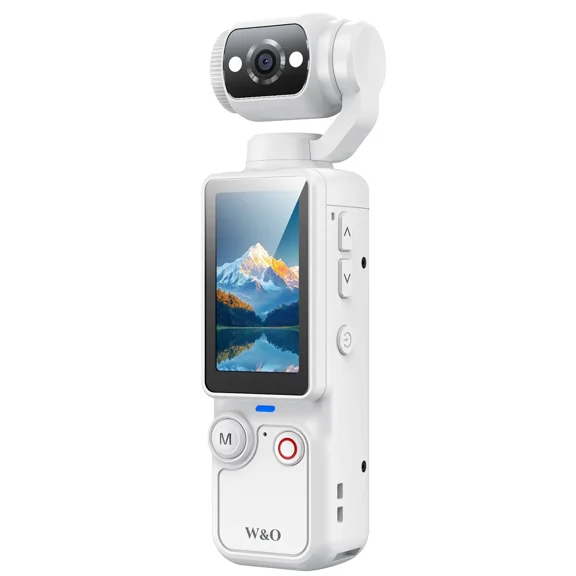
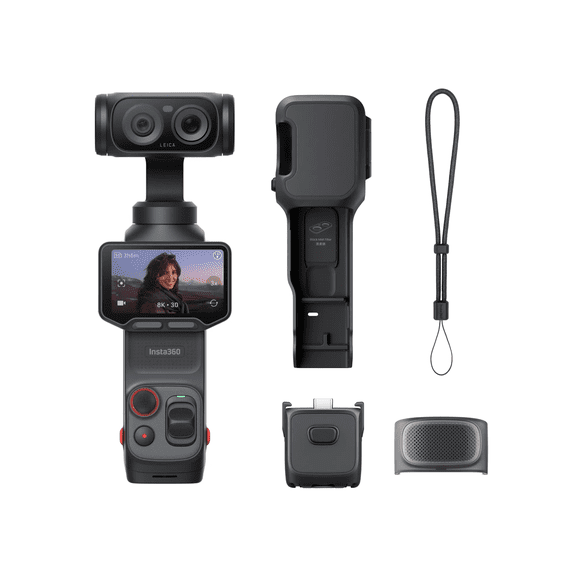
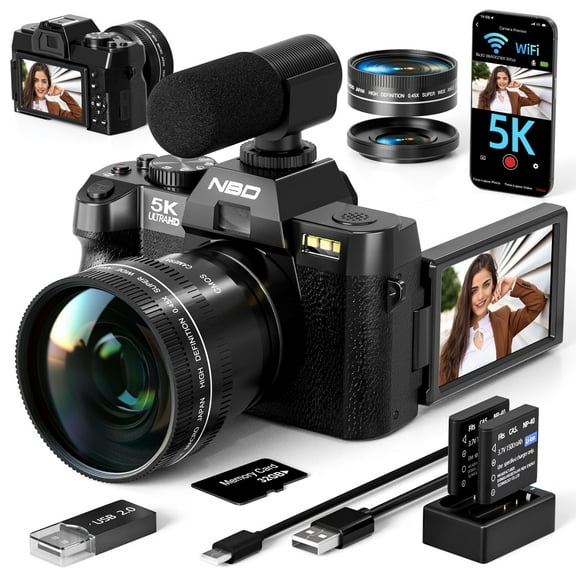
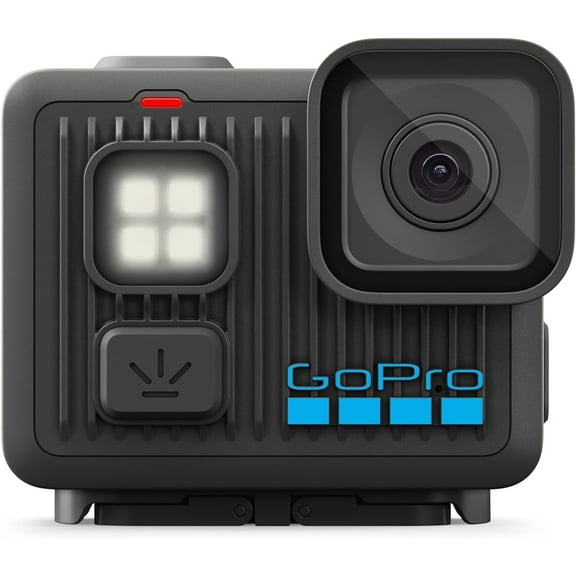
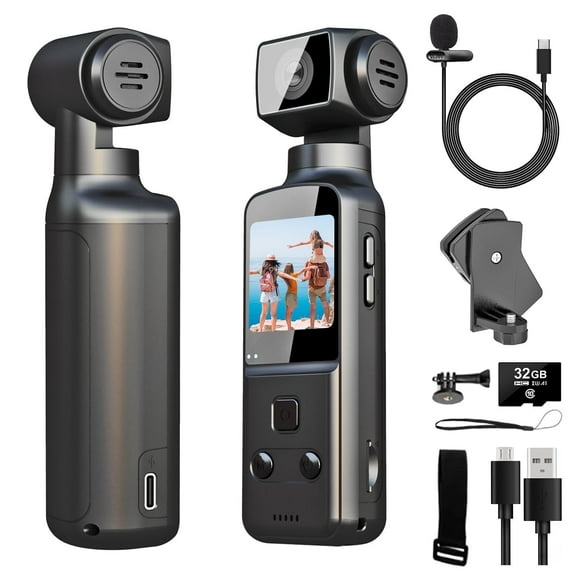
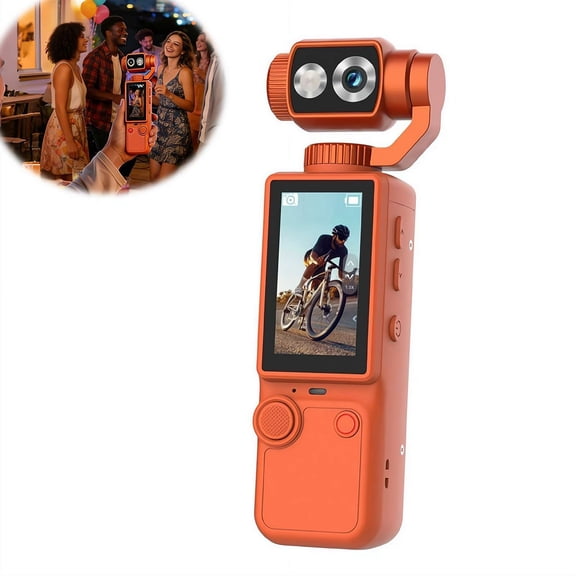
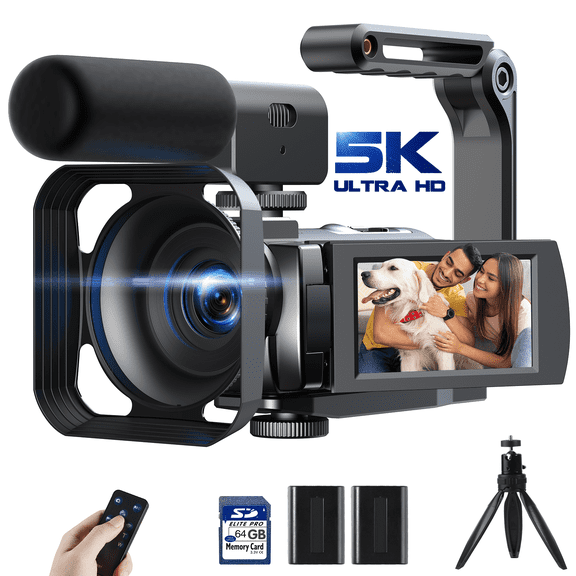
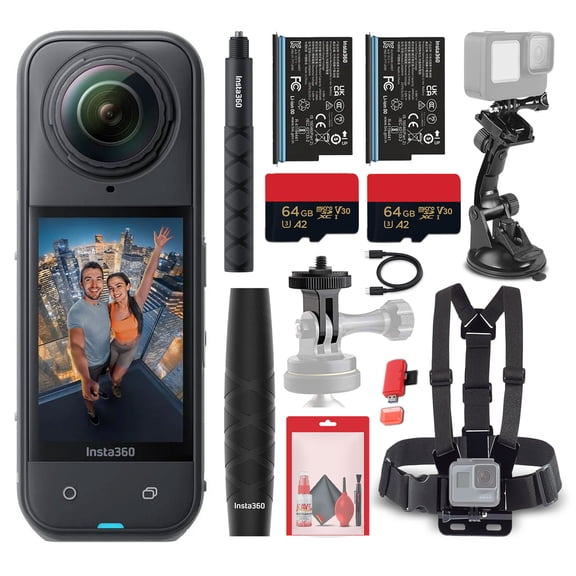
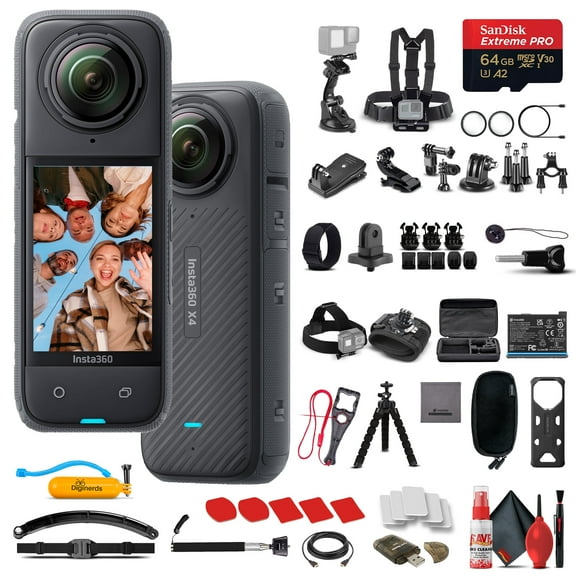
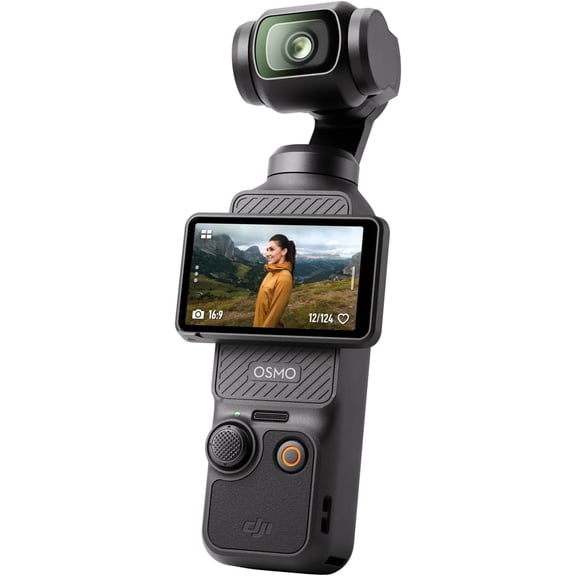
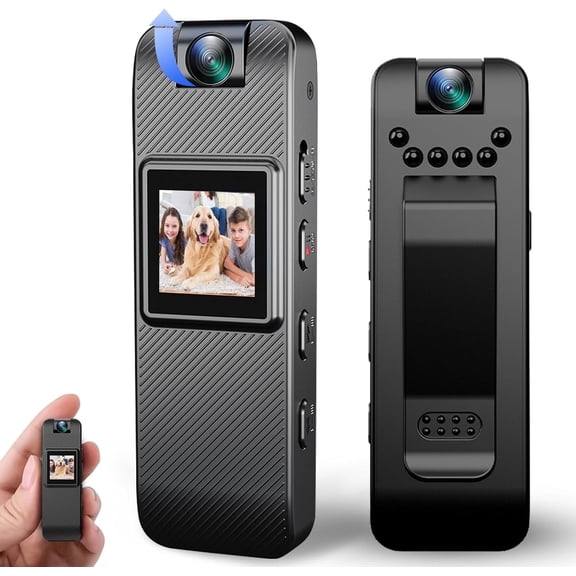
You'll want to start with camera type, because each format fits a different filming routine. You can choose traditional camcorders, action models, vlogging cameras, or professional video cameras based on how you record.
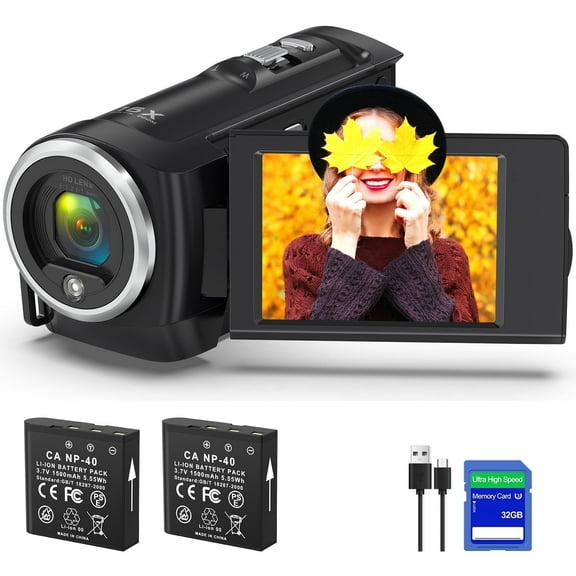
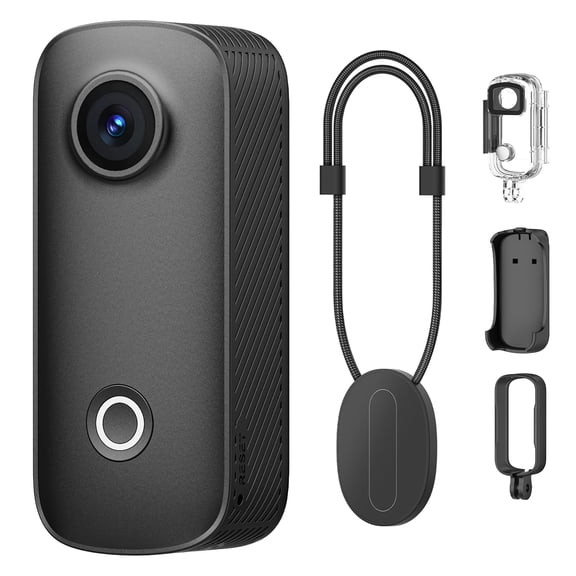
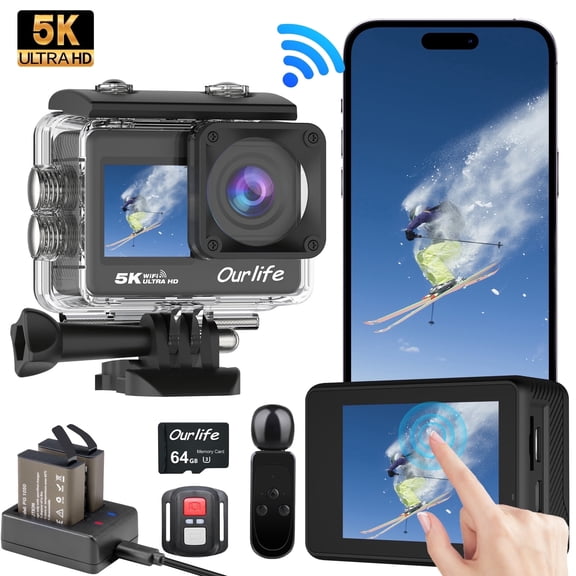
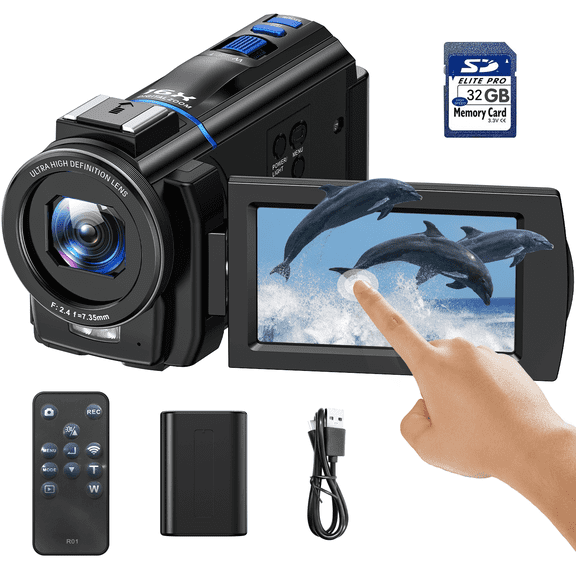
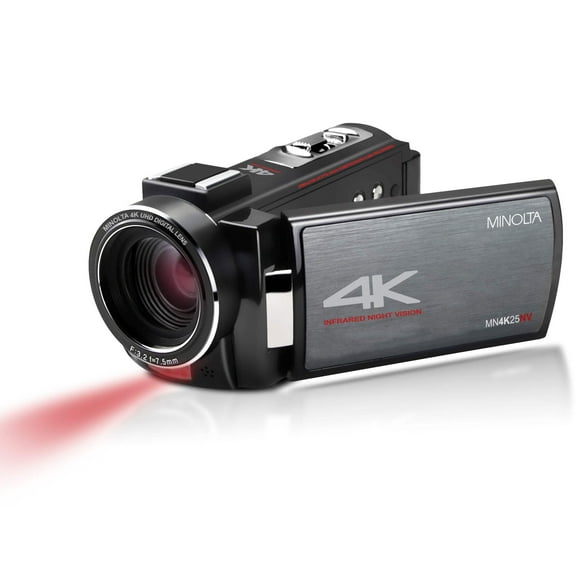
Traditional models help you film recitals, games, and family milestones with a side grip and a flip screen. Action styles suit movement, while vlogging cameras support front-facing framing and easier self-recording.
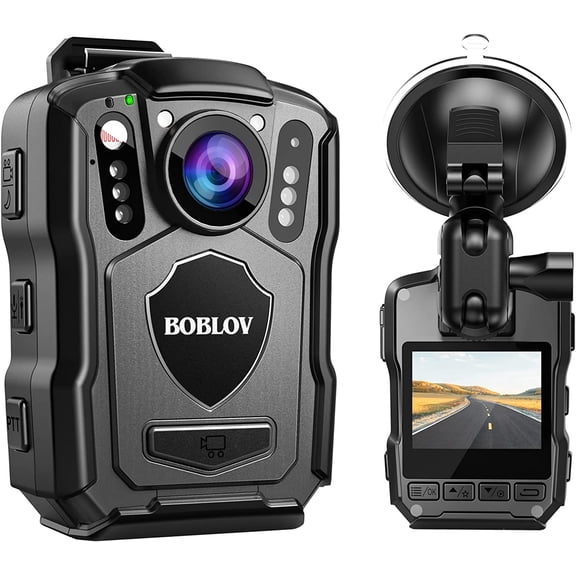
Professional video cameras give you more room for manual control and accessory setups during extended shoots. You can narrow your options faster when you match the body style to your filming environment.
How to compare resolution in video cameras
You should compare resolution first if you care about playback detail, editing flexibility, or large-screen viewing. You can find 4k camcorders, 1080p Full HD options, and 720p models for simpler recording needs.
4K Ultra HD gives you sharper footage and more room to crop during editing without losing as much detail. You'll notice that 1080p often fits everyday recording, school events, and casual home videos well.
If you plan to upload clips quickly or keep file sizes lighter, 720p can still cover basic moments. You should also check frame rates like 60fps, because smoother motion matters for sports and fast movement.
- You can choose 4K when you want sharper detail and more editing flexibility.
- You can pick 1080p when you want balanced file sizes and clear everyday footage.
- You can use 720p when you want simple recording for short clips and basic playback.
- You should check 60fps support when you film action, sports, or energetic subjects.
What to look for in optical zoom
You should separate optical zoom from digital zoom before you compare lens reach. Optical zoom uses the lens for closer framing, while digital zoom enlarges the image and can reduce clarity.
If you film school stages or outdoor fields, 20x or 30x optical zoom can help you frame distant subjects clearly. You may prefer 10x zoom for travel or indoor family footage where subjects stay closer.
When you watch wildlife or field sports, 50x and above can support longer-distance recording from one spot. You'll get more useful real-world reach when you focus on optical zoom instead of inflated digital numbers.
Comparing storage and battery planning
You should check storage media early, because recording length depends on how your camera saves files. You can choose models that use SD cards, MicroSD cards, or internal flash memory.
SD card support gives you a familiar way to expand storage and swap cards between sessions. MicroSD formats can keep smaller bodies compact, while internal flash memory lets you record without adding a card first.
Battery planning matters when you record ceremonies, games, or travel days without many breaks. You should compare typical recording time in hours, because longer sessions call for fewer charging interruptions.
If you record all afternoon, removable batteries can make extended filming more practical. You'll also want to check whether charging works through USB-C, since that can simplify power on the go.
Choosing connectivity for digital camcorders
You should review connectivity options if you plan to edit, stream, or build a simple creator setup. Digital camcorders may include Wi-Fi, HDMI output, USB-C, and camcorders with microphone input.
Wi-Fi can help you move clips to another device without pulling a card after every session. HDMI output helps you connect to a larger screen, capture device, or monitor for easier playback.
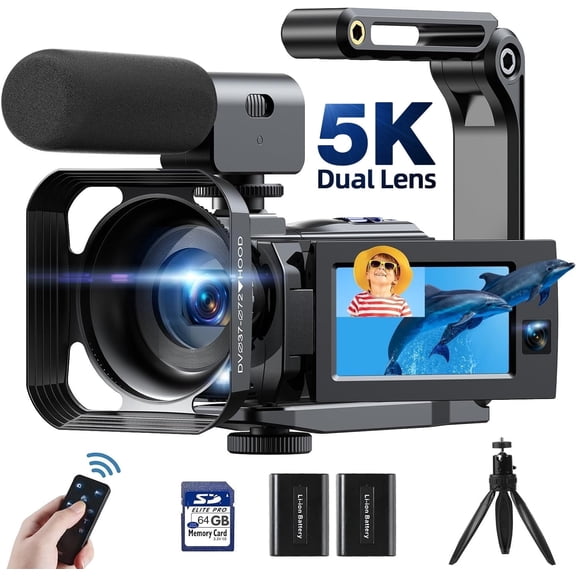
If you want clearer spoken audio, you should look for a 3.5mm jack for an external microphone. You may also look for a hot shoe, because it helps you mount a microphone or light directly above the camera.
USB-C can simplify charging and file transfer with newer cables and accessories you already use. You'll gain more flexibility when your camera supports the connections that match your filming routine.
Matching vlogging cameras and camcorders to real use
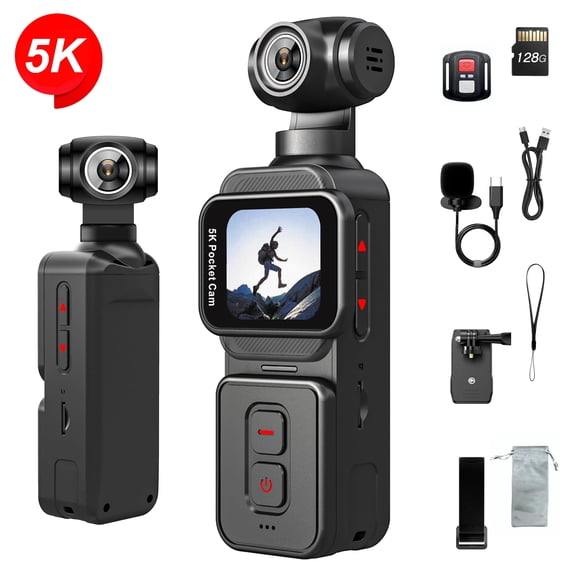
You can match resolution, zoom, and audio inputs to the situations you film most often. Vlogging cameras often fit self-recorded updates, desk setups, and travel clips where a front screen helps framing.
If you capture dance recitals or sports from the stands, a traditional model with 20x or 30x optical zoom makes more sense. You should lean toward 4K and 60fps when motion detail and replay clarity matter.
For road trips and family gatherings, you may want 1080p recording, SD card storage, and simple USB-C charging. You can keep recording more comfortably when your setup stays light and easy to manage.
If you create interviews or commentary, camcorders with microphone input support a more complete video setup. You'll appreciate that feature when built-in audio alone doesn't match your recording plan.
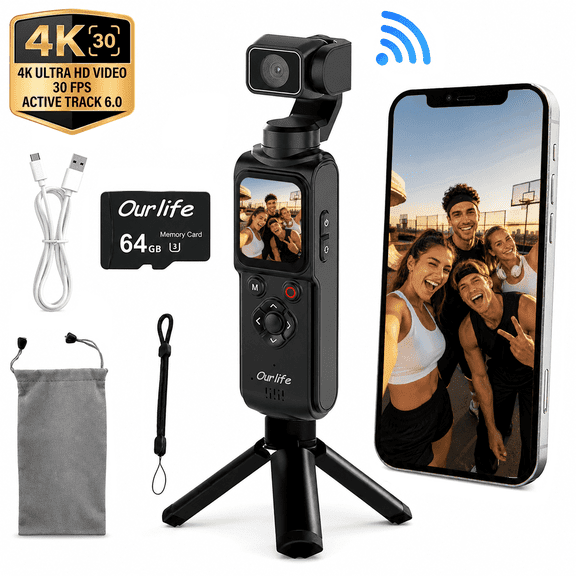
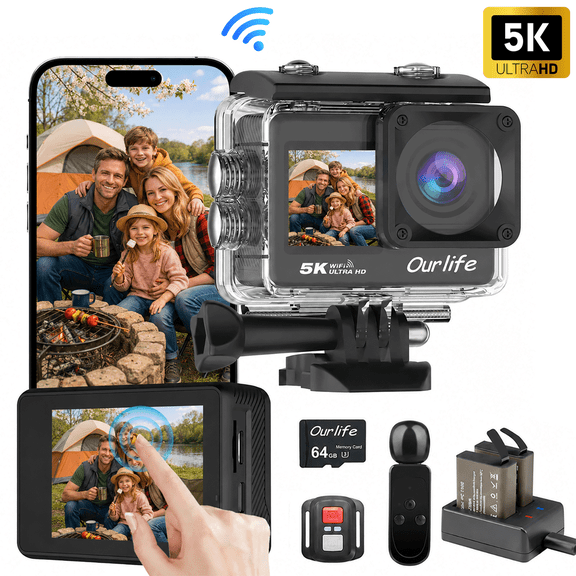
Action-focused users may prefer compact bodies and MicroSD storage for movement-heavy footage in tighter spaces. You can choose professional video camera options when manual controls and accessory support guide your workflow.
When you compare these decision points together, you can choose a camera that fits your scenes instead of chasing extra specs. You'll end up with footage that matches how, where, and how long you actually record.
Camcorders make sense when you want video-first controls, longer recording comfort, and practical zoom choices in one category. You can choose with more confidence when you compare type, resolution, storage, battery planning, and audio connections together.