






SIM Cards in Cell Phones



![Verizon Prepaid Bring Your Own Phone Sim Kit - Prepaid Smartphone [Lockedto Verizon Prepaid]](https://i5.walmartimages.com/seo/Verizon-Prepaid-SIM-Kit_82416b78-db01-4922-9a33-f2c2989b9fa8.9949169e29abc1c1491c71e78936b599.jpeg?odnHeight=576&odnWidth=576&odnBg=FFFFFF)










About SIM Cards in Cell Phones - Walmart.com
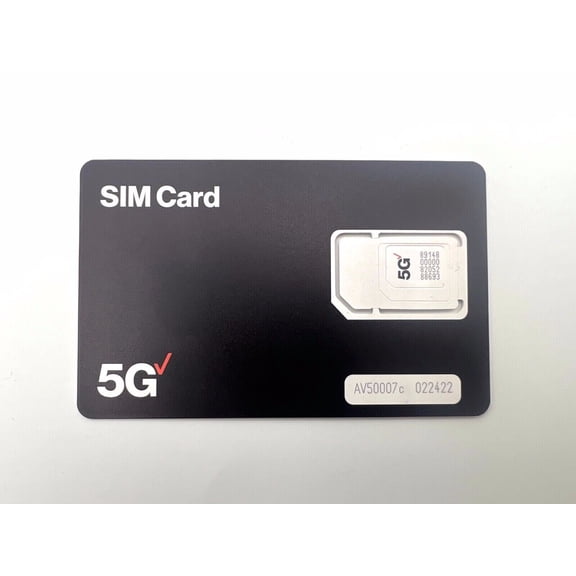
Verizon SIM cards help you match your phone or tablet to Verizon service with clear choices for size, activation, and network support. You can compare prepaid kits, BYOD options, and replacement cards before you choose a setup path.
How to choose Verizon SIM cards
You should start with device compatibility because your phone model affects the SIM size and activation path you need. You’ll want to confirm that you use an unlocked device compatible with the Verizon network before you pick a kit.
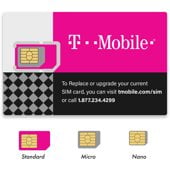
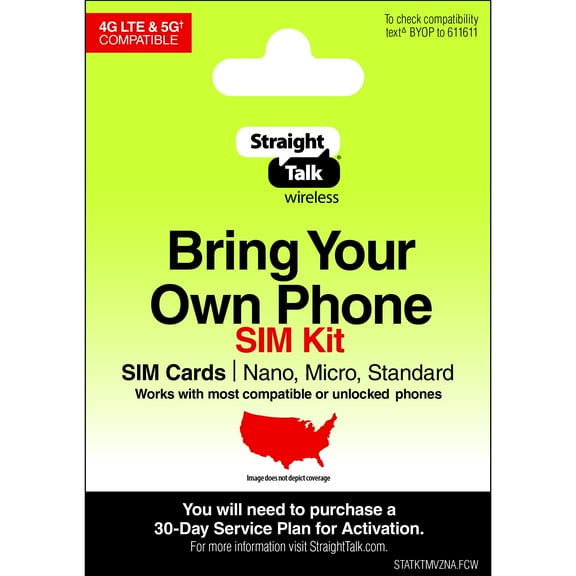
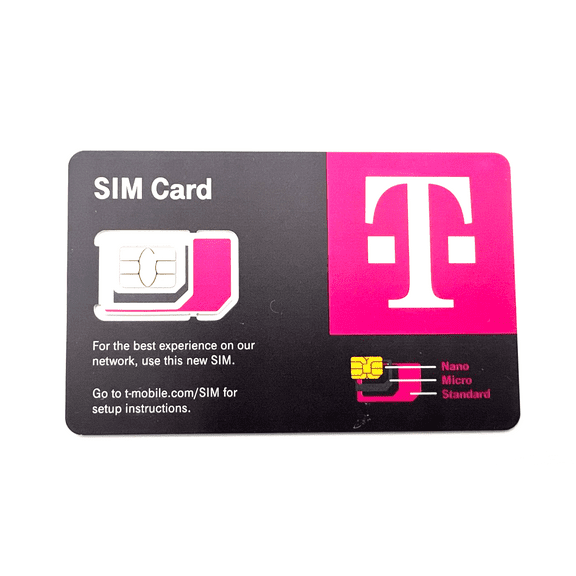
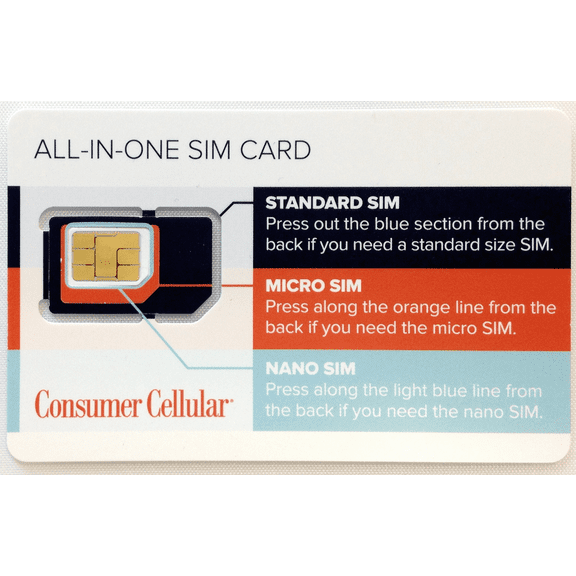
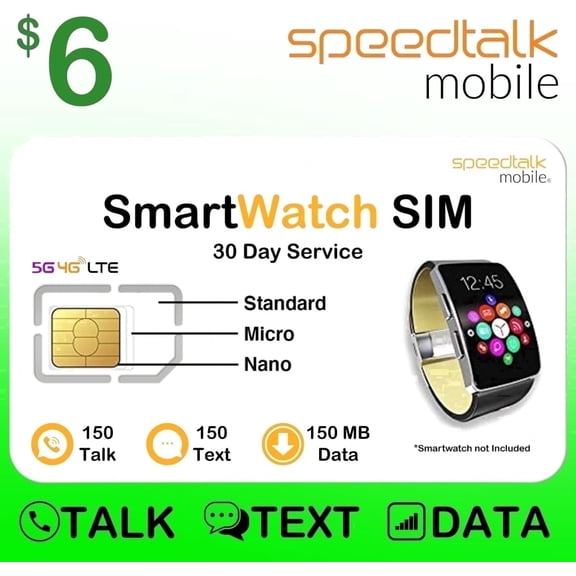
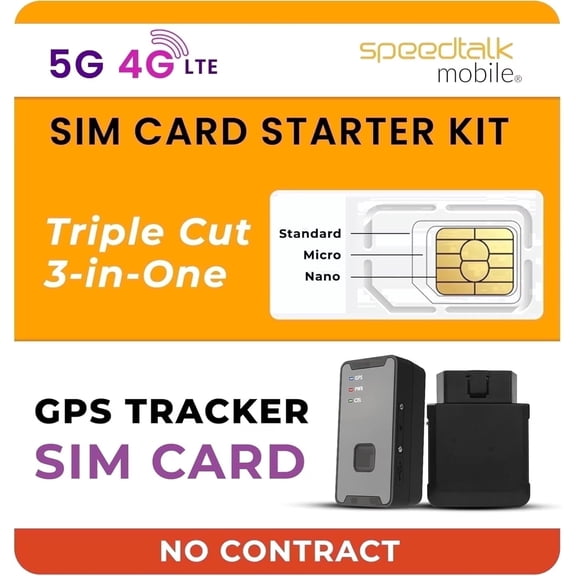
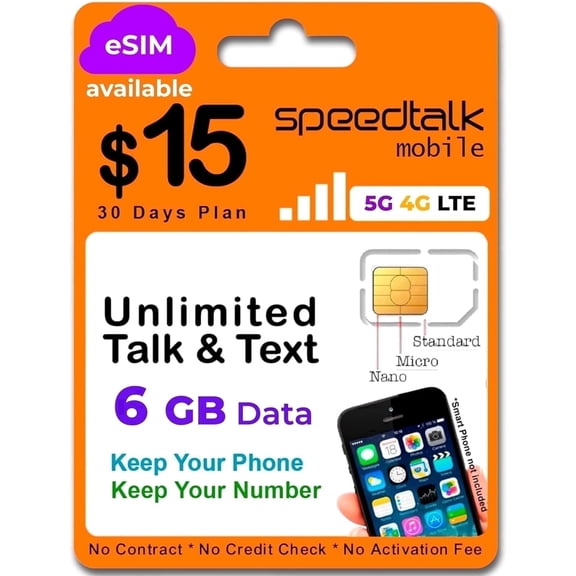
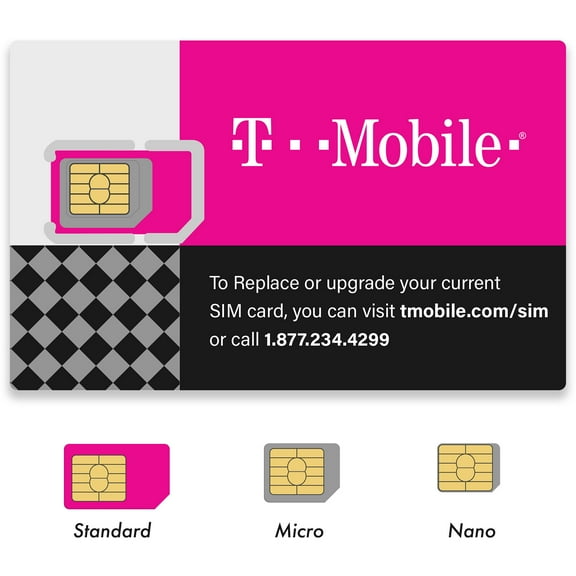
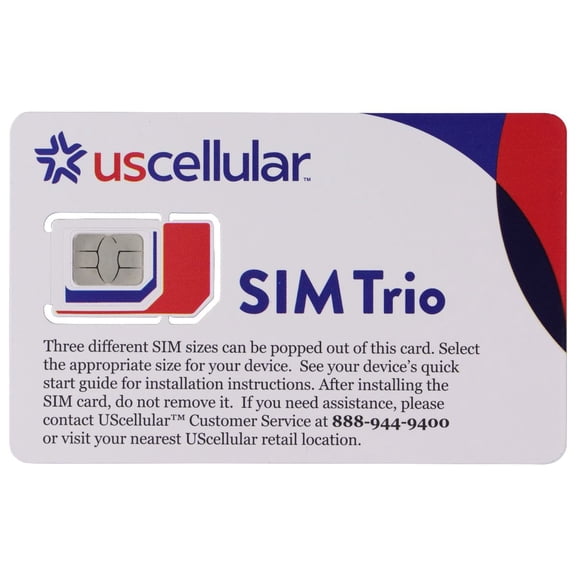
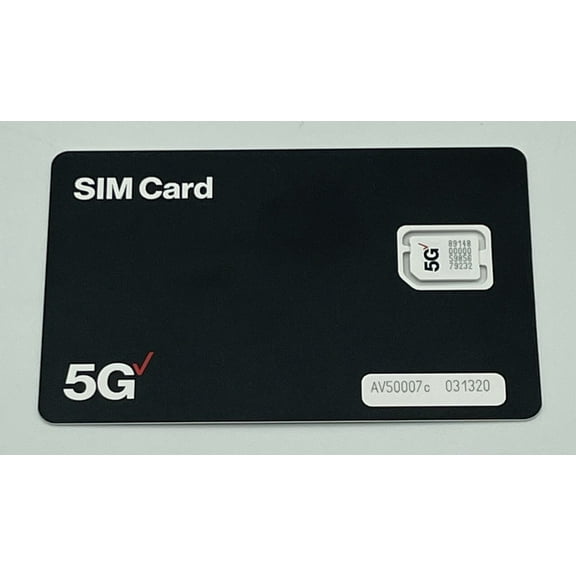
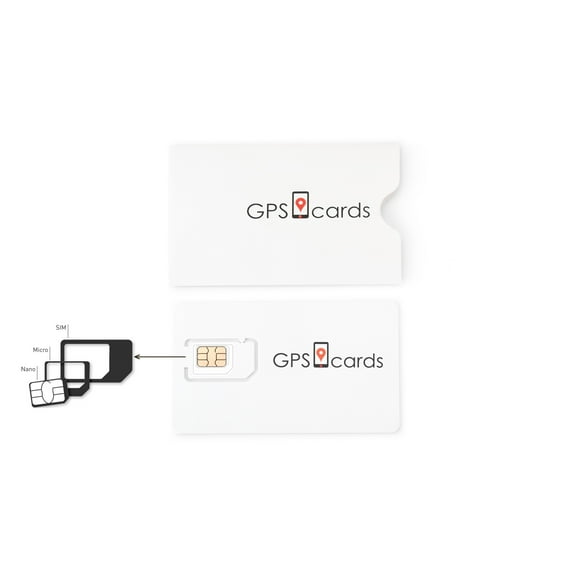
When you compare formats, you’ll usually see Nano, Micro, Standard, or a Verizon triple cut SIM. You can press out the size your tray needs, which gives you more flexibility across compatible devices.
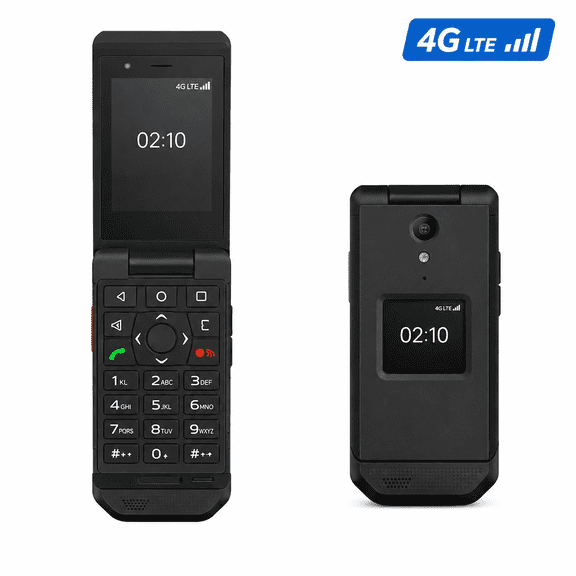
You should also check whether you need a card for iPhones, Android phones, tablets, or smartwatches. Your device type matters because you may need a phone kit, a connected device option, or a replacement card.
Choosing the right Verizon prepaid SIM card and kit type
You can use a Verizon prepaid SIM card when you want a setup path with its own account and activation flow. You can look at postpaid or no contract options when your account setup follows a different billing path.
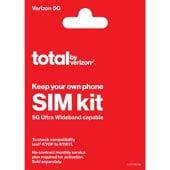
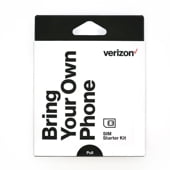
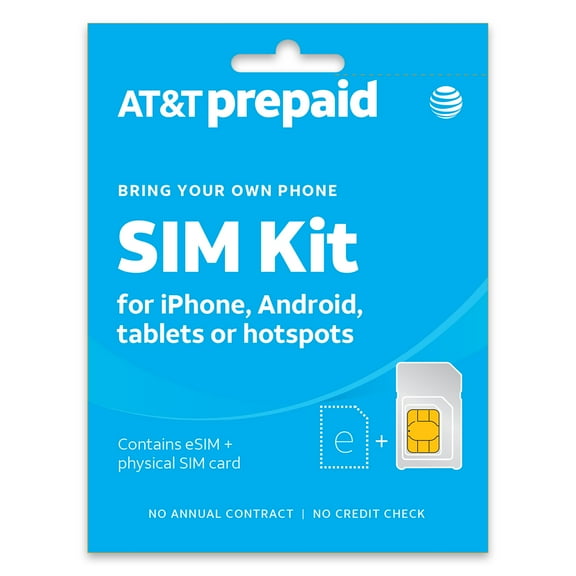
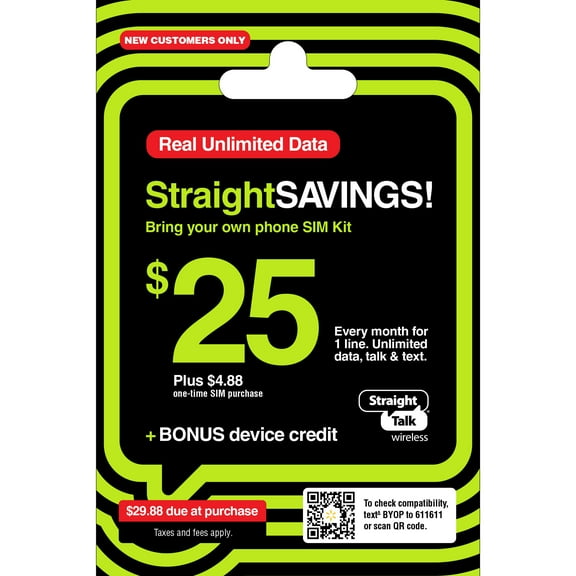
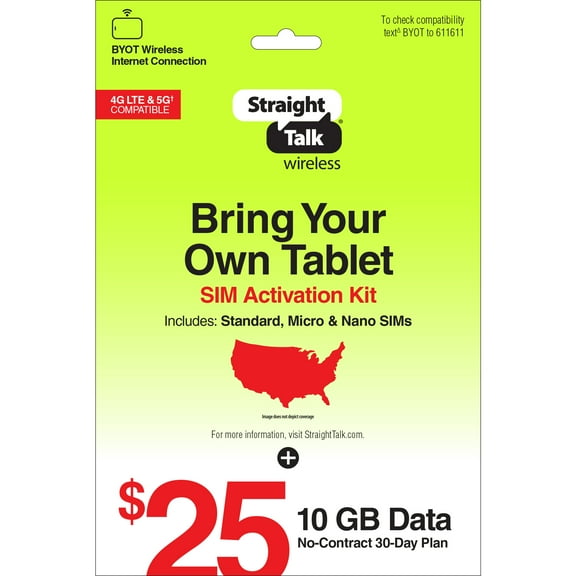
A Verizon SIM card kit can help you handle activation with one package instead of piecing together parts. You may also find instructions, an activation code, or a SIM ejector tool inside the package.
- You can match Nano, Micro, or Standard trays with a three in one card.
- You can compare prepaid, postpaid, and no contract paths before activation.
- You can choose BYOD or replacement options based on your current device status.
- You can check whether your device supports 4G LTE or 5G Ultra Wideband.
If you’re moving service to a phone you already own, you may want a BYOD Verizon SIM option. If you’re keeping your account but changing hardware, you may prefer a replacement card.
You’ll also want to compare package details before checkout. You can avoid setup confusion when you confirm the included tools, codes, and instructions in advance.
What to look for in a Verizon wireless SIM card
You should compare network compatibility first, especially when your device supports 4G LTE or 5G Ultra Wideband. You can match a Verizon wireless SIM card to your phone’s network capability so your setup fits your hardware.
When you review technical details, you should confirm the physical size your device tray accepts. You’ll usually find Nano cards in many recent phones, while older devices may use Micro or Standard sizes.
You should also check whether the kit supports the account type you plan to use. You can look for prepaid wording, postpaid support, or replacement language on the package.
If you’re bringing your own phone, you should verify carrier status and model compatibility before purchase. You’ll usually get a smoother setup when you use an unlocked device compatible with the Verizon network.
You may also want to review included accessories before you decide. You can make activation easier when your kit includes a SIM ejector tool and clear setup steps.
Comparing network, format, and activation choices
You can narrow your options by matching network support to the device you use each day. If your phone supports newer Verizon bands, you may want a setup path aligned with 5G access.
If your device uses 4G LTE, you should focus on confirmed LTE support and the correct physical size. You can keep activation simpler when you match those details before your purchase.
For format, you should compare a single size card with a three in one design. You may prefer a Verizon Nano SIM card for a recent phone, while a triple cut card adds flexibility.
For activation type, you should decide whether you’re starting a new line or replacing an existing card. You can choose BYOD when you’re bringing a compatible phone, or choose replacement when your account stays the same.
How you might use a Verizon SIM card kit
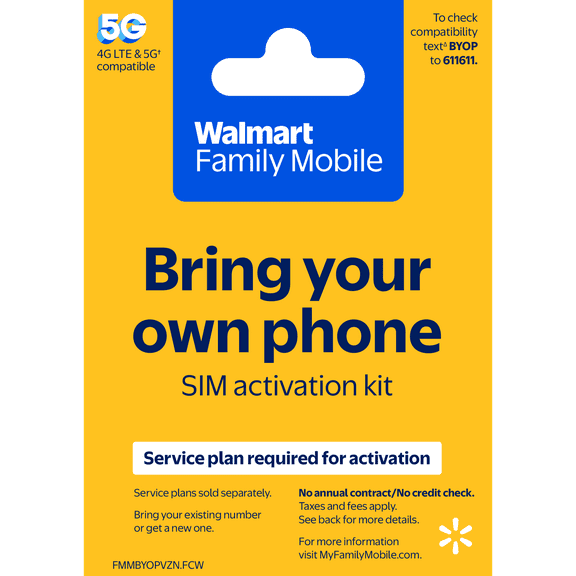
You might need a kit when you’re switching carriers and keeping your current phone. You should look for BYOD language, an unlocked device match, and the SIM size your phone requires.
You may also need a replacement card when you move your line to another compatible device. You can use that path for a phone, tablet, or smartwatch when your account stays active.
If you’re setting up a backup phone, you should check whether the device uses Nano, Micro, or Standard sizing. You may find that a triple cut card works well when your household uses different compatible devices.
You can also use these kits when you’re preparing a travel phone or connecting a tablet line. Those situations call for careful checks on device type, network support, and package contents.
You’ll feel more confident when you match compatibility, SIM format, and activation type before purchase. That preparation helps you complete setup with fewer surprises and a clearer path to Verizon service.