

Dash Cam Brands in Dash Cams

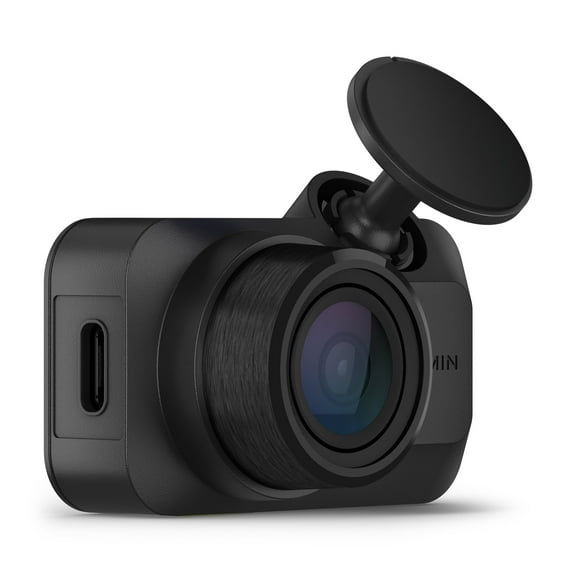
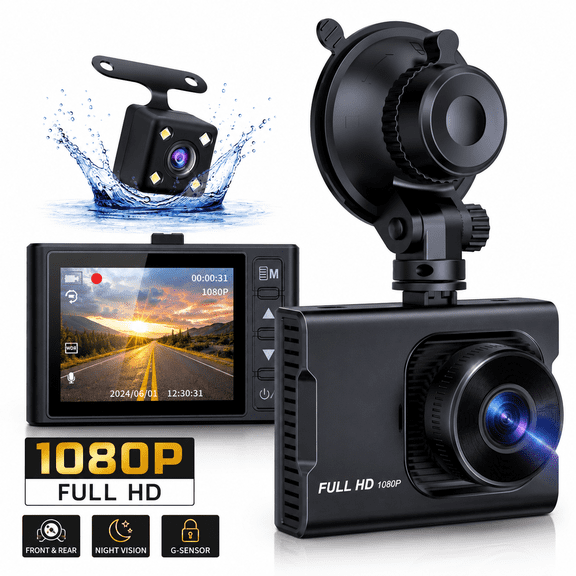
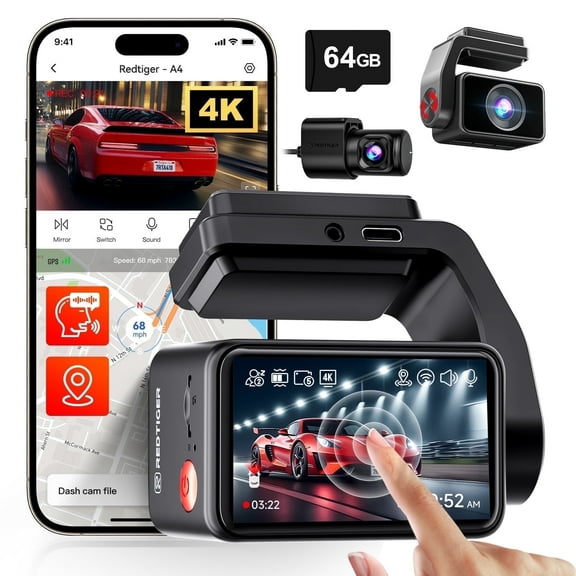
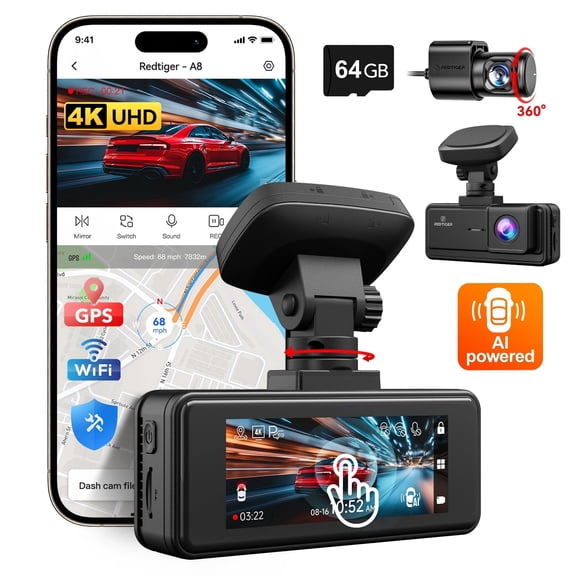



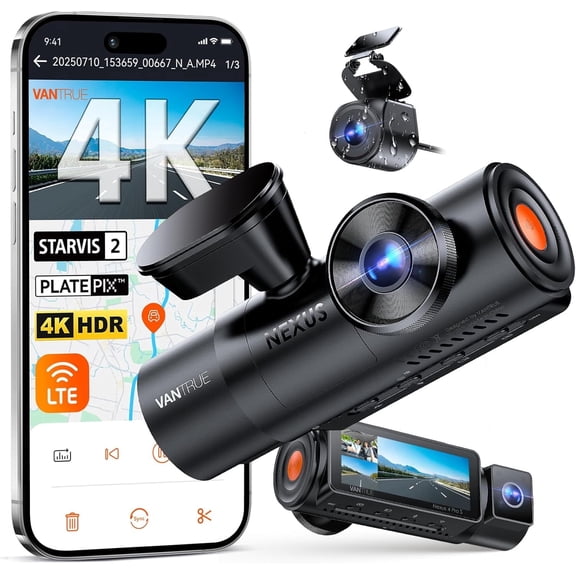

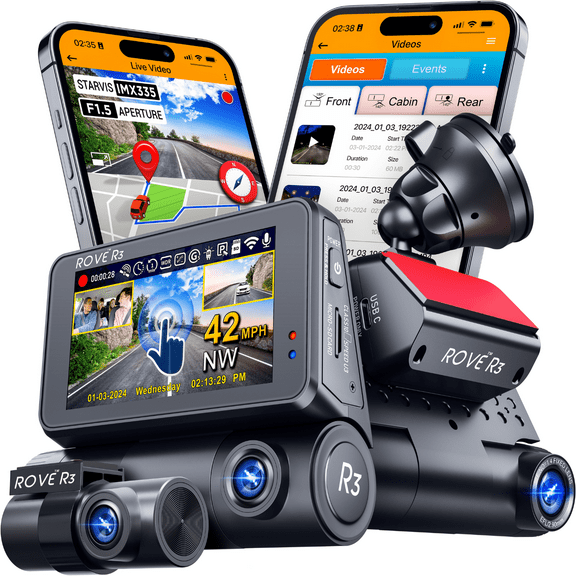
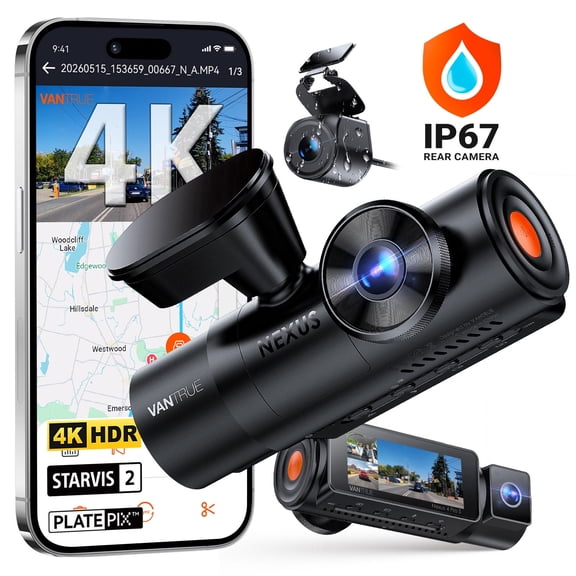

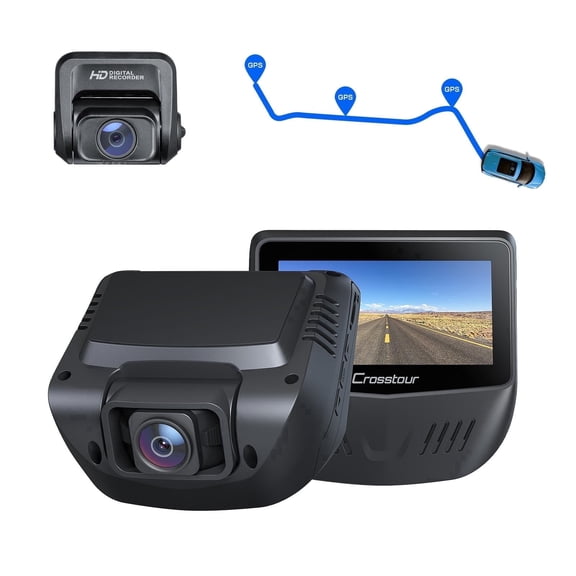



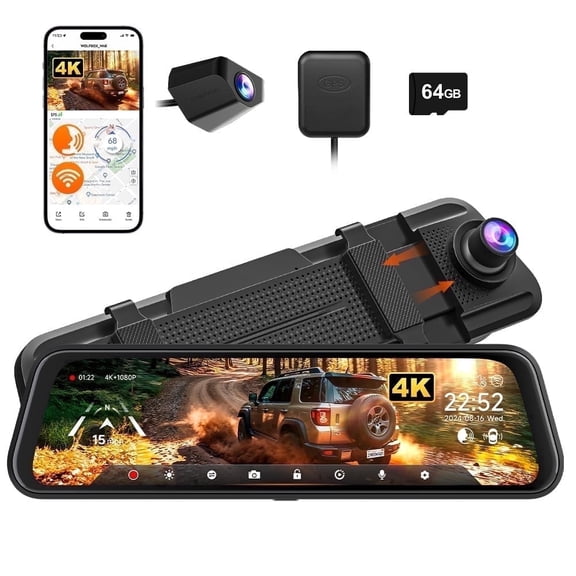
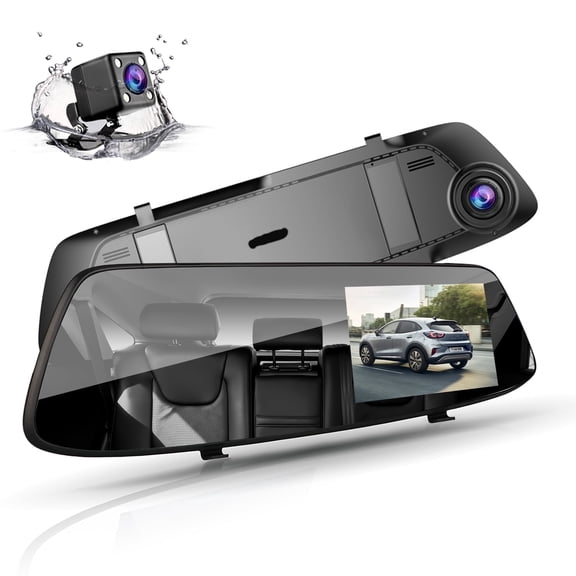

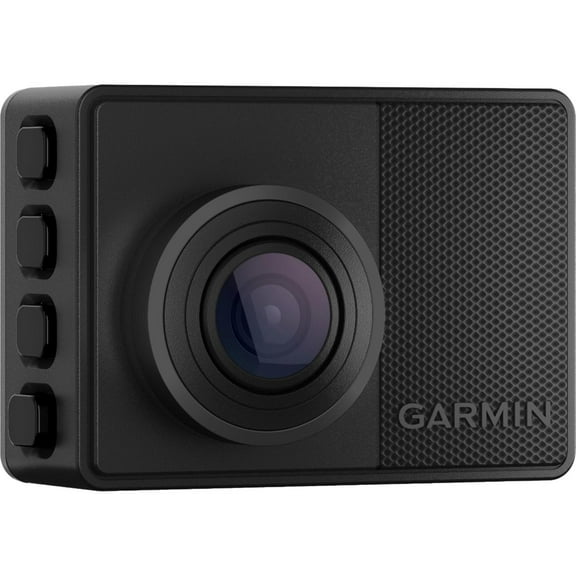
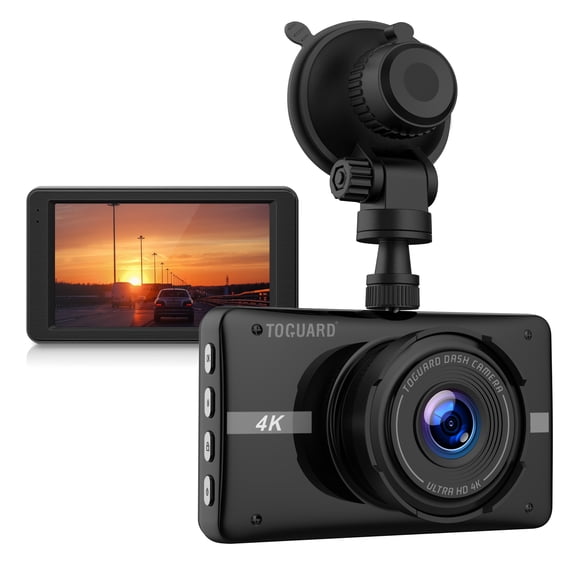
About Dash Cam Brands in Dash Cams - Walmart.com
Your dashcam choice affects how you capture the road, your cabin, and the space behind your vehicle. You can compare brands here by resolution, camera coverage, connectivity, power setup, and recording features.
If you commute, park on busy streets, or take road trips, you may want different recording strengths. You can use this guide to narrow your needs before comparing specific dash cam brands.
Choosing the right dashcam for your vehicle
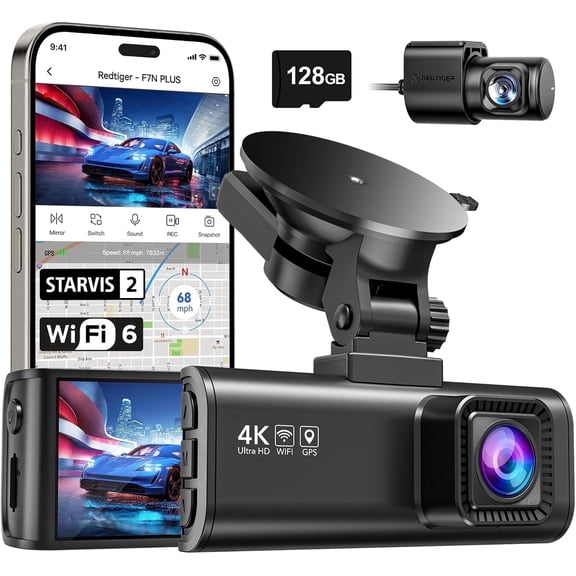
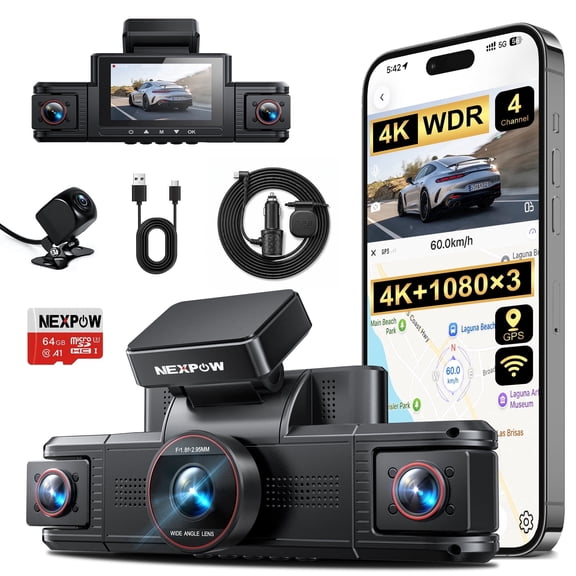
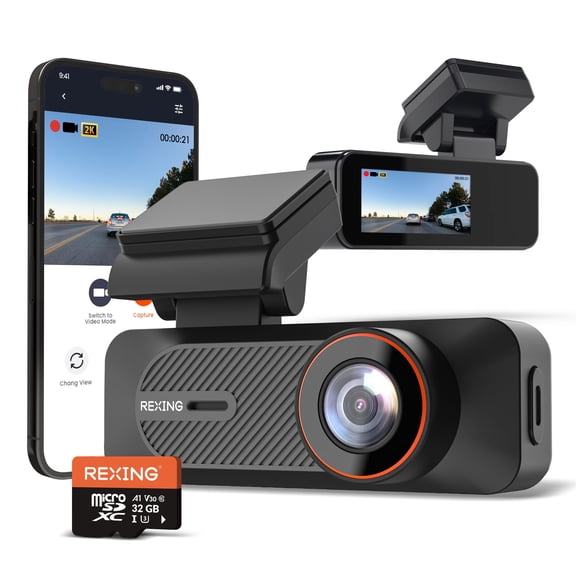
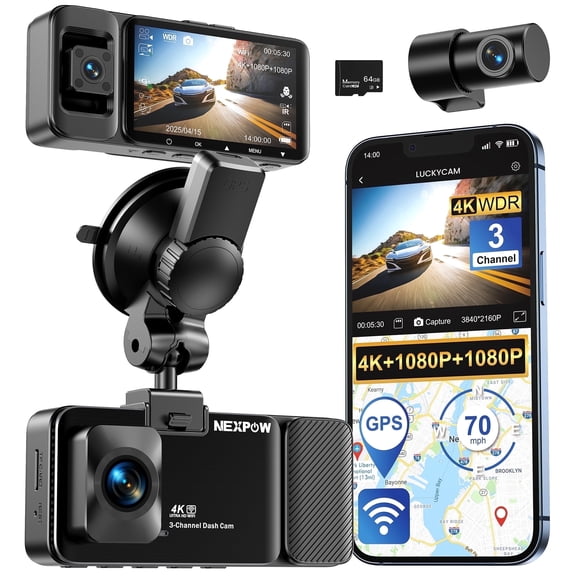
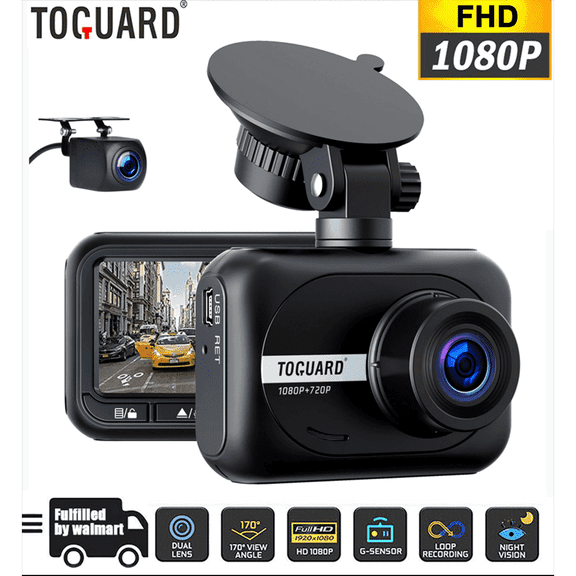
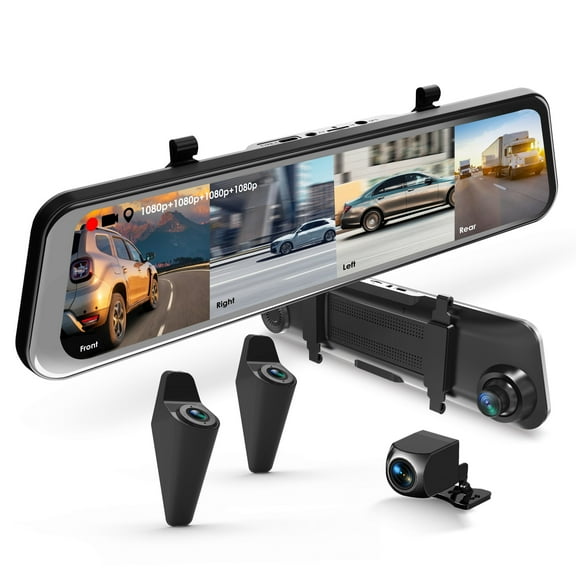
When you compare models, you should start with the camera view you want during every drive. You can choose single front-facing, dual front and rear, or three-channel cabin view coverage.
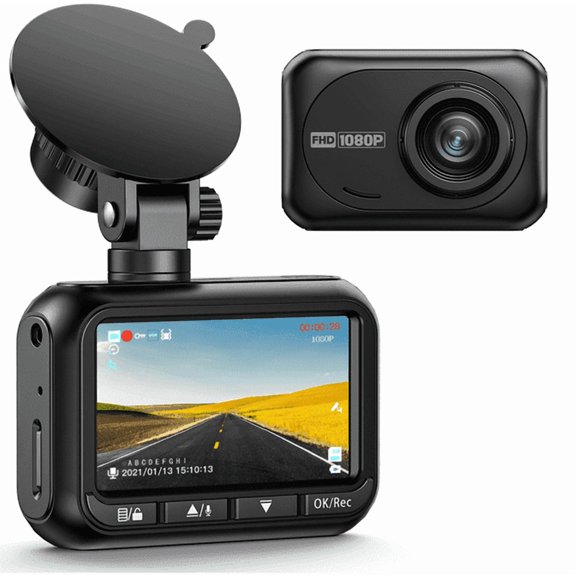
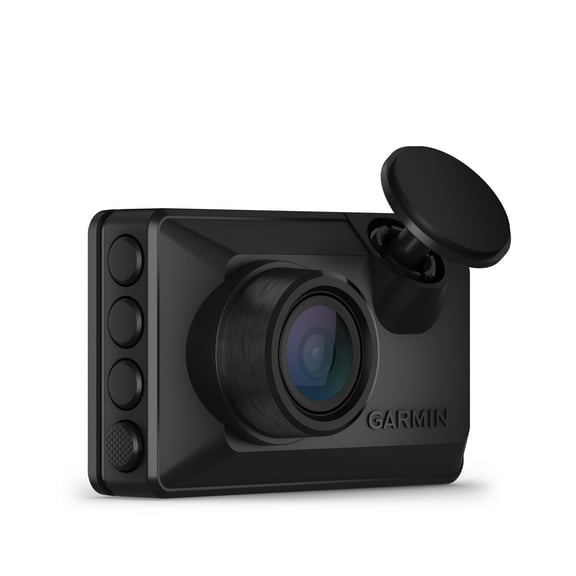
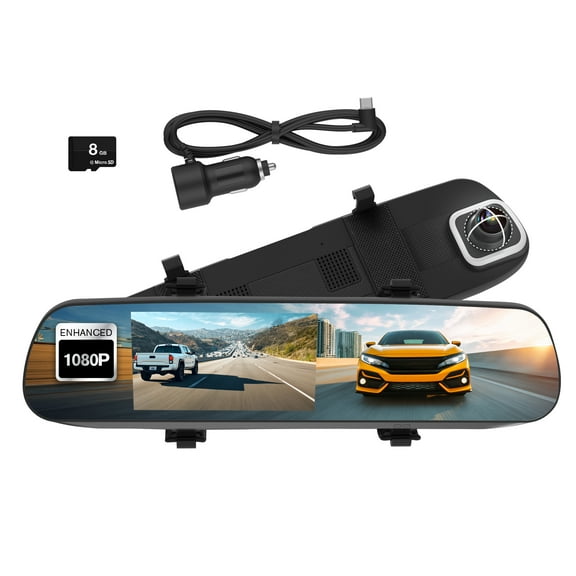
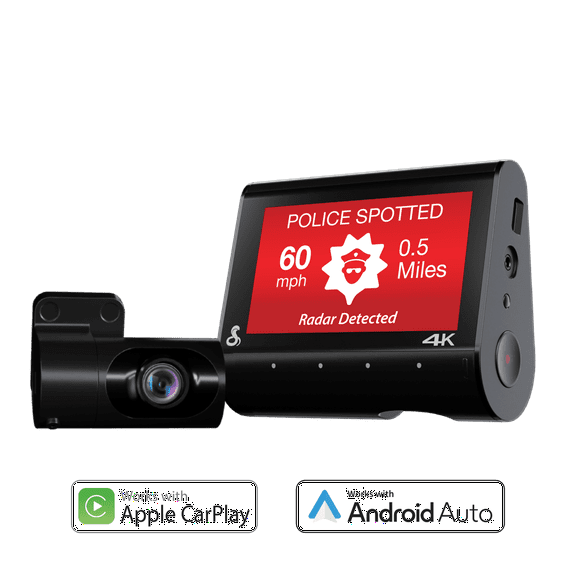
A single front-facing camera fits a simple windshield setup and straightforward playback. A dual front and rear setup gives you added coverage at intersections, in parking lots, and while backing up.
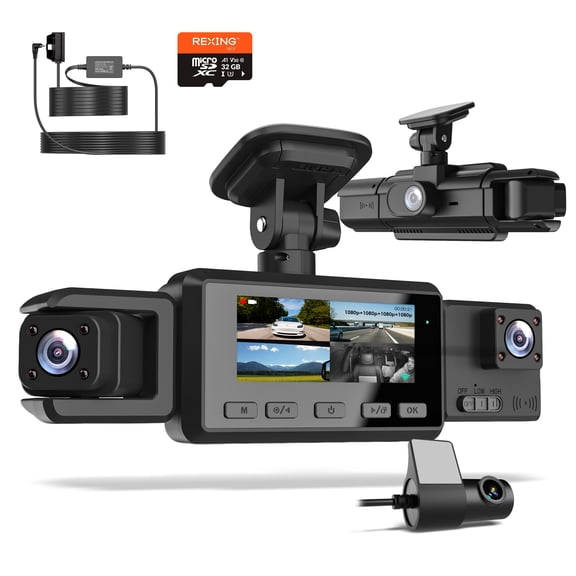
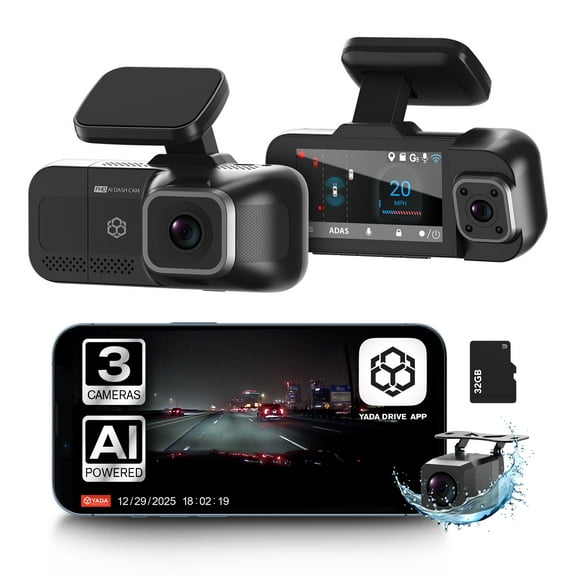
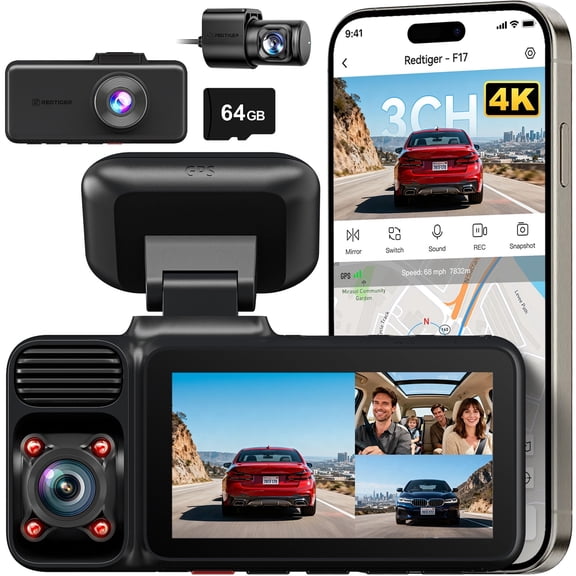
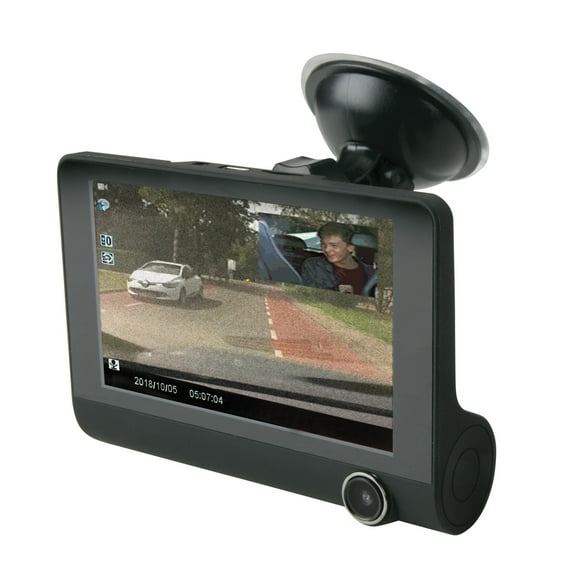
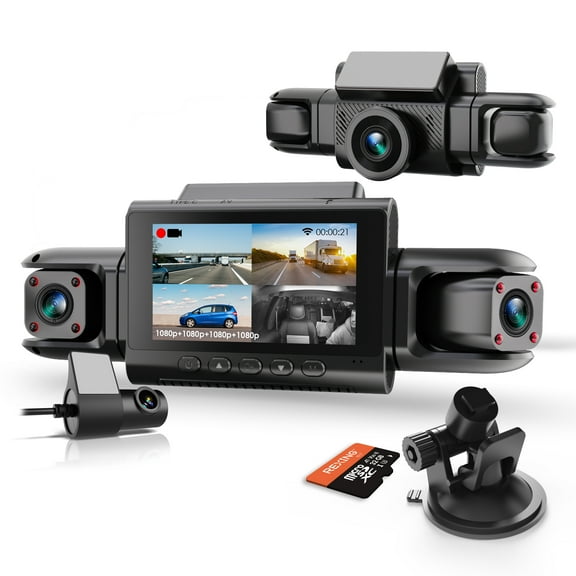
If you drive for rideshare or want more interior visibility, you may prefer a three-channel cabin view. You can capture the road ahead, the rear area, and the vehicle interior in one system.
- You may choose front-only models for everyday commuting and basic road recording.
- You may choose front and rear dash cams when you want wider vehicle coverage.
- You may consider cabin-view systems when interior recording matters to your routine.
- You may select simple or connected models based on your preferred playback method.
How to compare dashcam resolution and night visibility
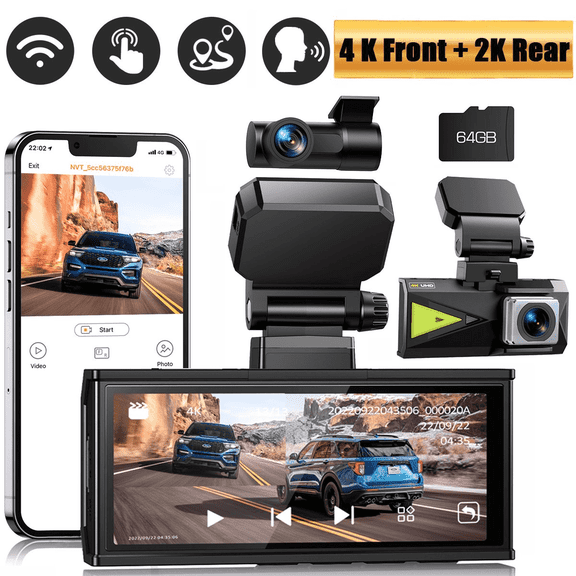
Resolution affects how much detail you can review when you replay footage on a larger screen. You should compare 1080p Full HD, 2K, and 4K Ultra HD based on your clarity needs.
If you want readable signs and sharper vehicle details, you may lean toward 2K or 4K recording. You should also check how your camera handles low-light scenes, headlights, and dark parking areas.
Night vision matters when you drive early, return late, or park outside after dark. You should look for clear nighttime capture, balanced highlights, and steady image quality.
Some shoppers also compare HDR support and sensor type when they want stronger contrast in mixed light. You can use those terms to judge clearer day and night footage.
Choosing connectivity and playback options
Connectivity changes how you move videos from your camera to your phone or computer. You can choose Wi-Fi enabled, Bluetooth, GPS tracking, or non-connected options based on your routine.
If you want quick clip transfers, you may prefer Wi-Fi enabled models that work with a companion app. You can review footage, adjust settings, and organize files without removing the memory card.
Bluetooth can help with setup or pairing tasks, depending on the model you choose. GPS tracking can add route, speed, and location details when you want extra trip context in recordings.
If you prefer a simple approach, you can choose a non-connected unit and read files from the card. You may like that setup when you want fewer app steps and direct file access.
Comparing power options and installation
Power source affects where you place your camera and how clean your installation looks. You can compare hardwired, 12V auxiliary outlet, battery powered, and supercapacitor designs before deciding.
A 12V auxiliary outlet setup works well when you want a faster install and easy transfer between vehicles. You can plug in, mount the camera, and start recording with fewer setup steps.
Hardwired options suit drivers who want a hidden cable path and a tidy dashboard view. You can also pair that setup with parking monitor functions when your model supports standby recording.
Battery powered units may appeal when you want flexible placement or occasional use. Supercapacitor designs may interest you when you want steady startup behavior in changing temperatures.
Understanding loop recording, G-sensor, and parking features
Recording features shape how your dashcam works after installation. You can compare loop recording, G-sensor collision detection, parking monitor, and night vision based on your driving routine.
Loop recording lets your camera keep capturing by replacing older files as storage fills up. You can keep your camera ready for daily use without managing footage after every drive.
A G-sensor can mark certain clips so you can find them faster later. You may find that feature useful when you want key moments easier to review.
Parking monitor functions can record activity around your vehicle while it sits parked, depending on power setup. You should check whether your chosen model needs hardwiring for that function.
Matching dashcam features to your driving routine
If you drive short city routes, you may want a compact front camera with simple loop recording. You can keep setup easy while still capturing daily traffic, signals, and parking maneuvers.
For highway travel, you may prefer 2K or 4K recording with night visibility and GPS tracking. You can review long-distance footage with clearer detail and more trip context.
If your household shares a vehicle, you might choose Wi-Fi transfer and a 12V outlet installation. You can move clips quickly and switch the camera between vehicles with less effort.
For rideshare driving or family carpools, you may want three-channel coverage and cabin recording. You can capture a wider view of what happens in and around your vehicle.
When you park outdoors often, you may want hardwiring, parking monitor support, and rear coverage. You can keep your recording setup aligned with your everyday parking habits.
With the right dashcam features, you can capture clearer footage and choose coverage that fits your vehicle. You can compare brands with more confidence when each feature matches how you drive.