

Dash Cams and Memory Cards for Cars


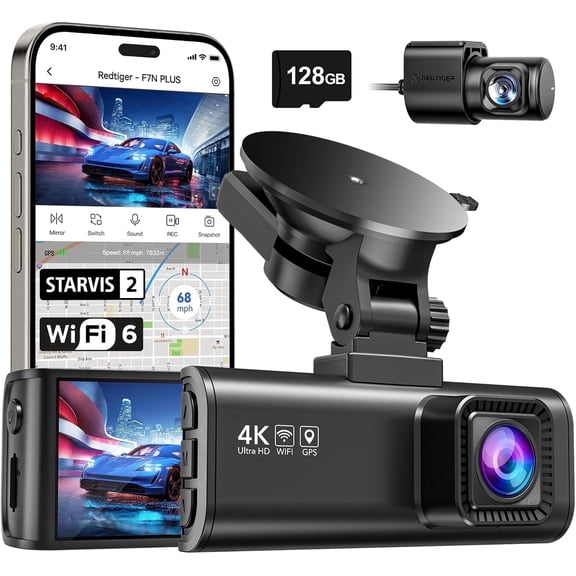
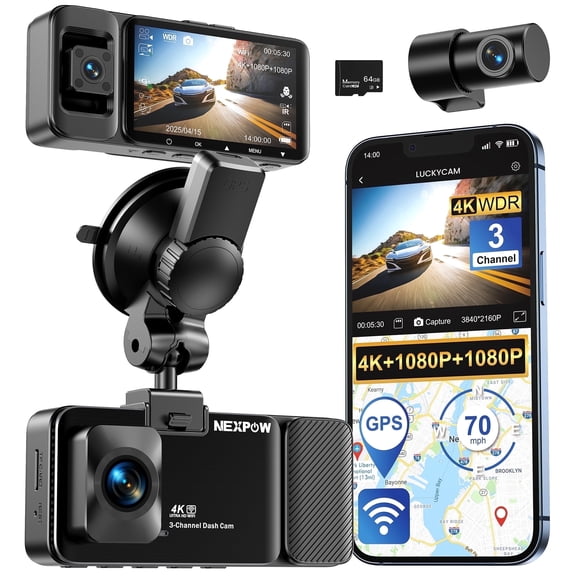
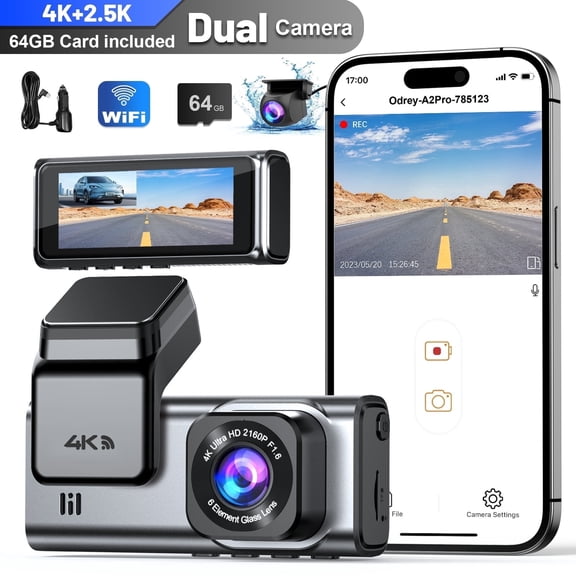
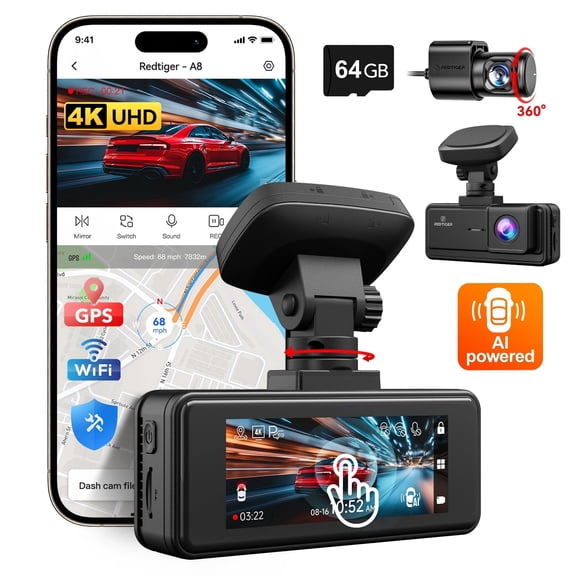


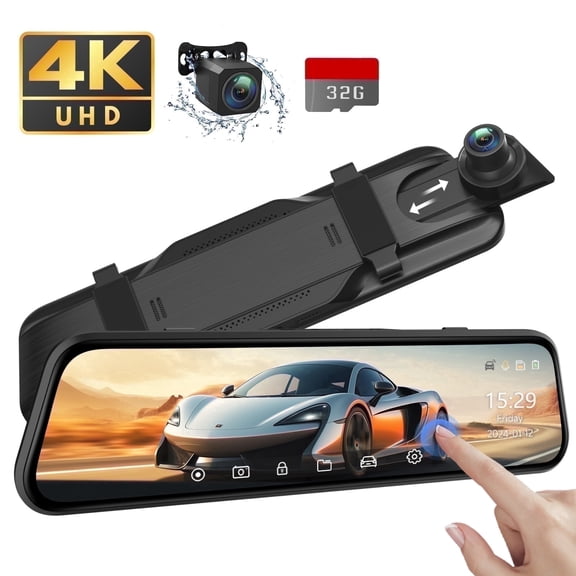
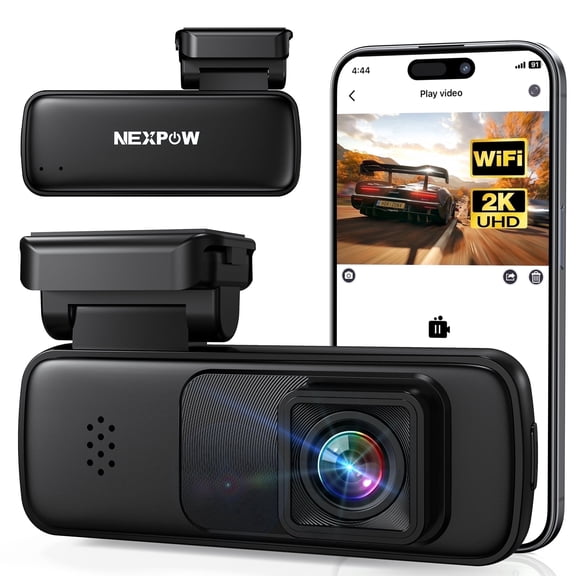
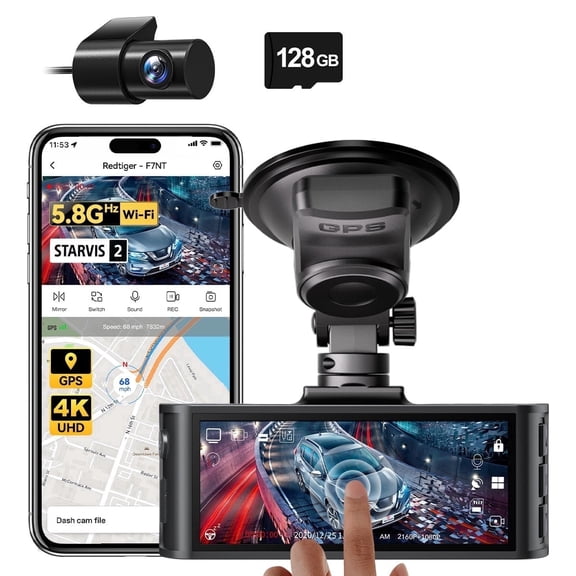

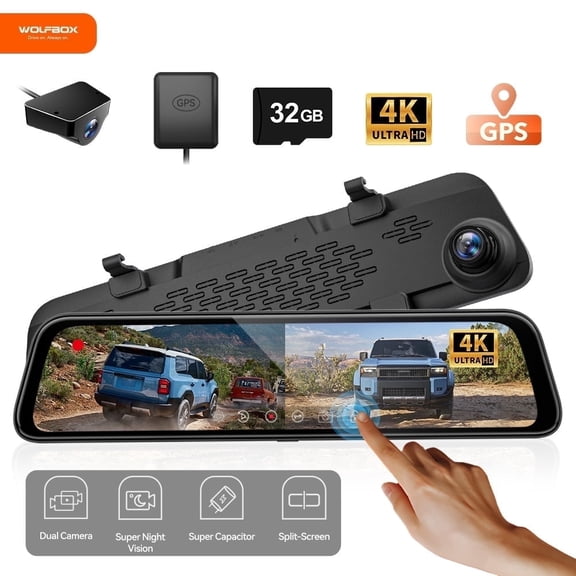








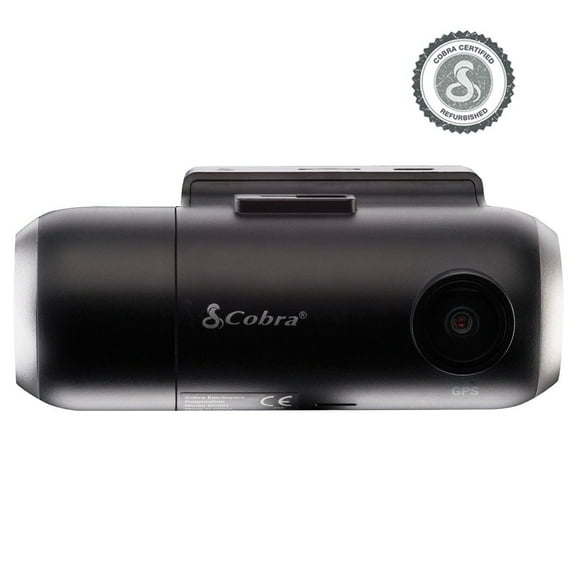
About Dash Cams and Memory Cards for Cars - Walmart.com
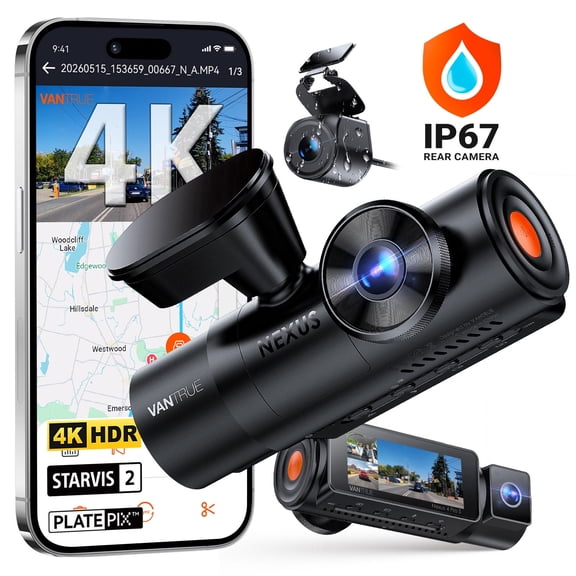
Dash cams help you document your drive with continuous video, clearer coverage choices, and easier setup guidance for your vehicle. You can compare camera setup, resolution, power, and storage details, so your recorder fits daily commuting, parking, and long drives.
If you commute daily, take highway drives, or leave your car in crowded lots, you may want coverage that records in changing conditions. You can narrow your options faster when you know how front coverage, rear coverage, and cabin views affect what you capture.
Choosing dash cams by camera setup
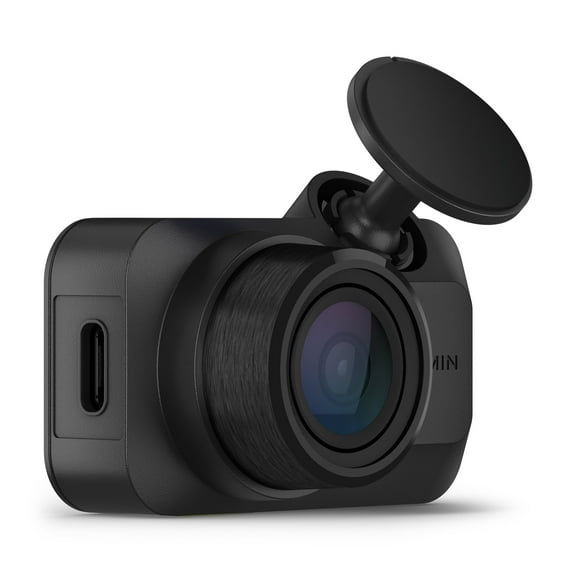
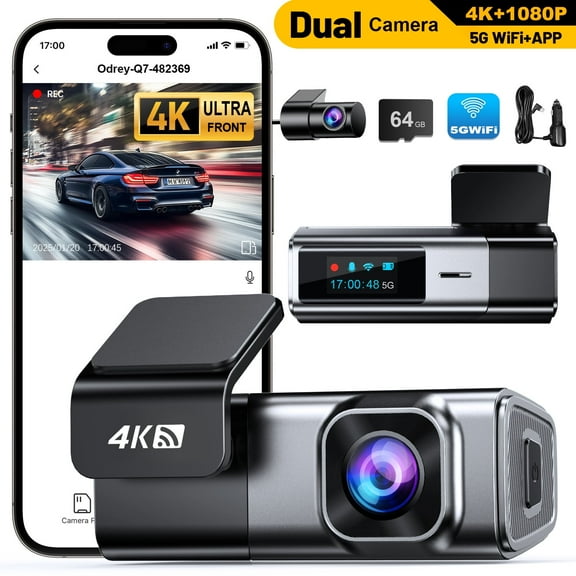
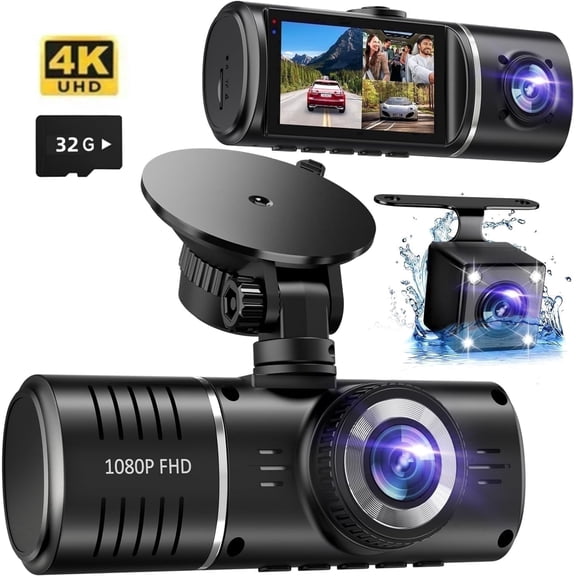
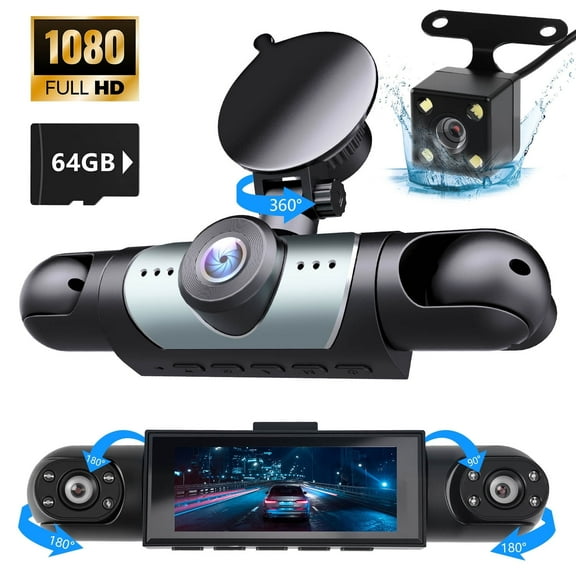
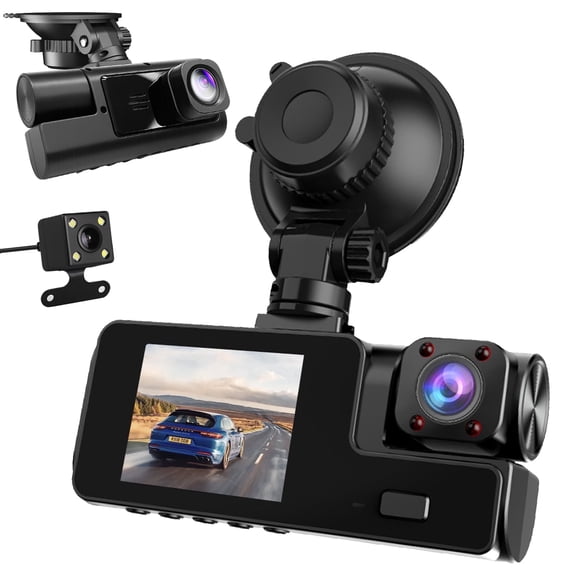
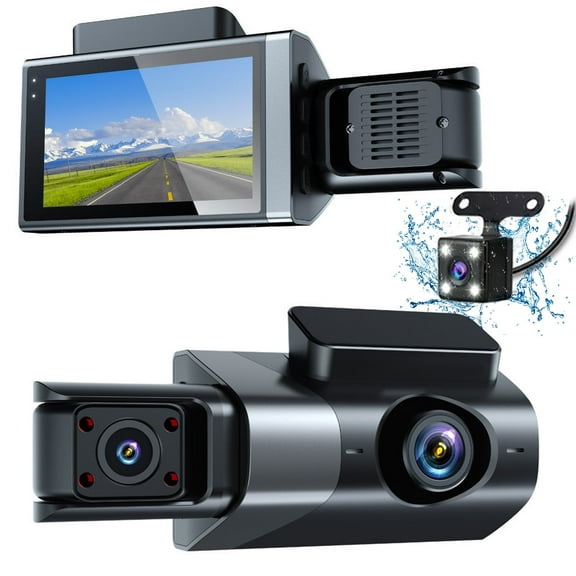
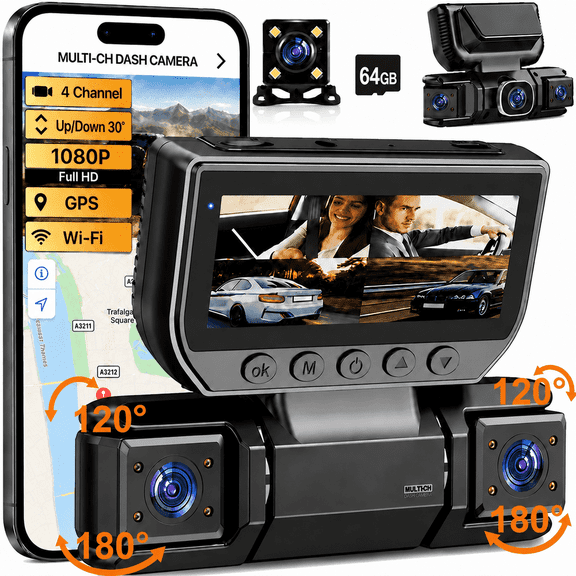
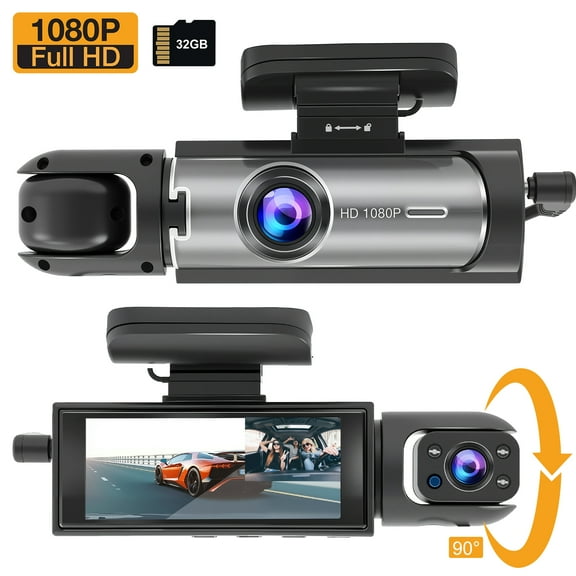
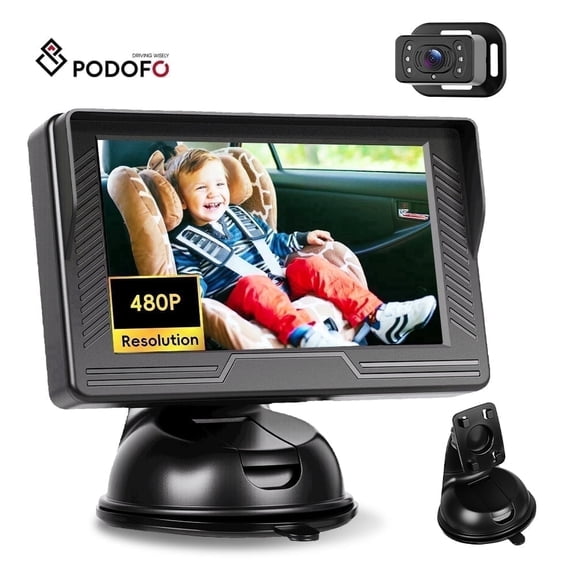
You should start with camera setup because coverage changes how much of your drive you can review later. You can choose a single front camera, a front and rear dash cam, or a triple setup with cabin coverage.
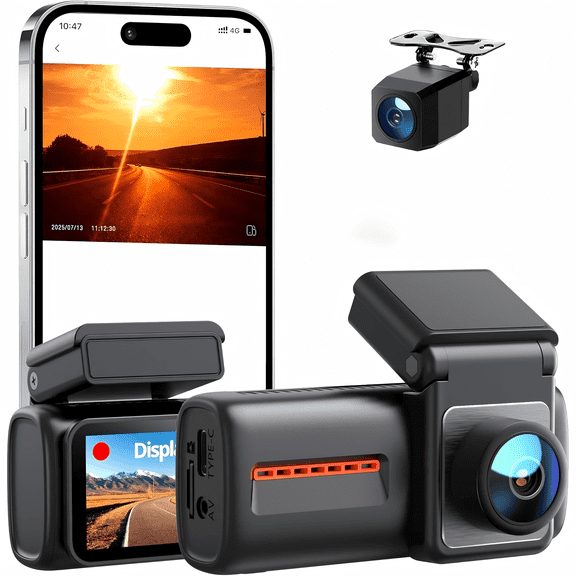
If you mostly want a forward road view, you may prefer a single front camera with a simpler layout. If you want broader footage, you may prefer a dual dash cam that records both directions.
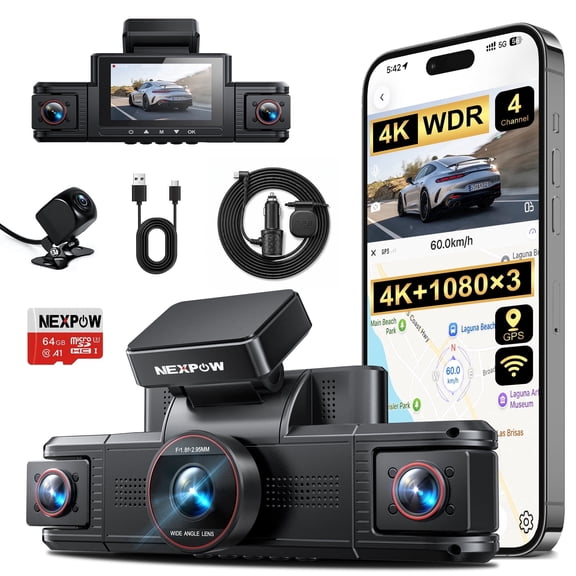
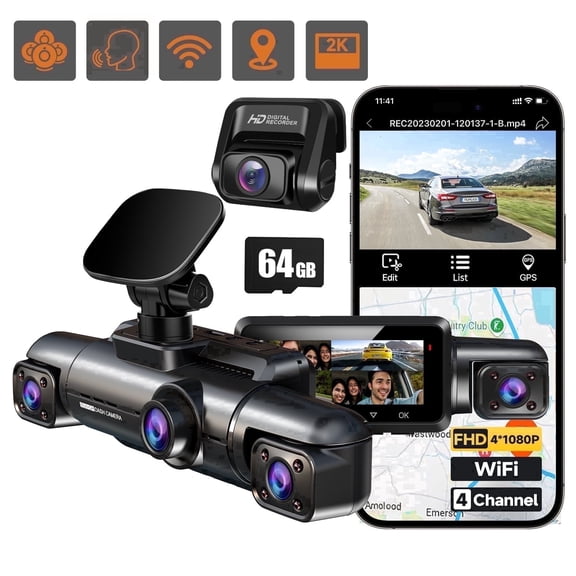
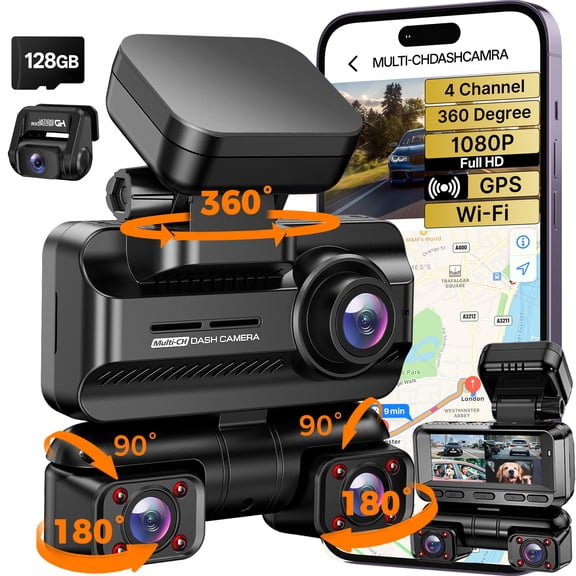
You may want a triple camera when you drive for rideshare use or carry passengers often. You can use that extra cabin view to capture interior activity and keep your recordings more complete.
- You can choose single front cameras for a simpler windshield setup.
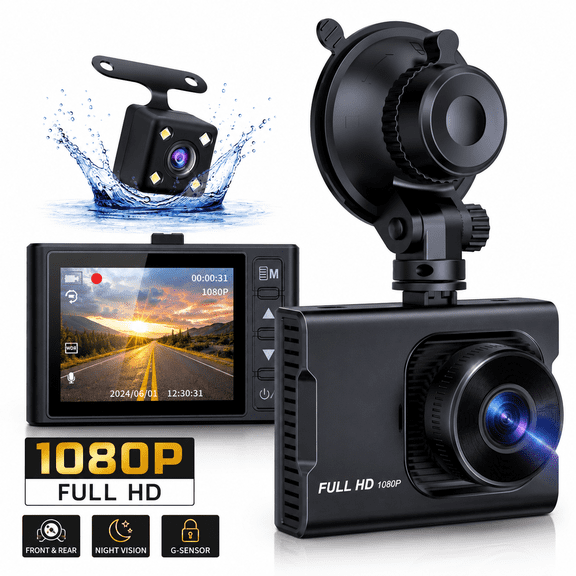
- You can choose front and rear systems for broader vehicle coverage.
- You can choose triple systems when your cabin view matters too.
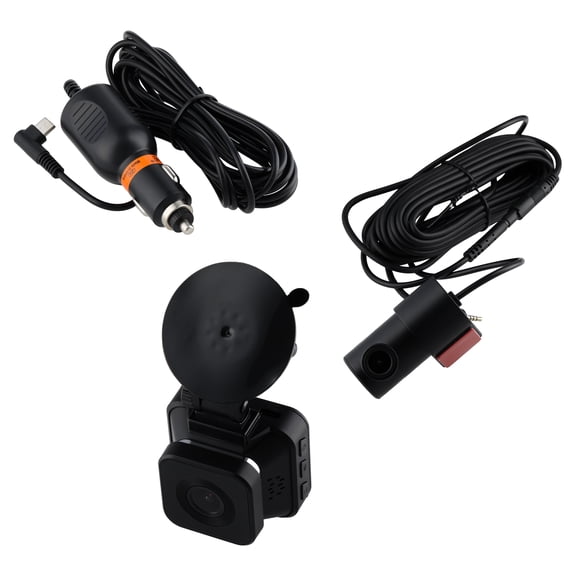
- You can compare mounting styles to match your windshield and rear window layout.
How to choose the right dash camera for car resolution
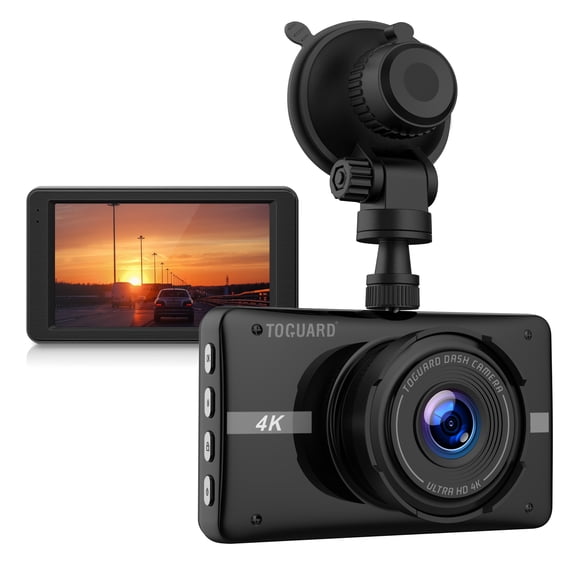
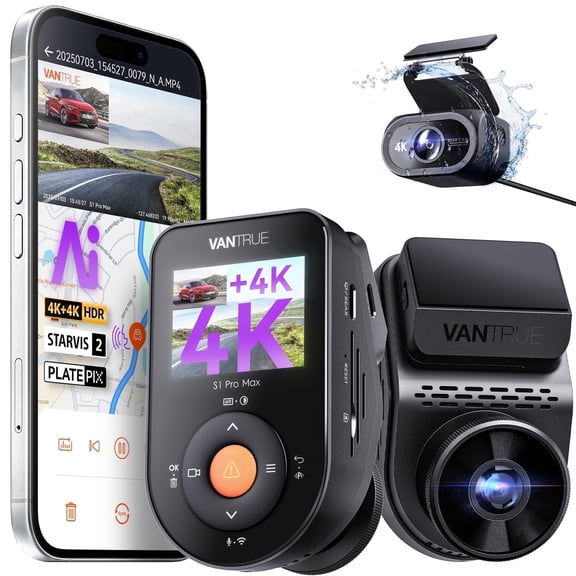
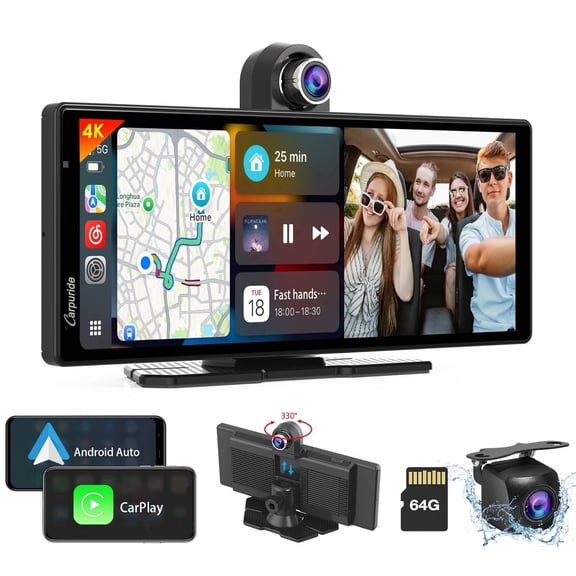
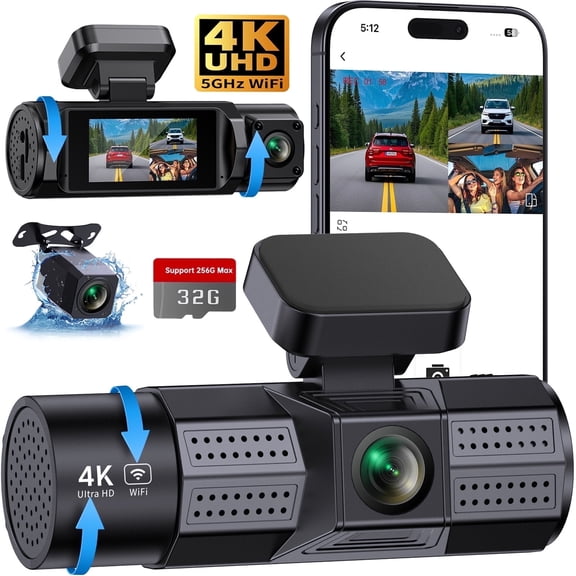
You should compare resolution early because sharper video can make road details easier to review. You can often choose between 1080p Full HD, 2K, and 4K Ultra HD recording.
If you want a solid everyday recording level, you may find 1080p works for common daytime driving. If you want more image detail, you may prefer 2K or 4K for clearer street signs and plate visibility.
You should also check frame rate because smoother motion can help when traffic moves fast. You can balance resolution and storage needs by considering how often you drive and how long you keep clips.
If you drive in changing light, you may also want a dash cam with night vision for darker roads. You can get more usable footage after sunset when low-light performance is part of your comparison.
Comparing connectivity and video access
You should look at connectivity next because it changes how you access clips and location data. You can compare Wi-Fi enabled models, Bluetooth support, GPS tracking, and non-Wi-Fi options.
If you want quick access from your phone, you may prefer Wi-Fi for viewing and transferring files. If you want route and speed data attached to recordings, you may want a GPS dash cam.
You should also check how the camera saves videos because storage affects daily convenience. You can use loop recording to keep newer footage replacing older files when your memory card fills up.
If you want less manual file management, you may appreciate loop recording during regular driving. You should also check memory card guidance, since longer drives usually need more recording capacity.
Understanding power source and parked recording
You should compare power source options because they affect setup time and parked recording behavior. You can choose a 12V car charger, a hardwire kit, or a battery powered design.
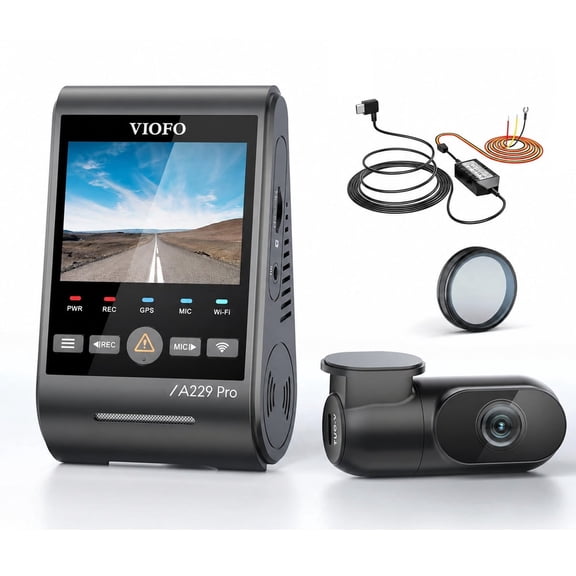
If you want straightforward installation, you may prefer a model that plugs into your vehicle's 12V socket. If you want a cleaner look, you may prefer a hardwired dash cam with hidden cable routing.
You may also want to check whether your chosen power method supports parked recording. You can often pair parking mode with hardwire setups when you want recording while your vehicle is parked.
If you move cameras between vehicles, you may like a battery powered option for added flexibility. You should still compare recording time and recharge needs before choosing that format.
What to look for in dash cams features
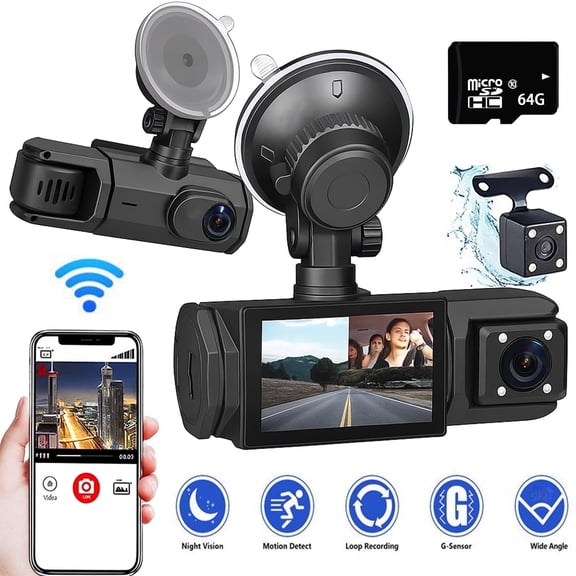
You should compare special features by how you drive, park, and review footage. You can look for night vision, loop recording, G-sensor impact detection, and parking mode.
If you drive before sunrise or after dark, you may want stronger low-light recording support. If you park on busy streets, you may want parking mode that keeps your vehicle covered while stationary.
You may also want G-sensor impact detection because it can mark certain clips for easier review later. You can spend less time searching files when key events are easier to locate.
If you want app-based control, you may prefer a smart dash cam with connected features. You can review clips, change settings, and manage footage more easily from compatible devices.
Matching dash cams to your driving routine
You should match your setup to how and where you drive frequently. You can choose different combinations for commuting, family travel, rideshare use, and a dash cam for road trip plans.
If you take frequent highway trips, you may want higher resolution and GPS tracking for detailed travel records. If you park in lots often, you may want parking mode and a hardwire kit.
You may prefer a front and rear dash cam for family vehicles that carry passengers and cargo regularly. You can gain wider coverage when your daily routine includes school runs, errands, and weekend drives.
If you drive for work, you may want a triple setup with cabin recording and Wi-Fi access. You can review footage faster when your clips sync easily to your phone after a shift.
Dash cams work effectively when you choose coverage, resolution, power, and storage around your actual driving habits. You can feel more prepared on the road when your recorder matches how you drive and park.