

Time Clocks & Cards in Retail Essentials















About Time Clocks & Cards in Retail Essentials - Walmart.com
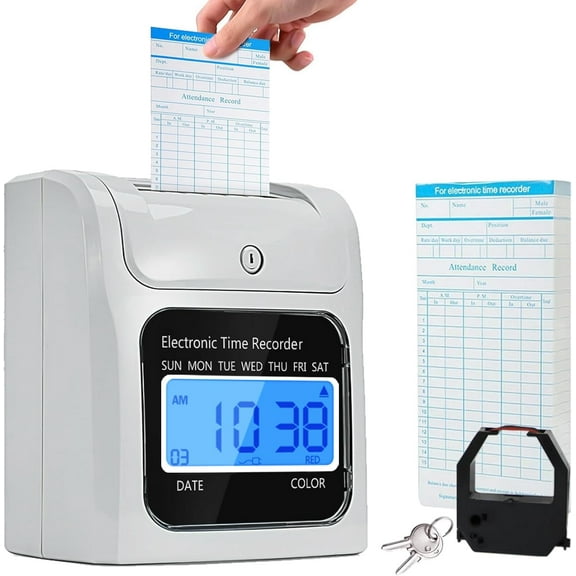
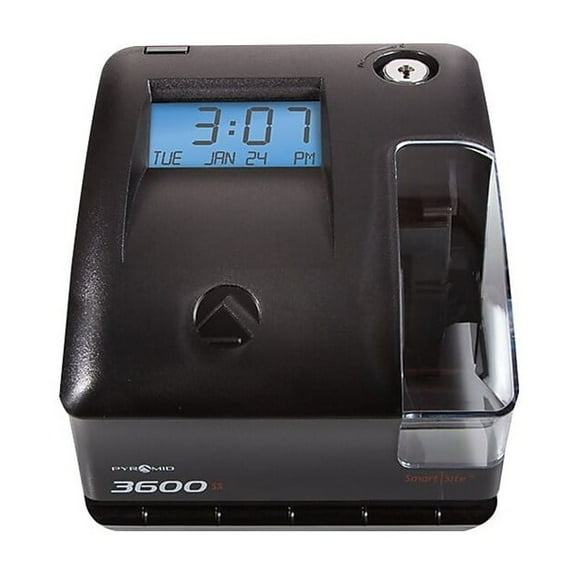
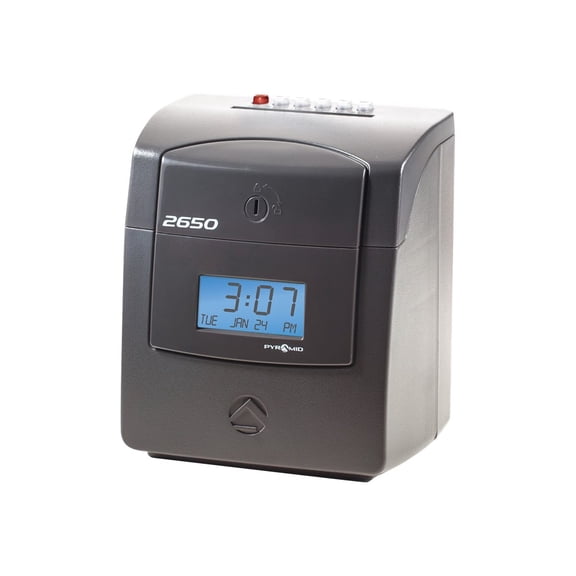
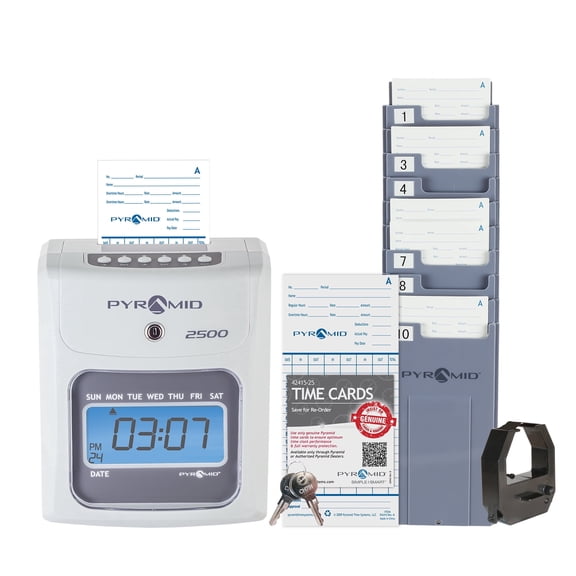
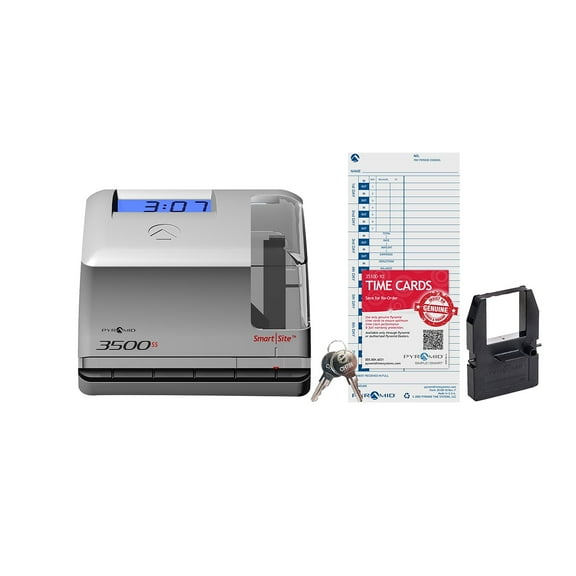
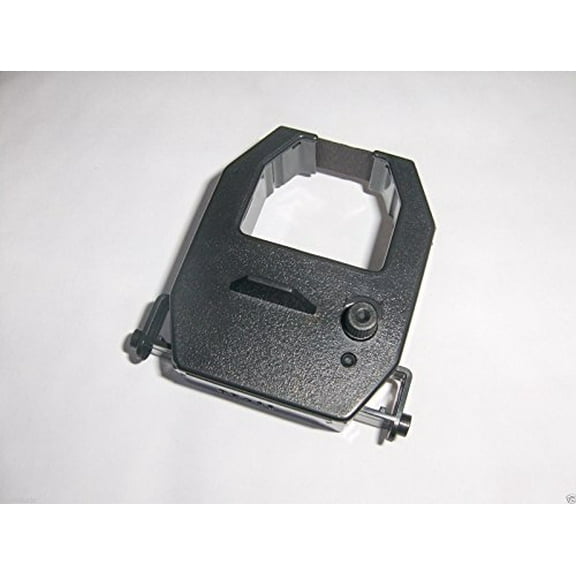
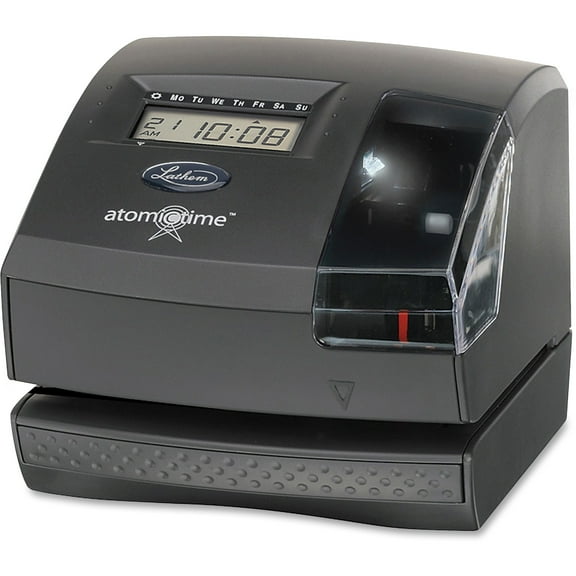
You can organize attendance efficiently with a time punch card machine that matches your card format, team size, and setup needs. You’ll find options for manual punching, digital printing, and biometric tracking, plus cards designed for weekly, bi-weekly, or semi-monthly payroll routines.
If you run a small office, store, warehouse, or workshop, you need clear records that are easy to review. You’ll notice this category focuses on practical timekeeping details, like card compatibility, mounting style, and calculating functions.
Choosing a time punch machine by type
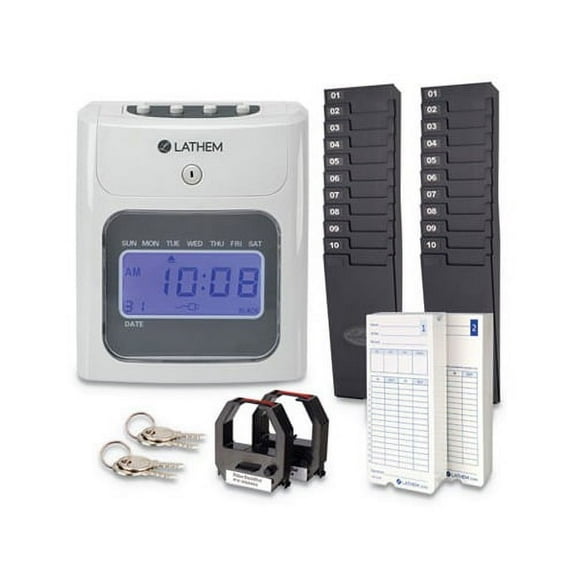
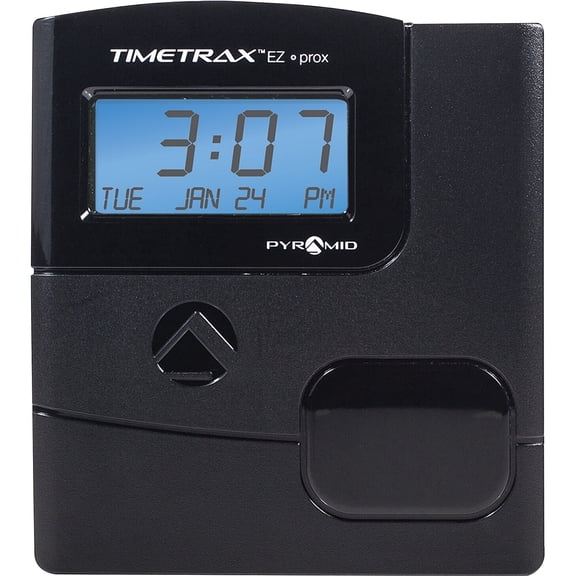
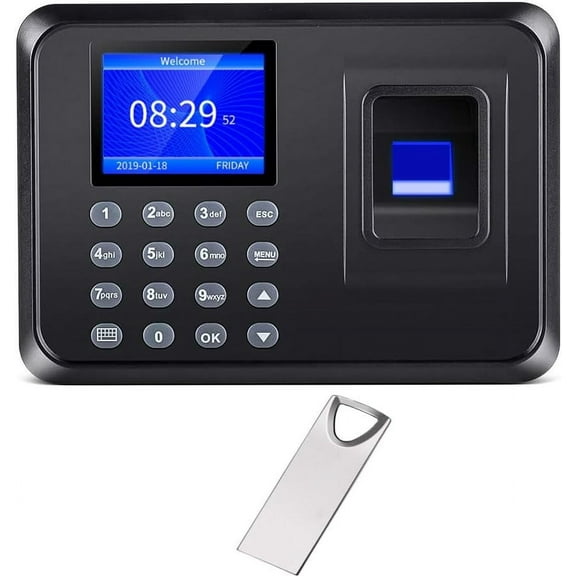
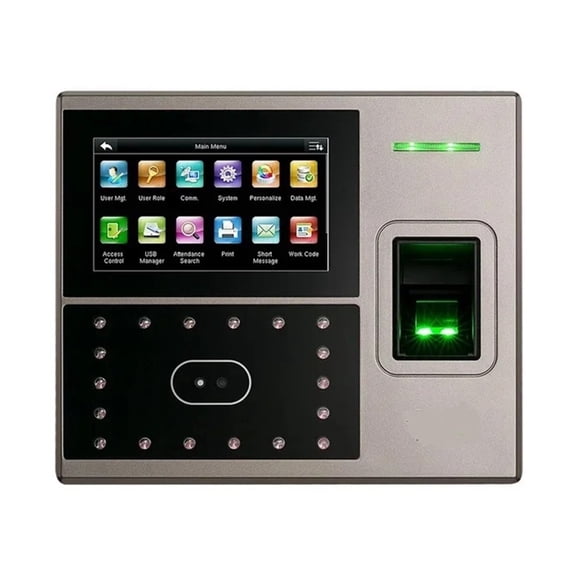
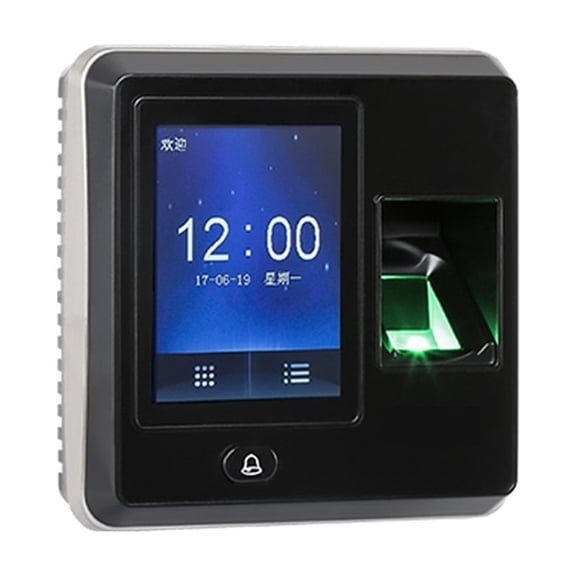
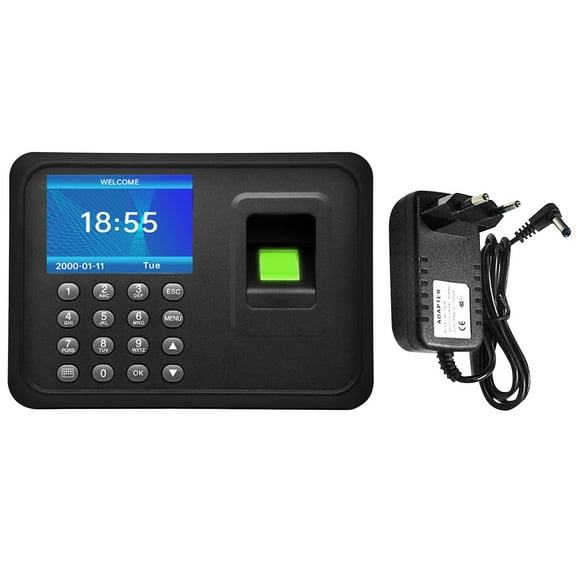
You should start with the type of system you want to manage each shift. You can choose manual models for physical punches, digital units for printed timestamps, or biometric options for card-free tracking.
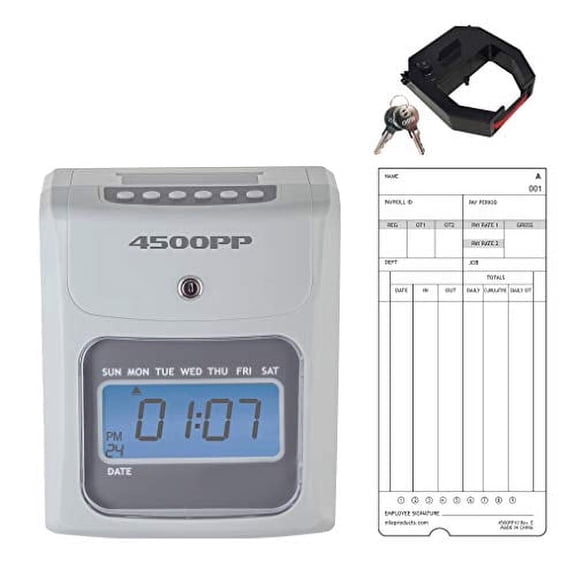
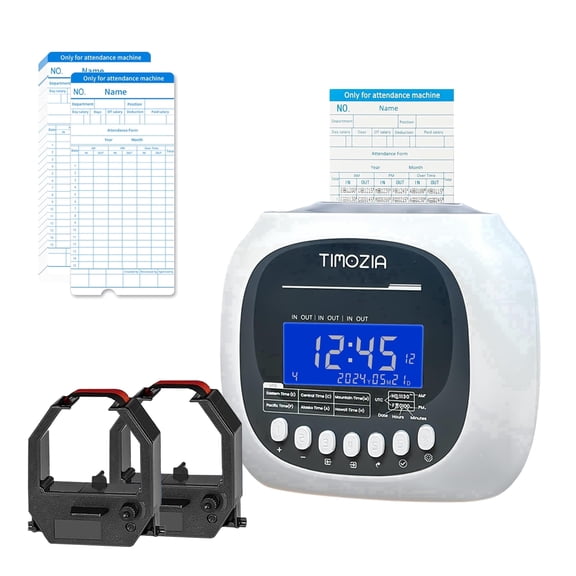
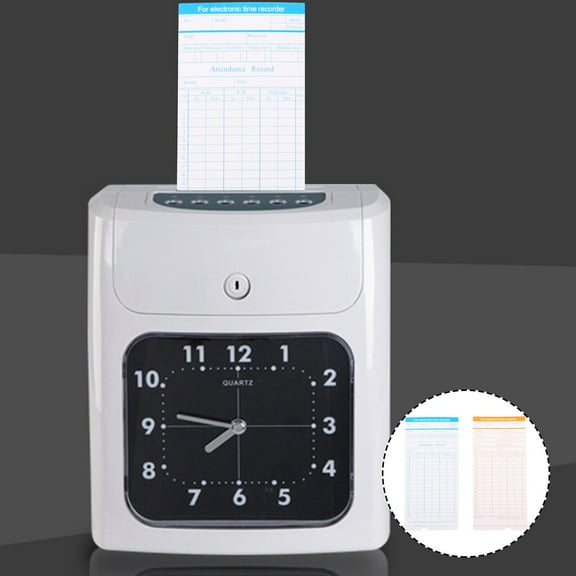
When you compare these types, you should think about how your team clocks in every day. You may prefer a manual time punch machine for simple use, or a digital time card machine for clear printed records.
You’ll also want to match the machine to your workspace and routine. You can pick wall-mounted units for fixed entry points or desktop styles for counters, back offices, and shared admin areas.
- You can keep clock-ins consistent with machines built for repeat daily use.
- You can match your payroll cycle with weekly, bi-weekly, or semi-monthly time cards.
- You can choose timestamping or calculating functions based on how you review hours.
- You can support a smaller team or a larger operation by checking employee capacity.
How to compare time cards and compatibility
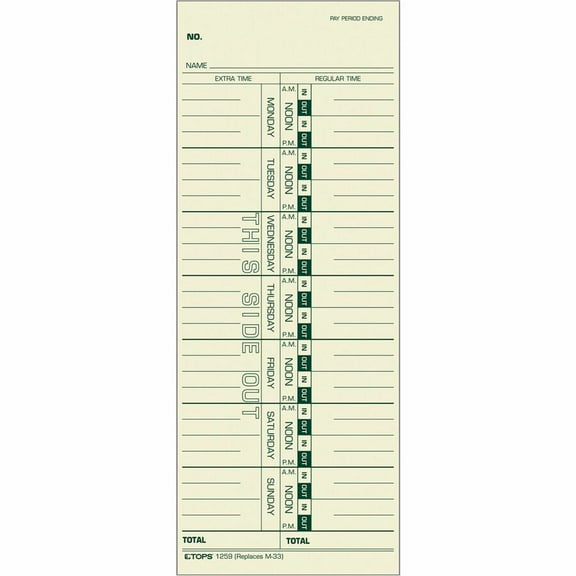
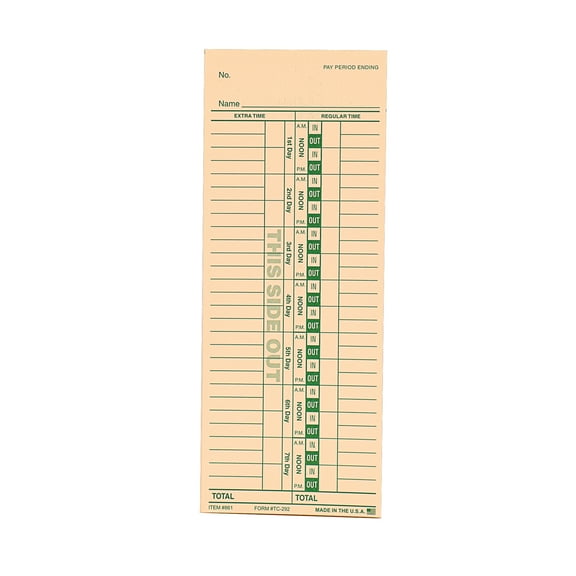
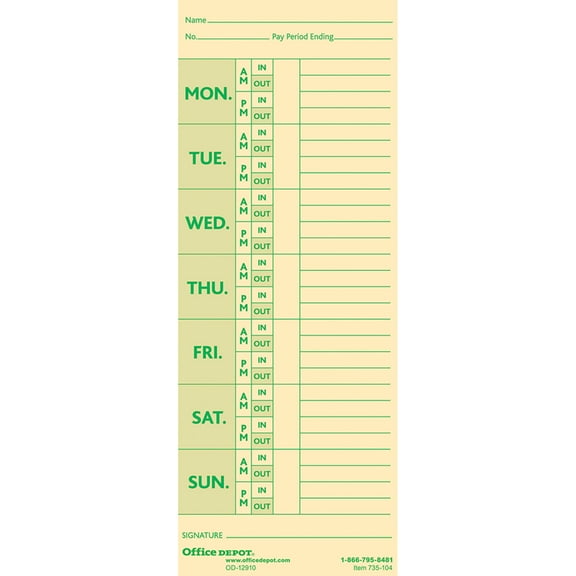
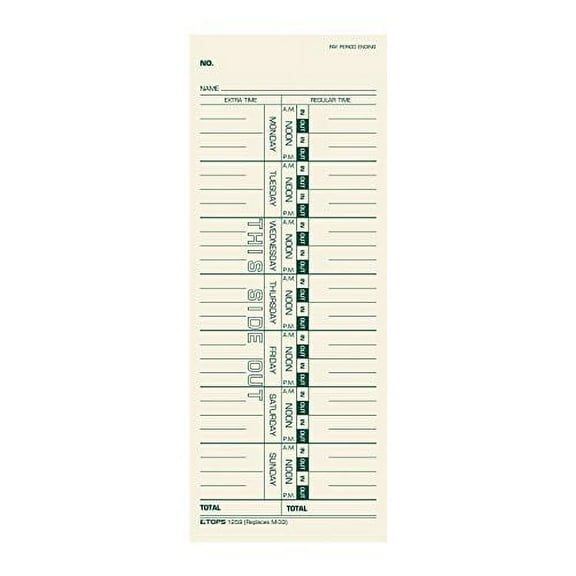
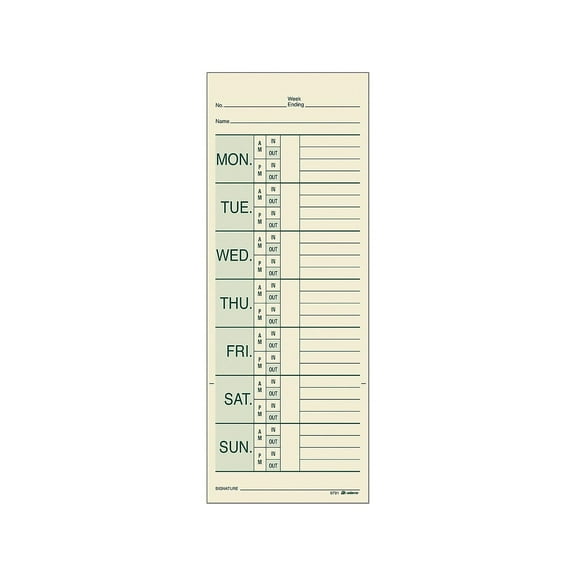
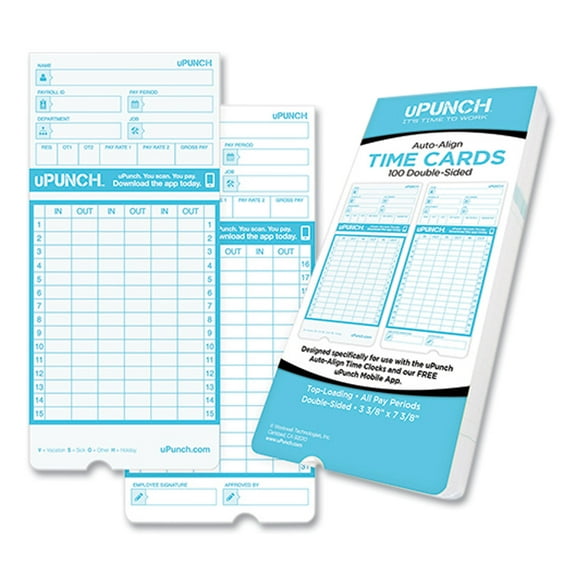
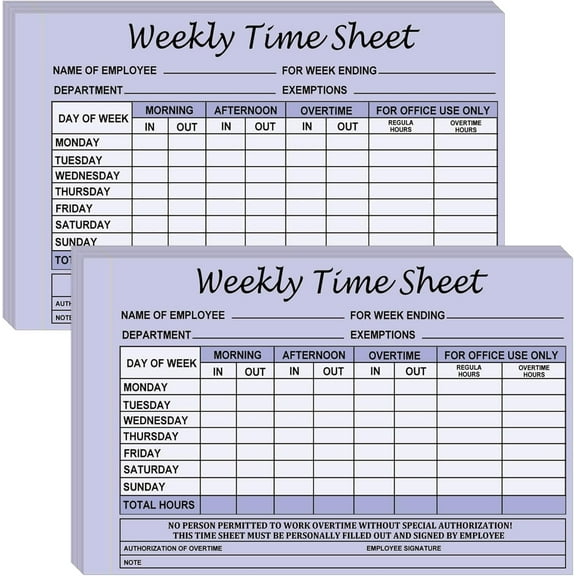
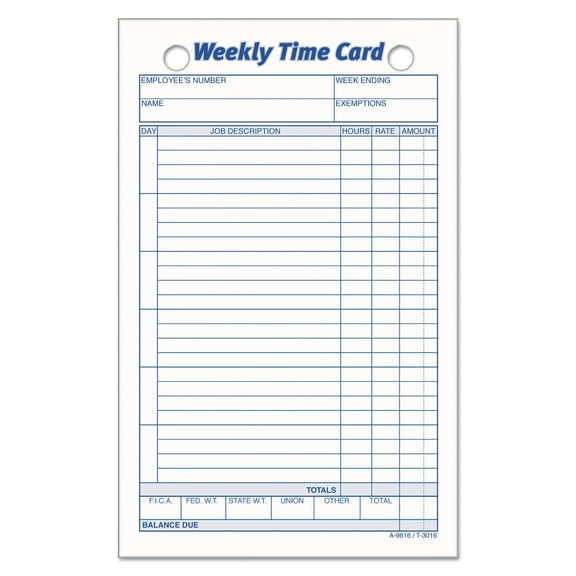
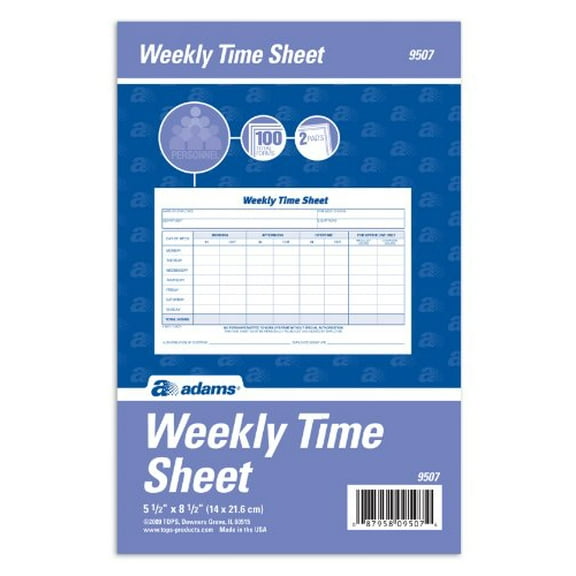
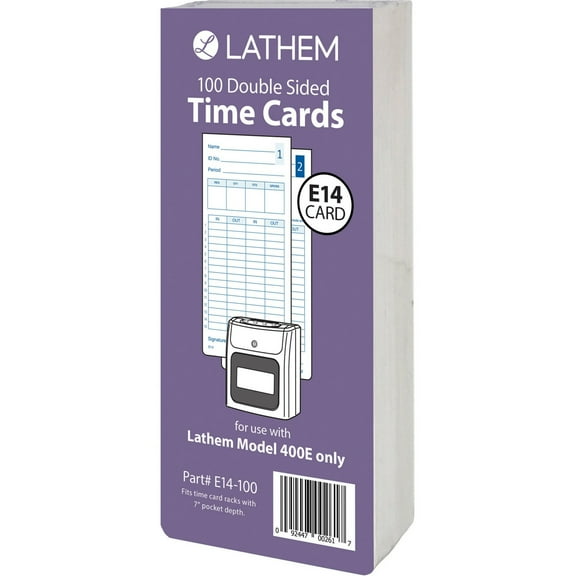
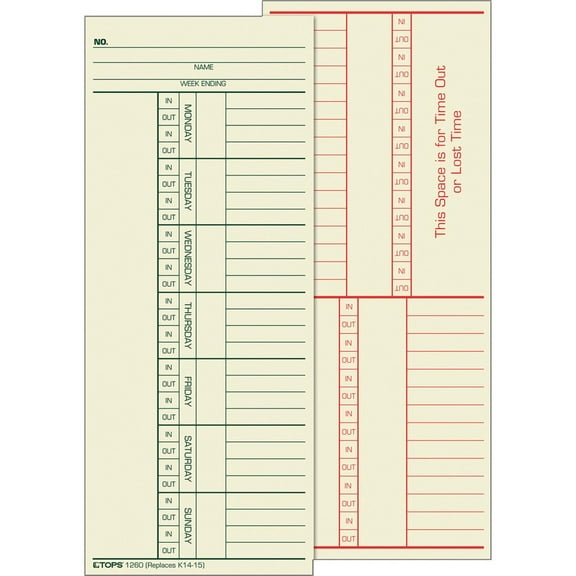
You should check card format before you choose time cards or timekeeping cards. You’ll want weekly cards if you process payroll every week, while bi-weekly and semi-monthly formats fit longer pay cycles.
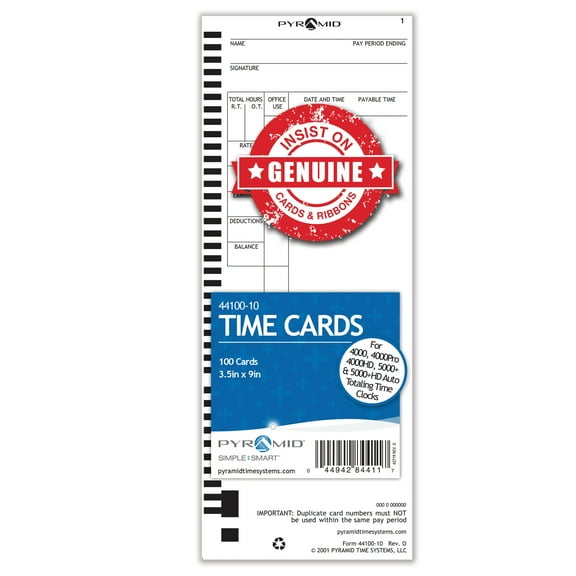
When you compare weekly versus bi-weekly thermal cards, you should confirm the machine accepts that exact layout. You can avoid mismatched columns by checking whether your machine prints or punches the same schedule format.
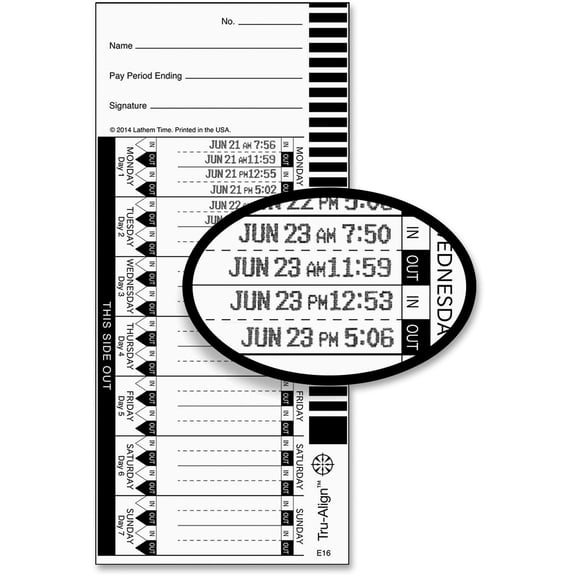
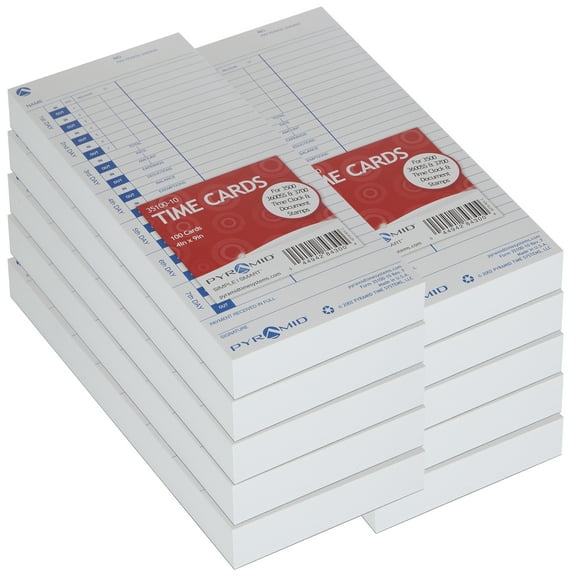
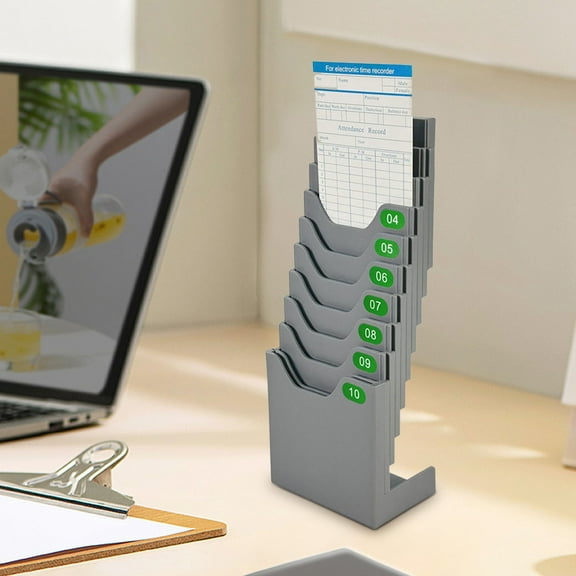
You may also want time keeper cards, clock cards, or punch clock time cards that fit your existing process. You’ll find that clear date fields and readable columns help you review late arrivals, lunch punches, and shift endings.
If you use a time clock with cards, you should also compare alignment style. You can choose models with automatic alignment for quicker insertion, or manual guides when you want direct card placement.
Key differences in functionality and capacity
You should compare punching, timestamping, and calculating functions based on how you total hours. You can use a basic time card puncher for visible entries, while calculating models help you review worked time efficiently.
When you choose timestamping, you’ll get printed entries that are easy to read on time stamp cards. If you choose punching, you’ll see a physical mark that many teams prefer for straightforward paper tracking.
You also need to consider how many employees will use the system each pay period. You can choose small business capacity for a tighter staff, or enterprise-focused punch card time clocks for larger teams.
If you manage changing shifts, you should look for features that support repeated daily use. You’ll benefit from clear printing, dependable card feeding, and layouts that make each employee’s record easier to scan.
Matching a time punch card machine to your workplace
You should think about where employees enter and exit before choosing a machine style. You can mount a unit near a staff door, or place a desktop model on a reception counter.
If you run a retail store or small office, you may want a compact machine with weekly time cards. You’ll keep everyday attendance records in one place, and you can review hours without opening separate software.
If you oversee a workshop, stockroom, or shipping area, you may prefer wall-mounted time clocks near the main entrance. You can guide clock-ins through one location, which helps keep paper records orderly.
When you process payroll every two weeks, you should compare bi-weekly cards with your machine’s print or punch format. You’ll avoid wasted supplies when your card columns match your pay period.
If you need a simpler routine for a smaller team, you can choose manual systems with clear card slots. When you need more automation, you can compare digital models that print clear entries for repeated review.
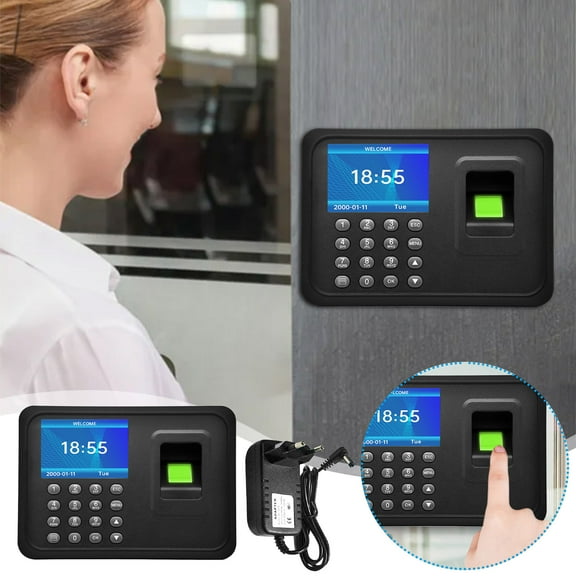
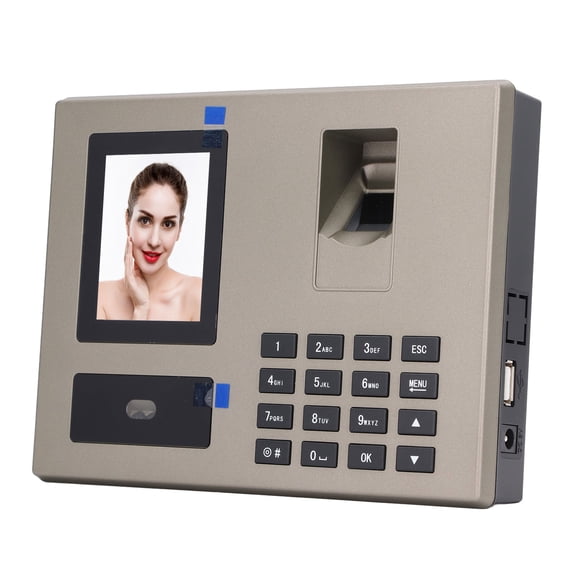
You may also compare biometric systems when you want card-free tracking for selected workplaces. You should confirm how that setup fits your entry point, staffing flow, and recordkeeping preference before choosing.
What to look for before you decide
You should measure your available space, confirm your preferred mounting style, and check card compatibility first. You’ll make a more confident choice when your machine, cards, and payroll schedule all line up.
With the right time punch card machine, you can keep attendance records clear from the first shift to the final pay period. You’ll get a setup that fits your workflow, supports your team size, and keeps paper time tracking organized.