








PC Gaming in Computers, Laptops and Tablets


![Razer Gold VGC $10 - $500 - [Digital]](https://i5.walmartimages.com/seo/Razer-Gold-VGC-10-500-Digital_657a9fd4-b8c0-4db2-b329-b310c7409643.26da9716559fe96684c50de03fc94394.jpeg?odnHeight=576&odnWidth=576&odnBg=FFFFFF)



















About PC Gaming in Computers, Laptops and Tablets - Walmart.com
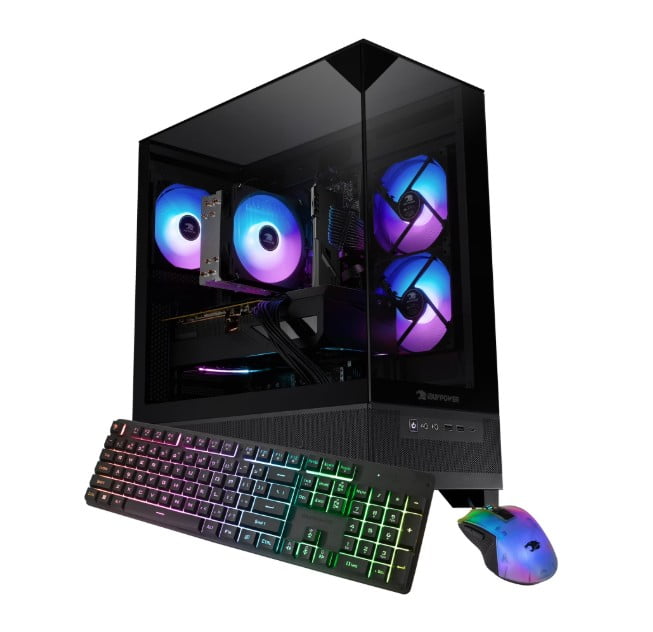
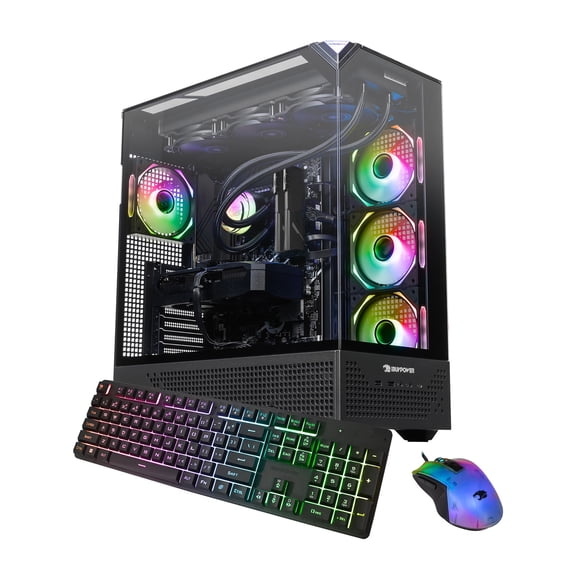
A gaming pc gives you faster load times, smoother frame rates, and upgrade flexibility for a dedicated desktop setup. This category brings together gaming computers built for competitive titles, open-world play, streaming, and everyday multitasking.
You can compare graphics options, processor tiers, storage capacity, and tower designs in one place. That makes it easier to match performance goals with the games you play frequently.
Gaming pc performance that fits how you play
Performance matters because the right system keeps gameplay responsive during fast movement, detailed environments, and busy on-screen action. A dedicated gaming desktop also gives you room for future upgrades as your library grows.
Many shoppers start with graphics cards and processors, but the full setup matters just as much. Memory, storage, airflow, and port selection shape your everyday experience at the desk.
- A dedicated graphics card supports higher visual settings and smoother motion in many modern games.
- Desktop towers often offer extra space for storage drives, memory upgrades, and component swaps later.
- Fast solid-state storage helps games, launchers, and large updates feel quicker and more responsive.
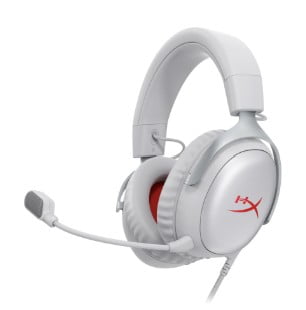
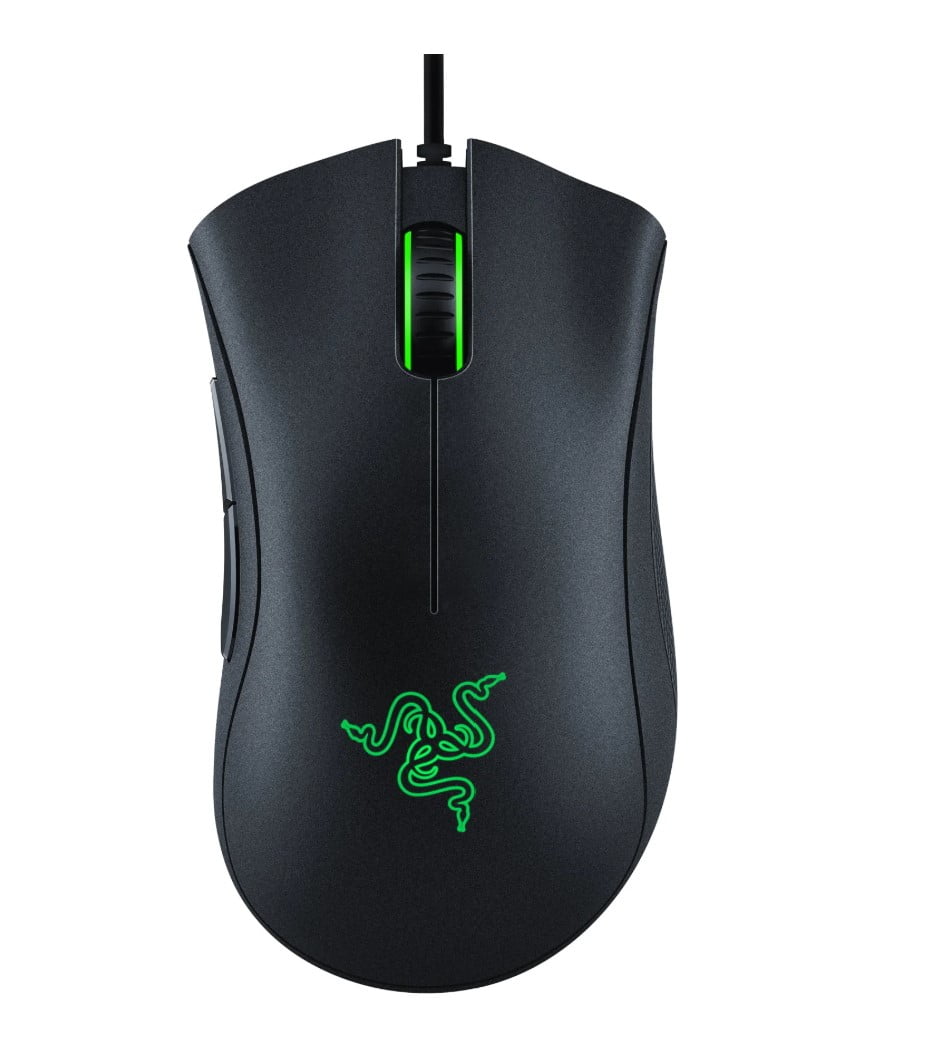
- Multiple ports make it easier to connect a gaming monitor, keyboard, mouse, headset, and controller.
If you play esports titles, high frame rates and low response times may guide your decision. If you prefer cinematic releases, visual detail and storage space may matter more.
How to compare gaming computers and gaming desktops
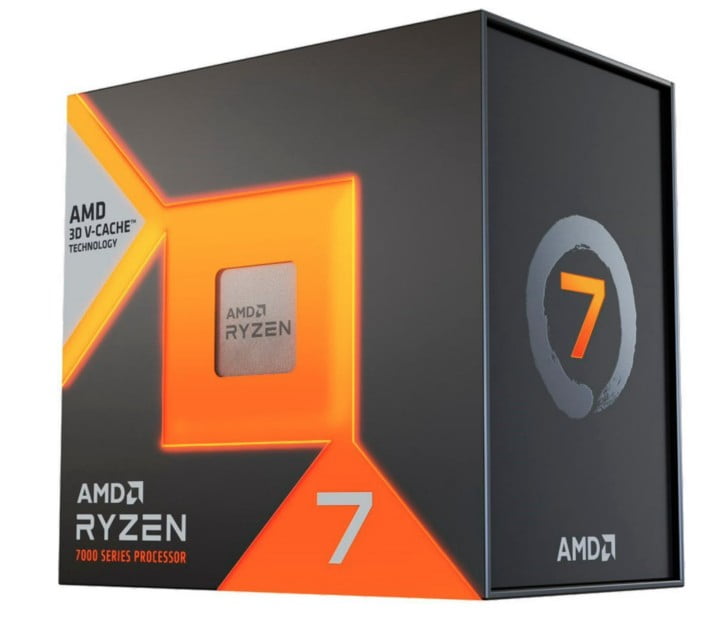
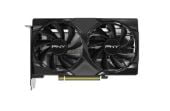
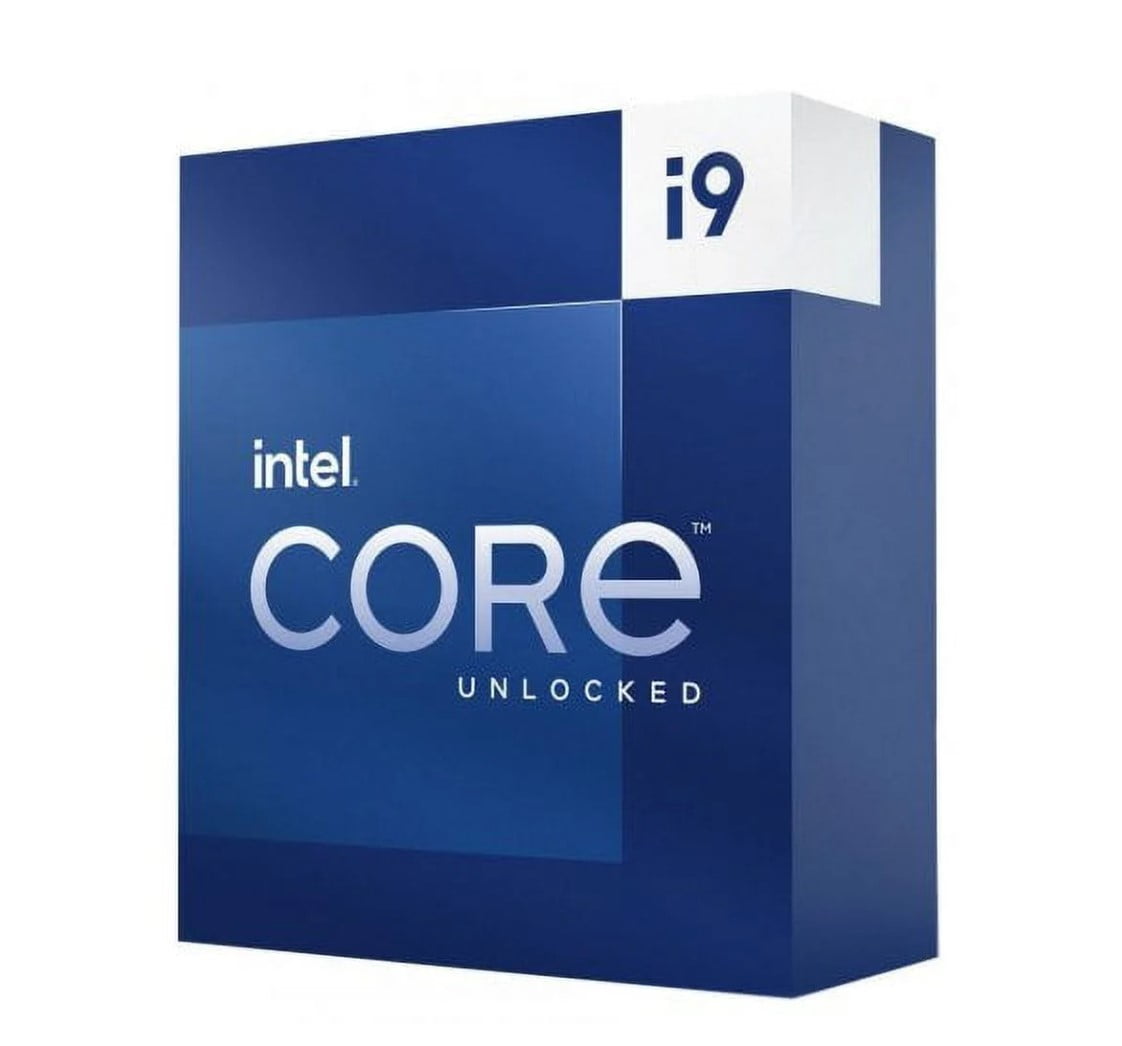
A gaming computer usually starts with the processor and graphics card pairing. That combination affects frame rates, streaming potential, and how well the system handles demanding game worlds.
Look at memory next. Many shoppers choose 16GB as a practical starting point for current games, background apps, voice chat, and browser tabs.
Storage also shapes daily use. Solid-state drives help with system startup, game loading, and patch installation, while larger capacities hold bigger libraries.
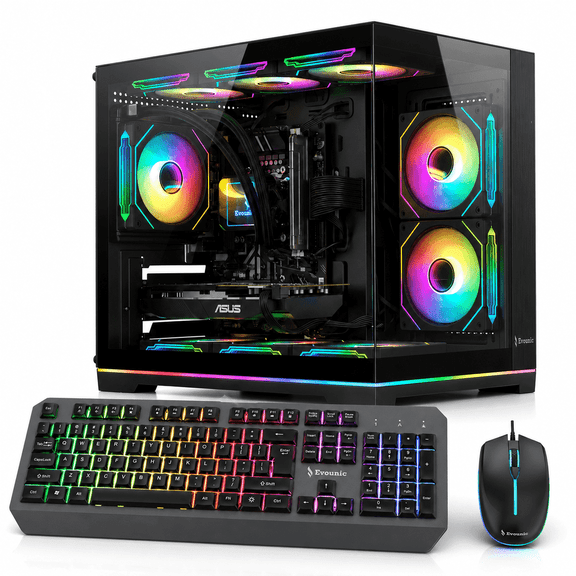
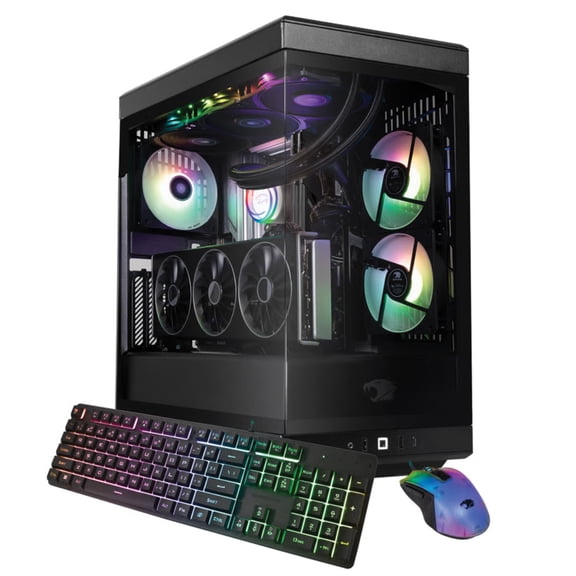
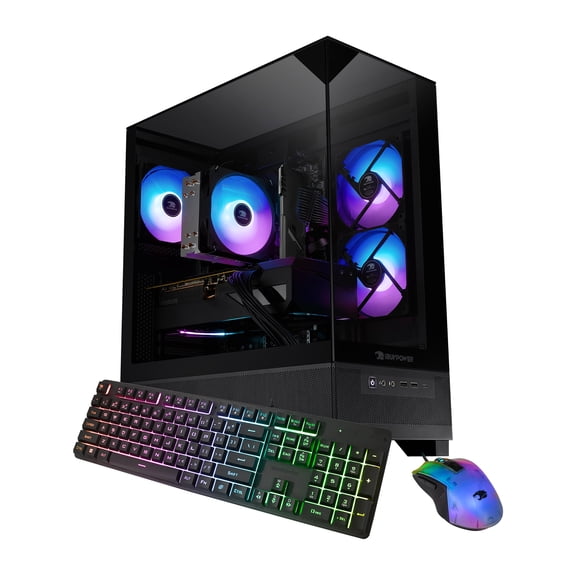
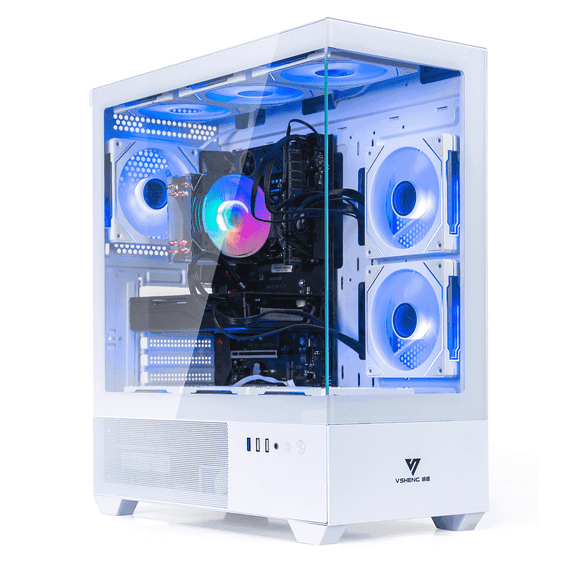
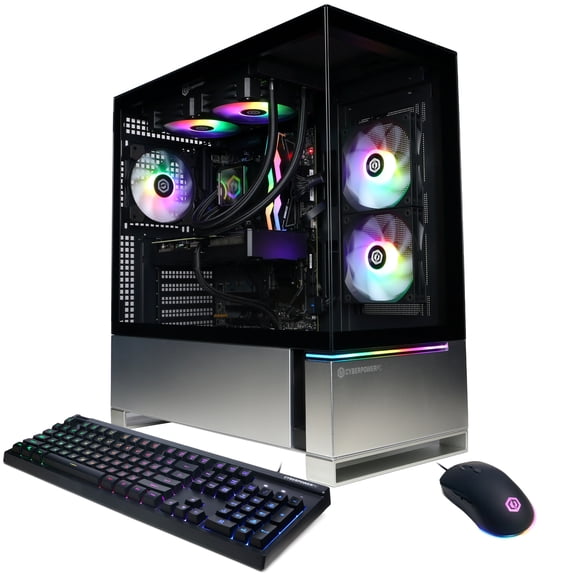
Cooling deserves close attention on a gaming desktop. Multiple fans, vented panels, and spacious cases help support stable output during longer sessions.
Connectivity can be a deciding factor for a pc for gaming. Front USB ports, display outputs, Ethernet, and wireless support affect your setup flexibility.
Case size changes the experience too. Compact towers fit tighter spaces, while larger enclosures often allow extra drives, longer graphics cards, and more airflow options.
Some shoppers also compare pc prices across performance tiers. Entry systems can support lighter titles, while stronger builds target higher settings, sharper resolution, and multitasking headroom.
Choosing a pc for gaming by use case
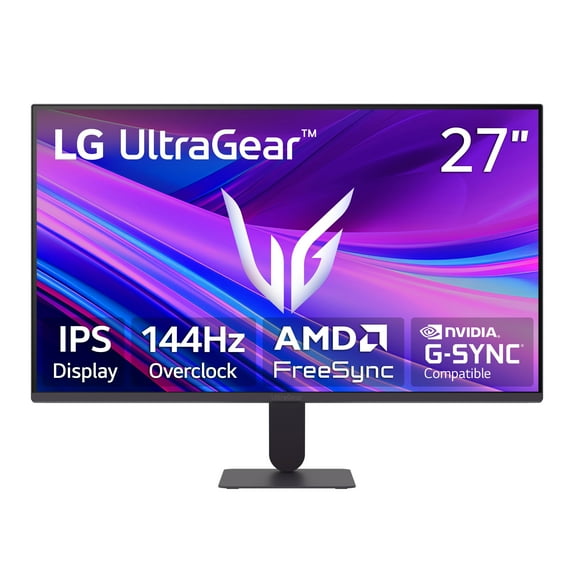
Your ideal system depends on what you play and how you use your desk. Competitive players often focus on fast frame delivery, simple upgrade paths, and support for high-refresh displays.
Single-player fans may want stronger graphics power for dense environments, advanced lighting effects, and large game installs. Those systems can also pair well with wider monitors for immersive sessions.
If you stream gameplay or chat while playing, look for extra processing headroom and sufficient memory. That helps keep your game, capture software, and background apps running together.
A family setup may call for a versatile gaming computer that handles school tasks, creative work, and gaming after hours. In that case, storage, ports, and easy peripheral connections become especially useful.
First-time buyers often benefit from performance tiers. Start by matching your preferred games to a graphics level, then compare storage, memory, and expansion options.
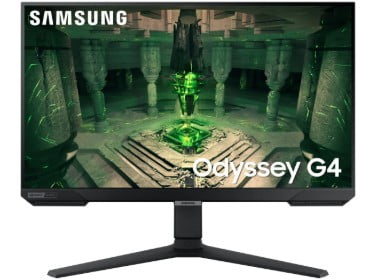
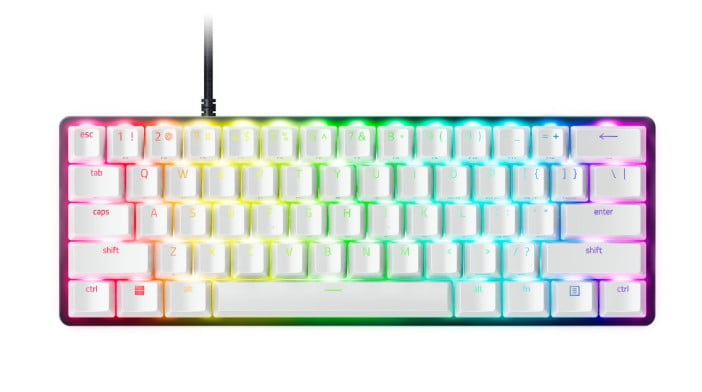
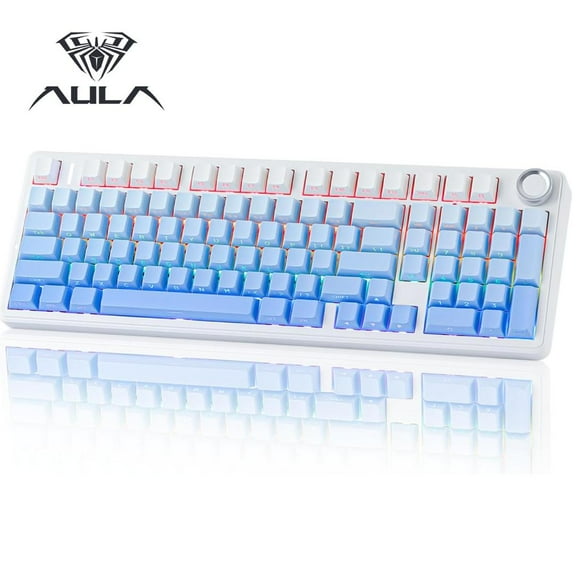
You may also want to build a complete station around your tower. Pairing your system with gaming monitors, gaming keyboards, and PC components supports a more tailored setup.
What experienced shoppers look for in a gaming pc
Experienced buyers usually check upgrade access before anything else. Tool-less side panels, open drive bays, and available memory slots can make future changes much simpler.
They also compare power supply capacity, motherboard connectivity, and graphics clearance. Those details affect whether a tower can support later upgrades without replacing the whole system.
Noise and design matter in everyday use. Tempered glass panels, internal lighting, and clean cable routing shape how the setup looks on your desk.
A well-chosen gaming pc balances current performance with room to grow. That gives you a setup that feels capable now and adaptable for the next round of releases.