


Surge Protectors & UPS in Computer Accessories






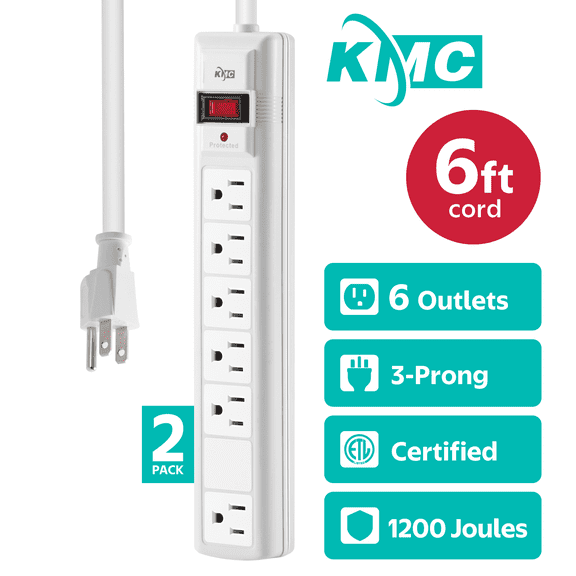

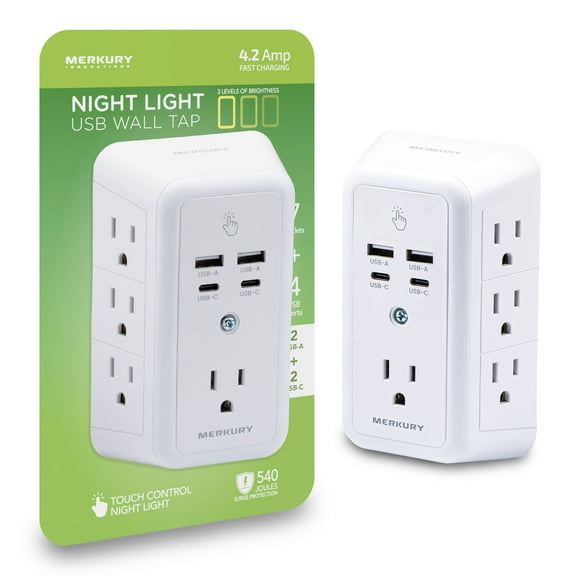

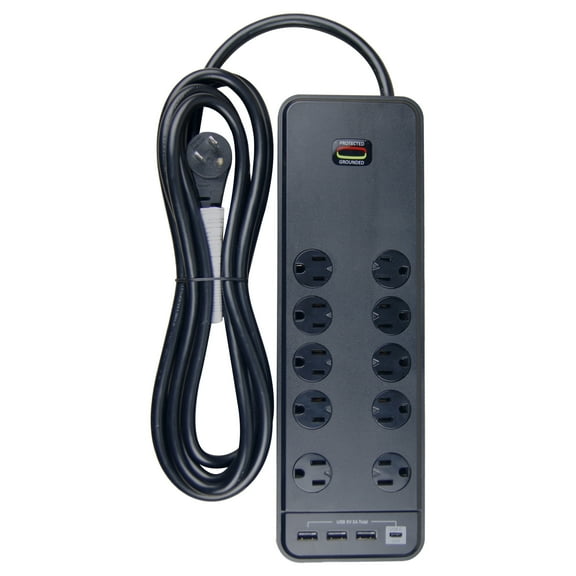


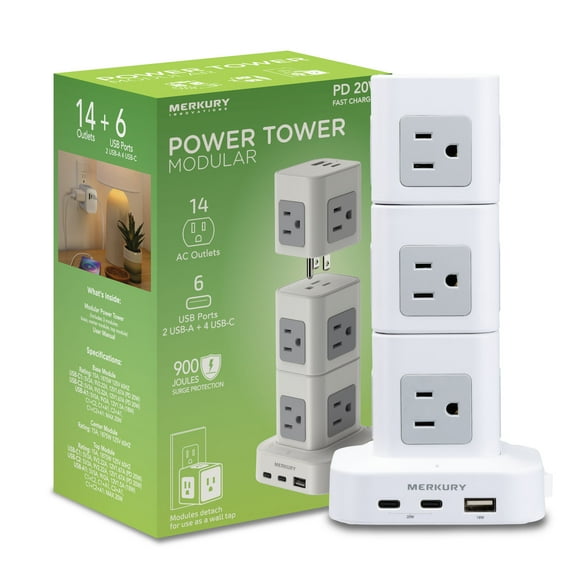











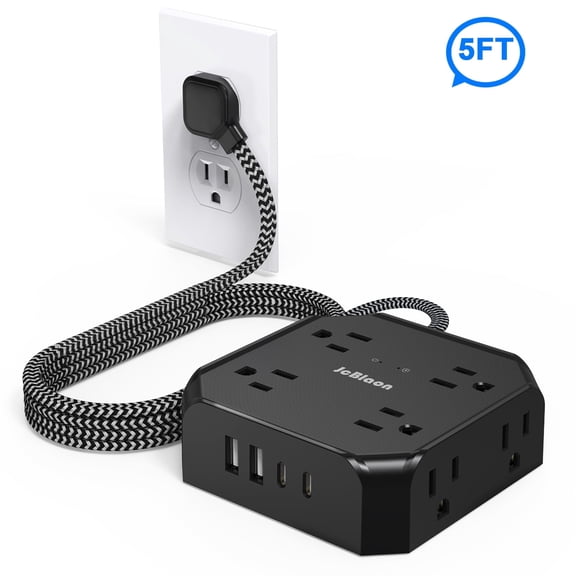


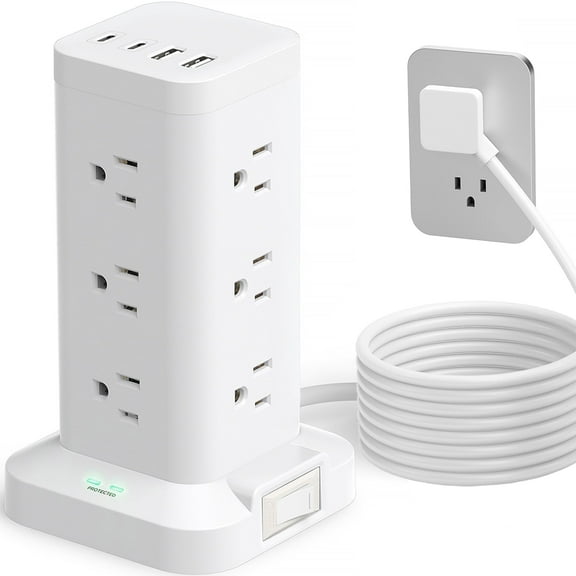


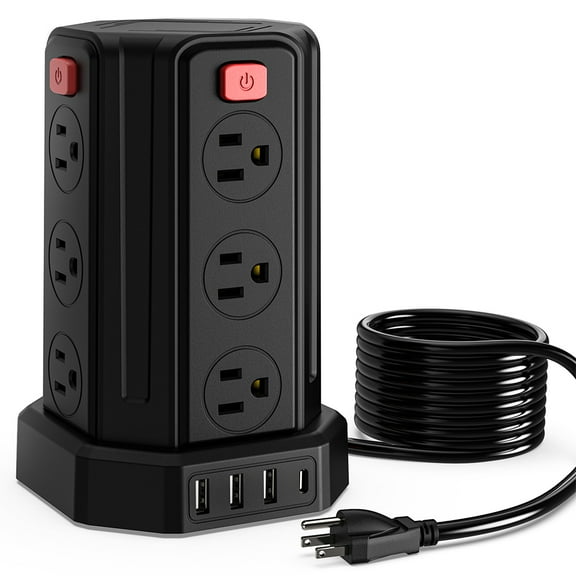


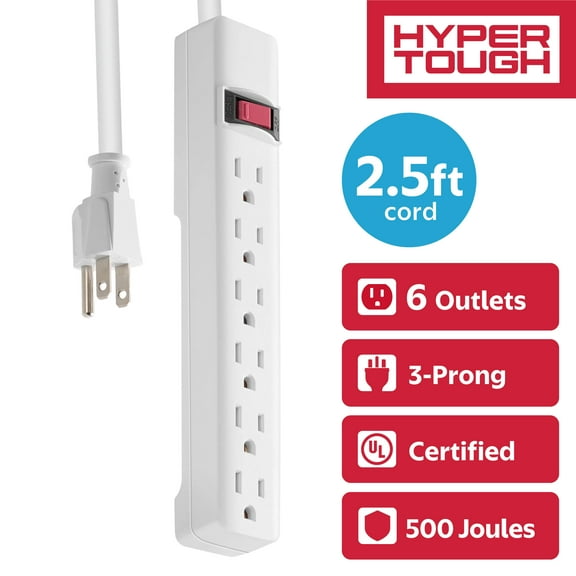








About Surge Protectors & UPS in Computer Accessories - Walmart.com
Surge protectors and ups help you protect computers, routers, and office gear from spikes and brief outages. You can compare joule ratings, outlet counts, VA capacity, and cord length to fit your desk, media setup, or dorm room.
How to choose surge protectors and ups
You’ll choose between two core functions when you shop this category. You use surge protection for voltage spikes, and you use a battery backup ups for temporary backup power.
That difference matters when you protect a gaming PC, modem, or workstation. You may only need a power strip surge protector for lamps and chargers, while your computer setup may need backup time.
You can narrow your options faster when you match protection to your equipment. You’ll get more useful results when you compare your device count, power draw, and placement first.
Choosing the right surge protector rating
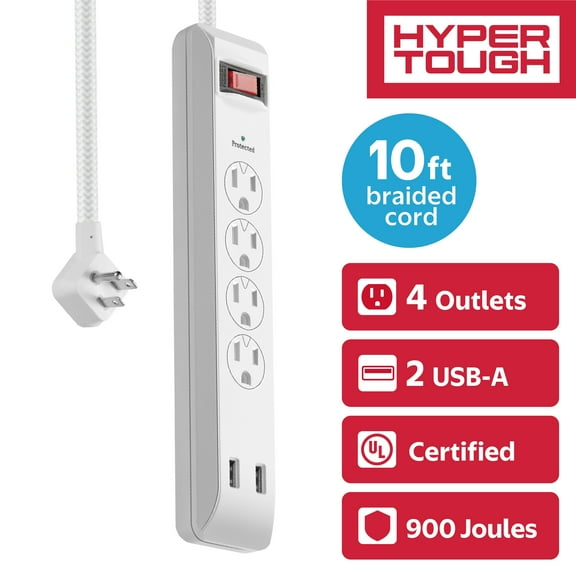
You should start with joule rating if your priority is surge protection. You’ll usually see under 1000 Joules, 1000-2000 Joules, and 2000+ Joules across this category.
You may prefer under 1000 Joules for simple accessories and light-duty setups. You’ll often look to 1000-2000 Joules for everyday home office gear and shared entertainment spaces.
You should consider 2000+ Joules when your setup includes several connected electronics. You’ll often reserve that range for larger desks, media centers, or spaces with frequent plug-ins.
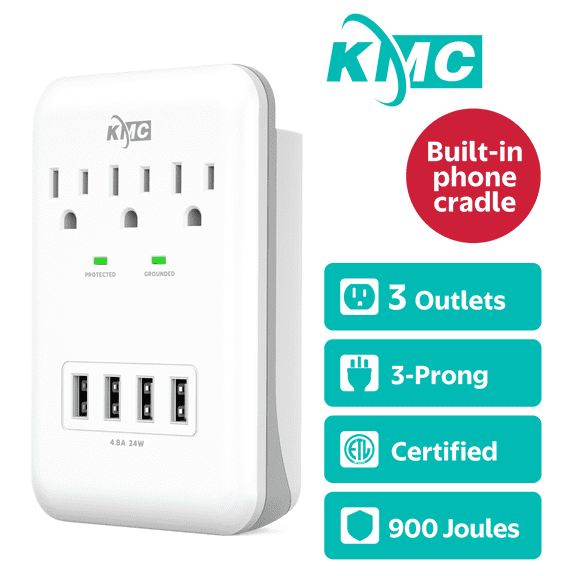
You can also compare clamping voltage when you review the specifications. You’ll want lower clamping voltage because it shows power starts diverting sooner during a spike.
- You can use lower joule options for chargers, lamps, and basic accessories.
- You can choose mid-range joule ratings for monitors, printers, and routers.
- You can look for higher joule ratings when you protect several electronics together.
- You can check clamping voltage to understand how quickly protection activates.
Choosing battery backup ups capacity
You should look at VA and wattage capacity when you need backup power. You’ll commonly compare 500VA, 1000VA, and 1500VA options in a battery backup ups.
You may use 500VA for a modem, router, or a small desktop setup. You’ll usually move to 1000VA when you want support for a monitor and computer together.
You should consider 1500VA when your setup includes more connected equipment. You’ll often choose that range for multi-monitor desks, network gear, or home office stations.
You can estimate runtime by matching the UPS load to what you plug in. You’ll generally get longer backup time when you connect fewer devices or lower-watt equipment.
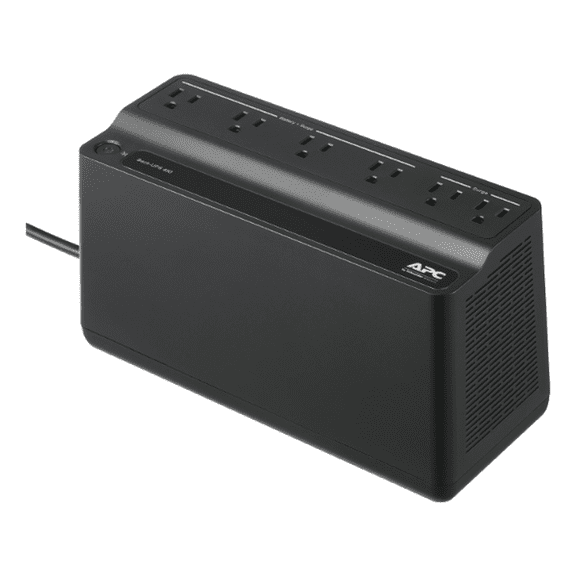
You should remember that an uninterruptible power supply isn’t the same as a standard surge strip. You’ll get temporary battery power during an outage, not just spike protection.
Choosing outlet count and layout
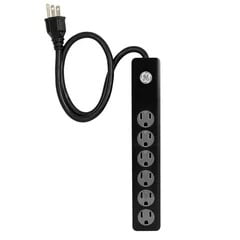
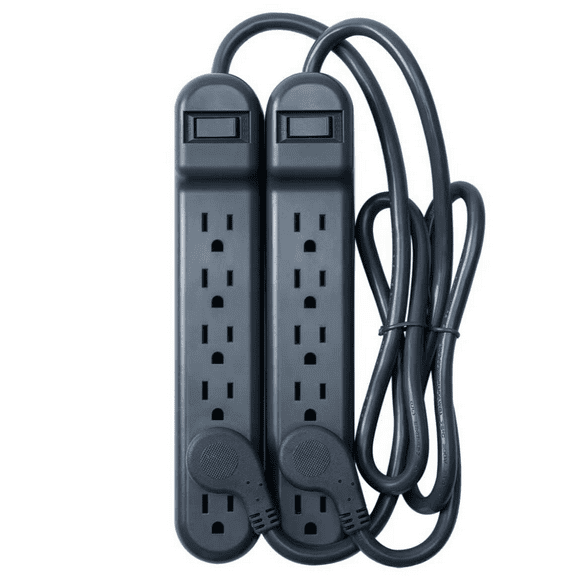
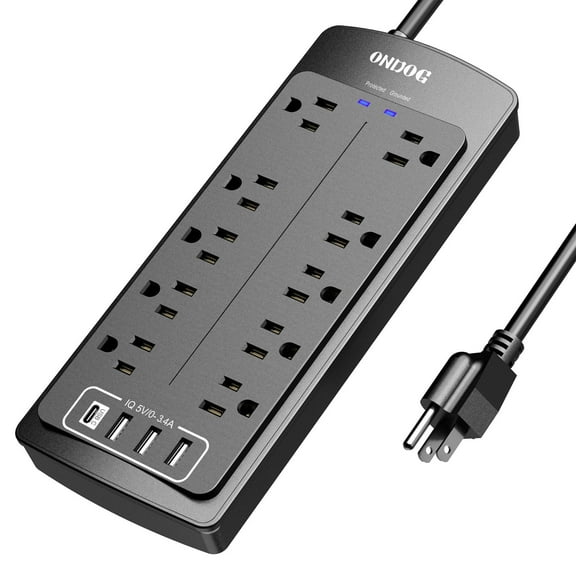
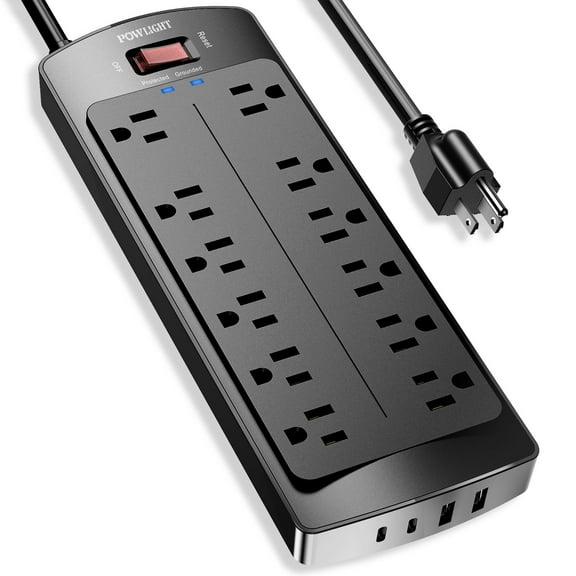
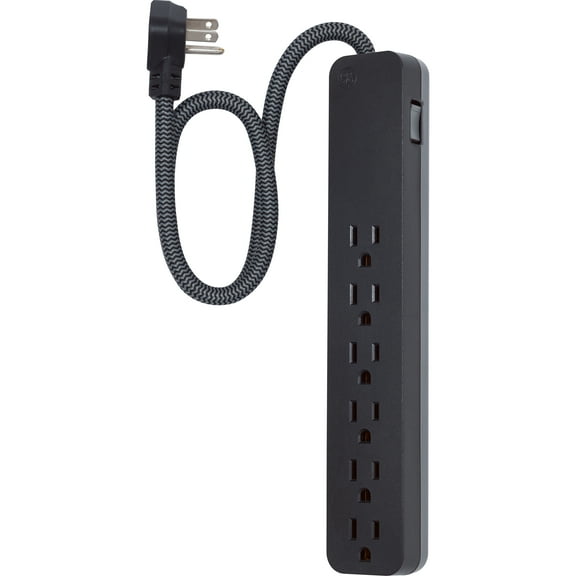
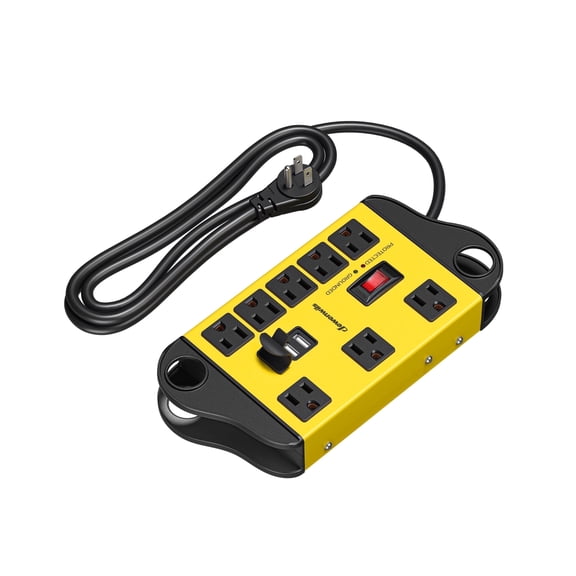
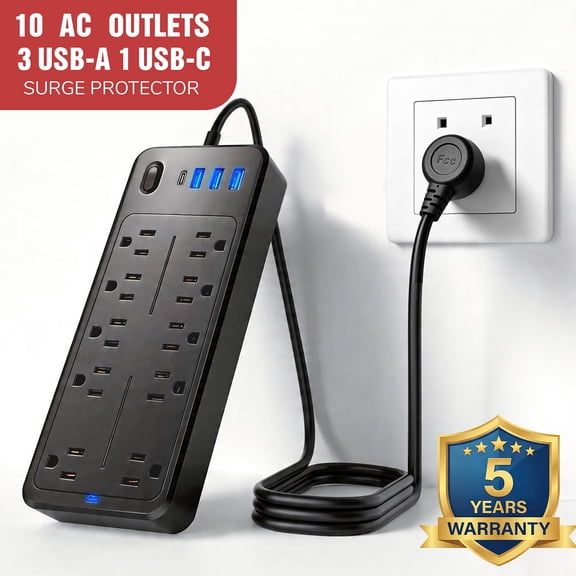
You should count every device before you compare outlet totals. You’ll find options with four outlets, six outlets, eight outlets, and a 12 outlet surge protector layout.
You may want four or six outlets for a compact desk or bedside station. You’ll often prefer eight or 12 outlets when your setup includes speakers, displays, consoles, and chargers.
You should also look at outlet spacing if you use bulky power adapters. You’ll avoid blocked plugs when wider-spaced outlets leave room for large transformer bricks.
You can simplify cable routing when your strip matches your layout. You’ll often get a cleaner setup when extra outlets reduce the need for stacked adapters.
Choosing cord length and plug style
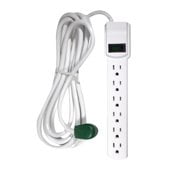
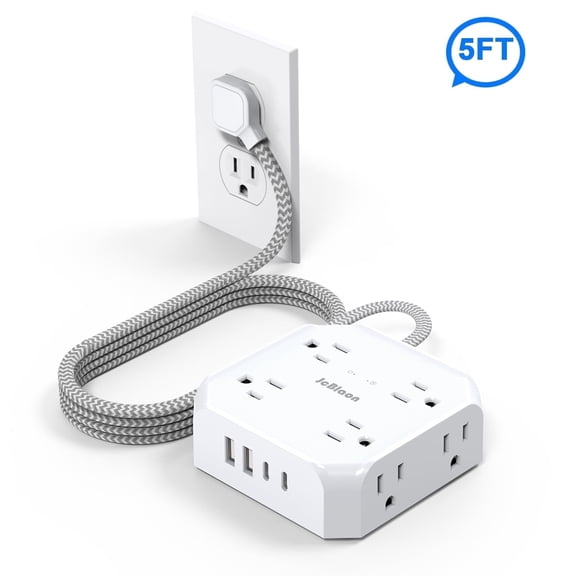
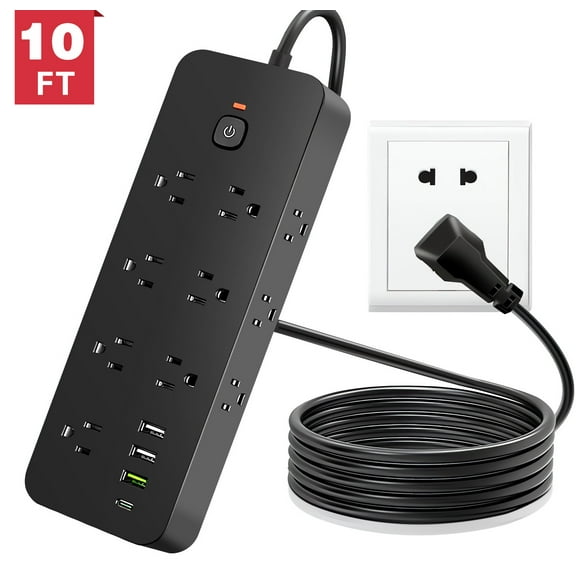
You should measure placement before you pick cord length. You’ll commonly see 3 ft, 6 ft, 10 ft, and 15 ft+ options for desks, entertainment centers, and shared rooms.
You may choose 3 ft for a nearby wall outlet and a small workstation. You’ll often need 6 ft or 10 ft when furniture blocks access or outlets sit behind heavier pieces.
You should look for 15 ft+ when your room layout requires longer reach. You’ll gain more flexibility in larger offices, shared rooms, or dorm spaces with limited outlet access.
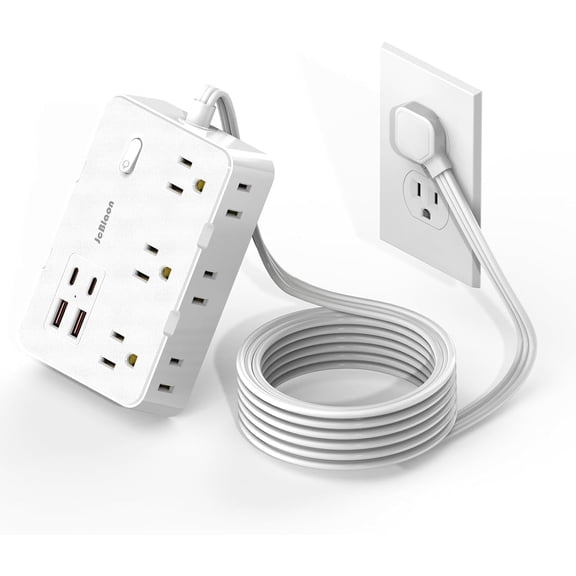
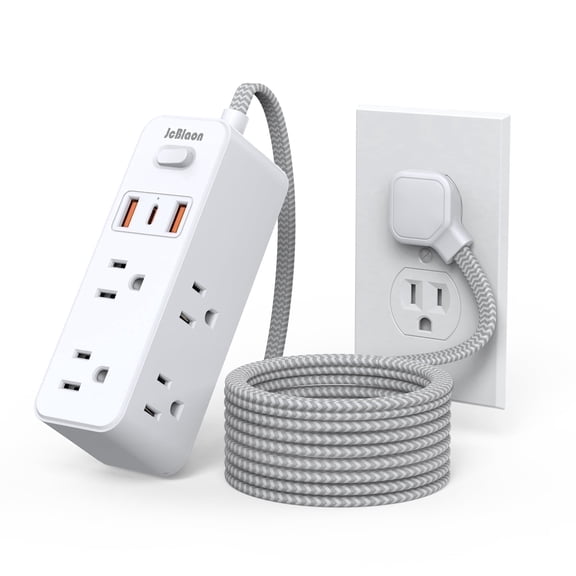
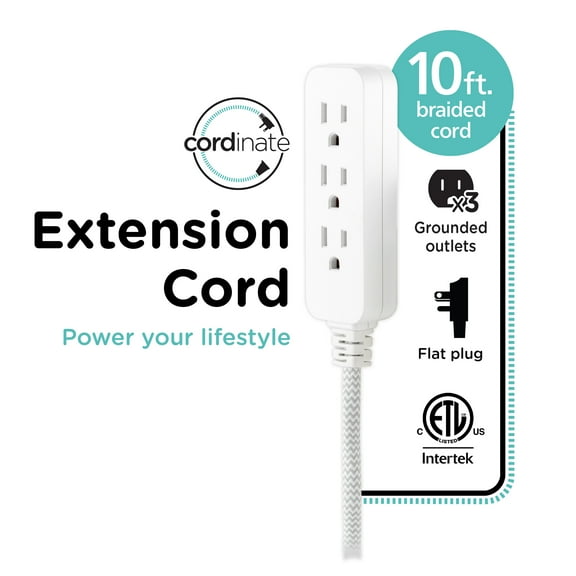
You can also compare a flat plug power strip when furniture sits close to the wall. You’ll keep more clearance behind desks, beds, and media consoles with that design.
Matching use cases to your setup
You can match surge protectors and ups to specific rooms and routines. You’ll make a clearer choice when you start with what stays plugged in every day.
You may want a power strip surge protector for a TV, streaming box, and soundbar. You’ll likely want more outlets and a longer cord when your media furniture spreads devices apart.
You can choose an uninterruptible power supply for a desktop, monitor, and modem during remote work. You’ll keep enough time for a proper shutdown and continued internet access during brief interruptions.
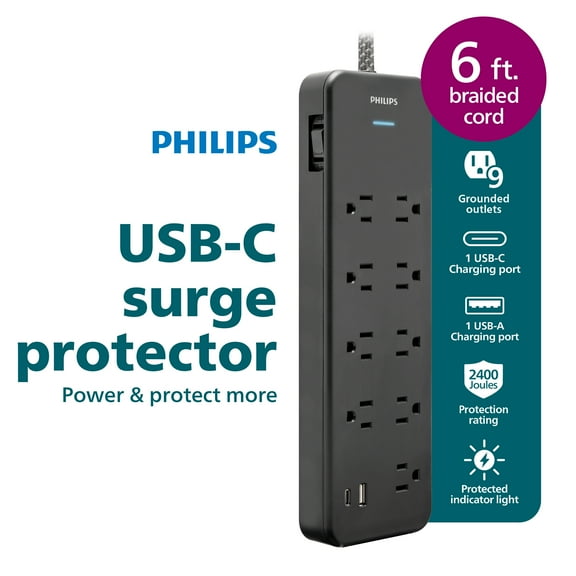
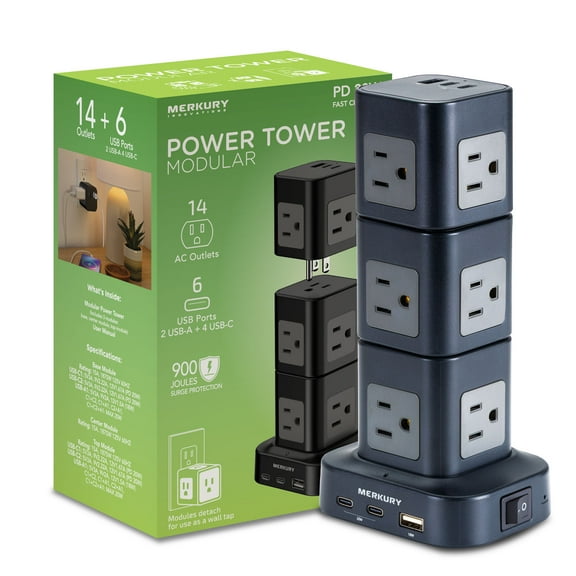
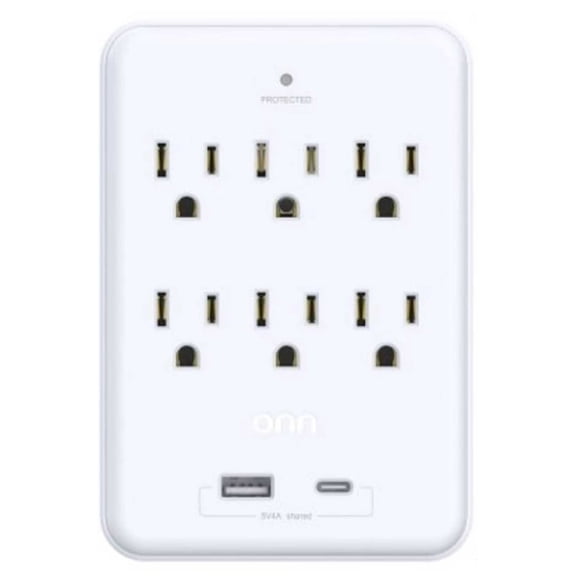
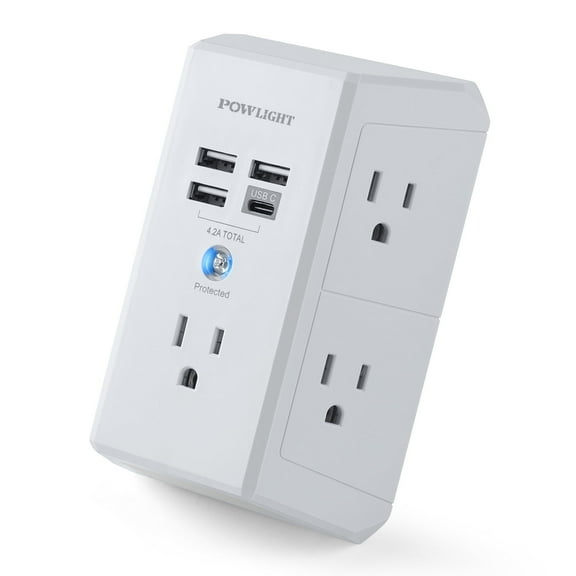
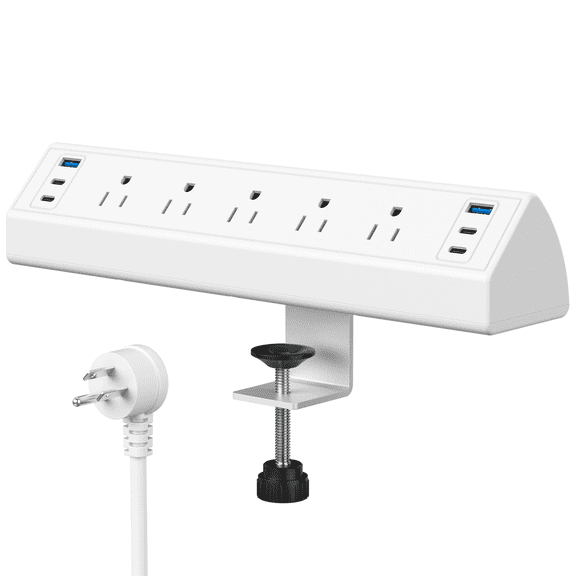
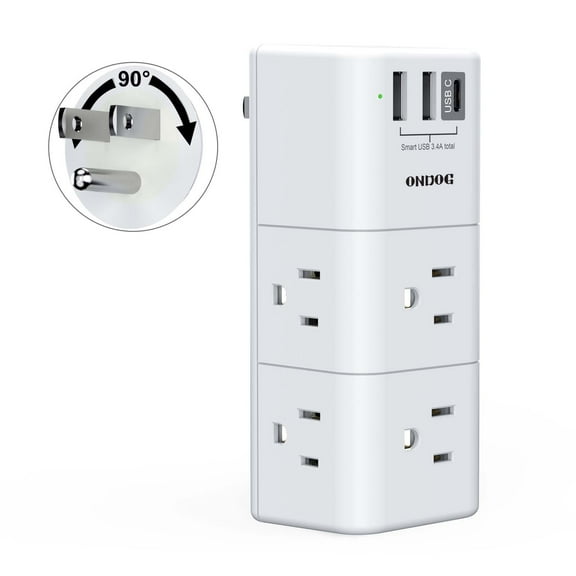
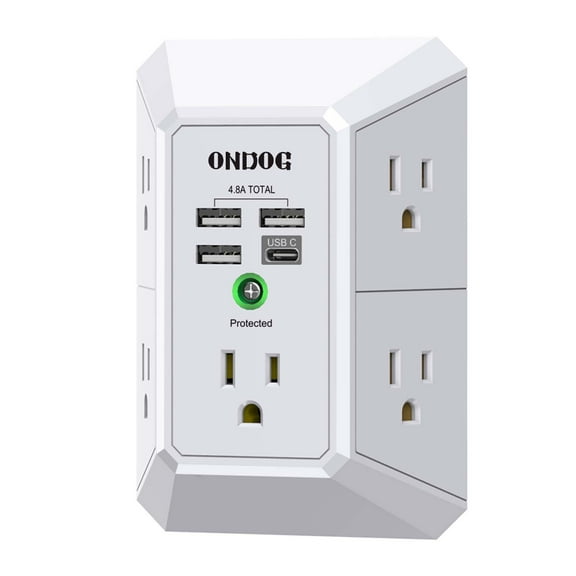
You may look for surge protectors with usb when phones, tablets, and accessories charge nearby. You’ll reduce charger clutter when direct USB ports fit your desk or nightstand habits.
You can plan around a college dorm surge protector when floor space and outlets are limited. You’ll often want a flat plug, compact body, and enough outlets for a laptop, lamp, and small devices.
You may also compare a whole house surge protector for broader electrical planning. You’ll still use outlet-level protection here when your computer, router, or entertainment gear needs a dedicated connection point.
You can choose with more confidence when you compare joule rating, VA capacity, outlet count, and cord length together. You’ll end up with protection that fits your space and keeps your essential electronics ready to use.