

Computer Monitor Mounts and Stands in Monitor and Screen Accessories






























About Computer Monitor Mounts and Stands in Monitor and Screen Accessories - Walmart.com
Your computer monitor stand can reshape your desk with cleaner sightlines, improved screen height, and flexible placement for work or gaming. You'll find options for compact desks, shared setups, and multi-screen layouts that help your workspace feel more organized.
When you compare mounts and risers, you'll want guidance that matches real desk conditions. You'll benefit from clear details on clamp fit, VESA patterns, weight support, and movement range before you choose.
How to choose a computer monitor stand
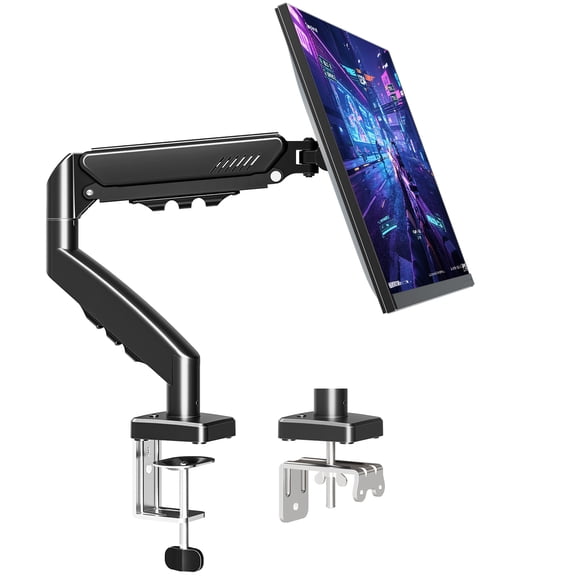
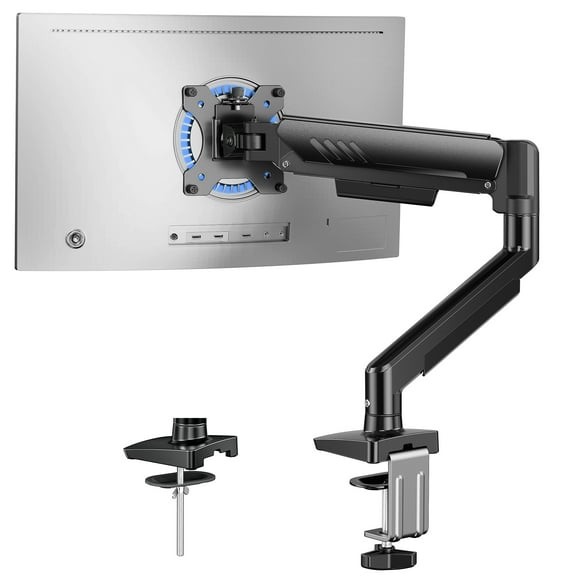
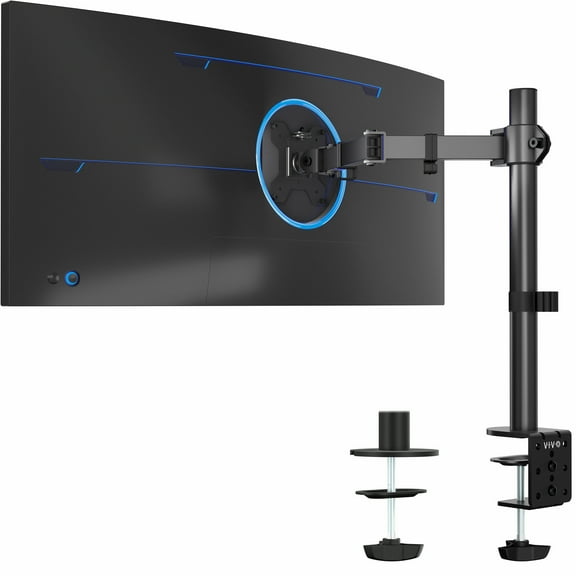
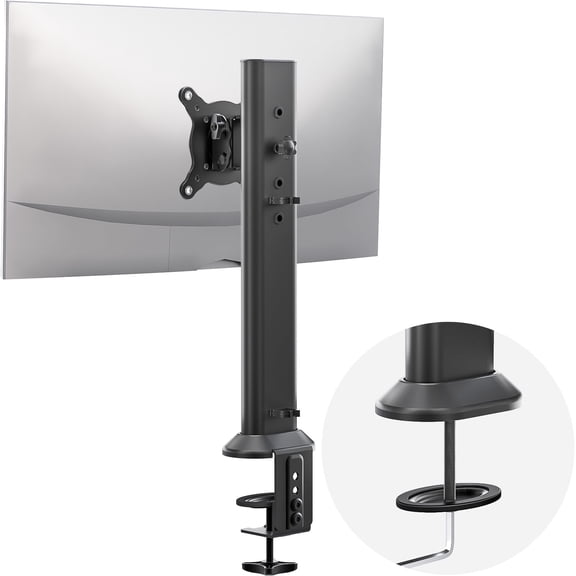
You should start with mount type because your desk layout sets the rules for installation. You'll usually choose between desk clamp, grommet mount, freestanding, or wall mount designs.
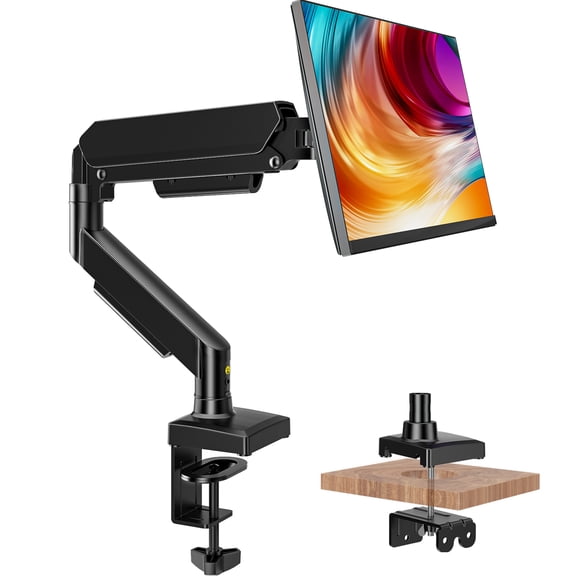
If your desk has a solid edge, you may prefer a desk clamp for quick setup. If your desk has a cable hole, you may choose a grommet mount for a cleaner center fit.
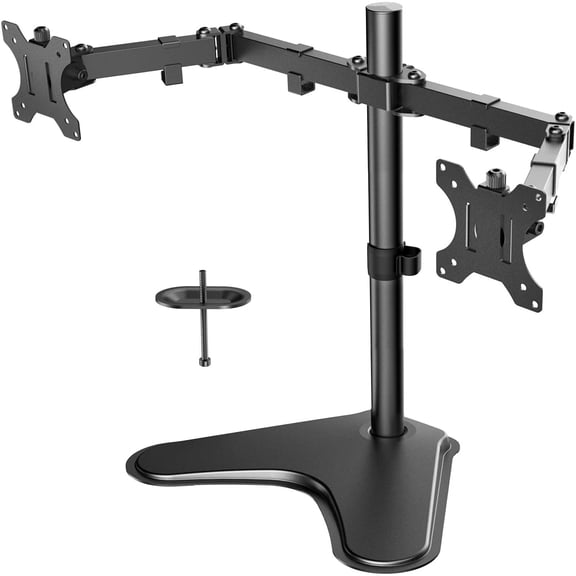
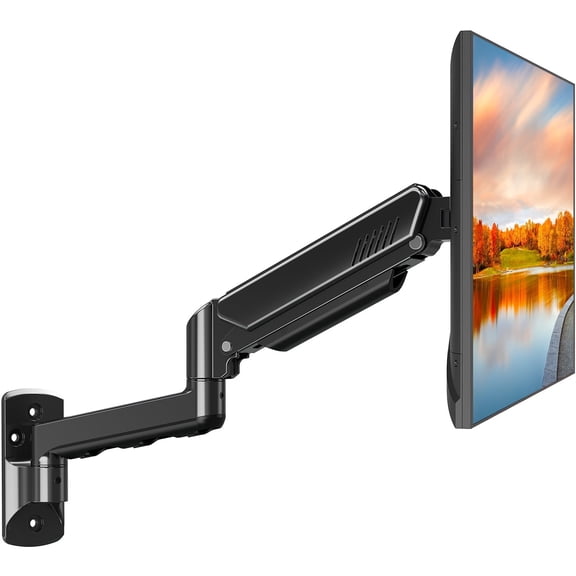
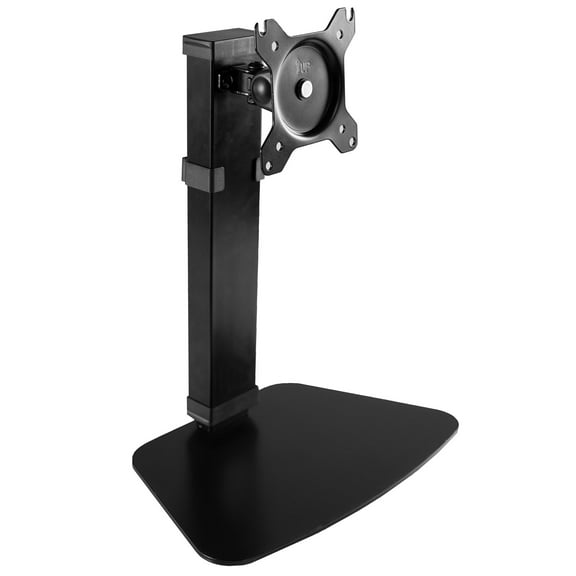
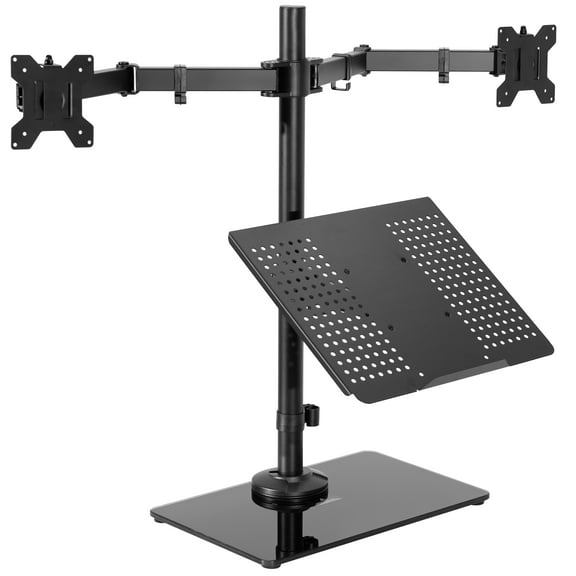
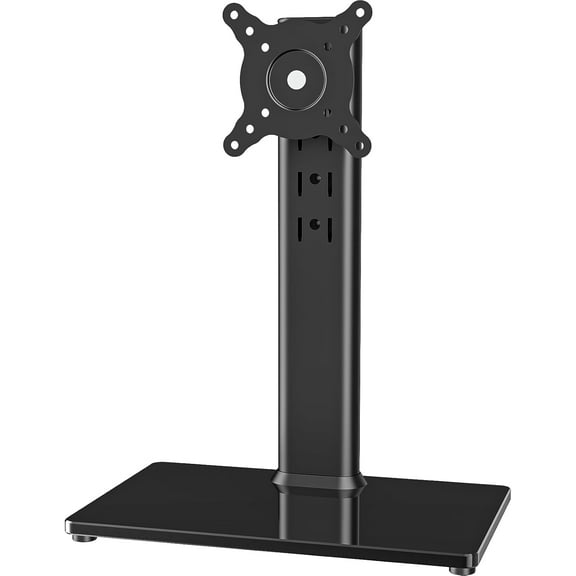
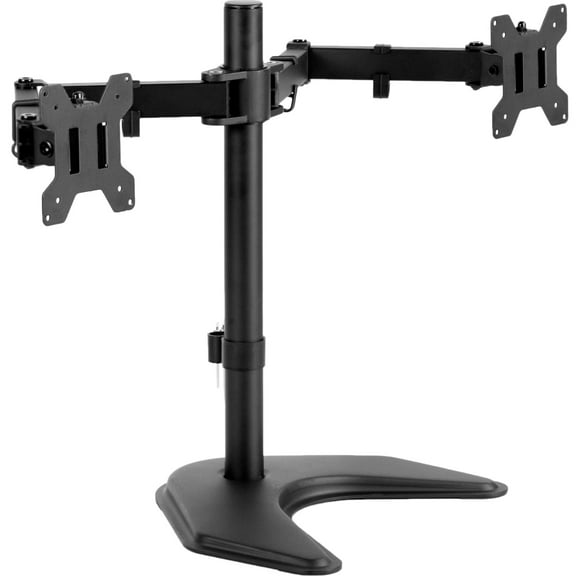
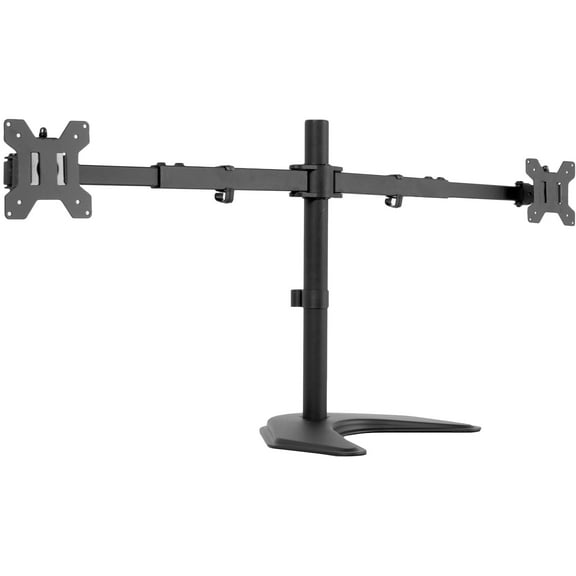
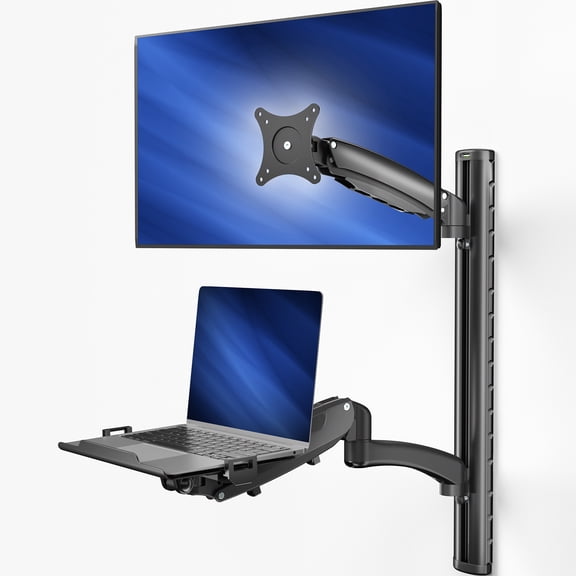
Freestanding options can work well when you don't want to attach hardware to your desk. Wall mount styles can open the full desktop surface when you need room for keyboards, notebooks, or drawing tablets.
- You can raise your screen closer to eye level for a comfortable viewing position.
- You can clear desk space by lifting screens above speakers, docks, and accessories.
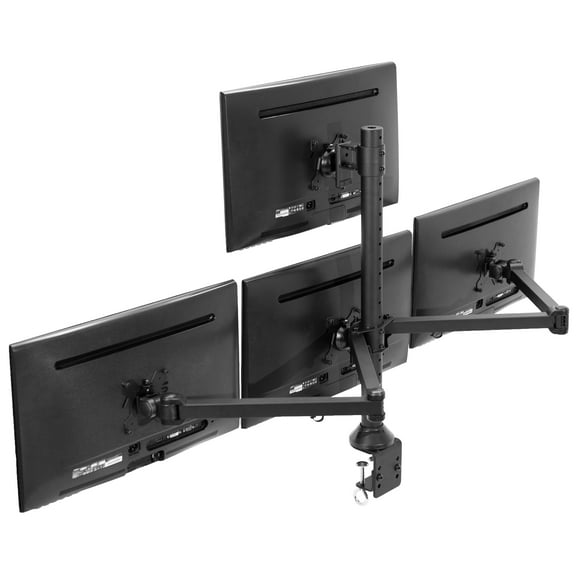
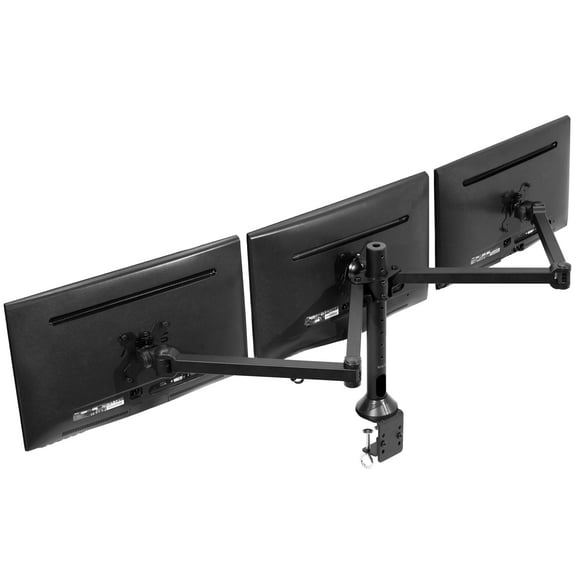
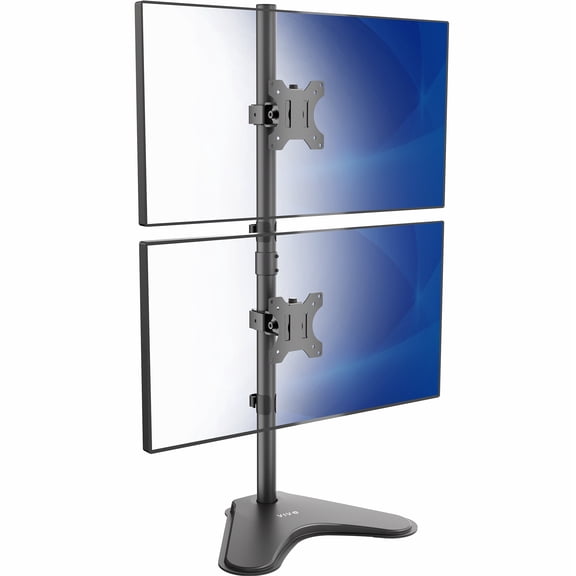
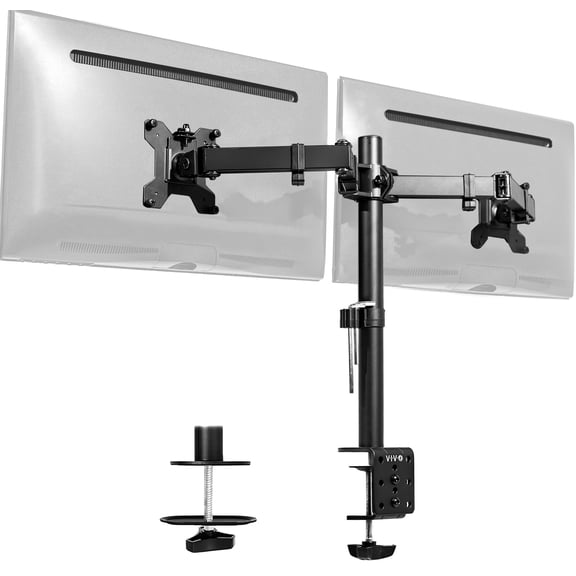
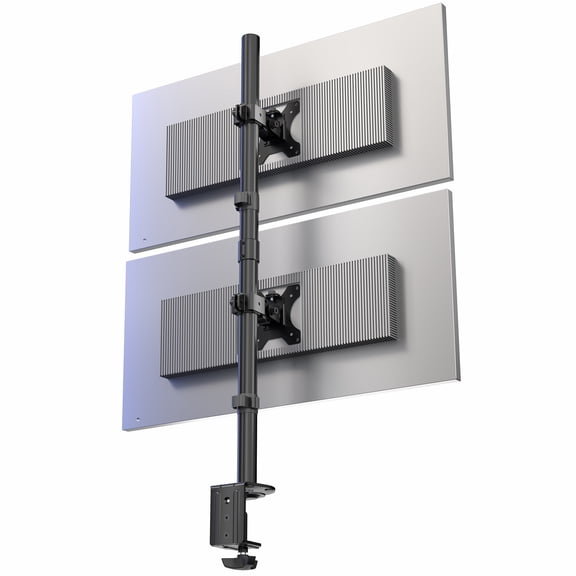
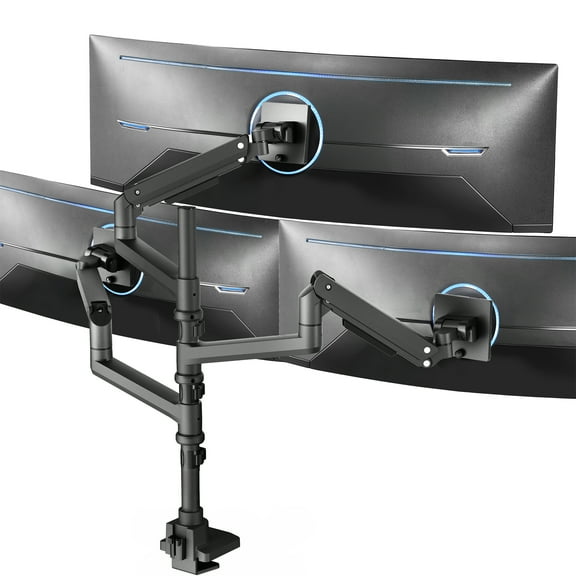
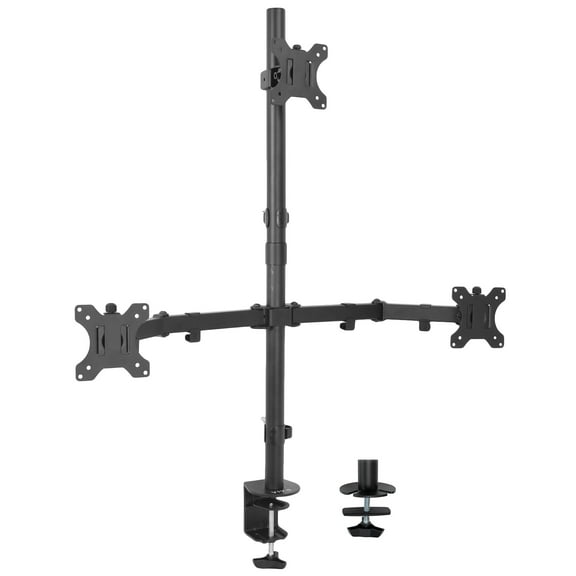
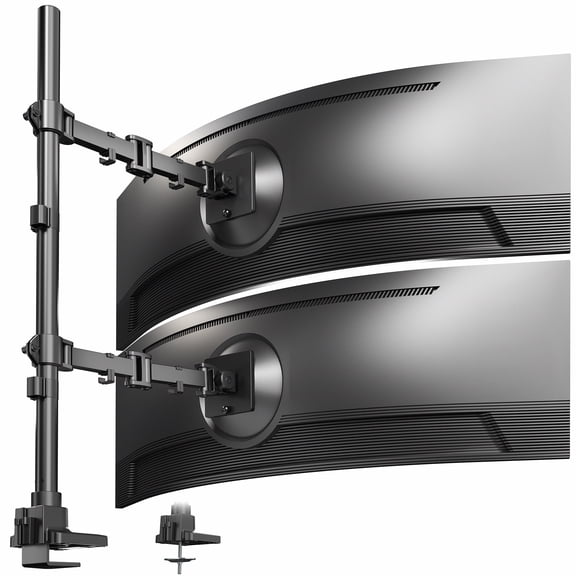
- You can support single, dual, triple, or quad monitor layouts for focused workflows.
- You can route cables more neatly when you choose arms or stands with built-in cable channels.
You may also compare build materials because they affect weight, appearance, and desktop feel. You'll often see heavy-duty steel, aluminum alloy, tempered glass, or wood riser designs.
Heavy-duty steel can suit larger screens and busy dual arm setups. Aluminum alloy can give you a lighter look when you want a modern desk profile.
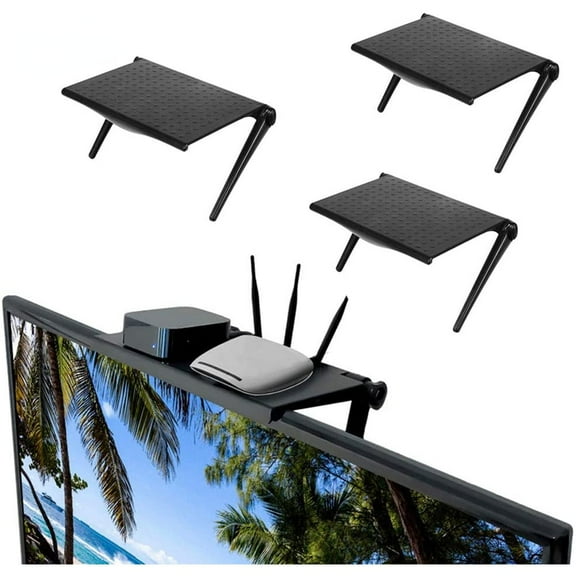
Tempered glass risers can help you keep small accessories underneath your screen. Wood risers can suit home offices where you want storage space and a furniture-like finish.
Choosing the right monitor desk mount
You should check desk compatibility before you focus on arm style or finish. You'll want to measure desktop thickness, review clamp range, and confirm any grommet hole diameter.
If your desk has a thick top, you should compare clamp specs carefully. If your desk uses a center hole, you should check whether the mount matches that opening size.
You also need to confirm monitor compatibility before installation. You'll want to match the VESA pattern, usually 75 by 75 mm or 100 by 100 mm, to your screen.
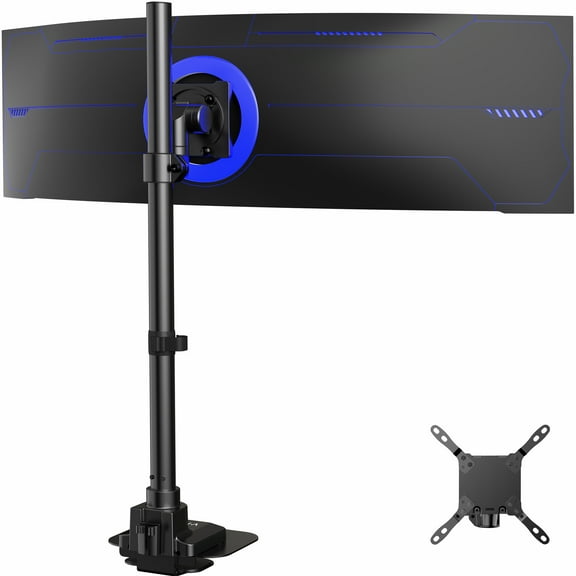
Screen size limits matter because you need the arm to balance the display correctly. Weight capacity matters too, especially when you use ultrawide screens or plan a dual monitor setup.
If you use one display, you may want a simple single arm or riser. If you multitask across windows, you may prefer dual, triple, or quad capacity for coding, editing, or market dashboards.
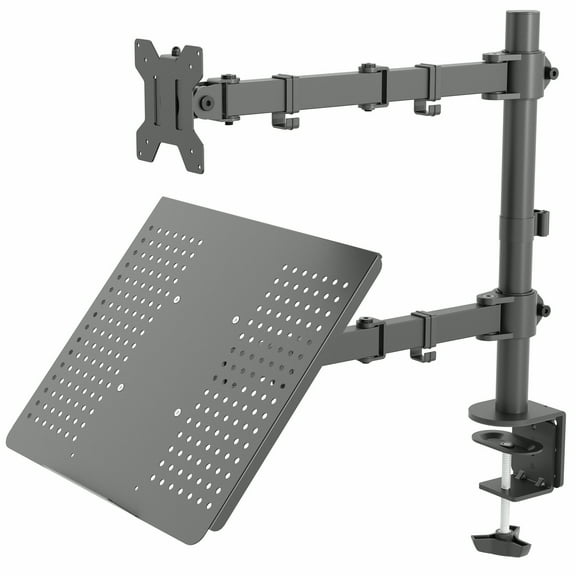
You can use a computer mount for desk setups to free the area beneath your screen. You'll gain room for a laptop dock, external drive, notebook, or compact keyboard tray.
What to look for in computer monitor support
You should compare adjustability based on how often you move your screen during the day. You'll usually choose among articulating gas spring, height adjustable, tilt and swivel, or fixed designs.
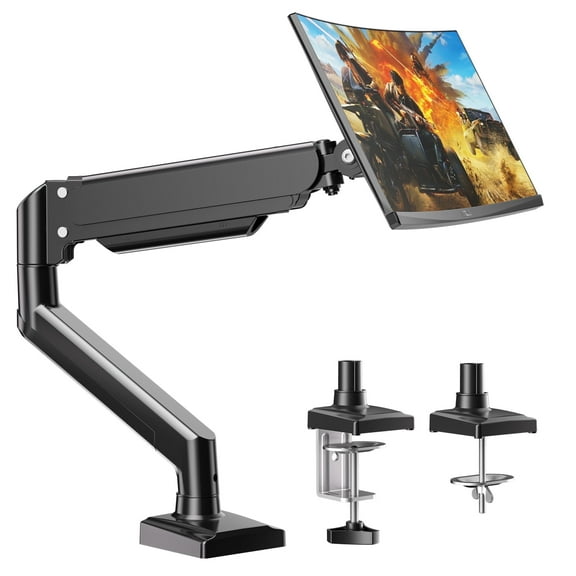
Articulating gas spring arms let you move the screen forward, back, up, and down with minimal effort. Height adjustable stands can work well when you want simple vertical placement changes.
Tilt and swivel designs help you angle the screen to reduce glare from windows or overhead lights. Fixed options can suit stable setups where you want a set viewing position.
You should also consider rotation if you switch between landscape and portrait views. You'll appreciate that flexibility when you review long documents, code columns, or vertical content layouts.
Cable management deserves attention because loose cords can make a desk feel crowded. You'll notice cleaner lines when your stand or arm includes clips, channels, or hidden routing paths.
A computer monitor support setup can help you separate work zones on a smaller desk. You'll create clearer space for writing, streaming gear, or a second input device.
Matching stand styles to your daily setup
You may want a freestanding riser when you use a rented desk or move equipment often. You'll get quick placement without checking clamp clearance or drilling through surfaces.
If you switch between seated and standing work, you may prefer an articulating arm with wider height travel. You'll make faster adjustments when your tasks change throughout the day.
For home offices, you might pair a wood riser with a single screen and small storage needs. You'll keep sticky notes, a phone, or a slim keyboard tucked underneath.
For gaming or creative work, you may lean toward heavy-duty steel arms with dual or triple capacity. You'll have more freedom to angle screens around a central display.
If you manage spreadsheets, editing timelines, or chat panels, a dual arm can keep windows visible together. You'll spend less time switching tabs and rearranging applications.
When you share a workstation, tilt, swivel, and height changes can make handoffs smooth. You'll adapt the screen position for different users without rebuilding the desk layout.
Your computer monitor stand should fit your desk, your screen, and your daily routine without guesswork. You'll feel more confident when you compare mount type, motion range, capacity, and compatibility before choosing.