






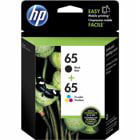
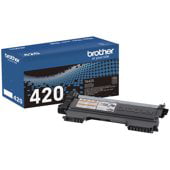
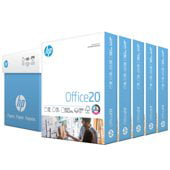

Laser Printers for Home and Office Use
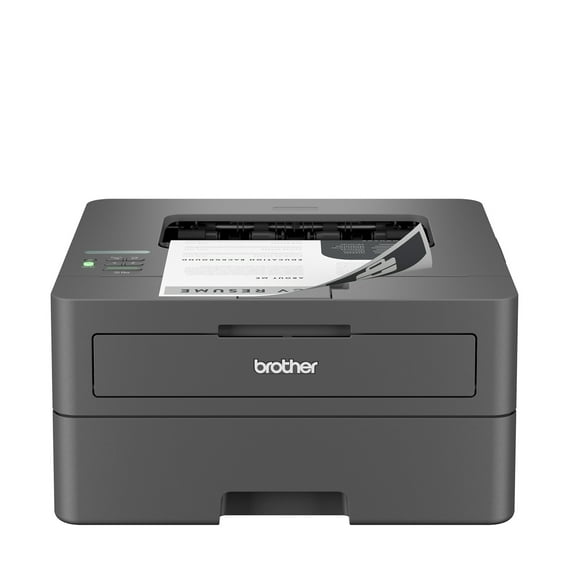






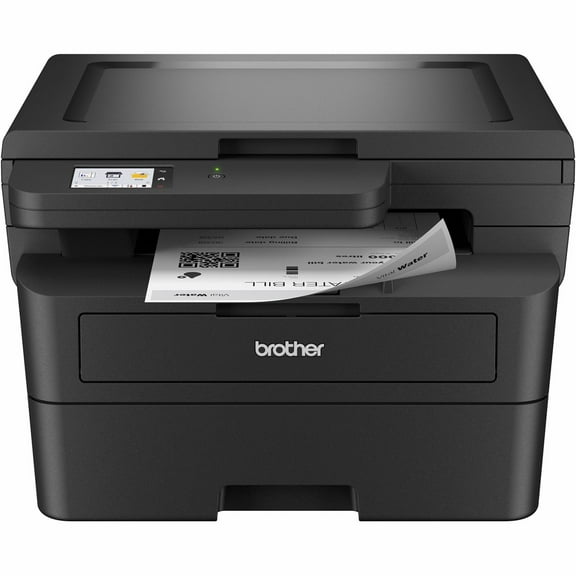
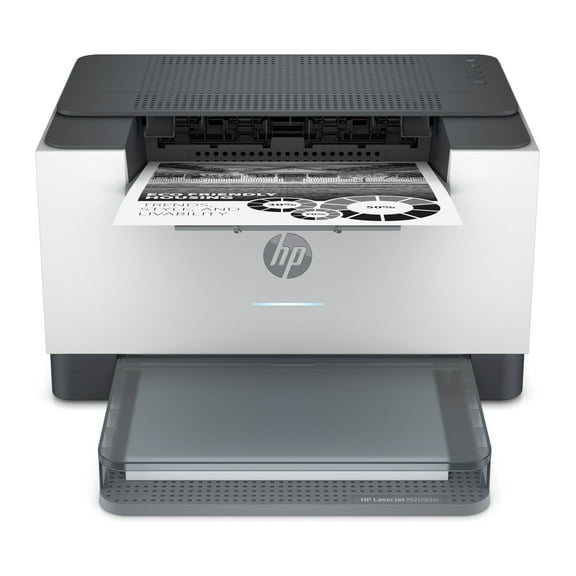
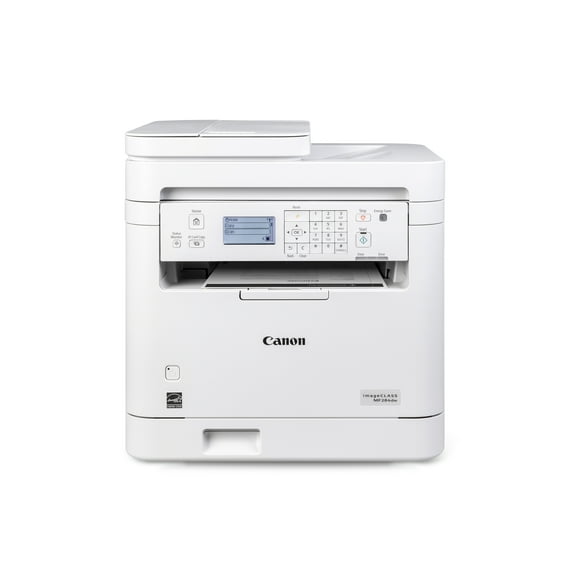
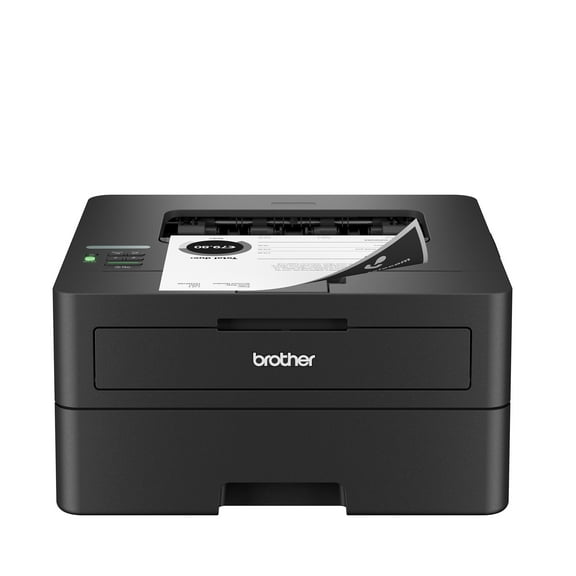



About Laser Printers for Home and Office Use - Walmart.com
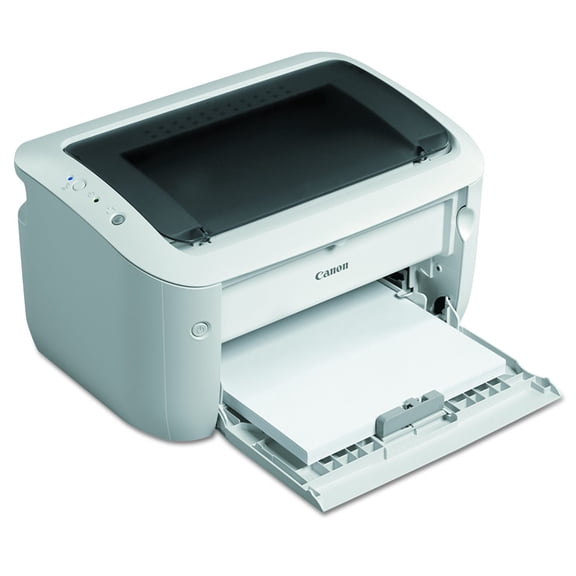
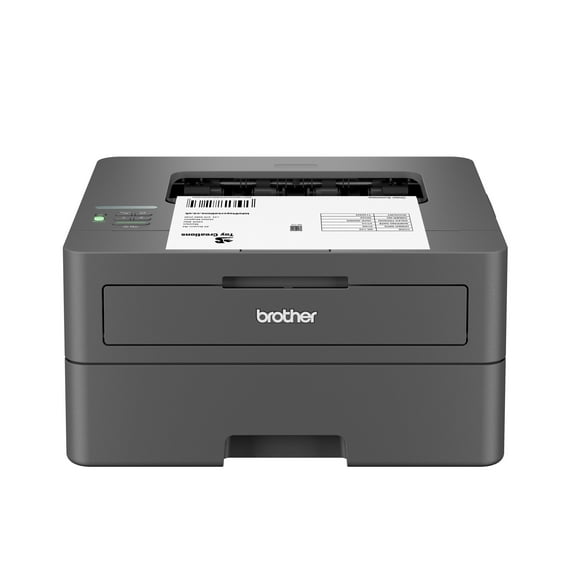
Laser printers help you handle fast, crisp documents with toner-based printing that stays sharp on reports, labels, and school packets. You can compare color, monochrome, wireless, and all in one options to match your workspace and printing routine.
If you print often, you may notice laser printers support steady output and clear text across long runs. You can also choose compact designs for a desk or larger models for shared office use.
How to choose laser printers for your workflow
When you compare laser printers, you should start with what you print most often. If your pages are mostly text, your needs differ from someone printing charts, handouts, or classroom materials.
You can narrow your options faster by matching the printer to your daily tasks. Consider how many pages you print, where you plan to place it, and which devices you use.
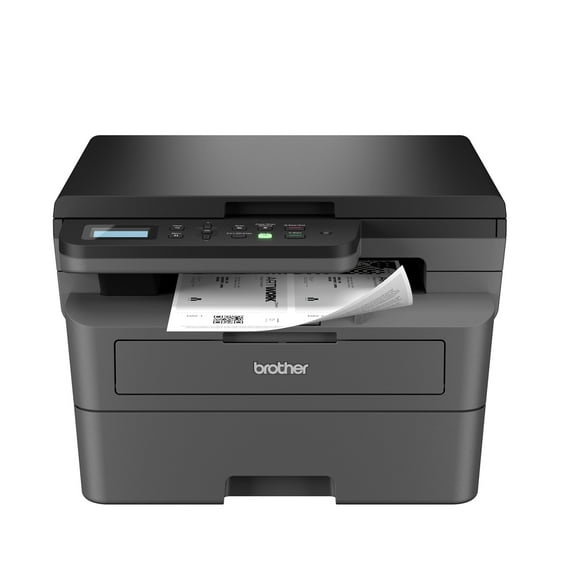
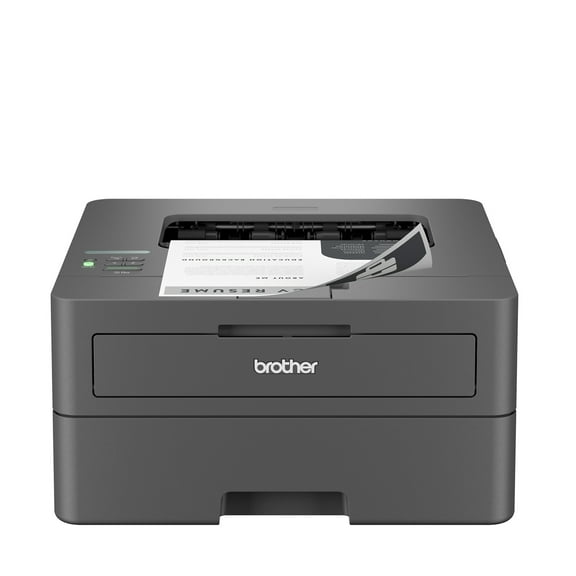
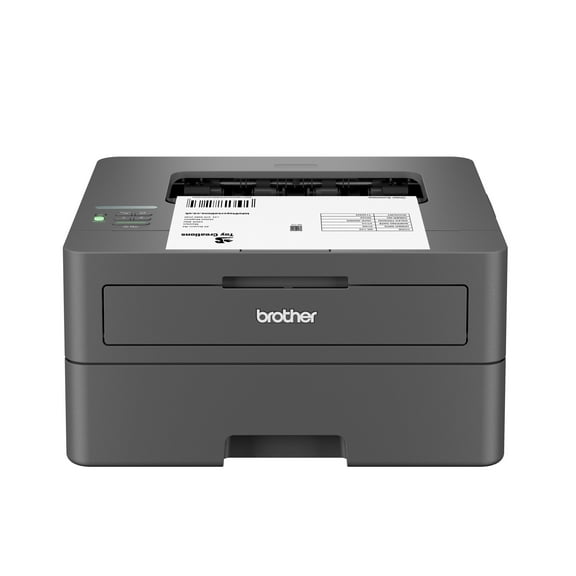
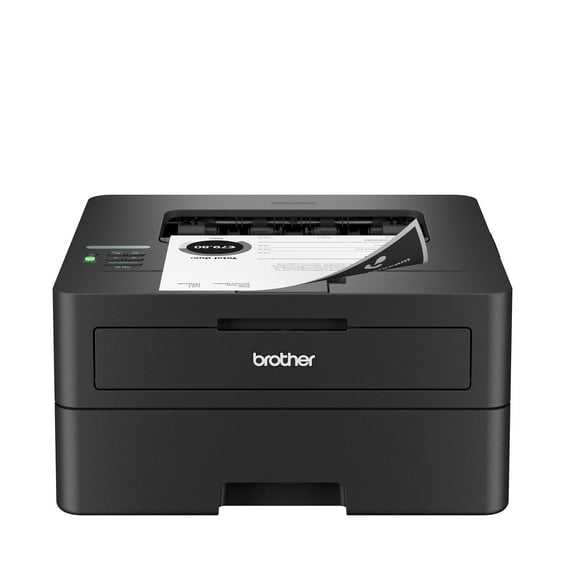
- You can choose monochrome models for sharp black-and-white documents and routine paperwork.
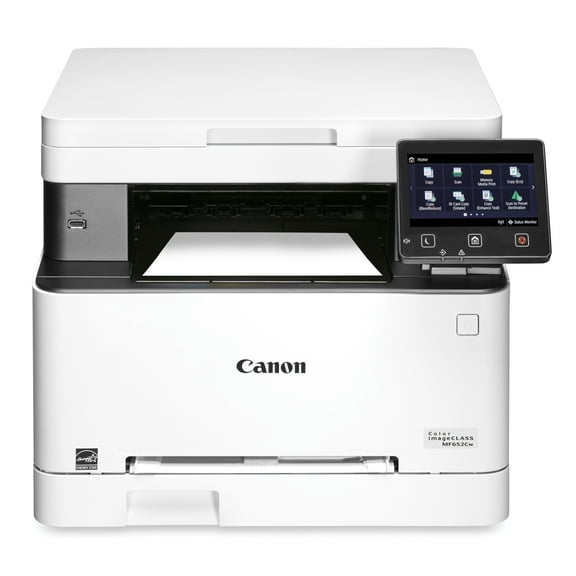
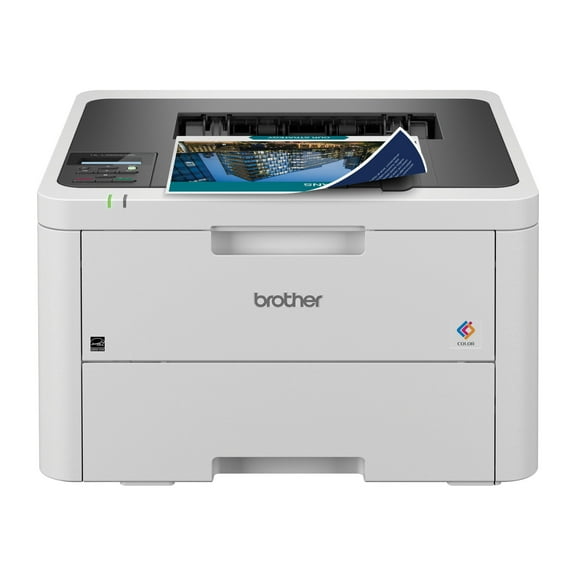
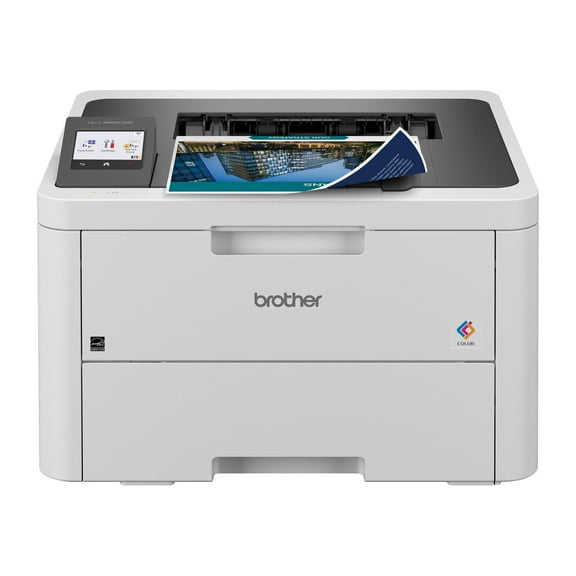
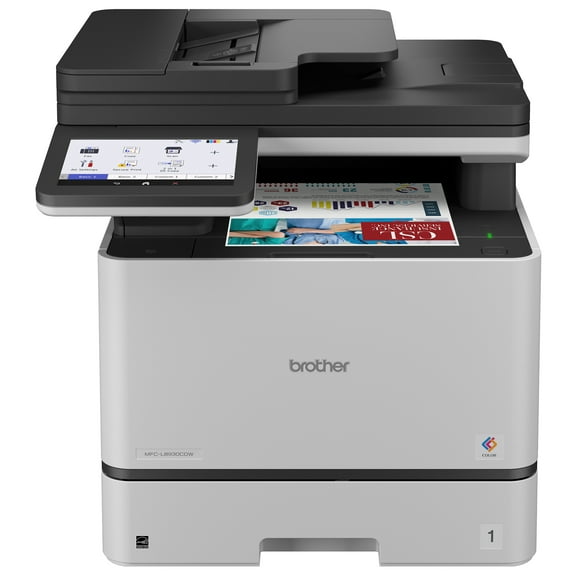
- You can pick color models when your presentations, flyers, and graphics need vivid output.
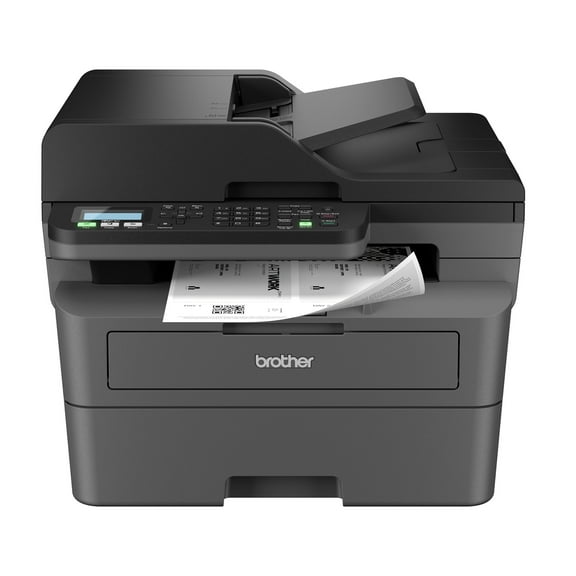
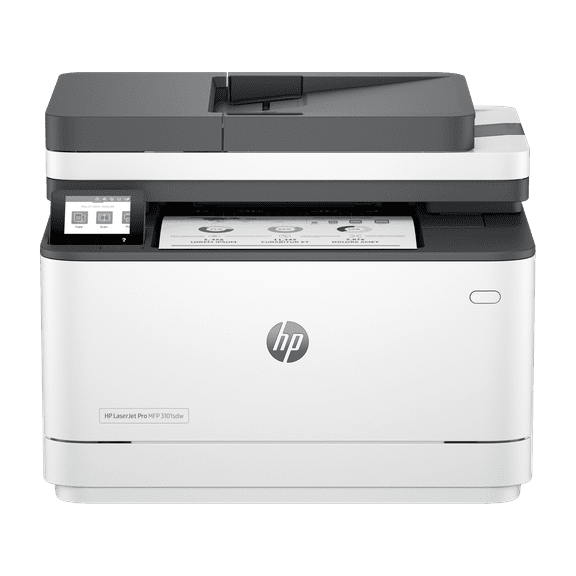
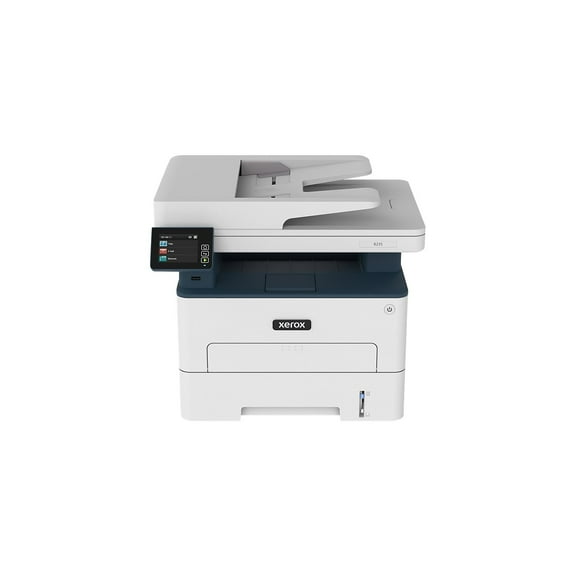
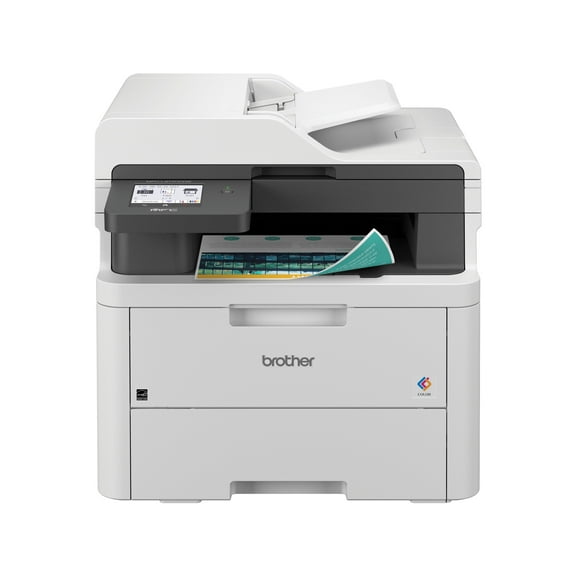
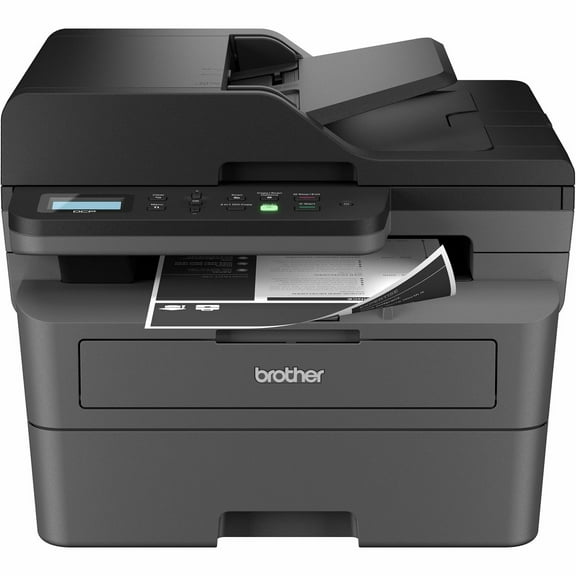
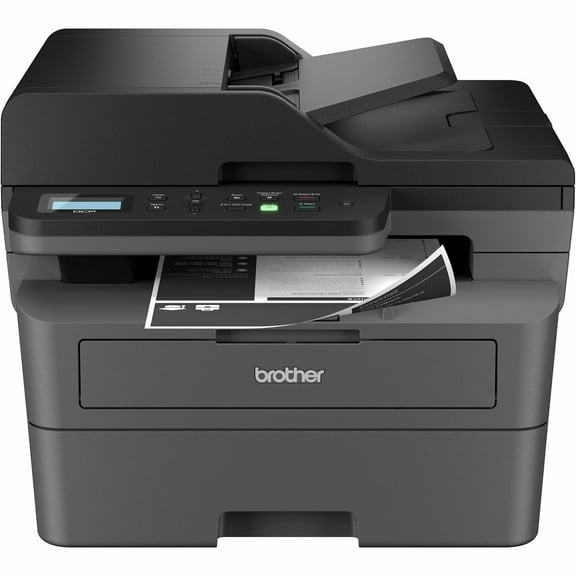
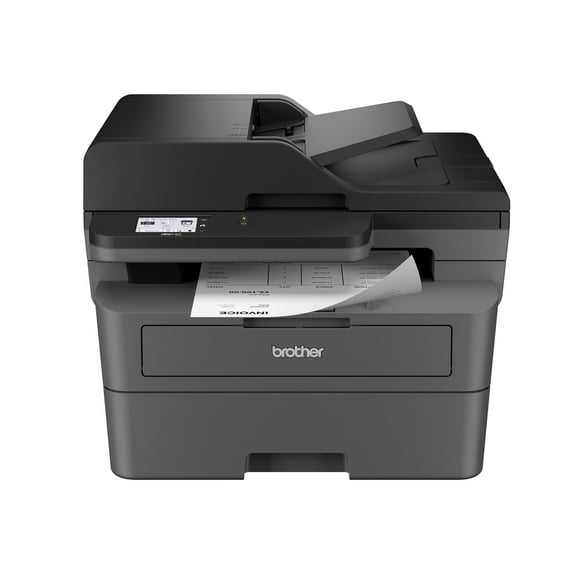
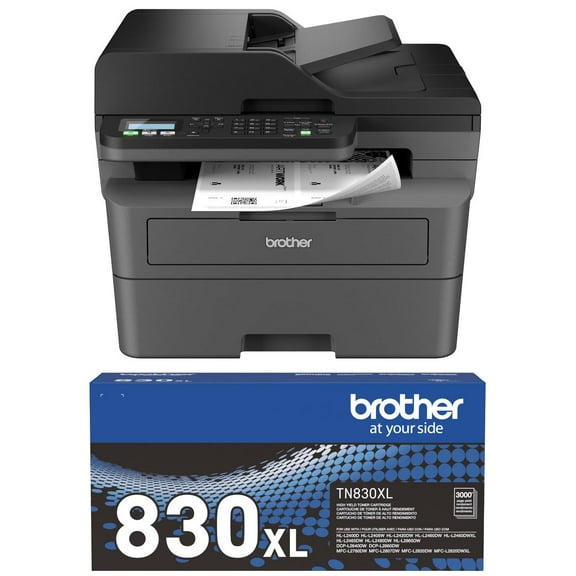
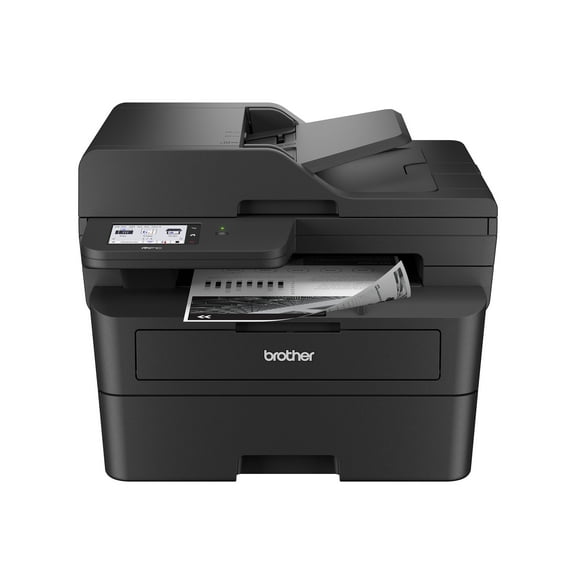
- You can select all in one laser printers if you also scan, copy, or fax.
- You can look for wireless laser printers when you print from phones, tablets, or laptops.
- You can check duplex options if you want automatic double-sided pages for reports and packets.
For back to school printers, you may want compact footprints and simple wireless setup. You may also want easy paper handling for essays, schedules, permission slips, and study guides.
Choosing between color laser printers and monochrome models
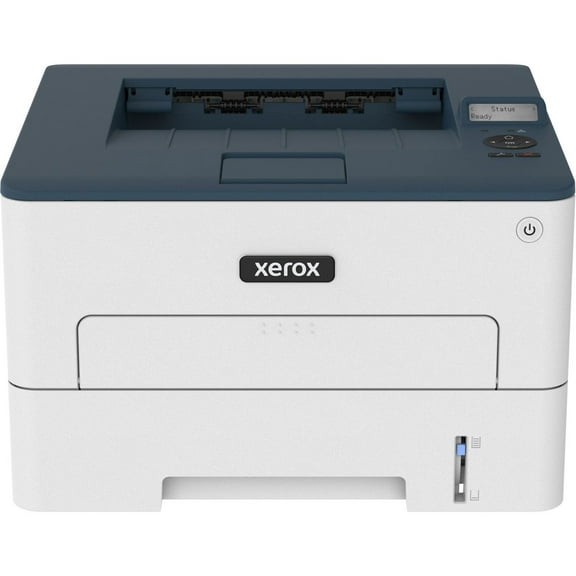
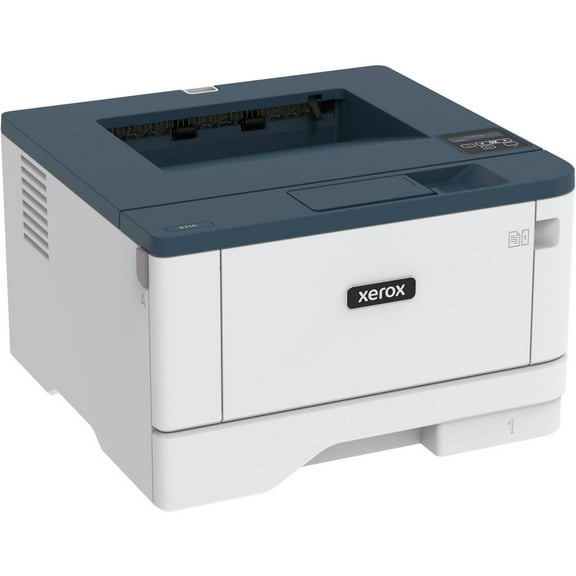
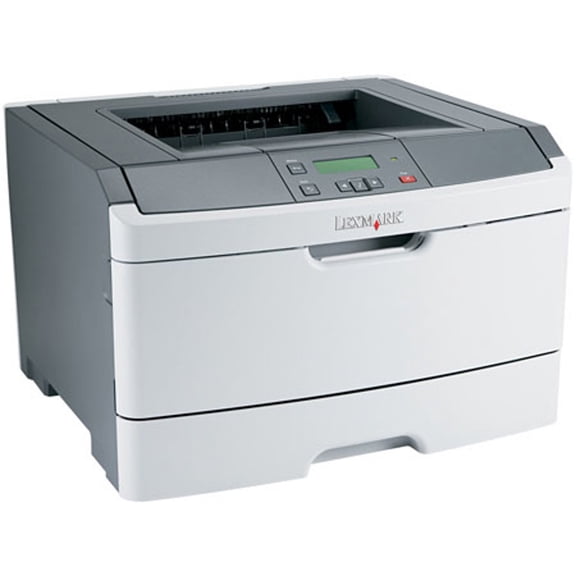
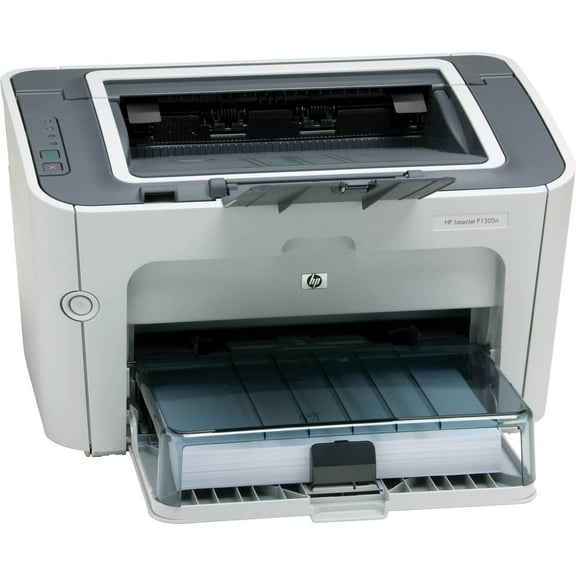
You should choose based on your primary document type, not just the printer category. If you print contracts, invoices, and text-heavy forms, monochrome laser printers often fit your routine.
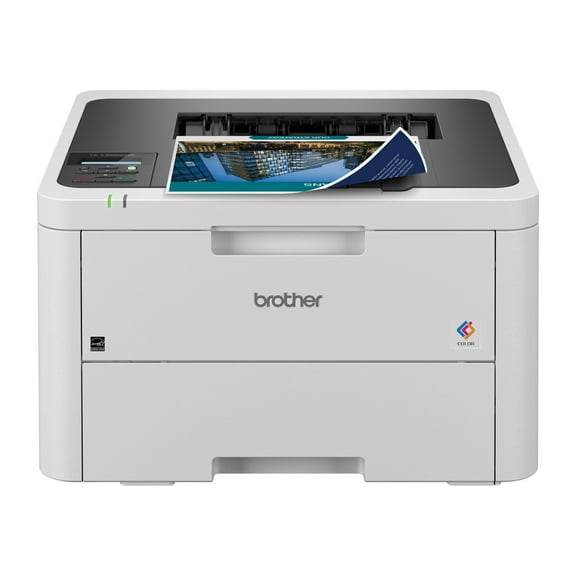
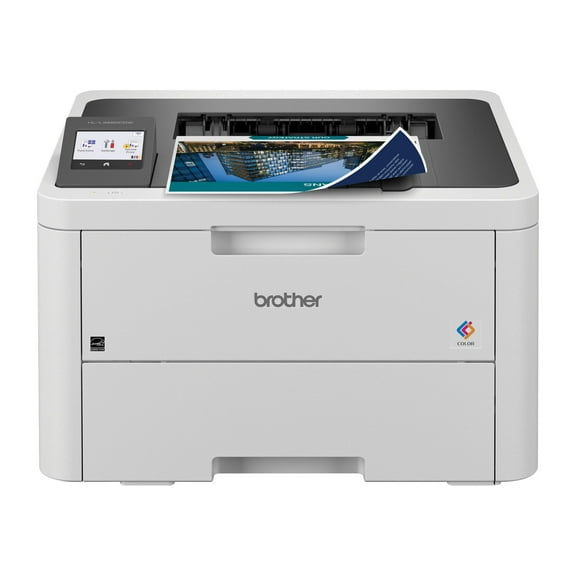
If your work includes charts, brochures, or classroom visuals, color laser printers make those pages easier to review. You can keep text sharp while also adding clear color-coded details.
You should also compare toner needs before you decide. Monochrome units use one black cartridge, while color units usually use separate toner cartridges for multiple colors.
That difference matters when you estimate page yield and cost per page. You can often predict replacement timing more easily when you know your average monthly print volume.
Choosing all in one laser printers or single-function models
You should think about workflow before you choose between single-function and multifunction designs. If you only print, a single-function unit can keep your setup straightforward and focused.
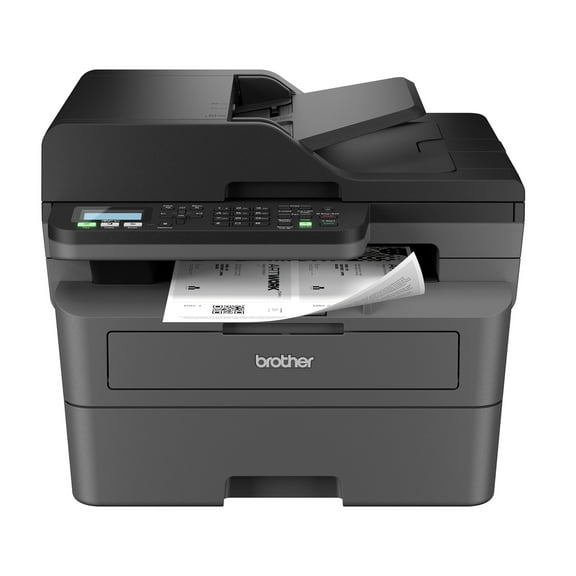
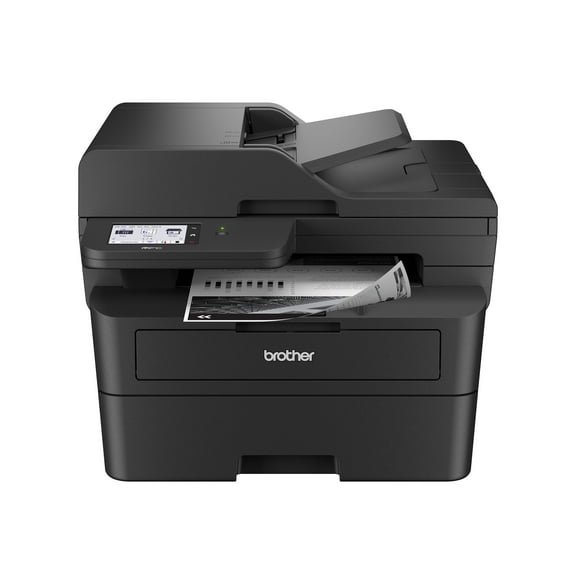
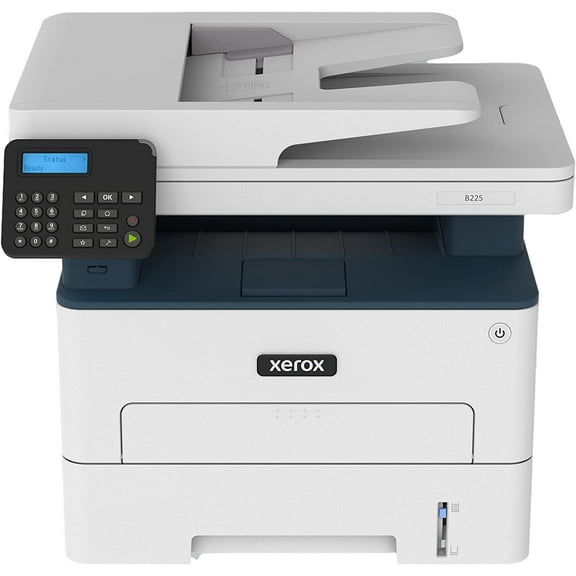
If you scan signed forms or copy handouts, all in one laser printers can reduce extra equipment on your desk. You can handle several document tasks from one machine.
You may also want to check whether the model includes an automatic document feeder. That feature helps you move through multi-page scanning or copying with less hands-on work.
For a home office laser printer, you might prefer a compact all-in-one with wireless access and modest paper capacity. For a shared workspace, you may want higher capacity and faster output.
Checking wireless laser printers and connection options
You should confirm how your devices connect before you choose a printer. Wireless laser printers work well when you print from laptops, phones, tablets, or multiple rooms.
You can also compare Wi-Fi, ethernet, and USB connections based on your setup. Wi-Fi supports flexible placement, ethernet suits stable shared networks, and USB keeps direct connections simple.
If you print from mobile devices, you should check app support and setup steps. You can avoid frustration by confirming compatibility before you choose a model.
You may also want a clear control panel or touchscreen for everyday tasks. That can make it easier for you to switch jobs, connect devices, and monitor toner status.
Comparing speed, page yield, and duplex printing
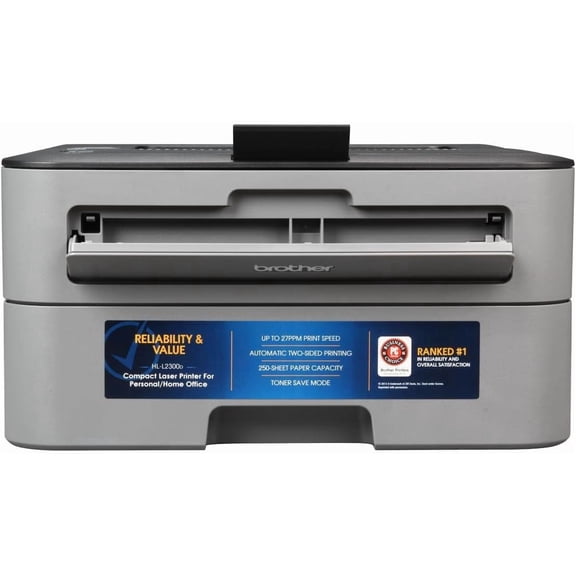
You should compare print speed in pages per minute when volume matters in your day. Higher PPM can help you keep pace with class packets, invoices, shipping documents, or office reports.
You also need to look at toner cartridge page yield because it affects replacement frequency. A higher yield can mean fewer interruptions during busy print weeks.
Some models use separate drum units, while others combine the drum with the toner cartridge. You should check that detail because it shapes maintenance steps and long-run supply planning.
You can also compare automatic double-sided printing with manual duplex support. Automatic duplexing helps you print reports, drafts, and study materials with less paper handling.
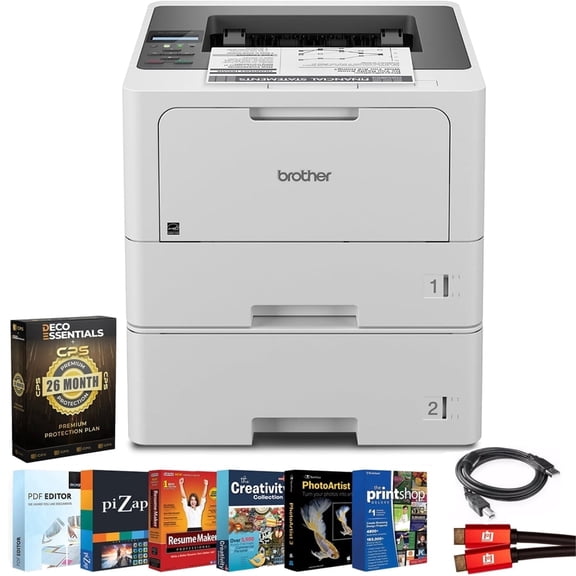
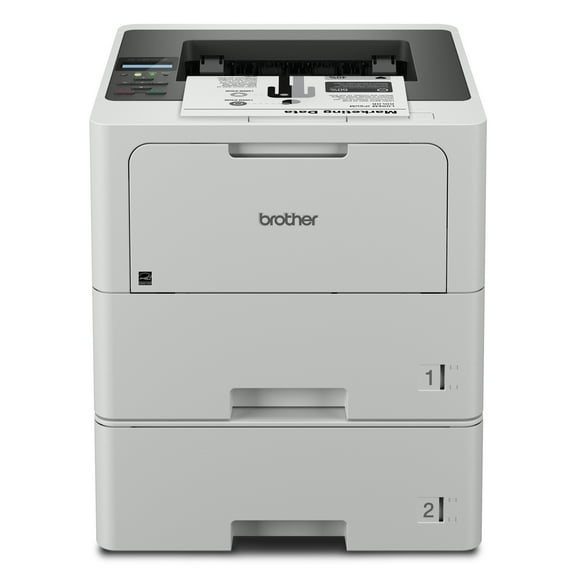
For small business or higher-volume use, you should also review paper tray capacity and duty cycle guidance. Those details help you choose a model that fits steady weekly demand.
Matching laser printers to real-life use cases
If you run a home office, you may want a home office laser printer with wireless setup, compact dimensions, and dependable text output. That mix supports invoices, labels, and daily document printing.
If you manage a classroom or family study area, you may want color output and automatic duplexing. You can print schedules, presentations, and back to school packets with less manual work.
If your team shares one device, you should consider ethernet connectivity, larger trays, and faster print speeds. Those features help you move through recurring office jobs more smoothly.
If your tasks center on forms and long text documents, a monochrome model may cover your needs efficiently. You can focus on sharp black text, simpler supply planning, and steady output.
When your workflow includes scanning receipts, copying IDs, or sending occasional faxes, multifunction options make more sense. You can keep key document tasks in one place and reduce extra devices.
With the right mix of output color, functionality, connectivity, and speed, you can choose laser printers that fit your routine closely. You end up with cleaner documents, smoother workflows, and fewer printing interruptions.