

Jelly Comb Mouse(1)
RHEA- Jelly Comb Blue 2.4G Slim Wireless Mouse With Receiver Model Ms001, (Blue) $49.00

RHEA- Jelly Comb Blue 2.4G Slim Wireless Mouse With Receiver Model Ms001, (Blue)
FAQ
Why isn’t this mouse available right now?
Inventory on the site changes throughout the day, and availability can vary by color, seller, and your ZIP code.
- Enter your delivery location to see shipping, pickup, or delivery options.
- If you see an “out of stock” message, check back later or try a different color/variant.
- Use the category filters to browse similar wireless mice that fit your needs.
- When offered, click “Get in-stock alert” to be notified by email.
Selection and fulfillment options can shift based on demand and local store inventory. If you have questions about a specific listing, review the item details and customer Q&A on the product page for the most current info.
How do I set up this wireless mouse?
Most receiver‑based wireless mice are quick to set up.
- Install a fresh battery (AA/AAA varies by model) and close the cover.
- Plug the small USB receiver into a USB‑A port on your computer.
- Slide the power switch on. Wait a few seconds for automatic pairing.
- If the cursor doesn’t move, try a different USB port, replace the battery, or move the receiver closer (front port or a short USB extender).
- Avoid metal surfaces and remove strong 2.4 GHz interference nearby.
- Some models also support Bluetooth—if yours does, pair through your system’s Bluetooth settings instead.
Setup steps can differ slightly by model, so checking the quick‑start guide on the product page can be helpful.
What should I look for in a daily mouse?
For everyday work and browsing, consider comfort and reliability first.
- Shape and size: a slim, lightweight design packs easily; larger shapes can feel steadier for long sessions.
- Noise level: “silent” or “quiet click” designs are helpful in shared spaces.
- Precision: adjustable DPI (around 800–1600 for office tasks) offers flexibility.
- Connection: a 2.4 GHz receiver typically provides stable performance with low fuss.
- Power: look for an on/off switch and auto‑sleep to extend battery life.
Check the specifications, photos, and customer reviews on the product page to see how the mouse performs for tasks similar to yours. Individual preferences vary, so feedback from other shoppers can provide useful, real‑world context.
What makes a mouse high quality?
“High quality” usually comes down to consistency, durability, and feel.
- Build: solid plastics or coatings, minimal flex, and a smooth scroll wheel.
- Switches: crisp clicks with a rated lifespan and consistent actuation.
- Tracking: a precise optical sensor that works on common desk surfaces.
- Wireless performance: stable 2.4 GHz connection and responsive input.
- Features: handy touches like DPI buttons, receiver storage, or programmable functions.
- Support: clear documentation and positive, consistent customer reviews.
Because needs differ, think about your primary use (travel, office, creative work) and match features accordingly. Reviewing the item details and shopper feedback on the product page can help you determine whether a model meets your expectations.
Why is my wireless mouse lagging or skipping?
Connection hiccups with a wireless mouse can have several causes.
- Power: replace the battery and toggle the power switch off/on.
- Receiver: move it to a front USB port or use a short USB extender to reduce interference.
- Distance/interference: keep the receiver close and away from other 2.4 GHz devices.
- Surface: try a non‑glossy mouse pad; glass or reflective desks can affect tracking.
- Ports/software: test another USB port, restart your computer, and install any pending system updates.
- Re‑pair: remove and reconnect the device (or re‑pair, if your model supports Bluetooth).
These tips can help improve responsiveness, but results can vary by setup and environment. If issues persist, check the product page for model‑specific guidance and community Q&A.
Popular in Jelly Comb Mouse Wireless Electronics
Related Products
Ergonomic Mouse Wireless,Computer Mouse,Rechargeable Mouse Wireless Silent for Carpal Tunnel Right Hand,2.4GHz USB Vertical Mouse Wireless for Laptop,5 Adjustable 4800 DPI,Computer,MacBook,Desktop
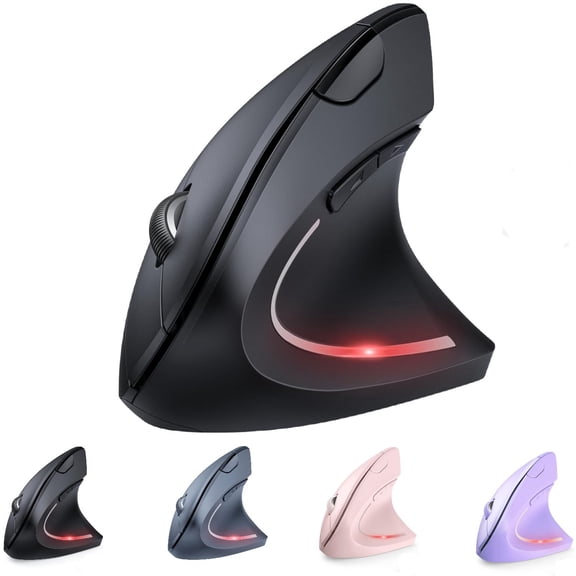 Ergonomic Mouse Wireless,Computer Mouse,Rechargeable Mouse Wireless Silent for Carpal Tunnel Right Hand,2.4GHz USB Vertical Mouse Wireless for Laptop,5 Adjustable 4800 DPI,Computer,MacBook,Desktop$17.99current price $17.99
(4 pack) PHILIPS Wireless Mouse 3-Button Ergonomic Optical Mouse 1600 DPI with Nano Receiver for Windows, MacOS, Xbox One, PS4 & More — USB Plug and Play
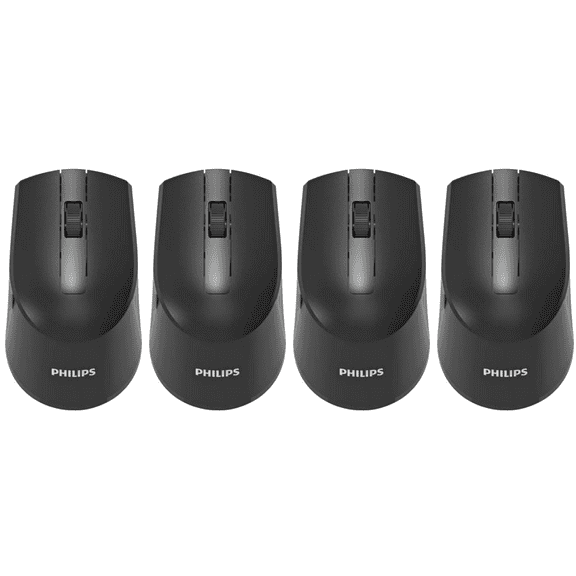 (4 pack) PHILIPS Wireless Mouse 3-Button Ergonomic Optical Mouse 1600 DPI with Nano Receiver for Windows, MacOS, Xbox One, PS4 & More — USB Plug and Play$35.20current price $35.20
WNEXOPE Wireless Bluetooth Dual Mode Silent Office Gaming Mouse - 1600 DPI Adjustable, Type-C Fast Charging, Ergonomic Design for Ultimate Comfort and Performance
 WNEXOPE Wireless Bluetooth Dual Mode Silent Office Gaming Mouse - 1600 DPI Adjustable, Type-C Fast Charging, Ergonomic Design for Ultimate Comfort and Performance$6.89current price $6.89
OEFNTAC 2.4GHz Wireless Mouse Computer Mouse Bluetooth Mouse 5.1 Gaming Mouse Wireless Optical Gaming Mouse 1600DPI Silent Mouse (Battery Version)
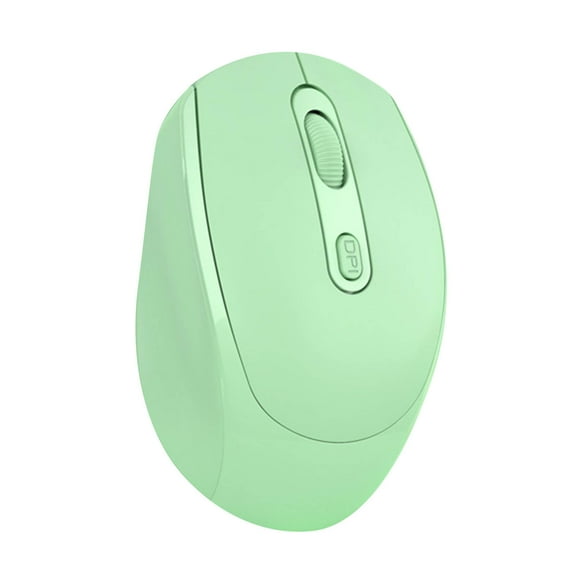 OEFNTAC 2.4GHz Wireless Mouse Computer Mouse Bluetooth Mouse 5.1 Gaming Mouse Wireless Optical Gaming Mouse 1600DPI Silent Mouse (Battery Version)$4.97current price $4.97
RaceGT USB C Wireless Computer Mouse, 2.4G Silent Cordless Mouse for Laptop, Type C Portable Mouse with 6 Buttons and 3 Adjustable DPI for Laptop, Deskbtop, MacBook, PC
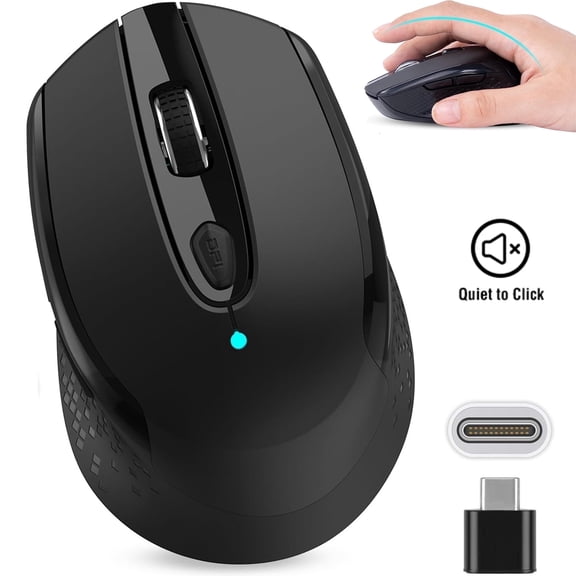 RaceGT USB C Wireless Computer Mouse, 2.4G Silent Cordless Mouse for Laptop, Type C Portable Mouse with 6 Buttons and 3 Adjustable DPI for Laptop, Deskbtop, MacBook, PC$12.99current price $12.99
Wireless Mouse 2.4G Ergonomic Vertical Optical Mouse with Nano Receiver,4 Adjustable DPI 800/1200/ 1600/2400,Rechargeable Li-Battery,6 Buttons for Computer,Notebook, PC, Laptop, MacBook
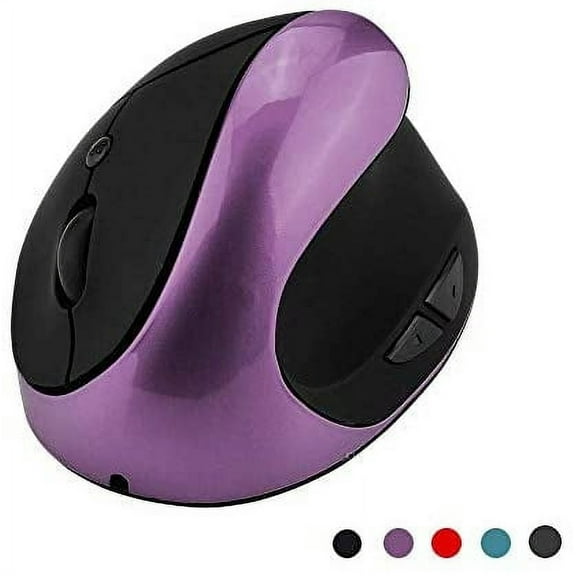 Wireless Mouse 2.4G Ergonomic Vertical Optical Mouse with Nano Receiver,4 Adjustable DPI 800/1200/ 1600/2400,Rechargeable Li-Battery,6 Buttons for Computer,Notebook, PC, Laptop, MacBook$15.99current price $15.99
Macally Wired USB C White Mouse for Mac & Windows - 3 Buttons & Scroll Wheel USB Type C Mouse - Comfortable Ambidextrous Design - Compact Wired Mouse with Optical Sensor & DPI Switch Up To 2400
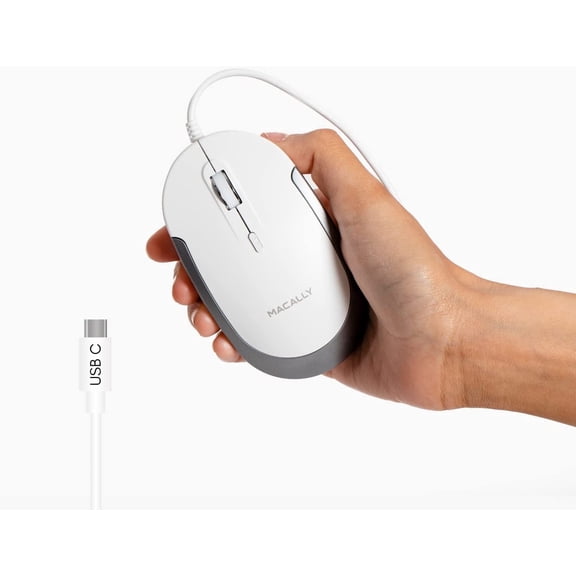 Macally Wired USB C White Mouse for Mac & Windows - 3 Buttons & Scroll Wheel USB Type C Mouse - Comfortable Ambidextrous Design - Compact Wired Mouse with Optical Sensor & DPI Switch Up To 2400$19.99current price $19.99
INPHIC Wireless Mouse, 2.4G Silent Rechargeable Ultra Slim USB Portable Mouse, 1600 DPI & 400mAh Battery with Visible Level for Laptop PC Computer & MacBook (LED-Black)
 INPHIC Wireless Mouse, 2.4G Silent Rechargeable Ultra Slim USB Portable Mouse, 1600 DPI & 400mAh Battery with Visible Level for Laptop PC Computer & MacBook (LED-Black)$14.98current price $14.98
Macally Wired USB C Mouse for Mac and PC - Slim, Quiet, and Reliable - 3 Button Layout, Scroll Wheel, and 4 DPI Mode (800/1200/1600/2400) Type C Mouse for MacBook Pro/Air, iMac, Laptop
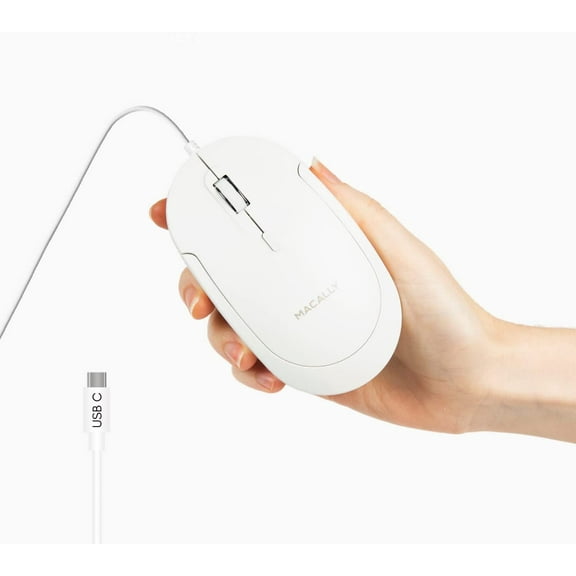 Macally Wired USB C Mouse for Mac and PC - Slim, Quiet, and Reliable - 3 Button Layout, Scroll Wheel, and 4 DPI Mode (800/1200/1600/2400) Type C Mouse for MacBook Pro/Air, iMac, Laptop$24.99current price $24.99