

Iphone Screen Replacement(425)
for iPhone 16 Plus Screen Replacement kit,6.7" LCD Display 3D Touch Digitizer Assembly with Repair Tools, Screen Protector, Frame Adhesive (Model A3290, A3082, A3289, A3291) From $34.99
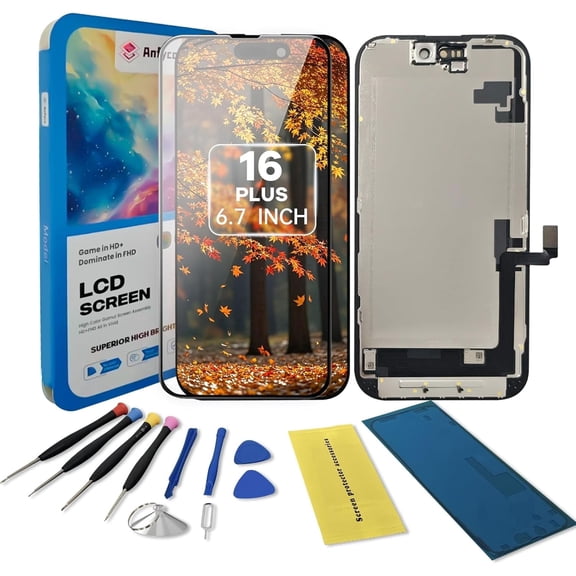
for iPhone 16 Plus Screen Replacement kit,6.7" LCD Display 3D Touch Digitizer Assembly with Repair Tools, Screen Protector, Frame Adhesive (Model A3290, A3082, A3289, A3291)
For iPhone 11 LCD Screen Replacement, 6.1-Inch Touch Display Digitizer Assembly with Repair Tools, Compatible with A2111/A2223/A2221 From $18.50
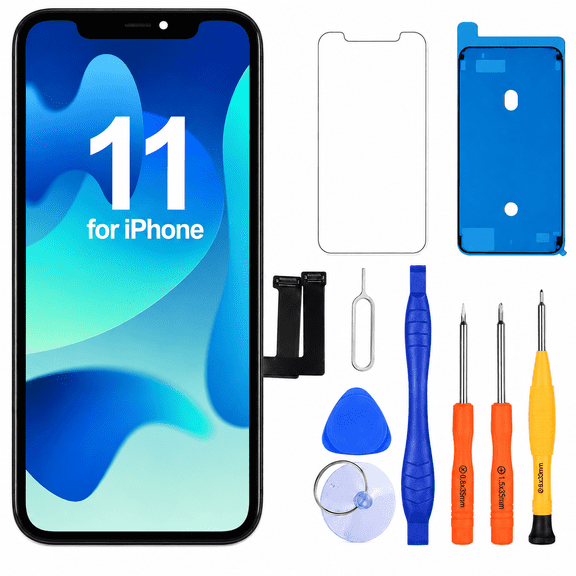
For iPhone 11 LCD Screen Replacement, 6.1-Inch Touch Display Digitizer Assembly with Repair Tools, Compatible with A2111/A2223/A2221
Deal, UNBREAKcable Screen Protector for iPhone 18 Pro Max 3 Pack, 9H Tempered Glass Anti-Fingerprint Screen Protector, Case Friendly, Easy Install From $13.59
UNBREAKcable Screen Protector for iPhone 18 Pro Max 3 Pack, 9H Tempered Glass Anti-Fingerprint Screen Protector, Case Friendly, Easy Install
Incell Screen for iPhone 11 Screen Replacement for iPhone A2111 LCD Screen A2223,A2221 3D Touch Display Digitizer Assembly Repair Parts(Black) $19.50
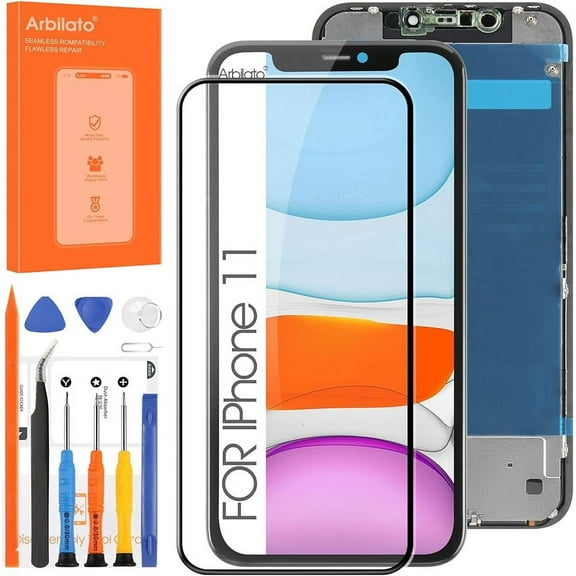
Incell Screen for iPhone 11 Screen Replacement for iPhone A2111 LCD Screen A2223,A2221 3D Touch Display Digitizer Assembly Repair Parts(Black)
Best seller, For iPhone 11 LCD Screen Replacement, 3D Touch Screen Digitizer Component 6.1Inch Cell Phone Screen Repair & Replacement (Without tools) $14.99 Was $29.99
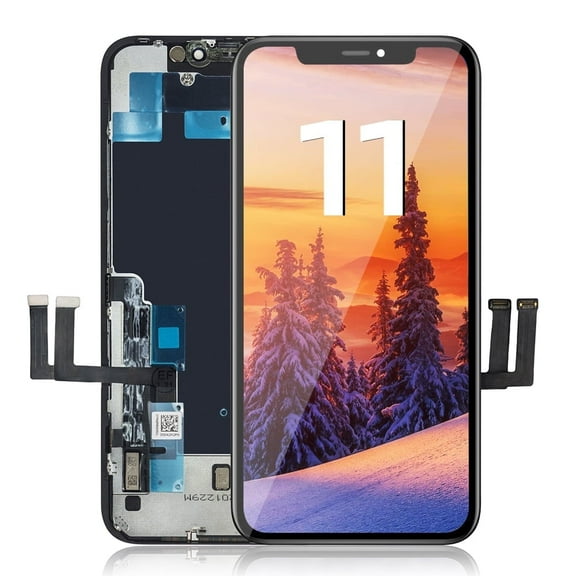
For iPhone 11 LCD Screen Replacement, 3D Touch Screen Digitizer Component 6.1Inch Cell Phone Screen Repair & Replacement (Without tools)
Deal, LRSE For iPhone 11 Screen Replacement LCD 6.1 inch, 3D Touch Screen Digitizer with Full Set of Repair Tools, Waterproof Adhesive Tempered Glass $17.64 Was $35.99
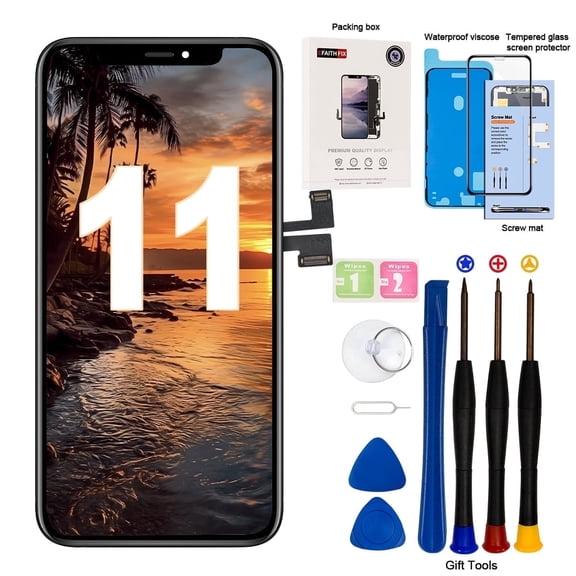
LRSE For iPhone 11 Screen Replacement LCD 6.1 inch, 3D Touch Screen Digitizer with Full Set of Repair Tools, Waterproof Adhesive Tempered Glass
Best seller, Incell Screen for iPhone 11 Screen Replacement for iPhone A2111 LCD Screen A2223,A2221 3D Touch Display Digitizer Assembly Repair PartsBlack $19.50
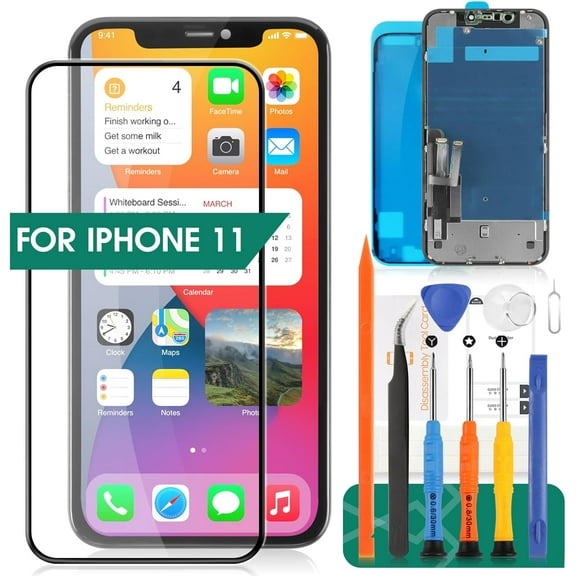
Incell Screen for iPhone 11 Screen Replacement for iPhone A2111 LCD Screen A2223,A2221 3D Touch Display Digitizer Assembly Repair PartsBlack
Best seller, LRSE For iPhone 13 Screen Replacement, 6.1 inch 3D Touch Incell LCD Display Digitizer A2482, A2631, A2633, A2634, A2635 with Waterproof Adhesive Single Screen $19.66 Was $22.99
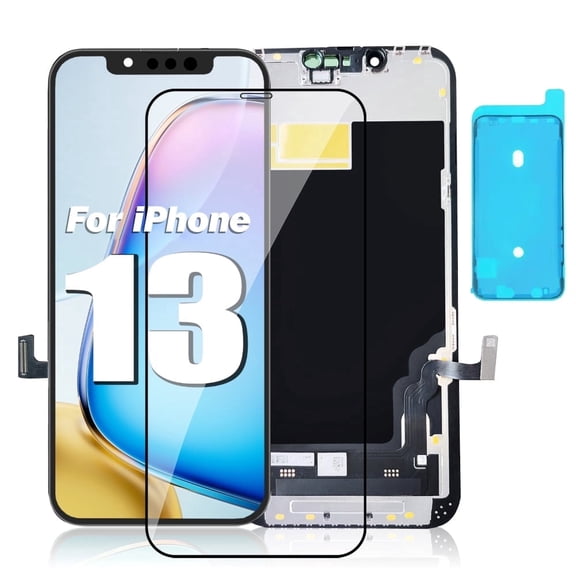
LRSE For iPhone 13 Screen Replacement, 6.1 inch 3D Touch Incell LCD Display Digitizer A2482, A2631, A2633, A2634, A2635 with Waterproof Adhesive Single Screen
LRSE For iPhone XR Screen Replacement Kit 6.1 inches, with LCD Screen Replacement iPhone Xr Repair Tools Kit, Tempered Glass Protective Film, with 3D Touch Screen Digitizer,Waterproof Adhesive, Black $19.99 Was $35.99

LRSE For iPhone XR Screen Replacement Kit 6.1 inches, with LCD Screen Replacement iPhone Xr Repair Tools Kit, Tempered Glass Protective Film, with 3D Touch Screen Digitizer,Waterproof Adhesive, Black
Best seller, LRSE Screen Replacement for iPhone XR 6.1-inch In-Cell LCD Touchscreen Digitizer Assembly Compatible Models: A1984, A2105, A2106, A2108 iPhone XR Replacement Screen (Single Screen) $17.05 Was $36.99

LRSE Screen Replacement for iPhone XR 6.1-inch In-Cell LCD Touchscreen Digitizer Assembly Compatible Models: A1984, A2105, A2106, A2108 iPhone XR Replacement Screen (Single Screen)
Best seller, Incell Screen for iPhone 11 Screen Replacement for iPhone A2111 LCD Screen A2223,A2221 3D Touch Display Digitizer Assembly Repair Parts(Black) $19.50
Incell Screen for iPhone 11 Screen Replacement for iPhone A2111 LCD Screen A2223,A2221 3D Touch Display Digitizer Assembly Repair Parts(Black)
for iPhone 13 Pro Max Screen Replacement kit,6.7" LCD Display 3D Touch Digitizer Assembly with Repair Tools, Screen Protector, Frame Adhesive (Model A2484, A2641, A2644, A2645, A2643) From $25.99
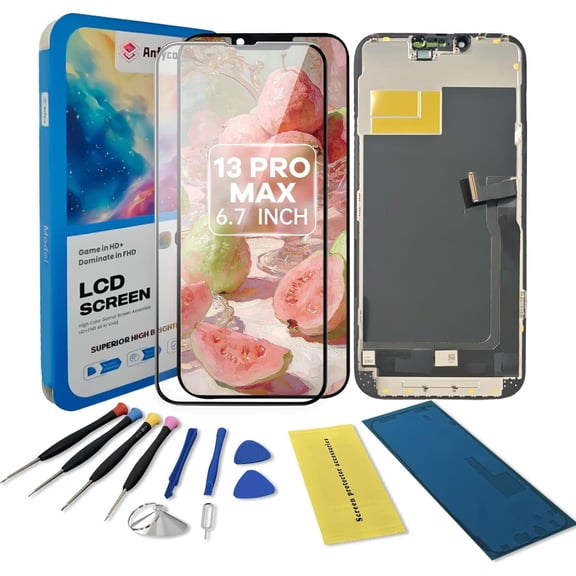
for iPhone 13 Pro Max Screen Replacement kit,6.7" LCD Display 3D Touch Digitizer Assembly with Repair Tools, Screen Protector, Frame Adhesive (Model A2484, A2641, A2644, A2645, A2643)
Best seller, LRSE For iPhone 12/12Pro Screen Replacement,6.1 Inch LCD Incell 3D Touch Screen Digitizer with Waterproof Adhesive Without Repair Tool $19.99

LRSE For iPhone 12/12Pro Screen Replacement,6.1 Inch LCD Incell 3D Touch Screen Digitizer with Waterproof Adhesive Without Repair Tool
For iPhone 12 Pro Max LCD Screen Replacement 6.7 inch Assembly LCD Display 3D Touch Screen Digitizer with Repair Tools for A2342, A2410, A2412, A2411 with Waterproof Adhesive Tempered Glass $28.99 Was $56.99
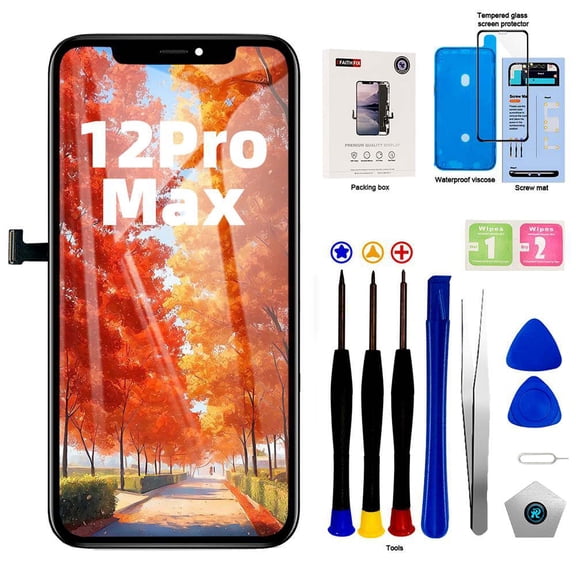
For iPhone 12 Pro Max LCD Screen Replacement 6.7 inch Assembly LCD Display 3D Touch Screen Digitizer with Repair Tools for A2342, A2410, A2412, A2411 with Waterproof Adhesive Tempered Glass
for iPhone 8 Plus Screen Replacement Black 5.5 Inch Full Assembly for iPhone 8 Plus A1864 A1897 A1898 LCD Dispaly 3D Touch Screen Digitizer with Repair Tools Kit
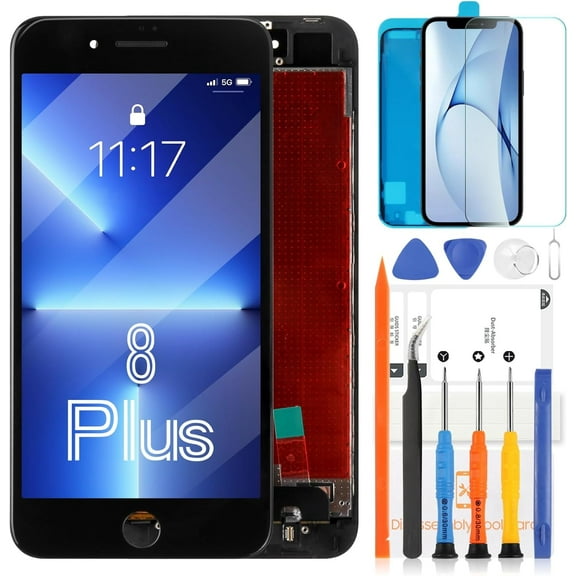


for iPhone 8 Plus Screen Replacement Black 5.5 Inch Full Assembly for iPhone 8 Plus A1864 A1897 A1898 LCD Dispaly 3D Touch Screen Digitizer with Repair Tools Kit
for iPhone 12/12 Pro LCD Screen Replacement for iPhone 12 A2172 A2402 A2404/12 Pro A2341 A2406 A2408 A2407 6.1 inches LCD Display Touch Screen Digitizer Assembly Replacement with Tools TFT $19.50

for iPhone 12/12 Pro LCD Screen Replacement for iPhone 12 A2172 A2402 A2404/12 Pro A2341 A2406 A2408 A2407 6.1 inches LCD Display Touch Screen Digitizer Assembly Replacement with Tools TFT
for iPhone 11 Screen Replacement for iPhone 11 LCD Display Touch A2111 Screen Replacement Sensor A2223 Digitizer for iPhone A2221 Screen Assembly Kits (Incell,Black) $18.90
for iPhone 11 Screen Replacement for iPhone 11 LCD Display Touch A2111 Screen Replacement Sensor A2223 Digitizer for iPhone A2221 Screen Assembly Kits (Incell,Black)
For iPhone 12/12 Pro Screen Replacement Kit 6.1 inch, 3D Touch LCD Screen Display Digitizer Frame Assembly with Repair Tools and Removal Slice $26.99
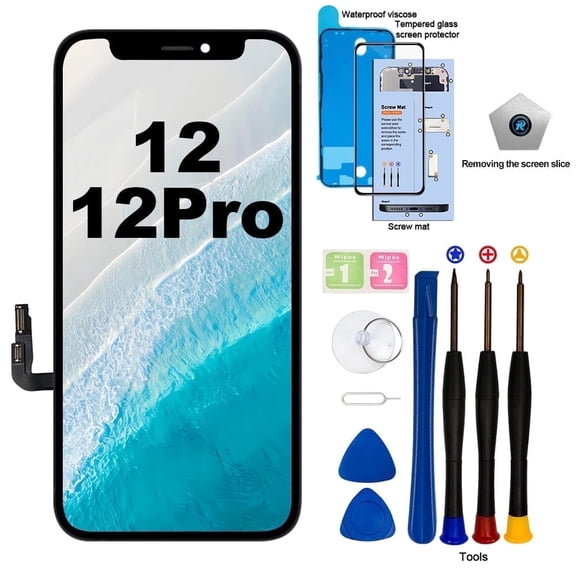
For iPhone 12/12 Pro Screen Replacement Kit 6.1 inch, 3D Touch LCD Screen Display Digitizer Frame Assembly with Repair Tools and Removal Slice
For iPhone 16 Screen Replacement 6.1 inch, 3D Touch LCD Display $32.99
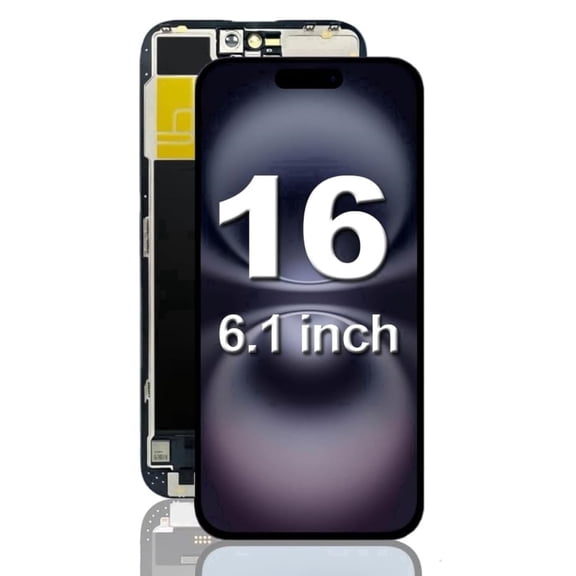
For iPhone 16 Screen Replacement 6.1 inch, 3D Touch LCD Display
LRSE for iPhone 15 Screen Replacement 6.1inch LCD In-Cell 3D Touch Display Assembly with Repair Tools Kit Screen Protector and Waterproof Adhesive $31.49
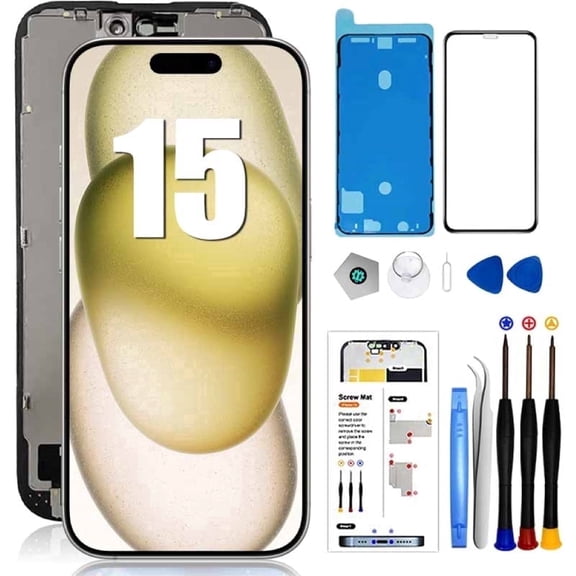
LRSE for iPhone 15 Screen Replacement 6.1inch LCD In-Cell 3D Touch Display Assembly with Repair Tools Kit Screen Protector and Waterproof Adhesive
for iPhone 14 Pro Max Screen Replacement Kit,6.7" LCD Display 3D Touch Digitizer Assembly with Repair Tools & Screen Protector Kit Includes Adhesive & Tools (A2651, A2893, A2896, A2895, A2894) From $24.90
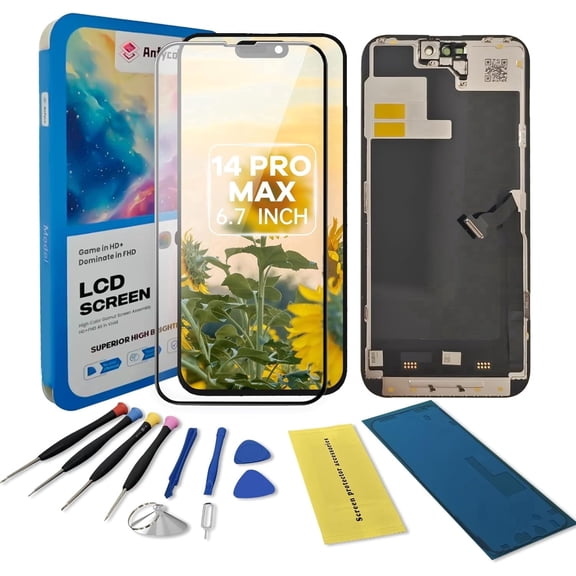
for iPhone 14 Pro Max Screen Replacement Kit,6.7" LCD Display 3D Touch Digitizer Assembly with Repair Tools & Screen Protector Kit Includes Adhesive & Tools (A2651, A2893, A2896, A2895, A2894)
for iPhone 15 Pro Max Screen Replacement kit,6.7" LCD Display 3D Touch Digitizer Assembly with Repair Tools, Screen Protector, Frame Adhesive (Model A2849、A3105、A3106、A3108) From $29.99
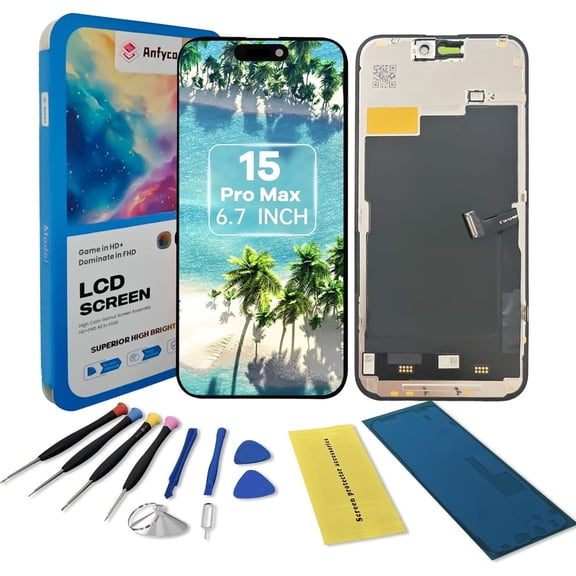
for iPhone 15 Pro Max Screen Replacement kit,6.7" LCD Display 3D Touch Digitizer Assembly with Repair Tools, Screen Protector, Frame Adhesive (Model A2849、A3105、A3106、A3108)
Deal, Screen Replacement for iPhone 14, 6.1-inch Full HD Digitizer Component 3D Touch Display, iPhone 14 LCD Screen Replacement Kit with Full Repair Tool Set $24.36 Was $49.99
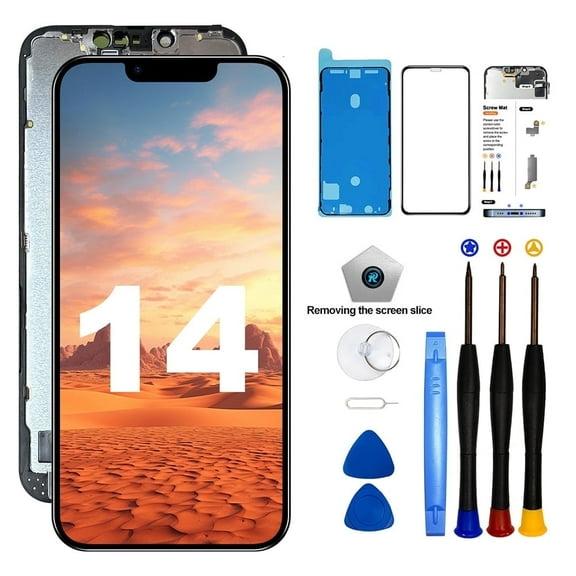
Screen Replacement for iPhone 14, 6.1-inch Full HD Digitizer Component 3D Touch Display, iPhone 14 LCD Screen Replacement Kit with Full Repair Tool Set
Deal, for iPhone 13 Screen Replacement Kit , 6.1-inch HD LCD Display Touch Screen Digitizer Assembly with Repair Tool Set, Waterproof Glue, Tempered Glass, Black $21.96 Was $35.99
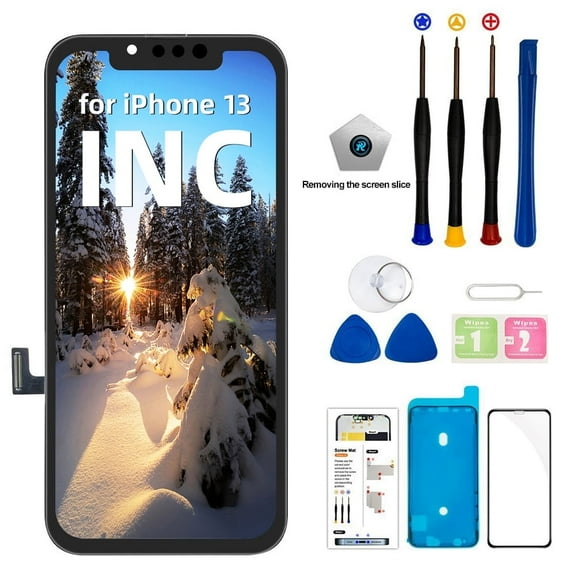
for iPhone 13 Screen Replacement Kit , 6.1-inch HD LCD Display Touch Screen Digitizer Assembly with Repair Tool Set, Waterproof Glue, Tempered Glass, Black
Screen Replacement for iPhone 16 - Lcd Replacement Kit & Digitizer Display Full Aassembly for Apple iPhone 16 6.1 Inch Models A3287, A3081, A3286, A3288 with Repair Tools $85.99
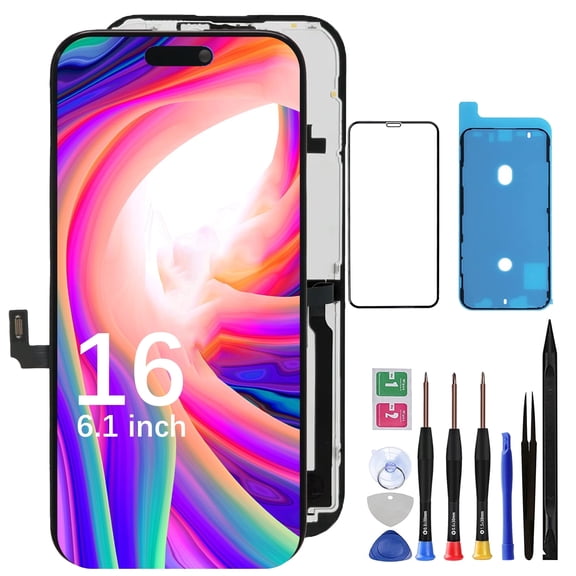
Screen Replacement for iPhone 16 - Lcd Replacement Kit & Digitizer Display Full Aassembly for Apple iPhone 16 6.1 Inch Models A3287, A3081, A3286, A3288 with Repair Tools
Screen Replacement for iPhone 7 A1660 A1778 A1779 4.7inch LCD Dispaly 3D Touch Screen Digitizer Assembly with Repair Tools Kit for iPhone 7 LCD Black $17.80
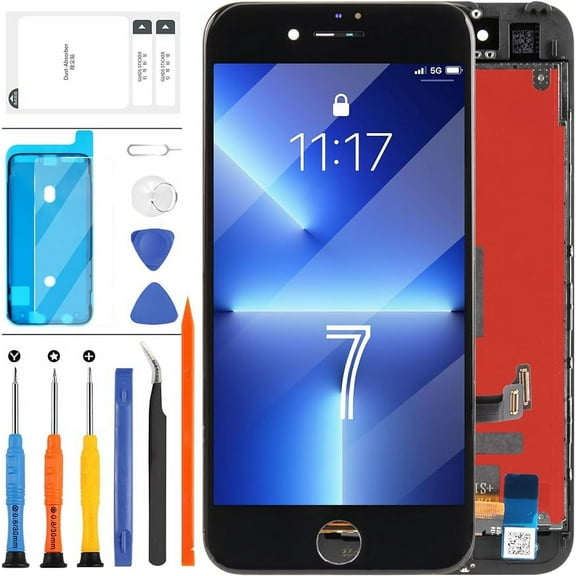
Screen Replacement for iPhone 7 A1660 A1778 A1779 4.7inch LCD Dispaly 3D Touch Screen Digitizer Assembly with Repair Tools Kit for iPhone 7 LCD Black
Incell for iPhone 13 Screen Replacement for iPhone 13 LCD Screen for A2633 A2482 A2631 A2634 A2635 Touch Screen Display Digitizer Assembly Repair Kits(Not Original) $21.50

Incell for iPhone 13 Screen Replacement for iPhone 13 LCD Screen for A2633 A2482 A2631 A2634 A2635 Touch Screen Display Digitizer Assembly Repair Kits(Not Original)
Incell Screen for iPhone 11 Screen Replacement for iPhone A2111 LCD Screen A2223,A2221 3D Touch Display Digitizer Assembly Repair PartsBlack $19.50
Incell Screen for iPhone 11 Screen Replacement for iPhone A2111 LCD Screen A2223,A2221 3D Touch Display Digitizer Assembly Repair PartsBlack
For iPhone 14 Screen Replacement, Incell 3D Touch LCD Display Digitizer, 6.1 inch (A2649 A2881 A2882 A2883 A2884) with Waterproof Adhesive-Single Screen $24.29

For iPhone 14 Screen Replacement, Incell 3D Touch LCD Display Digitizer, 6.1 inch (A2649 A2881 A2882 A2883 A2884) with Waterproof Adhesive-Single Screen
Screen Replacement for iPhone SE & iPhone 8-LCD replacement kit for iPhone SE 2020 & 3D touch digitizer display full Aassembly for iPhone 8 4.7 inch with repair tools
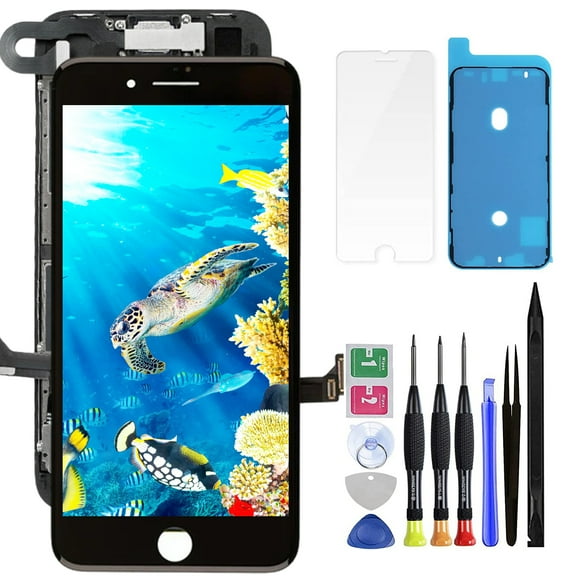


Screen Replacement for iPhone SE & iPhone 8-LCD replacement kit for iPhone SE 2020 & 3D touch digitizer display full Aassembly for iPhone 8 4.7 inch with repair tools
for iPhone 12/12 Pro Screen Replacement kit,6.1" LCD Display 3D Touch Digitizer Assembly with Repair Tools, Screen Protector, Frame Adhesive (Model A2172,A2402,A2403,A2404,A2341,A2406,A2407,A2408) From $25.90
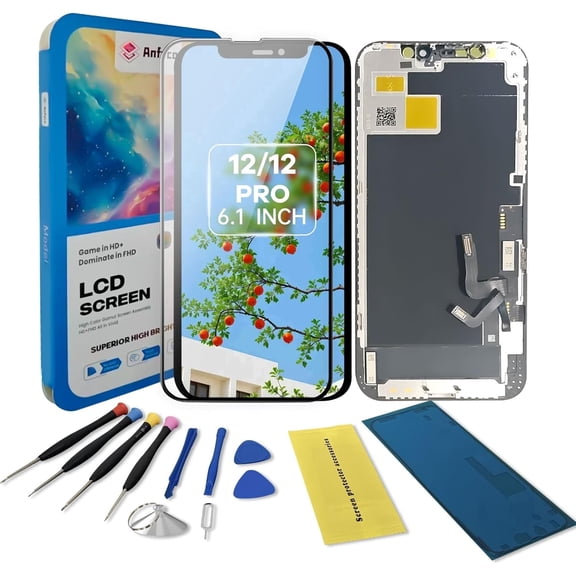
for iPhone 12/12 Pro Screen Replacement kit,6.1" LCD Display 3D Touch Digitizer Assembly with Repair Tools, Screen Protector, Frame Adhesive (Model A2172,A2402,A2403,A2404,A2341,A2406,A2407,A2408)
for iPhone 11 Pro Max Screen Replacement Kit,6.5" LCD Display 3D Touch Digitizer Assembly with Repair Tools/Frame Adhesive and Screen Protector Kit (Model A2161, A2220, A2218) From $19.99
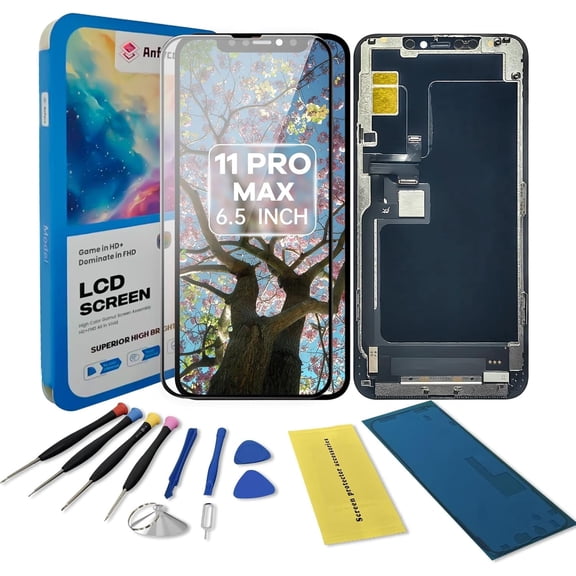
for iPhone 11 Pro Max Screen Replacement Kit,6.5" LCD Display 3D Touch Digitizer Assembly with Repair Tools/Frame Adhesive and Screen Protector Kit (Model A2161, A2220, A2218)
Deal, Screen Replacement for iPhone 11 Pro Max LCD Screen Replacement 6.5 Inch Display 3D Touch Screen Digitizer with Repair Tool Kit Tempered Glass Film Waterproof Adhesive for A2161, A2220, A2218 $19.11 Was $49.98
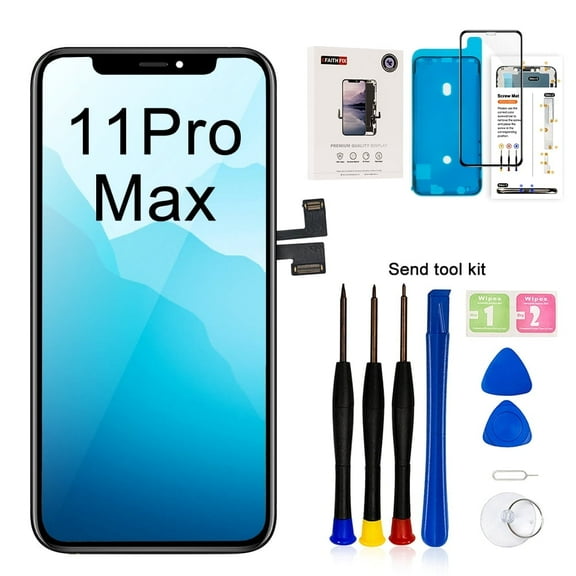
Screen Replacement for iPhone 11 Pro Max LCD Screen Replacement 6.5 Inch Display 3D Touch Screen Digitizer with Repair Tool Kit Tempered Glass Film Waterproof Adhesive for A2161, A2220, A2218
Screen Replacement for iPhone 14 Plus, 6.7 inch LCD 3D Touch Display HD Digitizer Assembly , for iPhone 14 Plus Screen Replacement with Complete Repair Tool $26.99 Was $29.99

Screen Replacement for iPhone 14 Plus, 6.7 inch LCD 3D Touch Display HD Digitizer Assembly , for iPhone 14 Plus Screen Replacement with Complete Repair Tool
iPhone 14 Pro Screen Replacement, 3D Touch LCD Display 6.1 Inch for A2890/A2650/A2889/A2892, Display Digitizer Assembly with Repair Kit $36.99
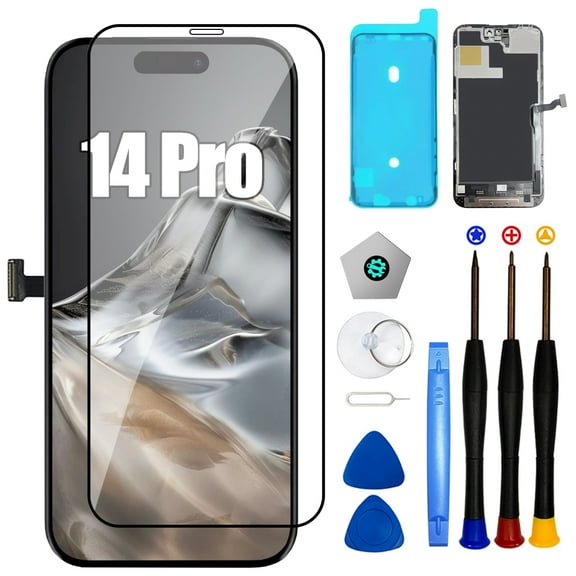
iPhone 14 Pro Screen Replacement, 3D Touch LCD Display 6.1 Inch for A2890/A2650/A2889/A2892, Display Digitizer Assembly with Repair Kit
for iPhone 8 Plus Screen Replacement Black 5.5 Inch Full Assembly for iPhone 8 Plus A1864 A1897 A1898 LCD Dispaly 3D Touch Screen Digitizer with Repair Tools Kit $16.33

for iPhone 8 Plus Screen Replacement Black 5.5 Inch Full Assembly for iPhone 8 Plus A1864 A1897 A1898 LCD Dispaly 3D Touch Screen Digitizer with Repair Tools Kit
for iPhone Xs Screen Replacement A2097 3D Touch LCD Screen Replacement A1920 LCD Display A2100 Touch Digitizer Assembly A2098 Repair Parts Kits $19.50

for iPhone Xs Screen Replacement A2097 3D Touch LCD Screen Replacement A1920 LCD Display A2100 Touch Digitizer Assembly A2098 Repair Parts Kits
for iPhone 11 Pro Max Screen Replacement A2218 3D Touch LCD Screen Replacement A2161 LCD Display A2220 Touch Digitizer Assembly Repair Parts Kits $22.50

for iPhone 11 Pro Max Screen Replacement A2218 3D Touch LCD Screen Replacement A2161 LCD Display A2220 Touch Digitizer Assembly Repair Parts Kits
Incell Screen for iPhone XR Screen Replacement for iPhone A1984 LCD Screen A2106,A2105,A2018 Touch Display Digitizer Assembly Repair PartsBlack No Face ID $17.00 $17.00/ca
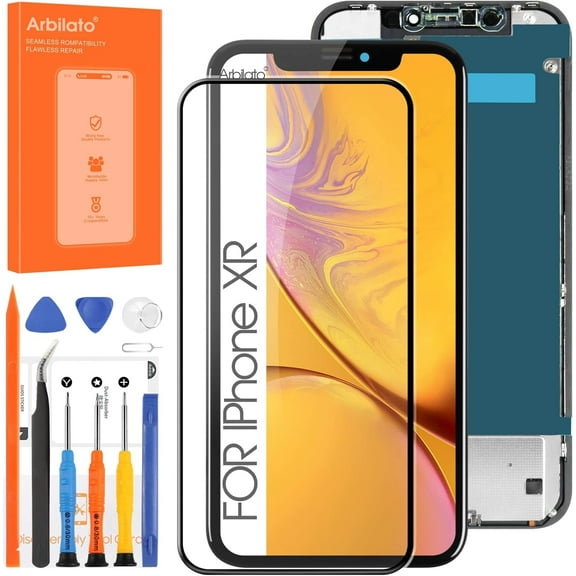
Incell Screen for iPhone XR Screen Replacement for iPhone A1984 LCD Screen A2106,A2105,A2018 Touch Display Digitizer Assembly Repair PartsBlack No Face ID
ouhos For iPhone 13 Screen Replacement 6.1 Inch, 3D Touch LCD Display Digitizer Frame Assembly with Repair Tools - Model A2482, A2631, A2633, A2634, A2635(Black) From $20.22
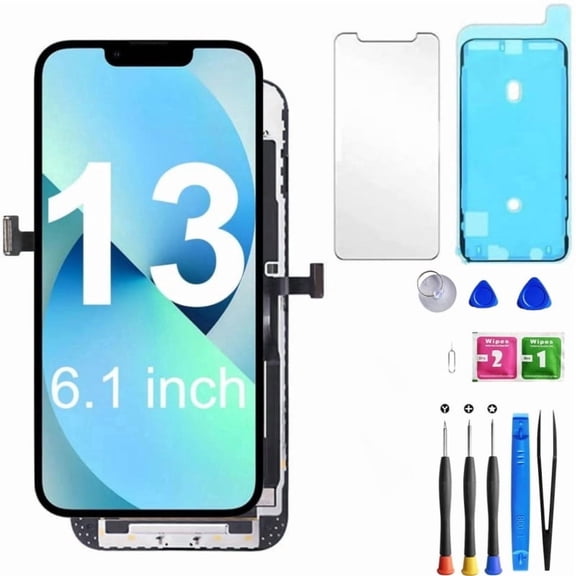
ouhos For iPhone 13 Screen Replacement 6.1 Inch, 3D Touch LCD Display Digitizer Frame Assembly with Repair Tools - Model A2482, A2631, A2633, A2634, A2635(Black)
for iPhone SE 2020 Screen Replacement for iPhone SE2 LCD Touch SE 2nd Generation A2296 A2275 A2298 Display Sensor Glass Panel Digitizer Assembly Repair Parts Kit with Protector Film +Tools (Black) $16.39 $16.39/ca

for iPhone SE 2020 Screen Replacement for iPhone SE2 LCD Touch SE 2nd Generation A2296 A2275 A2298 Display Sensor Glass Panel Digitizer Assembly Repair Parts Kit with Protector Film +Tools (Black)
For iPhone 11 LCD Screen Replacement, 6.1-Inch Touch Display Digitizer Assembly with Repair Tools, Compatible with A2111/A2223/A2221 From $18.50


For iPhone 11 LCD Screen Replacement, 6.1-Inch Touch Display Digitizer Assembly with Repair Tools, Compatible with A2111/A2223/A2221
for iPhone 8 Plus Screen Replacement White 5.5 Inch Full Assembly for iPhone 8 Plus A1864 A1897 A1898 LCD Dispaly 3D Touch Screen Digitizer with Repair Tools Kit $15.99
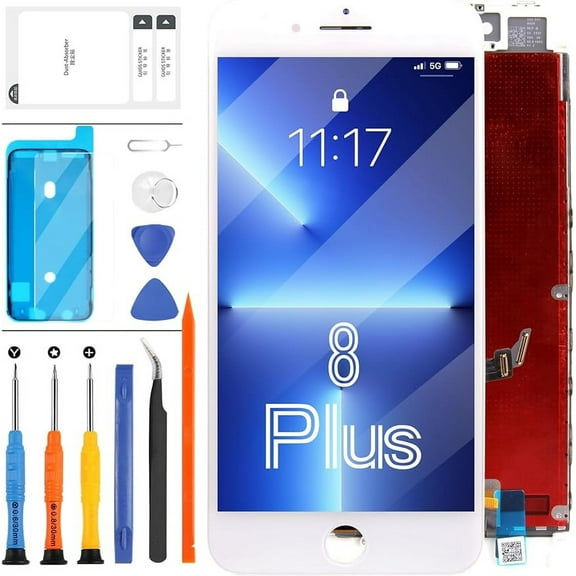
for iPhone 8 Plus Screen Replacement White 5.5 Inch Full Assembly for iPhone 8 Plus A1864 A1897 A1898 LCD Dispaly 3D Touch Screen Digitizer with Repair Tools Kit
For iPhone 15 Pro Max Screen Replacement 6.7 inch Full HD, 3D Touch LCD Screen Display Digitizer Assembly with Repair Tools, Compatible for Model A2849, A3105, A3106, A3108 Was $62.99
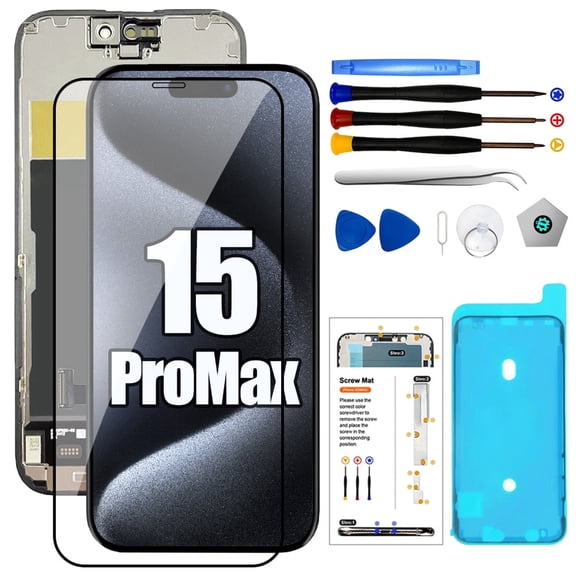
For iPhone 15 Pro Max Screen Replacement 6.7 inch Full HD, 3D Touch LCD Screen Display Digitizer Assembly with Repair Tools, Compatible for Model A2849, A3105, A3106, A3108
iPhone 16 Screen Replacement, 6.1 Inch Incell LCD Display Touch Screen Digitizer, Comes with Full Repair Tool Kit and Tempered Glass Protector for iPhone 16 A3240 A3241 A3242 A3243 $29.70
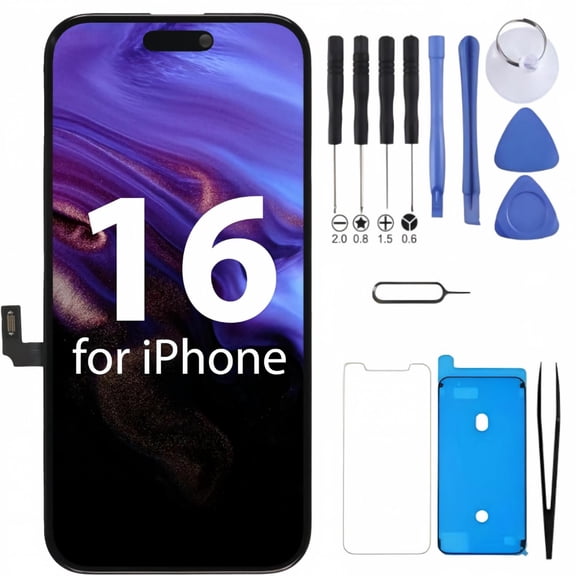
iPhone 16 Screen Replacement, 6.1 Inch Incell LCD Display Touch Screen Digitizer, Comes with Full Repair Tool Kit and Tempered Glass Protector for iPhone 16 A3240 A3241 A3242 A3243
for iPhone XR Screen Replacement kit,6.1" LCD Display 3D Touch Digitizer Assembly with Repair Tools, Screen Protector, Frame Adhesive (Model A1984, A2105, A2106, A2108
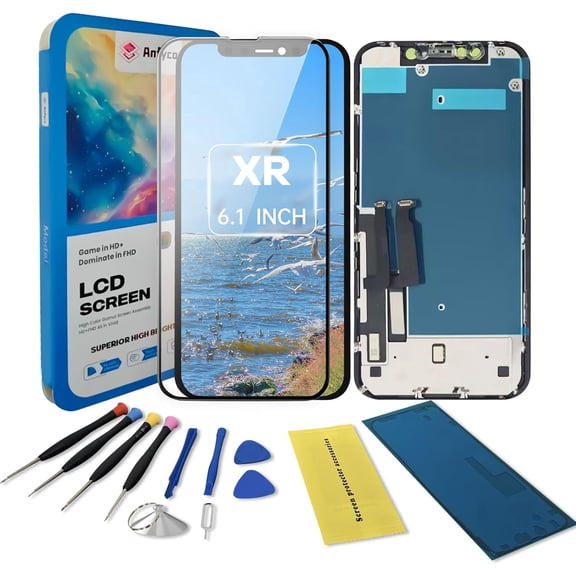
for iPhone XR Screen Replacement kit,6.1" LCD Display 3D Touch Digitizer Assembly with Repair Tools, Screen Protector, Frame Adhesive (Model A1984, A2105, A2106, A2108
For iPhone Xs Screen Replacement 5.8 inch, 3D Touch LCD Display Digitizer Assembly with $21.58
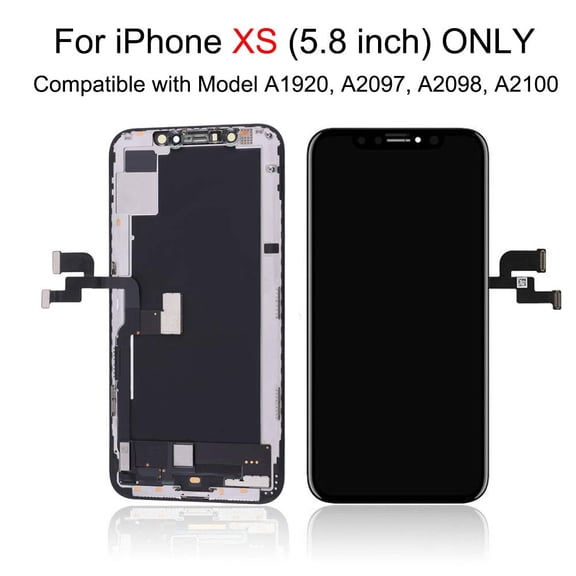
For iPhone Xs Screen Replacement 5.8 inch, 3D Touch LCD Display Digitizer Assembly with
Screen Replacement for iPhone X (Incell) A1865, A1901, A1902, A1903 5.8" LCD Display 3D Touch Digitizer Full Assembly with Waterproof Anti-Dust Adhesive $19.00
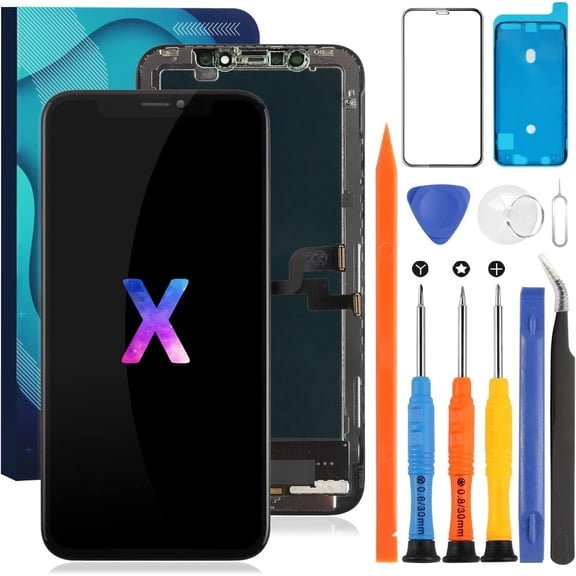
Screen Replacement for iPhone X (Incell) A1865, A1901, A1902, A1903 5.8" LCD Display 3D Touch Digitizer Full Assembly with Waterproof Anti-Dust Adhesive
for iPhone Xs Screen Replacement A2097 3D Touch LCD Screen Replacement A1920 LCD Display A2100 Touch Digitizer Assembly A2098 Repair Parts Kits $19.90
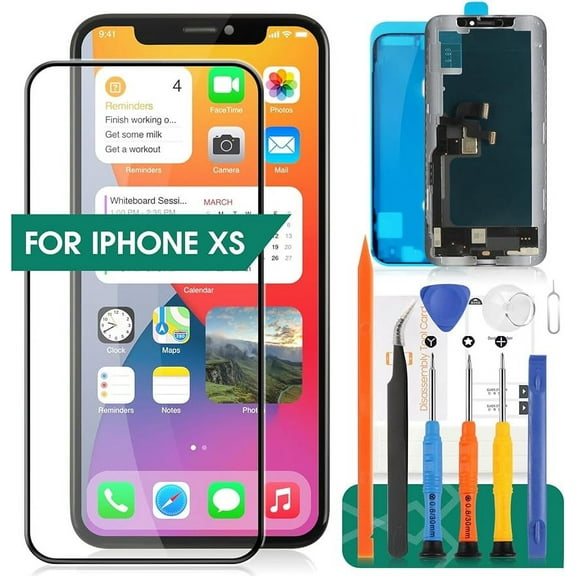
for iPhone Xs Screen Replacement A2097 3D Touch LCD Screen Replacement A1920 LCD Display A2100 Touch Digitizer Assembly A2098 Repair Parts Kits
TFT for iPhone 5S/SE 2016 Screen Replacement for iPhone SE A1662 LCD Digitizer Repair Kits for iPhone 5STouch Screen Display Assembly Replacement A1723 A1724 A1453 A1457 A1518 A1528 A1530 A1533(White $26.35

TFT for iPhone 5S/SE 2016 Screen Replacement for iPhone SE A1662 LCD Digitizer Repair Kits for iPhone 5STouch Screen Display Assembly Replacement A1723 A1724 A1453 A1457 A1518 A1528 A1530 A1533(White
FAQ
What affects the cost to replace an iPhone screen?
The total you spend can vary based on what you choose to repair and how you do it. A few factors to consider:
- Display type: Different technologies (like OLED vs. in‑cell LCD) can change overall kit pricing and visual performance.
- Phone size and model: Screens listed as 6.1" or 6.7" and specific model numbers (A****) determine compatibility and part availability.
- Kit contents: Some options include tools, waterproof adhesive, and a screen protector; others are the screen only.
- DIY vs. pro help: Doing it yourself can reduce labor costs, but professional service adds convenience.
Review what’s included in each listing and factor in any tools or accessories you might still need. Results and total spend can vary.
Can I replace just the glass, not the screen?
Glass-only repair is possible, but it’s not typically sold for home use. On most retail listings, the display and touch layer are laminated together and replaced as a full assembly (panel + digitizer). This approach can reduce precision steps and helps maintain responsive touch.
- Full assembly kits: Common for DIY, often include the display, digitizer, and small parts.
- Glass-only repair: Requires specialized equipment, heat, and advanced techniques that are difficult to do at home.
If you’re new to repairs, a complete assembly is usually the more approachable route. If you prefer glass-only service, consider a qualified technician. Outcomes can vary by device and skill level.
How do I pick the right screen for my iPhone?
Start with compatibility, then decide what tools you want included. Here’s a quick checklist:
- Match the model number: Listings often show A**** numbers; confirm yours in device settings or on the device body.
- Confirm size: Choose the correct 6.1", 6.7", or other size listed.
- Choose display type: In‑cell LCD vs. OLED (some note “soft OLED”)—each offers different viewing characteristics.
- Check what’s in the box: Tools, waterproof adhesive, and a tempered glass protector can save extra purchases.
- Feature notes: Some devices store display calibration data; certain kits mention transfer steps.
Review the product description carefully, and consider your comfort level with DIY. Results can vary depending on your device and installation.
LCD vs OLED replacement screens, what’s the difference?
Both will restore display and touch, but they look and feel a bit different:
- OLED: Typically offers deeper blacks and higher contrast. Some listings mention “soft OLED,” which is more flexible and may feel closer to the original look on certain models.
- In‑cell LCD: Integrates the touch layer into the LCD for a responsive feel. Colors and contrast may appear slightly different versus OLED but can still deliver a clear, bright image.
Either can be a practical choice for a repair. Consider your preference for contrast and color, along with installation notes in the listing. Actual results can vary by unit and viewing conditions.
Why isn’t my new screen responding to touch?
A few quick checks can help narrow it down:
- Power cycle: Turn the device off and back on to clear temporary glitches.
- Reseat connectors: Carefully disconnect the battery, then reseat display flex cables; ensure connector plates and screws are correctly placed.
- Inspect cables: Look for kinks, debris, or pinched ribbons; avoid bending the flex during installation.
- Check alignment: Make sure the screen sits flush and no cables are trapped.
- Test parts: If possible, reinstall the old screen to compare behavior.
If touch remains unresponsive, the part could be faulty or there may be board-level issues. Consider reaching out to the seller or a qualified repair pro. Results can vary by device and install technique.
Popular in iPhone Screen Replacement Parts and Kits
Related Products
for iPhone 6S Screen Replacement (Model: A1633 A1688 A1691 A1700) Screen Replacement for iPhone 6S 4.7inch LCD Touch Digitizer Display Glass Full Assembly Parts Kit with Repair Tools (White)
for iPhone 6S Screen Replacement (Model: A1633 A1688 A1691 A1700) Screen Replacement for iPhone 6S 4.7inch LCD Touch Digitizer Display Glass Full Assembly Parts Kit with Repair Tools (White)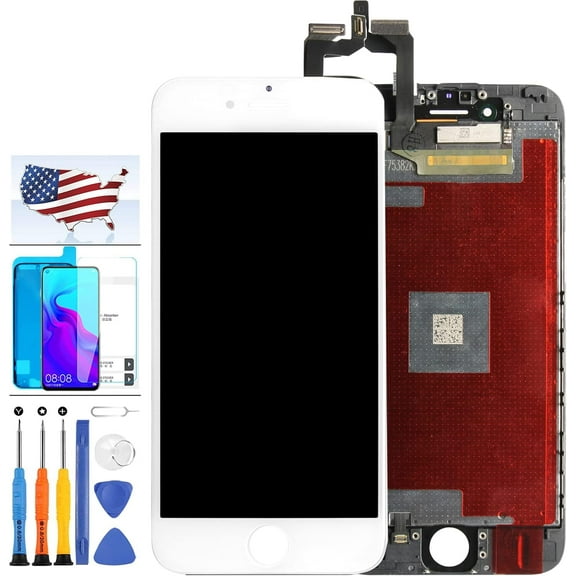
Replacement LCD Assembly With Steel Plate Compatible For iPhone 6S (Aftermarket: AQ7) (Black)
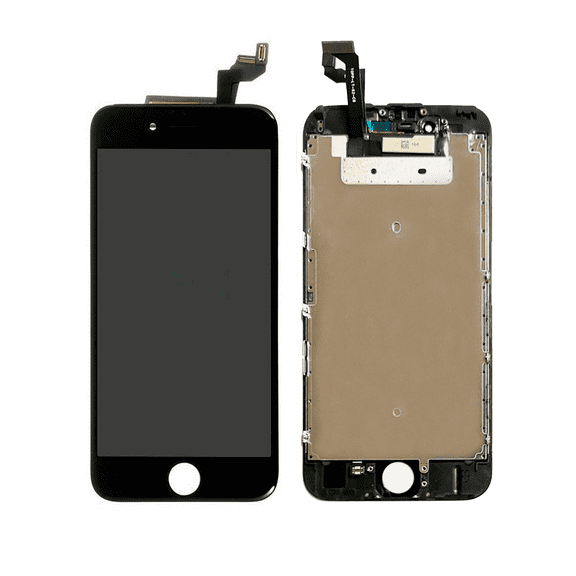 Replacement LCD Assembly With Steel Plate Compatible For iPhone 6S (Aftermarket: AQ7) (Black)$37.58current price $37.58
Replacement LCD Assembly Compatible For iPhone 4 (CDMA) (Aftermarket Plus) (Black)
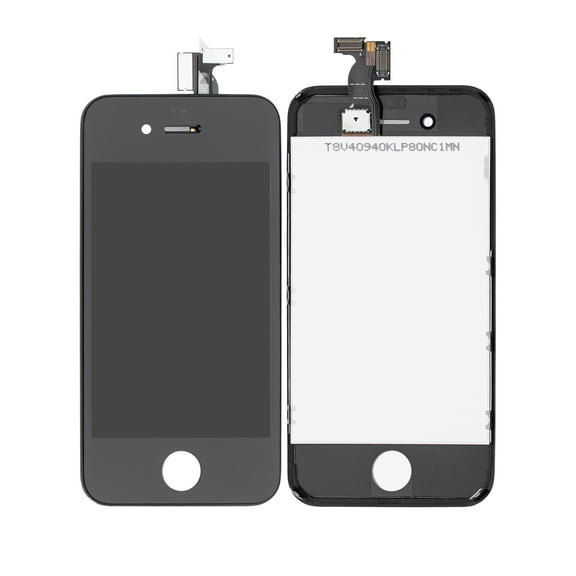 Replacement LCD Assembly Compatible For iPhone 4 (CDMA) (Aftermarket Plus) (Black)$27.62current price $27.62
Replacement Original and Brand Screen True Tone Repair Compatible With iPhone 7-11 Pro Max
 Replacement Original and Brand Screen True Tone Repair Compatible With iPhone 7-11 Pro Max$34.49current price $34.49
Replacement 2 in 1 (Front Glass + Frame Pre-Installed) Compatible For iPhone 5C (2 Pack) (Black)
 Replacement 2 in 1 (Front Glass + Frame Pre-Installed) Compatible For iPhone 5C (2 Pack) (Black)$15.63current price $15.63
for iPhone 8 Plus Screen Replacement White 5.5 Inch Full Assembly for iPhone 8 Plus A1864 A1897 A1898 LCD Dispaly 3D Touch Screen Digitizer with Repair Tools Kit
for iPhone 8 Plus Screen Replacement White 5.5 Inch Full Assembly for iPhone 8 Plus A1864 A1897 A1898 LCD Dispaly 3D Touch Screen Digitizer with Repair Tools Kit$15.99current price $15.99for iPhone 8 Screen Replacement with Home Button 4.7" for iPhone SE 2nd 2020 3D Touch LCD Display Digitizer Full Assembly Repair Kit with Front Camera Speaker Fix Tools A1863 A1905 A1906 Black
 for iPhone 8 Screen Replacement with Home Button 4.7" for iPhone SE 2nd 2020 3D Touch LCD Display Digitizer Full Assembly Repair Kit with Front Camera Speaker Fix Tools A1863 A1905 A1906 Black$25.99current price $25.99
Screen Replacement for iPhone SE & iPhone 8 - Lcd Replacement Kit for iPhone SE 2020 & 3D Touch Digitizer Display Full Aassembly for iPhone 8 4.7 Inch with Repair Tools
 Screen Replacement for iPhone SE & iPhone 8 - Lcd Replacement Kit for iPhone SE 2020 & 3D Touch Digitizer Display Full Aassembly for iPhone 8 4.7 Inch with Repair Tools$35.99current price $35.99
for iPhone 7 Screen Replacement with Home Button 4.7" 3D Touch LCD Display Digitizer Full Assembly with Fix Tools Front Camera Speaker Sensor Glass Screen Repair Kit A1660, A1778, A1779 White
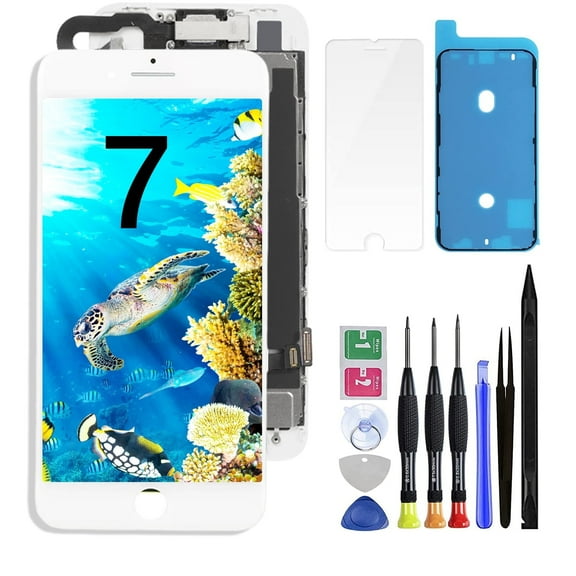 for iPhone 7 Screen Replacement with Home Button 4.7" 3D Touch LCD Display Digitizer Full Assembly with Fix Tools Front Camera Speaker Sensor Glass Screen Repair Kit A1660, A1778, A1779 White$25.99current price $25.99
Back Glass Replacement for iPhone xr - Back Glass Replacement for iPhone xr 6.1 Inches with Repairing Tool Kits
 Back Glass Replacement for iPhone xr - Back Glass Replacement for iPhone xr 6.1 Inches with Repairing Tool Kits$13.99current price $13.99
for iPhone 7 Plus Screen Replacement 5.5inch - 7Plus LCD Display Digitizer Full Assembly Repair Kit with Front Camera Earpiece Speaker Sensor, Fix Tools A1661 A1784 A1785 (Black)
 for iPhone 7 Plus Screen Replacement 5.5inch - 7Plus LCD Display Digitizer Full Assembly Repair Kit with Front Camera Earpiece Speaker Sensor, Fix Tools A1661 A1784 A1785 (Black)$34.18current price $34.18