

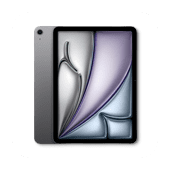
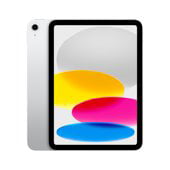
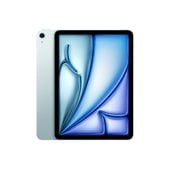

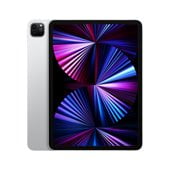




All Apple iPad in Apple iPad































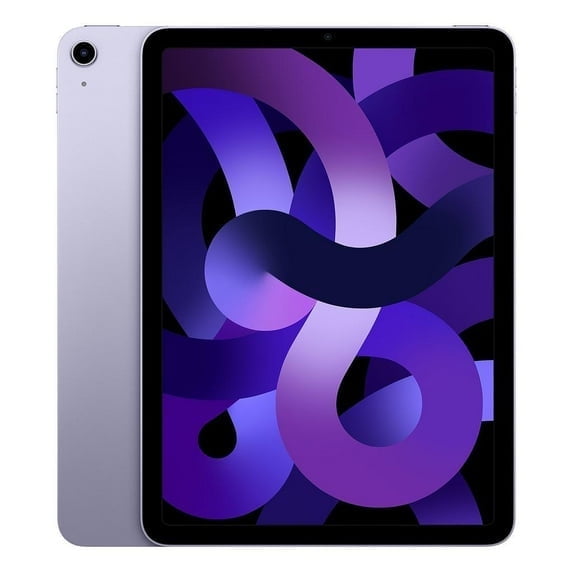


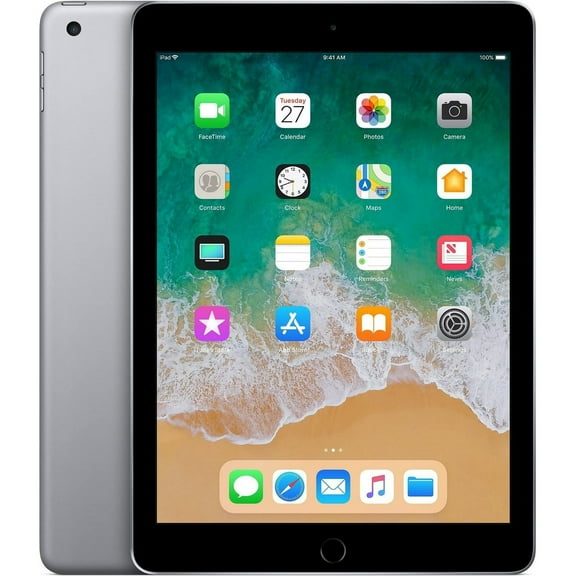

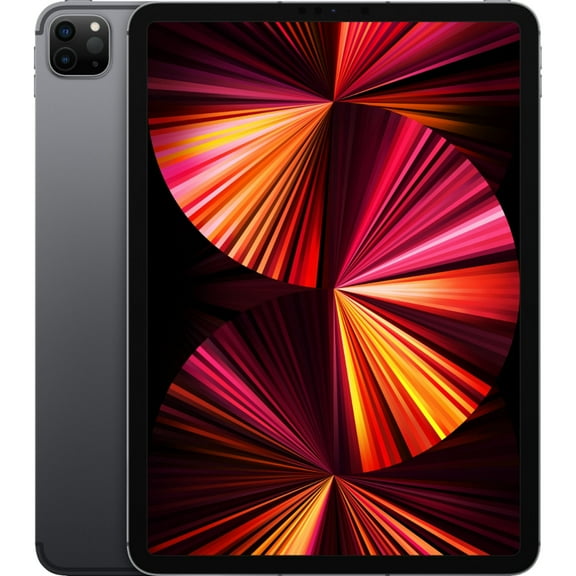
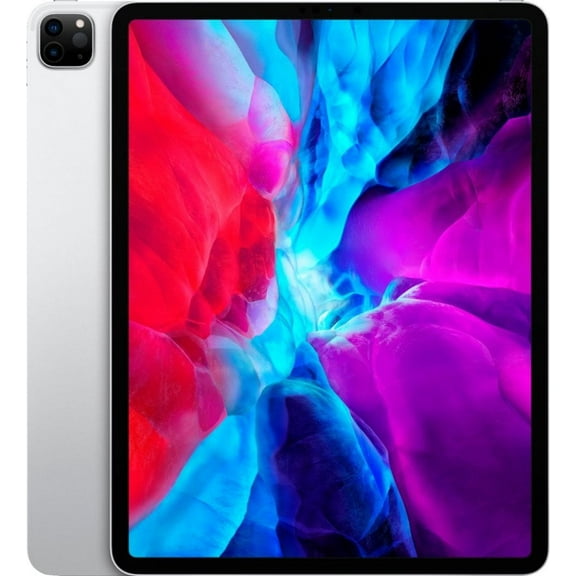


About All Apple iPad in Apple iPad - Walmart.com
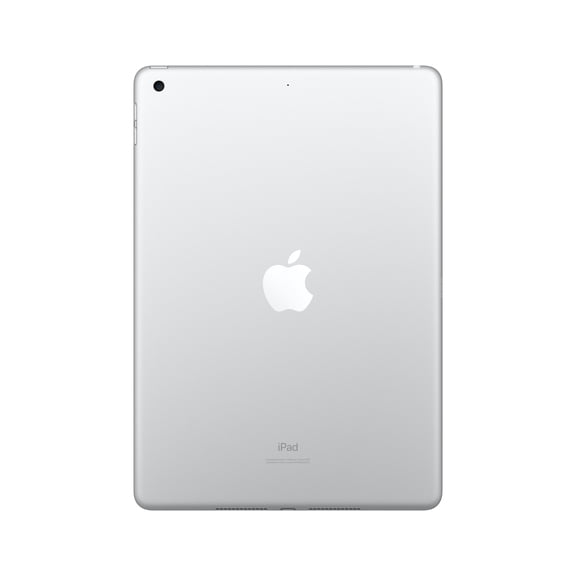
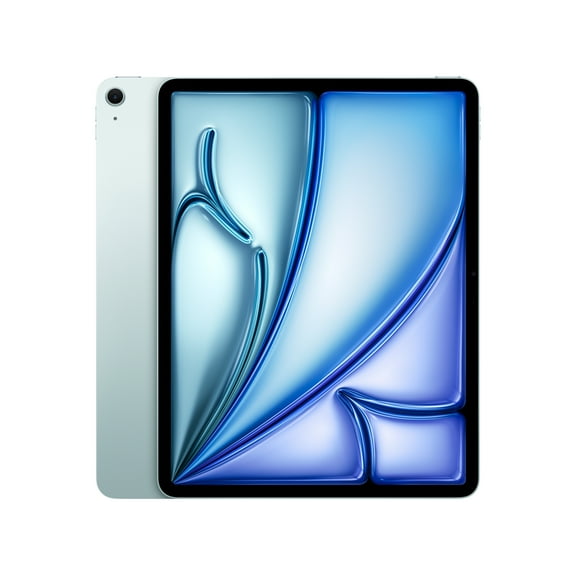
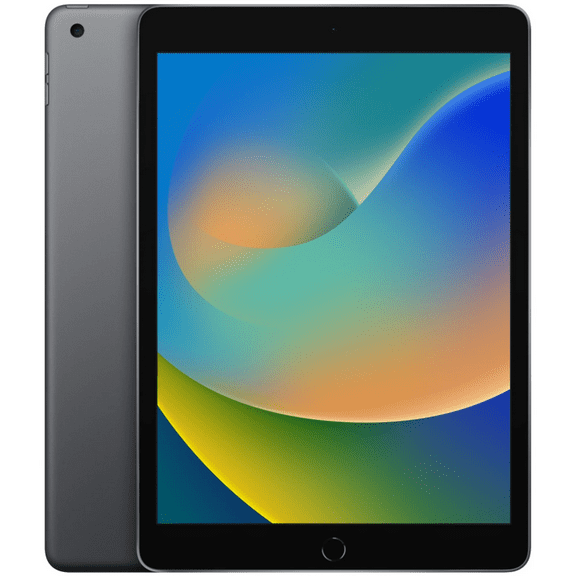
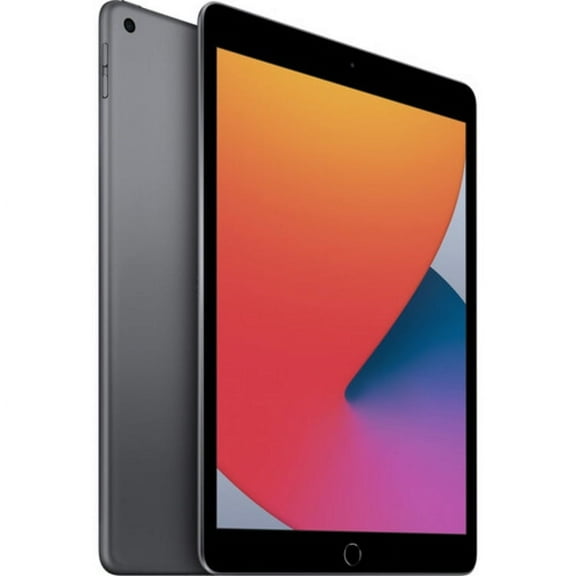
Your apple ipad search gets easier when you compare model lines, screen sizes, storage, and connectivity in one place. You can narrow your choice faster when you understand how iPad, iPad Air, iPad Pro, and iPad Mini fit different routines.
Whether you stream, sketch, study, or multitask, you can use this guide to match your daily habits to the right setup. You can also compare accessory support and processor options before you choose an Apple tablet for home, travel, or work.
How to choose the right apple ipad
You should start with what you want your tablet to do each day. If you read, browse, and stream often, you may prefer straightforward performance and a familiar size.
When your workflow includes drawing layers, editing large files, or juggling several apps, you should compare M-series options carefully. You can expect faster app switching and smoother multitasking from iPad Air and iPad Pro models.
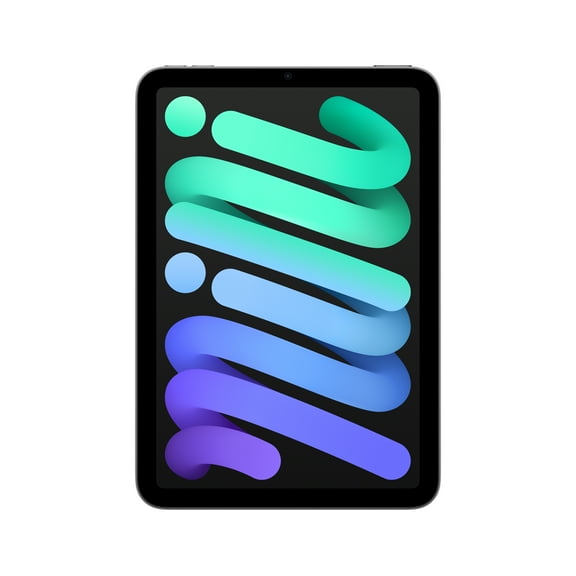
If you carry your tablet everywhere, you should compare weight and screen size together. You may find an 8.3-inch iPad Mini easier for commuting, while larger displays give your hands more room.
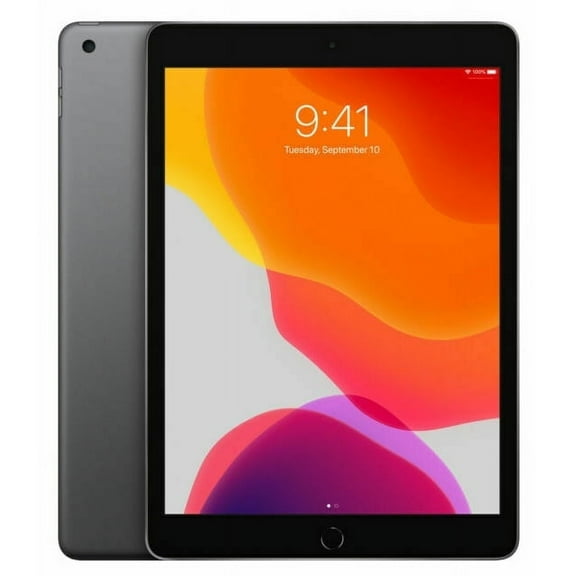
- You can choose iPad for everyday streaming, browsing, note-taking, and school tasks.
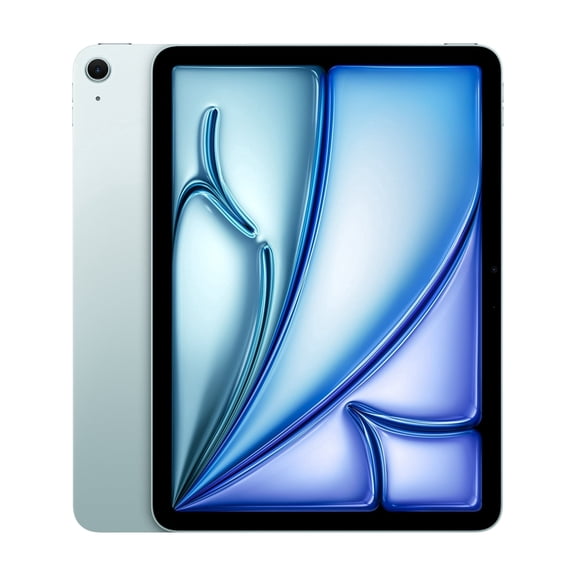
- You can compare iPad Air when you want lighter design with stronger creative headroom.
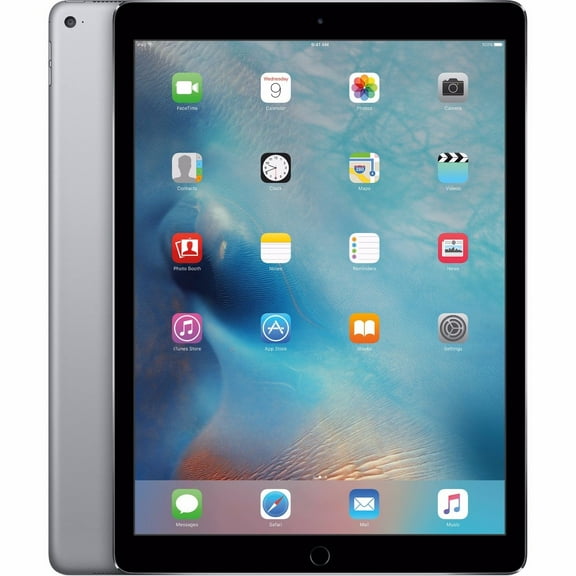
- You can consider iPad Pro for larger displays, M-series speed, and advanced multitasking setups.
- You can pick iPad Mini when you want travel-friendly size for reading, gaming, and quick checks.
Comparing model line and processor type
You should compare A-series and M-series chips by the work you actually do. If your tasks stay light, you may not need the added headroom of higher-tier processors.
For classes, email, streaming, and web use, you can feel comfortable starting with A-series performance. You’ll usually get responsive everyday use without paying for power you may never tap.
When you edit photos, use demanding creative apps, or connect a keyboard for longer sessions, you should look at M1, M2, or M4. You can notice smoother split-screen work and stronger support for heavier files.
You should also compare model line names closely because each one signals a different experience. An iPad Air often balances speed and portability, while an iPad Pro leans toward larger projects and advanced workflows.
Choosing screen size for portability or workspace
You can make screen size simpler by matching it to where you use your tablet most. If you travel often, a smaller display may fit your bag, tray table, and one-hand reading better.
An 8.3-inch screen suits quick reading, mobile gaming, and on-the-go viewing. A 10.9-inch or 11-inch display can give you more room for notes, streaming, and everyday tasks.
If you use side-by-side apps, detailed design tools, or a keyboard case, you should compare 12.9-inch and 13-inch options. You can gain a roomier canvas that feels closer to a compact laptop setup.
You should also think about how your tablet feels during longer sessions. A smaller model can feel easier to hold on the couch, while a larger one can support wider spreadsheets and timelines.
Understanding storage capacity and connectivity
You should choose storage based on what you keep downloaded, not just what you stream. If you mostly watch online content and use cloud apps, 64GB or 128GB may cover lighter routines.
When you store large games, offline movies, photos, or class files, you should compare 256GB and 512GB options. You can give yourself more room before managing storage becomes a regular chore.
If your tablet handles photo libraries, large creative projects, or extensive offline media, you should look at 1TB or 2TB. You can reduce file juggling and keep more of your work close at hand.
You should also compare Wi-Fi Only and Wi-Fi + Cellular before checkout. If you work away from home often, cellular iPad options can keep you connected without relying on public networks.
Checking accessory compatibility before you decide
You should confirm accessory compatibility early because it shapes how you’ll use your tablet every day. If you plan to type, draw, or prop your device up, keyboard and pencil support matter.
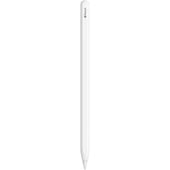
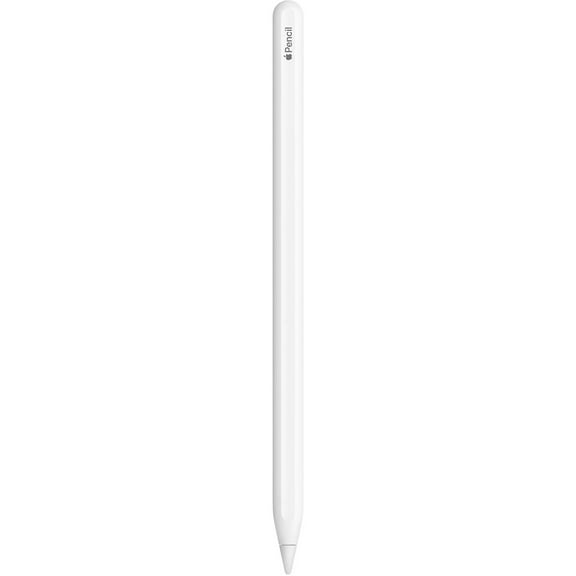
You may need Apple Pencil support for handwritten notes, illustration, or markup. You should check whether your model works with the Apple Pencil generation or Apple Pencil Pro you want.
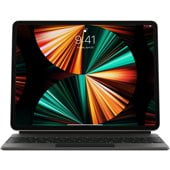
If you plan to replace some laptop tasks, you should compare keyboard compatibility as well. You can pair the right iPad with a case or Magic Keyboard option that supports longer typing sessions.
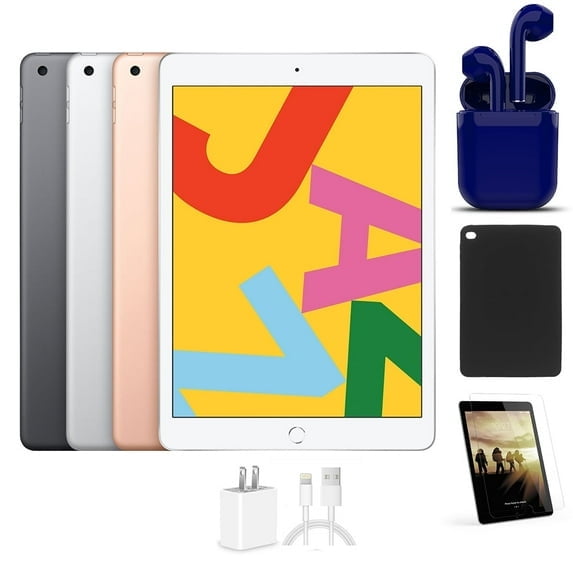
You should also think about cases, stands, and charging habits before you choose a model line. A larger screen may pair well with desk use, while a smaller one may fit simple carry cases.
How ipad pro, ipad air, and ipad mini fit real routines
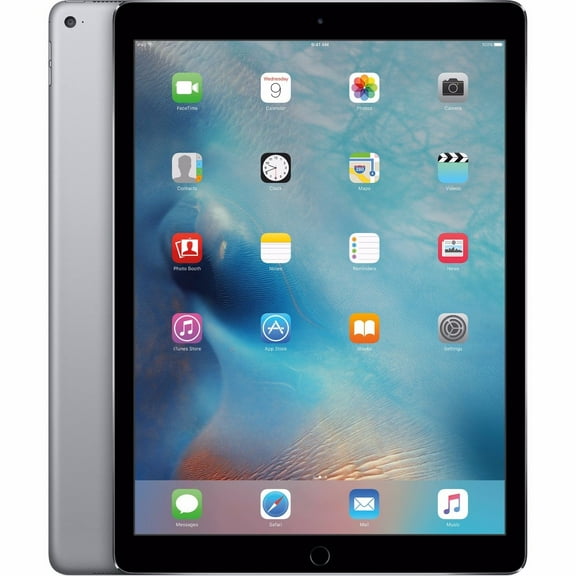
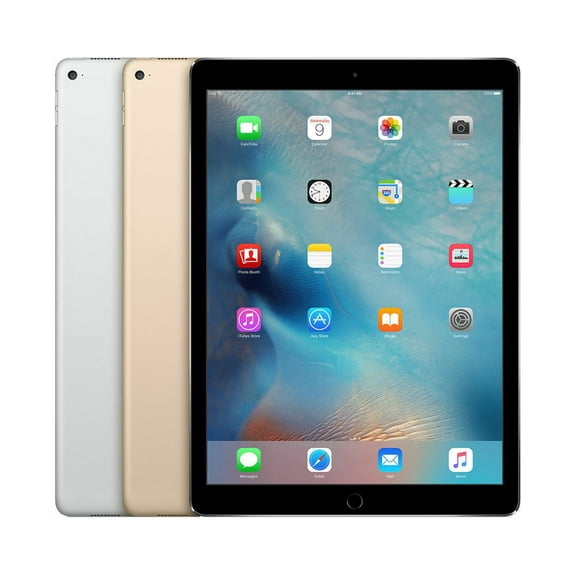
If your day includes sketching, editing, and several apps open at once, you should compare ipad pro models first. You can pair larger screens and M-series power with accessories for a more desk-ready setup.
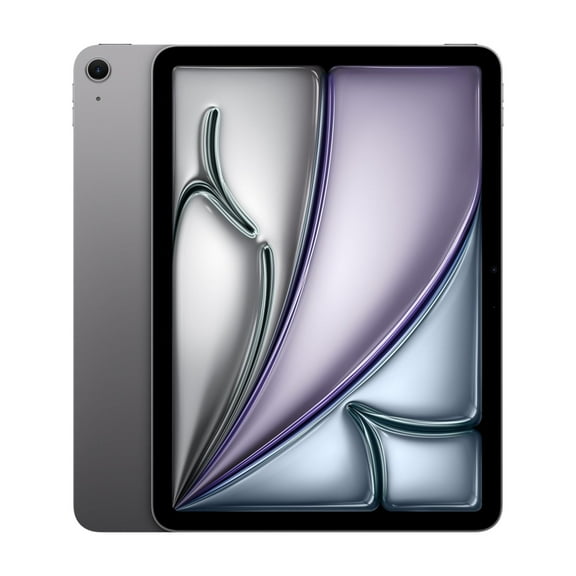
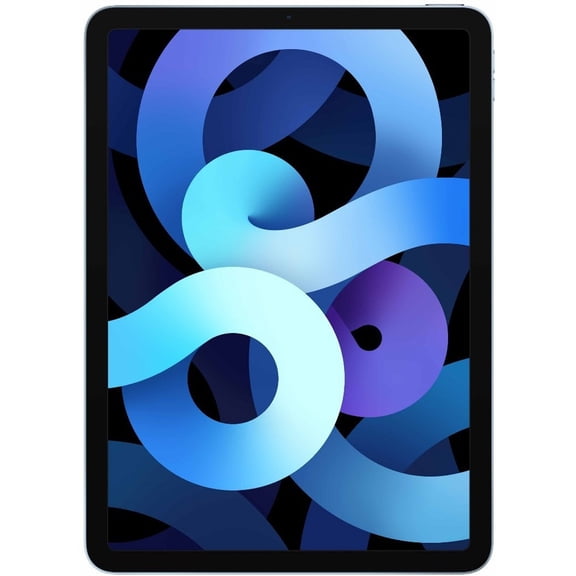
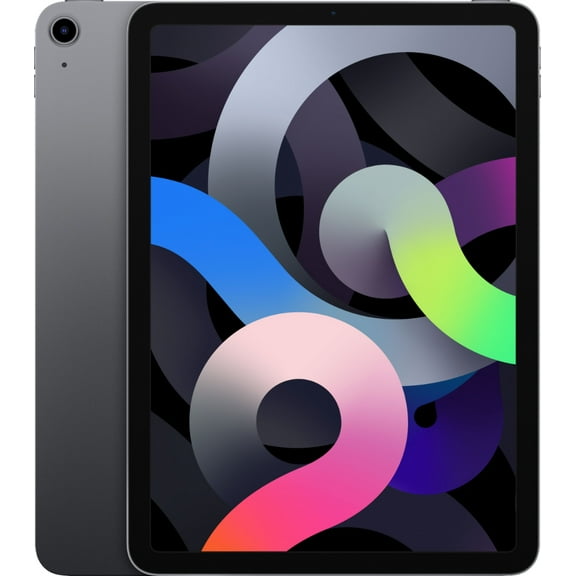
When you want strong performance without moving to the largest display sizes, you should consider ipad air. You can get a lighter option that still supports creative tasks, schoolwork, and everyday entertainment.
If your routine centers on travel, reading, and compact carry, you should look closely at ipad mini. You can slip it into smaller bags and use it comfortably in tighter spaces.
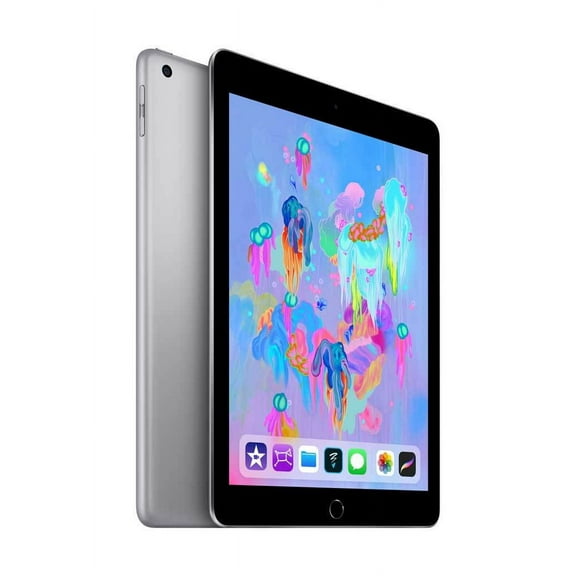
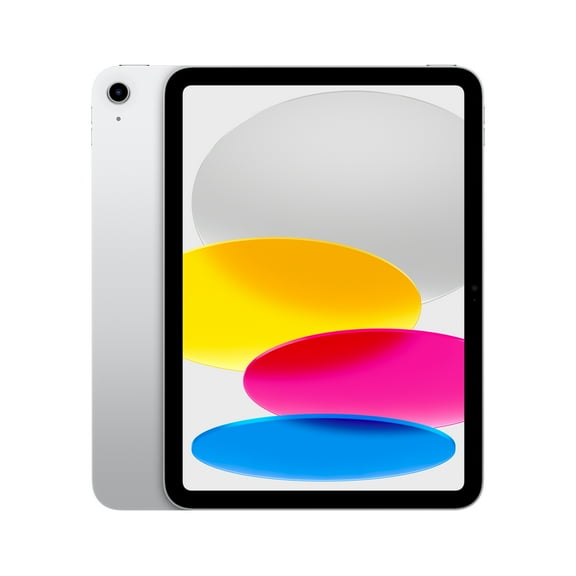
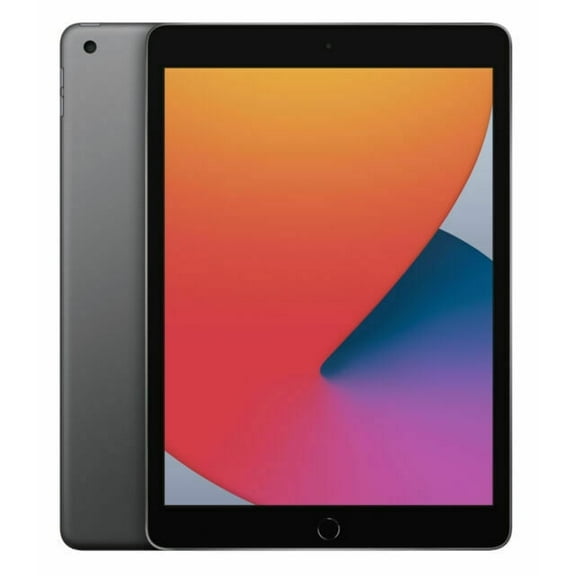
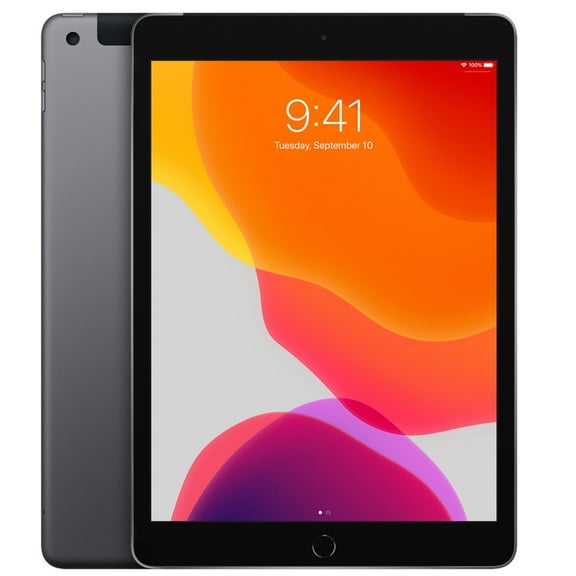
You may also want a standard iPad when your needs stay focused on streaming, browsing, classes, and family sharing. You can cover everyday tablet use without overcomplicating your decision.
Your final choice should reflect how you work, where you carry your tablet, and which accessories you plan to use. You can choose more confidently when your apple ipad matches your screen, storage, and performance needs.