

HP Laptops


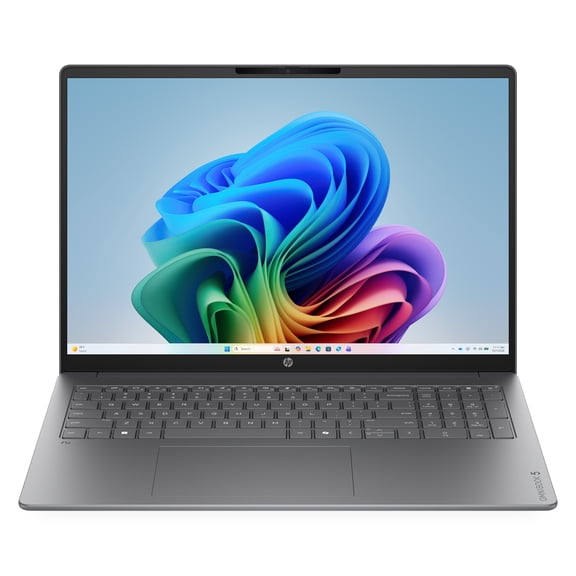


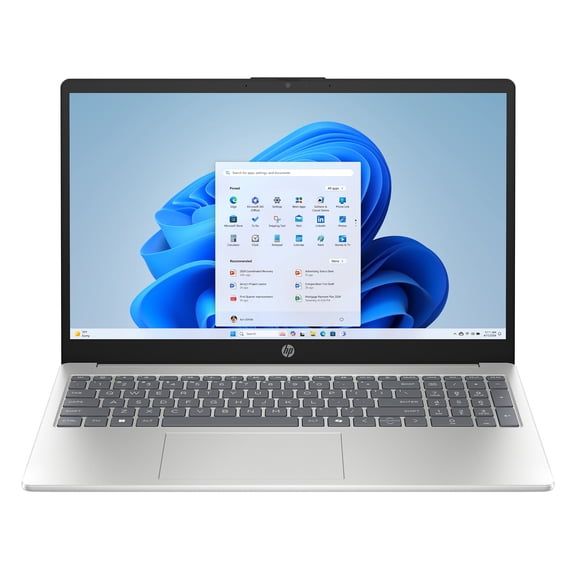
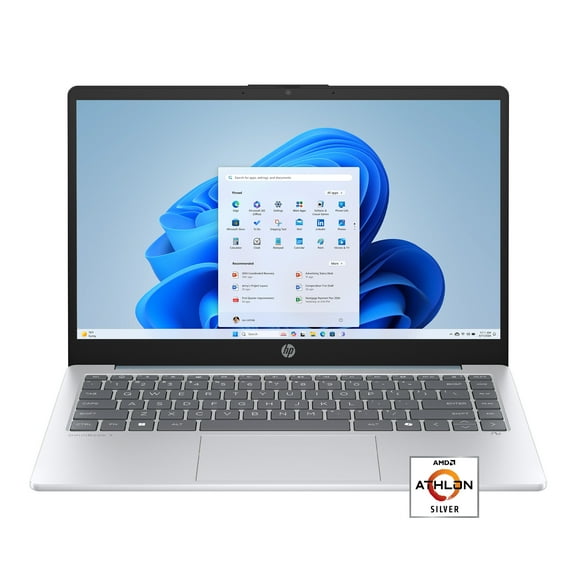


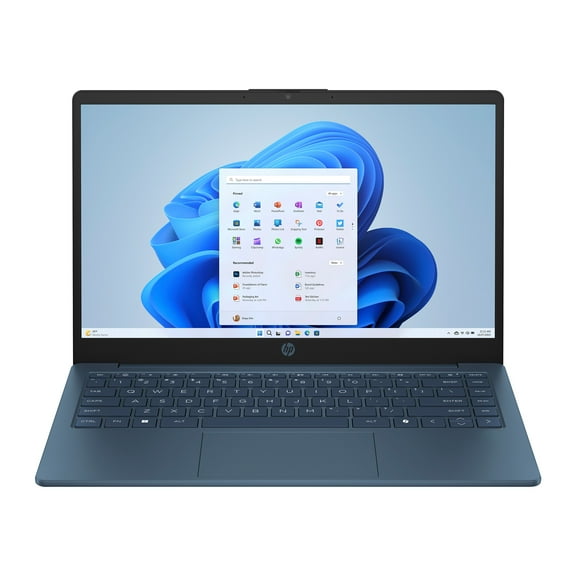








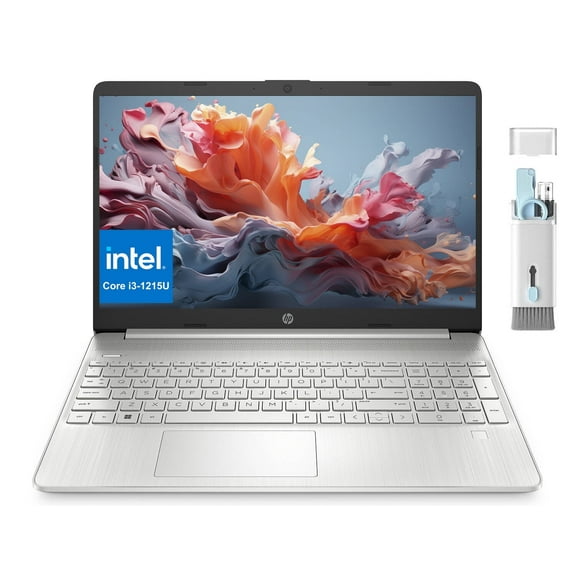


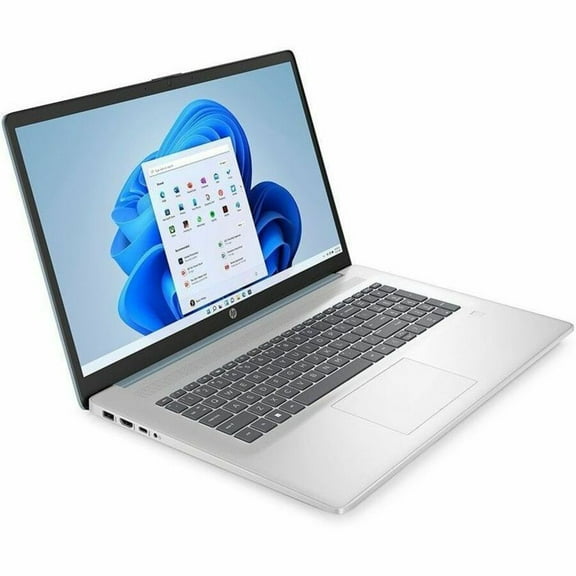

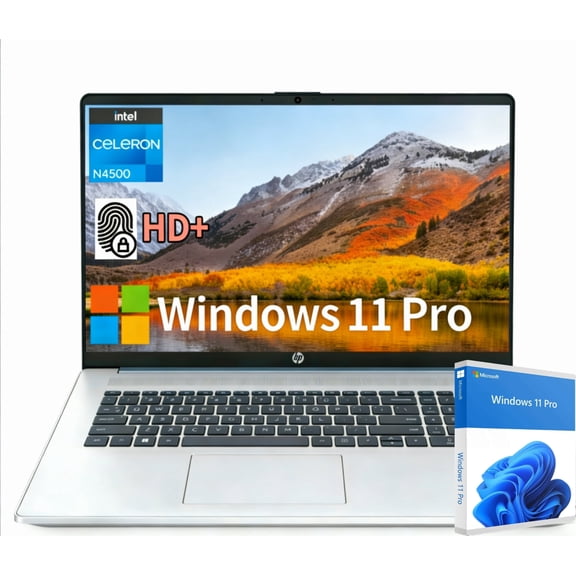
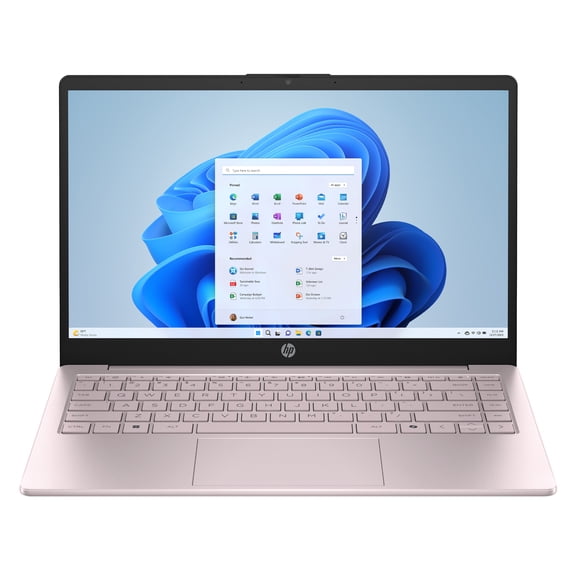












About HP Laptops - Walmart.com
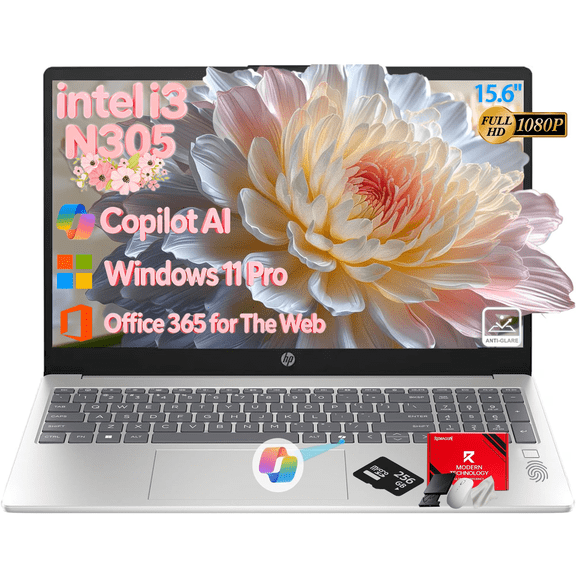
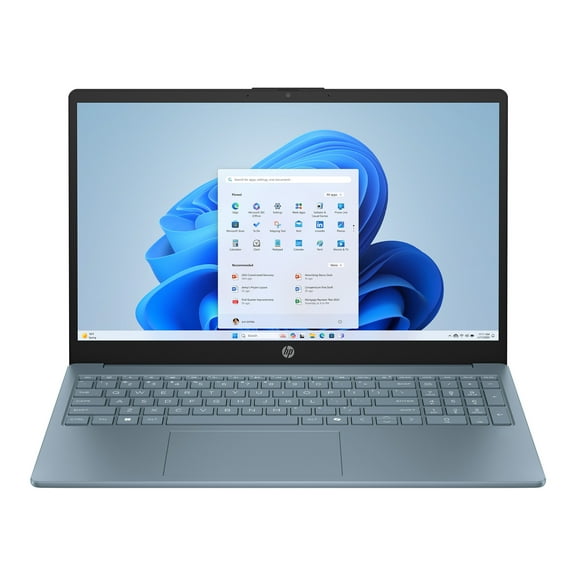
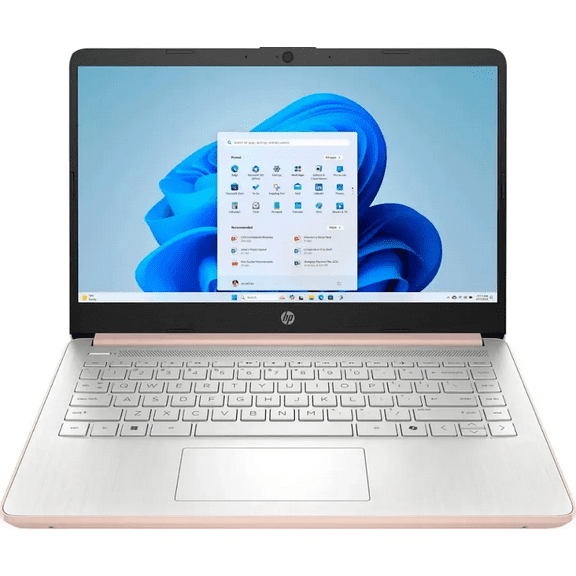
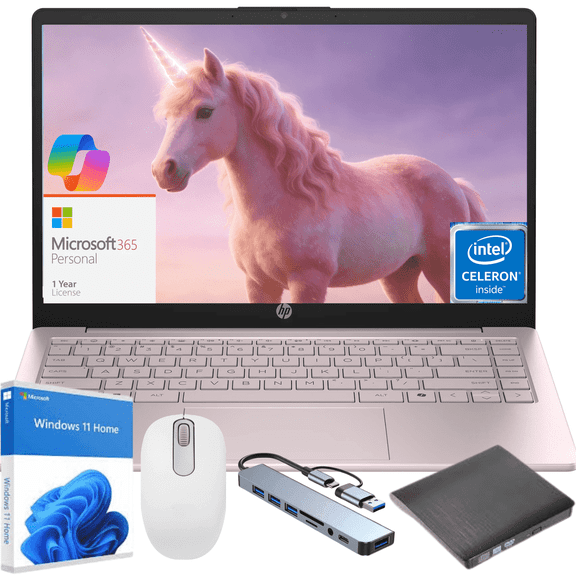
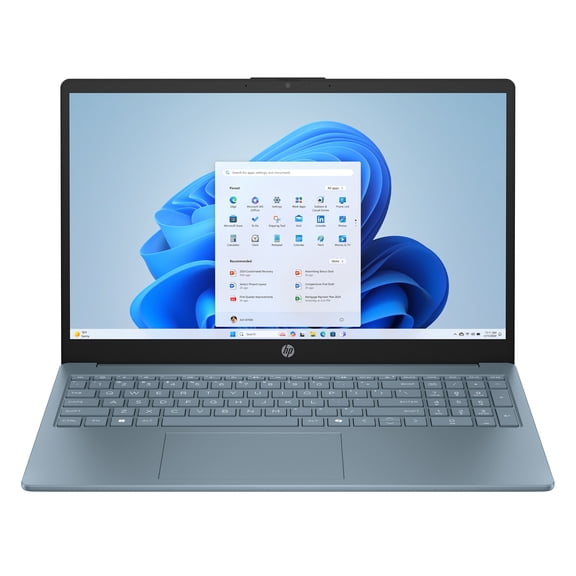
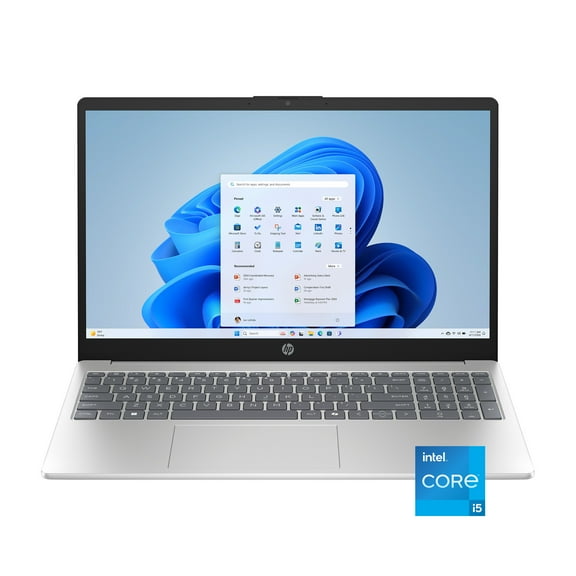
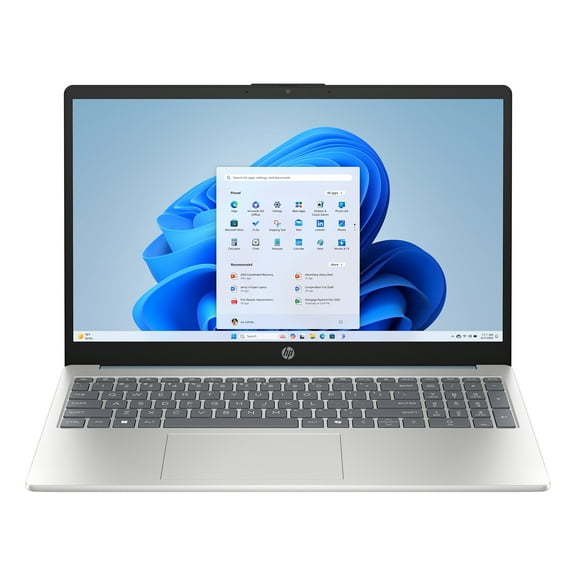
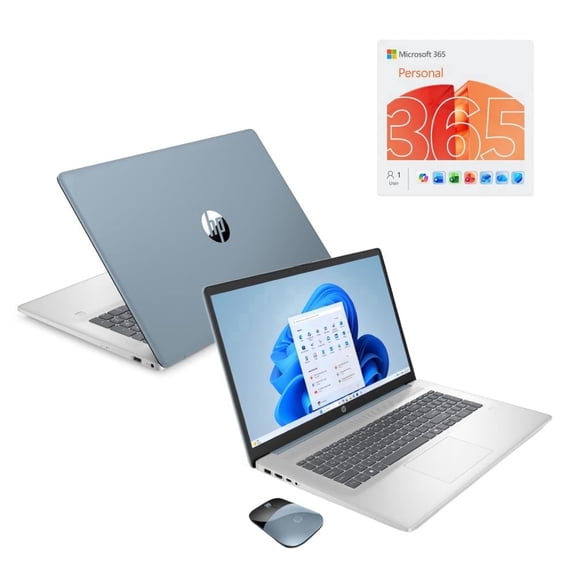
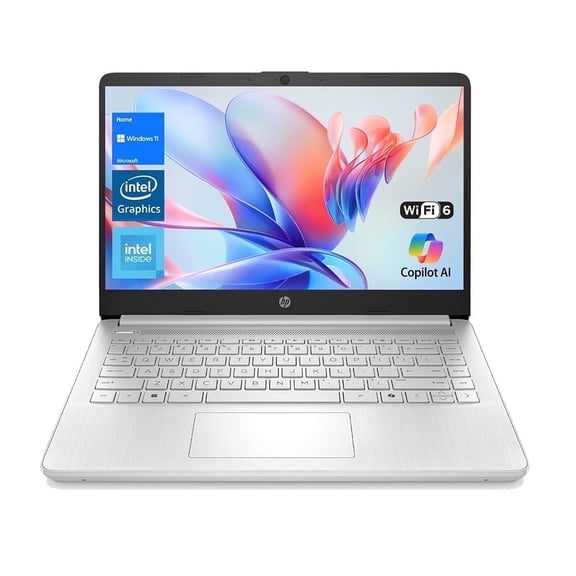
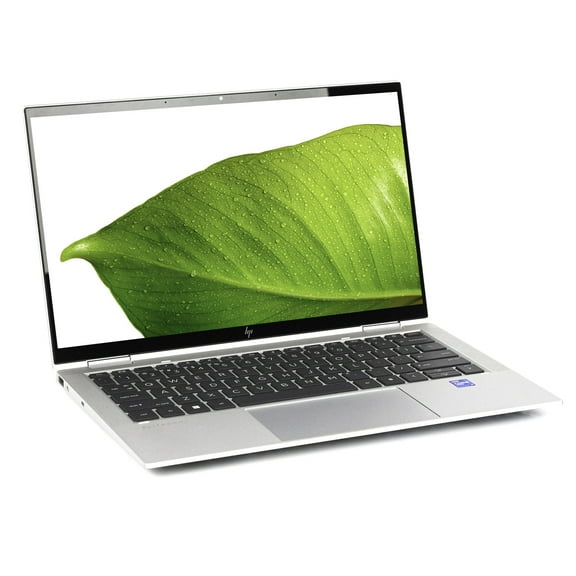
HP laptops give you a clear way to match work, school, and streaming needs with the series, size, and performance you want. You can compare familiar HP families, touchscreen options, and processor tiers in one place.
If you're narrowing a large catalog, you need decision points that quickly separate everyday picks from creator, student, and gaming choices. You'll also want help understanding screen sizes, 2-in-1 designs, and Windows or ChromeOS options.
How to choose HP laptops by series
You should start with the series because it shapes your daily experience and your feature expectations. You can use that shortcut to sort basic tasks, style-focused designs, and gaming-focused builds.
If you want a dependable everyday machine, an hp pavilion laptop often fits homework, web browsing, video calls, and documents. If your routine includes a polished design and stronger multitasking, an hp envy laptop may fit better.
You may prefer an HP Spectre model when you want a thin profile and elevated design details. You can look at Omen models when your gaming setup needs dedicated graphics and faster refresh options.
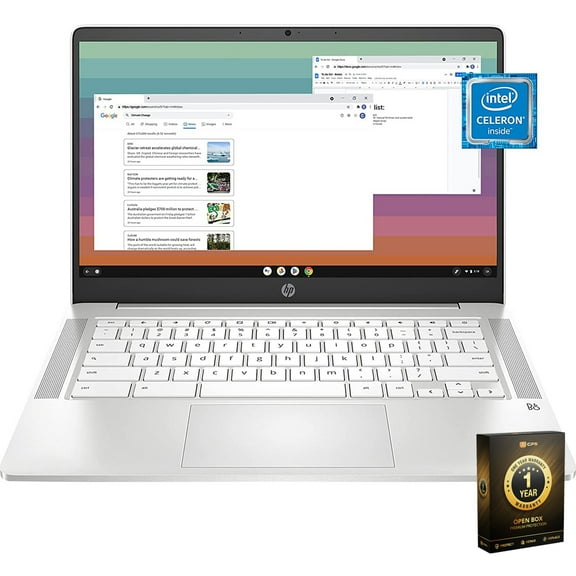
If your routine centers on web apps, an hp chromebook can keep things simple with ChromeOS and fast startup. You can also consider it for school-focused tasks, writing, and cloud-based coursework.
- You can match Pavilion models to everyday browsing, schoolwork, and household computing.
- You can compare Envy and Spectre lines when your workload includes multitasking, content creation, and polished portability.
- You can choose Chromebook models when your classes and daily tasks happen mainly in a browser.
- You can focus on Omen systems when your setup needs gaming-ready graphics and larger displays.
Choosing screen size and hp touchscreen laptops
You should compare screen size with where and how often you carry your computer. You may find that a smaller display travels easier, while a larger display gives you more room.
If you commute often, a 14 inch model can feel easier to pack and easier to use on smaller tables. If your laptop stays home, 15.6 inch and 17.3 inch screens can feel more spacious.
You can also decide between a traditional laptop, a thin and light build, or a 2-in-1 convertible. If flexibility matters, hp touchscreen laptops can help you tap, swipe, sketch, and present more naturally.
An hp pavilion x360 style design can suit note taking, casual streaming, and shared family use. You may prefer a standard clamshell when your typing time matters more than tablet-style versatility.
What to look for in processors, memory, and storage
You should choose performance by matching your apps with the processor and memory you need every day. You can avoid overbuying when you compare light tasks with heavier multitasking.
If your routine includes browsing, documents, and streaming, Intel Core i3 or Intel Core i5 options can feel practical. If you keep many tabs open, Intel Core i5 and AMD Ryzen 5 can give you smoother multitasking.
You may want Intel Core i7 or AMD Ryzen 7 when you edit photos, manage larger files, or juggle demanding programs. You should also compare 8GB and 16GB memory, because RAM directly affects how smoothly you switch tasks.
If you store lots of files locally, you should check storage capacity before you choose a model. You can keep your workflow simpler when your laptop matches your file habits from the start.
Deciding between Windows 11 and ChromeOS
You should compare operating systems by the apps, file types, and routines you already use. You can often decide faster once you know whether browser-based work covers most tasks.
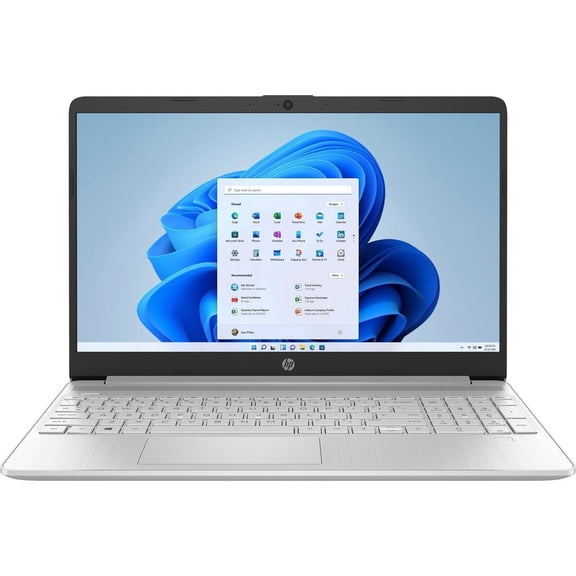
If you use familiar desktop programs, Windows 11 hp laptop computers can give you broader software flexibility. If you mainly use web tools, ChromeOS can keep your setup streamlined and easy to navigate.
You may find ChromeOS especially useful for school accounts, shared family use, and quick sign-ins. If you're shopping for hp laptops for school, that simple setup can make daily routines easier.
You can also compare battery expectations, storage style, and accessory needs before you commit. If you're choosing hp college laptops, that checklist helps you balance portability, classwork, and everyday carry.
Matching HP laptops to real-life use cases
You can narrow your options faster when you pair each configuration with a specific routine. You should think about where you work, which apps you open, and how often you travel.
If you need a household computer for email, streaming, and school portals, Pavilion models can cover those basics comfortably. If you split time between classes and commutes, a 14 inch Chromebook or thin laptop can feel easier to carry.
If your day includes spreadsheets, meetings, and multitasking, an i5 laptop with 8GB or 16GB memory can fit well. If you want tablet-style flexibility, a touchscreen convertible can support notes, presentations, and couch browsing.
You may want a larger 15.6 inch or 17.3 inch system when your desk setup handles longer sessions. If gaming is part of your routine, Omen configurations can better align with graphics-heavy play and larger visuals.
You can shop with more clarity when you compare HP series, screen size, processor, form factor, and operating system together. That approach helps you land on a laptop that fits your routine from the first sign-in.