

Laser Pointers & Remotes in Projection Equipment



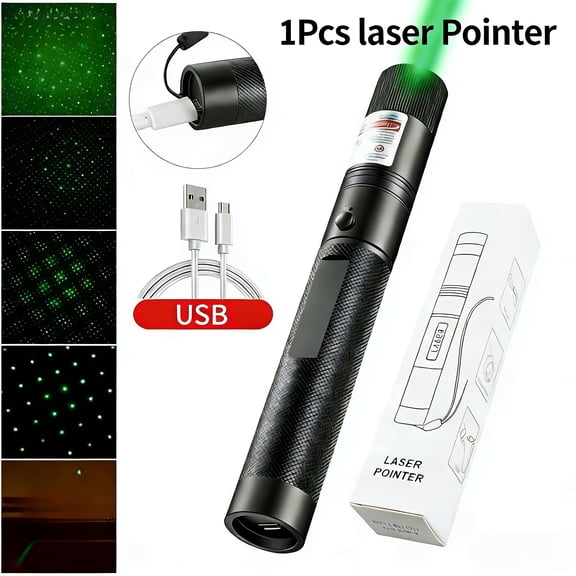



![GJX 2026 New [Professional] Rechargeable Green Laser Pointer High Power Green Beam Light Long Distance Range for Tv/Led/Lcd Screens Tactical Flashlights Presentation Office/Outdoors/Construction](https://i5.walmartimages.com/seo/GJX-2026-New-Professional-Rechargeable-Green-Laser-Pointer-High-Power-Green-Beam-Light-Long-Distance-Range-Tv-Led-Lcd-Screens-Tactical-Flashlights-Pr_55e9e6c7-81f0-41b4-96ff-88cff30d78d4.7506c1481816c79746c6bb201dad3ac4.jpeg?odnHeight=576&odnWidth=576&odnBg=FFFFFF)





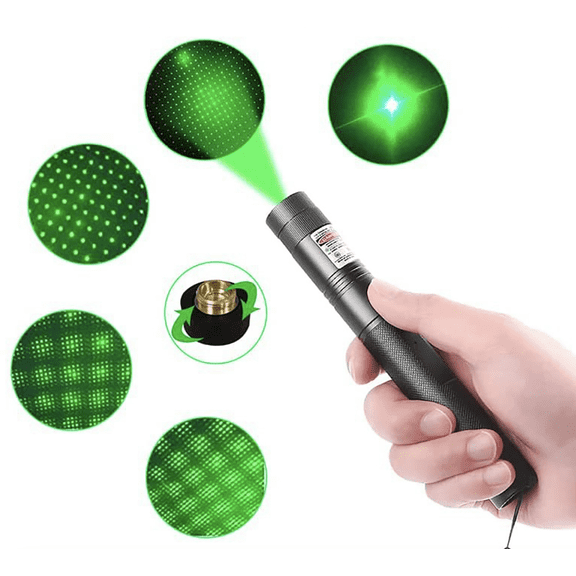
![GJX [Professional] Rechargeable Green Laser Pointer High Power Green Beam Laser Light Long Distance Range for Tv/Led/Lcd Screens Tactical Flashlights Presentation Office/Outdoors/Astronomic [001]](https://i5.walmartimages.com/seo/GJX-Professional-Rechargeable-Green-Laser-Pointer-High-Power-Green-Beam-Laser-Light-Long-Distance-Range-Tv-Led-Lcd-Screens-Tactical-Flashlights-Prese_4c133cfb-8959-46f1-ad14-6e8f8f8ff0ab.7ff64c9f15d62d424d7c0735803fb41e.jpeg?odnHeight=576&odnWidth=576&odnBg=FFFFFF)




About Laser Pointers & Remotes in Projection Equipment - Walmart.com
Laser pointers and remotes help you move through slides smoothly and keep your audience focused during meetings, classes, and training sessions. You can compare connection types, laser colors, range, compatibility, and power options to match the way you present.
If you lead presentations often, you’ll want controls that feel easy in your hand and respond without delay. You can also choose models with digital pointer options, media buttons, and simple layouts that support steady pacing.
How to choose laser pointers and remotes
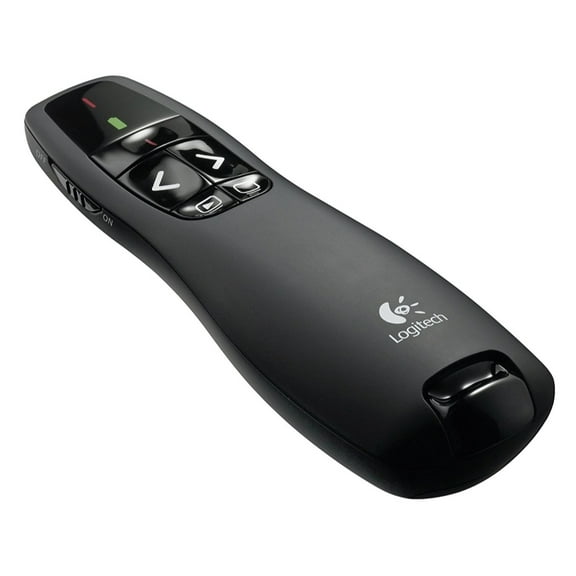
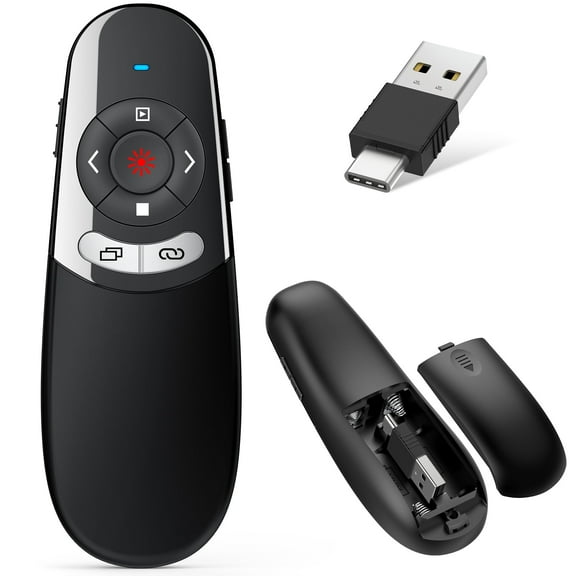
When you compare laser pointers and remotes, you should start with how your device connects. You’ll usually choose a USB receiver, Bluetooth, or dual mode wireless presenter remote setup.
If you use a USB receiver, you’ll get a simple plug-in option for many laptops and desktops. If you use Bluetooth, you can pair without a dongle and keep one port free.
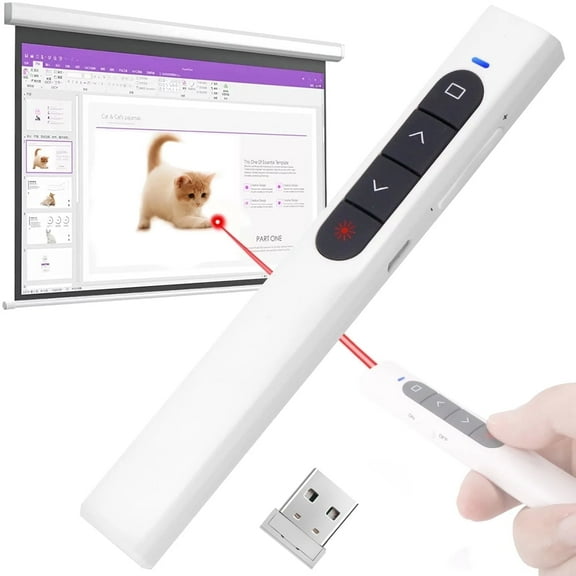
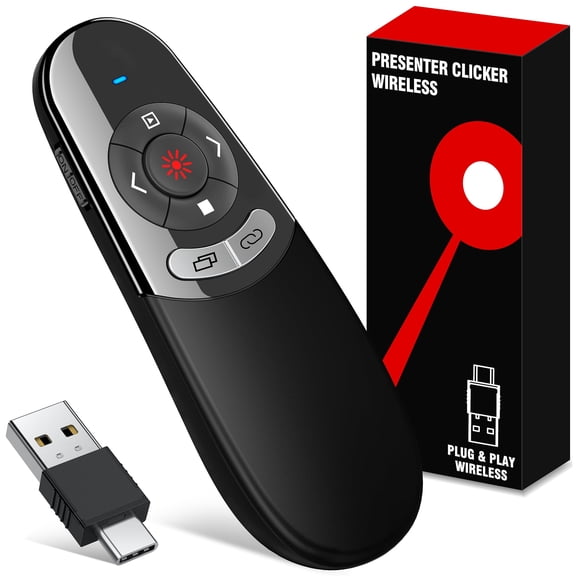
If you switch between devices, you may prefer dual mode because you can compare RF 2.4GHz and Bluetooth in one presentation clicker. You’ll also want to check whether the receiver uses USB-A or USB-C.
Compatibility matters just as much as connection type when you run PowerPoint, Keynote, or browser-based slides. You should check whether your powerpoint clicker supports Windows, macOS, ChromeOS, or Android before you present.
- You can choose USB receiver models when you want simple setup on shared office computers.
- You can choose Bluetooth when your laptop has limited ports and you want cleaner travel packing.
- You can choose dual mode when you present across several devices and need flexible pairing.
- You can choose broad compatibility when you switch between PowerPoint, Keynote, and web presentation tools.
Choosing the right presentation clicker features
You’ll want button layouts that let you advance slides by feel instead of looking down. You can look for separate keys for forward, back, screen blanking, and volume control.
Range is another important decision because room size changes how far you need to move. You can use 30 feet for smaller classrooms, 50 feet for conference rooms, and 100 feet or more for larger halls.
If you present in a boardroom, a shorter range may cover the full space without added complexity. If you speak in auditoriums, you’ll want a slide advancer that keeps responding from the back or side of the room.
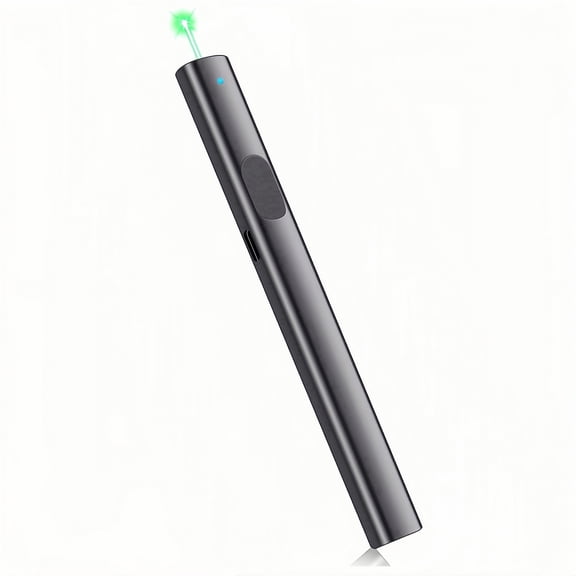
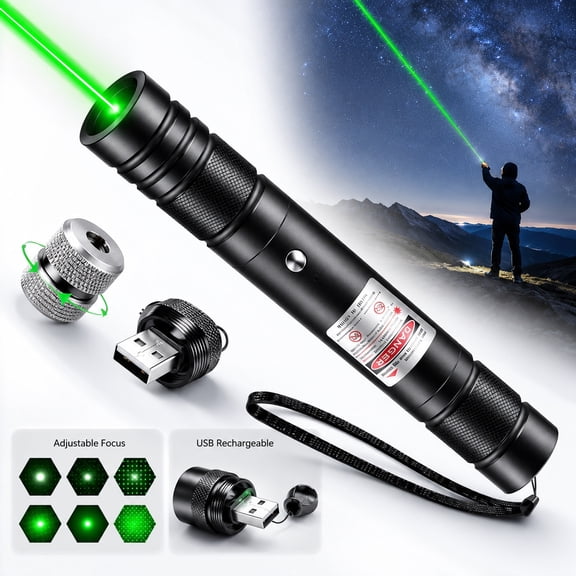
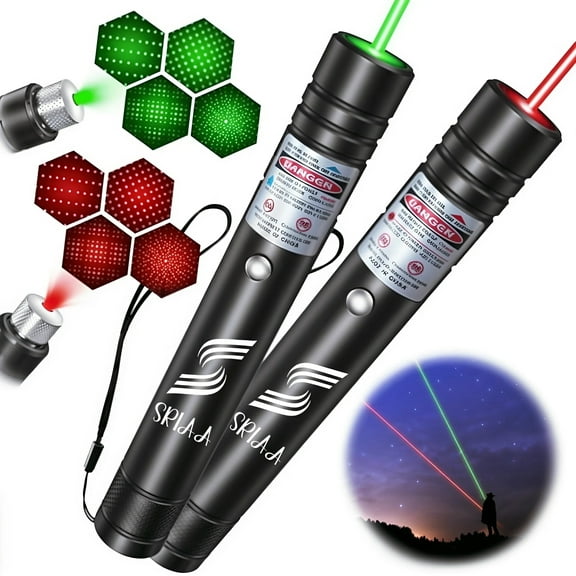
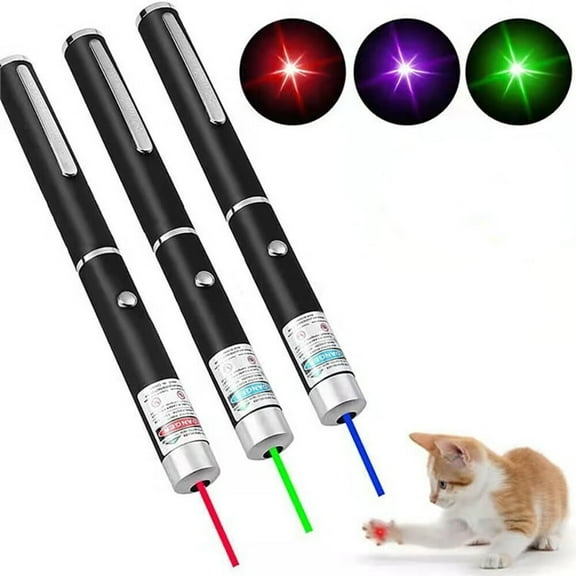
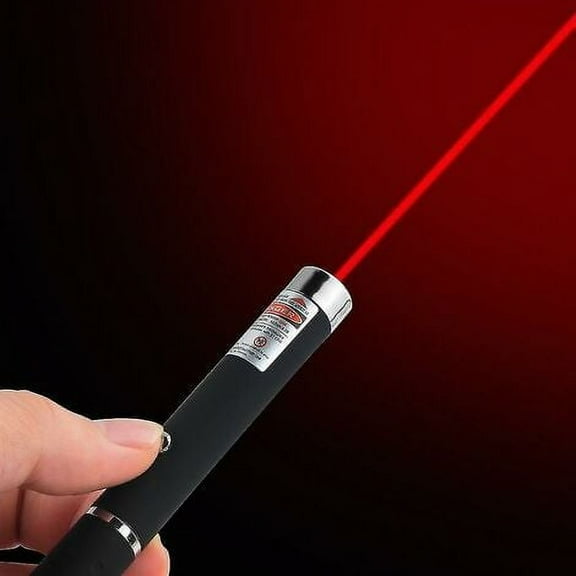
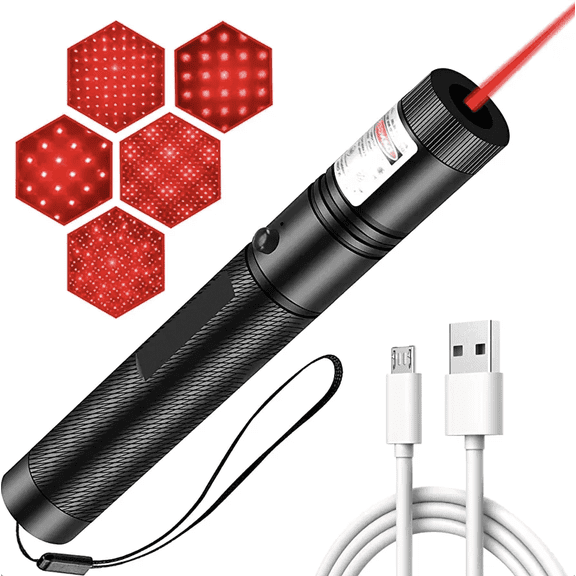
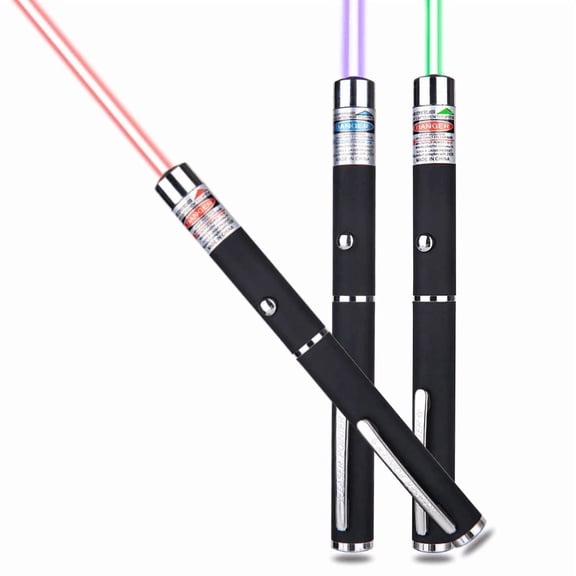
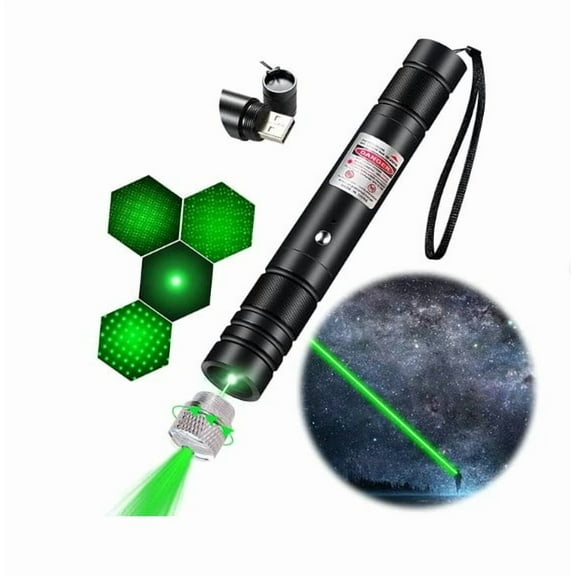
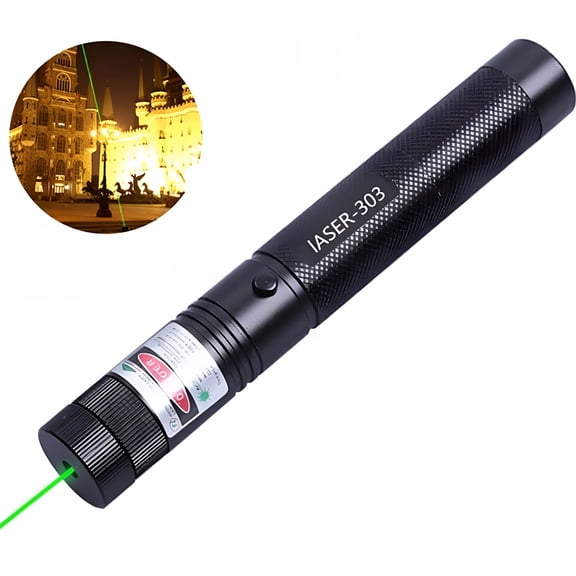
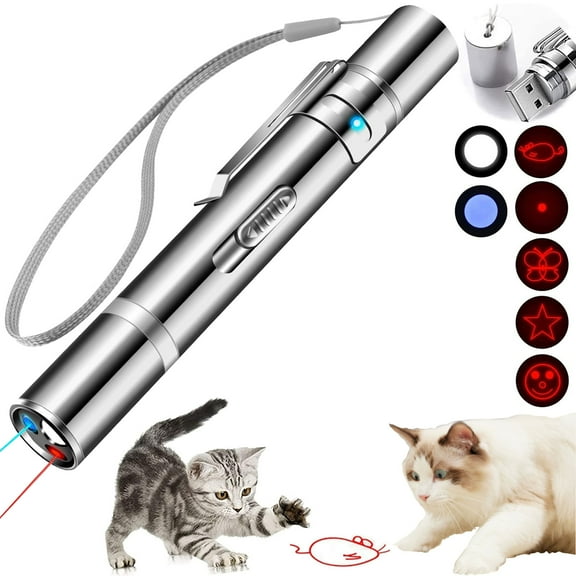
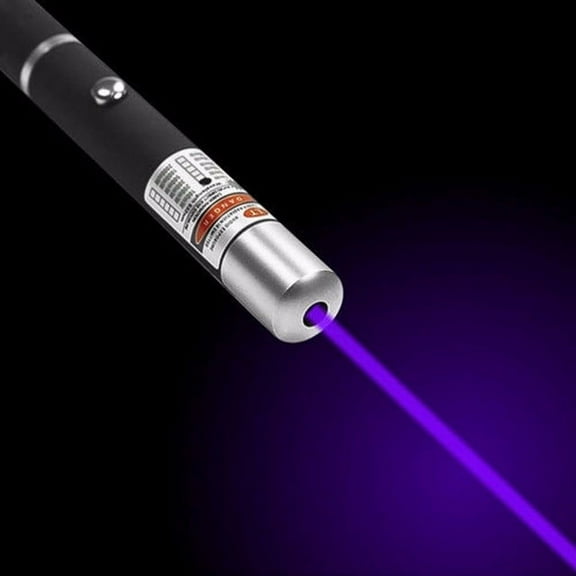
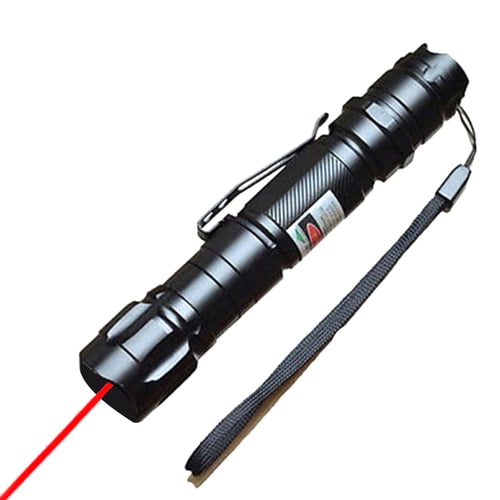
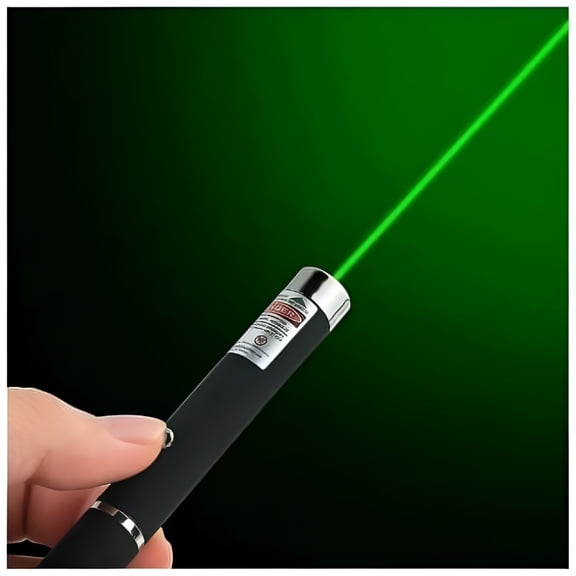
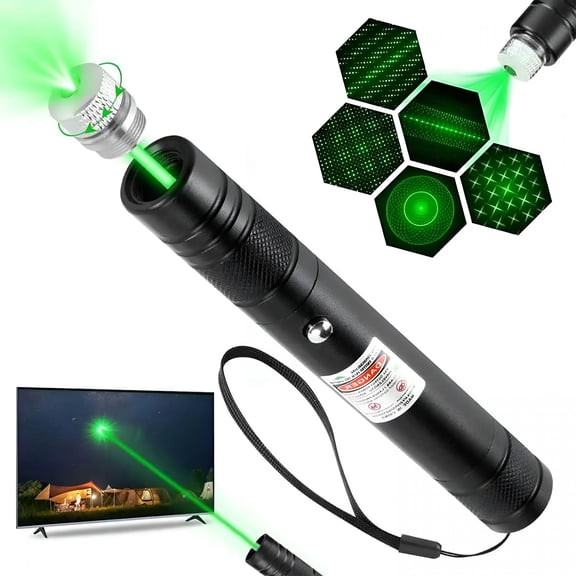
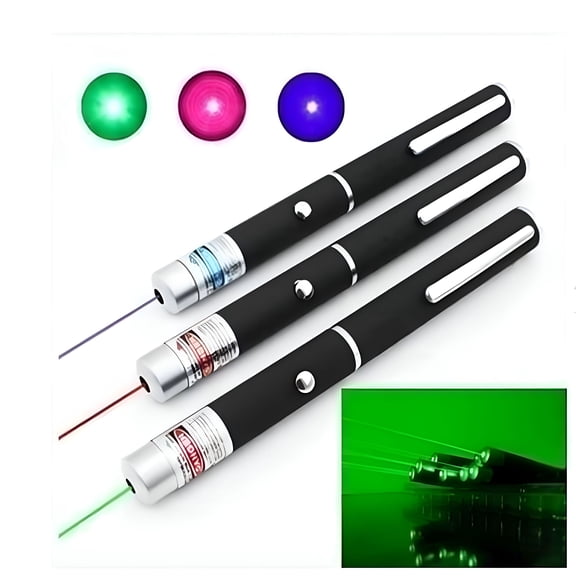
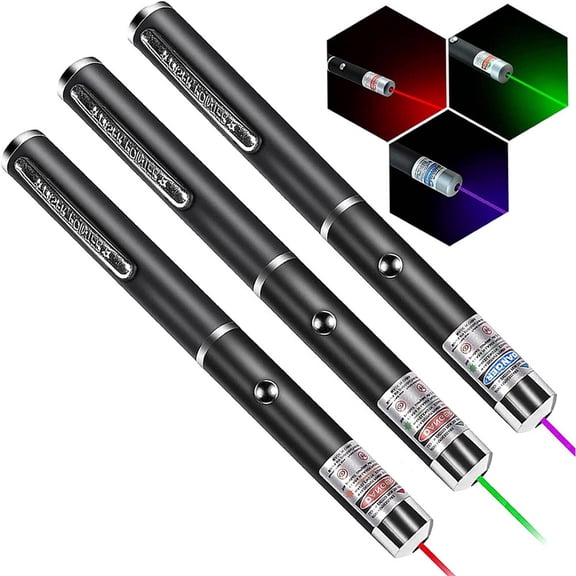
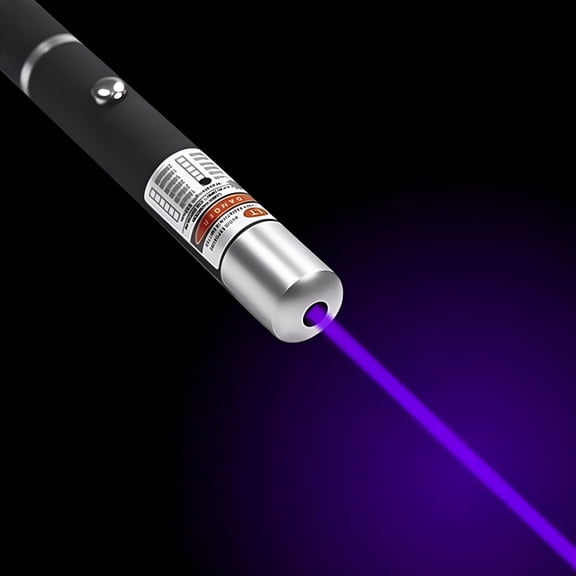
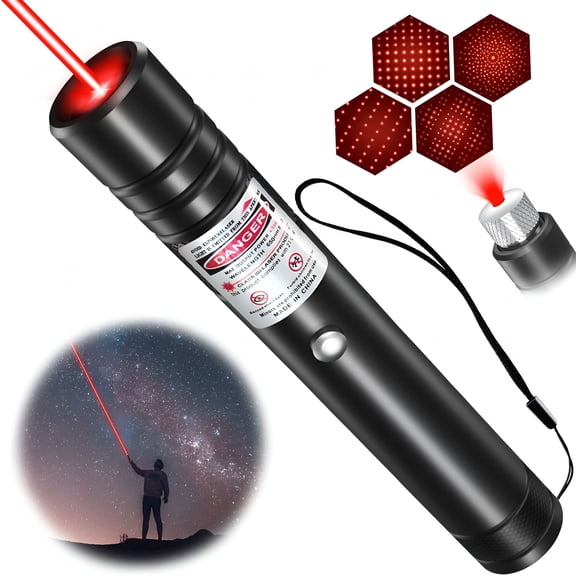
Laser color also shapes how clearly you can direct attention on different screens. You can compare red laser, green laser, and no laser digital pointer options based on your display style.
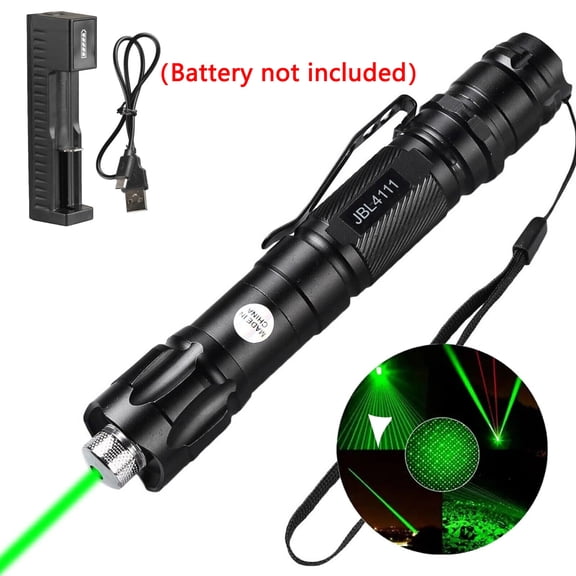
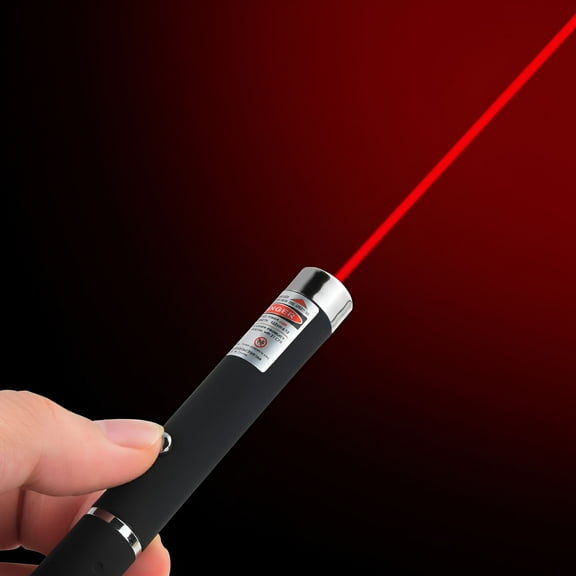
If you use standard projection screens, you may find red lasers familiar and easy to recognize. If you present in brighter rooms, you may prefer green laser visibility on larger displays.
If your meeting platform uses shared screens, you may prefer a digital pointer instead of a physical beam. You can keep your presentation clean while still guiding attention to charts and text.
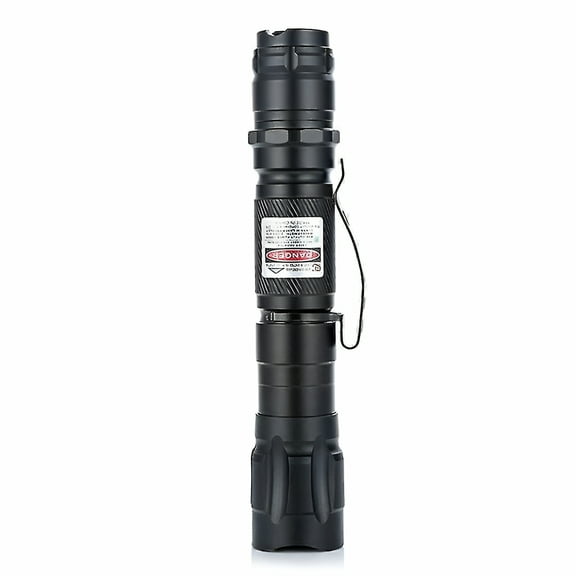
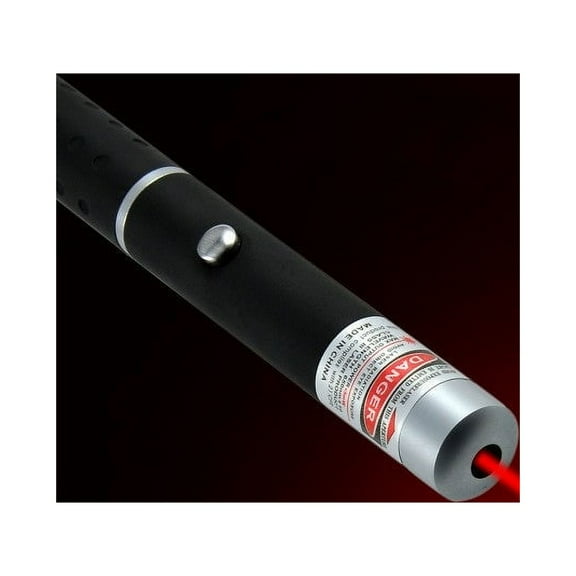
You may also notice basic safety labels on office laser pointers and remotes. You should check the listed class rating so you understand the intended presentation use in plain terms.
Comparing wireless presenter remote power and compatibility
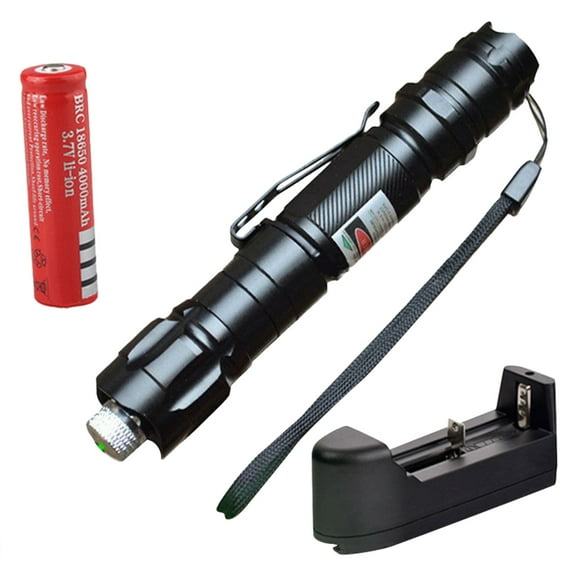
You can choose rechargeable Li-ion power when you want fewer battery swaps during a busy workweek. You may prefer AAA or AA batteries when you want quick replacement during travel or event setup.
If you present every day, rechargeable designs can keep your desk kit lighter and simpler. If you work at venues or schools, replaceable batteries can help you stay ready with spares.
You should also compare charging methods, battery indicators, and expected runtime between charges or replacements. You’ll appreciate clear status lights when you need to avoid interruptions between sessions.
Compatibility goes beyond operating systems because your workflow may include PowerPoint, Keynote, Google Slides, and webinar platforms. You should check whether your wireless presenter remote supports the controls you use most.
If you teach from a Chromebook, you’ll want controls that work smoothly with browser-based slides. If you present from a Mac, you’ll want reliable support for Keynote shortcuts and pairing.
If you manage hybrid meetings, you may want buttons for screen blanking or media playback. You can keep transitions cleaner when your remote matches the software features you use daily.
Matching laser pointer for presentations to your setup
You can match a laser pointer for presentations to your room, device, and presentation style. If you travel often, you may want a compact body that slips into a laptop bag or organizer pocket.
If you train teams onsite, you may want a presentation remote with a longer range and larger buttons. You can move across the room, point to charts, and keep eye contact with your audience.
If you present in classrooms, you may prefer simple controls that reduce setup time before a lesson starts. You can choose a presentation clicker with a USB receiver for fast handoffs between shared computers.
If you lead executive meetings, you may prefer Bluetooth or dual mode connections for cleaner conference table setups. You can keep ports open for displays, adapters, and charging while maintaining slide control.
If you speak at events, you may want green laser visibility and 100 feet or more of range. You can cover wide stages and direct attention across larger projection surfaces.
If you present online, you may prefer a model with no laser and a digital pointer workflow. You can guide remote viewers through charts and dashboards without relying on in-room projection.
With laser pointers and remotes, you can focus less on your equipment and more on your delivery. You’ll feel more prepared when your controls, connection, and range fit the way you present.