

Graphing Calculators in Calculators
















![Pre-Owned Graphing Calculator Strategies: Algebra [With 2 CDROMs] (Paperback) 1425800246 9781425800246](https://i5.walmartimages.com/seo/Graphing-Calculator-Strategies-Algebra-Paperback-9781425800246-by-Pamela-Dase_d8d1abb9-3b3d-42a6-a8c0-cdfd2896129d.a34685bd22c082c0f72c44cf4a50f9c2.jpeg?odnHeight=576&odnWidth=576&odnBg=FFFFFF)



About Graphing Calculators in Calculators - Walmart.com
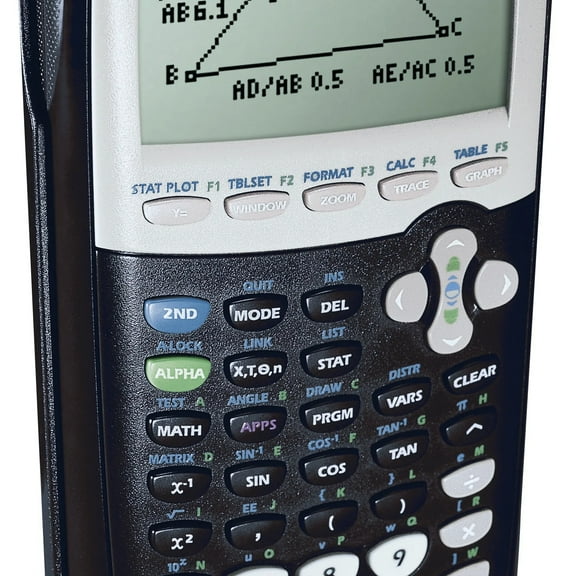
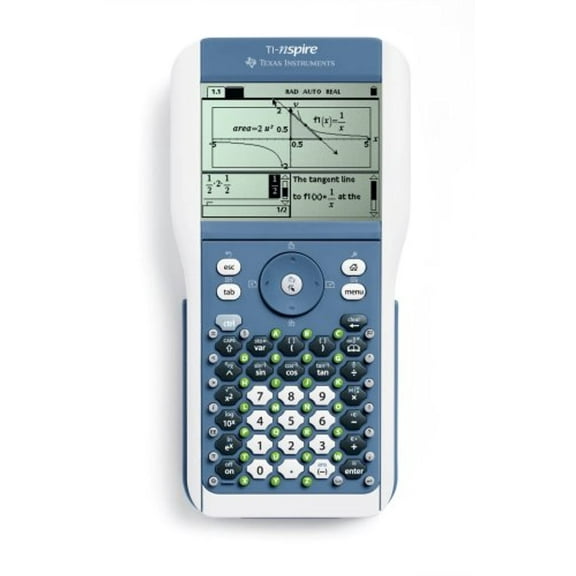
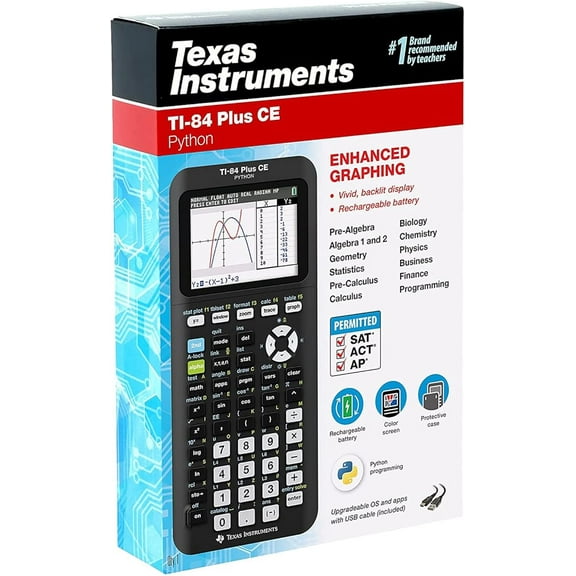
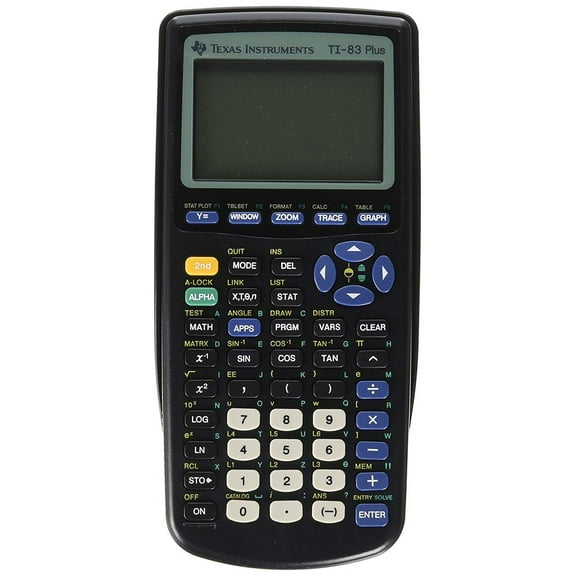
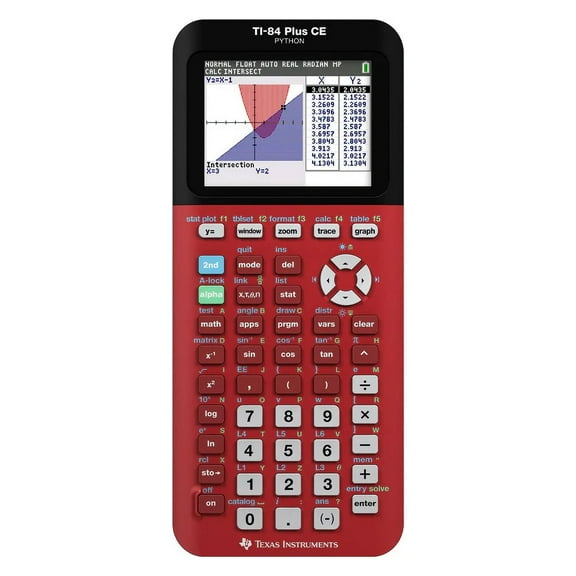
Graphing calculators help you plot equations, compare functions, and prep for classwork or exams with tools built for advanced math. You can narrow your choice faster when you compare exam approval, display type, power source, and CAS functionality.
How to choose graphing calculators for school and exams
If you're buying graphing calculators for high school, you should start with your course list and testing plans. You'll want a model that fits algebra, geometry, calculus, statistics, or science classes without extra guesswork.
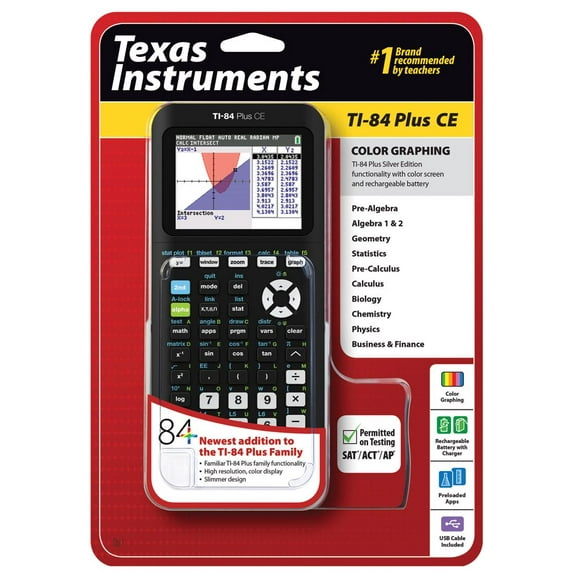
Before you choose, you should check whether your calculator appears on current SAT, ACT, AP Calculus, or IB approval lists. You'll avoid surprises when your classroom needs and exam rules line up from the start.
- You can compare approved graphing calculators for major exams before test season.
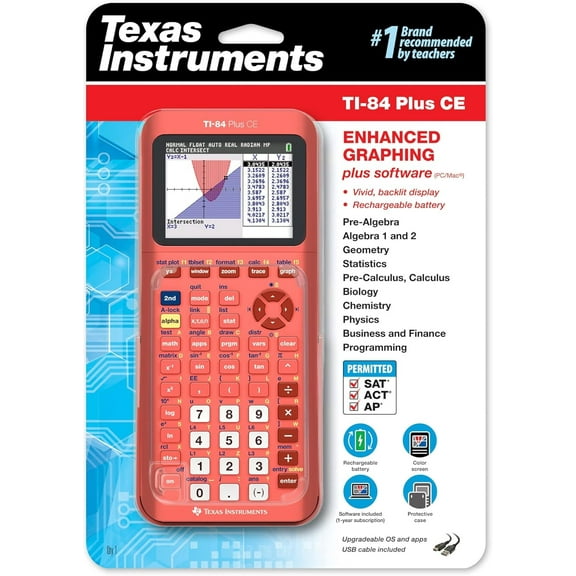
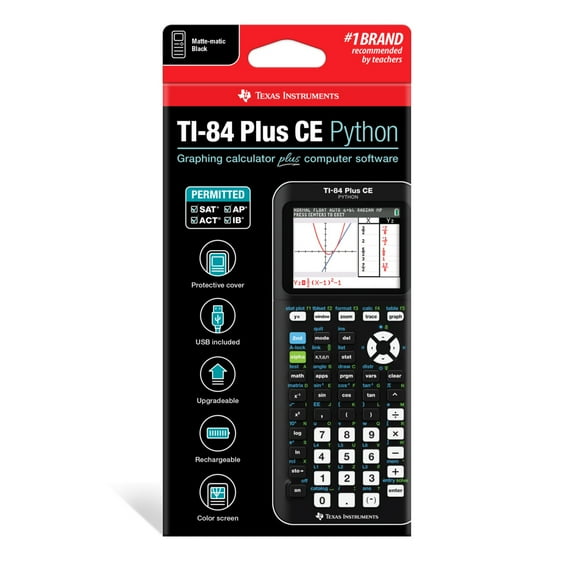
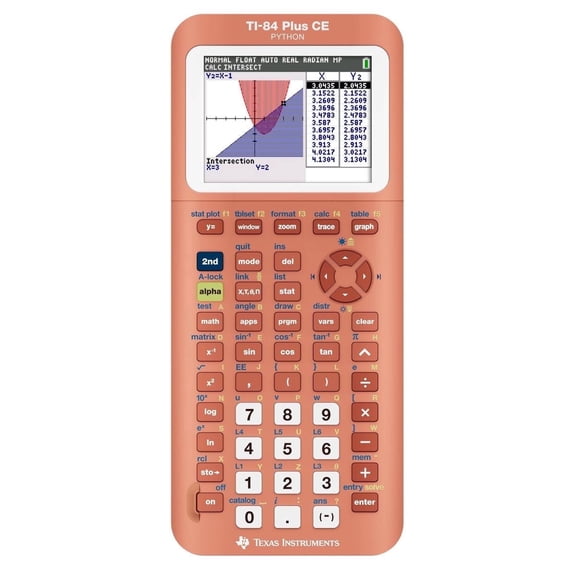
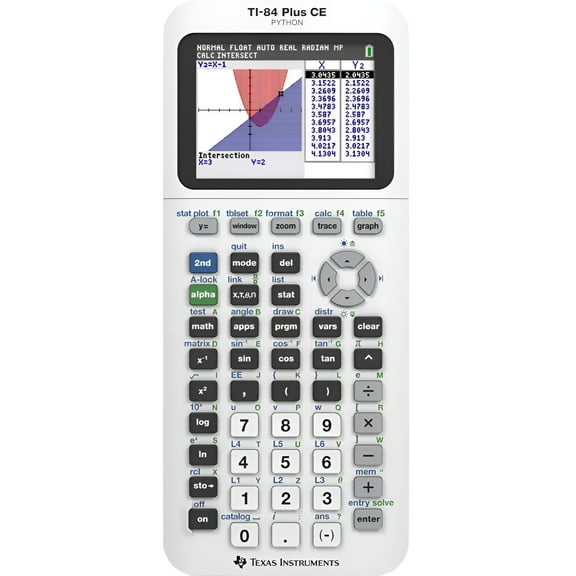
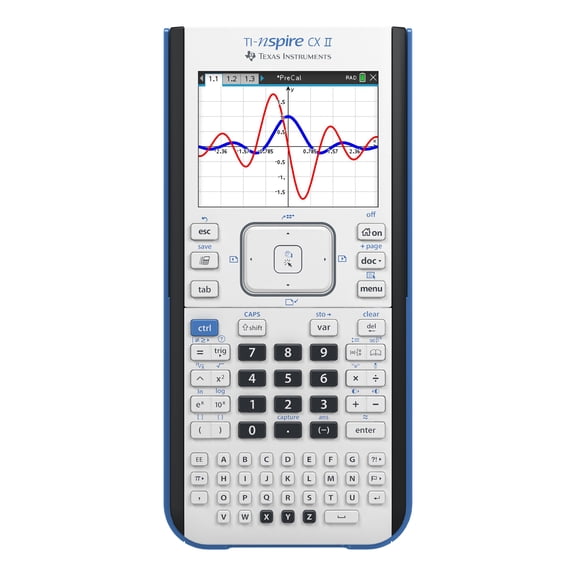
- You can choose color graphing calculators when you want clearer curves, points, and shaded regions.
- You can pick rechargeable graphing calculators if you prefer charging instead of replacing batteries.
- You can compare CAS and Non-CAS models based on your class requirements.
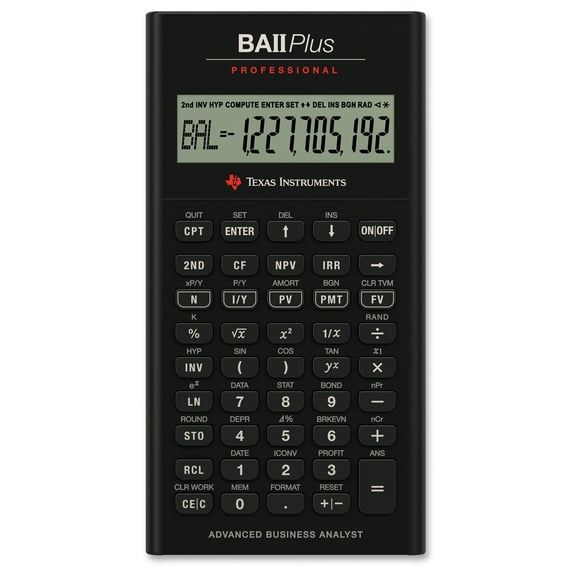
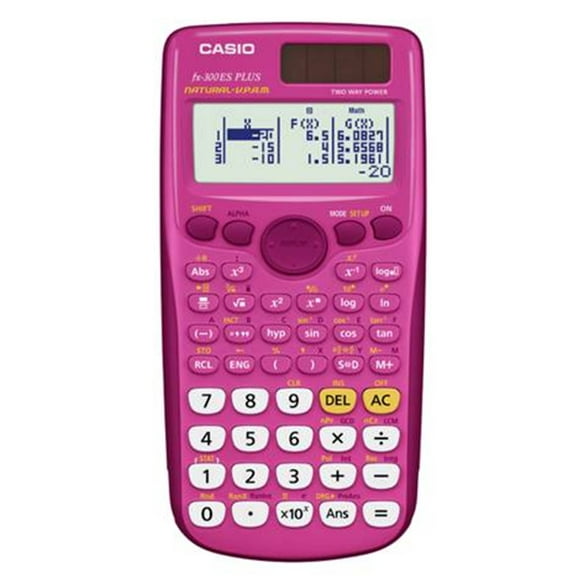
Many shoppers also compare scientific and graphing calculators when they need one device for daily homework and advanced graphing. You can simplify your setup when your calculator handles tables, graphs, and multi-step math on one screen.
Choosing display type in graphing calculators
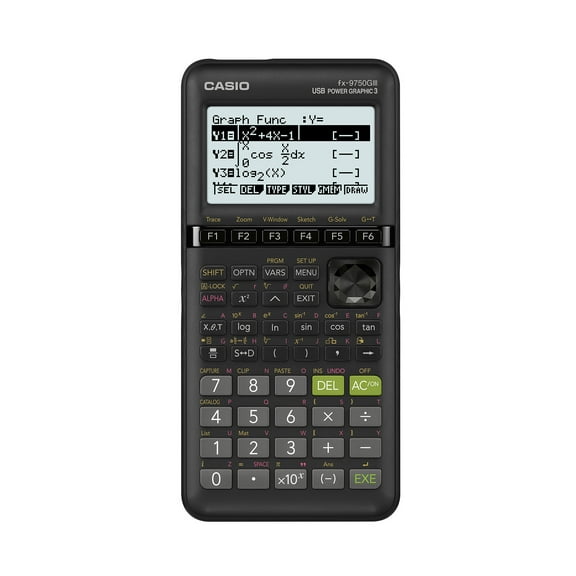
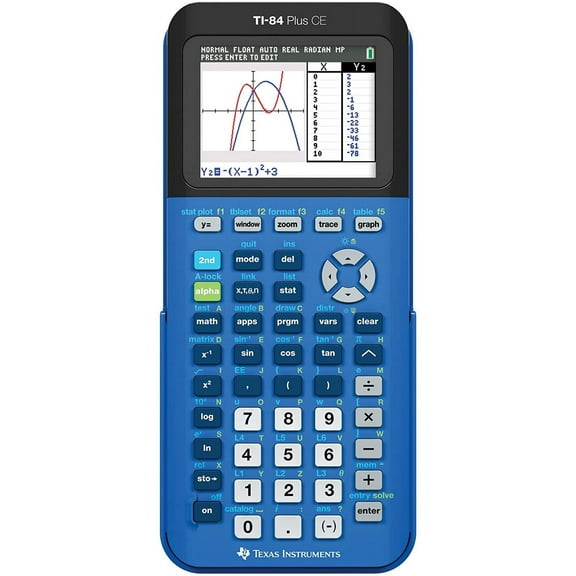
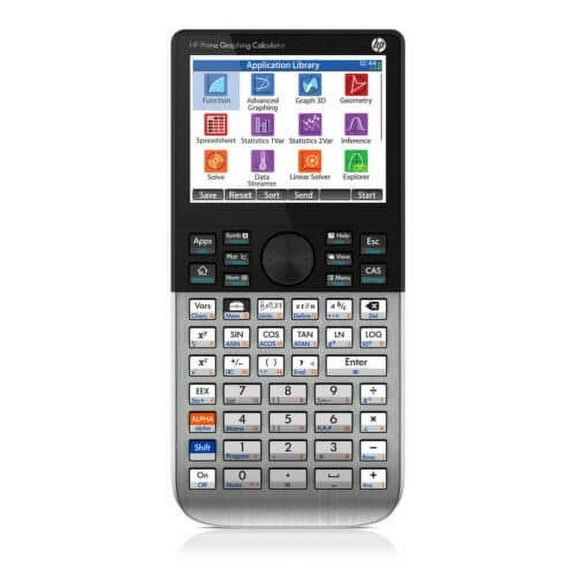
When you compare screens, you should think about what you'll read most often. You may prefer color graphing calculators if you track several equations at once or review charts with different data sets.
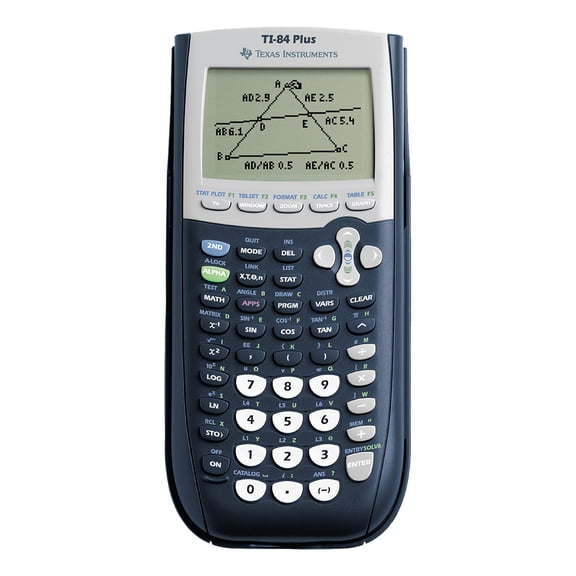
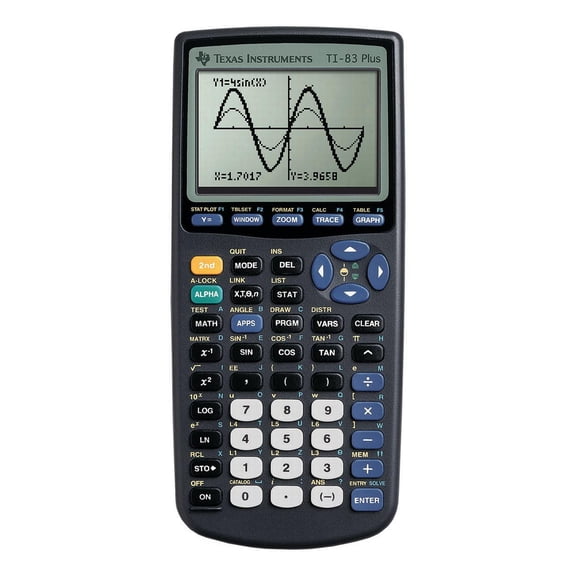
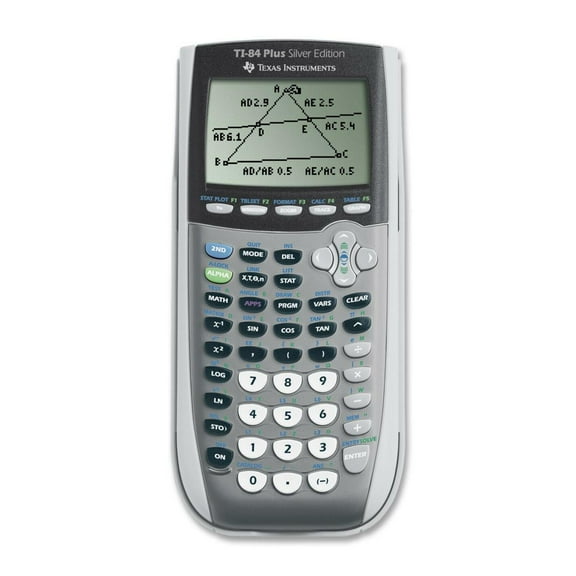
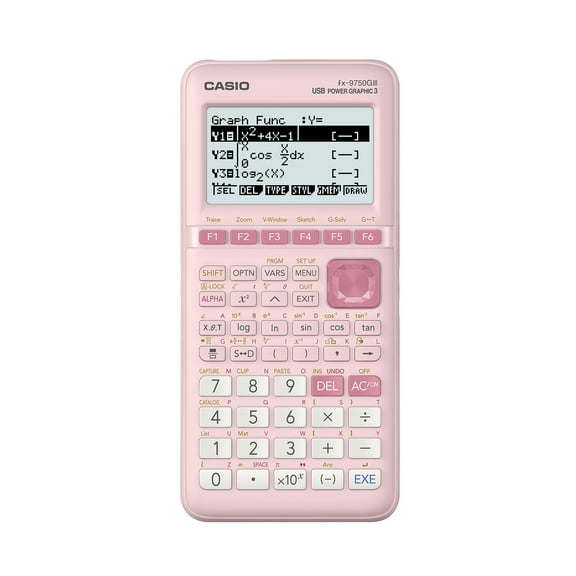
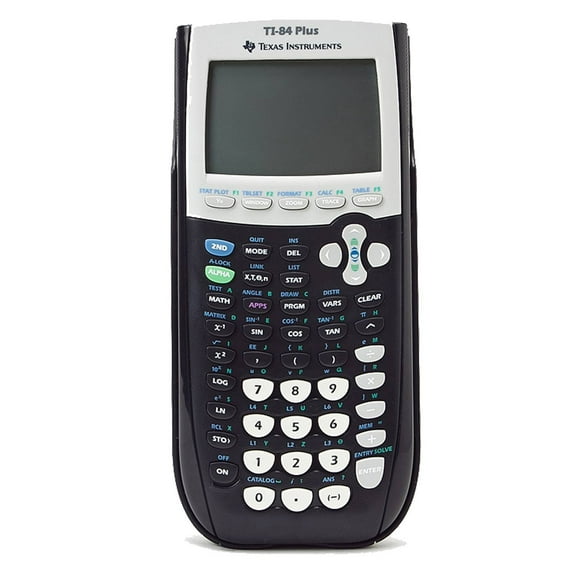
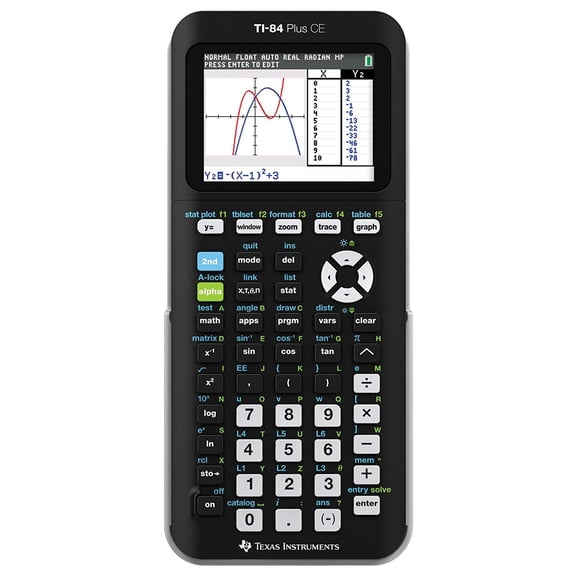
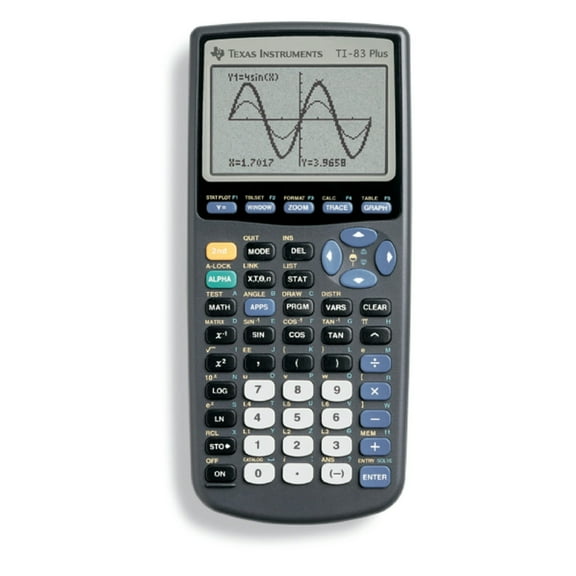
A color screen can help you separate lines, shaded areas, and plotted points more quickly. You may prefer grayscale models when you want a familiar display and straightforward graph viewing.
If you work in different lighting, you should also consider backlit displays. You'll notice that a backlit screen can make menus, labels, and graphs easier to follow in dim classrooms or evening study sessions.
Comparing power source options
Power source can shape how you use your calculator during the school year. You may want rechargeable graphing calculators if you'd rather charge between classes than keep spare batteries nearby.
Rechargeable lithium-ion options can fit a routine where you already charge your laptop or tablet. You may prefer AAA battery models if you want a familiar setup and easy battery swaps before a long exam day.
As you compare models, you should check charging cable type, battery access, and expected runtime. You'll make a smoother choice when your power preference matches your daily schedule and backpack setup.
Understanding CAS and Non-CAS functions
Functionality type matters when your coursework becomes more advanced. You should compare CAS and Non-CAS models based on your class rules, instructor guidance, and exam requirements.
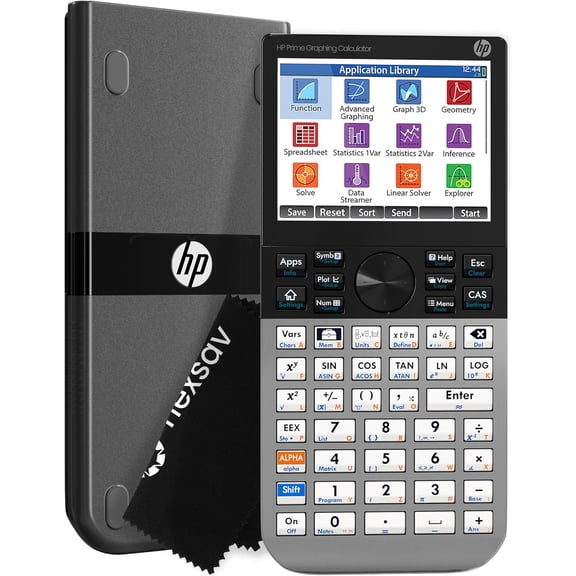
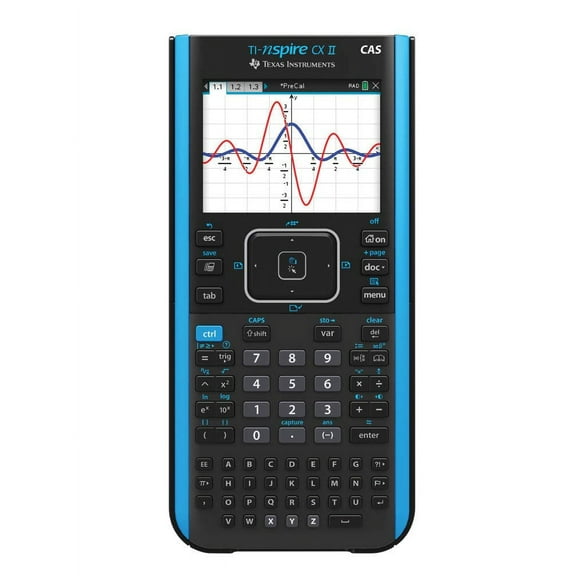
CAS stands for Computer Algebra System, and it can handle symbolic algebra on supported models. You may look for CAS when your college math work includes algebraic manipulation, exact forms, and deeper equation work.
Non-CAS models focus on graphing, tables, and numeric problem solving without symbolic algebra tools. You may prefer Non-CAS for classes or exams that call for a more traditional graphing workflow.
If you're comparing scientific and graphing calculators, this is often the primary difference to review. You should match the calculator's math engine to your course level instead of choosing by appearance alone.
Checking exam compatibility before you choose
Exam compatibility is one of the key details you can verify. You should check approval rules for the SAT, ACT, AP Calculus, and IB before you commit to a model.
Some shoppers focus on graphing calculators for college, while others need graphing calculators for high school placement tests and class exams. You can stay organized when your calculator supports your coursework and aligns with testing policies.
As you compare approved graphing calculators, you should review current exam guidance and any school-specific instructions. You'll feel more prepared when your calculator is already familiar before test day arrives.
Matching your calculator to real class needs
If you're taking Algebra II or precalculus, you may want clear graphing, tables, and quick equation entry. You can benefit from readable screens and practical menus that support steady homework use.
For AP Calculus or statistics, you may prefer models that make function comparison and data visualization easier. You can use color displays to separate multiple graphs when your lessons become more detailed.
If you're headed into engineering, business math, or college science courses, you may compare graphing calculators for college with broader functionality. You should weigh CAS support, exam rules, and charging preferences before classes begin.
Students who move between math and science classes may also compare scientific and graphing calculators for all-in-one convenience. You can reduce extra gear when one calculator supports graphing, tables, and advanced classroom work.
When you choose based on exam approval, display type, power source, and functionality, your calculator can fit your school routine more closely. You can move from homework to testing with tools that match how you study and solve problems.