





Digital Photo Frames
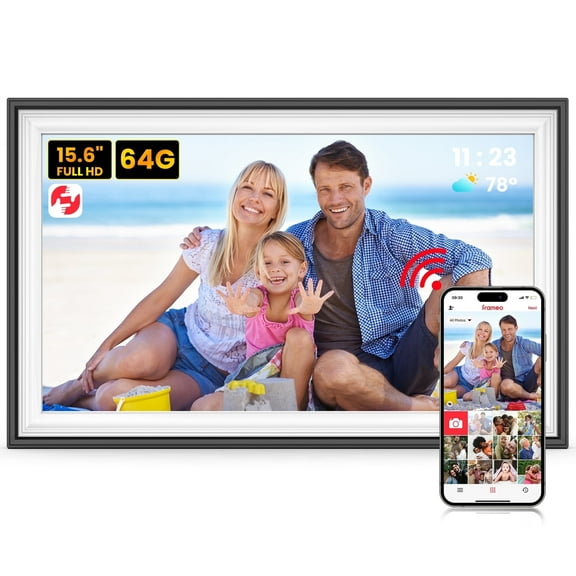


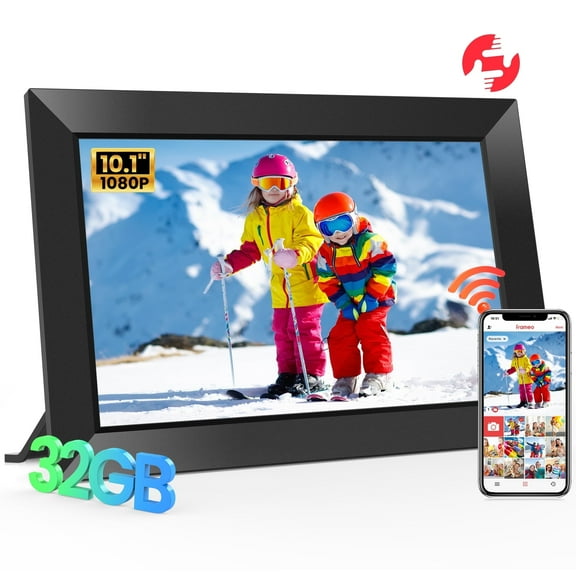



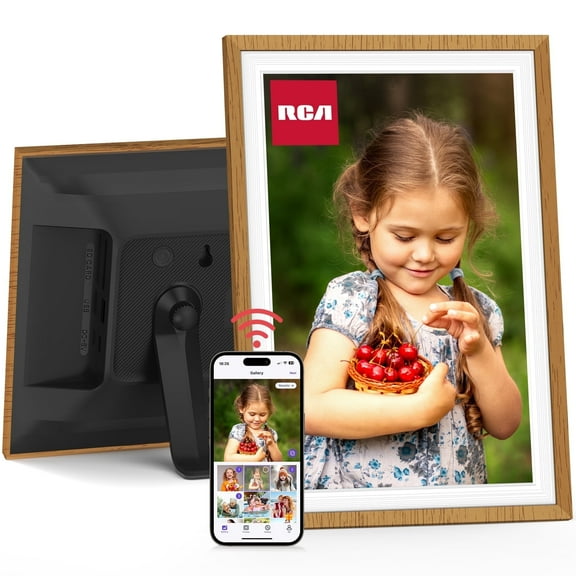




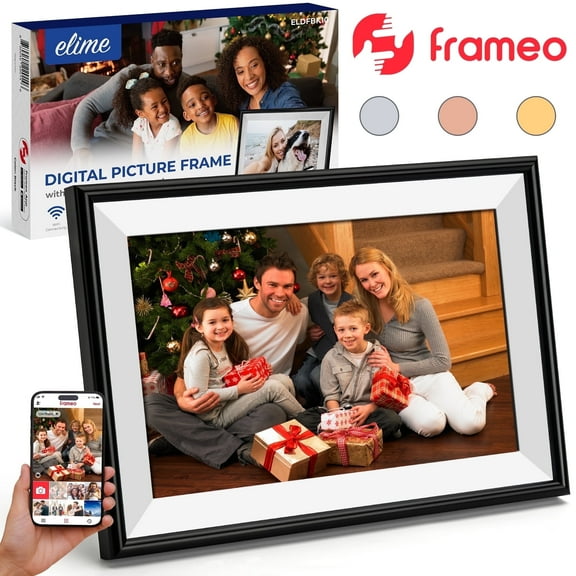


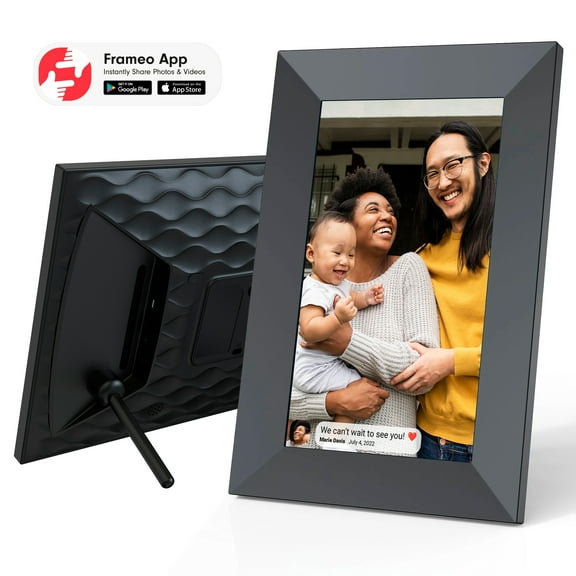


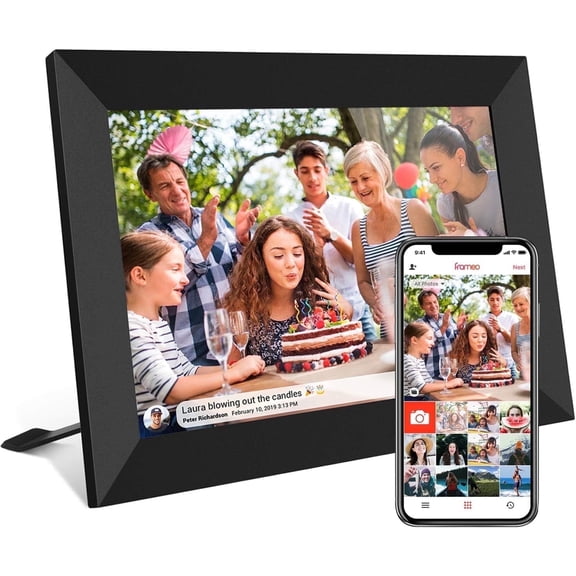


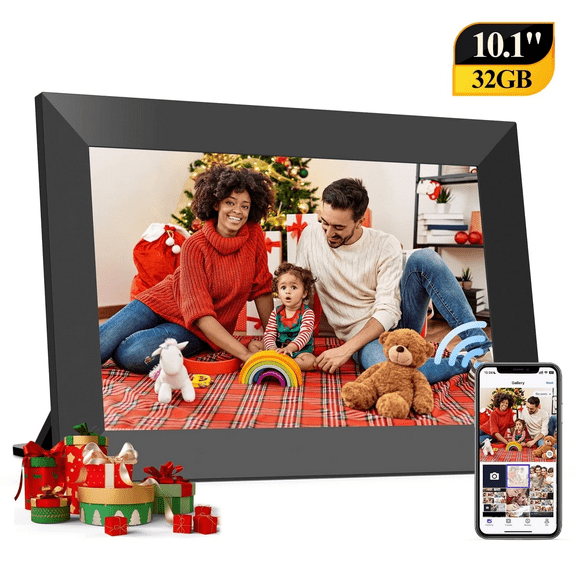





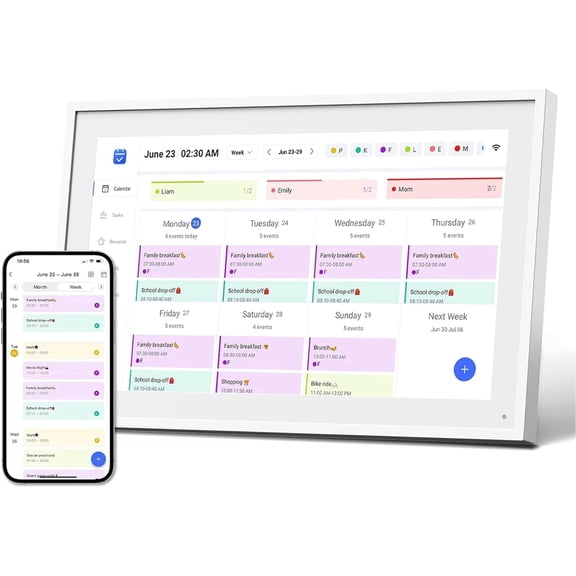


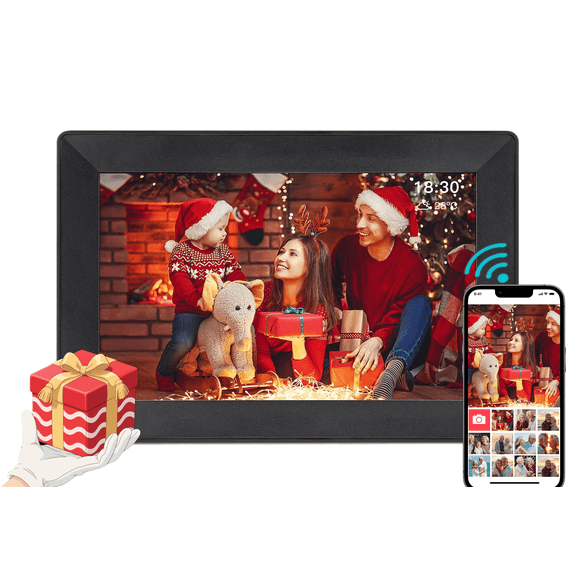


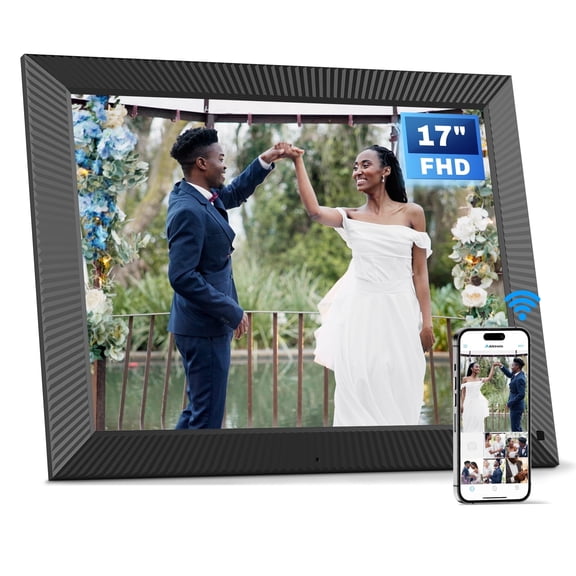


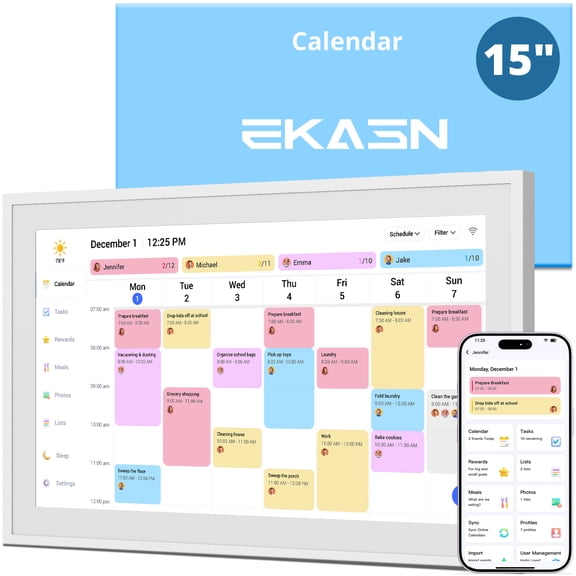







About Digital Photo Frames - Walmart.com
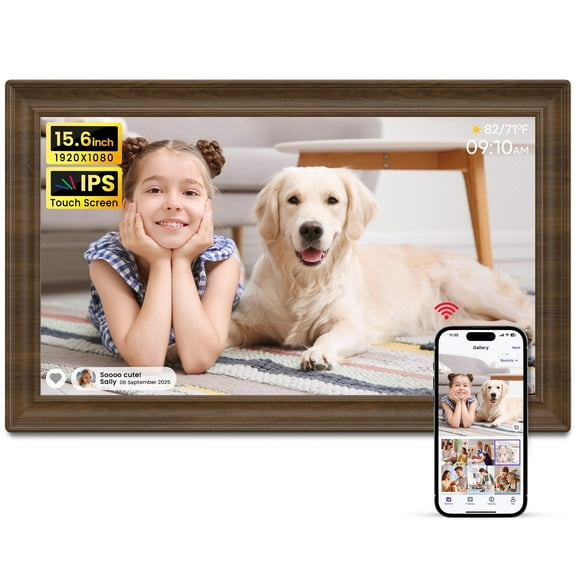
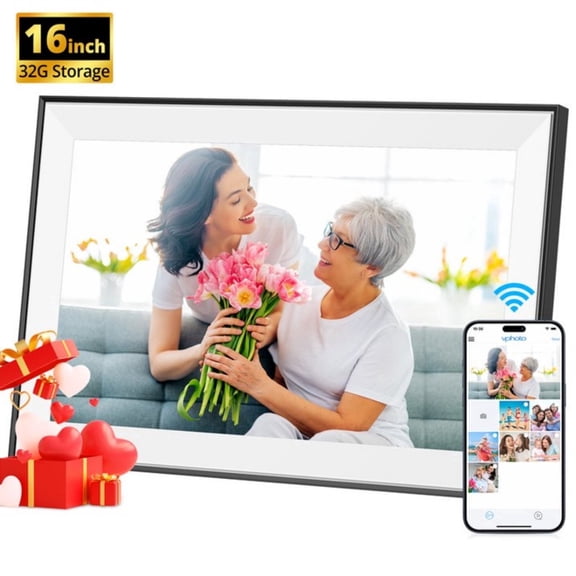
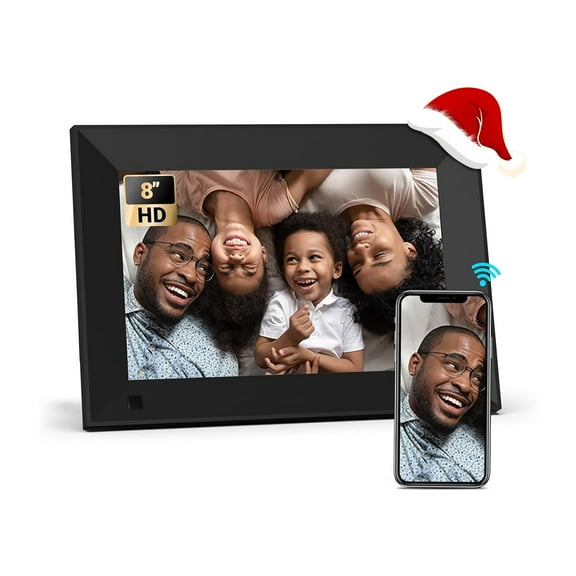
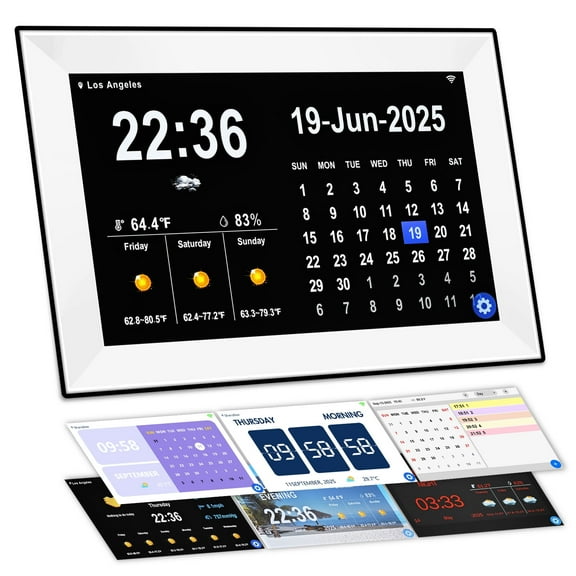
Digital photo frames help you keep favorite moments visible without printing stacks of pictures. You can compare screen size, sharing tools, and storage options to match your home, gifting plans, and everyday routine.
How to choose digital photo frames by display size
When you compare display sizes, you should start with where your frame will sit and how far away you'll view it. A seven inch screen suits desks, while a 10 inch or 15 inch screen stands out on shelves.
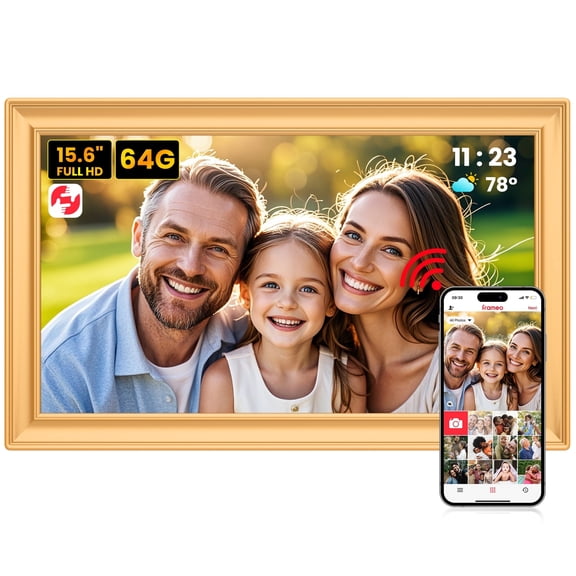
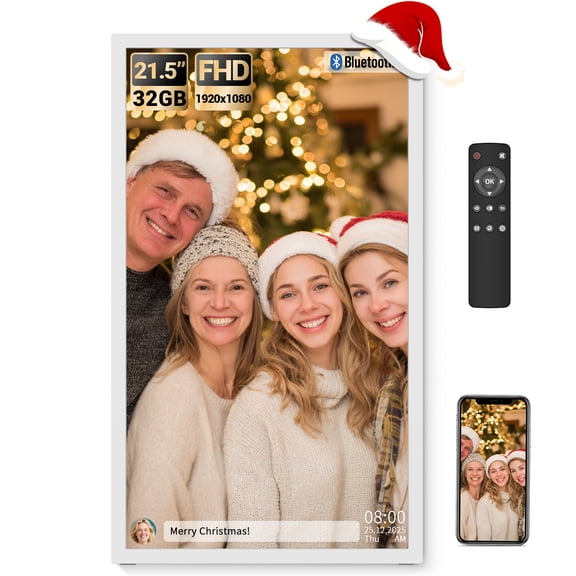
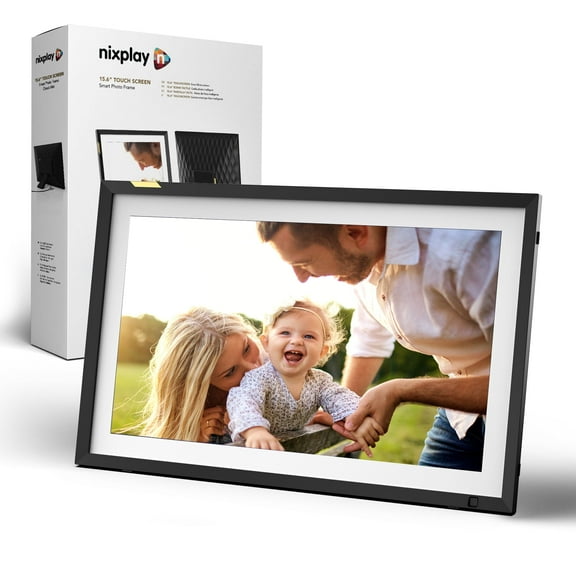
If you prefer a large format model, you can give family photos more presence in living rooms or entryways. You should also compare standard photo proportions with widescreen layouts before you choose.
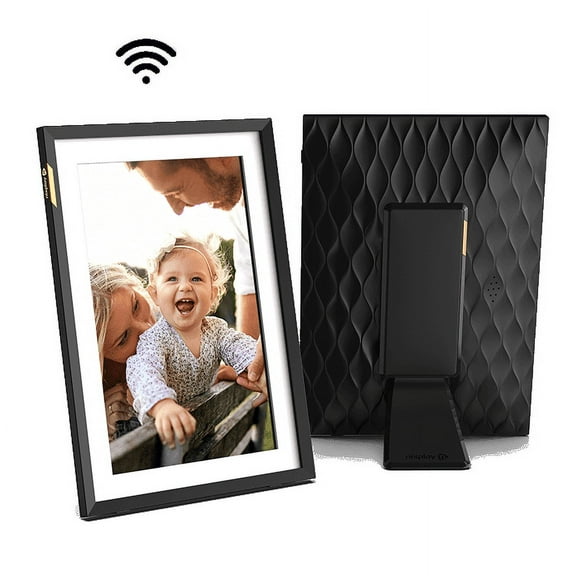
Standard photo dimensions can feel familiar when you display portrait shots and printed-photo style images. Widescreen shapes can suit vacation photos, landscape scenes, and mixed albums from your phone.
Choosing the right wifi digital photo frame
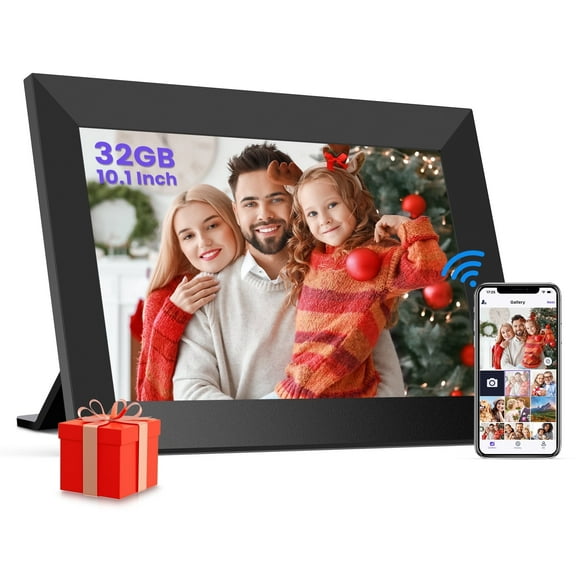
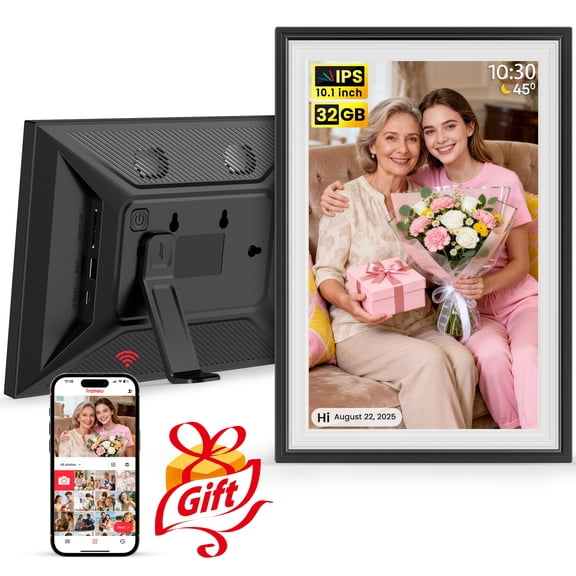
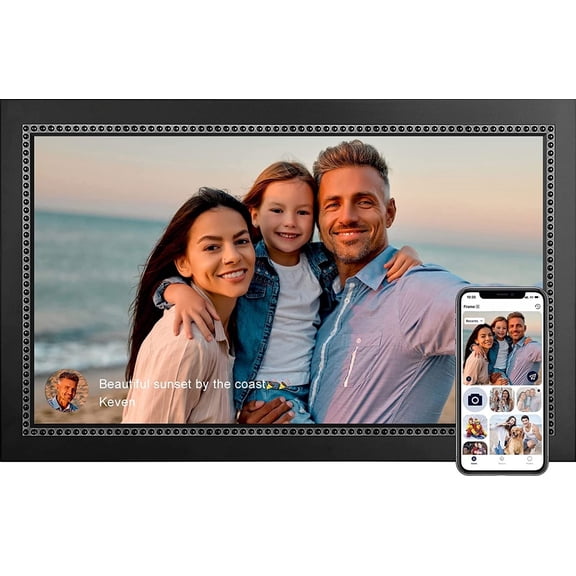
If you want fast updates from family, a wifi digital photo frame can make sharing feel simple and direct. You can send new pictures through an app instead of swapping memory cards.
When you compare connectivity, you should look at WiFi enabled, Bluetooth, and USB or SD card offline options. Each method changes how you add photos and how often you refresh them.
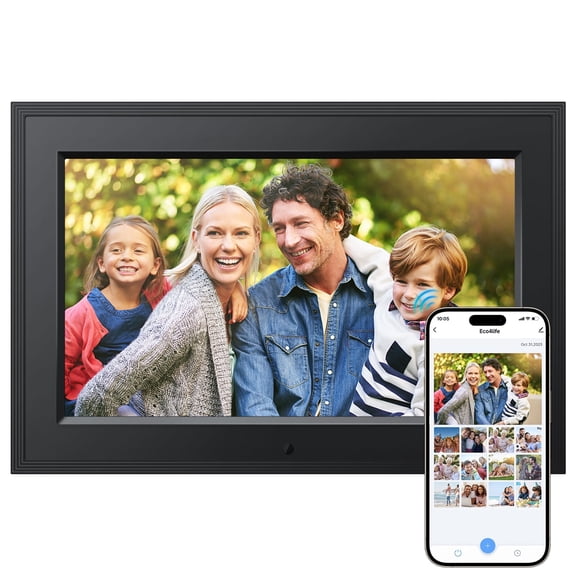
With app-based sharing, you can invite relatives to send photos from different places in minutes. With email-style sharing on some models, you can keep updates easy for less tech-heavy households.
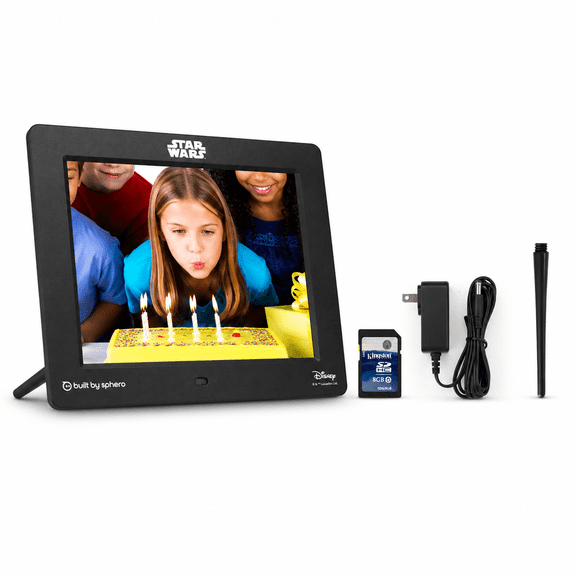
If you prefer offline use, you can load a digital frame for photos from a USB drive or SD card. That setup can work well when you want simple control without an app connection.
- You can share new vacation photos remotely with WiFi enabled frames.
- You can keep setup straightforward with USB or SD card loading.
- You can place frames in common spaces for daily family updates.
- You can choose a digital photo frame gift that feels personal and current.
What to look for in a smart digital picture frame
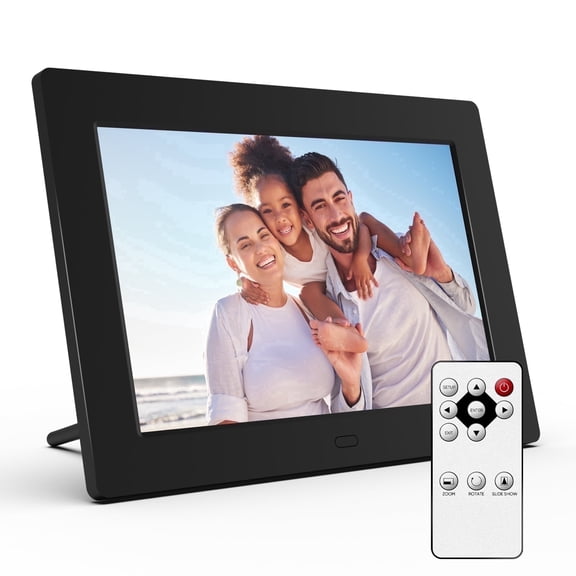
When you compare a smart digital picture frame, you should check the control interface first. Touchscreen models let you swipe through albums, while remote controls can help from across the room.
If you want hands-free convenience, you may prefer motion sensor auto-on features. That option can wake the display as you approach and keep your frame ready when you enter the room.
You should also compare display quality, because image clarity shapes how your photos look every day. HD resolution and IPS display panels are useful terms to know before you choose.
An IPS display usually helps you see colors clearly from side angles in shared spaces. HD resolution helps your snapshots, portraits, and holiday pictures appear sharper on screen.
Comparing storage options in an electronic picture frame
Storage options affect how many images you can keep ready and how often you update albums. You should compare internal memory, cloud storage subscription choices, and expandable SD card slots.
With internal memory, you can keep thousands of photos on the frame itself, depending on file size. That option can suit everyday use when you want a simple all-in-one setup.
If you choose cloud storage access, you can keep adding new pictures without clearing older favorites as quickly. You should check whether your preferred frame uses included storage or added subscription space.
An expandable SD card slot can give you flexible offline storage for growing photo collections. That feature can help when you want easy transfers from cameras, laptops, or archived card libraries.
Matching features to your home, gifting, and sharing needs
If you're buying for grandparents, you may want a 10 inch frame with WiFi enabled sharing and simple app invites. That combination can help relatives send fresh photos without visiting in person.
If you want a bedside or office display, you may prefer a compact screen with touchscreen controls. That setup can make quick album changes feel easy during your normal routine.
For busy family rooms, you might look for a smart digital picture frame with motion sensor auto-on. That feature can keep the display active when people are nearby and calm when the room is empty.
If you're comparing a digital photo frame gift for holidays, you should consider preload options and remote updates. You can start the frame with family photos already added for a more personal reveal.
When you use cameras, printers, and connected displays together, you can build a fuller photo setup at home. You can also pair your frame search with digital cameras, photo printers, and smart home displays.
By focusing on size, connectivity, controls, storage, and display clarity, you can narrow digital photo frames with confidence. You'll end up with a frame that keeps your favorite moments visible in a way that fits your space.