

Standing Desk Converters in Business Office Furniture























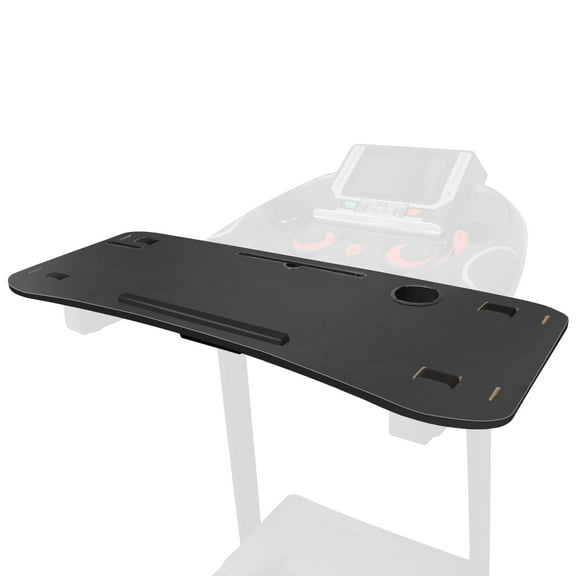


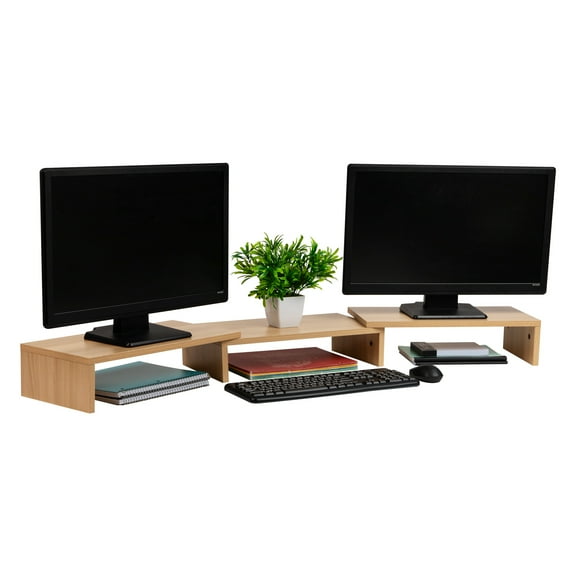


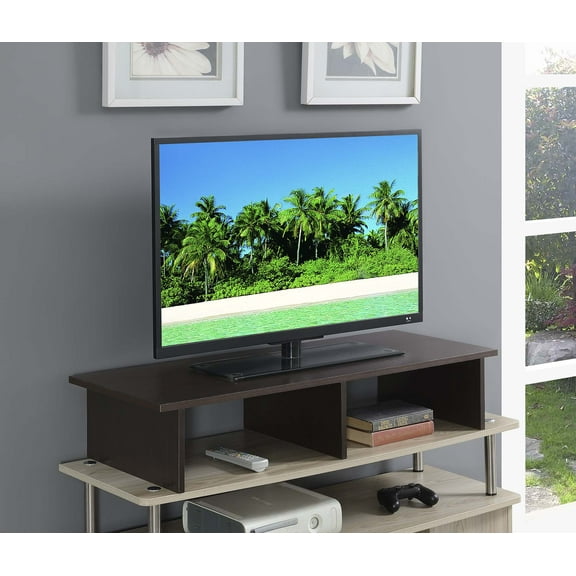


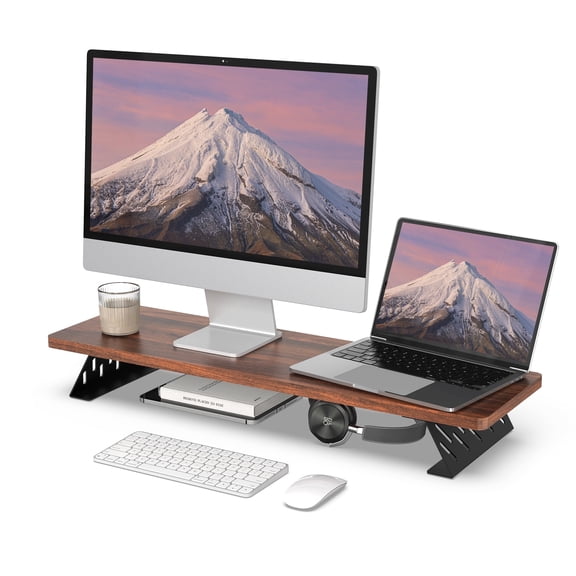


About Standing Desk Converters in Business Office Furniture - Walmart.com
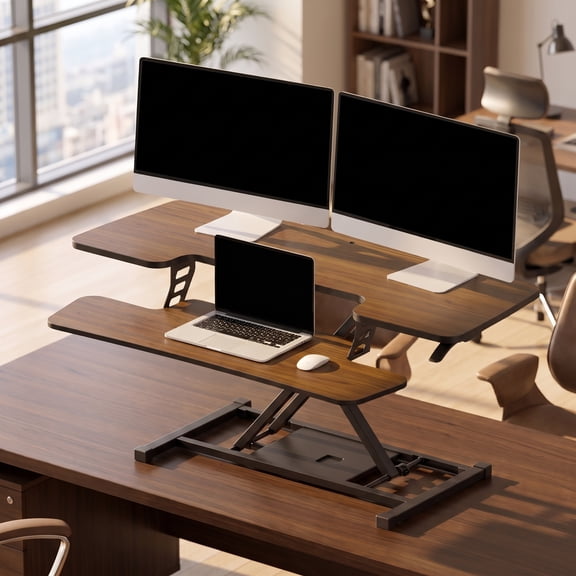
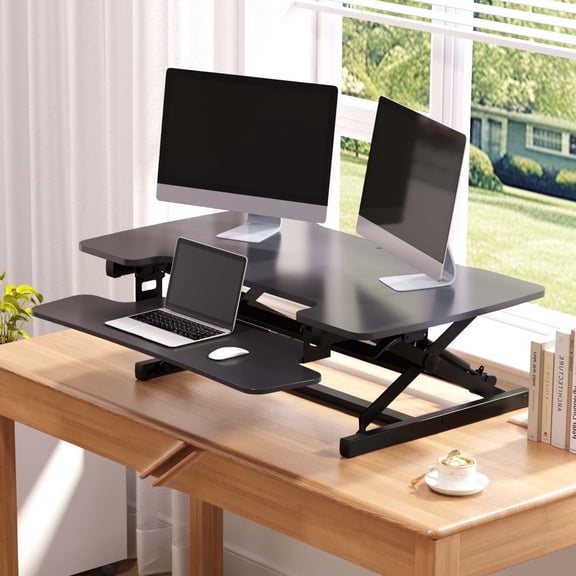
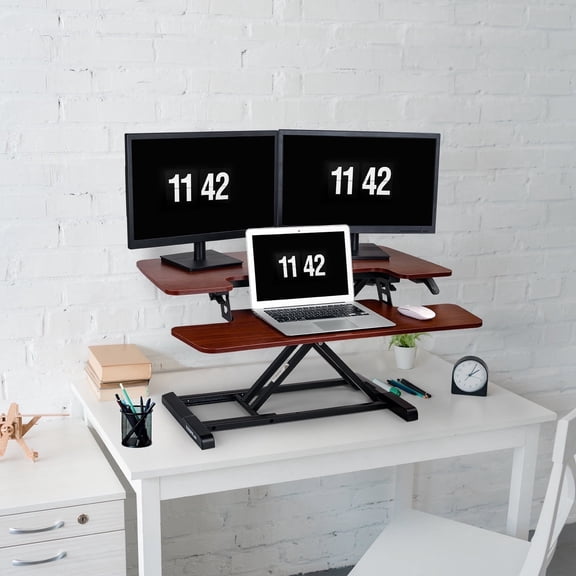
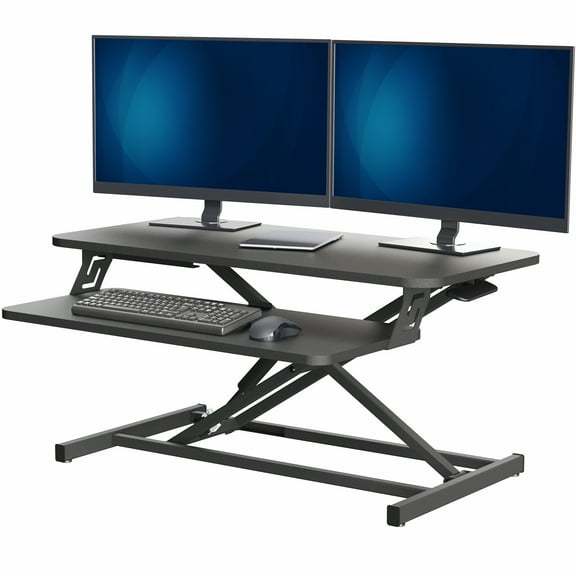
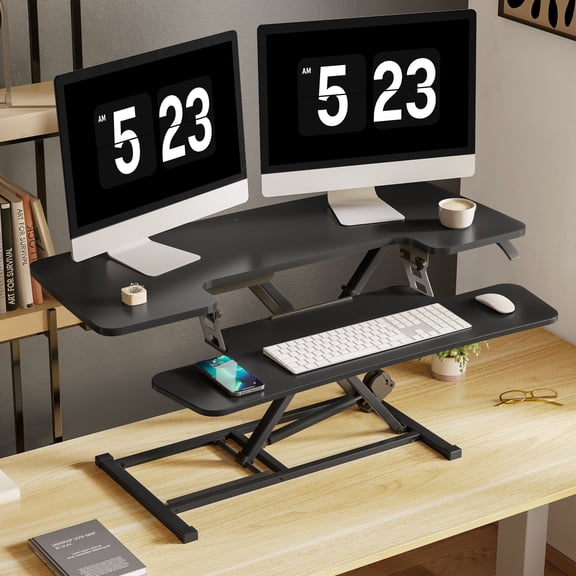
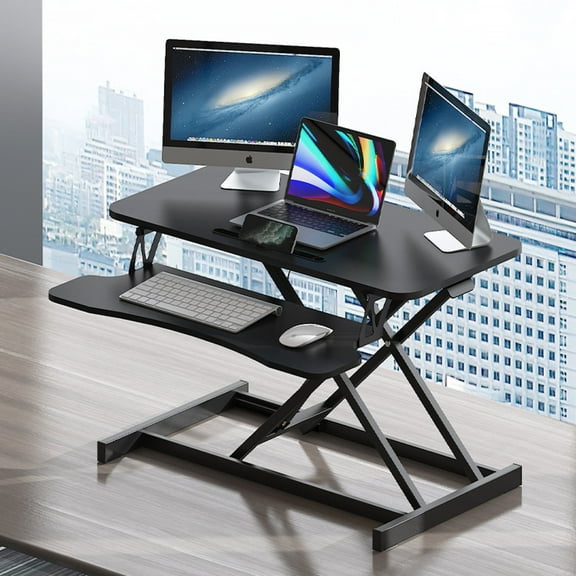
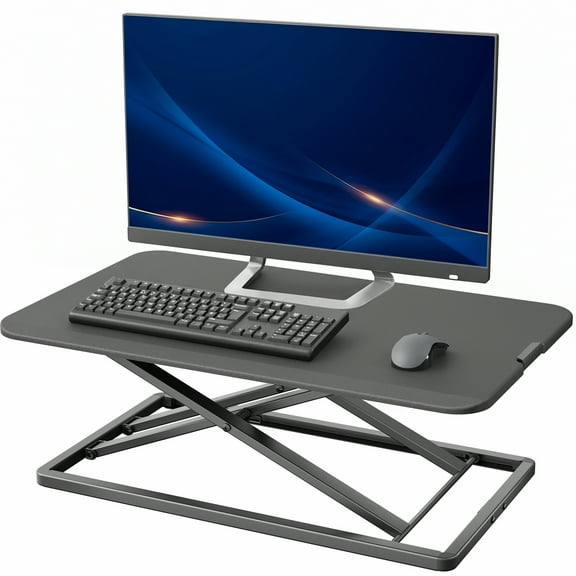
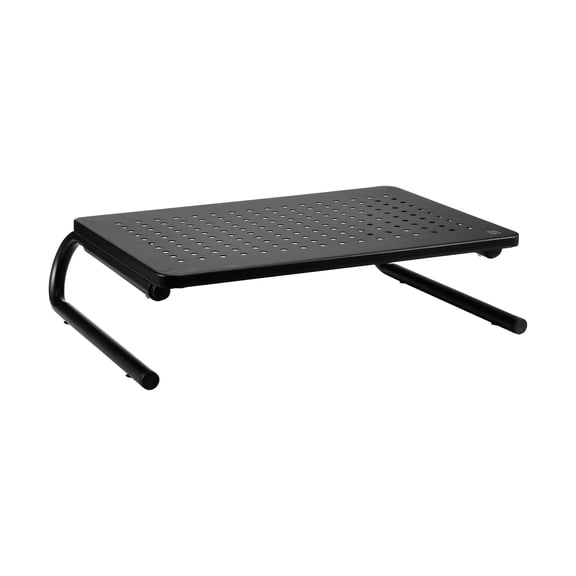
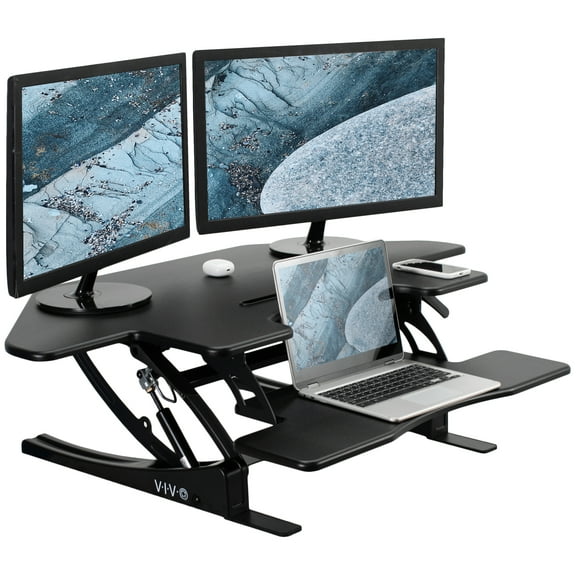
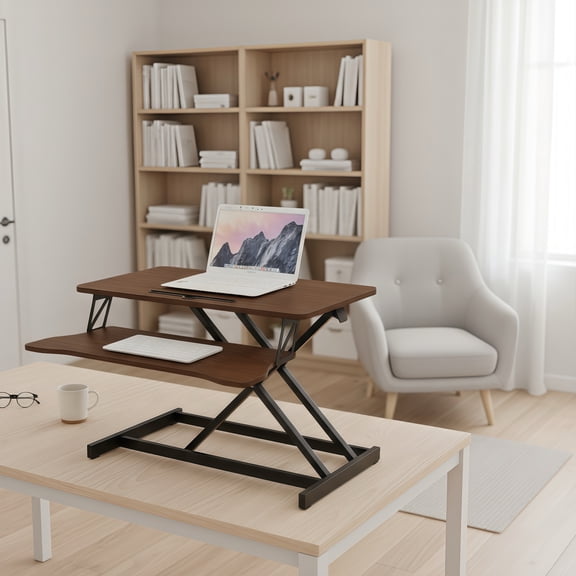
A desk riser for standing turns your current desk into a sit-to-stand setup in minutes. You keep your familiar surface, then raise your screens and keyboard to a comfortable height. Many standing desk converters fit home offices where space is tight. You’ll also find wide platforms that support dual monitors and a full-size keyboard.
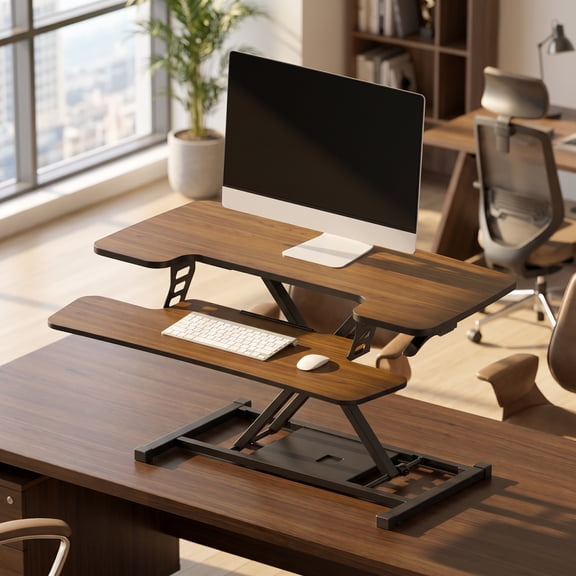
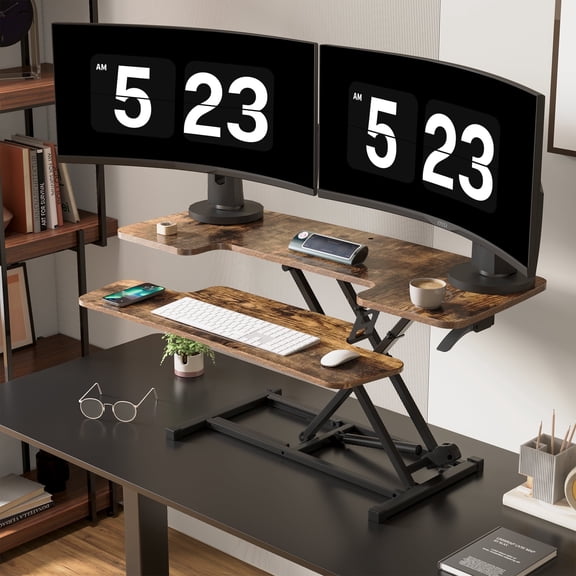
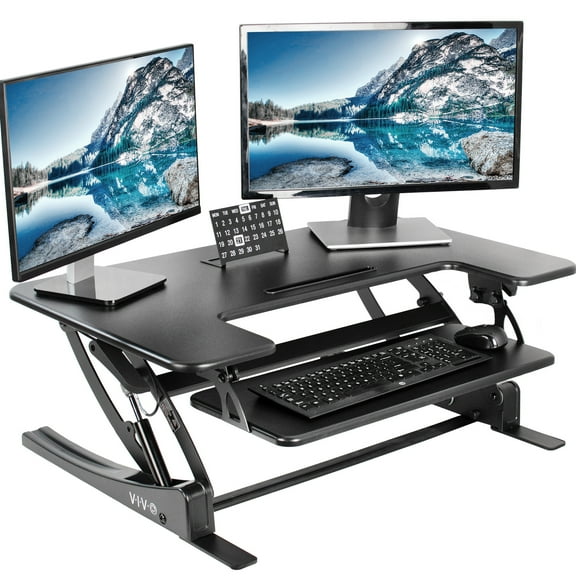
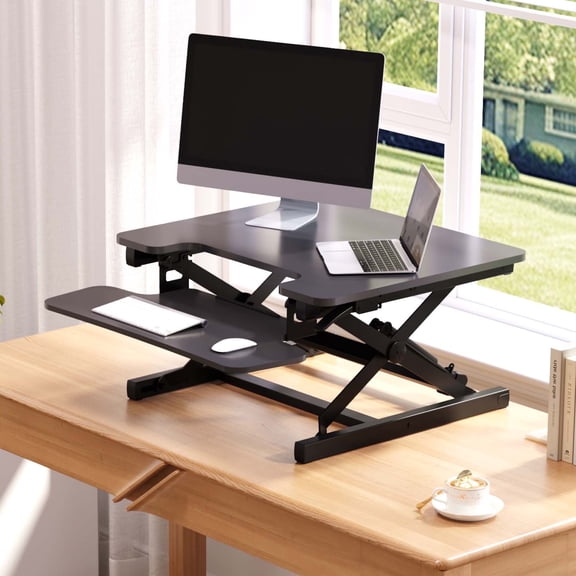
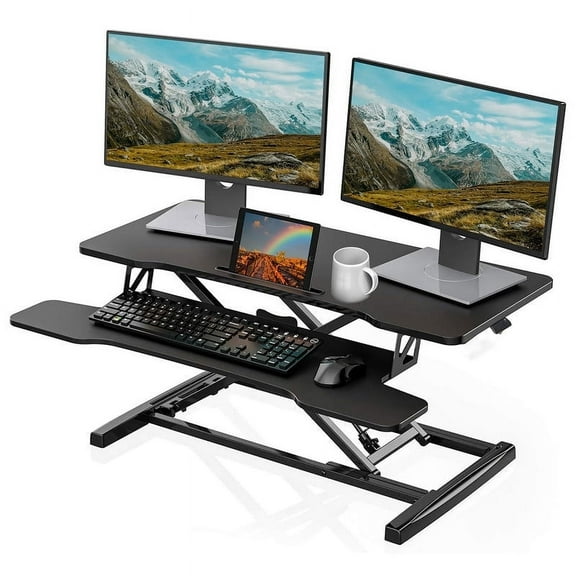
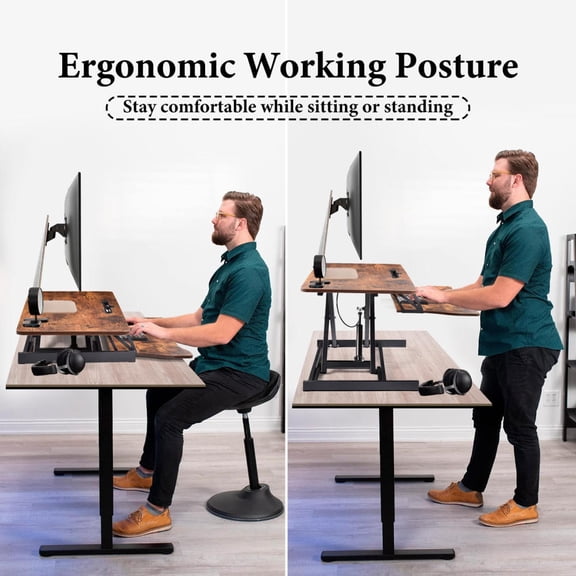
Some models include a split design with a lower keyboard tray and an upper monitor shelf. That layout helps keep elbows relaxed while your screen stays at eye level. Choose compact footprints for smaller desks, or select larger tops for deeper workstations.
Why a desk riser for standing changes your workday
Switching between sitting and standing helps break up long stretches at your chair. A sit to stand desk riser makes those changes quick, so you stay focused. You’ll keep tools in reach, since your essentials move up together.
A standing desk converter can reduce clutter compared with stacking books or improvised monitor stands. Many designs lift straight up, so your drink and accessories stay stable. Some options add cable cutouts, so cords don’t snag during height changes.
- Keep your monitor closer to eye level, which supports a more neutral neck position.
- Move from sit to stand smoothly, with gas-spring or lever lifts on many converters.
- Make one desk work for shared spaces, since height ranges suit different users.
- Gain dedicated keyboard and mouse space, including lower trays on split-level toppers.
If you use two screens, look for platforms with wide top decks and stable bases. If you type all day, prioritize a roomy keyboard tray and solid wrist clearance. If you’re short on depth, a small standing desk converter can still fit a laptop setup.
Key features to compare in standing desk converters
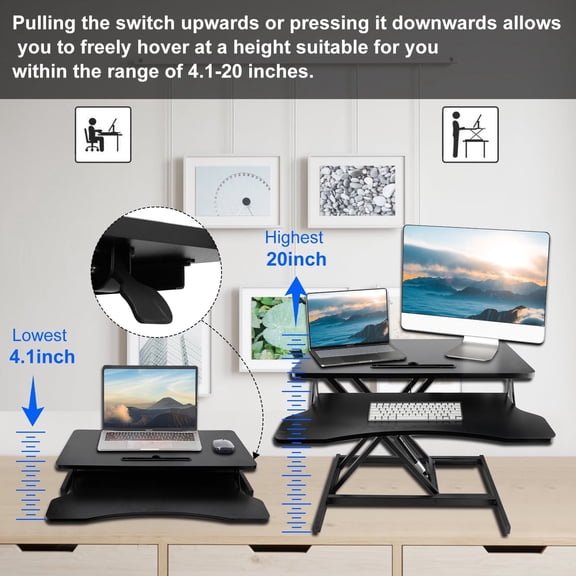
Lift mechanism matters for daily comfort and control. Some stand up desk converter styles use a gas spring for smoother movement. Others use a locking handle that keeps the platform in place at each level.
Check height range, not just max height. A lower minimum height helps you keep wrists neutral while seated. A higher maximum height supports taller users and monitor stands.
Platform size drives how your setup feels. Wider tops can hold dual monitors, while compact tops fit a laptop and small accessories. Measure desk depth first, since bases can take up more room than expected.
Weight capacity supports stability with real gear. Add up your monitor weights, plus a laptop and dock if needed. For heavier setups, look for broader feet and rigid columns.
Keyboard tray design affects typing comfort. Split designs lower your keyboard and mouse to reduce shoulder lift. For mousing space, look for trays with extra width or a side extension.
Assembly and adjustability can save time and frustration. Many adjustable standing desk converter options arrive mostly assembled. Some include pre-installed trays, while others attach with a few screws.
Use cases for sit-to-stand desk risers at home and work
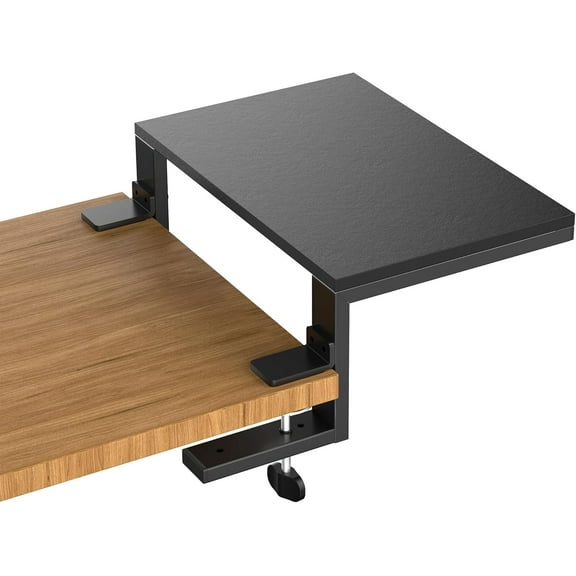
For a home office, a stand up desk topper helps you upgrade without replacing furniture. It’s useful for rental spaces where you can’t change built-ins. It also works well on dining tables that double as desks.
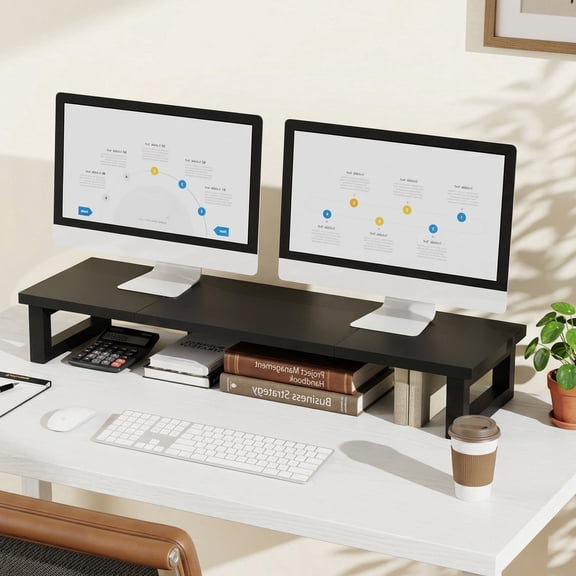
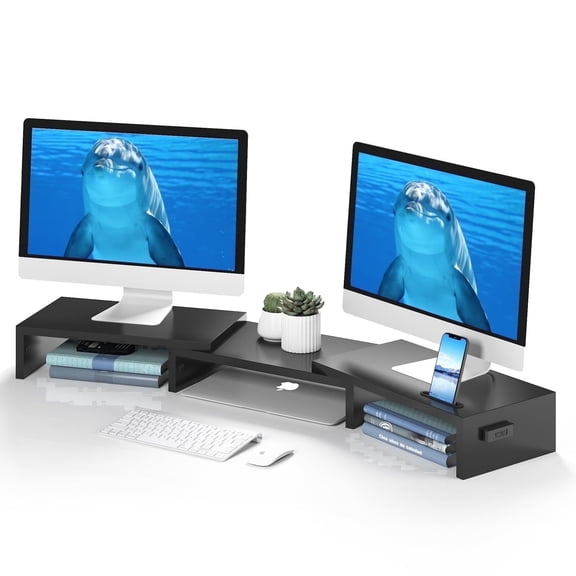
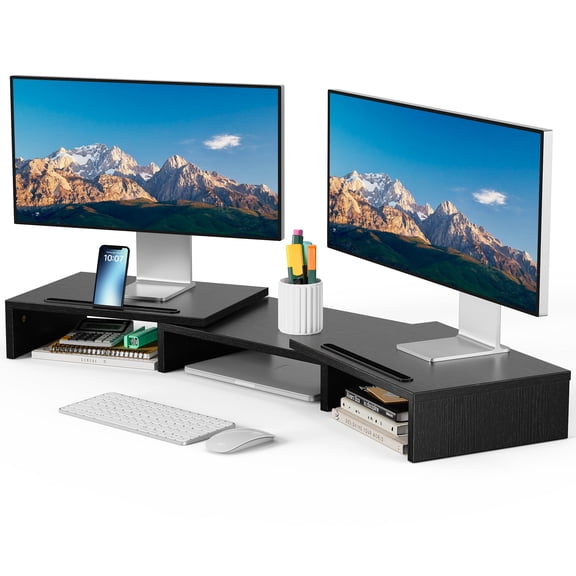
For dual monitor productivity, choose standing desk converters with wide top surfaces. Pair them with a monitor arm when you want more screen positioning. That setup can free space for notebooks and chargers.
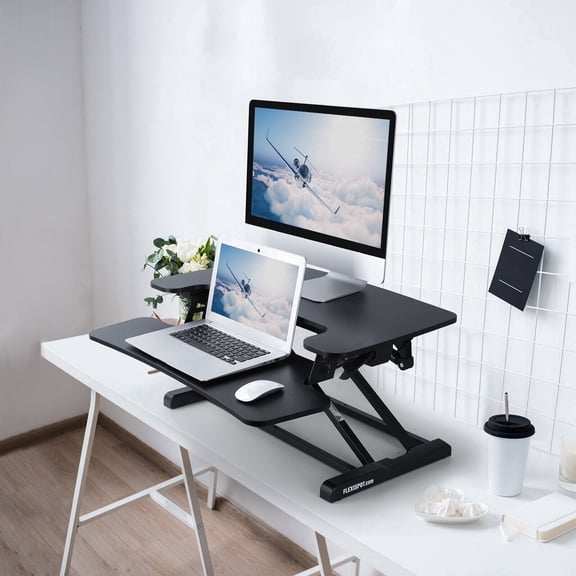
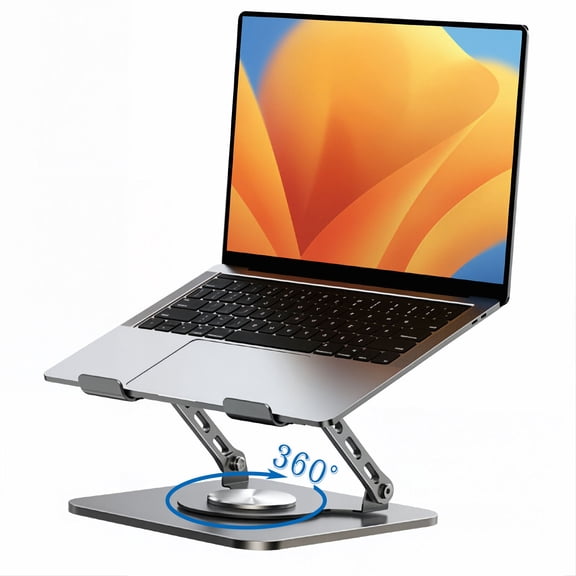
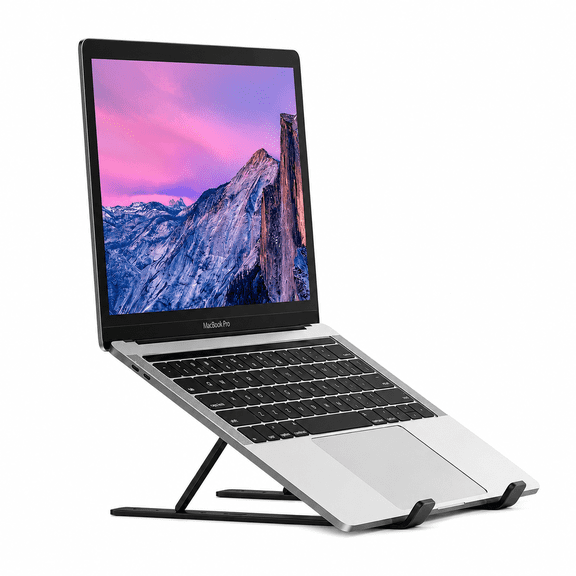
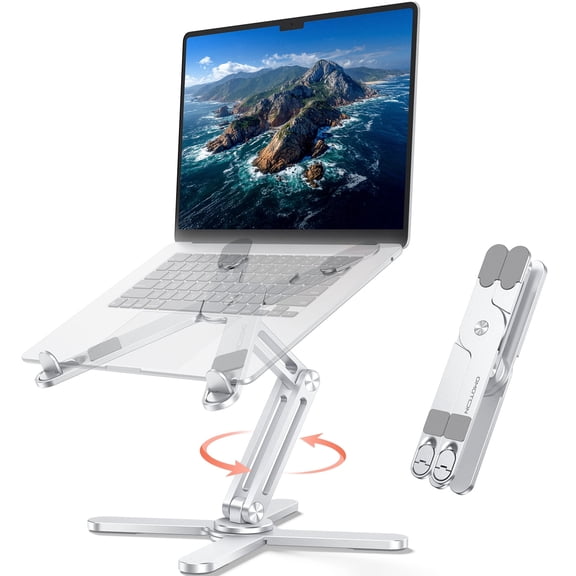
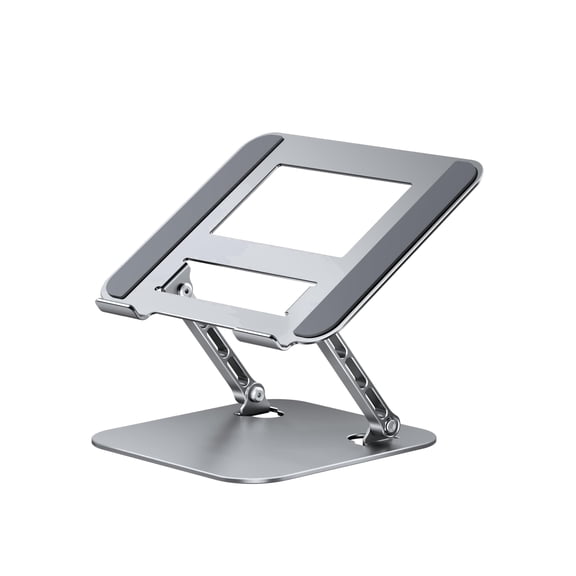
For small rooms and dorms, a small standing desk converter fits narrow desks and corner stations. Laptop-first risers keep footprints compact, while still offering height changes. Some include built-in phone slots for quick reference.
For shared workstations, a stand up desk converter helps different users adjust quickly. Look for simple levers and clear height stops. A stable base keeps the surface steady during frequent changes.
For creative work, a larger topper supports sketching tablets and reference screens. Deep platforms give room for input devices and tools. A split-level layout keeps your primary screen higher while your hands stay lower.
FAQ: capacity, stability, and setup
How much weight should your converter hold. Start with your monitor specs, then add a cushion for accessories. If you use a heavy ultrawide, choose a higher capacity and a wider base.
Will the keyboard tray feel sturdy. Look for strong tray supports and minimal wobble at full height. A deeper tray also helps keep wrists and palms from hanging off the edge.
Do you need tools for setup. Many risers arrive ready to place on your desk. If assembly is required, it’s often limited to trays, handles, or a side platform.
Finish your setup with workspace essentials
Pair your converter with an office chair that supports upright posture during seated work. Add monitor arms when you want finer screen positioning and more desk space. A desk lamp and cable clips can keep your sit-to-stand area organized.
With the right desk riser for standing, you can shift positions through the day and keep your screens, keyboard, and workflow aligned.