

Car Cameras in Auto Electronics
















About Car Cameras in Auto Electronics - Walmart.com
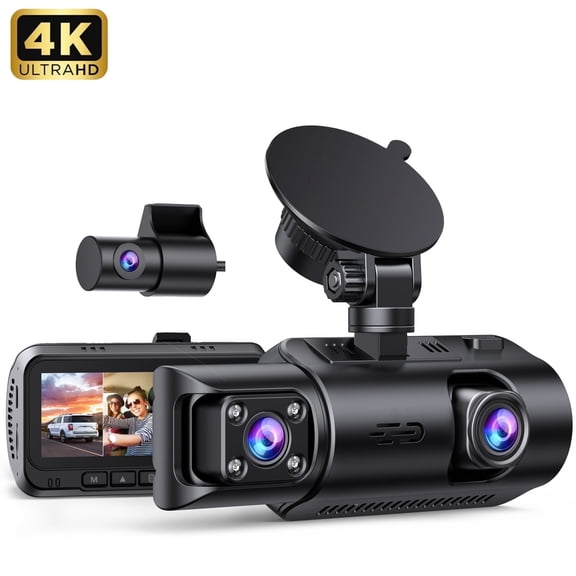
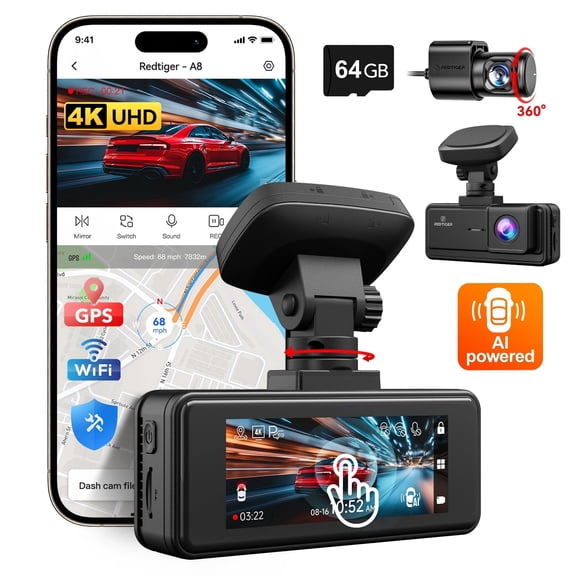
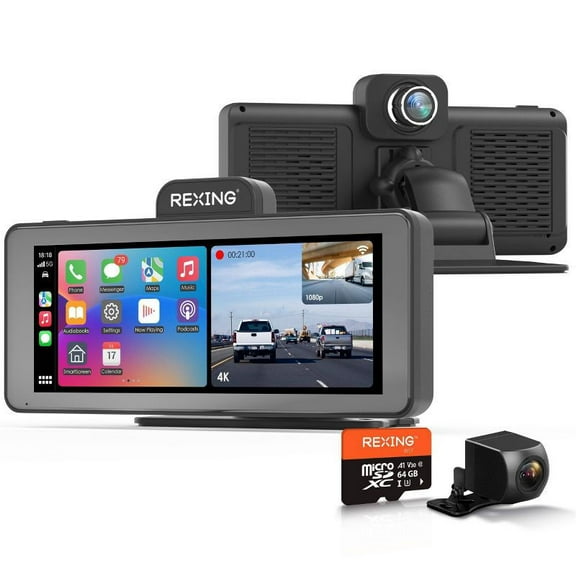
Car cameras help you record the road, improve parking visibility, and support daily driving decisions. You can compare dash cams, backup cameras, mirror cameras, and cabin models by coverage, power, and video detail.
How to choose car cameras by camera type
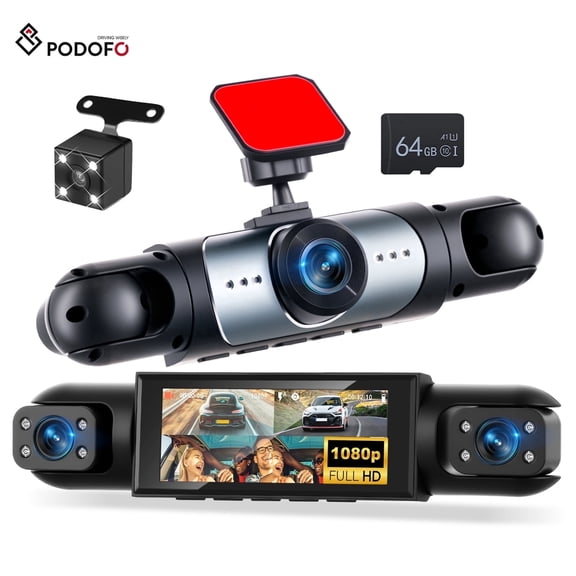
You should start with the view you want to capture during every drive. You may prefer front coverage for traffic recording, rear coverage for parking, or interior views for rideshare activity.
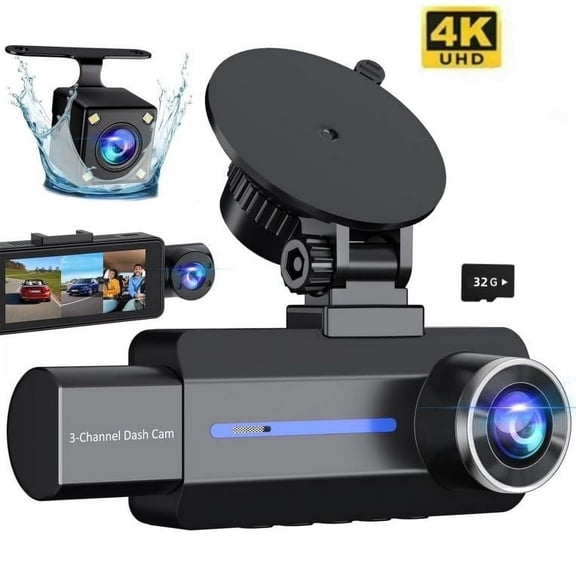
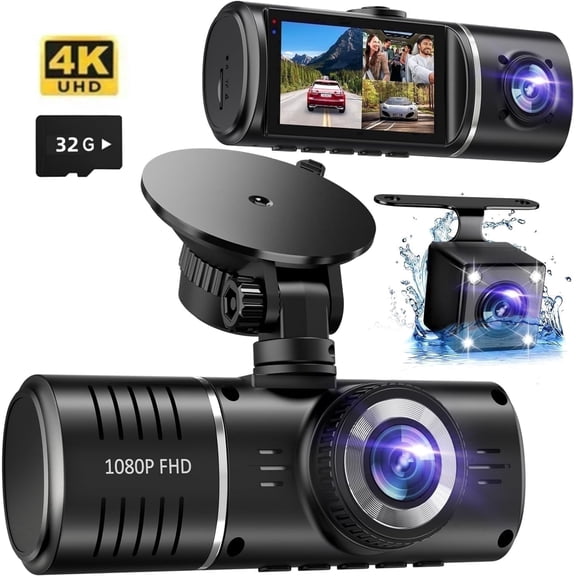
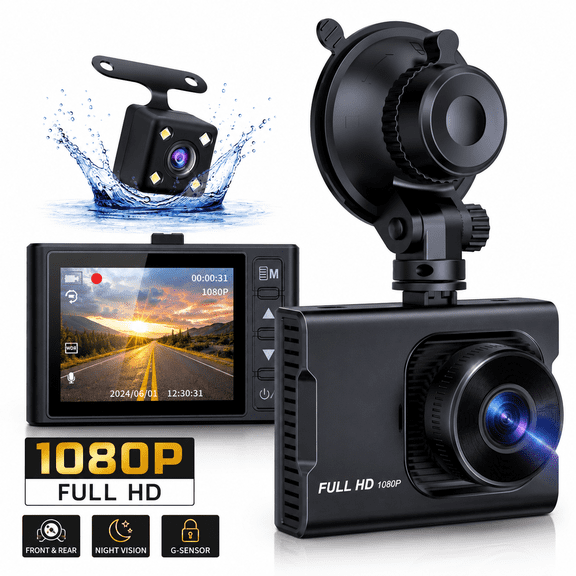
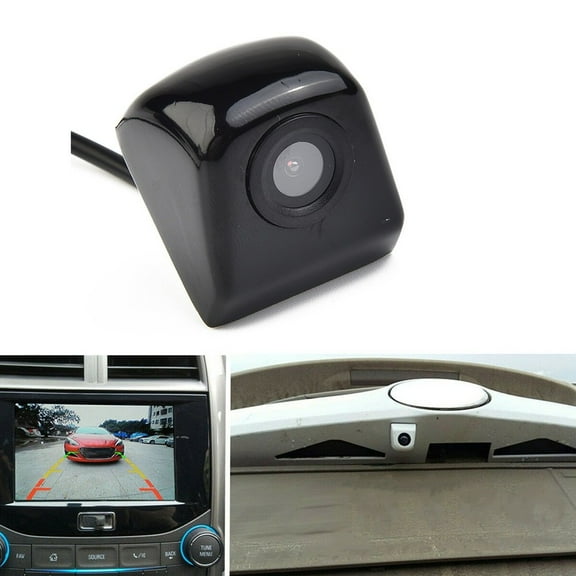
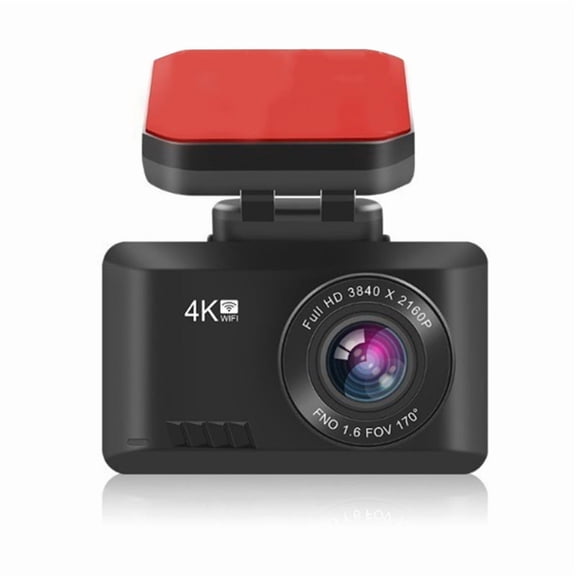
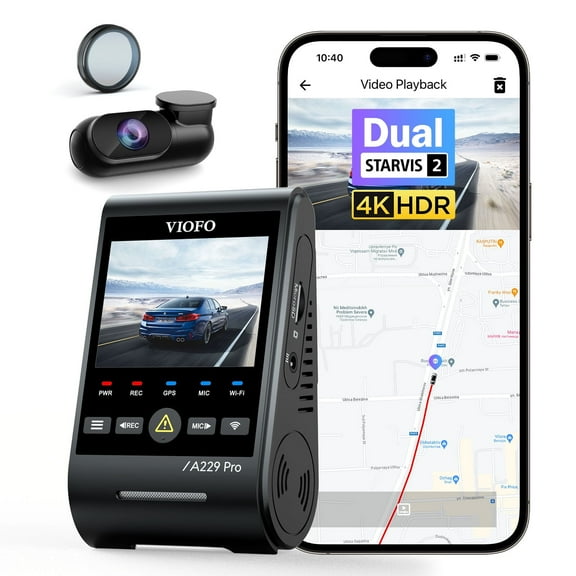
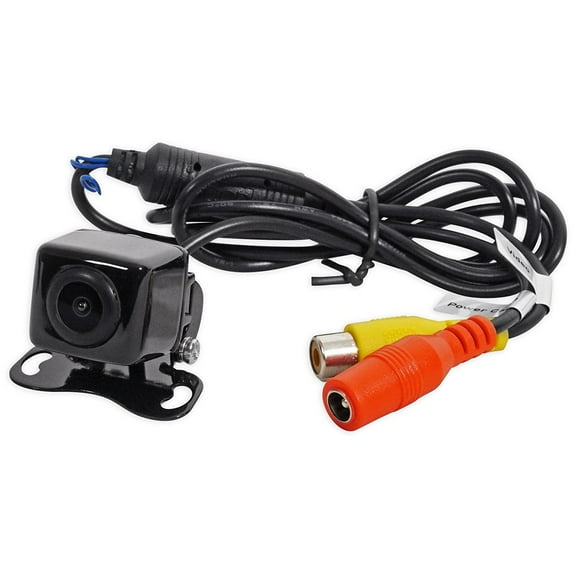
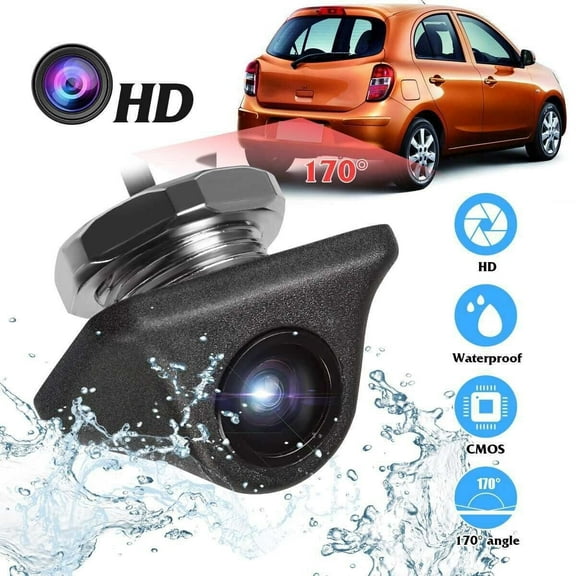
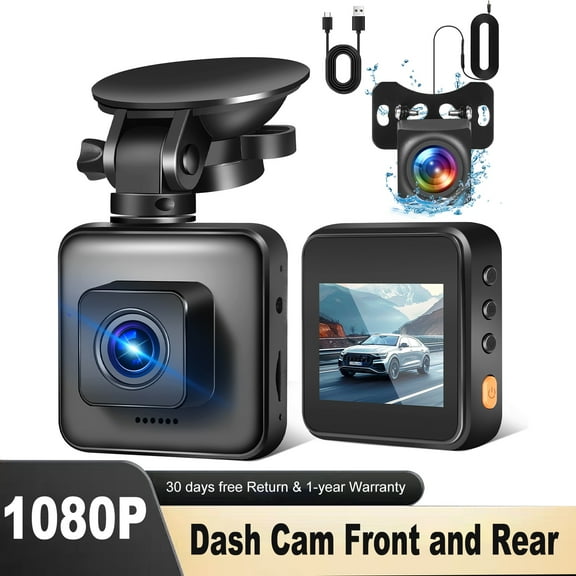
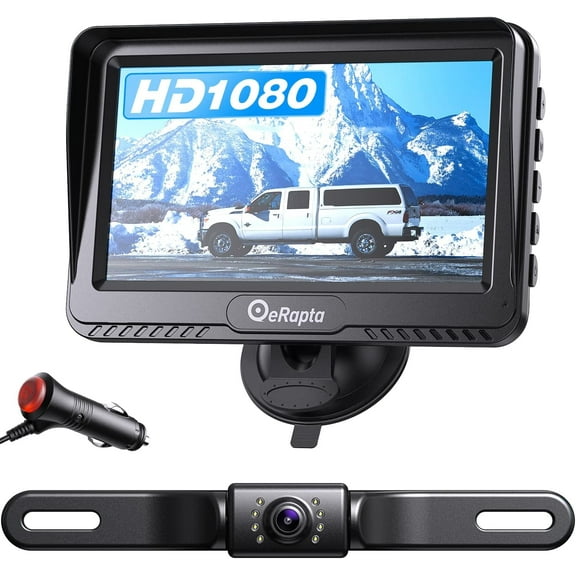
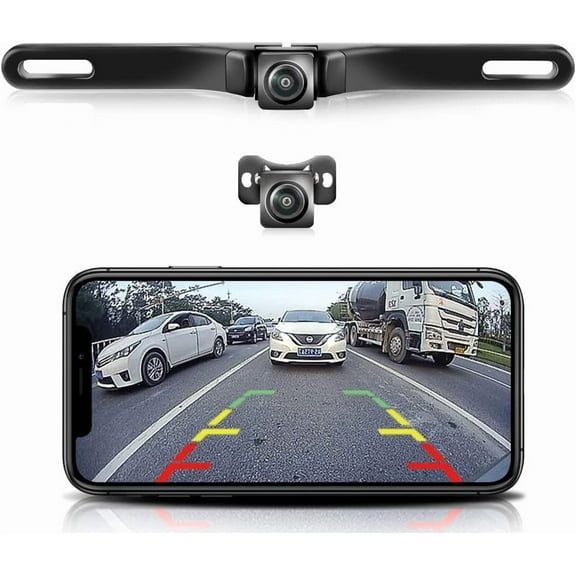
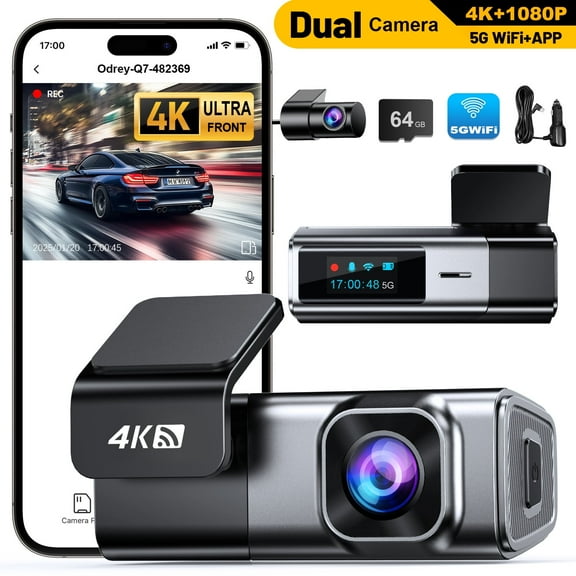
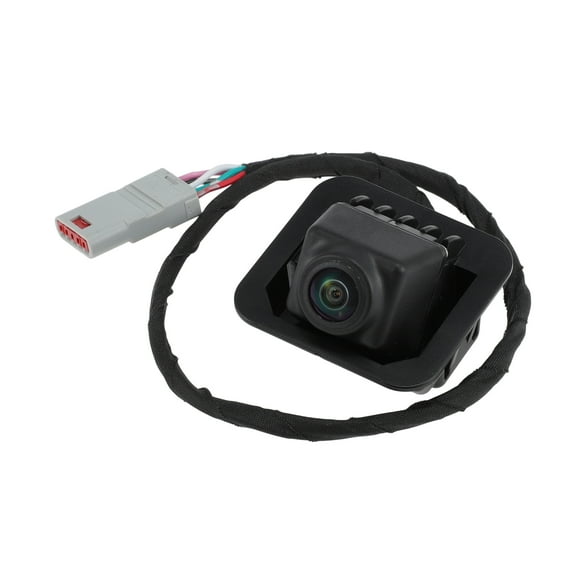
Dash cameras for cars focus on the road ahead and document lane changes, intersections, and highway travel. Backup cameras give you a rear view camera display that helps you line up spaces and trailers.
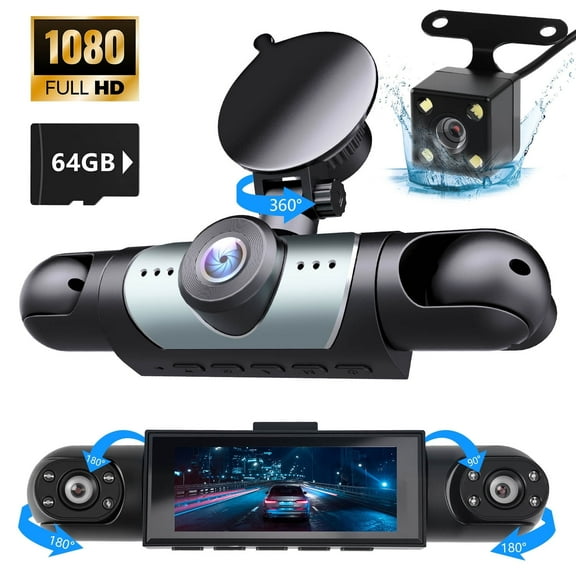
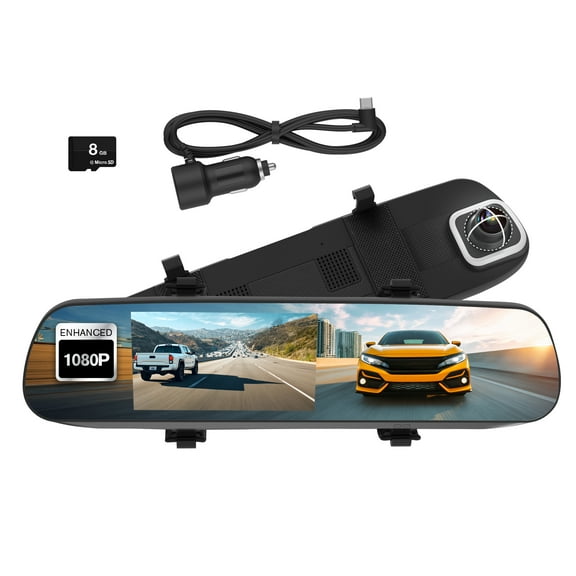
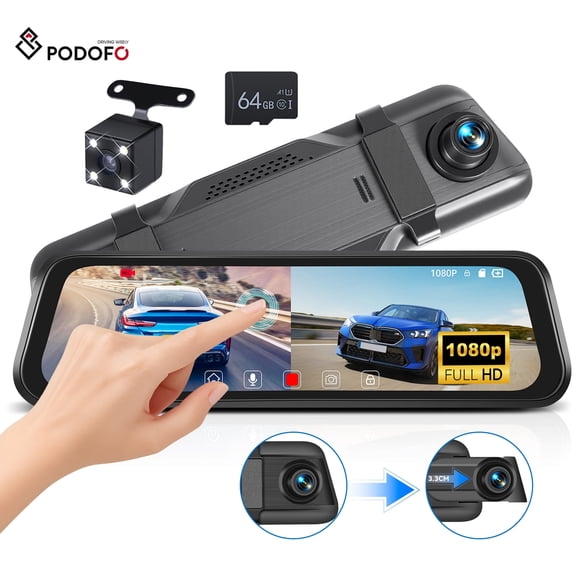
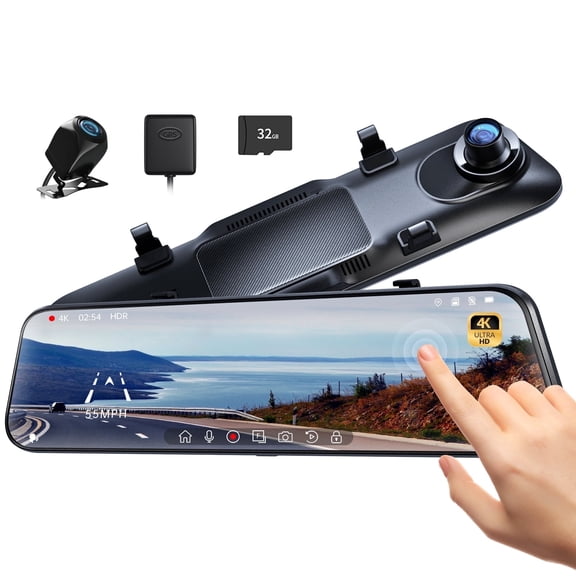
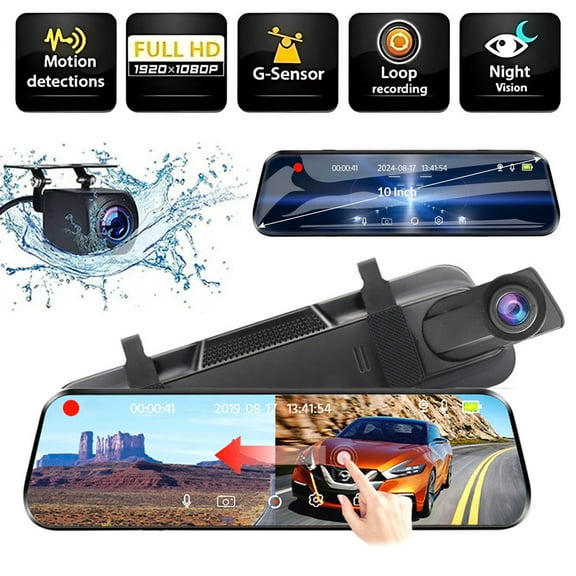
Mirror cameras combine a familiar mirror position with a screen, so you can keep your sightline higher. Cabin camera options add interior coverage, which you may want for shared vehicles or family trips.
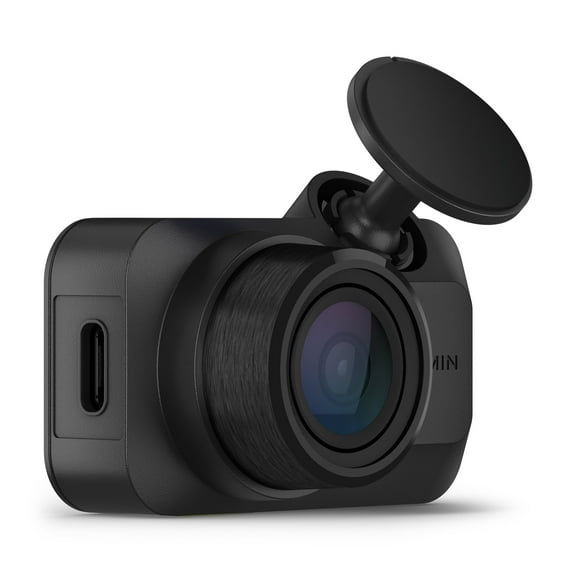
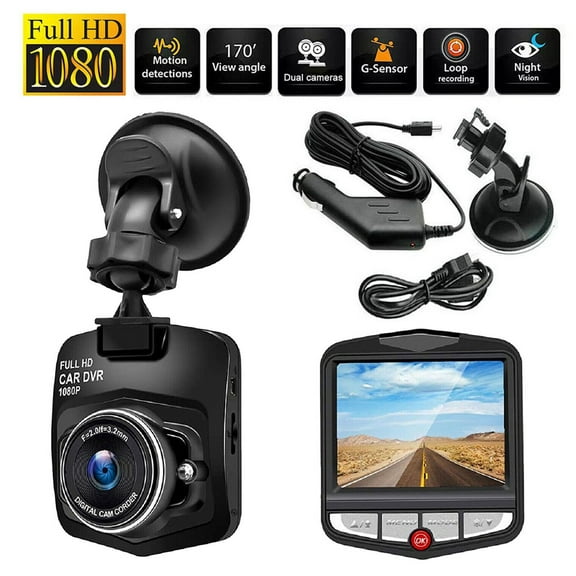
- You can choose a dash cam when you want forward recording during commuting or road trips.
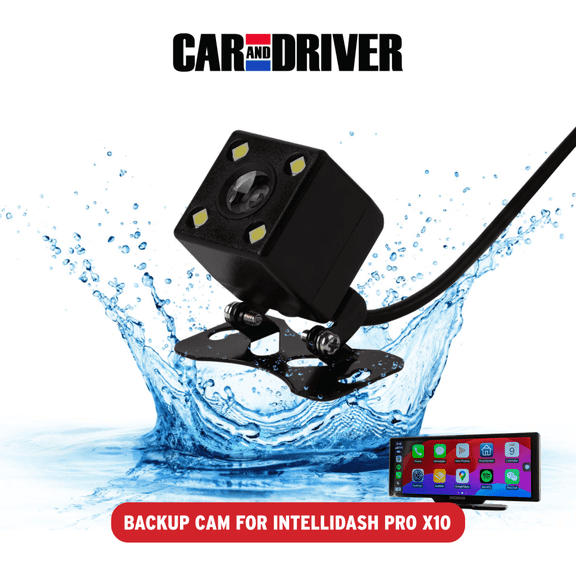
- You can choose a backup camera when your parking routine includes tight garages, crowded lots, or trailer alignment.
- You can choose a mirror camera when you want a built-in looking display without adding a separate screen.
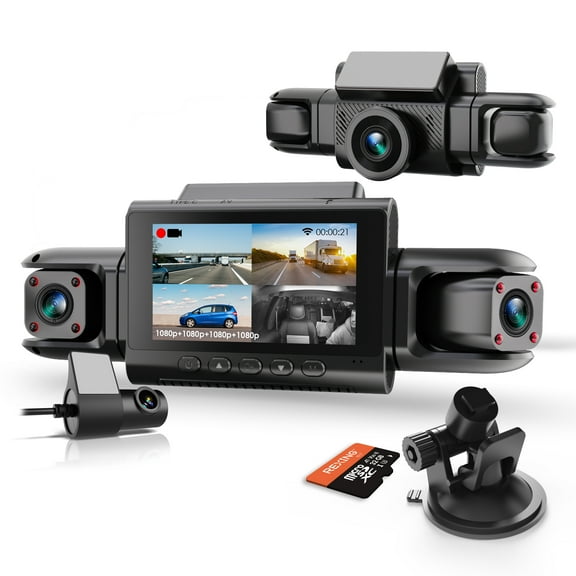
- You can choose a cabin camera when you want interior video coverage for passengers or shared driving.
Choosing video quality in car cameras
You should compare resolution first because sharper footage can make road details easier to review. You may see 720p, 1080p Full HD, and 4K Ultra HD across this category.
You can expect 720p models to cover basic recording needs with smaller file sizes. You may prefer 1080p Full HD for everyday clarity that balances detail and storage demands.
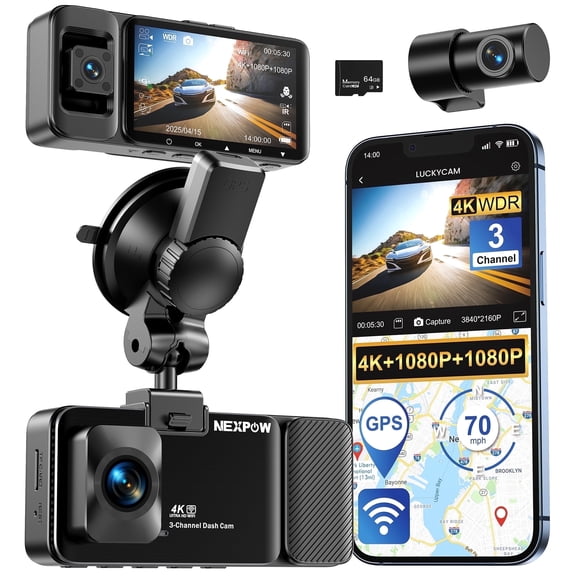
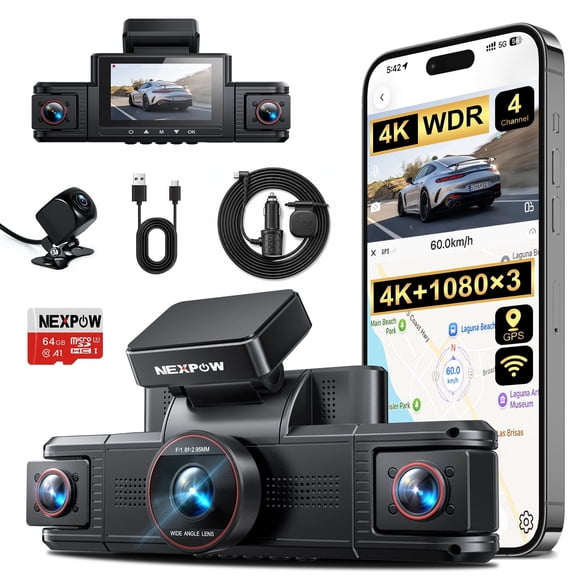
You should consider 4K options when you want more image detail in wide scenes and daytime traffic. You can also compare HDR support, which helps balance bright glare and darker areas.
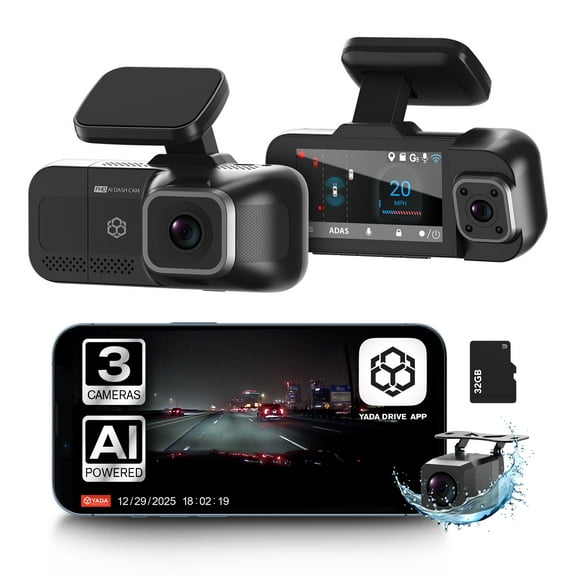
You may want infrared LEDs or night vision features when you drive before sunrise or after sunset. You can use those details to compare low-light recording without guessing from the product image.
Comparing connectivity and storage features
You should check whether you want a wired setup or extra wireless tools before you choose. You may find Wi-Fi enabled, Bluetooth, and GPS integrated options across dash cam and security models.
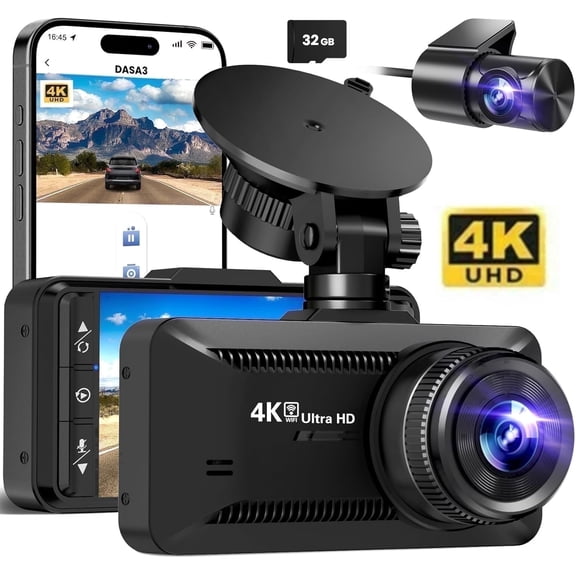
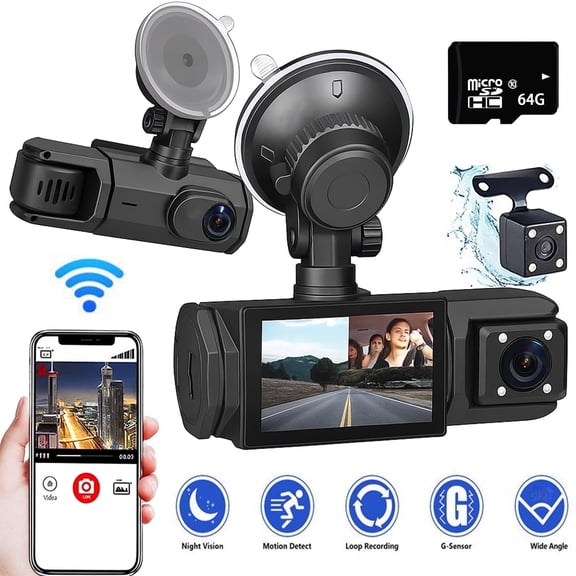
You can use Wi-Fi enabled car camera features to view clips on your phone without removing a memory card. You may use Bluetooth for setup functions, depending on the model and app support.
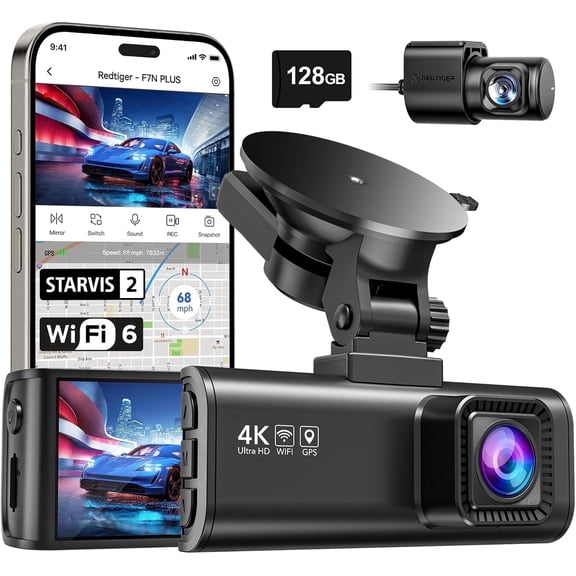
You should look for GPS integrated options when route and location details matter to your review process. You can also compare storage support, since memory card compatibility affects how much footage you keep.
You may want loop recording if you drive often and prefer simple file management. You can rely on that feature to overwrite older footage when the card reaches capacity.
Deciding on installation and power source
You should compare installation style early because it changes how quickly you can start using your camera. You may choose hardwired, 12V auxiliary, battery powered, or solar options based on your vehicle setup.
You can pick a hardwired model when you want a cleaner look with hidden cables. You may prefer a 12V auxiliary setup when you want plug-and-play installation through your vehicle outlet.
You should consider battery powered designs when you want flexibility between vehicles or temporary placement. You may also compare solar backup camera systems when you want easier rear placement without long wiring runs.
You can measure installation needs by camera location, screen placement, and cable routing distance. You should also check whether your vehicle needs a windshield mount, license plate mount, or mirror attachment.
Matching car cameras to everyday driving
You can match front recording to commuting, highway travel, and seasonal road trip planning. You may want a dash cam for daily mileage, changing traffic conditions, and long stretches between stops.
You should match backup cameras to parallel parking, driveway exits, and towing preparation. You can use a rear view camera setup when you want more confidence during slow, precise maneuvers.
You may choose cabin camera coverage for carpools, rideshare shifts, or family travel. You can also compare mirror camera layouts when dashboard space feels limited or windshield placement matters.
You should review low-light features if your schedule includes early departures or evening returns. You can compare HDR, infrared LEDs, and resolution together for a clearer picture of night driving performance.
You can narrow your options faster when you compare camera type, resolution, connectivity, and power source together. You’ll feel more prepared when your setup fits your vehicle, your route, and your recording habits.