








Marine GPS in Marine Electronics


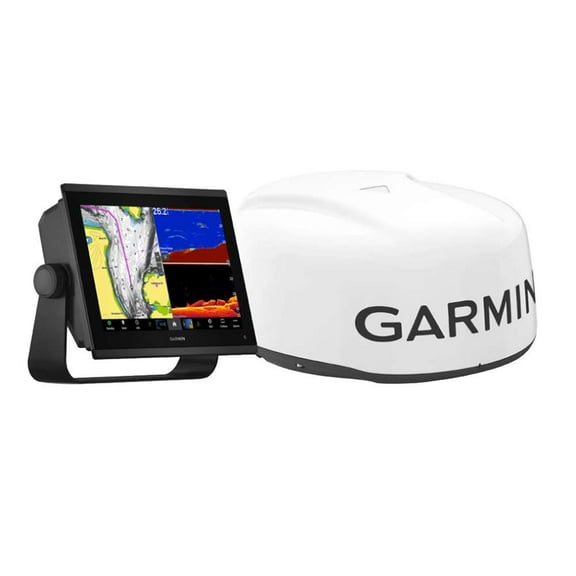
![Garmin GPSMAP 8612xsv Combo GPS/Fishfinder GN+ [010-02092-51]](https://i5.walmartimages.com/seo/Garmin-GPSMAP-8612xsv-Combo-GPS-Fishfinder-GN_5169b990-0490-41bf-beb6-eb5378ffe3f6.91b725f4a1818e77d807afe07d026350.jpeg?odnHeight=576&odnWidth=576&odnBg=FFFFFF)
![Raymarine Axiom+ 12 - 12" MFD Chartplotter [E70638]](https://i5.walmartimages.com/seo/Raymarine-Axiom-12-12-MFD-Chartplotter-E70638_a7e09cc1-e5a9-4743-aa29-806505745050.531a390f772dbc8a5b6df74c060d29c8.jpeg?odnHeight=576&odnWidth=576&odnBg=FFFFFF)



About Marine GPS in Marine Electronics - Walmart.com
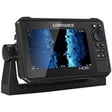
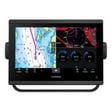
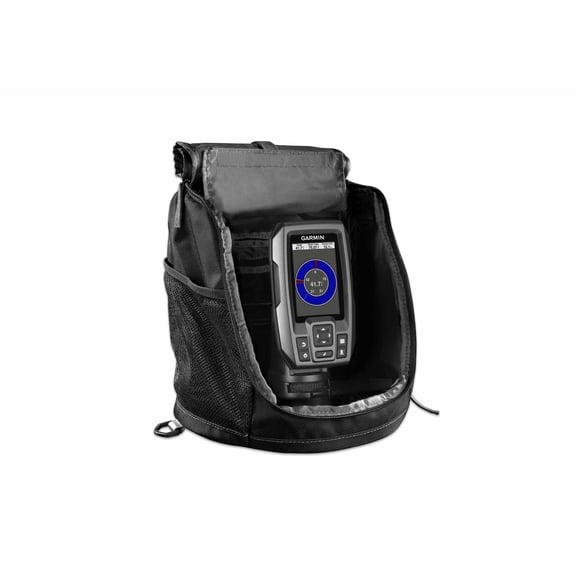
Marine gps options help you navigate open water, mark fishing spots, and read charts with confidence on your boat. You can compare display size, sonar type, mapping coverage, and transducer bundles in one place before you choose.
How to choose the right marine gps
When you shop for a boat gps unit, you should start with the screen size you can read quickly in bright sun. You’ll usually compare five-inch, seven-inch, nine-inch, and 12-inch displays based on helm space and viewing distance.
A five-inch screen can suit compact consoles, kayaks, or smaller boats where you need a simple layout. A larger screen gives you more room for split views, so you can watch charts and sonar together.
You should also check resolution and menu layout before you choose a marine gps unit for regular use. You’ll notice clear icons and readable chart details matter when you’re moving and making quick course changes.
What to look for in boat gps sonar options
Your fishing style should guide your sonar choice because each sonar format shows underwater details differently. You can compare CHIRP sonar, Down Imaging, Side Imaging, and LiveScope based on how you search and track activity.
With CHIRP sonar, you can read depth changes and target separation in a familiar format. With Down Imaging, you can review structure directly below your boat with sharper picture-like detail.
Side Imaging helps you scan wider areas to each side, which can help you cover shoreline structure faster. LiveScope setups support live-view sonar, and you should check whether your unit supports an LVS34 bundle.
- You can use CHIRP sonar when you want familiar arches, depth detail, and easier reading in changing water.
- You can use Down Imaging when you want clearer views of brush, rock piles, and structure below.
- You can use Side Imaging when you want to scan wider water without driving directly over each area.
- You can choose LiveScope-compatible systems when you want real-time sonar views and compatible bundle options.
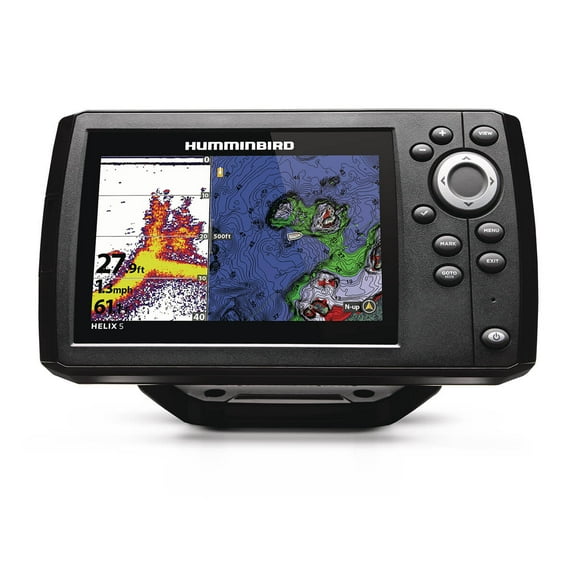
If you’ve searched humminbird helix 5 di or humminbird helix 5, you’re likely comparing sonar views and compact displays. You should focus on the same decision points across the category, including screen size, imaging type, and included accessories.
Choosing marine gps with maps
You should compare mapping capability just as closely as sonar because chart coverage shapes how you navigate. A marine gps with maps can give you preloaded areas, plotter functions, or a worldwide basemap for broader routing.
Preloaded maps can work well when you boat in known lakes, coastal zones, or regional waters often. A gps plotter helps you create routes, mark waypoints, and return to ramps, marinas, or productive fishing spots.
You should also check whether the mapping system supports updates or added cartography cards later. If you travel between inland and coastal waters, your map compatibility can matter as much as the screen itself.
When you compare chart styles, you should think about contour detail, waypoint management, and split-screen navigation. You’ll want map pages that stay readable while you monitor sonar, speed, and heading on the same display.
Checking transducer bundles and compatibility
You should confirm whether your package includes a transducer before you choose any boat gps or sonar combo. Some units come with a transducer, while others require a separate purchase based on your sonar goals.
A bundle with transducer can simplify setup because you’re matching the display and sensor from the start. A unit without transducer can suit your boat if you already have compatible equipment installed.
If you’re considering advanced live sonar, you should check compatibility notes for an LVS34 bundle or similar package. You’ll want to verify supported connectors, mounting needs, and required black box components before installation.
For many shoppers, this step prevents confusion between a chartplotter display and a complete sonar-ready package. You can narrow your options faster when you confirm what’s included in the box and what’s optional.
Matching features to your time on the water
You might want a smaller unit for weekend fishing trips, a center console, or a compact helm with limited dash space. You can also choose a larger display when you run offshore routes or prefer chart and sonar views side by side.
If you fish brush piles, ledges, or drop-offs, you may focus on CHIRP and Down Imaging combinations. If you cover banks, flats, or wider structure, you may prefer Side Imaging to scan more water in each pass.
When you boat across unfamiliar water, you should prioritize mapping coverage, route marking, and a bright readable display. If you already own compatible sonar hardware, you can focus on display features and chart functions first.
You may also compare bundles for freshwater fishing, coastal navigation, or mixed-use boating through the season. With the right marine gps setup, you can read the water clearly and return to key spots with less guesswork.
These category choices help you compare screens, sonar, maps, and transducer bundles with a clear plan. When you match those details to your boat and waters, you gain cleaner navigation and more useful time on the water.
Popular in Marine GPS in Marine Electronics - Walmart.com
- Best Sellers In Electronics Marine GPS Units Chartplotters
- Marine Rescue Gps
- Boating Chartplotters GPS
- Simrad Marine Electronics
- Navionics Marine Electronics
- Best Sellers In Marine GPS Units Chartplotters
- Wireless Bluetooth Fish Finder
- Fishing Gps
- Transflective
- Marine GPS Chartplotters Raymarine Electronics
- Marine Gps Units Chartplotters Onwa Electronics
- Garmin Ice Transducer