

ASUS Tower PC Gaming: ROG & TUF Desktops | Walmart










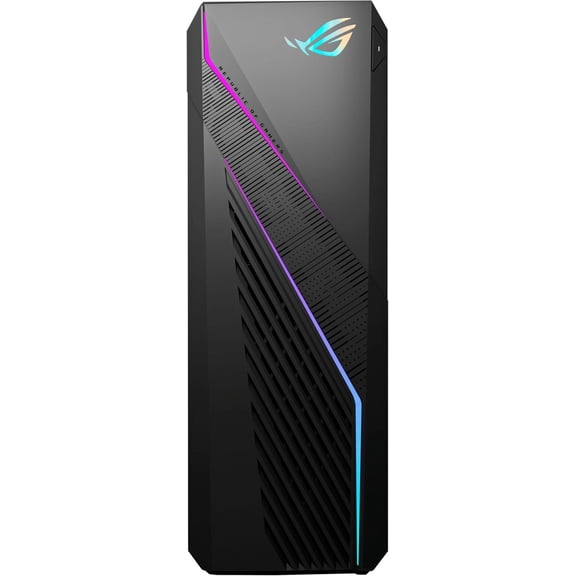

About ASUS Tower PC Gaming: ROG & TUF Desktops | Walmart - Walmart.com
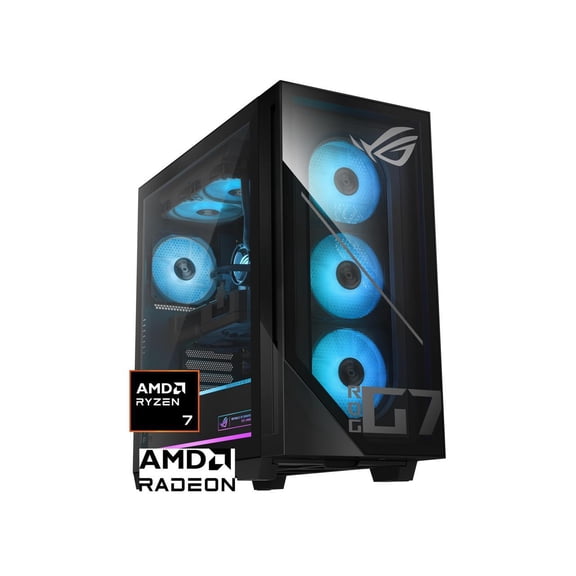
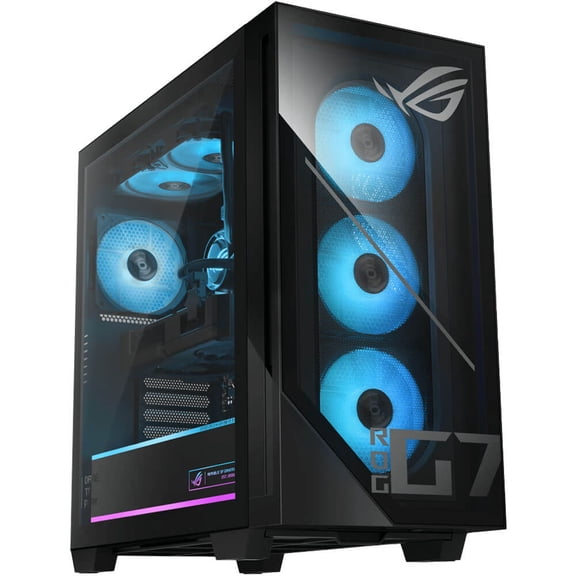
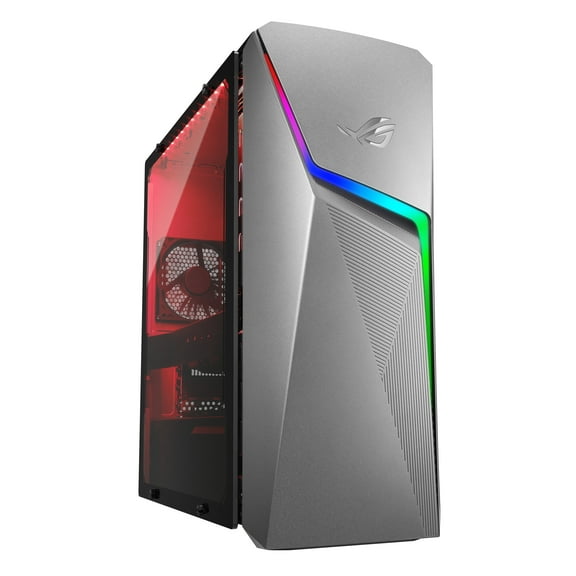
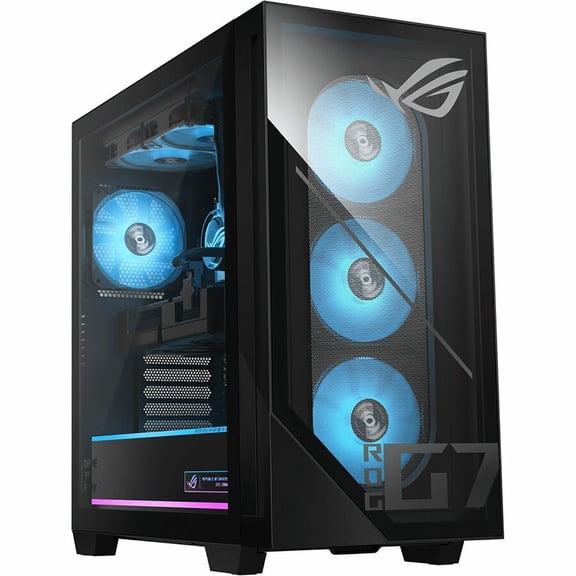
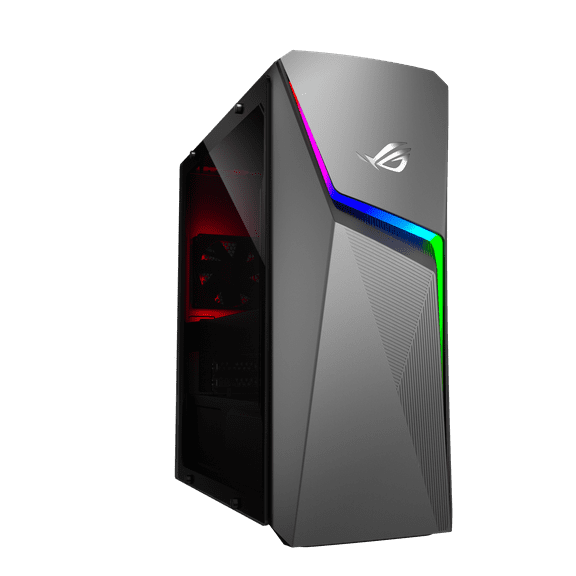
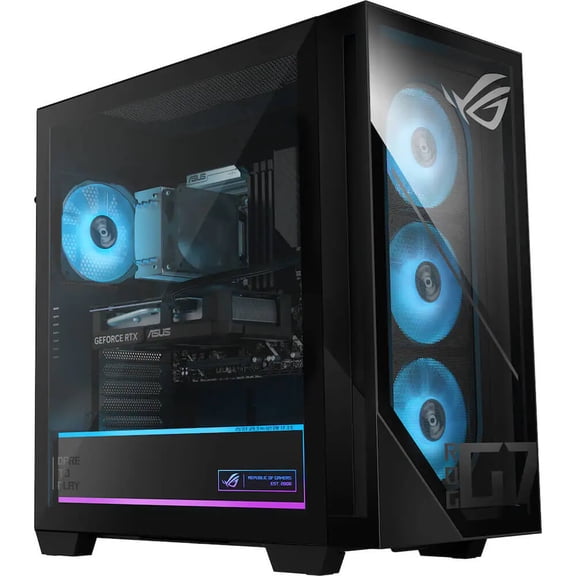
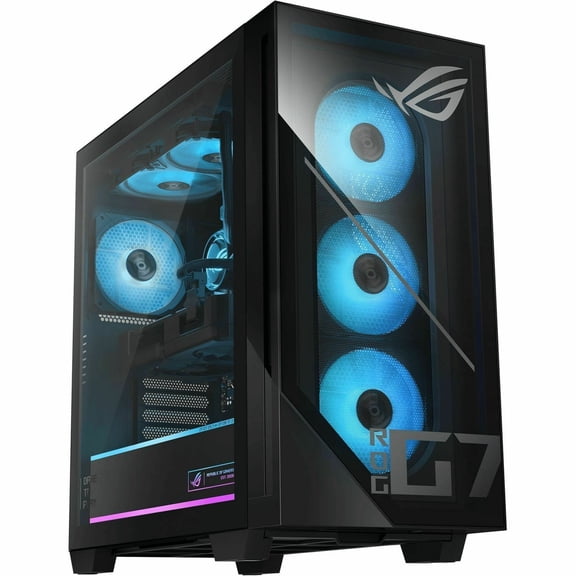
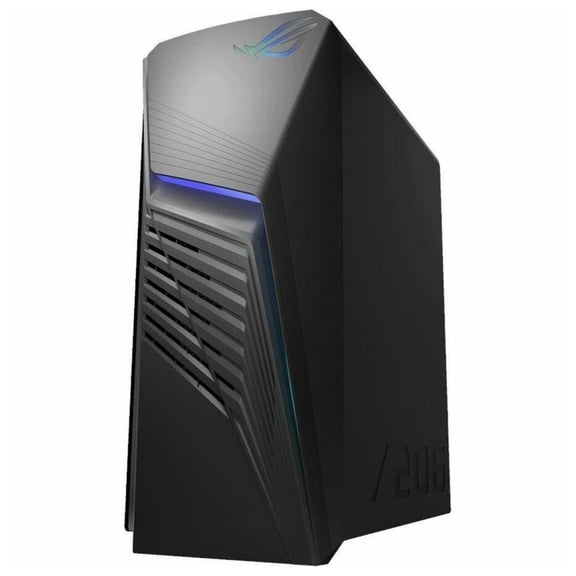
ASUS gaming desktops give you a fast path to PC play with prebuilt setups, focused series options, and current graphics choices. You can compare ROG and TUF systems by performance tier, cooling style, and upgrade room without sorting through parts lists first.
How to choose ASUS gaming desktops by series
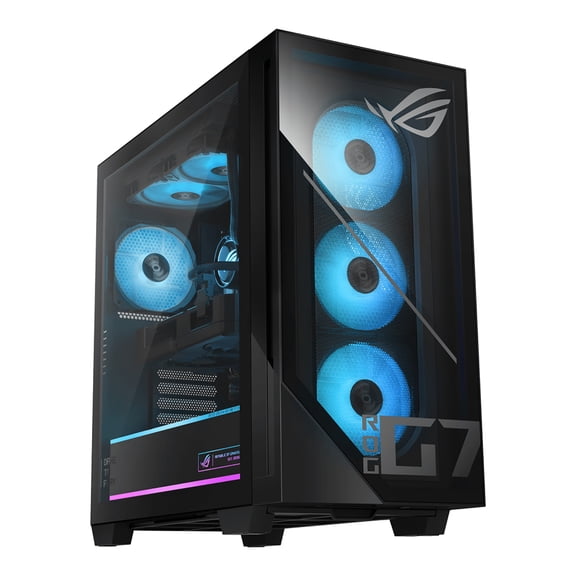
When you compare ASUS gaming desktops, you should start with the series because it shapes your build priorities. You can use an ASUS ROG gaming desktop for higher performance targets, while your ASUS TUF gaming desktop search may center on practical everyday play.
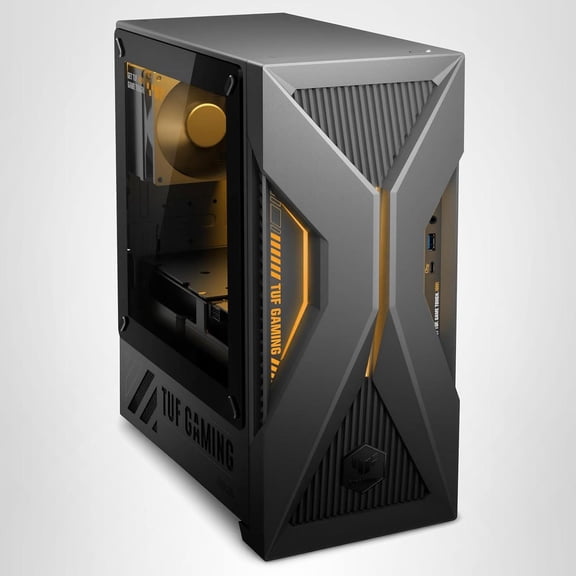
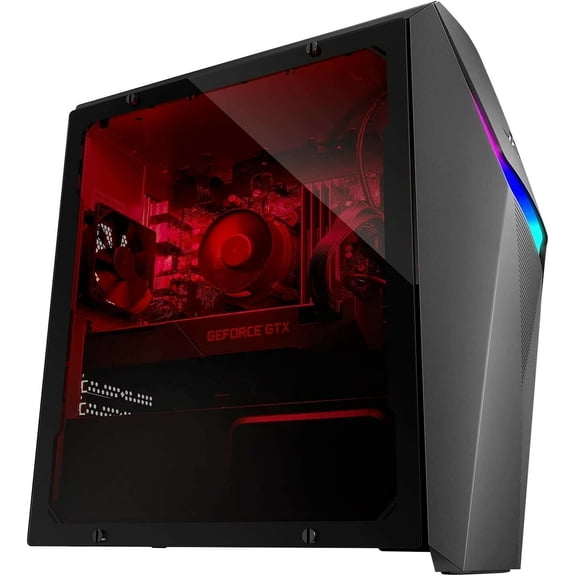
If you want a setup for competitive settings and heavier visual loads, you should compare ROG towers first. If you want a balanced prebuilt gaming desktop for school, streaming, and gaming, you can check TUF configurations.
You can narrow your options faster when you match the series to your habits before comparing individual specs. That approach helps your shortlist stay focused on the gaming experience you actually want.
Benefits you should look for in an ASUS gaming pc
A prebuilt system helps you skip the part-by-part build process and start gaming with less setup work. You can also compare one brand family more easily when ASUS matches the CPU, GPU, RAM, and storage.
- You can get plug-in convenience with a prebuilt gaming desktop that arrives ready for monitor, keyboard, and headset setup.
- You can compare ROG and TUF lines by intended performance tier instead of learning every component from scratch.
- You can choose memory and storage combinations that fit large game files, multitasking, and daily school or work use.
- You can look for upgrade paths, such as open RAM slots and expansion space, when your needs grow later.
You may also appreciate a more predictable buying process when your core parts are selected to work together. That makes it easier for you to shop by game goals, display resolution, and multitasking habits.
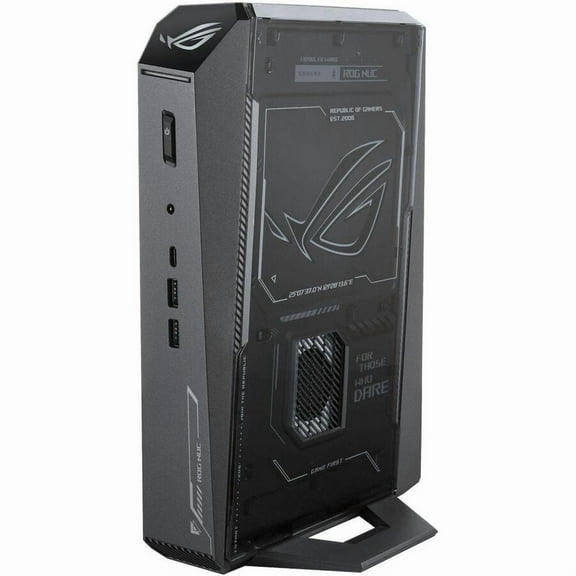
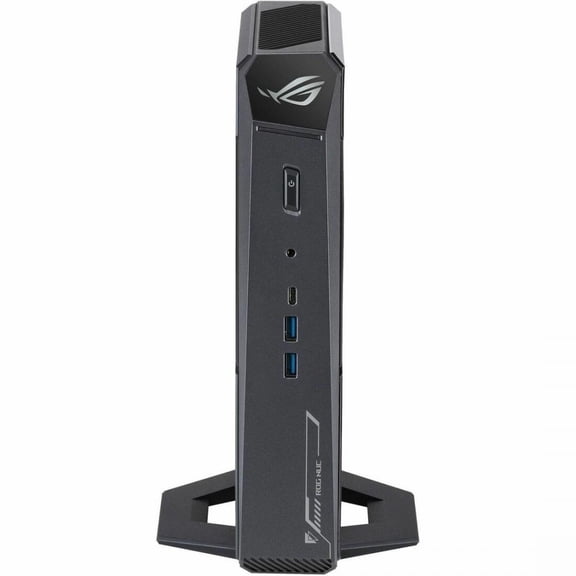
Because ASUS towers often target gamers directly, you can compare airflow layouts, front-panel access, and compact desktop footprints. Those category details matter when you place your tower beside a desk, monitor arm, or streaming gear.
What to look for in graphics, processors, and memory
Your graphics card should be your first technical decision because it shapes frame rate, visual detail, and display resolution. You can compare NVIDIA GeForce RTX 4060, RTX 4070, RTX 4080, and AMD Radeon options by the games and monitor you use.
If you play esports titles at high refresh rates, you may find a midrange GPU fits your setup well. If you want heavier visual effects and sharper image detail, you should compare stronger cards with ray tracing support.
Your processor choice matters next because it affects multitasking, streaming, and background app performance during gameplay. You can compare Intel Core i7, Intel Core i9, AMD Ryzen 7, and AMD Ryzen 9 options by workload.
If you game and stream at the same time, you should look for extra processing headroom. If you mainly play and browse, you may only need a balanced Intel gaming desktop or AMD Ryzen gaming pc setup.
Your RAM and storage choices shape responsiveness and day-to-day convenience. You can compare 16GB DDR5, 32GB DDR5, and 64GB DDR5 memory with 1TB NVMe SSD or 2TB NVMe SSD storage.
If you keep several large titles installed, you should check whether 2TB fits your routine better. If you switch between games, chat, and browser tabs often, you may prefer more memory in your ASUS gaming computer.
Choosing cooling, expansion, and long-term flexibility
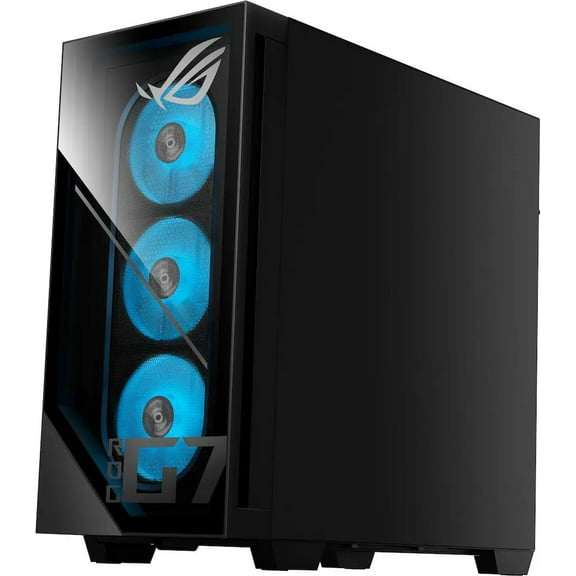
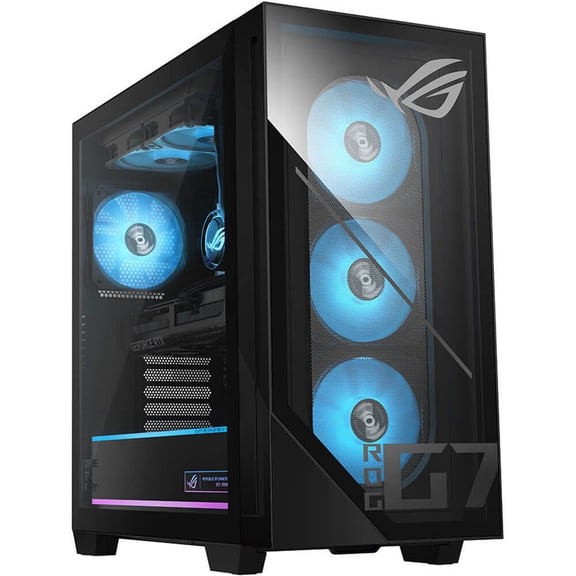
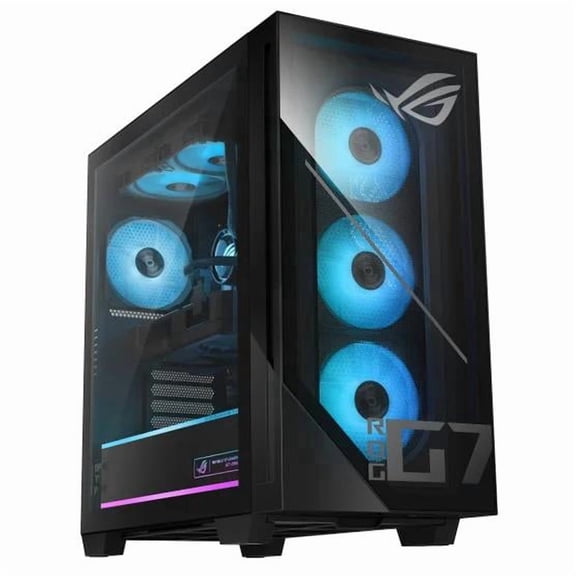
You should also compare cooling because sustained gaming sessions can push your system for hours. You can look for airflow-focused cases, multiple fan placements, and cooling layouts that match your room and usage style.
If you want a quieter desk setup, you should check fan design and cooling approach before you choose. If you push demanding titles for longer sessions, you may prefer stronger thermal management and more open case airflow.
Your upgrade path matters when you want a desktop that can grow with new games and accessories. You can check whether the case opens easily, whether extra RAM slots are available, and whether power supply headroom supports future changes.
Those details can matter if you plan to add memory, expand storage, or change graphics later. You should also measure your desk area so your tower size and cable access fit your space comfortably.
Use cases for ROG, TUF, and component combinations
If you play fast shooters with a high-refresh monitor, you should compare systems with a stronger GPU and balanced CPU. That combination can help your gameplay feel smoother during quick camera movement and competitive matches.
If you want an ASUS ROG gaming desktop for immersive single-player titles, you should compare RTX 4070 or RTX 4080 builds. You may also want 32GB DDR5 and a 2TB NVMe SSD for larger installs and multitasking.
If you want an ASUS TUF gaming desktop for mixed use, you should compare practical builds with 16GB or 32GB memory. You can use that setup for classwork, media, chat apps, and regular gaming without overcomplicating your search.
If you stream, edit clips, or run several apps together, you should compare Intel Core i9 or AMD Ryzen 9 options. You can also check storage capacity early, because recorded files and game libraries add up quickly.
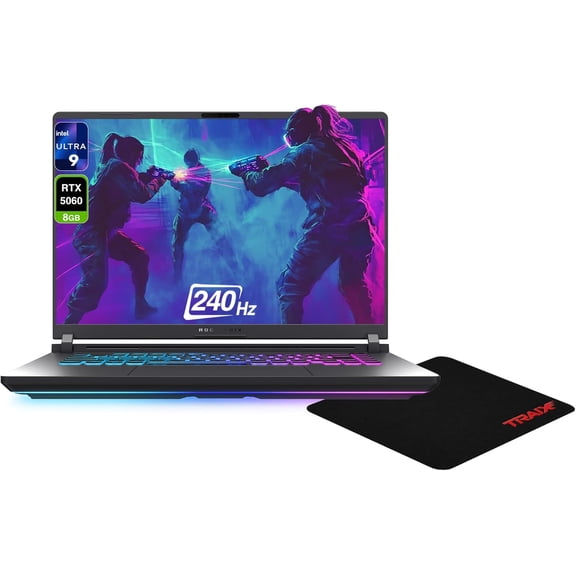
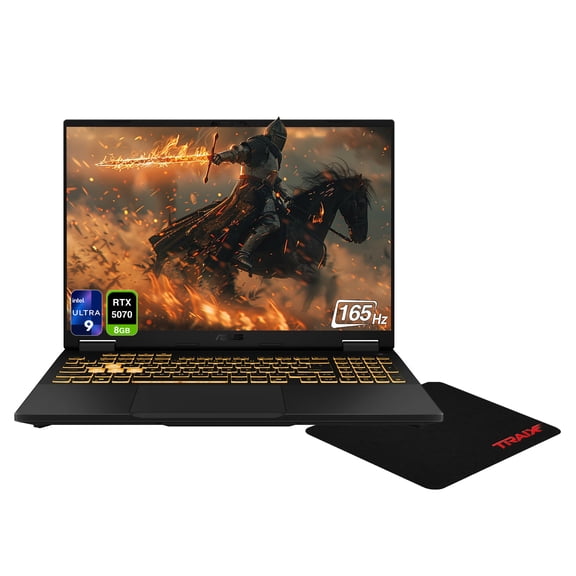
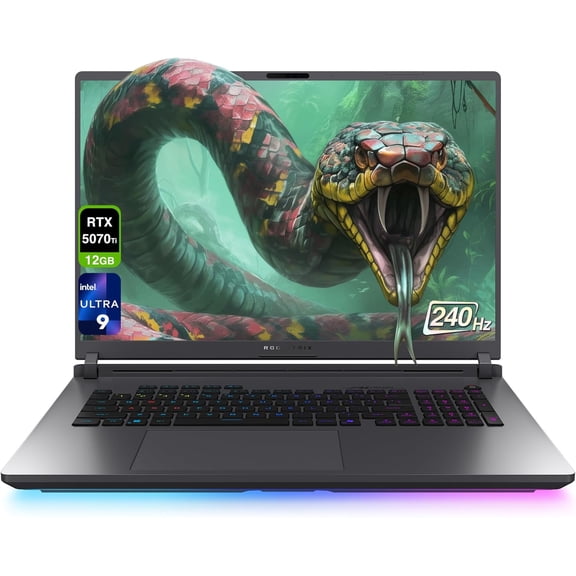
You may want related gear that matches your tower and gaming habits. You can complete your setup with ASUS gaming laptops, gaming monitors, and PC gaming accessories for daily play.
With the right series, processor, graphics card, memory, and cooling, you can choose a desktop that fits your games and workspace cleanly. That clearer comparison helps you land on a system that feels ready from your first power-on.