





32 Inch TVs - HD and Smart 32 Inch TVs






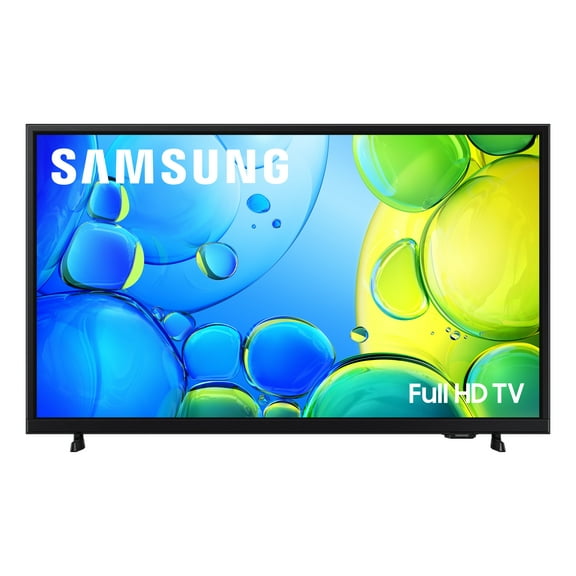


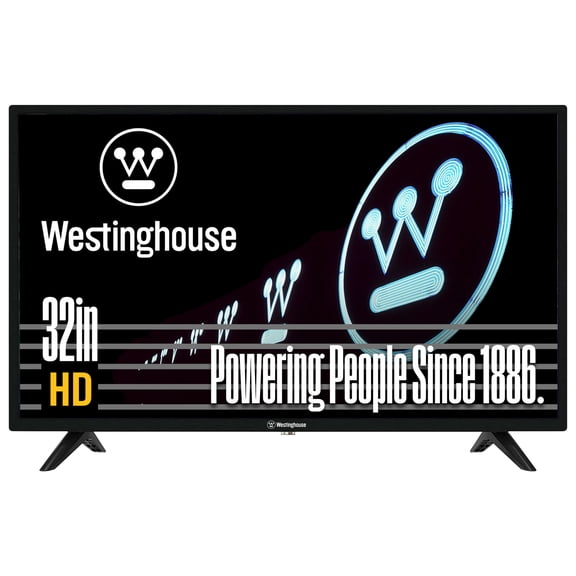
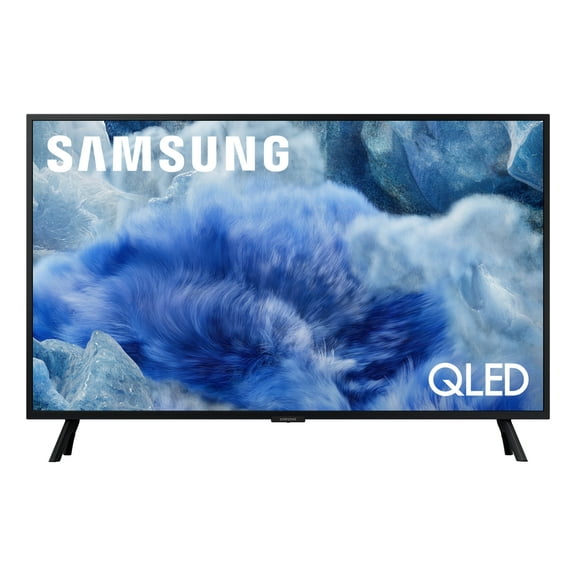

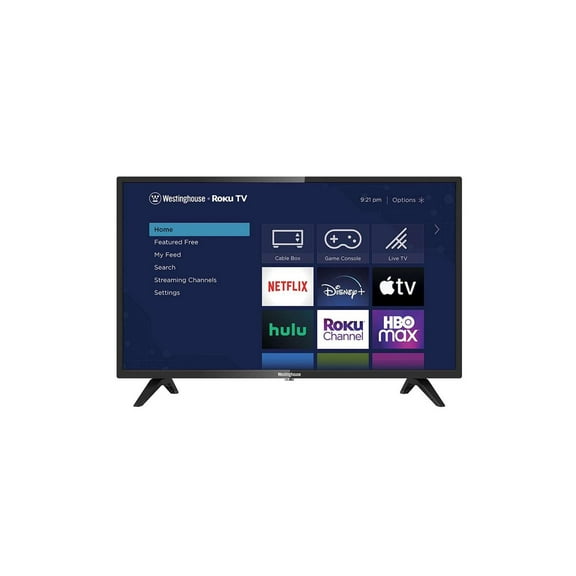




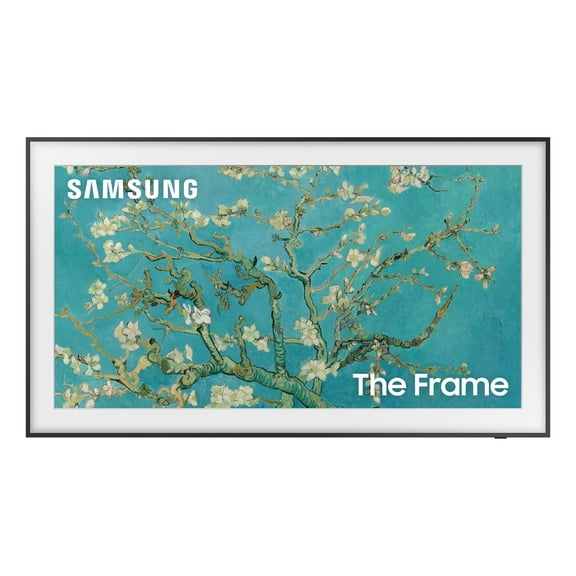
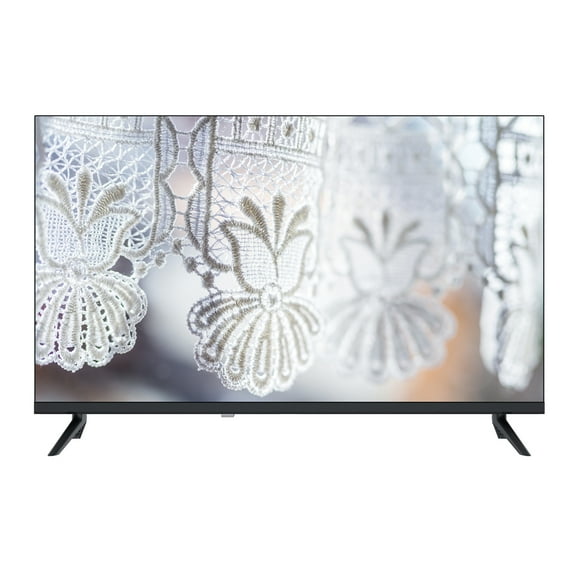
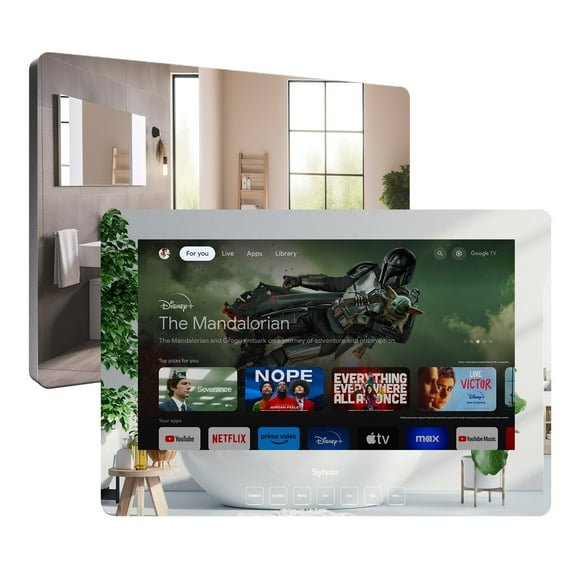
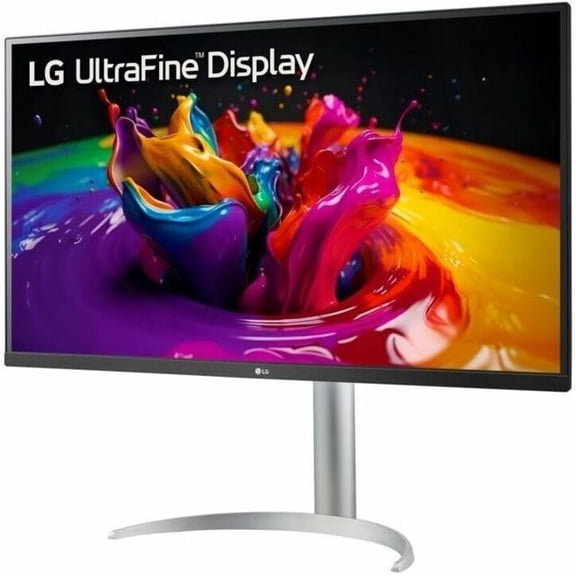


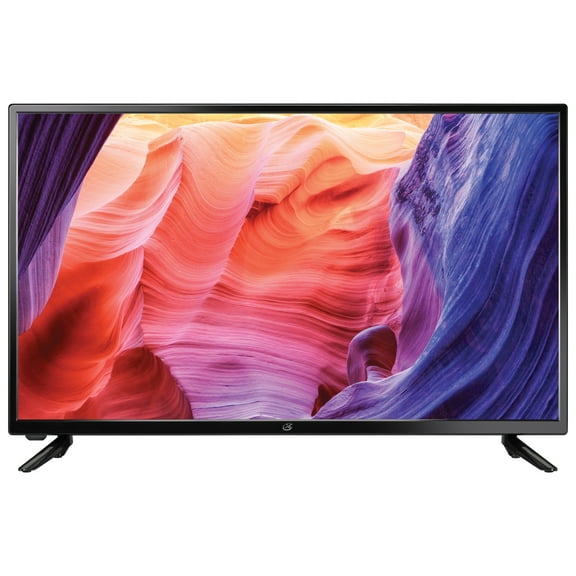
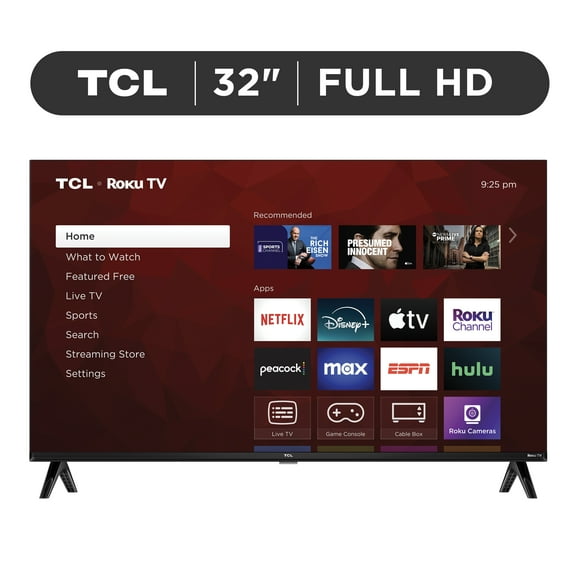
About 32 Inch TVs - HD and Smart 32 Inch TVs - Walmart.com
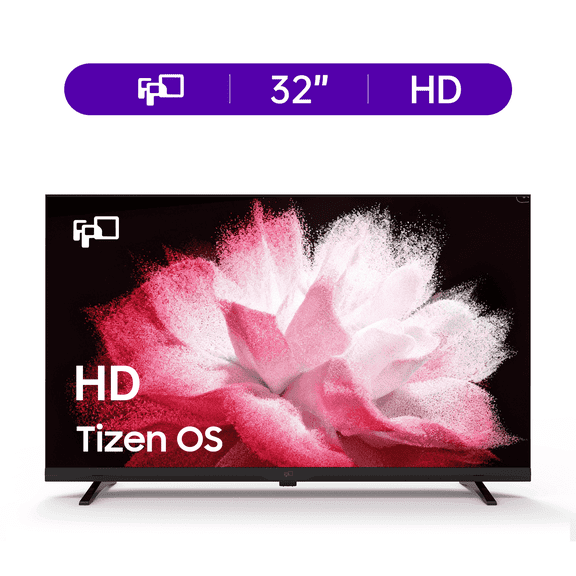
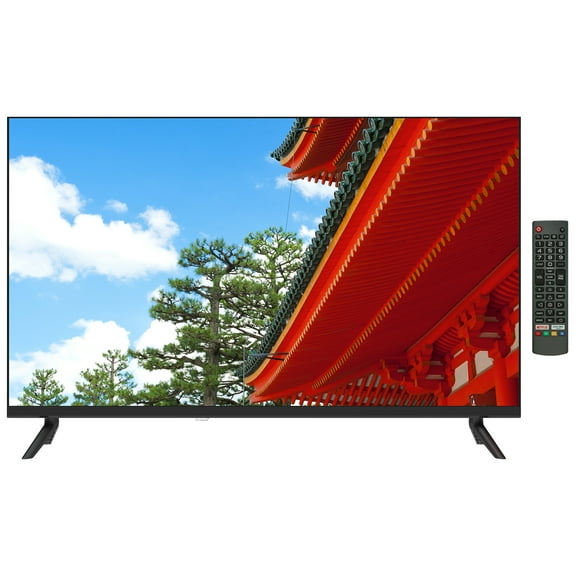
32 inch tvs give you a practical screen size for bedrooms, dorms, kitchens, and guest spaces. You can fit a compact display more easily, while still getting streaming access, HDMI connections, and sharp everyday picture quality.
How to choose 32 inch tvs for your space
You should start with where your screen will live and how far away you'll watch. You may want a lighter setup for a dresser, a wall mount, or a small media stand.
You'll also want to compare smart features, resolution, and input options before you decide. Your viewing habits matter here, because a kitchen TV and a dorm gaming setup need different features.
When you compare models, these decision points usually matter most for compact screens. You can narrow choices faster when you focus on size, picture detail, streaming access, and mounting fit.
- You can stream shows directly when your screen includes a built-in smart platform.
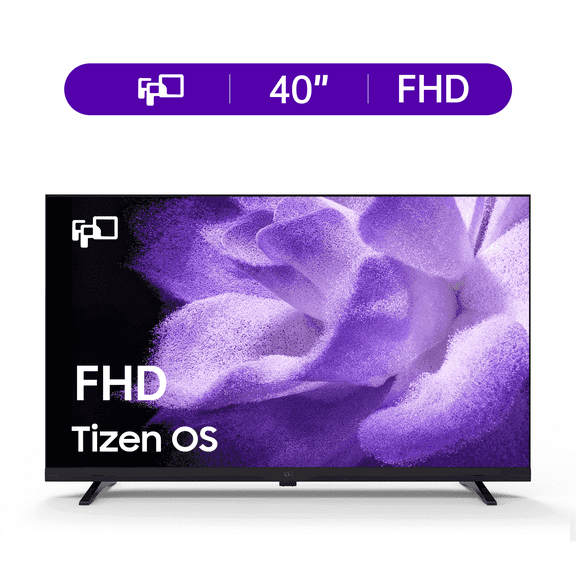
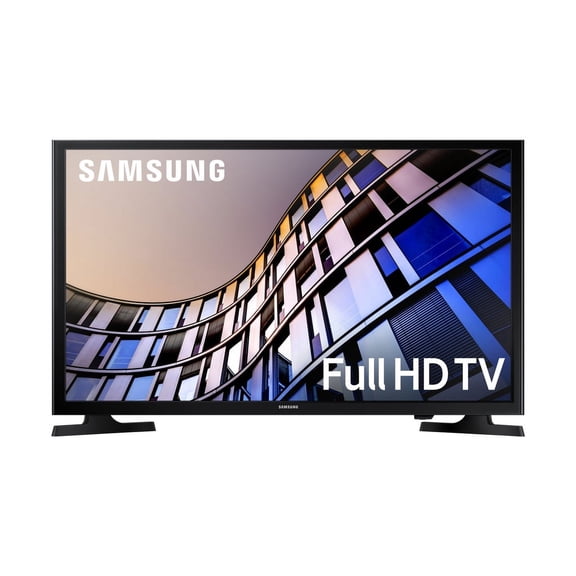
- You can get sharper detail with a 1080p 32 inch tv for close-up viewing.
- You can connect consoles, soundbars, and players more easily with the right HDMI setup.
- You can place a compact screen in smaller rooms without overwhelming your furniture.
Choosing the right 32 inch smart tv platform
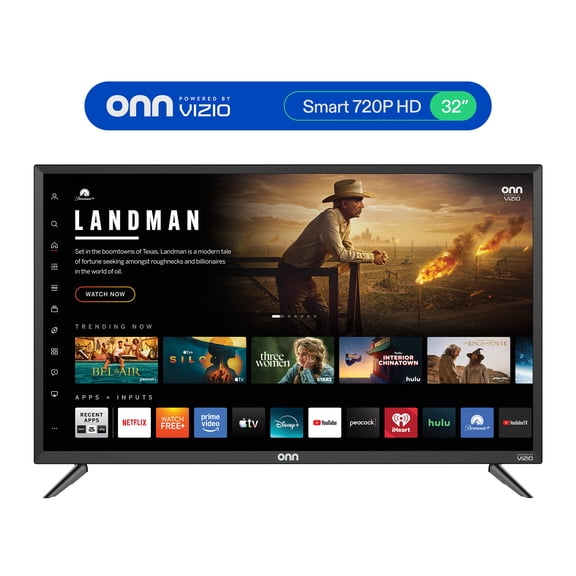
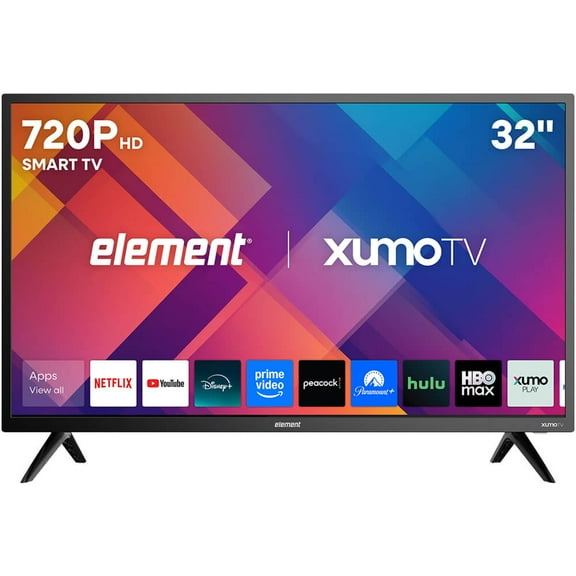
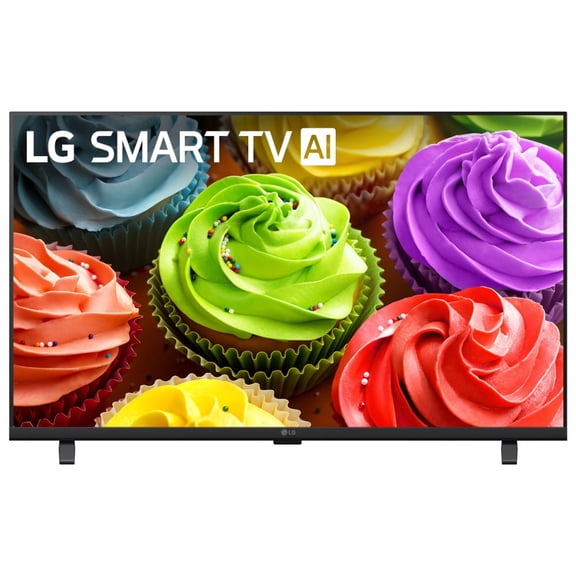
You should decide whether you want built-in apps or plan to use a separate streaming device. You may prefer a 32 inch smart tv when you want fewer cables and quicker access to shows.
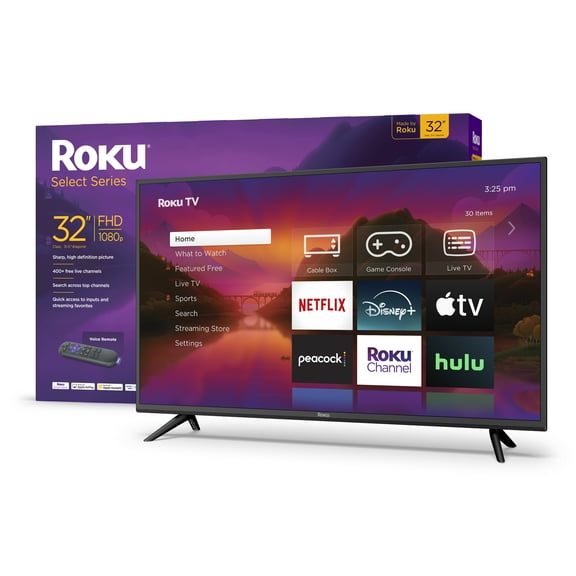
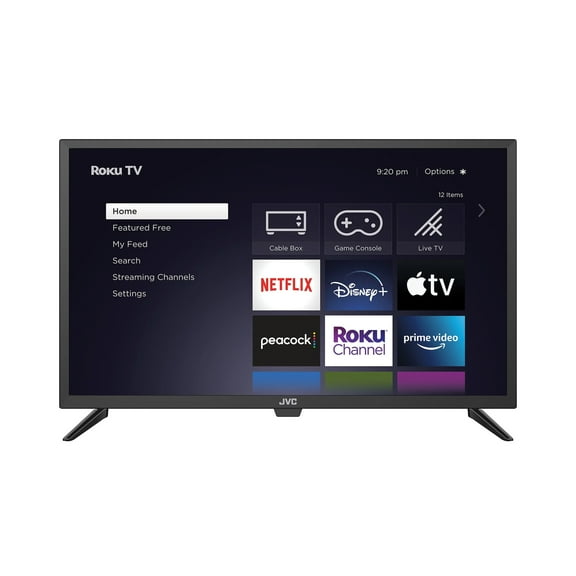
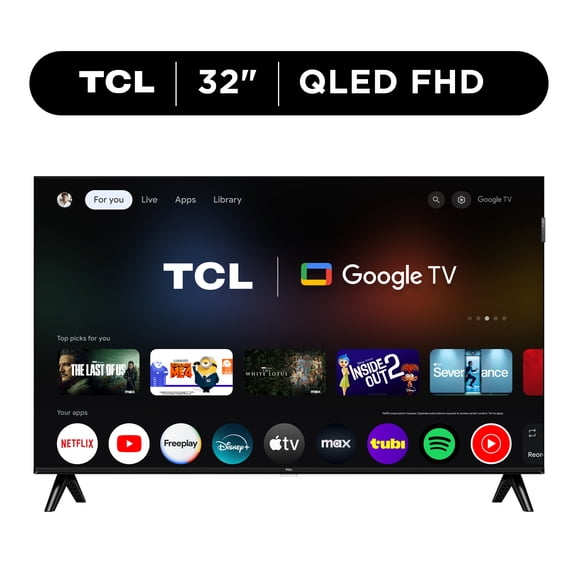
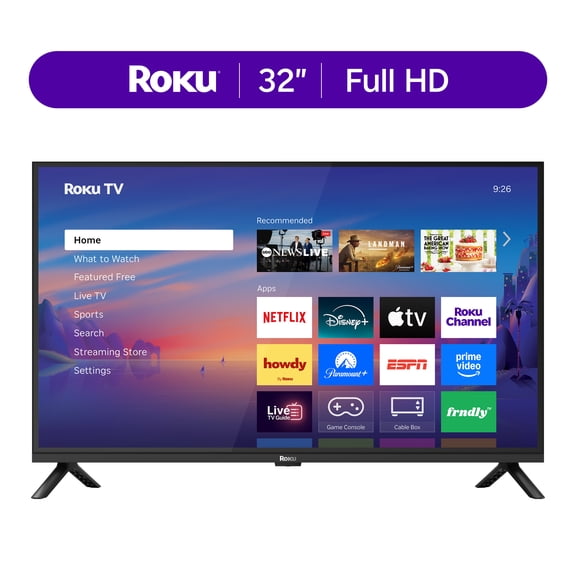
You can compare platforms like Roku TV, Google TV, Fire TV, and Android TV by menu style and app support. You should look for a home screen that feels easy to navigate with your remote.
If you already use certain streaming services, you should check whether your preferred apps appear on the platform. You can keep your setup simpler when your TV handles streaming without extra boxes.
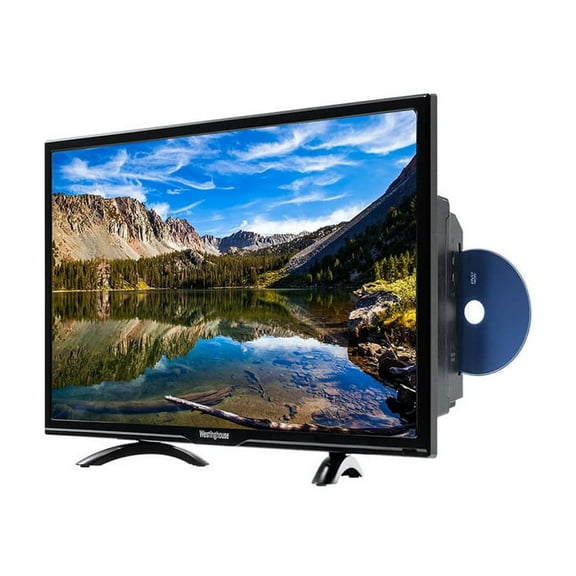
You may still choose a basic display if you only connect cable, a DVD player, or a separate stick. You can often keep your setup flexible when you use external devices for streaming.
Understanding 1080p 32 inch tv options
You should compare 720p and 1080p based on how close you'll sit and what you'll watch. You may notice sharper text and finer detail with a 1080p 32 inch tv in a bedroom or dorm.
If you use your screen for casual shows across the room, 720p may still fit your needs. You can often enjoy everyday viewing comfortably on a smaller screen at that resolution.
When you watch sports, stream movies, or connect a game console, extra detail can matter more. You may appreciate 1080p if your setup places you closer to the screen on a desk or dresser.
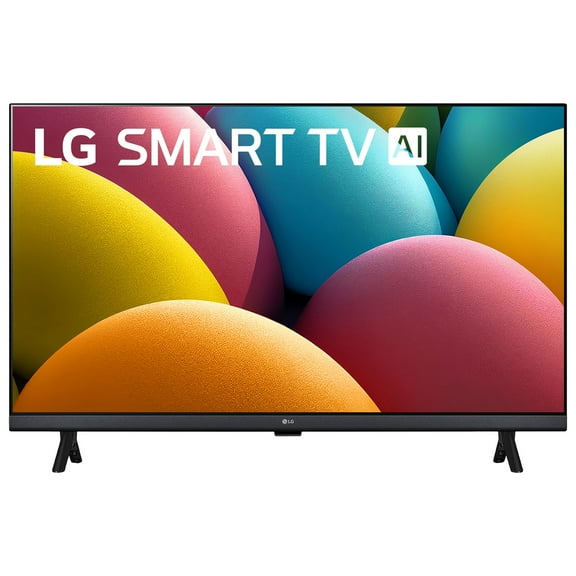
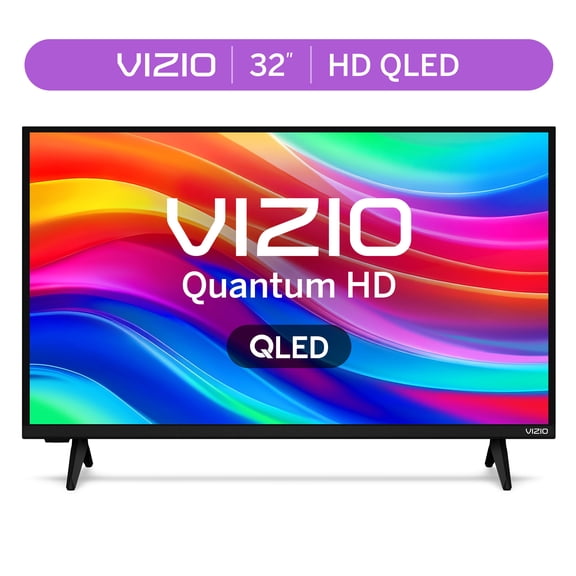
You should also compare display technology as you review picture quality. A 32 inch led tv can give you bright, familiar performance, while LCD and QLED options may vary by color and contrast.
Checking connectivity and mounting details
You should count every device you plan to connect before you choose a model. Your setup may need a 32 inch tv with hdmi for a console, streaming stick, cable box, or soundbar.
If you switch between devices often, you should look for enough HDMI ports from the start. You can avoid constant unplugging when your TV supports your usual mix of entertainment gear.
You may also want HDMI ARC if you plan to connect a compatible soundbar with one cable. You can keep your setup cleaner and simpler when audio returns through the same HDMI connection.
Beyond HDMI, you should check for USB, Wi-Fi, and Bluetooth based on your routine. You can play media, connect wirelessly, or pair accessories more easily when those options match your needs.
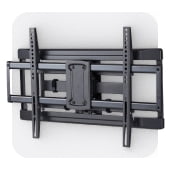
For bedroom and kitchen installations, you should confirm wall mounting details before you buy. Your mount needs a matching VESA pattern size, so you should compare the TV specs with your bracket.
You can make a compact room feel more organized when your screen mounts neatly above furniture or counters. You should also measure width and height carefully, so your 32 inch tv fits the space cleanly.
Matching 32 inch tvs to everyday use
You can use this screen size in places where a larger display feels crowded or distracting. Your room may benefit from a compact TV that still supports streaming, gaming, and everyday viewing.
In a dorm, you may want built-in apps, Wi-Fi, and enough HDMI inputs for a console and laptop. You can keep entertainment simple when one screen handles study breaks, movies, and casual gaming.
For a bedroom, you might focus on resolution, wall mounting, and a remote interface that feels easy at night. You can enjoy clear picture detail without giving up too much dresser or nightstand space.
In a kitchen or breakfast nook, you may want a lighter screen with a tidy mount setup. You can stream news, recipes, or morning shows without filling the room with a bulky display.
If you need a guest room TV, you should prioritize easy controls and familiar streaming apps. You can make the room feel more finished when visitors can watch comfortably without extra setup.
You may also choose this size for kids' spaces, hobby rooms, or small apartments. You can keep the screen proportional to the room while still getting the connections and features you use most.
When you compare 32 inch tvs carefully, you can focus on platform, resolution, inputs, and mounting fit. You can end up with a screen that suits your room, your devices, and your everyday viewing routine.