





Printer Paper Near Me: Copy & Printing Paper | Walmart
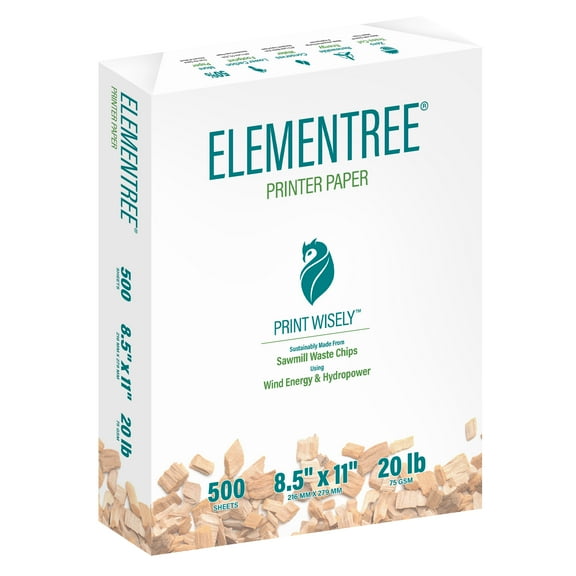

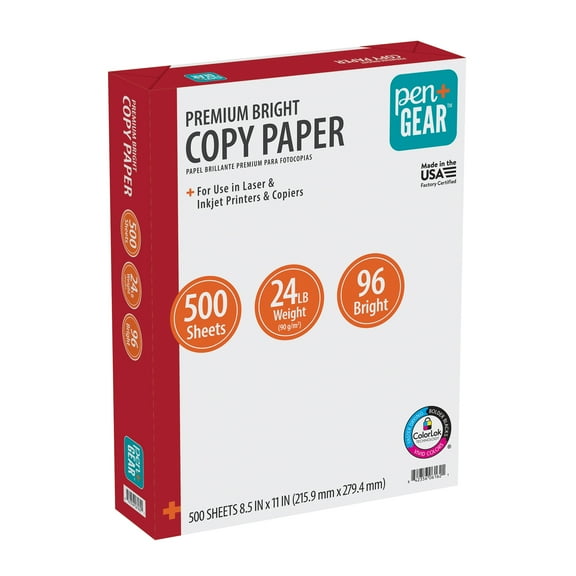


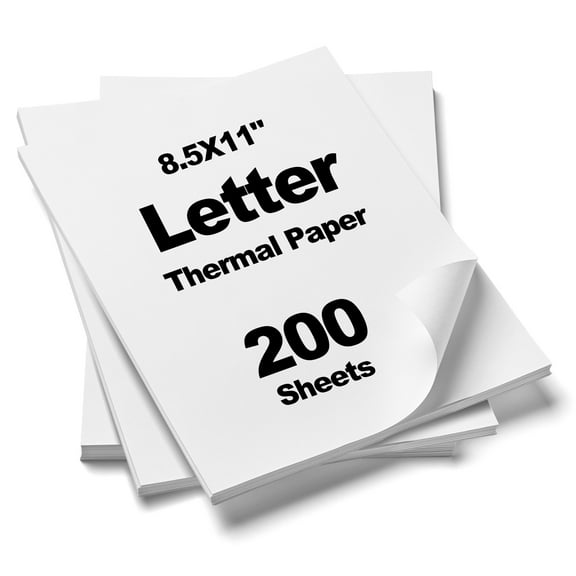












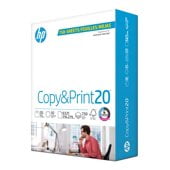
About Printer Paper Near Me: Copy & Printing Paper | Walmart - Walmart.com
Printing paper helps you handle everyday office tasks, school projects, and home printing with less guesswork. You can compare size, weight, brightness, quantity, and finish to match your printer and your pages.
If you print forms, reports, handouts, or drafts, you need paper that feeds smoothly and looks clean. You’ll also want options that cover letter size paper, legal sheets, and larger ledger formats.
How to choose printing paper
When you choose printing paper, you’re really choosing how your documents will look, feel, and run through your machine. You can narrow your options faster by checking a few key paper dimensions first.
Start with the job you print most often, then compare the size and weight your printer handles. You should also check whether your pages need everyday copy use or a more polished presentation finish.
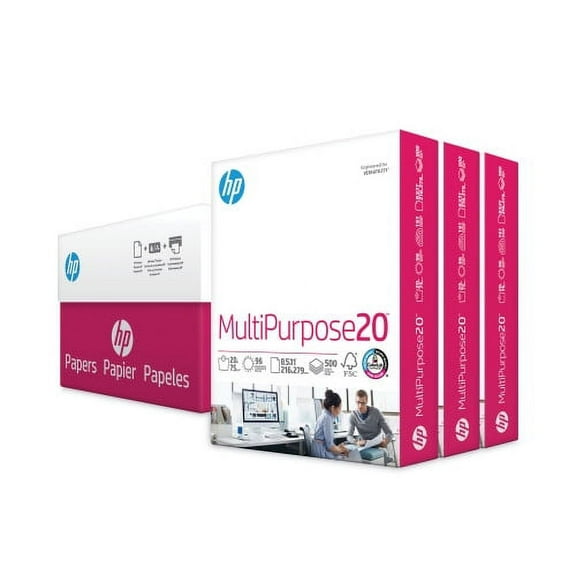
- You can use multipurpose paper for everyday printing, copying, and general office tasks.
- You can pick brighter sheets when your text needs sharper contrast and a cleaner white look.
- You can choose heavier paper when your handouts need a sturdier feel in hand.
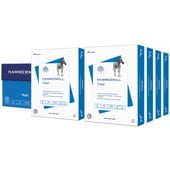
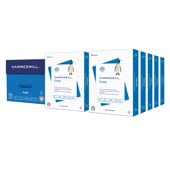
- You can buy a ream of paper for smaller needs or a case for steady office use.
Choosing the right printer paper size
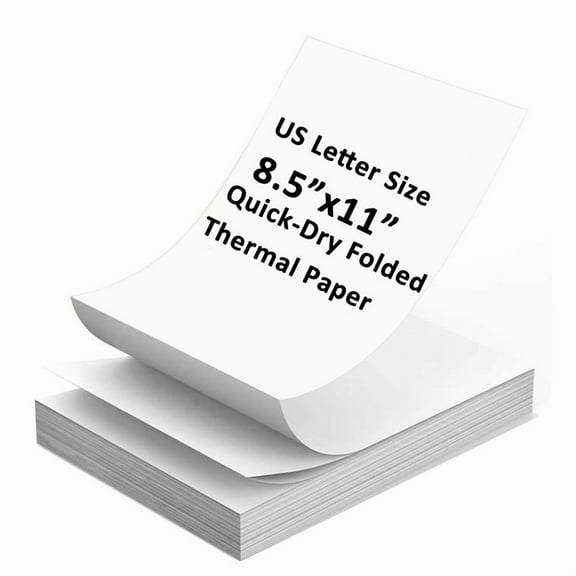
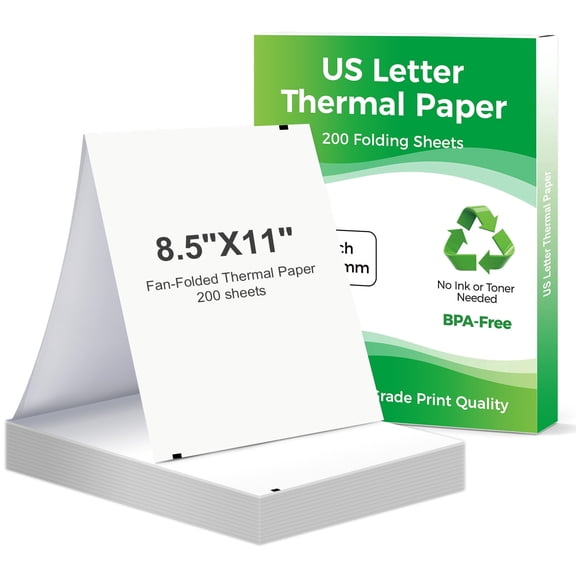
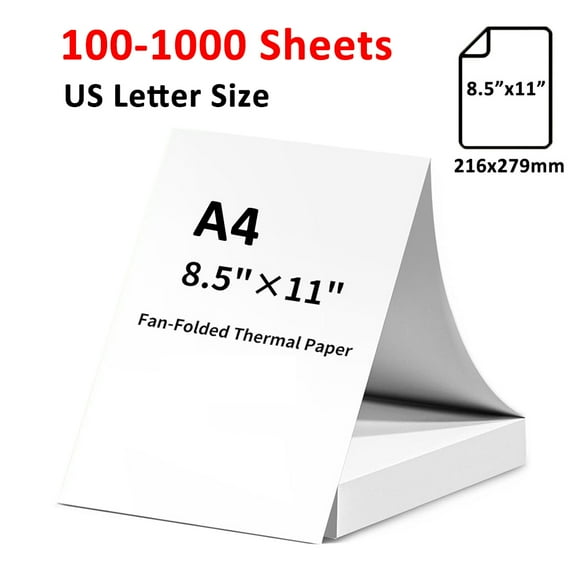
You should check paper size before anything else because your tray and your project both depend on it. You’ll usually reach for 8.5 x 11 paper when you print letters, homework, invoices, and standard forms.
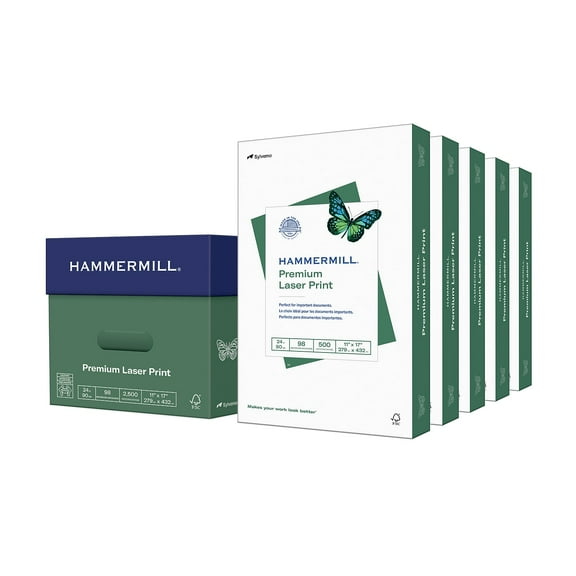
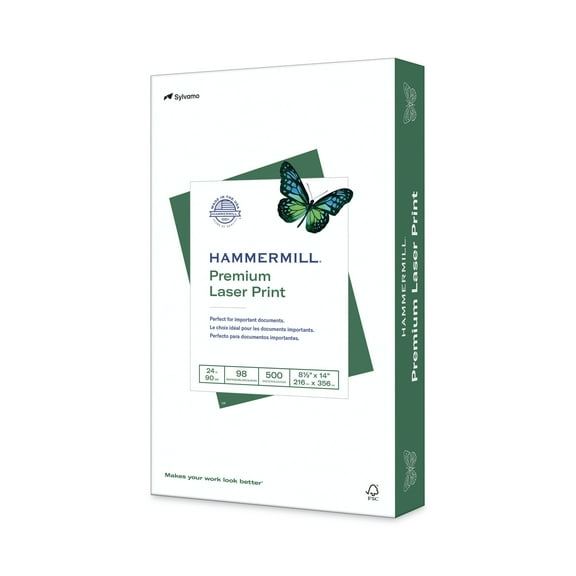
If you print contracts or longer forms, you may need 8.5 x 14 legal sheets instead. If you print spreadsheets, diagrams, or display pages, you may prefer 11 x 17 ledger paper.
You can avoid tray issues by matching your printer settings to the exact sheet size. You’ll get cleaner results when your paper choice and your print settings line up from the start.
Comparing paper weight for copy paper and printer use
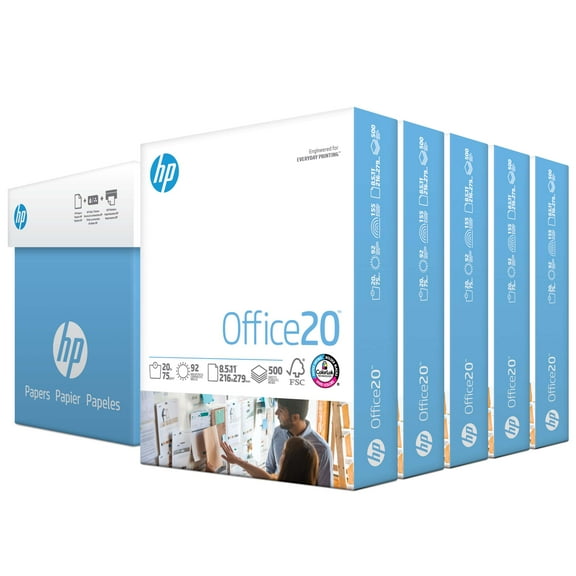
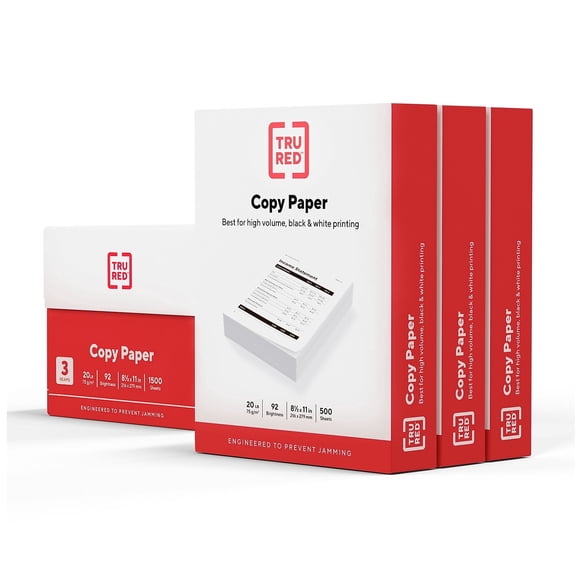
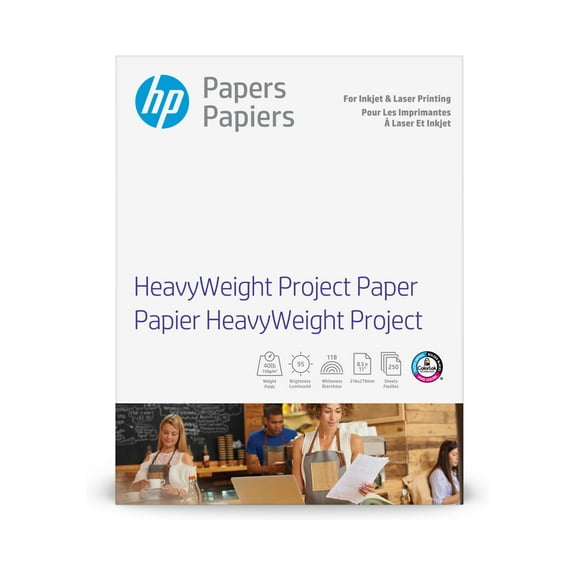
You should treat paper weight as a major decision point because it affects feel, opacity, and printer compatibility. You’ll often see 20 lb printer paper for routine office printing and large-volume copying.
If you want a slightly sturdier page, you can move to 24 lb paper for reports and everyday presentations. If you need a more substantial sheet, you can compare 28 lb or 32 lb options.
You should also match weight to your machine type and your print purpose. You may find lighter sheets work well for high-volume copying, while heavier sheets suit covers or polished handouts.
For laser printer paper, you’ll want sheets that handle heat and fast output consistently. For inkjet paper, you may want paper that supports crisp text and clean graphics without everyday office tradeoffs.
What brightness means for white printer paper
You can use brightness ratings to judge how white and vivid your pages will appear. You’ll usually see 92 US, 96 US, or 97+ US when you compare white printer paper.
A higher brightness level usually gives you sharper contrast between the sheet and your printed text. You’ll notice that dark text and color details can stand out more clearly on brighter paper.
If you print internal drafts, you may feel comfortable with standard brightness for routine readability. If you print presentations or client-facing pages, you may prefer a brighter white copy paper look.
Deciding on ream and case quantities
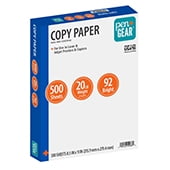
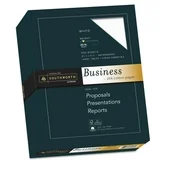
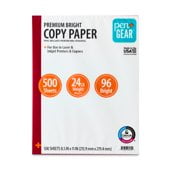
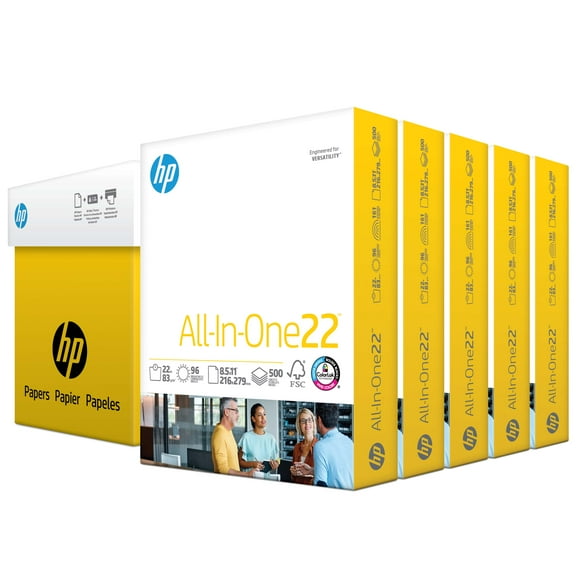
You should choose quantity based on how often you print and how much storage you have. You can start with a single ream of paper, which usually gives you 500 sheets.
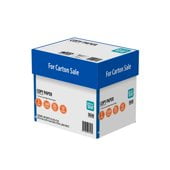
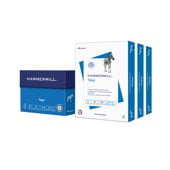
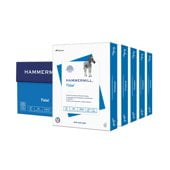
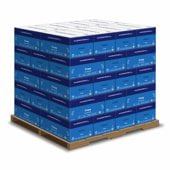
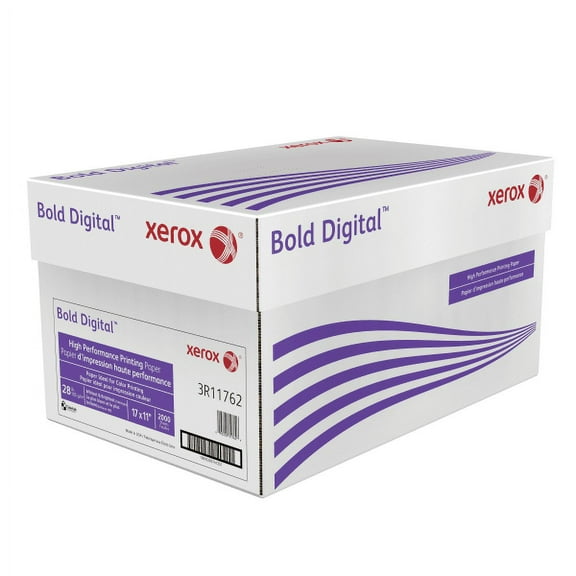
If your home office or classroom prints often, you may prefer multi-pack options for easier restocking. If your workplace runs through paper daily, you may want a case with 10 reams.
You can keep workflows moving when you buy enough paper for recurring tasks and refill cycles. You’ll also spend less time replacing empty trays when your quantity matches your routine.
Picking multipurpose paper or specialty finishes
You can rely on multipurpose paper when you need one sheet for printing, copying, and general paperwork. You’ll like this option for daily forms, memos, reports, and mixed office tasks.
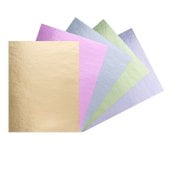
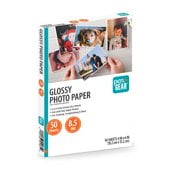
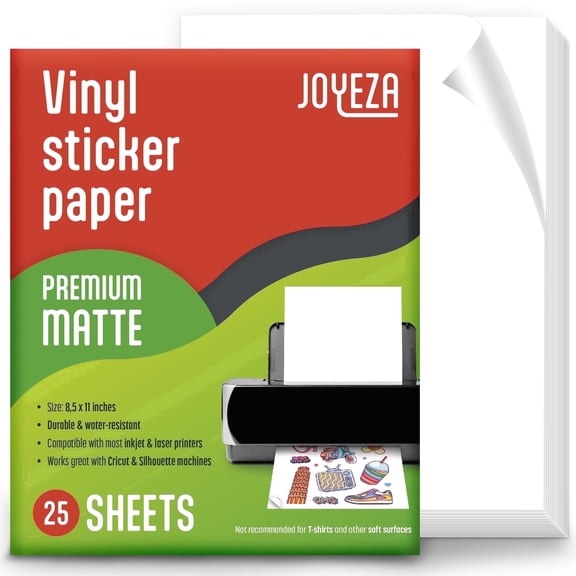
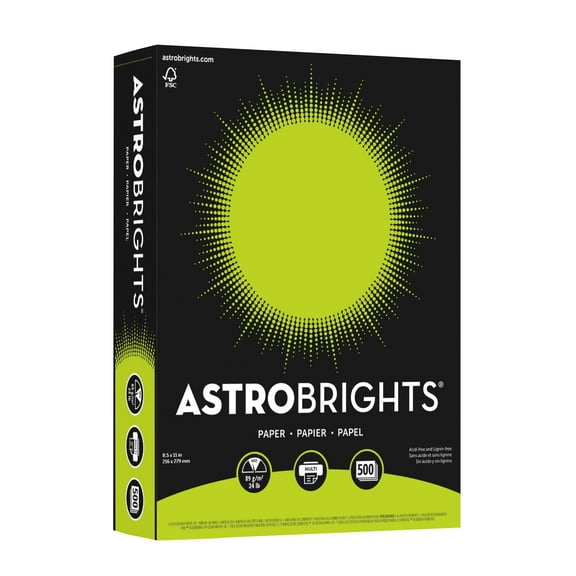
If your project needs a different look, you can compare matte, glossy, or cardstock options. You should use finish and thickness to match presentations, flyers, signs, or sturdier inserts.
Matte sheets can give you a classic, easy-to-read surface for everyday documents. Glossy sheets can help your images look more vivid, while cardstock can give your pages extra structure.
Printing paper for common home, school, and office jobs
You can use copy paper for homework packets, permission slips, resumes, and everyday household documents. You’ll also find it useful for shipping labels on plain sheets, draft pages, and checklists.
In a school setting, you may need 8.5 x 11 paper for assignments and classroom handouts. In an office setting, you may need legal sheets for forms or case quantities for shared printers.
If you print presentations, schedules, or charts, you may want brighter sheets for stronger readability. If you print in volume, you may prefer multipurpose paper that balances smooth feeding and everyday versatility.
You can also build a more complete workspace by pairing paper with printer ink, binders, and office electronics. You’ll keep your printing setup ready when your supplies work together around the same tasks.
When you compare printing paper by size, weight, brightness, quantity, and finish, you can choose with more confidence. You’ll end up with sheets that fit your printer, support your workload, and keep every page looking clear.