






Calculator Cost & Prices - Shop Calculators | Walmart
































About Calculator Cost & Prices - Shop Calculators | Walmart - Walmart.com
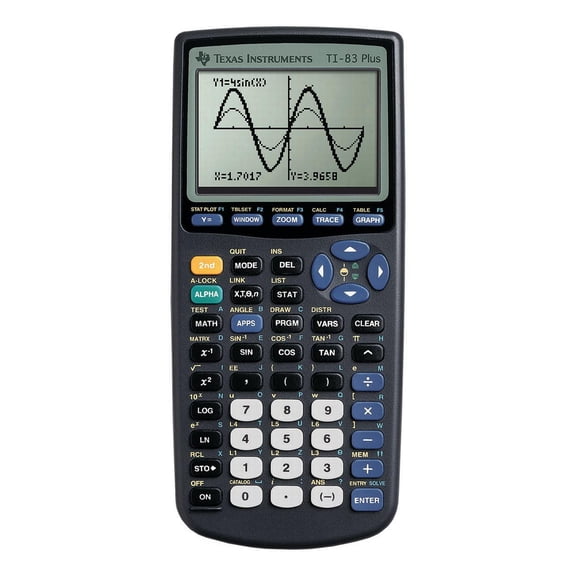
Graphing calculators help you handle algebra, calculus, and exam prep with tools built for classroom rules and advanced math work. You can compare screen type, math functions, and power options to match your coursework and testing needs.
If you're choosing graphing calculators for school, you'll want clear decision points instead of vague model claims. You can use brand, display type, functionality, and subject suitability to narrow your options with confidence.
Choosing graphing calculators for school
When you compare graphing calculators for school, you should start with your class level and your exam requirements. You may need one setup for pre-algebra, while your calculus or statistics course may call for deeper graphing support.
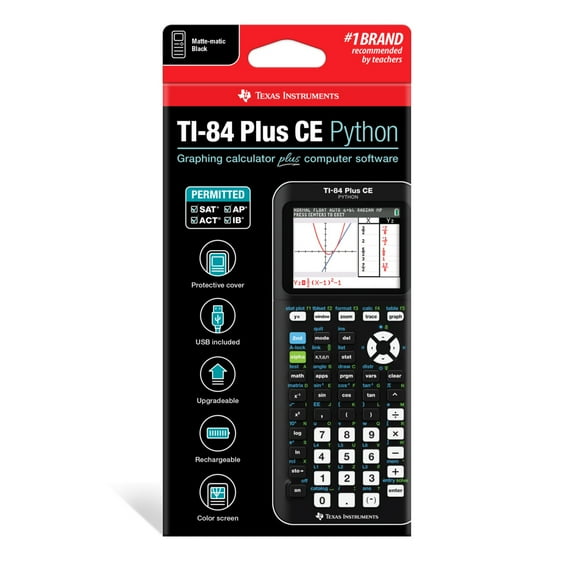
Before you choose, you should check whether your calculator fits SAT, ACT, AP, or IB guidelines for the exams you expect. You can avoid last-minute surprises when you confirm approval rules, memory limits, and allowed functions early.
Your daily experience also changes with the right calculator format. You can move from tables to graphs, trace intersections, and review equations on one device during homework and class.
- You can compare exam-approved options for school testing and classroom use.
- You can choose displays that match your reading preference and battery expectations.
- You can select standard graphing or CAS functions based on your course requirements.
- You can match your calculator to pre-algebra, calculus, statistics, or engineering work.
Comparing scientific graphing calculators and advanced functions
If you already use scientific graphing calculators, you may want stronger graphing depth and more menu-driven tools. You can plot functions, review tables, and explore coordinate changes without switching between separate devices.
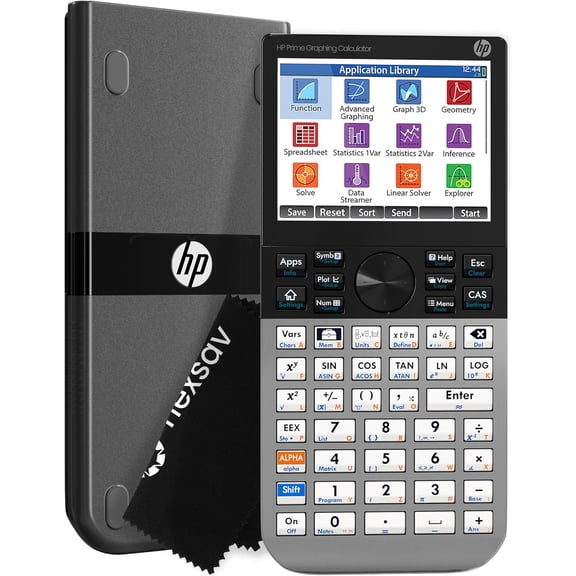
Functionality matters when you compare standard graphing models with cas graphing calculators. You can use non-CAS options for many school and exam settings, while CAS models support symbolic manipulation for advanced coursework.
As you compare features, you should check whether your classes expect exact algebraic work or mainly visual graph analysis. You can often use standard graphing for algebra and statistics, while engineering or higher math may benefit from CAS support.
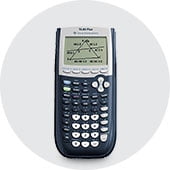
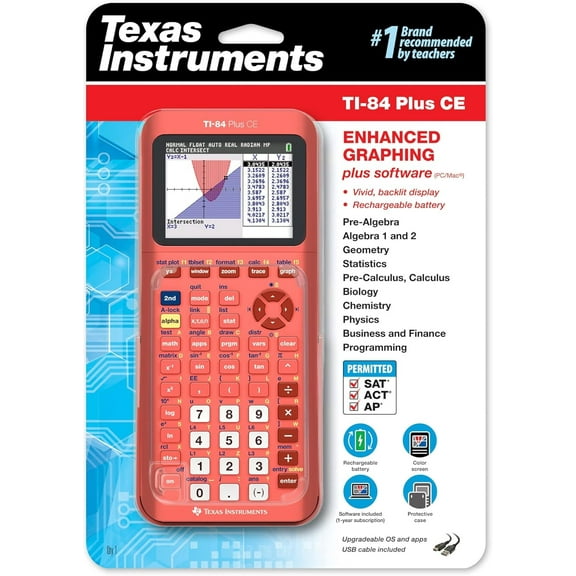
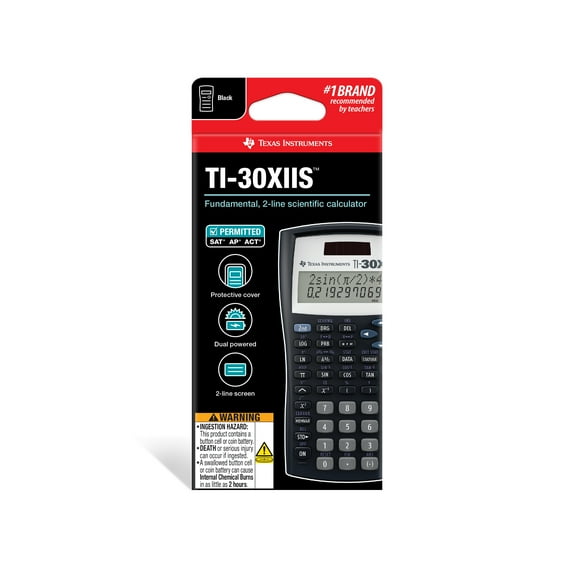
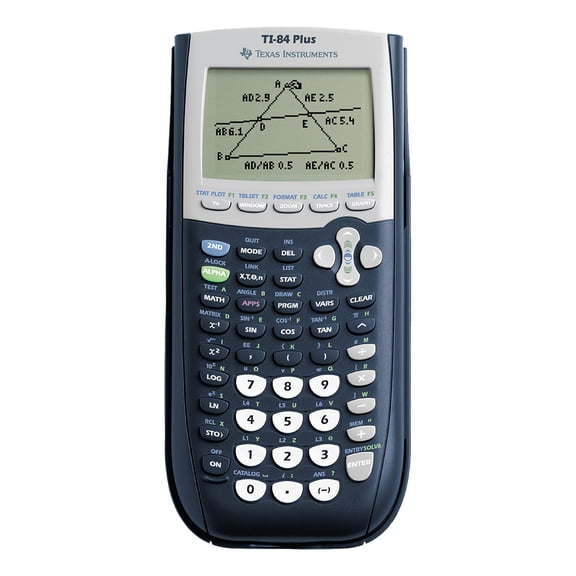
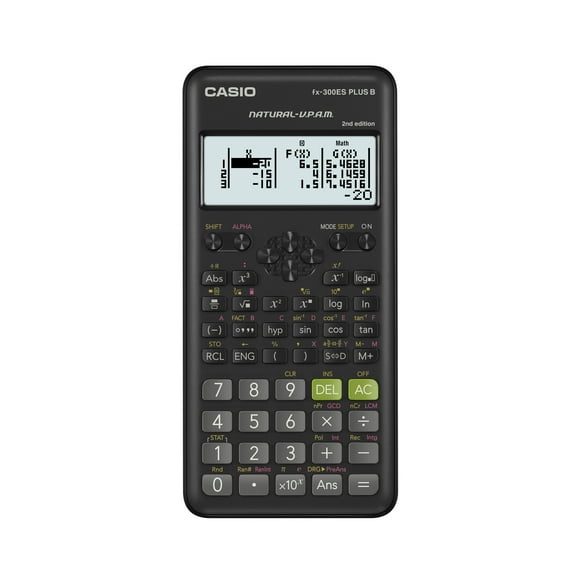
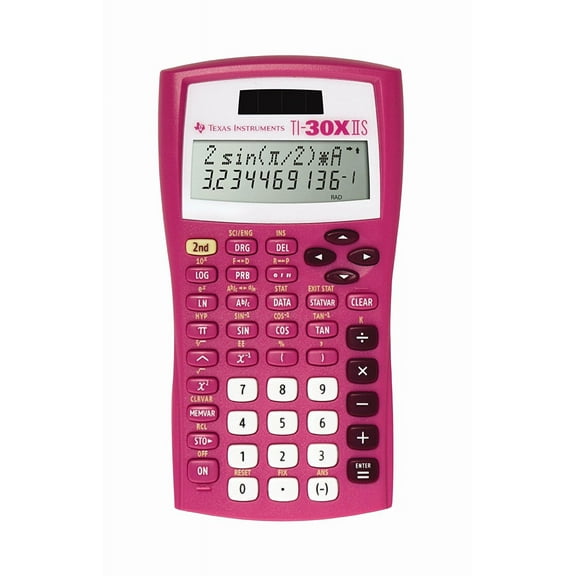
Brand preference can shape your search when you already know a familiar keyboard layout or menu system. You may compare texas instruments graphing calculators, Casio options, or HP models based on class expectations and teacher guidance.
Choosing between color graphing calculators and monochrome screens
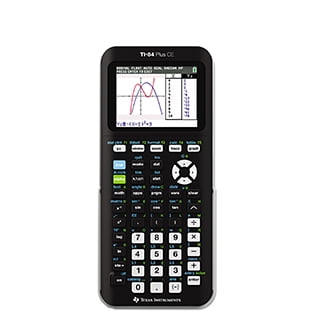
Display type affects how you read graphs, tables, and menus during long study sessions. You can use color graphing calculators when you want stronger visual separation between plotted lines, lists, and highlighted selections.
If you prefer a simpler screen, you may choose monochrome models for straightforward graph review and menu navigation. You should also compare readability in bright classrooms, since contrast and font size can affect quick scanning.
Your power preference often connects to your screen choice. You may find rechargeable lithium-ion models appealing for regular class use, while AAA-powered units can feel practical when you want easy battery replacement.
When you compare power options, you should think about how often you study away from a charger or spare batteries. You can pick a setup that fits your backpack routine, test prep schedule, and shared classroom use.
Matching graphing calculators to subjects and study routines
Your subject path should guide your decision more than a long feature list. You can choose entry-friendly options for pre-algebra, then move toward deeper graphing support for calculus, statistics, or engineering classes.
For algebra and geometry, you may want quick graph entry, table review, and clear equation editing. In statistics, you can look for list handling and regression support that keeps classroom assignments organized.
If you're preparing for calculus, you should compare screen clarity and navigation speed for function analysis and graph tracing. For engineering work, you may prefer expanded function libraries and stronger symbolic tools when your course allows them.
Your study routine matters just as much as your syllabus. You can choose a familiar layout for faster homework sessions, easier note checking, and smoother transitions between classwork, tutoring, and exam review.
What to look for before you decide
As you narrow your options, you should measure exam approval, screen type, math capability, and power style together. You can make a smarter choice when those four factors match your classes instead of chasing extra features.
The right calculator helps you graph clearly, follow your course requirements, and stay ready for major exams. You can feel prepared when your pick fits your subject load and your testing rules from the start.