


Find auto parts that fit
Let’s search for parts that fit your vehicle.Auto Electronics in Auto & Tires




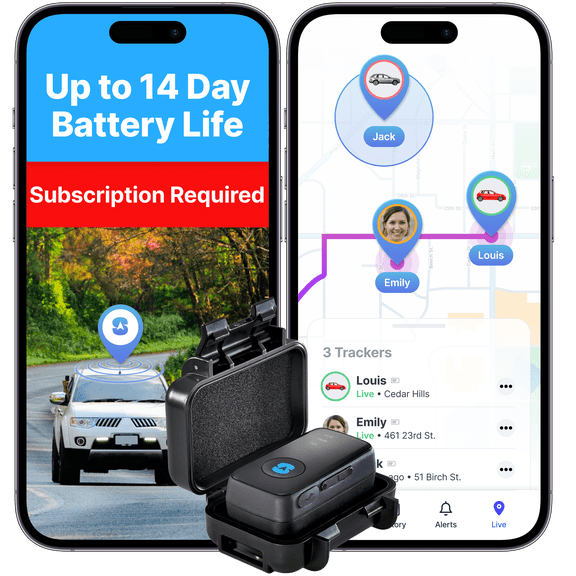
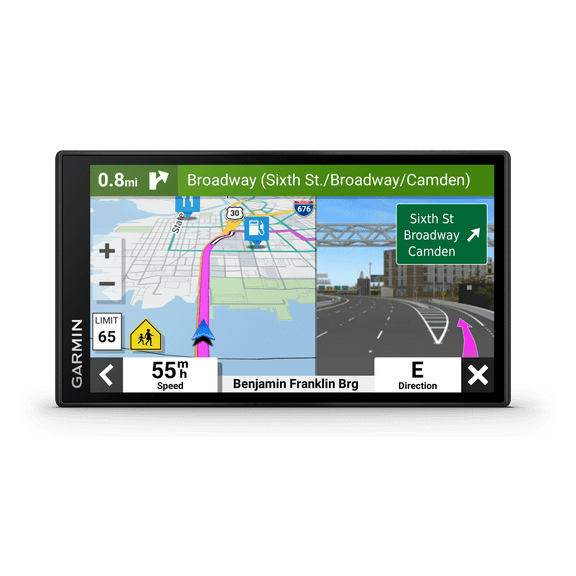
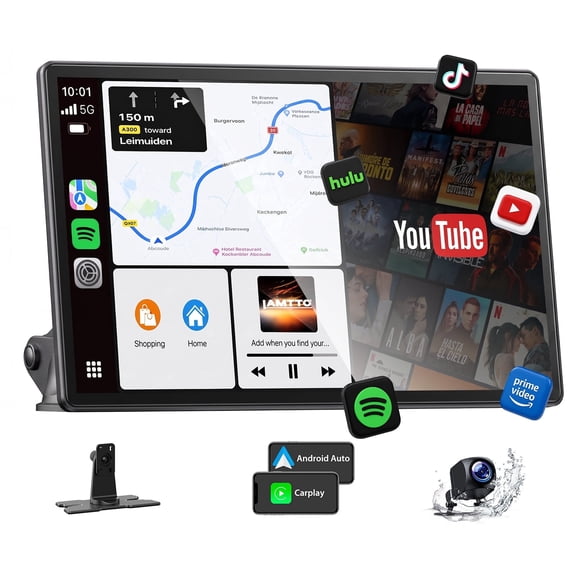
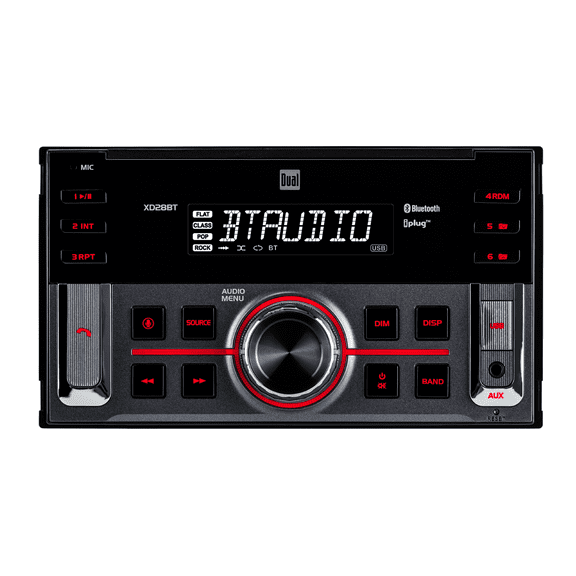













About Auto Electronics in Auto & Tires - Walmart.com
Car electronics help you upgrade daily drives with smarter audio, clearer navigation, and more useful in-car technology. You can compare fit, power, connectivity, and installation needs before you choose the setup that matches your vehicle.
If you want a simple phone-friendly stereo or a camera-ready driving setup, you have several clear paths. You can use this guide to compare device types and avoid mismatched parts or complicated installs.
How to choose car electronics by device type
When you shop car electronics, you should start with the device type that solves your main driving need. You may want car stereos for music control, dash cams for recorded footage, or GPS navigation for turn-by-turn guidance.
Backup cameras help you add a mounted rear view on compatible setups, while radar detectors focus on alert-based driving tech. You can narrow choices faster when you match the device to your routine and your vehicle layout.
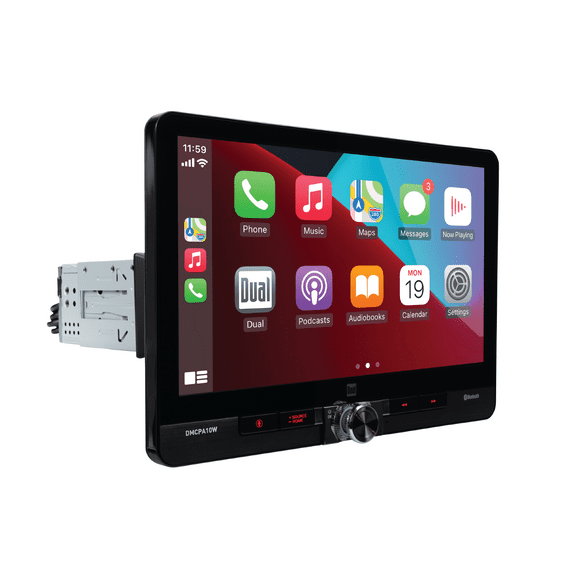
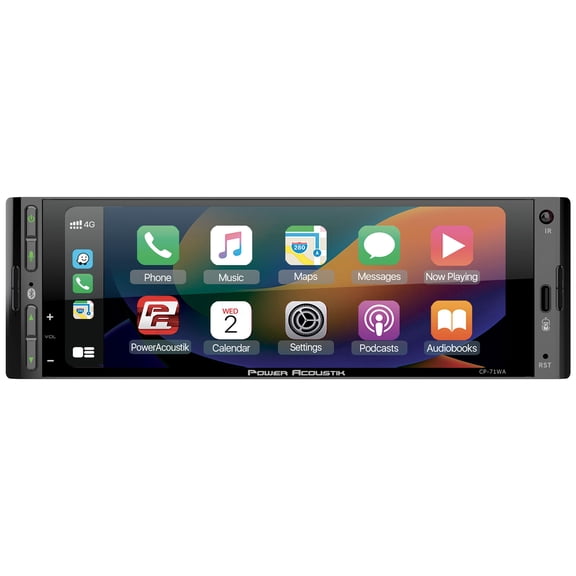
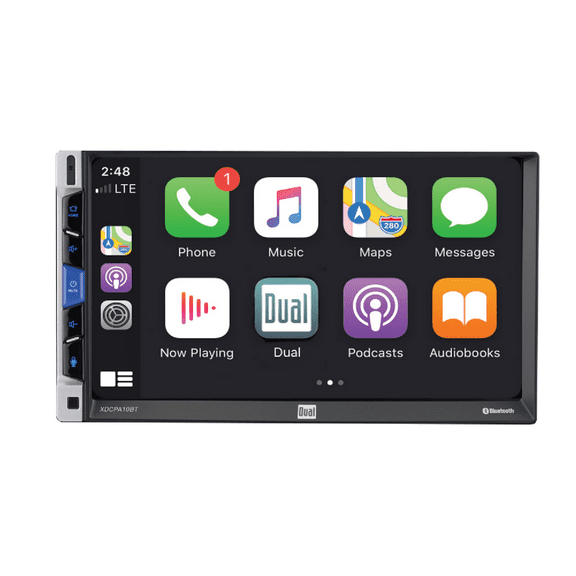
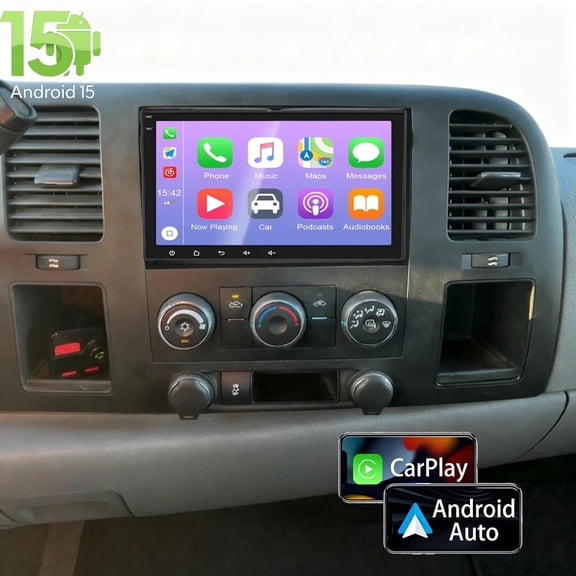
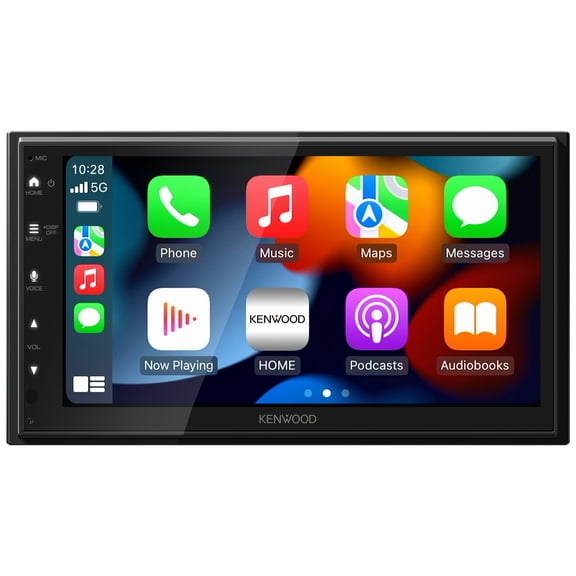
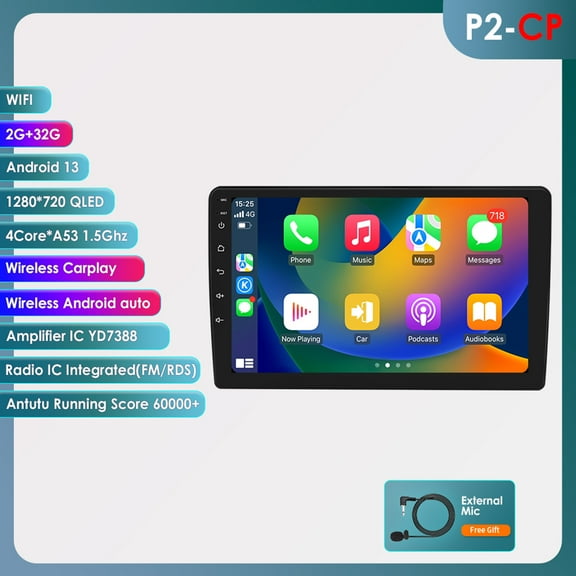
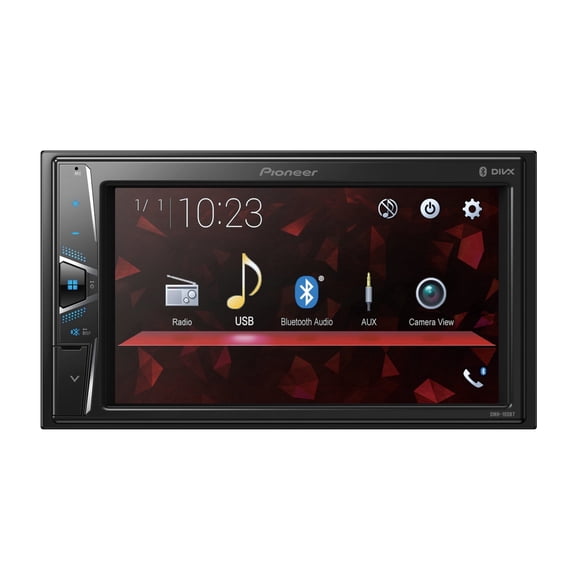
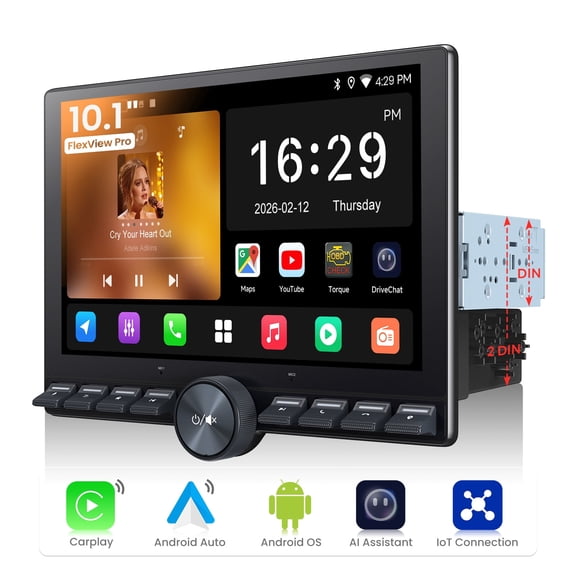
- You can use car stereos to add touchscreen controls, smartphone pairing, and expanded audio connections.
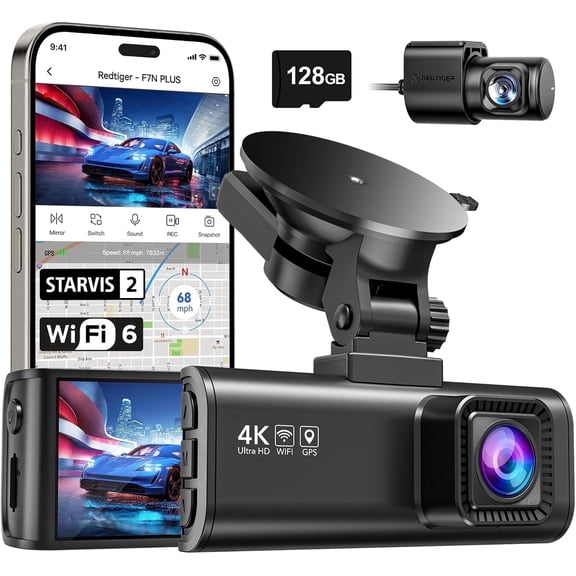
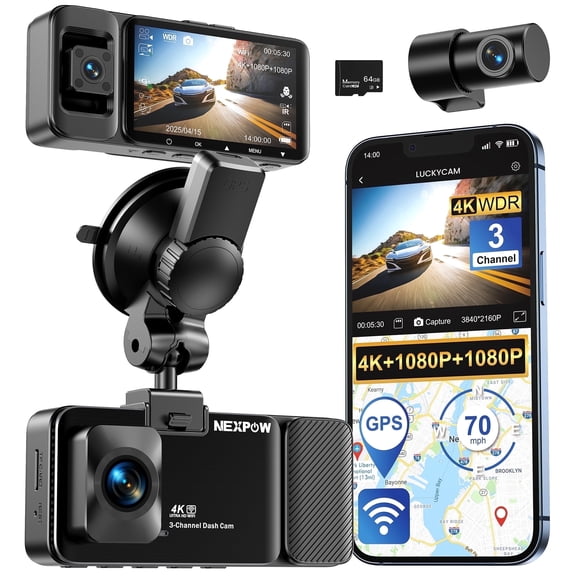
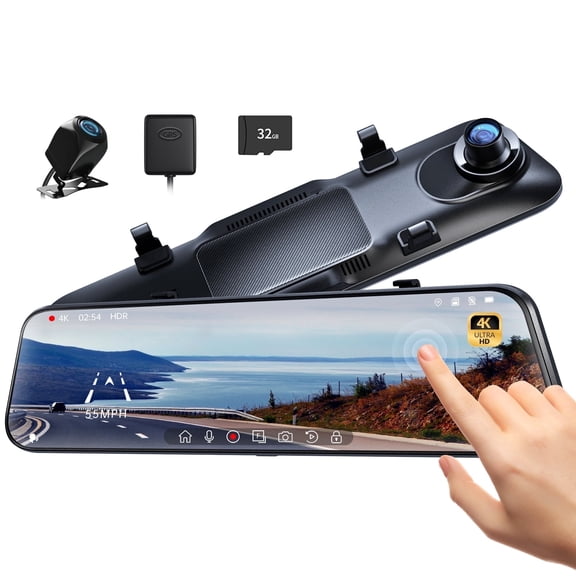
- You can choose dash cameras when you want recorded road views, parking coverage, or screen-based playback options.
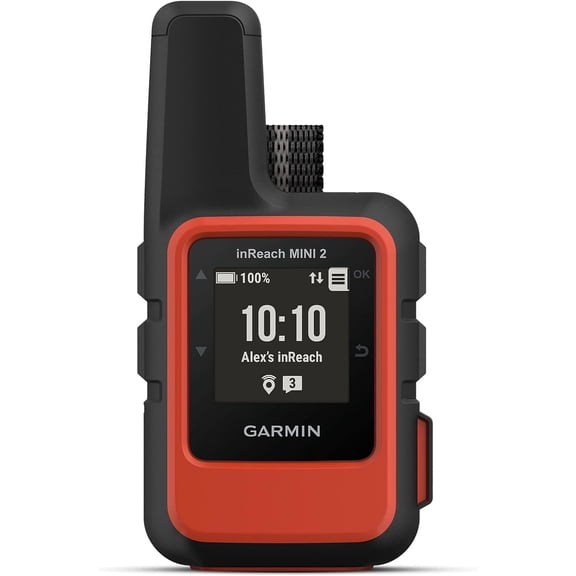
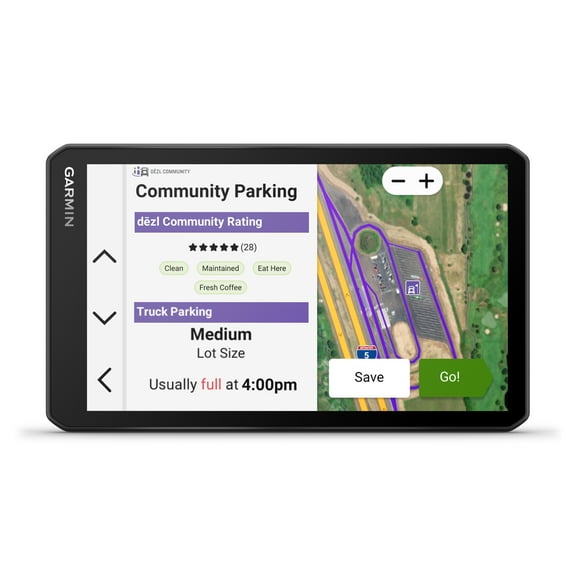
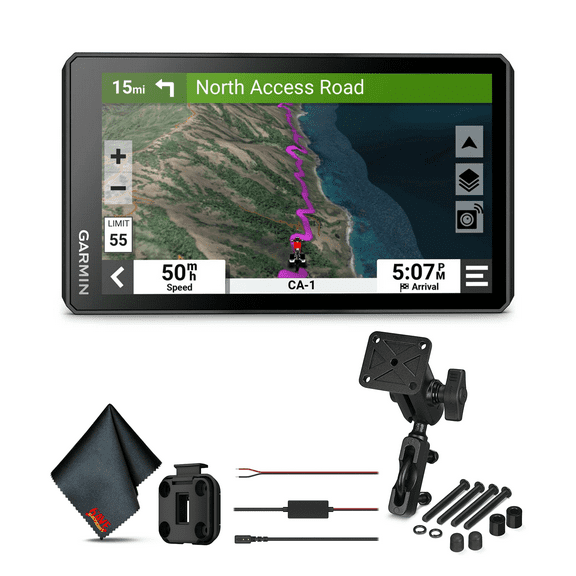
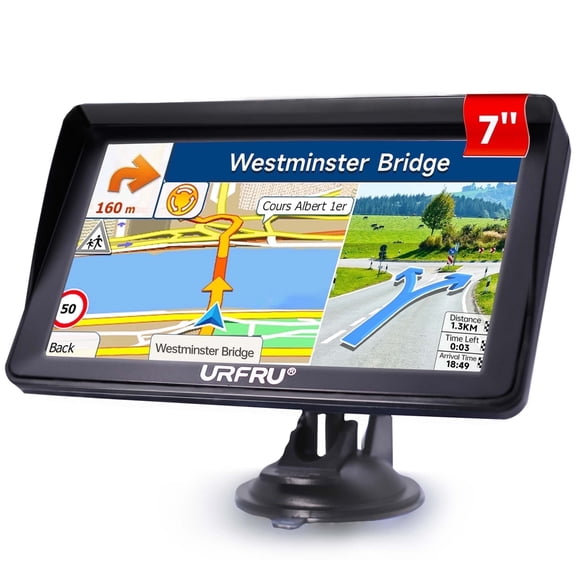
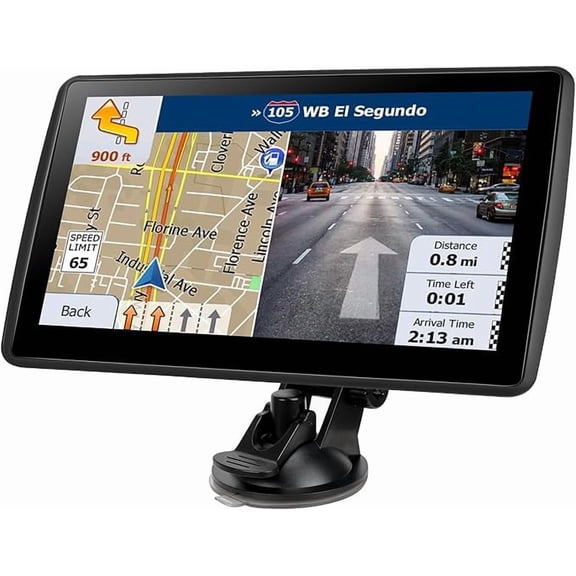
- You can pick GPS navigation units when you want a dedicated display that stays in your car.
- You can consider backup cameras when you need a mounted viewing system with a screen or stereo connection.
- You can look at radar detectors when you want alert features and compact windshield or dashboard placement.
Choosing compatibility and fit for your vehicle
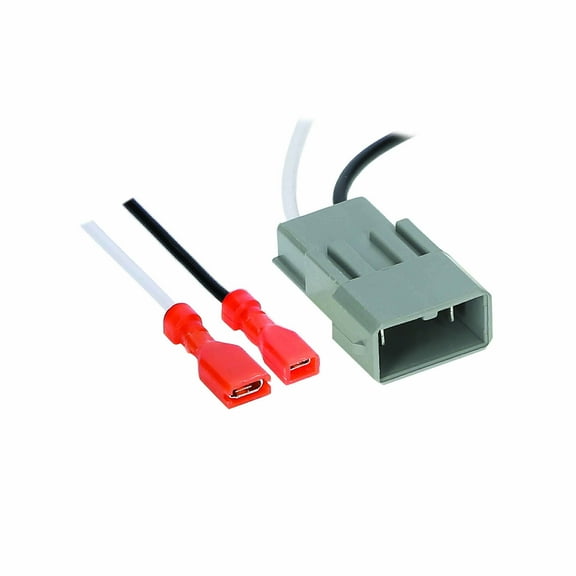
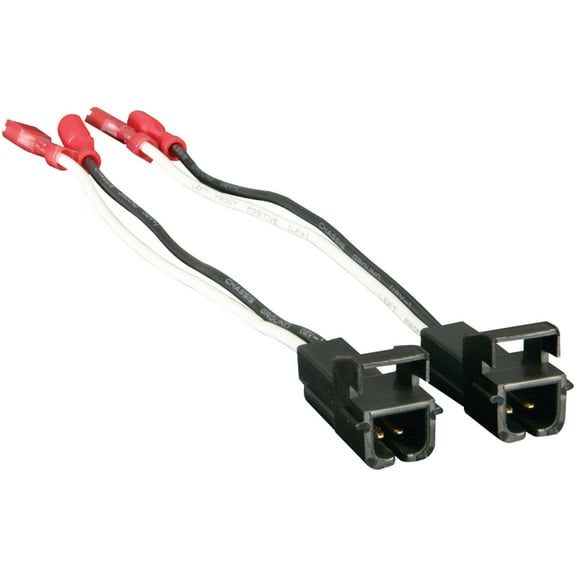
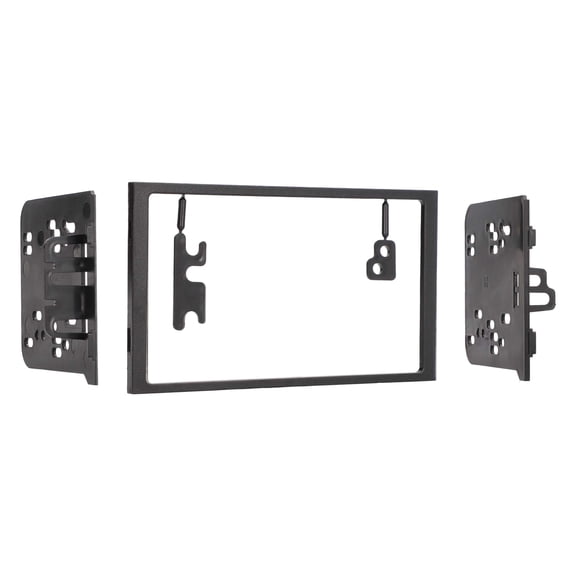
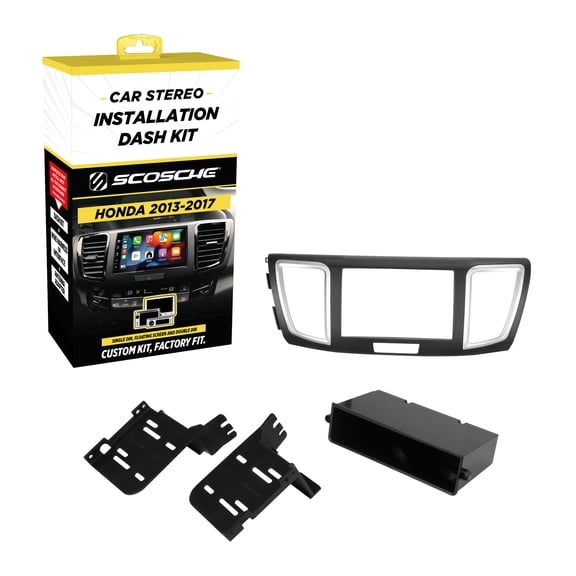
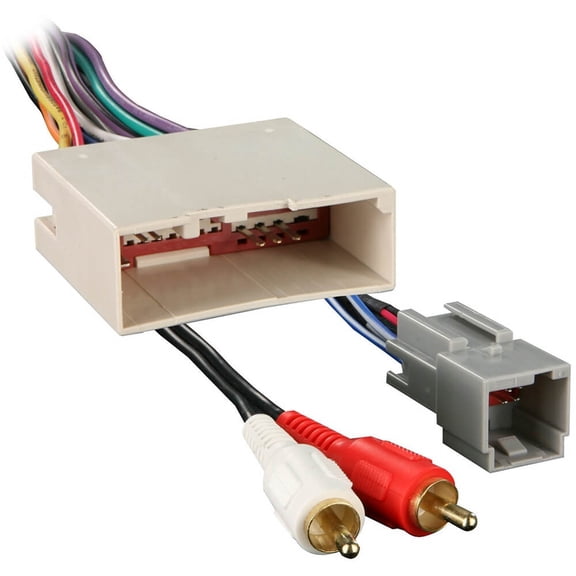
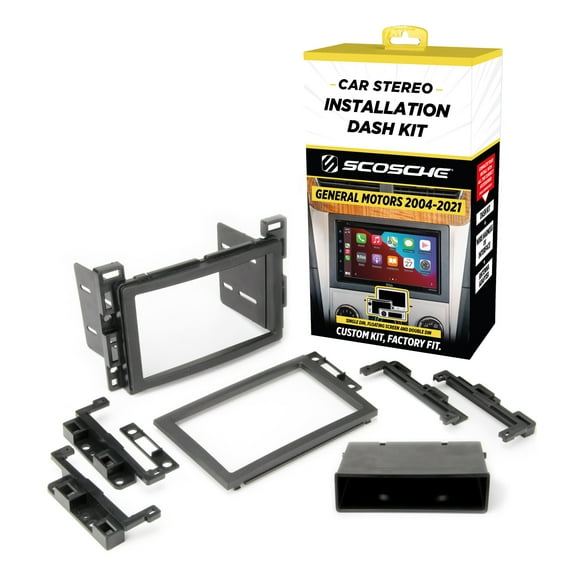
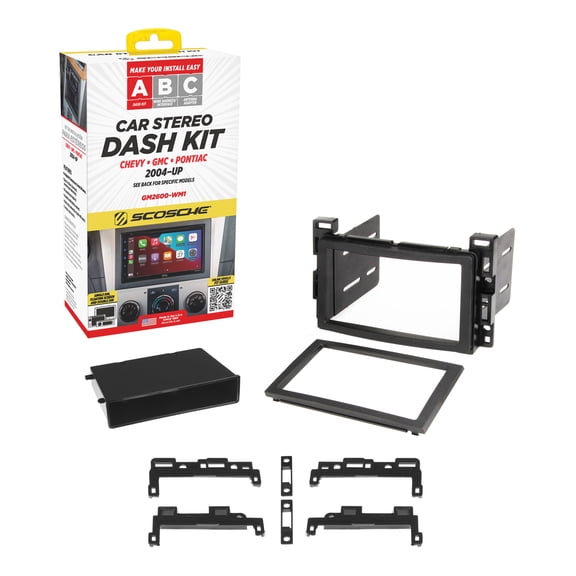
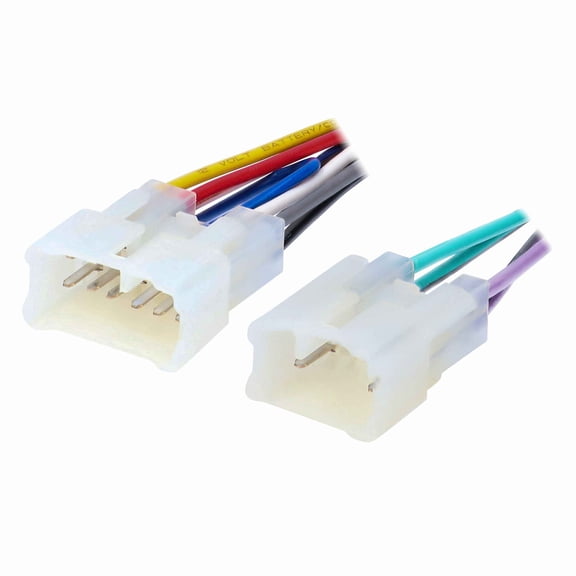
You should check compatibility before you compare screens, cameras, or sound features. Your vehicle may need a specific wire harness, dash kit, or mounting depth for a clean fit.
If you choose a vehicle-specific unit, you can target a more exact match for your dash opening. If you choose a universal fit option, you should still measure space, power access, and mounting points.
You should also check whether your device works with iOS compatible or Android compatible features. Your phone pairing matters when you want calls, maps, and music controls to feel familiar.
Comparing connectivity and smart features
You can compare connectivity by thinking about how you already use your phone in the car. Your options may include Bluetooth, Wi-Fi, auxiliary, and USB, depending on the device type.
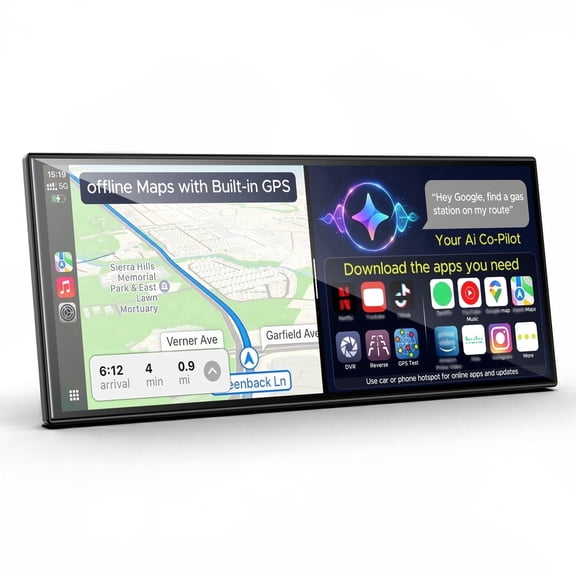
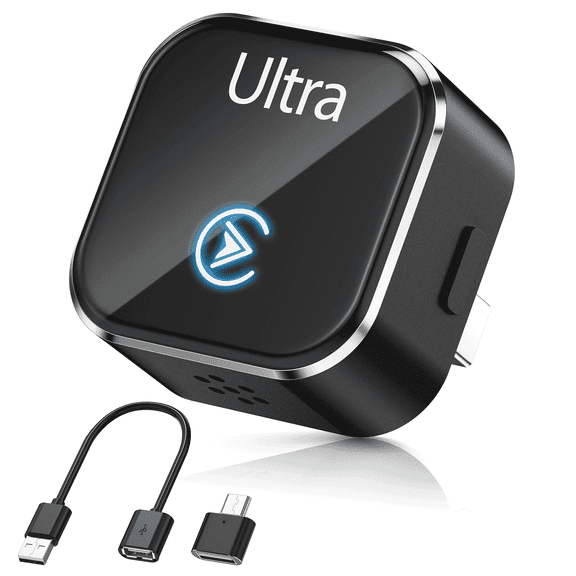
If you want wireless calling and music streaming, you should look for Bluetooth hands-free support. If you want app-based maps and messages on a stereo screen, you can compare Apple CarPlay and Android Auto.
You may prefer USB when you want a stable wired connection for charging and media playback. You may prefer auxiliary inputs when your device uses a simple cable and you want broad compatibility.
For cameras and some navigation units, you can check Wi-Fi features for file transfer or app pairing. Your connected setup can feel easier to use when the screen, phone, and ports work together.
Understanding audio power and car stereo features
If you’re focused on car audio, you should compare output and expansion features, not just screen size. Your listening goals can shape whether a basic receiver or a more advanced head unit fits.
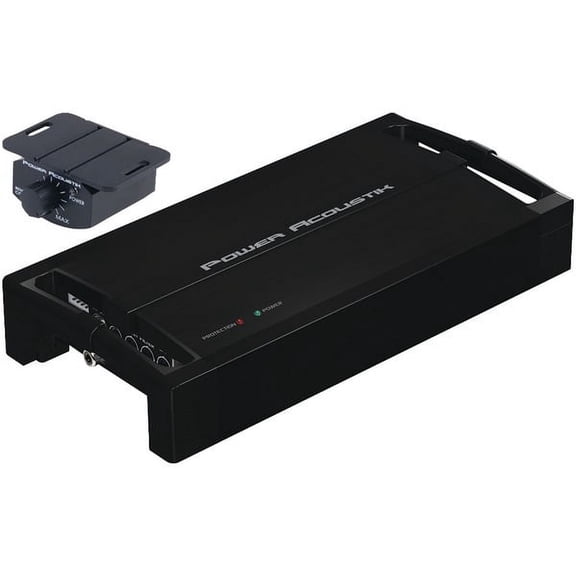
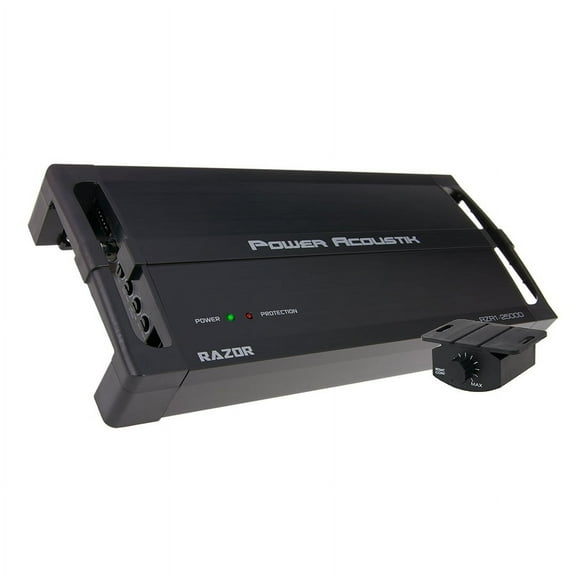
You can use RMS wattage to estimate steady power for your speakers during normal listening. You can look for preamp outputs when you want to connect external amps or build a larger system later.
Your speaker setup, dash space, and wire harness all affect what works smoothly in your vehicle. You should also compare touchscreen size, USB ports, and camera input support if you want one central control hub.
Picking the right power source and installation type
You should compare power source early because it affects placement and setup time. Your options may include 12V hardwired, cigarette lighter adapter, battery powered, or USB powered designs.
If you want a cleaner permanent setup, you may choose 12V hardwired electronics with hidden wiring. If you want easier placement, you may choose a cigarette lighter adapter or USB powered model.
Installation type matters just as much as power. You can compare DIY plug-and-play options, windshield mount units, dashboard mount designs, and products that need professional installation.
For a stereo replacement, you should expect more wiring and fit checks than a windshield-mounted dash cam. For a backup camera, you should confirm screen placement, cable routing, and mounting position before you buy.
Matching car electronics to everyday driving
You can build a commuting setup around Bluetooth audio, phone integration, and easy dashboard controls. Your drive may feel more organized when music, calls, and maps stay on one screen.
If you spend long hours on unfamiliar roads, you may want GPS navigation with a dedicated display. Your route guidance stays visible without relying only on your phone battery.
For recording the road, you can choose dash cameras with windshield mounts and simple power options. Your setup can stay compact when you pick a model that fits your glass area and charging access.
If your vehicle needs parking visibility support, you can compare backup cameras with stereo inputs or standalone displays. Your install plan should match your comfort with wiring, trim removal, and mounting work.
You can also plan future upgrades by choosing units with extra ports and expansion support. Your car electronics setup works harder when it leaves room for amps, cameras, or additional accessories later.
With the right car electronics, you can match your vehicle, your phone, and your driving habits without guesswork. Your final setup feels more useful when fit, connectivity, power, and installation all line up from the start.