

Smart Entertainment in Electronics







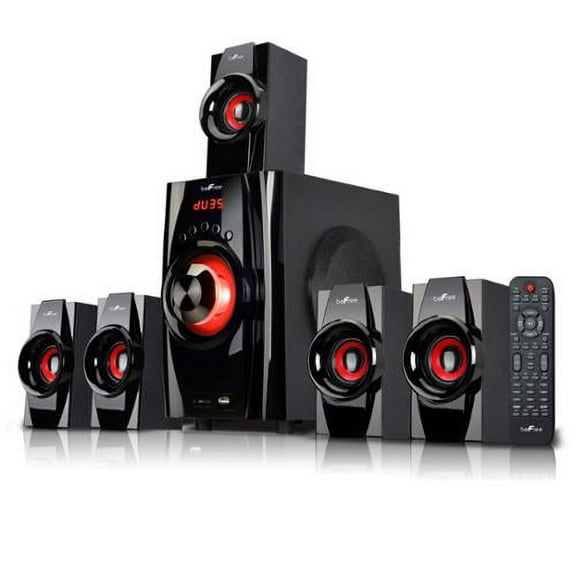
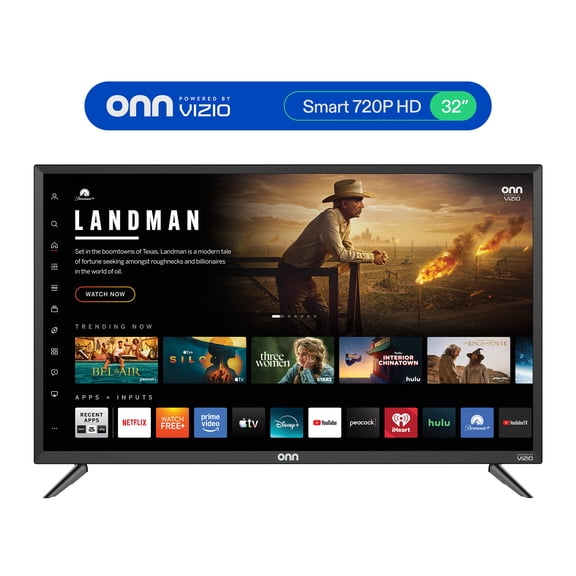


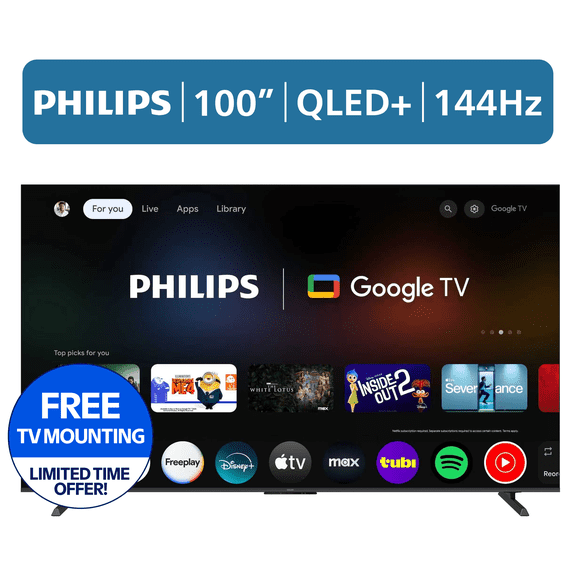
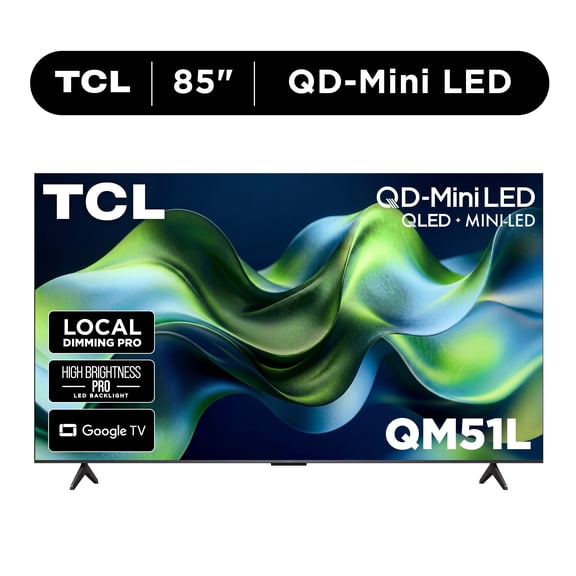






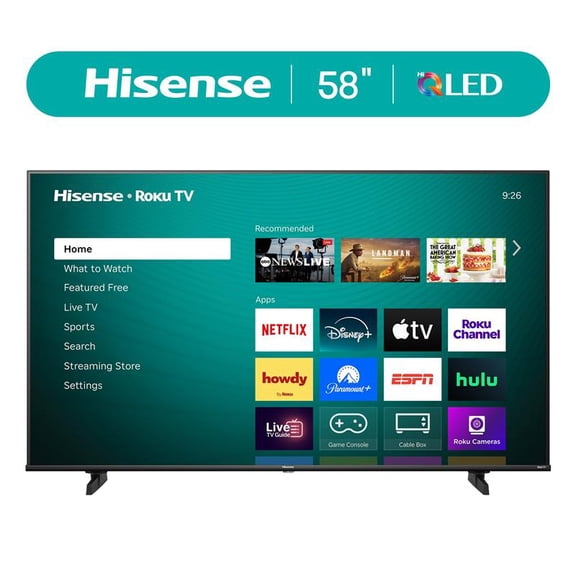




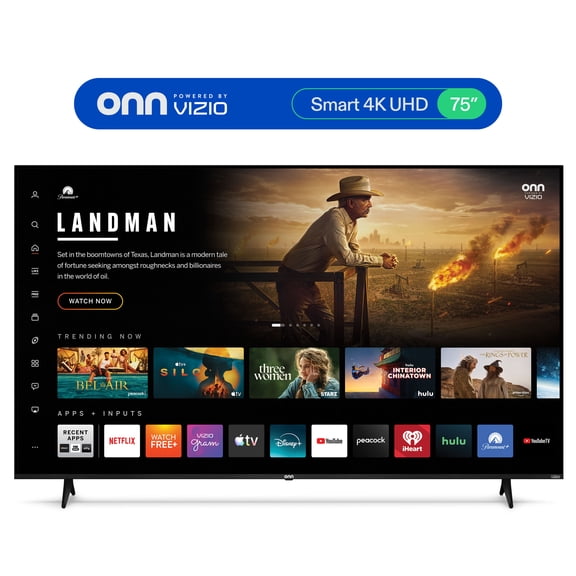




























About Smart Entertainment in Electronics - Walmart.com
Smart entertainment devices help you turn any room into a connected viewing and listening space. You can compare streaming players, smart speakers, smart displays, and streaming sticks by setup, compatibility, and media quality.
How to choose smart entertainment devices
When you shop smart home entertainment, you should start with the device type that fits your screen and listening habits. You may want a compact stick for a bedroom TV or a display for your kitchen counter.
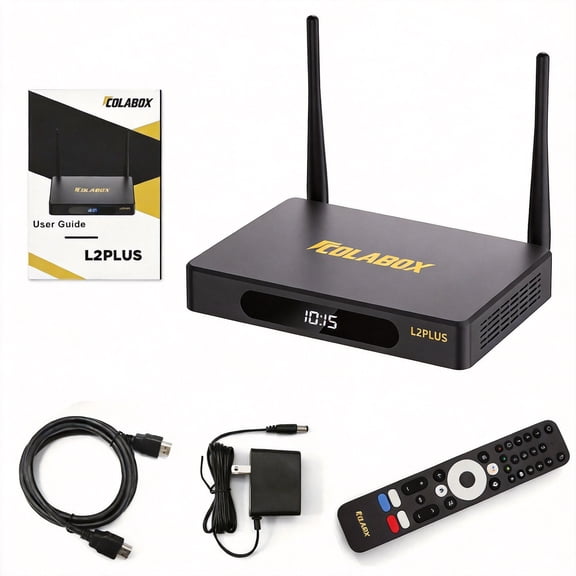
Streaming players usually suit you if you want a dedicated box with strong app support and stable performance. Streaming sticks often suit you if you want a simpler setup behind the TV.
Smart speakers and displays work well when you want voice controlled entertainment without reaching for a remote. You can use them for music, podcasts, video calls, recipes, and connected home routines.
Key benefits for your smart home entertainment setup
You can upgrade an older TV with streaming devices instead of replacing the whole screen. You also get quick access to popular apps, live content options, and personalized watch lists.
With the right smart speakers and displays, you can control playback with your voice while you cook, clean, or relax. You can also hear room-filling audio or see lyrics, timers, and video previews.
Compatibility matters because you want your smart entertainment devices to fit the assistant you already use every day. You can keep routines simple when your speaker, display, and TV accessories respond to one ecosystem.
- You can stream shows, movies, music, and podcasts from one connected setup.
- You can add hands-free control for volume, search, playback, and smart home actions.
- You can choose compact devices for small rooms or fuller setups for shared spaces.
- You can match your setup to Google Assistant, Amazon Alexa, or Apple HomeKit.
What to look for in streaming devices and connectivity
You should compare Wi-Fi, Bluetooth, and Ethernet options before you choose a device. Wi-Fi keeps placement flexible, Bluetooth helps with audio pairing, and Ethernet can give you steadier playback.
If you stream often in a busy household, you may prefer a player with Ethernet support for a more consistent connection. If you move devices between rooms, you may prefer a stick with simple Wi-Fi setup.
You should also check app availability because your favorite services need to work from day one. You may notice some devices organize live channels, rentals, and subscriptions more clearly.
Audio format support can shape your experience as much as video quality. If you use a soundbar or receiver, you should look for Dolby Atmos or surround sound support.
Choosing resolution support for your screen
You should match resolution support to your TV so you don't pay for features you won't use. A 4K UHD device can help you enjoy sharper detail on a compatible screen.
If your TV is still 1080p Full HD, you can choose a device that fits that resolution and still enjoy smooth streaming. HDR support can add richer contrast and more vivid highlights on compatible TVs.
You should also consider how your internet speed fits your viewing habits. Higher resolution streaming can look impressive, but you may want flexible settings for shared networks.
Comparing voice assistant compatibility
You should decide early whether your home already centers on Google Assistant, Amazon Alexa, or Apple HomeKit. That choice can affect how easily your devices sync with speakers, displays, and routines.
If you already use one assistant for lights, cameras, or timers, you may want your entertainment setup in the same ecosystem. You can keep commands simple when one assistant controls playback and connected devices.
You should also check whether a device includes a remote microphone, far-field voice pickup, or on-screen assistant support. Those options can change how naturally you search, pause, or launch content.
Using smart entertainment devices in everyday rooms
In a living room, you may want a streaming player with 4K UHD, HDR, and surround sound support. You can pair that setup with a smart speaker for voice search and whole-room audio control.
In a bedroom, you may prefer a streaming stick that hides behind the TV and keeps cords minimal. You can stream bedtime shows, morning news, or playlists without adding bulky equipment.
For a kitchen or office, smart displays can give you recipes, video clips, calendars, and music in one place. You can glance at the screen, ask for content, and keep your hands free.
If you share a home with different devices, you should compare Bluetooth pairing and multiroom audio features. You can move music from room to room and keep your setup feeling connected.
When you choose by device type, connectivity, resolution, and assistant compatibility, you can build a setup that fits your routines. You get a smoother way to stream, listen, and control entertainment across your home.