

Double Din Car Stereos in Car Stereos














About Double Din Car Stereos in Car Stereos - Walmart.com
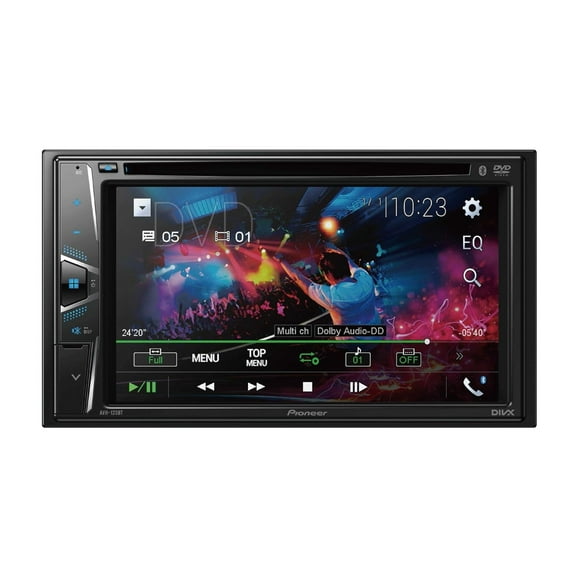
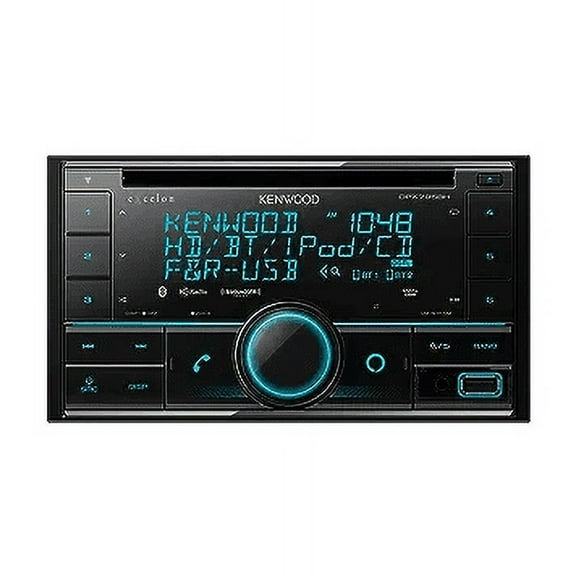
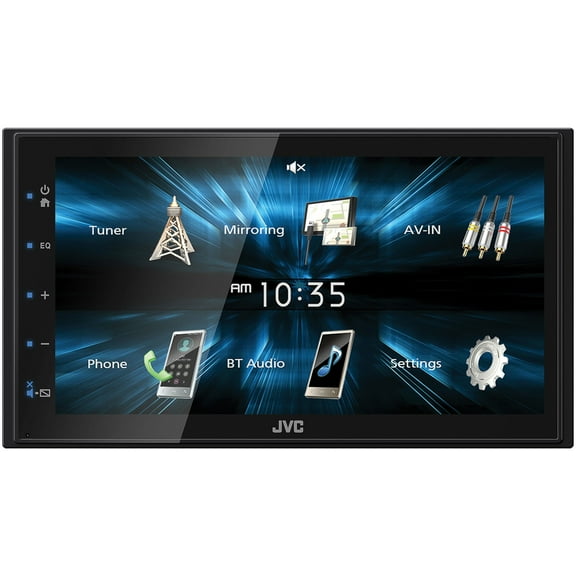
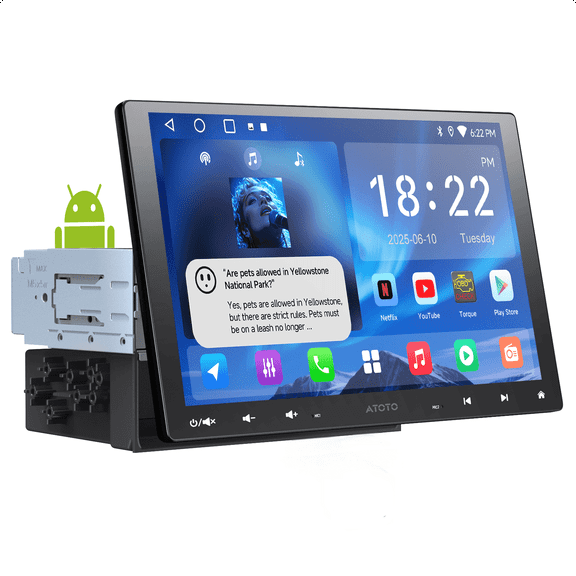
Double DIN car stereos give you a larger dash display, easier phone control, and more room for modern features. You can compare fitment, screen size, and smartphone tools before you upgrade your vehicle.
If you're replacing an older factory unit, you can narrow choices by dashboard opening and receiver type first. You'll also want to compare Bluetooth calling, camera inputs, and app-friendly controls for everyday driving.
How to choose Double DIN car stereos for your dashboard
You should start with Double DIN dimensions, because your dash opening determines what can fit cleanly. You may also need a dash kit and wiring harness for your vehicle's make and model.
When you check fitment parts early, you can avoid mismatched trim gaps and extra installation steps. You'll want to confirm harness support if your vehicle uses factory steering wheel buttons or amplified audio.
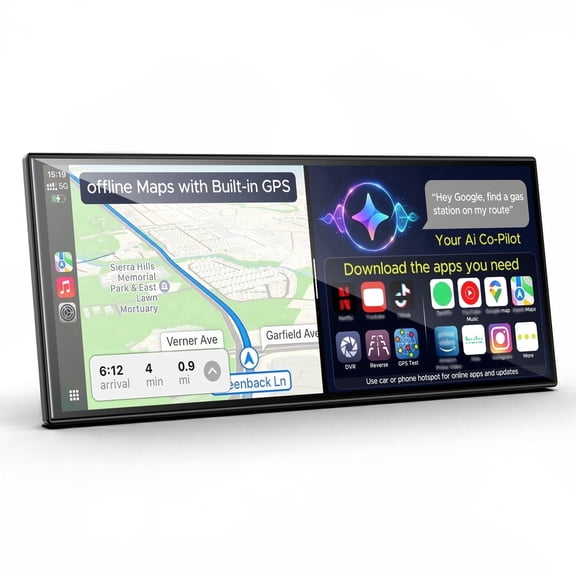
Screen size also shapes how your stereo looks and works once installed. You can choose compact 6.2 inch screens or larger 7 inch, 9 inch, and 10.1 inch displays.
- You can use a dash kit to match your factory opening and trim.
- You can use a wiring harness to connect power, speakers, and factory features.
- You can compare screen sizes based on visibility and dash clearance.
- You can check mounting depth if your dashboard space feels tight.
Choosing the right touchscreen car stereos
Touchscreen car stereos can make menus easier to read while you're parked or setting up audio controls. You can often move between maps, music, and settings with fewer button presses.
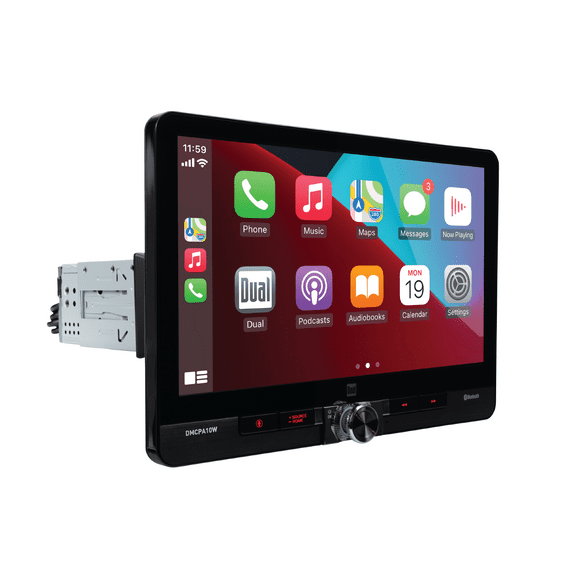
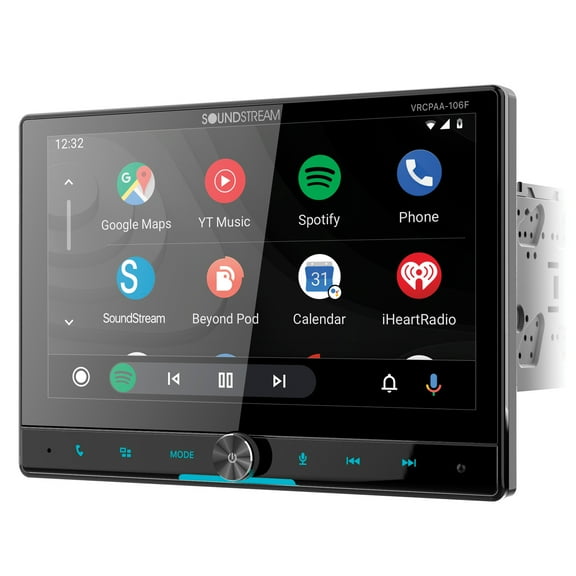
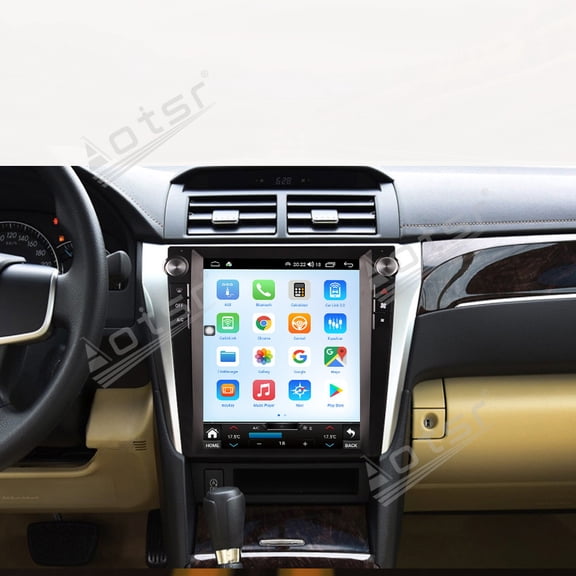
If you want a more factory-style look, you may prefer a 7 inch display with balanced size and reach. If you want a larger viewing area, you can consider 9 inch or 10.1 inch floating styles.
You should also compare screen layout and menu simplicity before choosing a model. You'll notice that larger displays can help with album art, camera views, and navigation prompts.
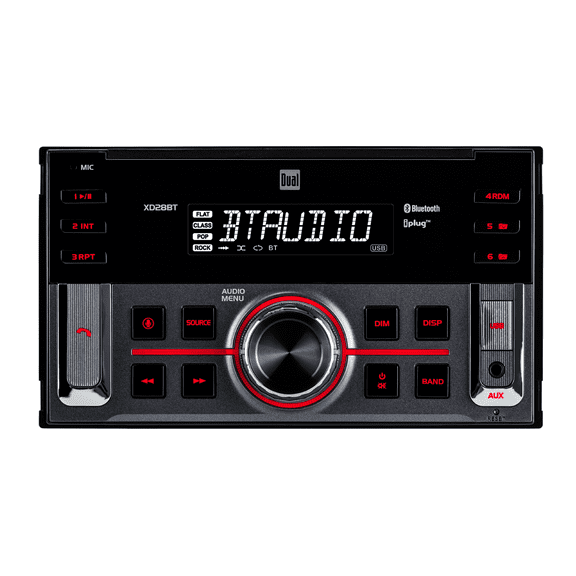
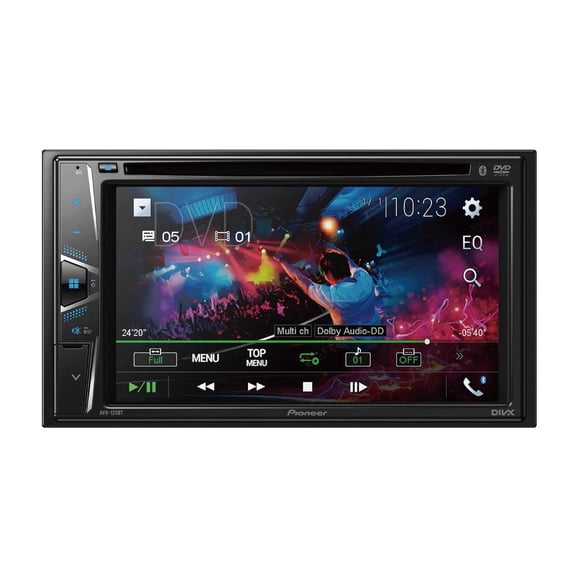
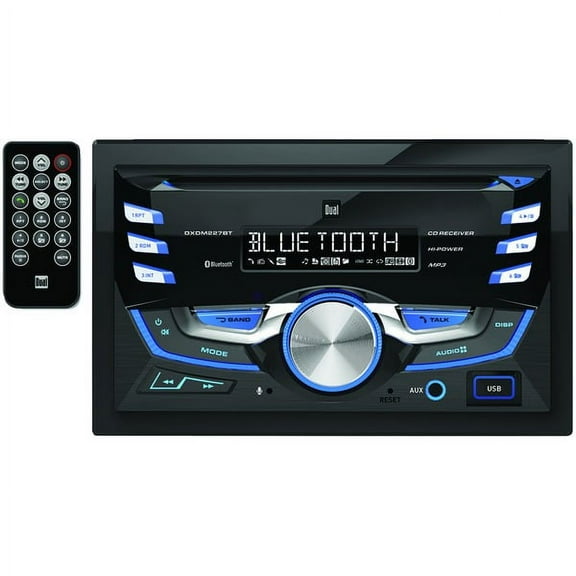
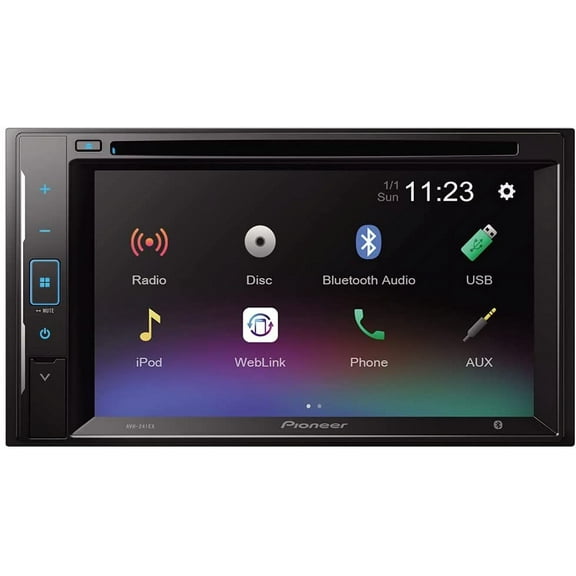
Receiver type matters just as much as screen size for daily use. You can choose a DVD receiver for discs, or pick a digital media receiver if you stream the majority of your content.
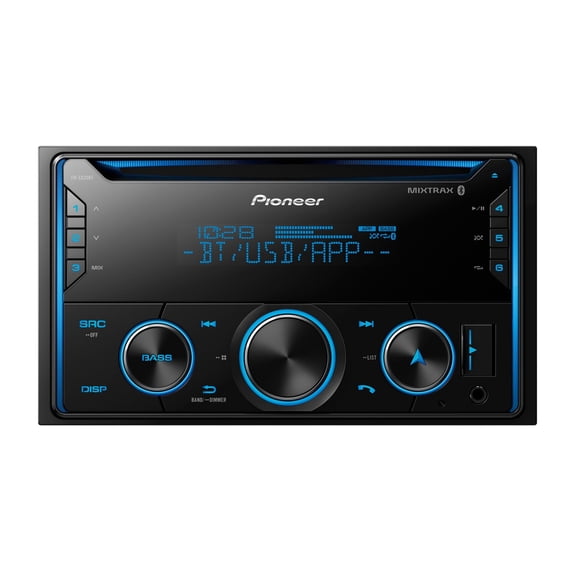
With a mechless receiver, you get a design without a disc mechanism. You may prefer that option if your listening comes from apps, USB, or a Bluetooth car radio connection.
Choosing an Apple CarPlay stereo and phone connectivity
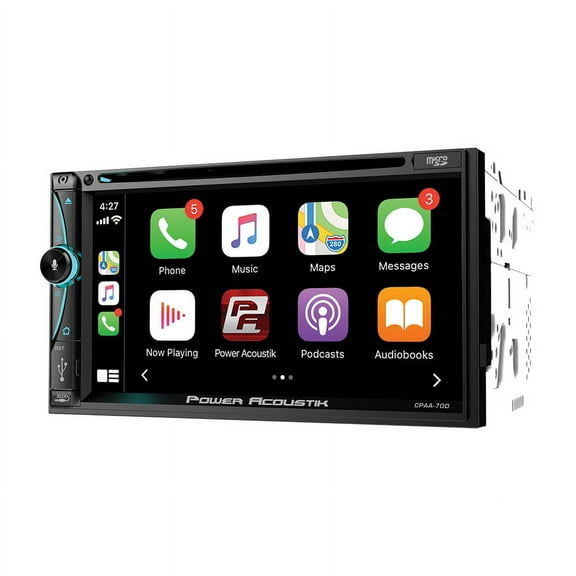
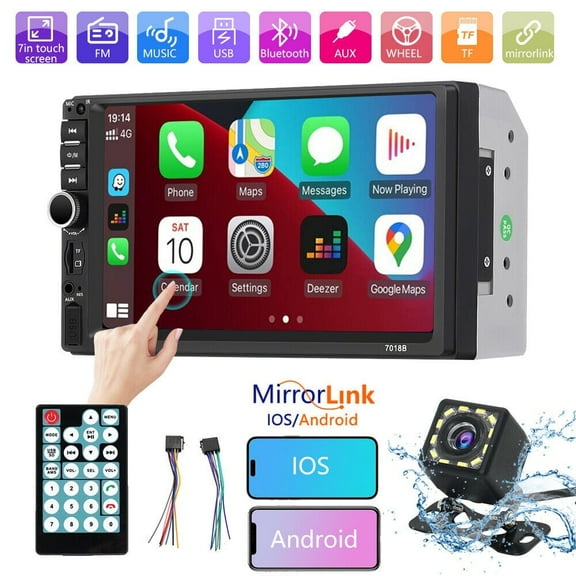
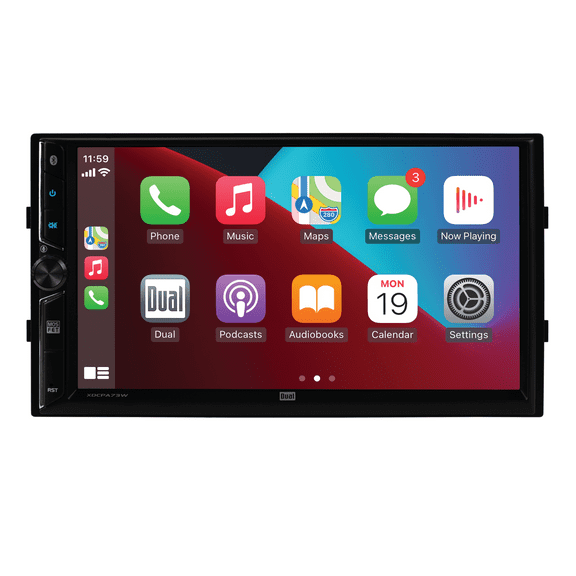
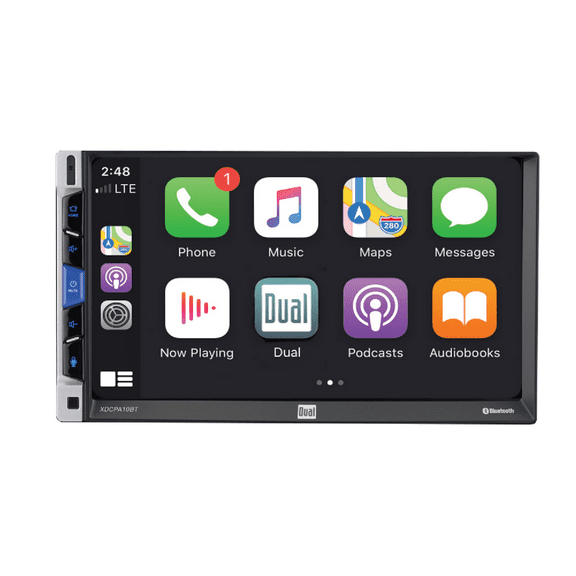
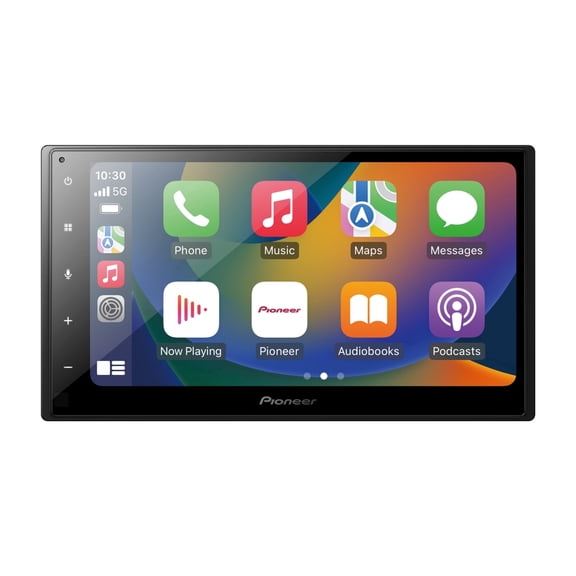
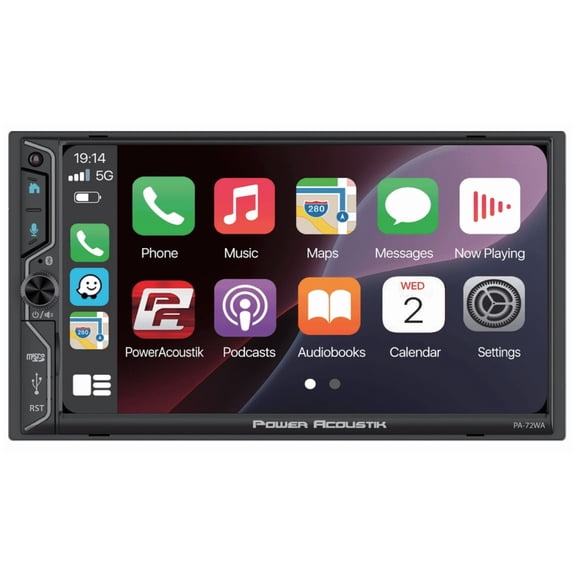
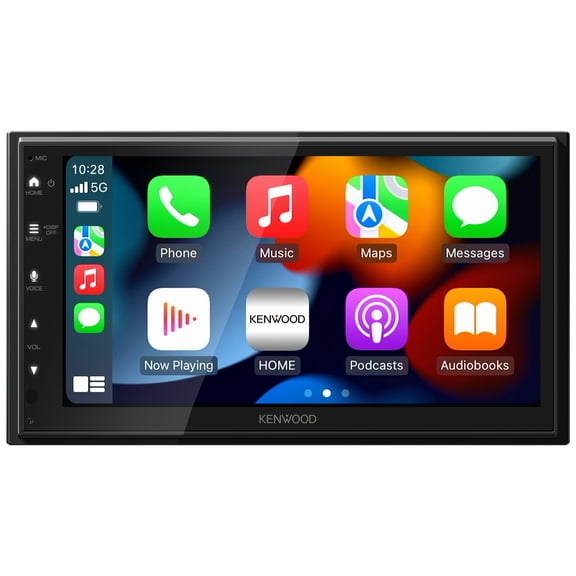
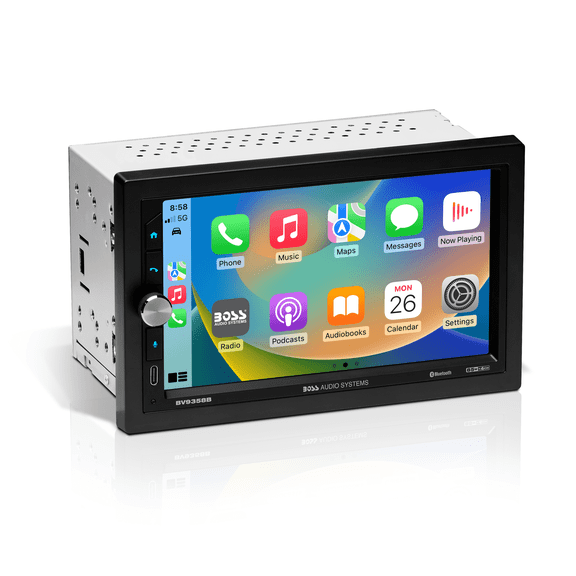
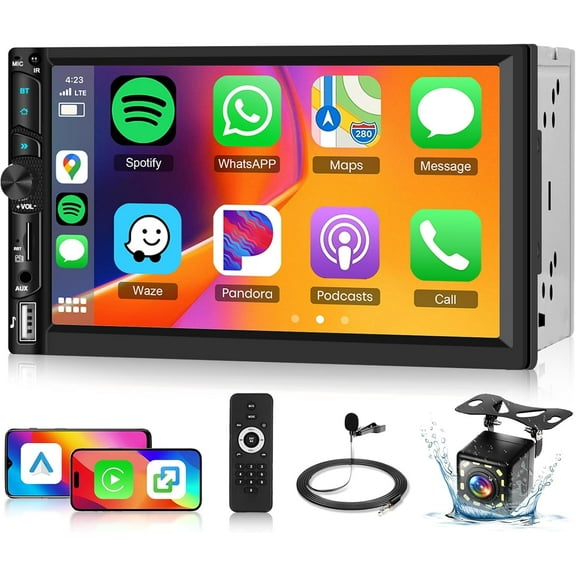
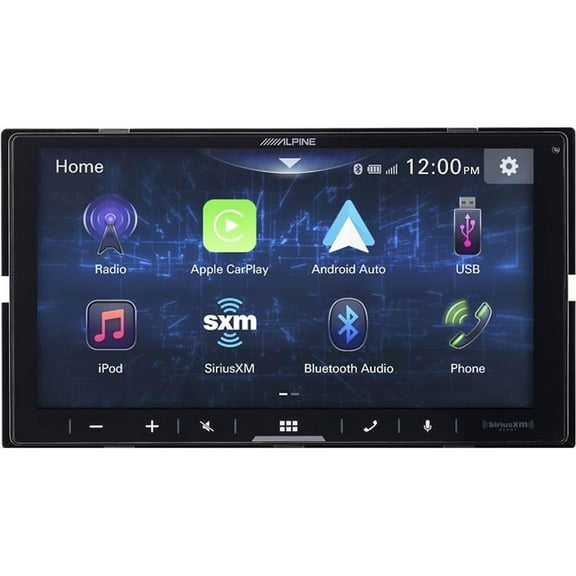
An Apple CarPlay stereo can bring your iPhone apps onto the dash in a simpler layout. You can access calls, messages, maps, and music through the receiver screen.
If you use Android, you'll want to compare Android Auto support in the same way. You should also check whether connection happens through a cable or through wireless pairing.
Wired connections can suit you if you want steady charging during longer drives. Wireless options can suit you if you want faster entry and fewer cables across your console.
Bluetooth remains important even when you want app integration. You can use a Bluetooth car radio setup for hands-free calling, music streaming, and quick pairing with many phones.
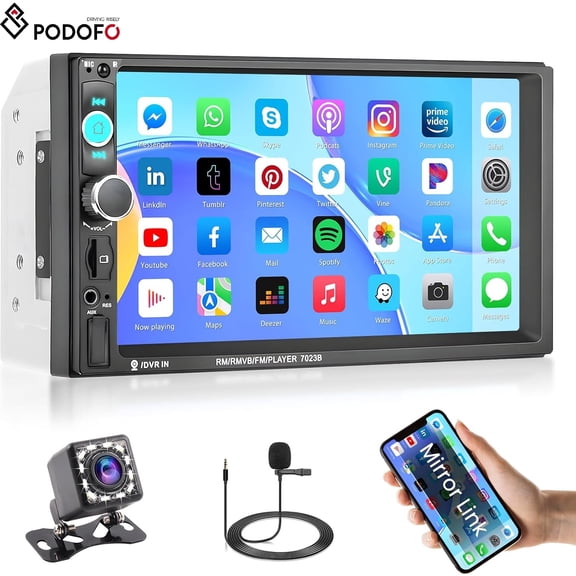
MirrorLink may matter if you use older compatible devices or want another screen-sharing path. You should confirm phone compatibility before you choose that feature as a priority.
Comparing receiver types for daily listening
You should choose receiver type based on how you actually listen in your vehicle. If you still use discs, a DVD receiver may fit your routine more naturally.
If you stream from your phone every day, a digital media receiver may feel simpler and cleaner. You'll often get USB playback, app access, and fewer moving parts in that format.
A mechless unit leaves out the disc slot entirely for a streamlined face and digital focus. You may like that choice if your music stays on your phone, flash drive, or streaming apps.
You can also compare support for file playback, radio presets, and external amps. If you're building a fuller sound system, you'll want to review preamp outputs and tuning controls.
Those details can matter when you add car speakers, subwoofers, or amplifier components later. You should think about expansion now if your current stereo upgrade may grow over time.
Checking safety features and add-on compatibility
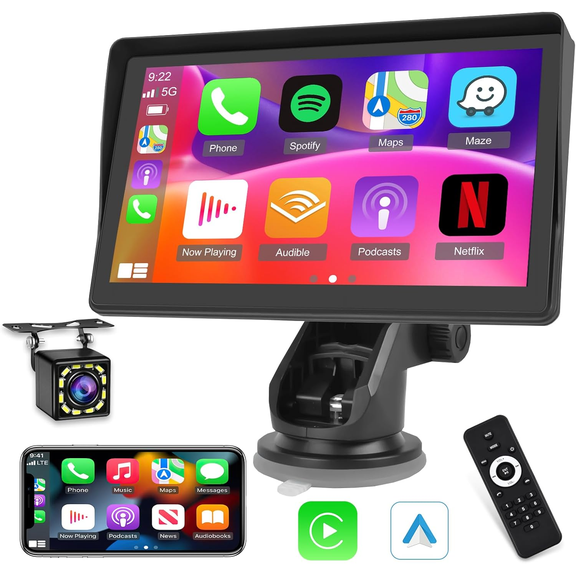
Safety features can shape your choice if you want more than music and calling. You can look for a double din car stereo with backup camera input to support rear visibility.
Many shoppers want the standard RCA camera input because it works with common camera setups. You should also check trigger wire support if you want the display to switch automatically in reverse.
Steering wheel control compatibility can help you keep familiar buttons after installation. You'll usually need a separate steering wheel control interface, so you should confirm support before purchase.
Hands-free calling matters if you spend long hours commuting or driving for work. You can compare microphone placement options and call-control access for a cleaner daily setup.
If you want one upgrade to handle several needs, you can prioritize camera input, phone integration, and simple touchscreen controls together. That combination can support the features you use most frequently every drive.
When you compare Double DIN car stereos by fitment, screen size, phone support, and add-on compatibility, you can choose with more confidence. You'll end up with a receiver that fits your dash and supports your everyday routine.