

Mobile Hotspots & Signal Boosters in Cell Phones








![Total by Verizon Moxee Mobile Hotspot, 256MB, Black- Prepaid Smartphone [Locked to Total By Verizon]](https://i5.walmartimages.com/seo/Total-by-Verizon-Moxee-Mobile-Hotspot-256MB-Black-Prepaid-Smartphone-Locked-to-Total-By-Verizon_c25433e8-0194-4541-8c4a-ebc024ddccf4.cdce7f5c10b94a22a0a0bf7f6706e21f.jpeg?odnHeight=576&odnWidth=576&odnBg=FFFFFF)















About Mobile Hotspots & Signal Boosters in Cell Phones - Walmart.com
Your 4g network setup gets easier when you compare mobile hotspots and signal boosters by speed, portability, and carrier fit. You can choose pocket-ready internet access, home coverage support, or vehicle-friendly connectivity that matches how you stay online.
When you travel, work remotely, or need backup internet, you can use this category to narrow the right device type quickly. You’ll also find options that fit prepaid SIM use, locked carrier plans, or unlocked flexibility.
How to choose a 4g network device
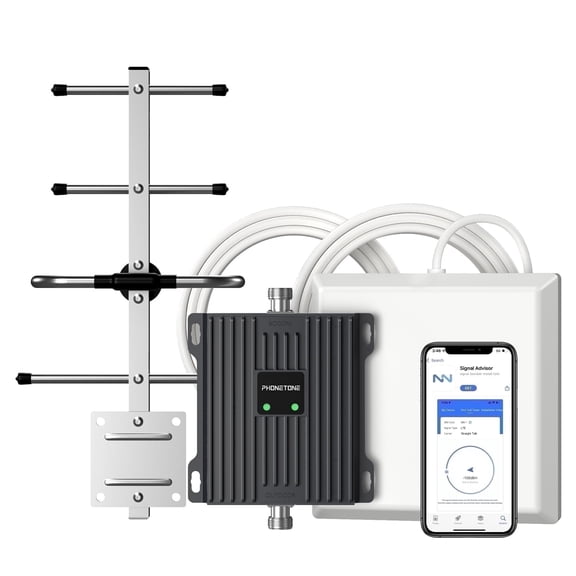
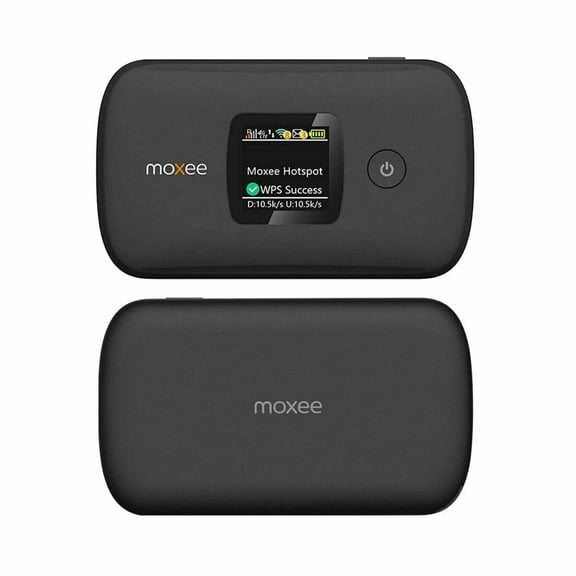
You should start with the difference between a mobile hotspot and a signal booster. A hotspot creates a WiFi connection from cellular service, while a booster strengthens an existing phone signal.
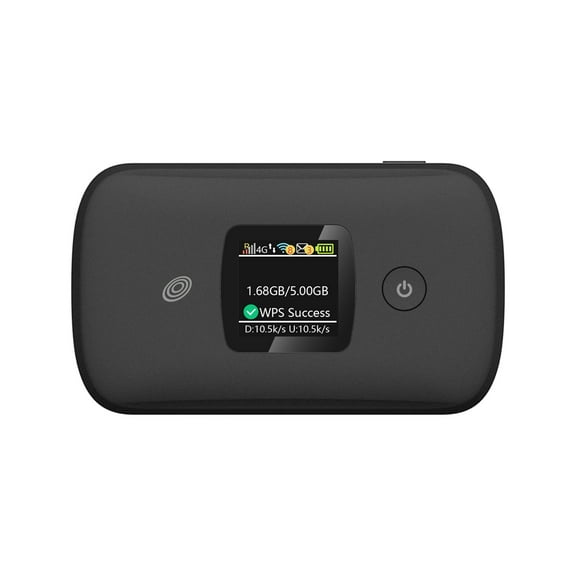
If you need internet for laptops and tablets, you may prefer a mobile hotspot router or LTE router. If your calls and data struggle indoors, you may prefer a signal booster instead.
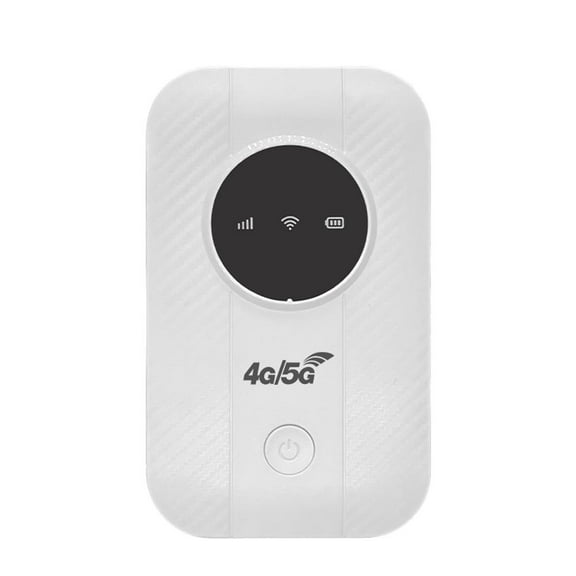
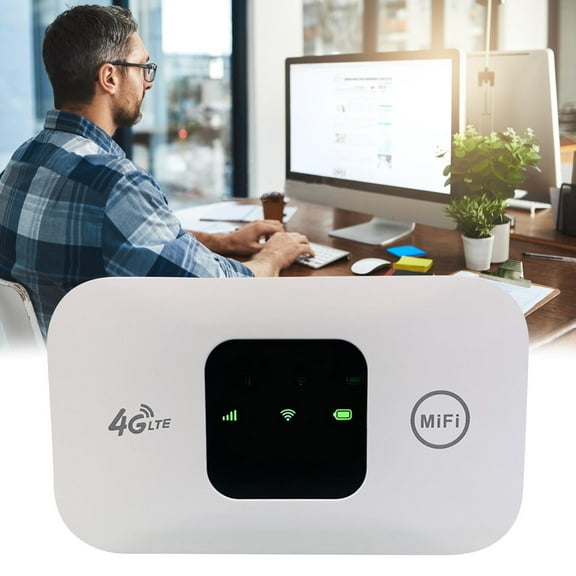
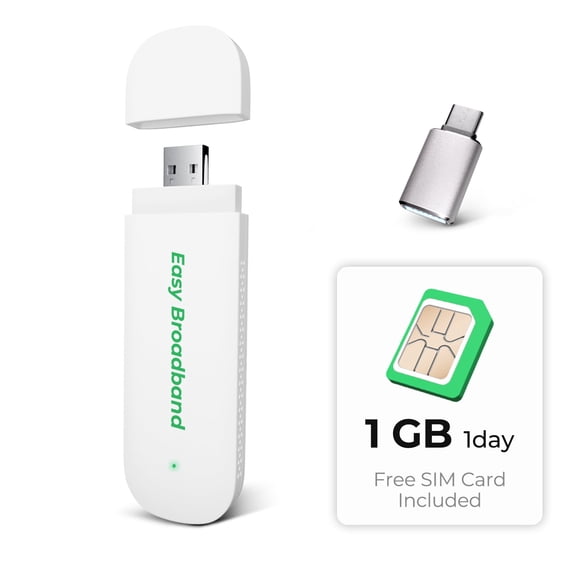
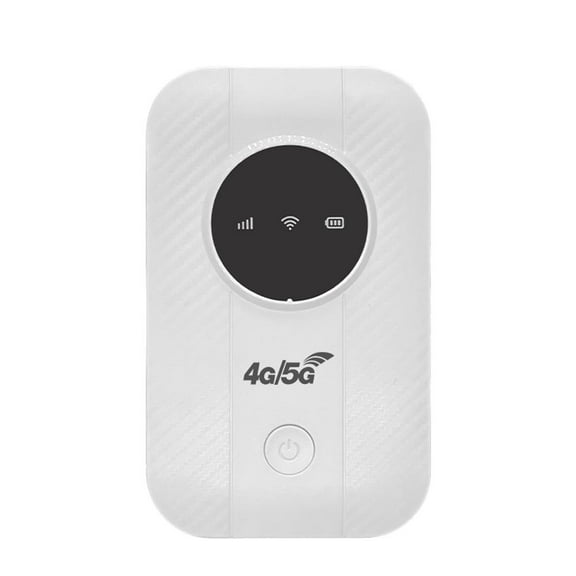
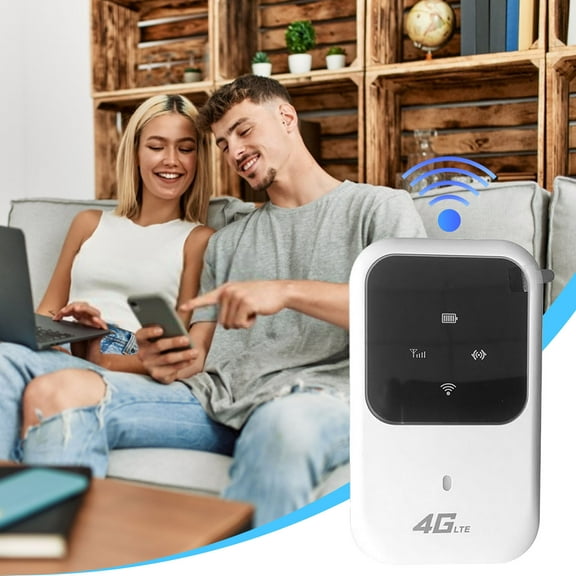
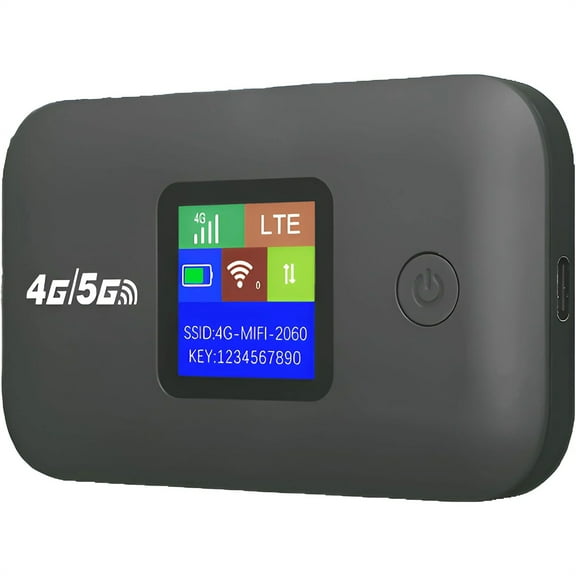
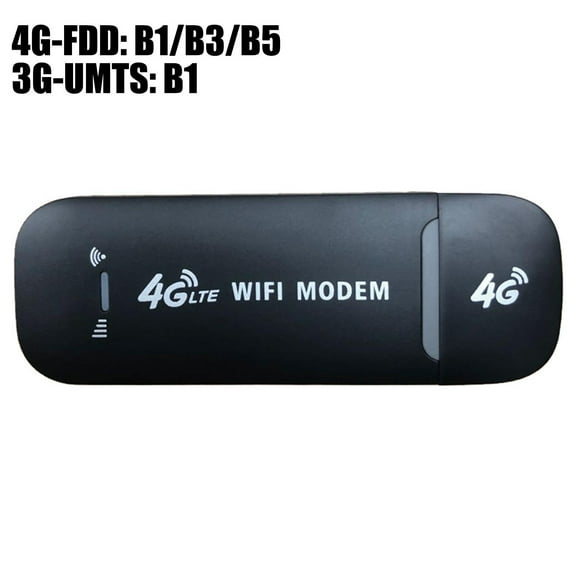
You can also compare a MiFi stick or mifi pan stick with larger hotspot units. A stick stays compact for solo use, while larger units often support more connected devices.
- You can use a mobile hotspot for travel, job sites, and backup home internet.
- You can use a signal booster to improve weak indoor or vehicle signal reception.
- You can choose a MiFi stick when you want a smaller setup for one user.
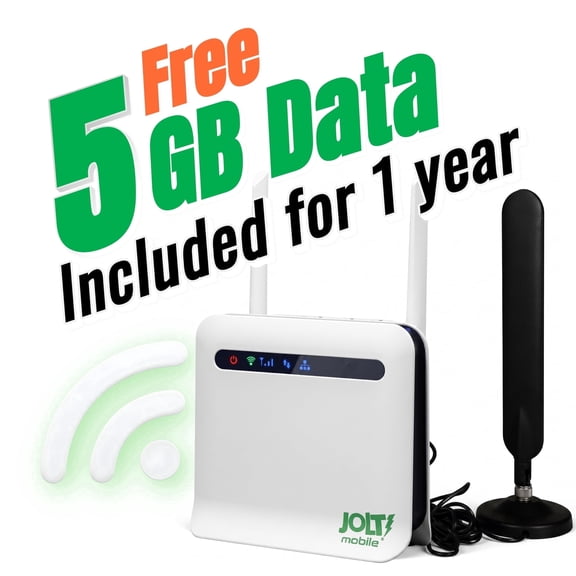
- You can compare LTE routers when you want a more fixed setup for desks or rooms.
Choosing network speed and carrier compatibility
You should check network speed support before anything else. A 4G LTE model gives you broad compatibility, while 5G options may add faster access where supported.
You may also want 3G fallback support in older coverage areas. That extra compatibility can help your device stay connected when newer bands aren’t available.
You should compare unlocked models with carrier-specific versions next. An unlocked mobile network device gives you more flexibility, while locked options match one carrier’s activation process.
If you already use Verizon, AT&T, or T-Mobile, you should confirm the listed bands and SIM support. That check helps you avoid setup delays and mismatched service.
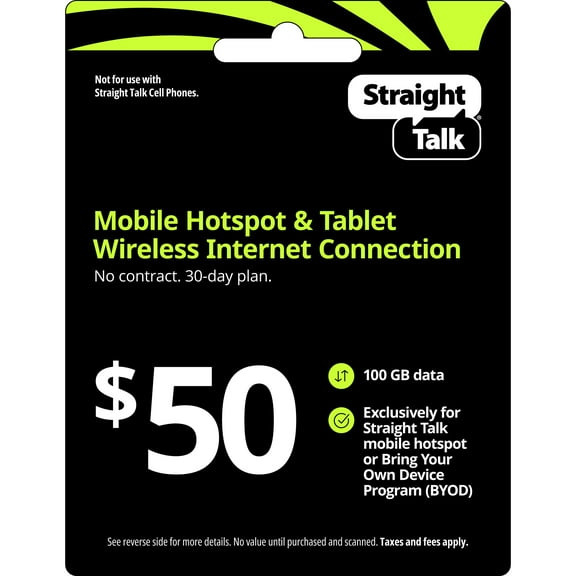
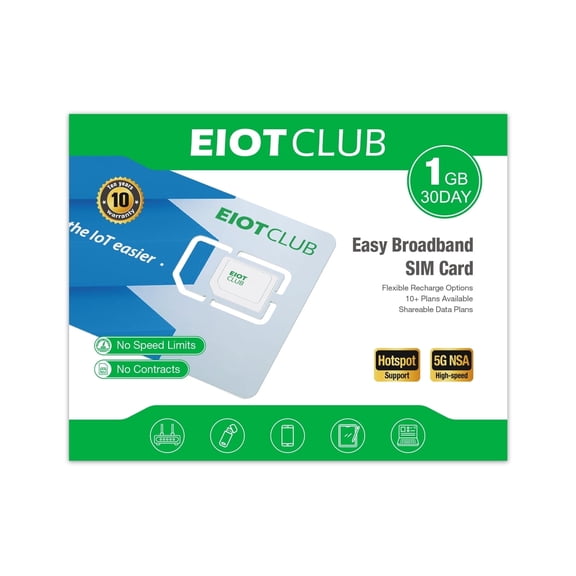
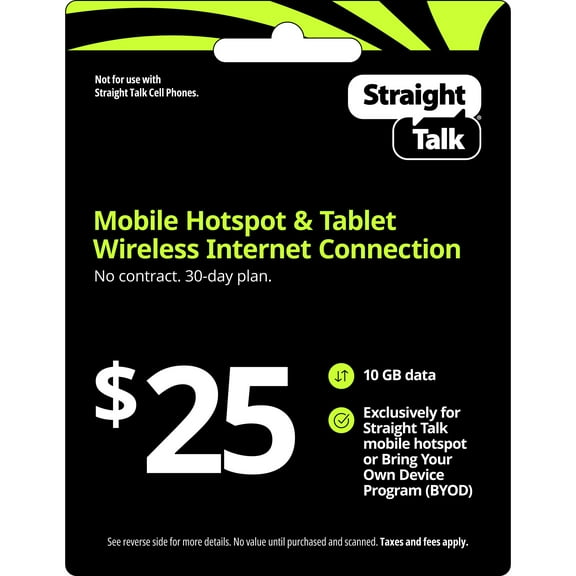
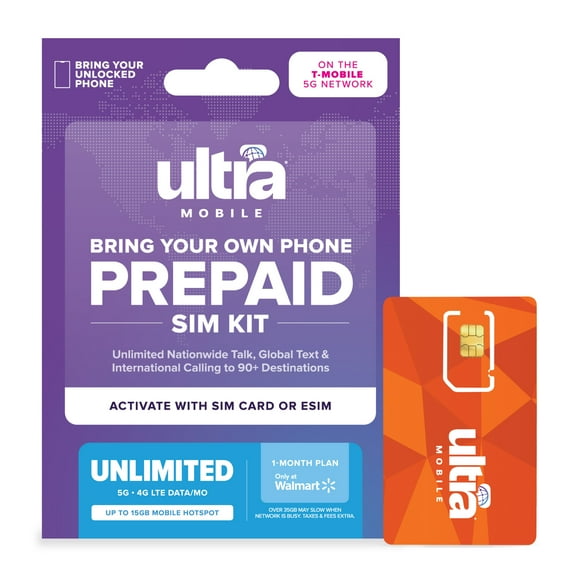
You’ll want to review data plan requirements before checkout. Some devices use prepaid SIM cards, while others need direct carrier activation for service.
What to look for in portability and battery life
You can narrow your options by where you’ll use the device most often. Pocket-sized hotspots fit bags and coat pockets, while desktop routers stay plugged in for steady placement.
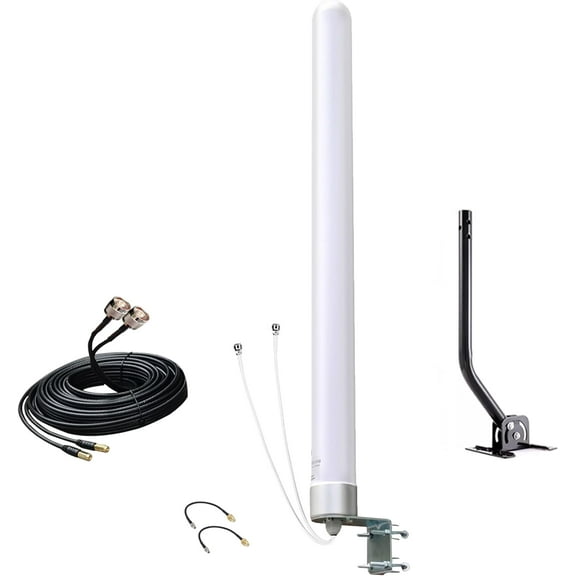
If you drive for work or travel often, you may prefer a vehicle-mounted signal booster. That format supports moving use cases and helps you stay connected between stops.
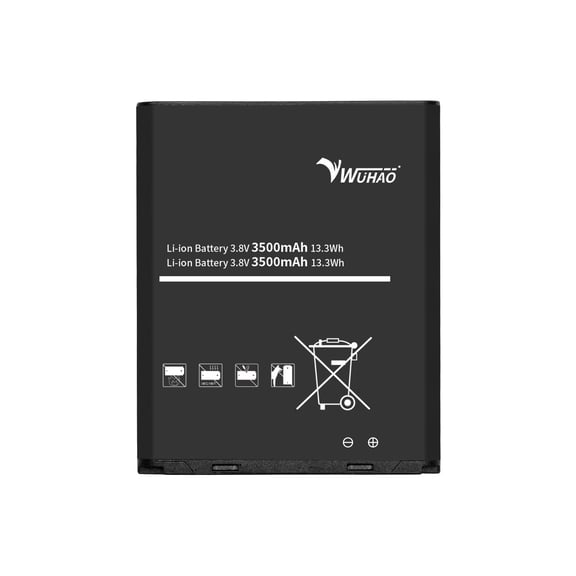
You should also compare battery life in plain terms, not just technical specs. More hours of continuous use can matter when you work away from outlets.
If you need internet during flights with layovers, hotel stays, or field visits, you may want a portable mobile hotspot. If you need all-day coverage at a desk, wall-powered units may fit better.
You can also check how many devices a hotspot supports at one time. That detail matters if you plan to connect a laptop, tablet, and streaming device together.
Comparing coverage range and supported devices
You should think about your space before choosing a hotspot or booster. A small room needs different coverage than a larger home office, RV, or vehicle cabin.
If you want to cover one workspace, you may only need a compact unit. If you want broader indoor reach, you should compare coverage notes and antenna design.
You’ll notice that signal boosters and hotspots solve different coverage problems. A booster helps your existing cellular signal reach farther, while a hotspot shares one cellular connection as WiFi.
You should also compare supported device counts with your daily routine. Fewer supported devices may work for solo travel, while higher counts fit families or team use.
If you stream meetings, send files, and connect several screens, you’ll want enough capacity for stable sharing. That’s especially useful when your home internet goes down unexpectedly.
Matching devices to real-world use
You can use a 4g network hotspot as a backup connection during outages or service interruptions. That setup helps you keep laptops, tablets, and smart devices online when wired internet isn’t available.
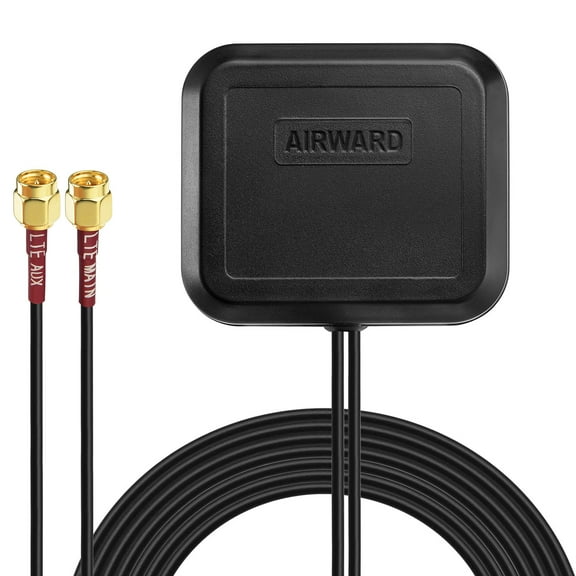
If you work from a car, truck, or RV, you may prefer a vehicle-mounted booster or compact hotspot. That choice depends on whether you need stronger signal or shared WiFi access.
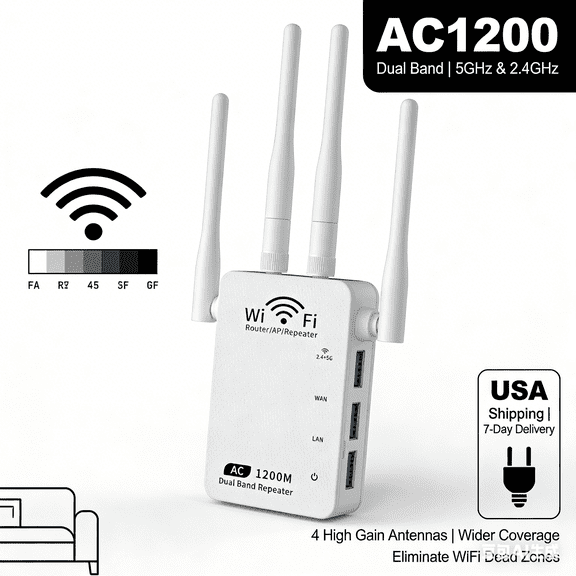
You may want an LTE router for a cabin, temporary apartment, or small office desk. That format often suits fixed placement where you want cellular-based internet without a full cable setup.
If you switch carriers often, you should consider unlocked devices first. If you stay with one provider, you may prefer a model designed for simpler activation.
You can also match a small hotspot to conferences, campus use, or business travel. A larger desktop option may fit home study spaces where multiple people connect each day.
With the right combination of speed support, carrier fit, and portability, you can build a setup that matches your routine. You’ll get clearer direction when you compare hotspots and boosters by how and where you connect.