



Android Tablets for All Ages and Uses


















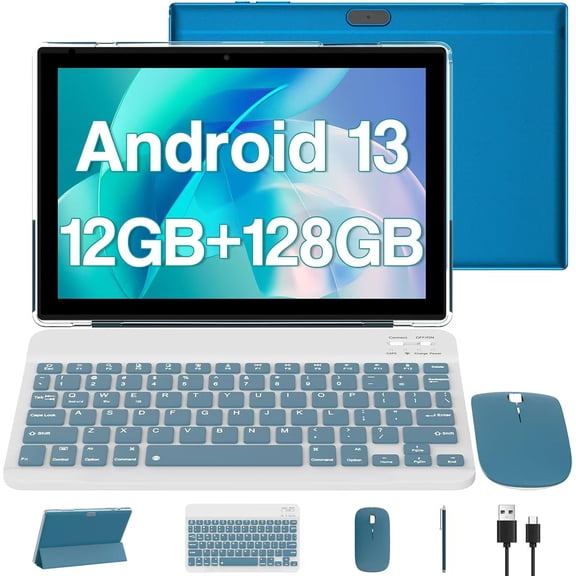


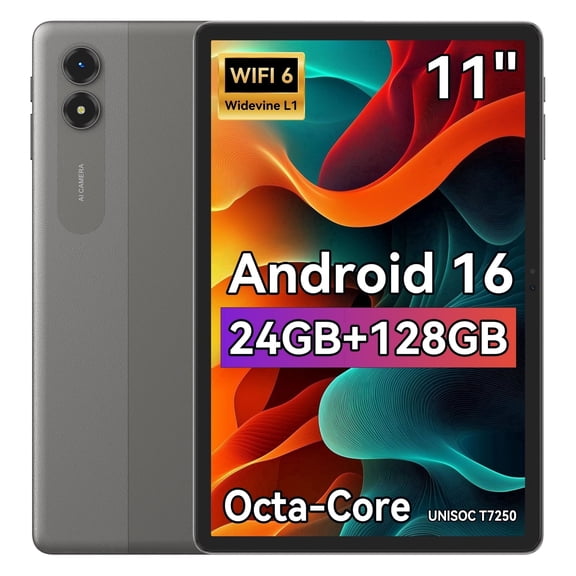
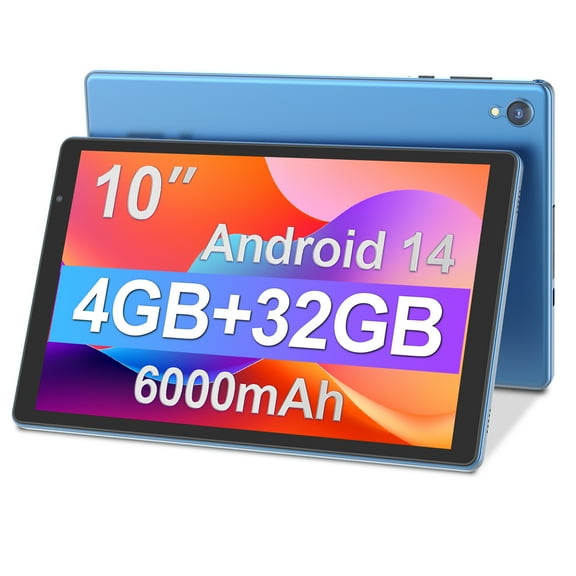


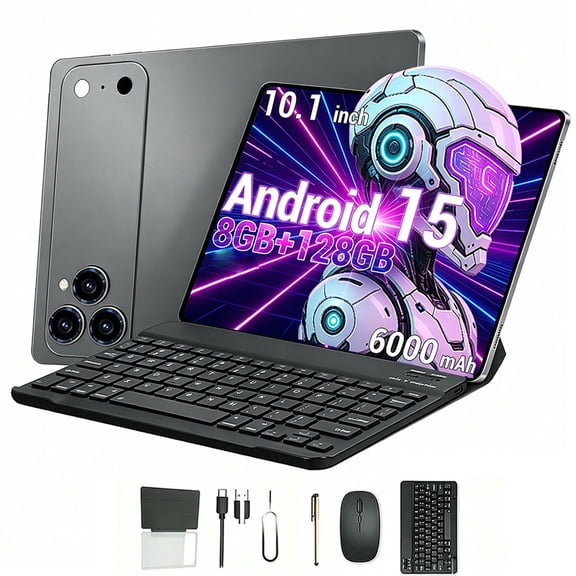













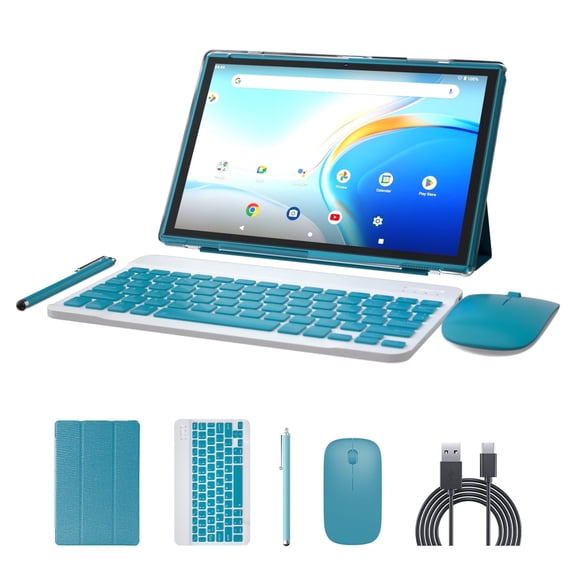


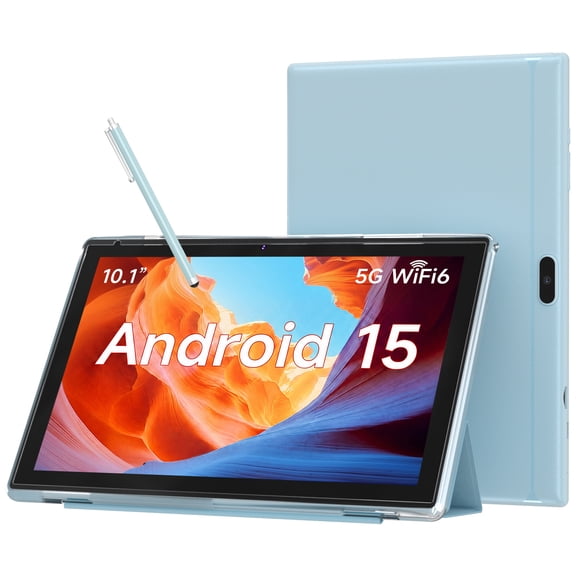


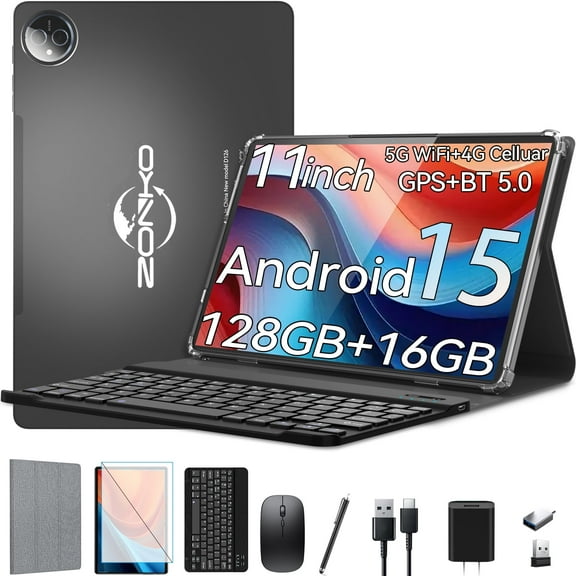


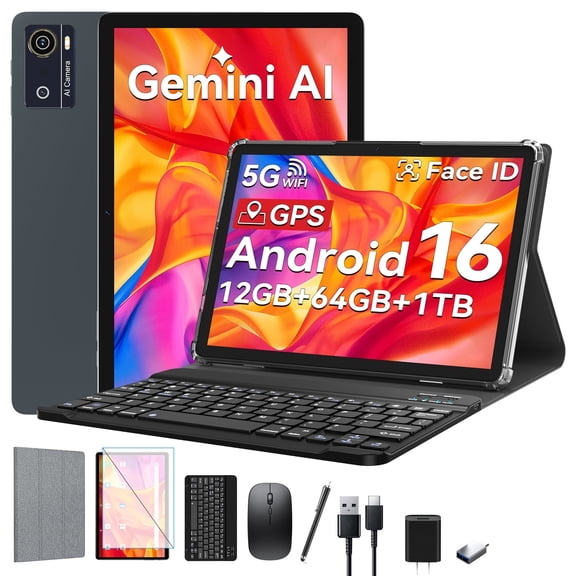


About Android Tablets for All Ages and Uses - Walmart.com
Tablets give you a flexible screen for streaming, reading, schoolwork, and travel. You can compare operating systems, screen sizes, and specialty features to match how you use your device.
If you want one device for home, class, or commuting, tablets fit into more routines than a laptop. You can choose compact models for portability or larger displays for multitasking and movies.
How to choose tablets by operating system
You should start with operating system compatibility because it shapes your apps, files, and accessories. You’ll want a device that fits the phones, services, and accounts you already use.
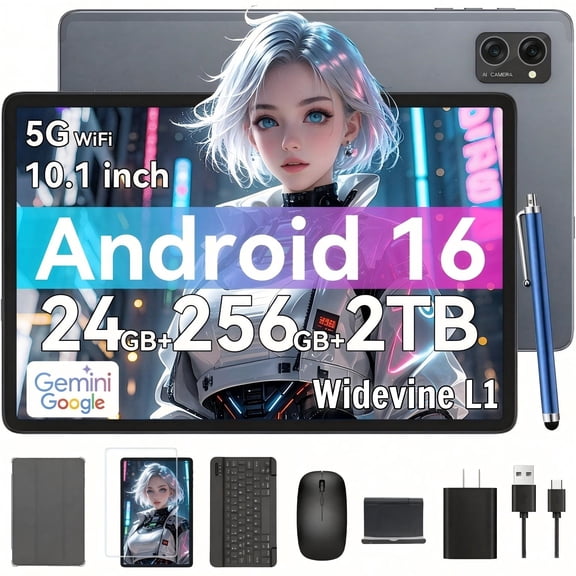
If you prefer open app choice and broad hardware variety, android tablets give you many everyday options. You can compare models for streaming, gaming, reading, and family use across many sizes.
If you need familiar desktop software and keyboard support, windows tablets can fit work-focused routines. You can handle documents, email, video calls, and split-screen tasks with a more computer-like feel.
If you already use services across another mobile ecosystem, you should check syncing for photos, notes, and messages. You’ll notice easier setup when your tablet matches the devices you carry every day.
What to look for in tablets for use case and daily benefits
You should match your tablet to your main routine before comparing extra features. You’ll get a clearer choice when you decide whether your device is for kids, work, gaming, or school.
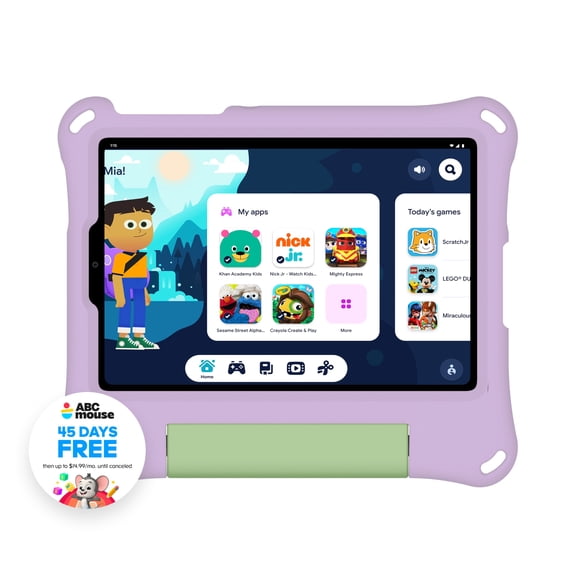
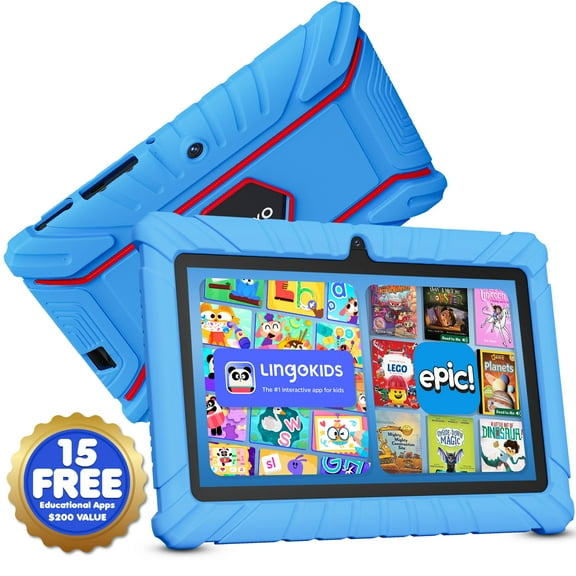
- You can use kids tablets for learning apps, videos, and simple games with easy navigation.
- You can use tablets for school to read assignments, join classes, and take notes between lessons.
- You can use work-ready models for email, calendars, file review, and video meetings on the go.
- You can use gaming-focused options for touch controls, bright displays, and longer entertainment sessions.
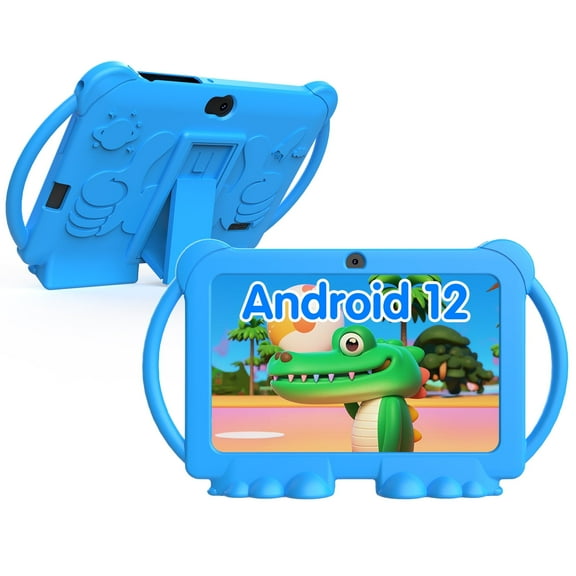
For younger users, you should look for durable designs, simple interfaces, and age-appropriate accessories. You’ll appreciate a size that small hands can hold during reading or travel.
For class or office use, you should compare keyboard support, stylus compatibility, and multitasking tools. You’ll find these details especially useful when you switch between notes, web tabs, and documents.
Choosing the right screen size and storage
You should compare screen size based on where you carry your device most often. You’ll find small tablets easier to hold for reading, commuting, and quick tasks around the house.
If you watch movies or split your screen between apps, 9-11 inch models offer a balanced middle ground. You can carry them easily while still getting enough room for games and schoolwork.
If you plan to sketch, edit, or multitask often, 12+ inch screens give you more workspace. You’ll notice the extra room when you use a stylus, keyboard, or multiple windows.
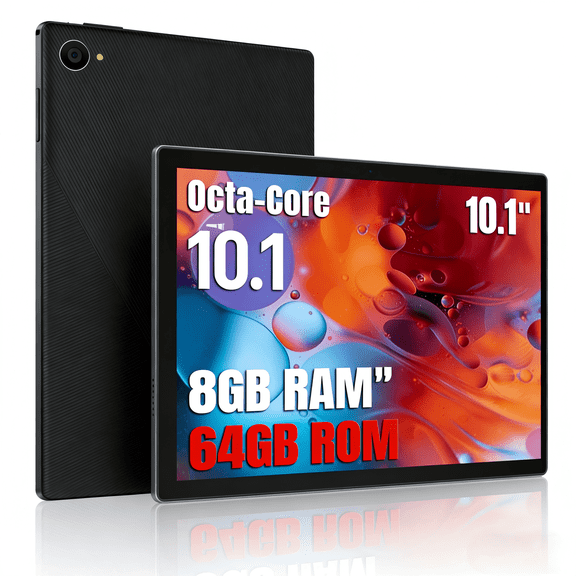
You should also check storage before you choose your screen size. You can start with 64GB for light browsing, reading, and a smaller app library.
If you download movies, keep large games, or store lots of photos, 128GB or more makes sense. You’ll avoid constant cleanup when your tablet holds more offline content.
Comparing battery life, connectivity, and specialty features
You should think about battery life based on your longest typical day. You’ll want enough power for classes, flights, road trips, or back-to-back meetings without frequent charging.
If you travel often, you should compare Wi-Fi only models with cellular options. You can stay connected away from home internet when your routine includes commuting or mobile work.
You should also look at charging convenience if your schedule stays busy. You’ll appreciate faster top-ups when you need your tablet again between classes or errands.
For creative tasks, drawing tablets and stylus-ready models support sketching, note-taking, and visual planning. You can get more precise input when your screen and pen support work together smoothly.
If your routine changes often, rugged and 2-in-1 options deserve a closer look. You can choose added durability for active households or a keyboard-friendly design for hybrid work.
Matching tablets to real-life routines
You can choose a compact model for reading in bed, checking recipes, or streaming during travel. You’ll like a lighter size when you carry your device in a small bag.
If your child uses a tablet during rides or quiet time, a simpler layout can help. You’ll want easy controls and a screen size that feels comfortable for smaller hands.
For lectures and homework, tablets for school work well when you need digital textbooks and note apps. You can move from class to class without carrying a heavier computer.
If you work between home, office, and travel, windows tablets or keyboard-ready models can fit your schedule. You’ll have a portable screen for documents, calls, and quick edits.
For art, design, or handwritten notes, drawing tablets make sense when pen input matters most. You can focus on line control and screen space when your projects need detail.
When you compare tablets by operating system, size, storage, and connectivity, your choice becomes much simpler. You’ll end up with a device that fits your daily routine, travels easily, and keeps your favorite apps close.