

PC Gaming Savings Deals & More

































About
If you're comparing a black friday gaming pc, you likely want clear hardware guidance before you choose your next setup. You'll find this page focuses on gaming desktops with component details that matter for frame rates, storage, cooling, and future upgrades.
How to choose a black friday gaming pc
You'll want to start with your display resolution and the games you play most often. Your target for 1440p or 4K gaming should guide your graphics card, processor, memory, and cooling choices.
When you compare gaming computers, you'll usually see clear performance tiers across GPU and CPU combinations. You'll make a faster decision when you match those parts to your monitor, library, and desk space.
- You'll want stronger graphics hardware for 1440p and 4K play.
- Your processor choice affects multitasking, streaming, and fast in-game response.
- Your RAM and SSD capacity shape load times and room for larger game libraries.
- Your form factor changes how your gaming rig fits your desk and airflow needs.
- Your cooling setup can influence fan noise, heat handling, and sustained performance.
Choosing graphics and processor performance
You'll usually pick your graphics card first because it drives visual detail and resolution goals. Your NVIDIA GeForce RTX 4060 setup can fit smooth 1080p and many 1440p sessions with ray tracing support.
If you're aiming higher, your RTX 4070 or RTX 4080 configuration gives you more headroom for sharper settings. You'll notice those gaming desktops make more sense for demanding 1440p or 4K titles.
You may also compare AMD Radeon options when you want another route for modern pc gaming performance. Your choice should reflect the games you play, the refresh rate you use, and the visual settings you prefer.
On the processor side, you'll often compare Intel Core i5 and AMD Ryzen 5 for mainstream play. You'll want Intel Core i7, Intel Core i9, AMD Ryzen 7, or AMD Ryzen 9 for heavier multitasking.
If you stream, edit clips, or keep many apps open, you'll appreciate extra processing headroom. Your CPU also supports steadier performance in simulation, strategy, and open-world games with busy background tasks.
Comparing memory and storage for modern gaming
You'll want at least 16GB RAM for many current games and everyday multitasking. Your move to 32GB RAM can make sense when you stream, create content, or keep several programs open.
When you see DDR4 or DDR5 memory, you'll want to think about platform generation and upgrade path. Your DDR5 system may offer newer motherboard support and more room for future component planning.
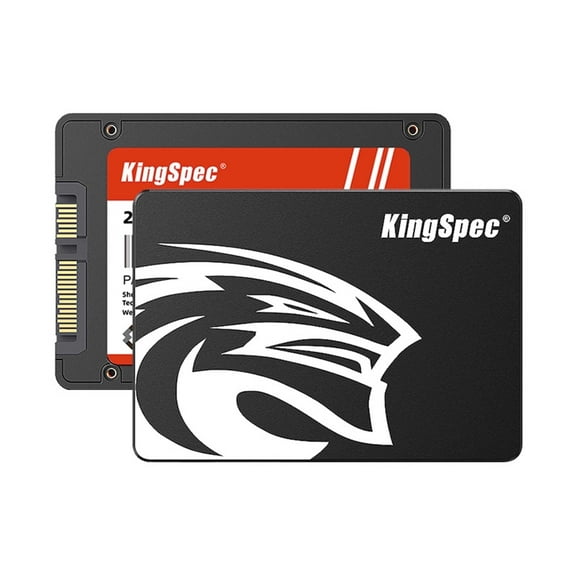
Storage matters because large game files can fill a drive faster than expected. You'll usually find 1TB SSD useful for a focused library, while 2TB SSD gives your setup more breathing room.
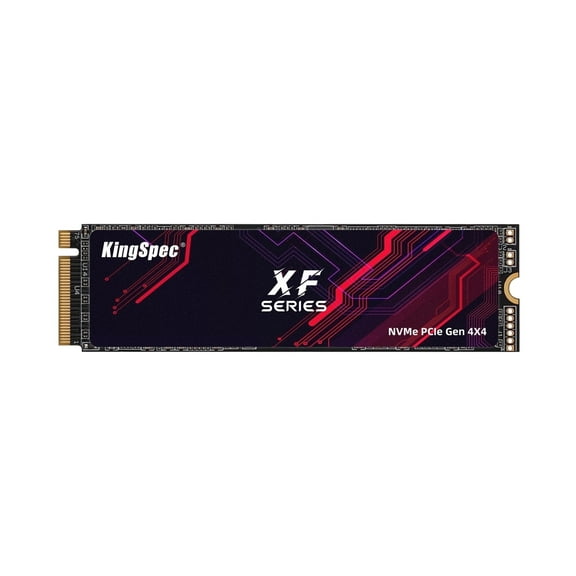
If you compare NVMe PCIe Gen4 storage with older solid-state options, you'll notice faster loading and file movement. Your gaming rig can feel more responsive when launches, installs, and updates move quickly.
Deciding between tower, mini pc, and small form factor
You'll need to measure your space before you choose a tower, mini pc, or small form factor build. Your desk depth, monitor stand, and cable routing can shape which size feels practical.
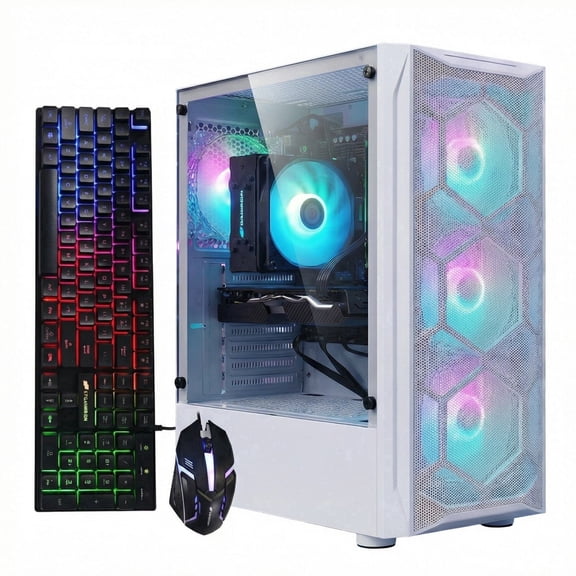
A tower can give you more internal room for airflow, larger graphics cards, and later part swaps. You'll often find that extra space helpful when you plan to upgrade storage, cooling, or memory.
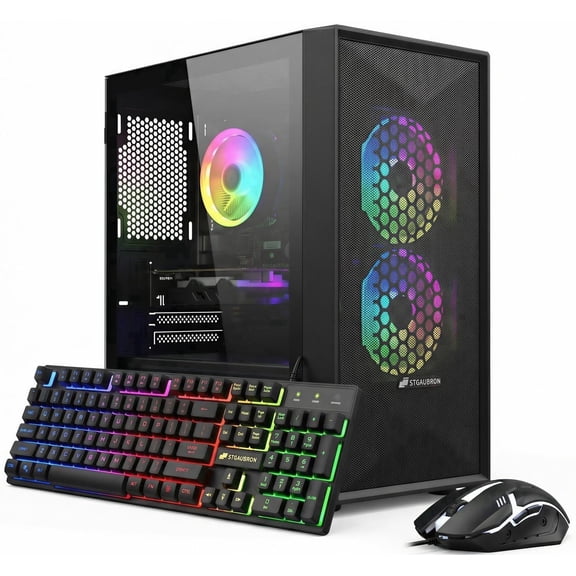
If your setup is compact, you may prefer a mini pc or small form factor option. You'll want to check graphics card size, power supply capacity, and internal access before you commit.
Upgrade planning matters for prebuilt gaming computers because layouts can vary by chassis size. You'll benefit from checking motherboard slots, drive bays, and power connections for future changes.
Choosing cooling for noise and long sessions
You'll usually compare liquid cooled and air cooled systems based on noise, airflow, and your room setup. Your choice depends on how long you play and how much heat your components generate.
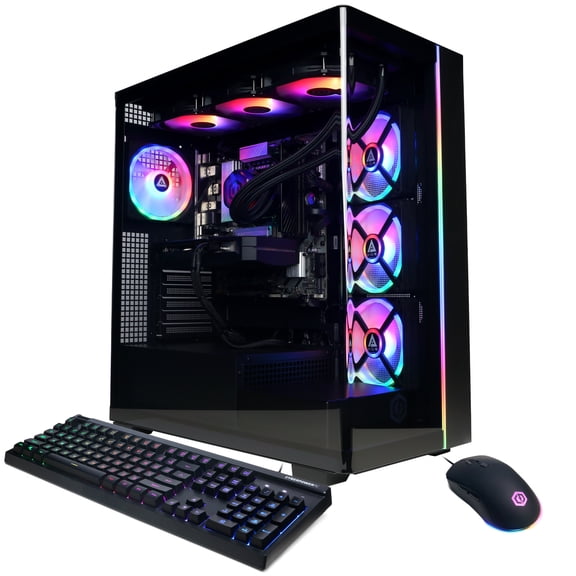
Liquid cooled builds can help you manage heat in higher-powered configurations during extended sessions. You'll often consider them when your gaming desktops include stronger processors and graphics hardware.
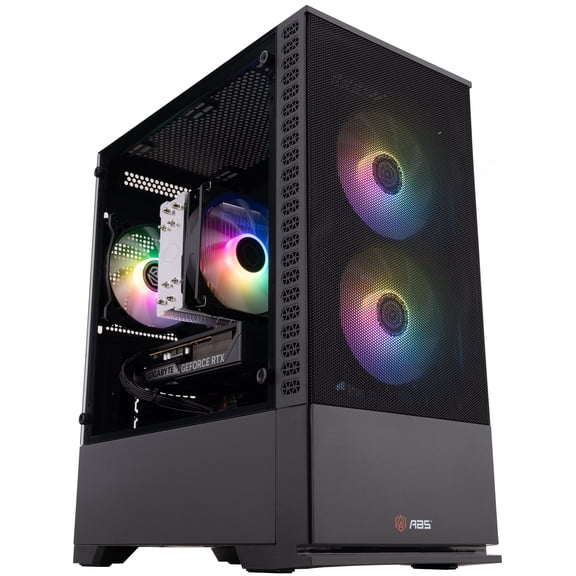
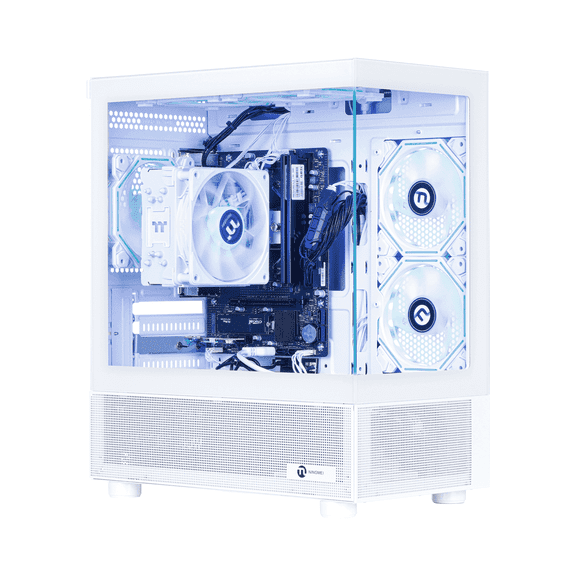
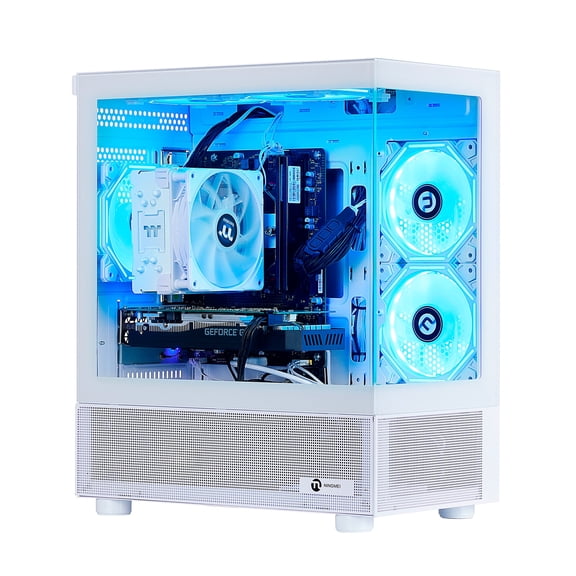
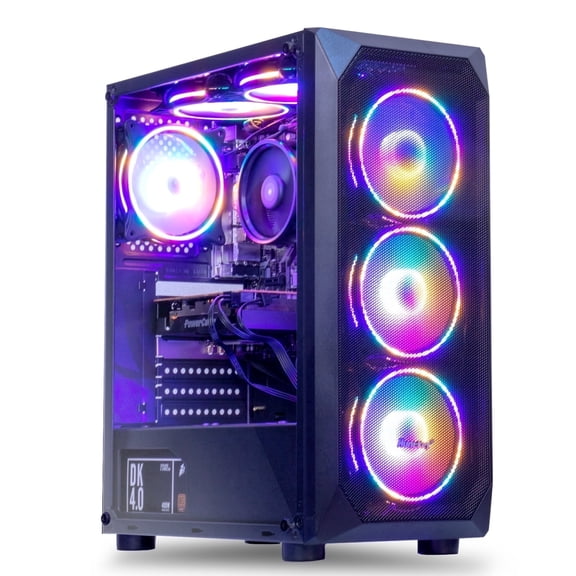
Air cooled systems can still fit many shoppers because they stay straightforward and easy to understand. You'll want to look at fan layout, vent placement, and case clearance for consistent airflow.
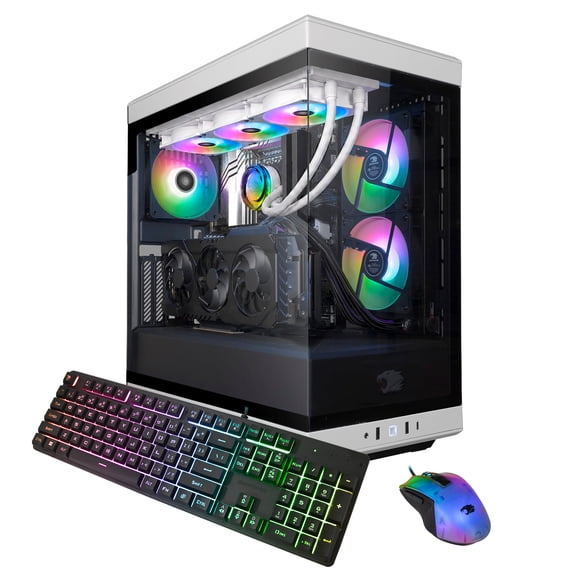
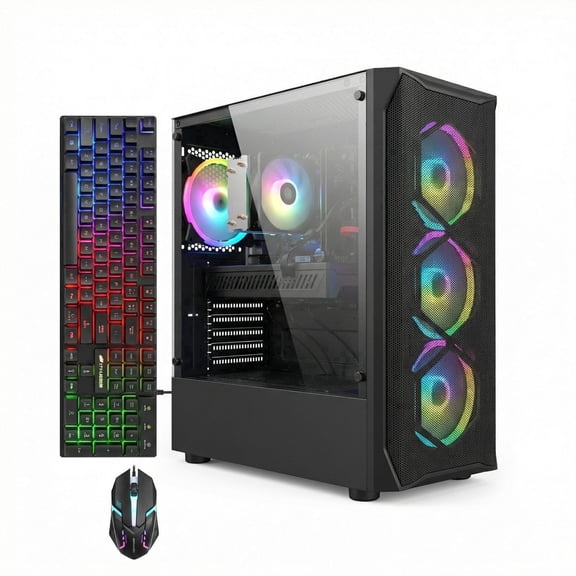
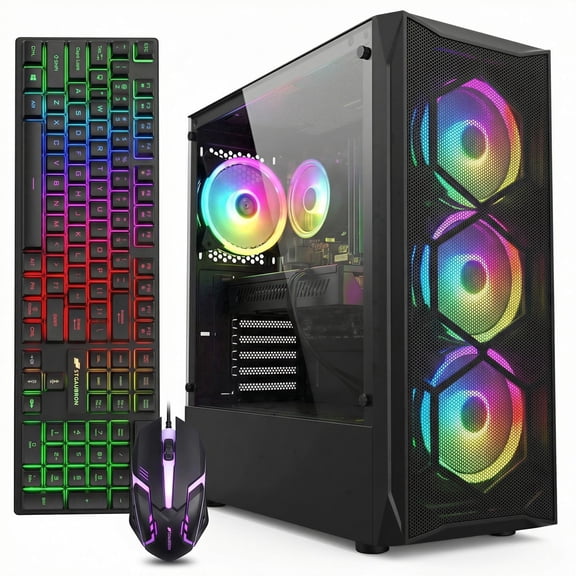
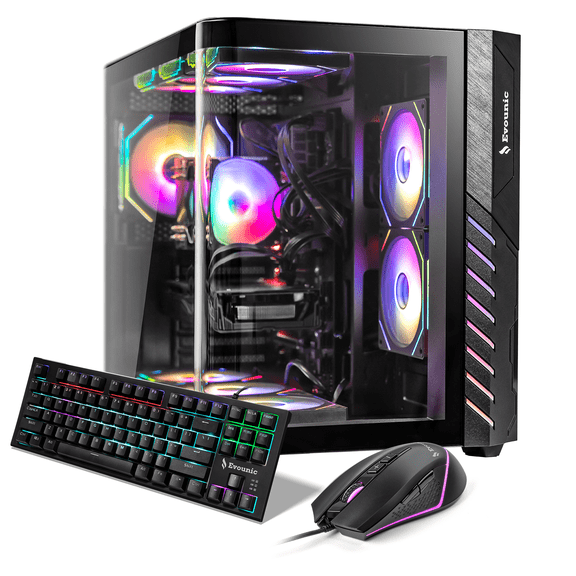
If you see RGB fans, you'll know they affect style and airflow design rather than raw processor class. Your setup may feel more coordinated when lighting matches your keyboard, mouse, and monitor area.
Using gaming desktops for your setup and upgrade plans
If you want a cyber monday gaming pc or holiday-ready desktop, you'll still make the right call by focusing on hardware fit. Your ideal setup should match competitive play, story-driven titles, streaming, or daily multitasking.
For fast shooters at 1440p, you'll likely compare an RTX 4070 with 16GB RAM and a 1TB SSD. You'll get a balanced mix of speed, storage, and visual detail for many current releases.
For cinematic 4K play, you may lean toward an RTX 4080, a higher-tier processor, and 32GB RAM. Your system can feel more prepared for demanding textures, larger worlds, and background applications.
If your desk is tight, you might choose a small form factor unit with careful cable management. You'll want to confirm upgrade access if you expect to add storage or memory later.
When you plan for future flexibility, you'll benefit from checking motherboard support and power supply headroom. Your gaming rig can stay useful longer when later upgrades fit the case and connectors.
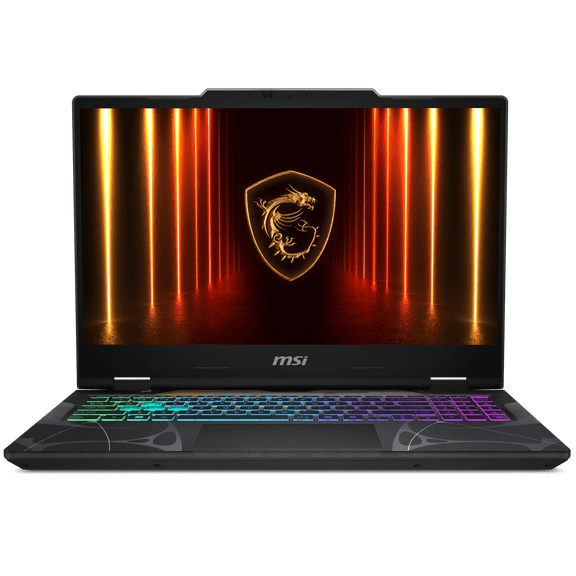
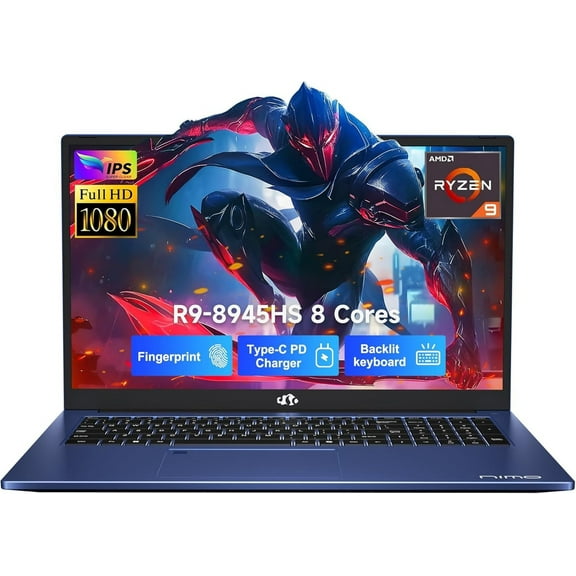
You may also pair your desktop with gaming monitors, gaming laptops, or pc gaming accessories for a fuller setup. Your comparison becomes easier when you keep performance goals and compatibility in view from the start.
When you use this black friday gaming pc guide, you'll sort gaming desktops by the specs that affect everyday play. Your final choice can deliver the resolution, storage space, cooling style, and upgrade path that fit your setup.